Keynote Diagrams
Keynote diagram templates are the go-to option for generating professional and exciting presentations. Our extensive library of pre-designed templates includes flowcharts, mind maps, organizational charts, and more. With adjustable features and various styles, you can quickly create visually appealing diagrams that bring your ideas to life. Whether you're a business professional, educator, or designer, our Keynote diagram templates can help you save time and effort while leaving a memorable impact.
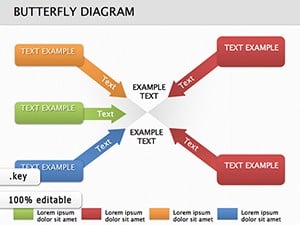
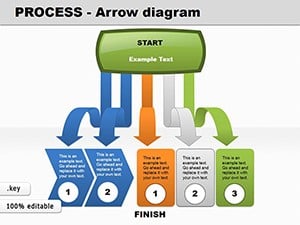
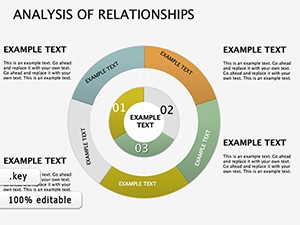

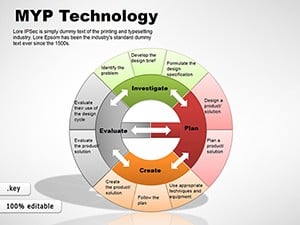
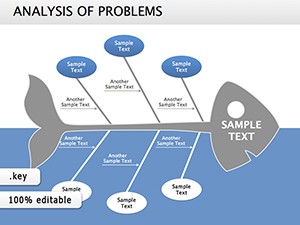
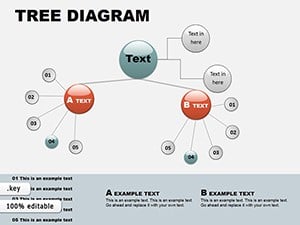


What are Keynote Diagram Templates?
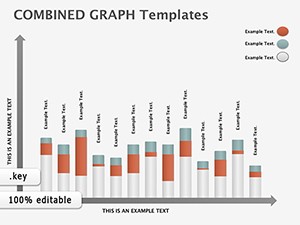
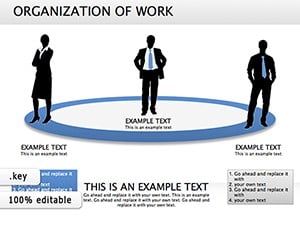
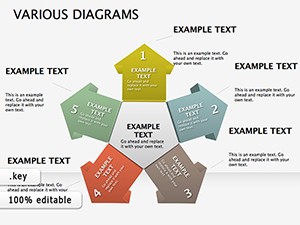
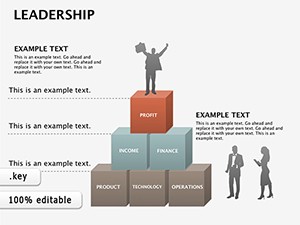
Keynote Diagram Templates are pre-designed visual aids for presentations prepared with Apple's Keynote program. These templates include a range of diagram types, including flowcharts, mind maps, organizational charts, and process diagrams, to assist presenters in clearly explaining difficult information. They are customizable, allowing users to change features like text, colors, shapes, and symbols to meet their individual presentation requirements.
Benefits of Using Keynote Diagram Templates
- Enhanced Clarity: Diagrams help break down complex data into easily accessible graphics, allowing audiences to comprehend crucial concepts.
- Professional Appearance: Using well-designed templates gives a professional touch to presentations, potentially increasing the presenter's credibility.
- Time-saving: Ready-made templates save time, allowing users to prioritize content over design.
- Consistency: Templates ensure a consistent design throughout the presentation, which is essential for maintaining a cohesive visual brand.
- Customizability: Templates can be easily customized to fit specific themes or branding requirements, ensuring that the presentation matches the intended look and feel.
Types of Keynote Diagram Templates
- Flowcharts: Useful for depicting processes, sequences, or decision-making routes.
- Mind Maps: Useful for brainstorming sessions and displaying links between thoughts.
- Organizational Charts: Ideal for showing the structure of an organization or team.
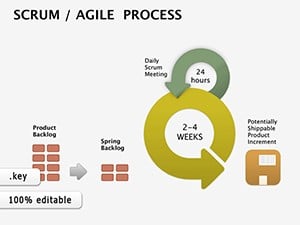
- Process Diagrams: Useful for defining phases or stages in a process, commonly used in project planning and management.
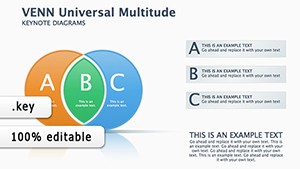
- Venn Diagrams: Ideal for displaying relationships and intersections among several groups or concepts.
- Pyramid Diagrams: Illustrate hierarchical structures or successive phases in a concept or activity.
Examples of Using Keynote Diagram Templates in Different Situations
- Corporate Presentations: Flowcharts and process diagrams are frequently used to present corporate processes, strategies, and workflows.
- Education: Teachers and educators use mind maps and organizational charts to convey concepts and structures in an engaging manner.
- Project Management: Gantt charts and process diagrams are useful for project planning, tracking, and reporting.
- Marketing: Venn diagrams and pyramid charts are useful for segmenting consumers, analyzing market data, and developing strategies.
- Corporate Training: Diagrams like organizational charts and flowcharts are useful for explaining corporate structure and operations during onboarding and training.
Where and Who Needs Keynote Diagram Templates?
Keynote diagram templates are key tools for:
- Businesses: To present statistics, plans, and organizational structures.
- Educators and Trainers: To develop engaging and informative teaching and training materials.
- Project Managers: To plan, schedule, and manage projects.
- Marketing Professionals: To visualize market research, tactics, and campaign outcomes.
- Consultants and Analysts: To clearly communicate their analysis, results, and recommendations.
User Reviews for Keynote Diagram Templates
Many people appreciate Keynote Diagram Templates versatility and ease of use. According to reviews, the templates professional design quality is a significant advantage, enhancing the overall impact of presentations. Users often emphasize the time-saving aspect, noting that templates eliminate the need for extensive design work, allowing them to focus on perfecting their content and delivery methods.
Keynote Diagram Templates are adaptable, user-friendly tools that can significantly improve the effectiveness of presentations across various professions and industries. Whether for business, education, or professional training, these templates help create visually appealing and cohesive presentations.
FAQ
What are Keynote Diagram Templates? Keynote Diagram Templates are pre-designed graphic layouts for Apple's Keynote program that are used to show data, concepts, or processes in a structured manner.
Why Should I Use Keynote Diagram Templates? They save time, ensure consistency, and improve the visual attractiveness of presentations, making complex material more understandable.
Can Keynote Diagram Templates be customized? Yes, these templates are fully customizable, so you can change the colors, text, shapes, and other aspects to meet your exact requirements.
What sorts of diagrams are included in Keynote Templates? They include flowcharts, organizational charts, mind maps, Venn diagrams, timelines, and other presentation tools to meet a variety of purposes.
How can Keynote Diagrams improve my presentation? Diagrams aid in visualizing data, clarifying information, and engaging the audience, making presentations more effective.
Are Keynote Diagram Templates compatible with other software? They are primarily intended for Keynote but may be exported or modified for use with other presentation applications such as PowerPoint.
Can I use Keynote Diagram Templates in professional presentations? Absolutely. They are suitable for various professional contexts, such as business meetings, academic lectures, and corporate training sessions.
Do I need design skills to use Keynote Diagram Templates? No, the templates are user-friendly and designed to be easy to use, even for those with no design experience.
What are the advantages of using professionally designed Keynote diagram templates? They provide a polished and professional appearance, enhance communication effectiveness, and save time when preparing presentations.