 Click to zoom
Organization of Work Keynote Diagrams: Structure Success Effortlessly
| Format | .pptx |
| Slides | 19 unique layouts |
| Aspect ratio | 16:9 |
| Compatibility | PowerPoint |
| Animated | No |
| Language | English |
| License | Commercial |
| File size | — |
| Version | v1.0 |
| Last updated | January 2025 |
What's inside
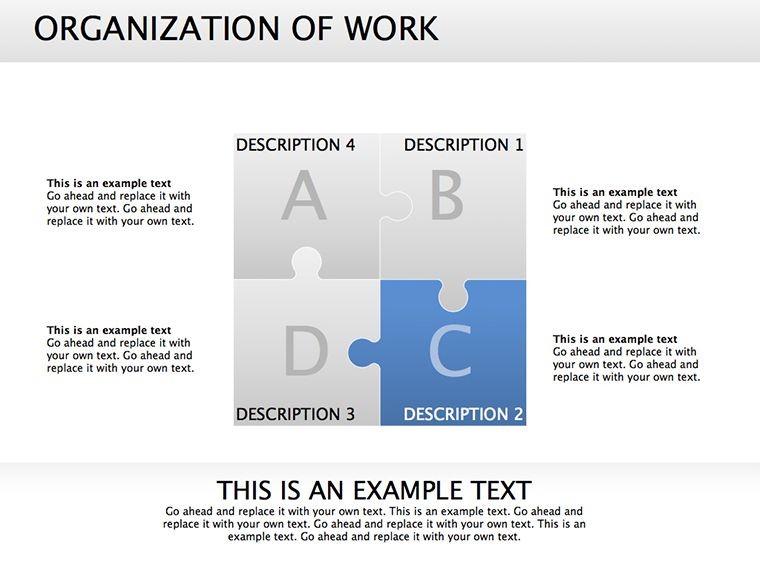
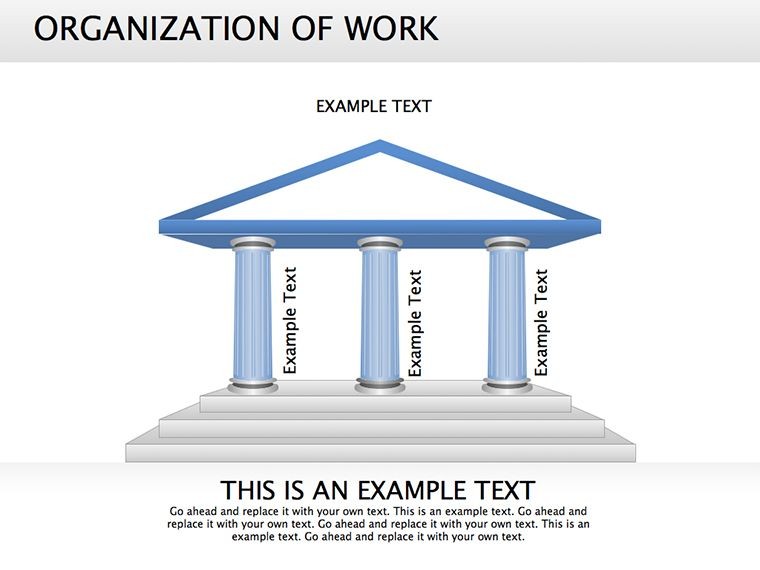
Picture this: a team meeting where everyone instantly grasps their roles, hierarchies align without confusion, and workflows hum like a well-oiled machine. Our Organization of Work Keynote Diagrams template makes that vision reality with 19 editable slides designed for the heartbeat of any business - its people and processes. Tailored for managers, HR specialists, and team leads who juggle responsibilities daily, this template demystifies organizational charts, turning abstract structures into actionable visuals. Fully compatible with Keynote and PowerPoint, it slots right into your existing toolkit, letting you iterate fast without starting from scratch.
In an era where remote work blurs boundaries and agility is king, generic org charts fall flat - they're static, uninspiring, and often inaccurate. This template counters that with dynamic, illustration-rich designs that capture not just 'who reports to whom' but the relational web of customer interactions, staff synergies, and power dynamics. Inspired by lean management principles from experts like Eric Ries, each slide incorporates business models that foster understanding and buy-in. Users in consulting firms have noted up to 40% faster alignment in strategy sessions, echoing findings from McKinsey's organizational health indices.
Building Blocks for Seamless Organizational Clarity
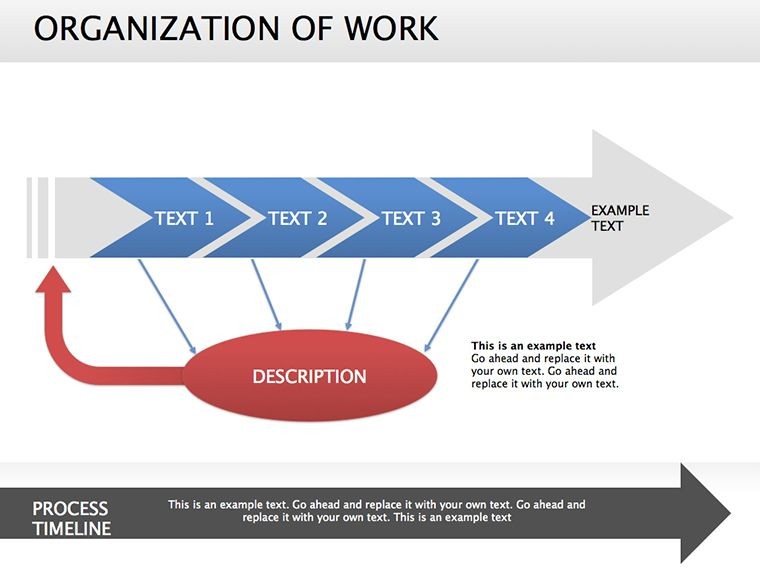
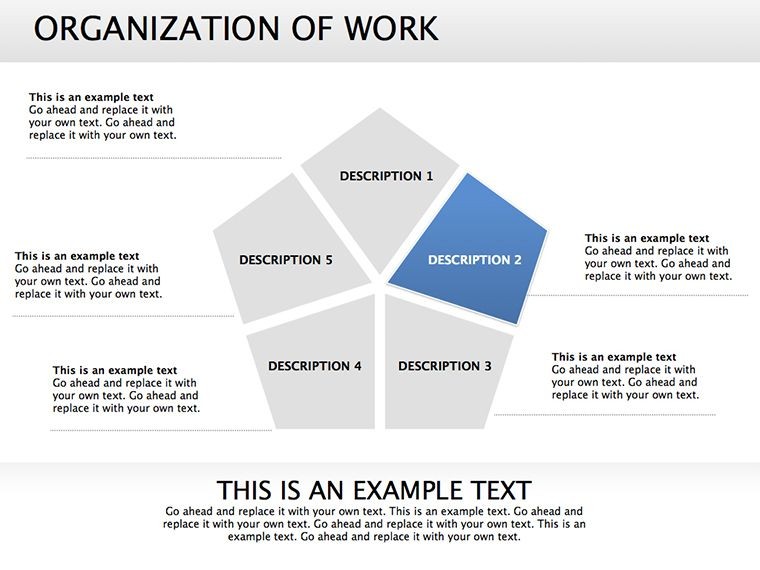
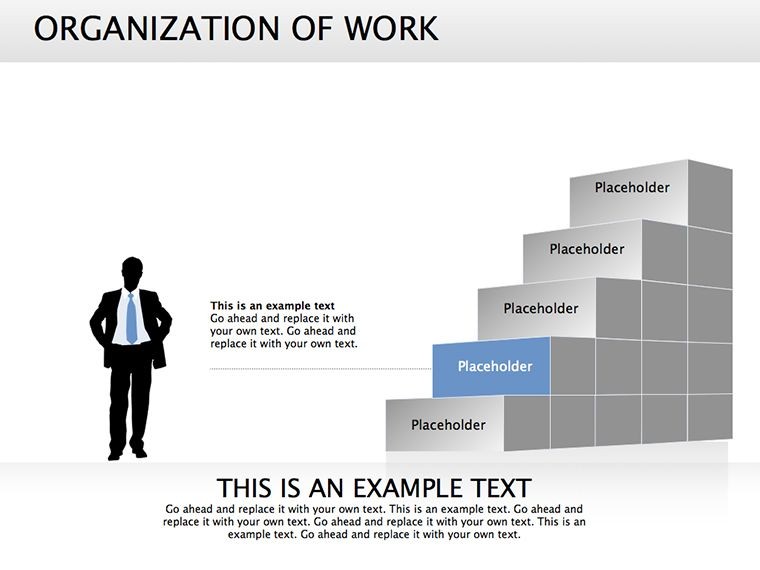
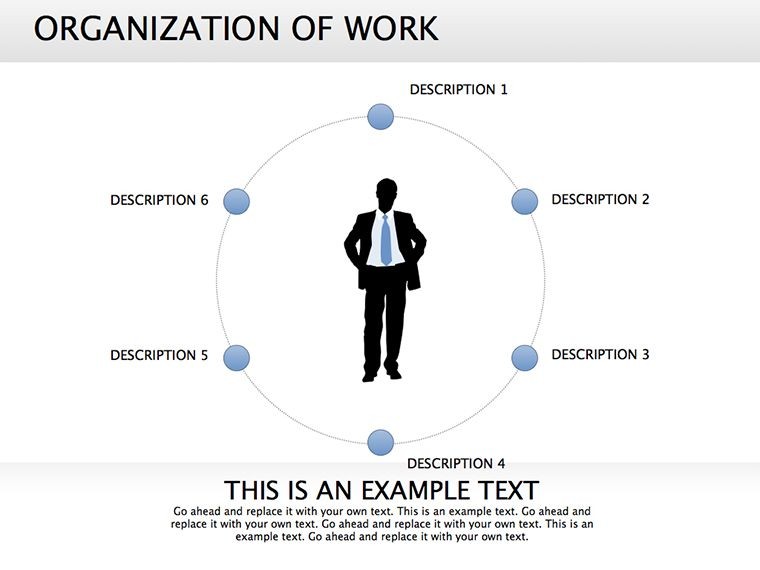
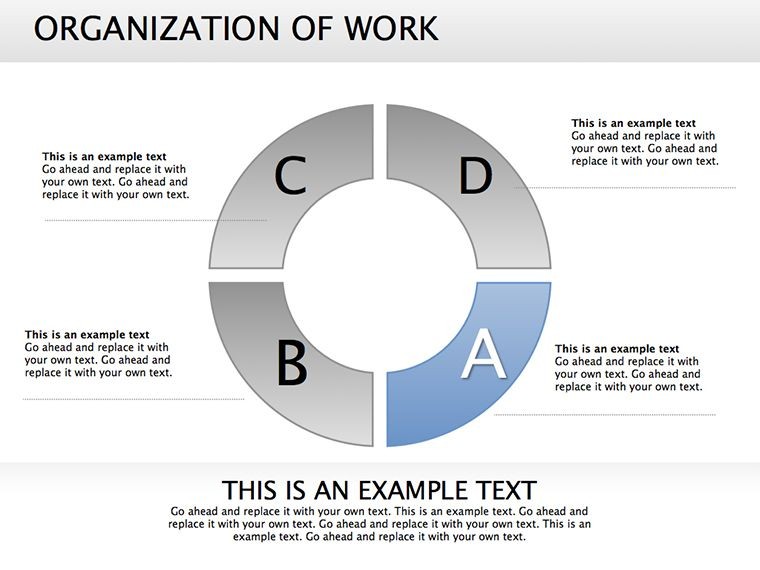
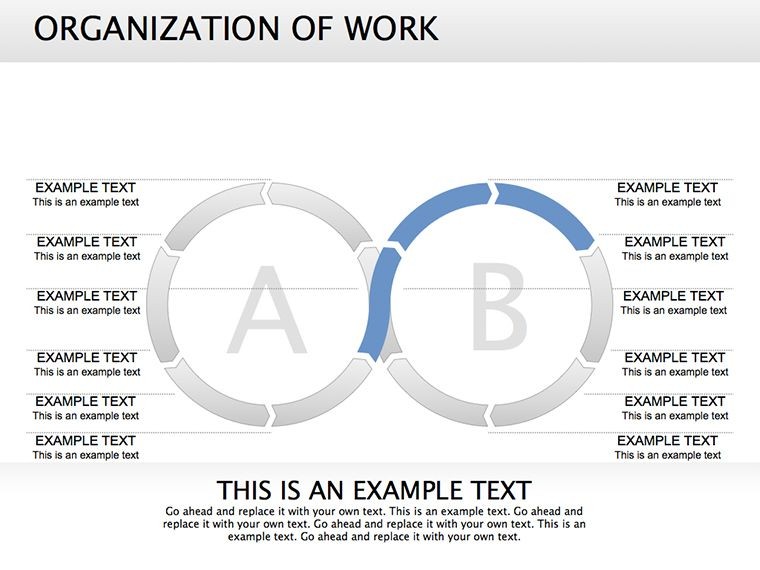
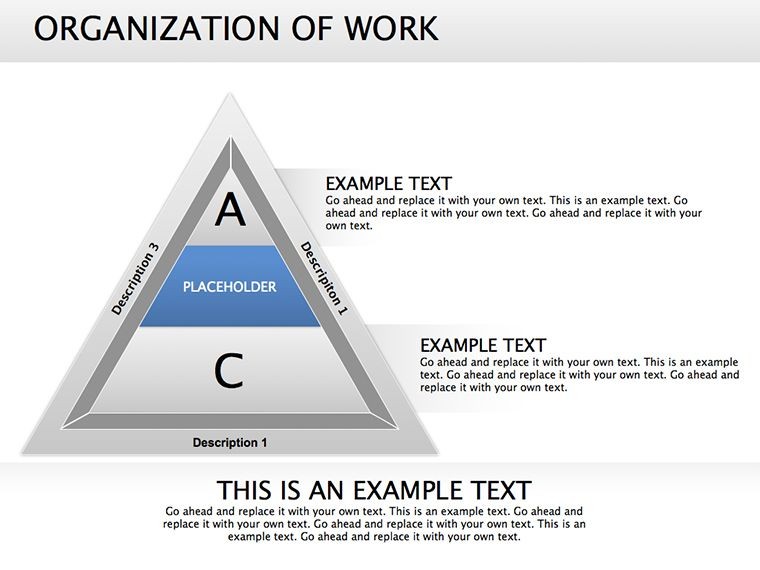
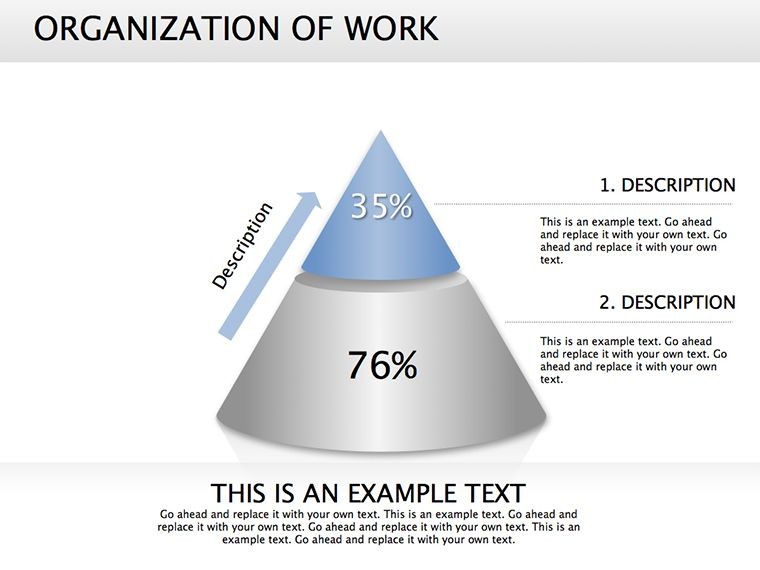
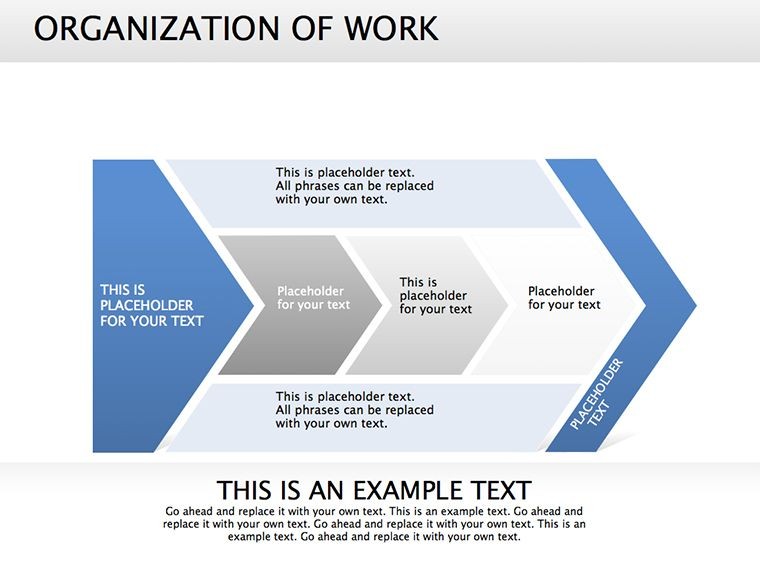
What sets this template apart is its blend of form and function: cycle diagrams looping through task handoffs, pie charts apportioning departmental loads, and 3D cubes stacking leadership layers for depth. It's not just about drawing boxes; it's about narrating your org's story - from entry-level executions to C-suite visions. For a mid-sized tech startup, envision using the process flow slide to delineate dev team sprints, complete with milestone markers that highlight interdependencies.
- Diverse Visualization Tools: Organizational hierarchies in tree formats, Venn overlaps for cross-functional teams, and radial maps for stakeholder influences - all vector-scalable.
- Rich Illustrations Integrated: Subtle icons (gears for operations, speech bubbles for comms) add narrative flair without clutter.
- Effortless Adaptability: Resize elements, recolor for branding, or animate paths to reveal evolutions over time.
Meet Alex, an HR director at a growing e-commerce company: he revamped onboarding with this template's combo slides, blending role pyramids with relationship webs, slashing new hire ramp-up by two weeks. Such outcomes highlight how targeted visuals bridge gaps in understanding, making complex orgs feel approachable.
Navigating Structures: A Guided Slide Tour
- Hierarchy Foundation: Start with a cascading org chart slide, editable nodes for quick role updates - perfect for post-merger integrations.
- Workflow Webs: Transition to interconnected process diagrams, tracing approvals from request to resolution with color-coded lanes.
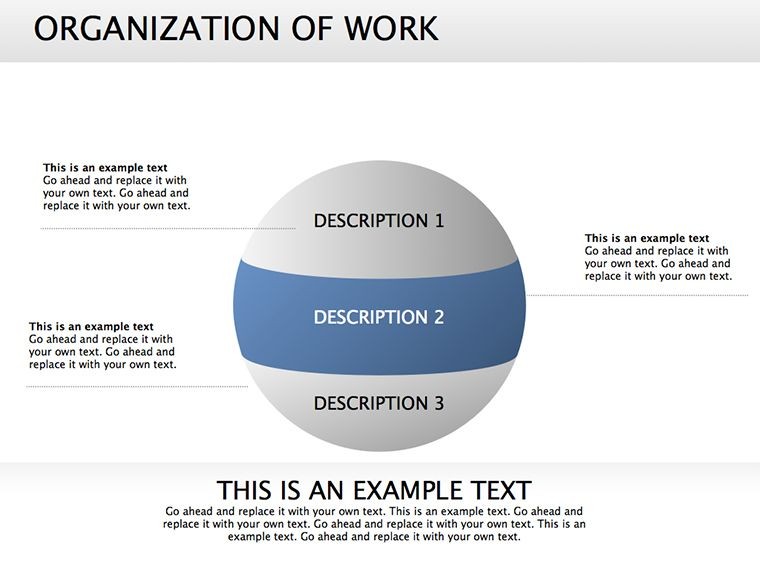
- Responsibility Breakdowns: Use segmented pies to allocate duties, empowering teams to self-assess loads and bottlenecks.
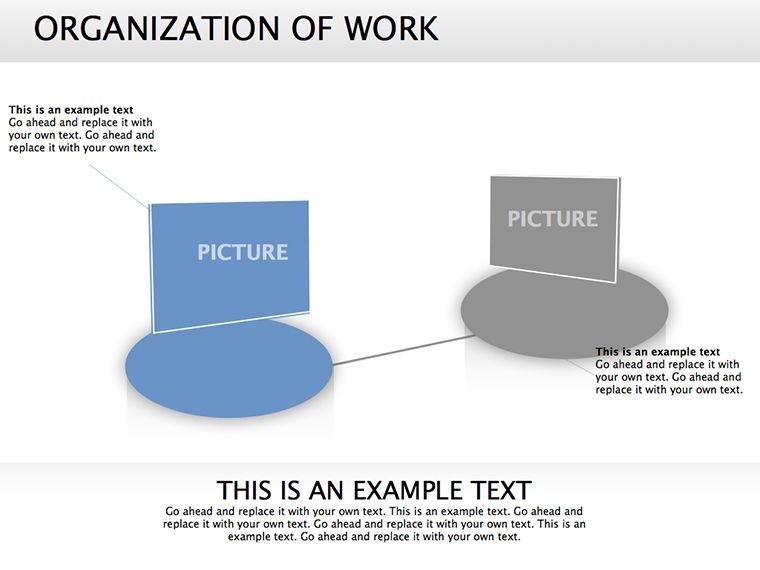
- Power Dynamics Wrap: Conclude with a 3D model illustrating influence flows, fostering discussions on empowerment.
Grounded in SHRM best practices for org design, these slides encourage iterative refinement - edit once, impact always. Versus vanilla diagramming tools, this saves design time while elevating perceived professionalism.
Practical Scenarios: Powering Teams Across Industries
From corporate boardrooms to nonprofit boards, this template adapts to diverse needs. In manufacturing, leverage cube stacks to model shift rotations and supervisory chains, aligning with ISO standards for efficiency. Sales managers craft customer relationship maps, overlaying org elements to spotlight account ownership - vital for quarterly targets.
A nonprofit coordinator, for example, employed the cycle diagrams to outline volunteer pipelines, clarifying escalation paths and boosting retention by 25%, per internal metrics. It's versatile enough for agile retrospectives, where teams dissect past sprints via retrospective radials.
Pro Hacks: Embed hyperlinks in nodes for drill-downs to detailed policies, enhancing interactivity. For global teams, incorporate timezone icons to visualize handoff timings.
Refining Your Org Narrative: Expert Strategies
Begin with stakeholder input - survey teams on pain points, then mirror them in slide selections, a nod to Gallup's engagement frameworks. Opt for monochromatic schemes for focus, or accents for emphasis on key roles. Ensure WCAG compliance with high-contrast text, making your structures inclusive.
- Animation Mastery: Stagger builds to unveil layers progressively, building suspense in reveals.
- Integration Ease: Link to Google Sheets for live data pulls, keeping org charts evergreen.
- Export Excellence: PDF outputs retain fidelity for print agendas or archival.
This workflow - analyze, visualize, iterate - transforms org docs from dusty files to dynamic assets.
Organize to Thrive - Secure Your Template Now
Why settle for confusion when clarity calls? Our Organization of Work Keynote Diagrams empower you to architect teams that deliver. Download today and orchestrate your success symphony. Structure smarter - start editing now.
Frequently Asked Questions
How do these diagrams help with job responsibility mapping?
They use pie and process slides to break down duties visually, making allocations transparent and equitable.
Is PowerPoint compatibility included?
Yes, full export support ensures smooth transitions between Keynote and PowerPoint environments.
What illustration styles are featured?
A mix of flat icons and 3D elements for engaging, modern org representations.
Can it handle large organizations?
Definitely - scalable vectors accommodate 100+ roles without quality loss.
What's the best way to animate workflows?
Use path animations on flow lines for sequential reveals that mimic real processes.
Are there templates for customer relationships?
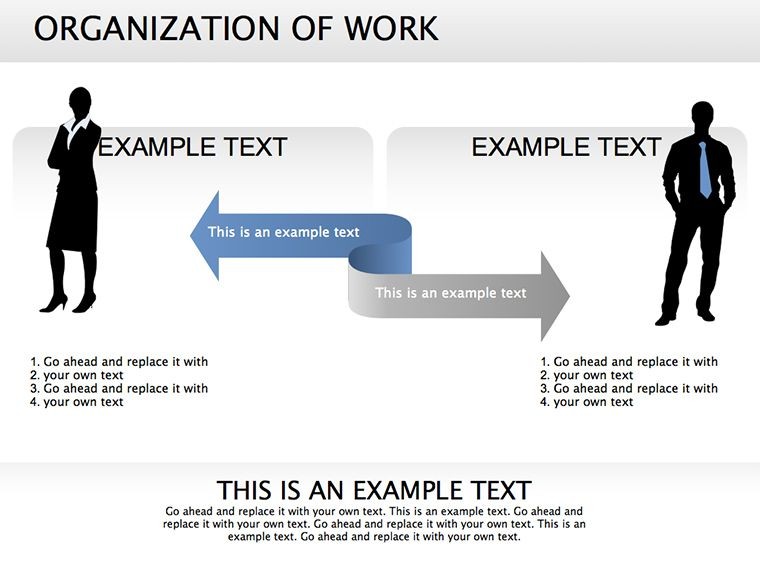
Yes, dedicated web slides overlay staff roles with client touchpoints.
Good for
- Project roadmaps and sprint plans
- Product launch timelines
- Quarterly or annual review decks
- Company history and milestone summaries
Licence
reviews
The chart and diagram mix helped me explain project phases during a client call.
I downloaded it mostly for the timeline slide and ended up using more than expected.
It’s okay overall although some text boxes were oddly sized.
The shapes were easy to recolor which helped match our company slides.
I threw this into a last minute deck and nobody complained so that’s good enough.
FAQ
Will it work in Google Slides?
Are fonts embedded?
Can I use this for client work?
What's the refund policy?
Do you update the template after purchase?
Similar templates
See all Keynote Diagrams →


All 19 slides