 Click to zoom
Combination Photo Keynote Diagrams - Editable | ImagineLayout
| Format | .pptx |
| Slides | 20 unique layouts |
| Aspect ratio | 16:9 |
| Compatibility | PowerPoint |
| Animated | No |
| Language | English |
| License | Commercial |
| File size | — |
| Version | v1.0 |
| Last updated | March 2026 |
What's inside
20 Slides, 1 Format: What You Get
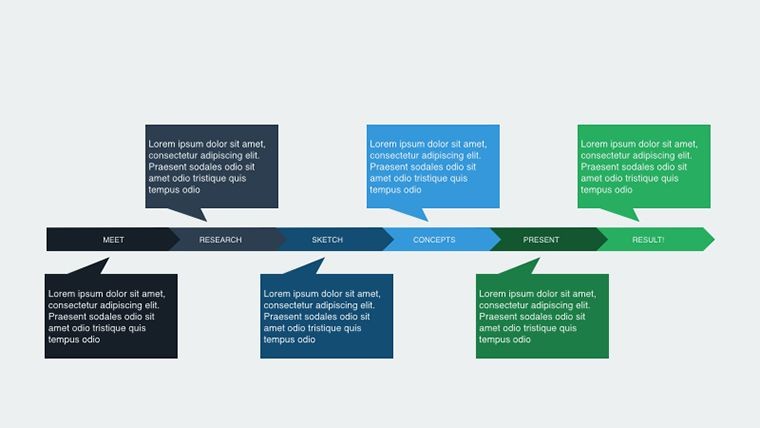
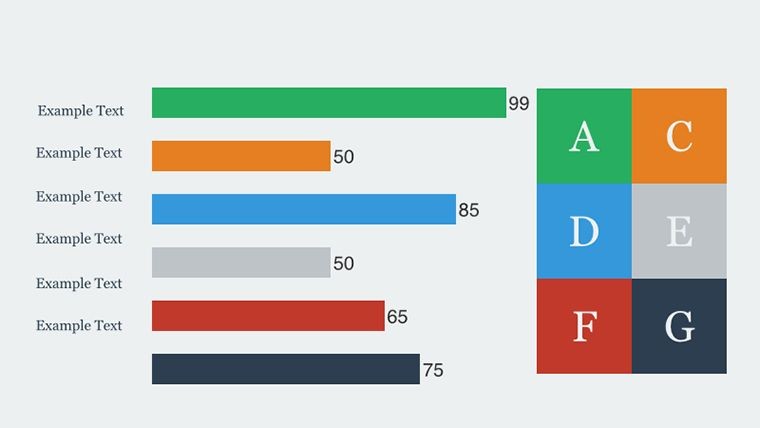
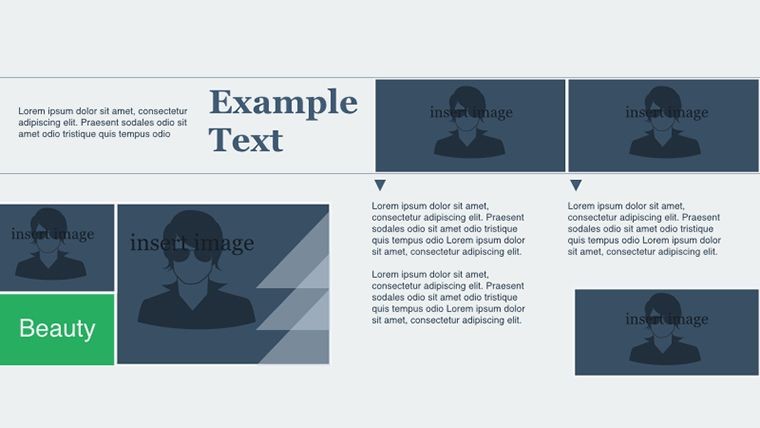
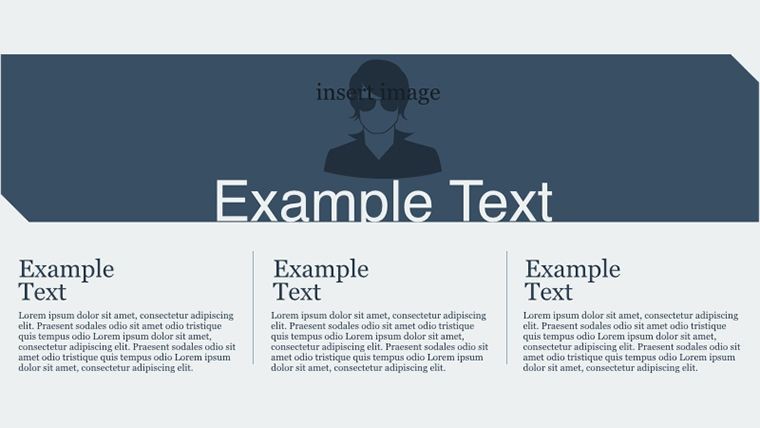
20 editable slides integrate photos into infographic overlays and process photo flows.
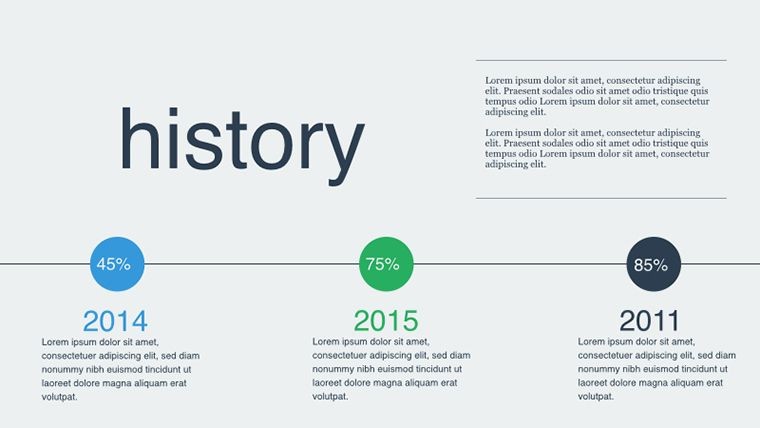
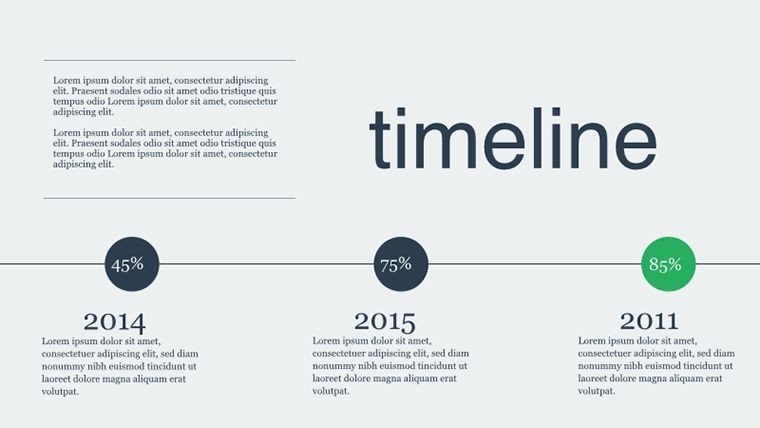
Timeline hybrids sit alongside comparison collages to handle mixed data types.
Compared to single-chart layouts this set uses photo zones for zone segmentation that maintains information spacing across devices.
Editing Capabilities at a Glance
FeatureDetailsSlides included20 photo-diagram hybridsEditable elementsphoto frames and overlay shapes resize independentlyText placeholderslabels update without affecting image layersColor theme adjustmentsmaster palette updates all elementsDiagram connectorsarrows and lines adjust directionIcon layersreplace icons without layout shiftAdapting the Template to Your Brand
- Open the .key file in Keynote 12 or later (1 minute)
- Replace placeholder text (3 minutes)
- Apply brand colors through the master slide palette (2 minutes)
- Edit photo overlays and diagram labels (4 minutes)
- Export as .key or PDF (1 minute)
Editing difficulty stays moderate.
Three Situations Where This Pays Off
Marketing teams in tech companies visualize market shifts during strategy workshops.
They reuse the file across three client reports by swapping color schemes and photo layers.
Project managers adapt the same collage for five consecutive quarterly briefings with updated data.
Download the combination photo diagrams now
Building From Scratch vs. Starting Here
Manual photo-diagram creation takes two hours and advanced skill.
Photo alignment errors destroy flow direction on large screens.
This template keeps labels outside photo zones connected by thin lines for readability.
Color contrast segments data phases rather than decorating randomly.
Get the editable Keynote template today
Will this open in my version of Keynote?The .key file opens in Keynote 12 and newer on macOS. Earlier versions may limit photo overlay editing. The template includes no PowerPoint alternative. Test compatibility with the download link provided on the page.
How do I change the color scheme?Access the slide master in Keynote and select any overlay shape. Update the theme colors once and all 20 slides update together. Save and the brand palette applies instantly. No manual recoloring of individual elements is required.
What does the license allow?Client work and internal use are fully permitted with the paid download. You cannot resell or sublicense the original files. The 20 slides come with commercial rights. Check the download page for the latest license text.
What file formats are included?Only the .key format ships with the template for Keynote editing. PDF export works after you finish customization. No other formats appear in the package. Open directly in Keynote for full editing access.
Is animation support available?Photo fade-in animations exist on selected overlays. You can remove or customize them in the animation pane. The underlying diagram structure remains unchanged. Export static versions for PDF distribution.
Good for
- Project roadmaps and sprint plans
- Product launch timelines
- Quarterly or annual review decks
- Company history and milestone summaries
Licence
reviews
Used this for explaining workflow steps during a team meeting.
The diagram arrows actually made things easier to follow.
Some shapes were a little oversized for my content.
I liked that the slides stayed pretty clean.
FAQ
Will it work in Google Slides?
Are fonts embedded?
Can I use this for client work?
What's the refund policy?
Do you update the template after purchase?
Similar templates
See all Keynote Diagrams →


All 20 slides