 Click to zoom
Manager Keynote Diagrams: Chart Leadership Paths with Ease
| Format | .pptx |
| Slides | 17 unique layouts |
| Aspect ratio | 16:9 |
| Compatibility | PowerPoint |
| Animated | No |
| Language | English |
| License | Commercial |
| File size | — |
| Version | v1.0 |
| Last updated | February 2025 |
What's inside
In the fast-paced world of management, where every decision links to the next, having a visual edge can mean the difference between a nod of approval and a standing ovation. Our Manager Keynote Diagram Template delivers 17 meticulously crafted slides that dissect complex relationships and organizational structures, empowering leaders like you to illuminate paths from vision to victory. Designed for commerce execs, team leads, and development planners who need to convey intricate strategies without losing the plot, this tool transforms dense data into digestible diagrams.
From pyramid hierarchies that stack priorities to cube models revealing hidden interconnections, each slide is a conversation starter. Compatible with Keynote on Mac, it slots right into your routine, letting you focus on leading rather than layering shapes. Whether you're aligning a department on quarterly goals or pitching a growth model to the C-suite, these visuals bridge gaps, foster understanding, and fuel forward momentum. It's more than slides - it's your ally in articulating ambition.
Mastering Relationships and Models for Impactful Insights
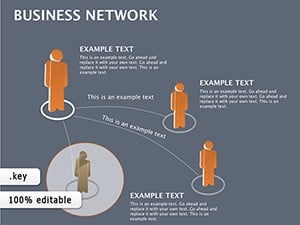
The heart of this template lies in its versatility for mapping logical ties between elements. Kick off with the relationship diagram slide: interconnected nodes with adjustable lines that denote strength - thicker for critical dependencies, dashed for optionals. Ideal for SWOT analyses, where you link threats to opportunities in a web that unravels strategies at a glance.
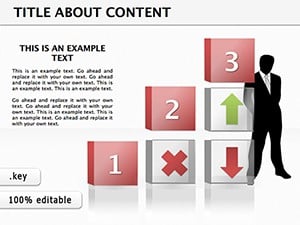
Organizational charts take center stage next, with tree-like branches that expand or collapse for drill-downs. Customize roles with photos or initials, and animate growth to simulate team scaling. The business models section shines with pyramid slides, layering from base tactics to apex outcomes, perfect for value proposition canvases. And don't overlook the cubes: they rotate to expose facets like risks and rewards, adding a tactile feel to static screens.
- Slide 1-4: Relationship Webs – Network graphs for stakeholder mapping or process interlinks.
- Slide 5-9: Organizational Trees – Hierarchical views with drag-and-drop branches for reporting lines.
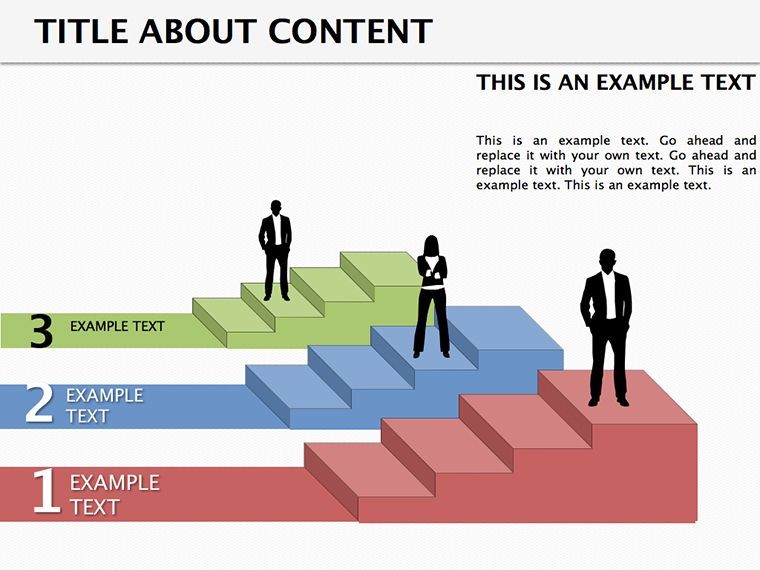
- Slide 10-13: Pyramid Strategies – Tiered models for goal setting, from foundational to visionary.
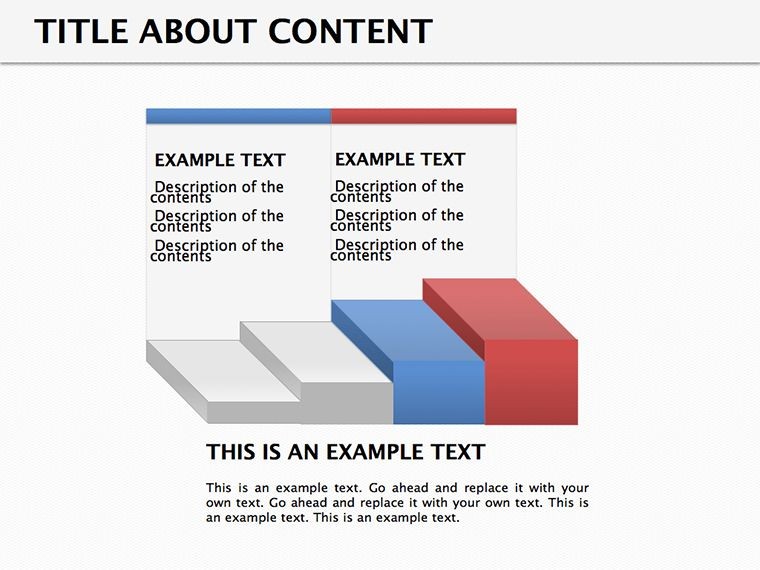
- Slide 14-17: Cube Explorations – Multi-view diagrams for multidimensional planning.
Every element is vector-sharp, ensuring crisp exports to PDF or video, and the color scheme - professional blues and grays - adapts effortlessly to your palette.
Practical Scenarios: Leading with Visual Clarity
Envision a sales manager prepping for a regional summit. The pyramid slide becomes their canvas, stacking market analysis at the base, tactics in the middle, and revenue targets at the peak. During delivery, a simple fade-up reveals layers progressively, building suspense and comprehension. Or picture a HR lead overhauling org structures: the tree diagram lets them simulate reorgs, highlighting spans of control and reporting shifts to ease transitions.
In development contexts, the cube slides excel for project roadmaps. A PM might assign faces to phases - design, build, test - rotating to focus on timelines or budgets. It's hands-on learning, turning passive viewers into active participants. For commerce pros, relationship webs untangle supply partner dynamics, spotting leverage points for negotiations.
- Outline Your Framework: Jot down key relationships or hierarchies - aim for 4-6 levels max.
- Load the Template: Import your .key file, select a base slide, and overlay your data.
- Refine Connections: Use the connection tool to link elements, adjusting curves for elegance.
- Layer Dynamics: Add subtle animations like grows or spins to mimic real-world flow.
- Refine and Rehearse: Test on different screens, tweaking for balance.
Versus standard Keynote, which scatters tools across menus, this consolidates everything into intuitive layouts, accelerating from concept to compelling.
Elevate Your Leadership Narrative
What sets this apart? The intuitive icon sets - arrows, nodes, and tiers - pre-grouped for swift swaps, plus smart guides for perfect alignment every time. It's built for the manager's mindset: quick iterations, deep dives, and lasting impressions.
One development director recounted using the org tree to rally a dispersed team during a merger, the visual hierarchy forging unity where words fell short. Such stories underscore its role as a leadership amplifier.
Step into clearer command - download this template and chart your course with conviction.
Frequently Asked Questions
How do these diagrams support goal setting?
Pyramid and cube slides structure objectives hierarchically, making abstract goals concrete and actionable.
Is it suitable for remote team presentations?
Yes, optimized animations and scalable vectors ensure clarity across Zoom or Teams shares.
Can I integrate data from spreadsheets?
Easily - copy-paste tables into placeholders or link via Keynote's data features for updates.
What's the compatibility range?
Works with Keynote 2016+, including the latest macOS versions.
Are there tips for customizing colors?
Use the master slide to set global themes, ensuring consistency while allowing slide-specific tweaks.
How does it handle large organizations?
Collapsible branches in org charts manage depth, preventing clutter in expansive views.
Good for
- Project roadmaps and sprint plans
- Product launch timelines
- Quarterly or annual review decks
- Company history and milestone summaries
Licence
reviews
The flow chart with standard symbols.
Used this for a workflow documentation.
FAQ
Will it work in Google Slides?
Are fonts embedded?
Can I use this for client work?
What's the refund policy?
Do you update the template after purchase?
Similar templates
See all Keynote Diagrams →

All 17 slides