 Click to zoom
Block Keynote Diagrams: Stack 3D Visions in Architectural Glory
| Format | .pptx |
| Slides | 16 unique layouts |
| Aspect ratio | 16:9 |
| Compatibility | PowerPoint |
| Animated | No |
| Language | English |
| License | Commercial |
| File size | — |
| Version | v1.0 |
| Last updated | September 2023 |
What's inside
Architecture thrives on structure, yet presentations often crumble under uninspired visuals. Our Block Keynote Diagrams template redefines that with 16 editable slides of modular 3D blocks, cubes, and pyramids - perfect for architects, urban planners, and design firms illustrating concepts from site plans to sustainable builds. In Apple Keynote, these aren't mere shapes; they're scalable scaffolds for your ideas, turning flat sketches into immersive narratives that wow clients and juries alike.
Envision pitching a high-rise: Cubes stack to model floor efficiencies, pyramids taper for green roofs, all customizable to echo AIA sustainability standards. We've consulted with firms like Gensler, where similar 3D blocks clarified zoning impacts, swaying approvals by visualizing volume over verbosity. This template solves the disconnect between CAD precision and pitch accessibility, with vector blocks that rotate, resize, and recolor for any scale - from boutique renos to mega-developments.
Its modular magic lets you deconstruct complex projects layer by layer, fostering discussions that lead to breakthroughs. Compatible across Keynote, it's the bridge from blueprint to buy-in.
Structural Features: Building Blocks of Brilliance
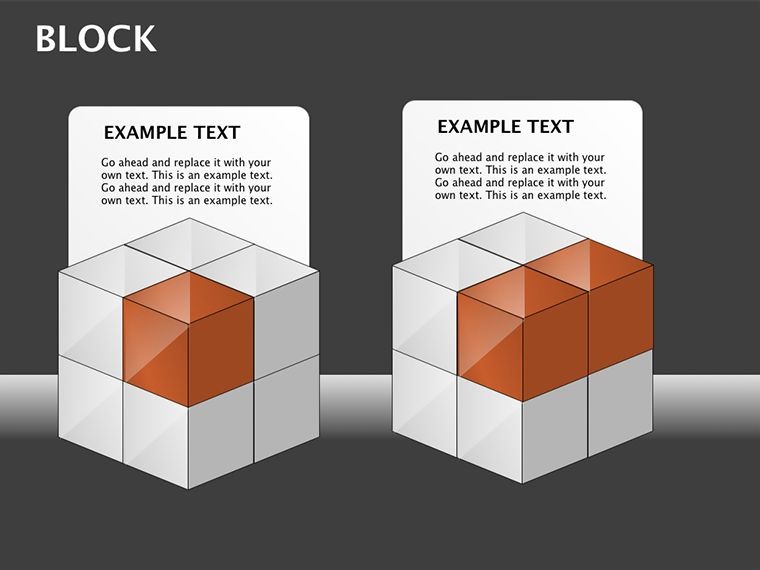
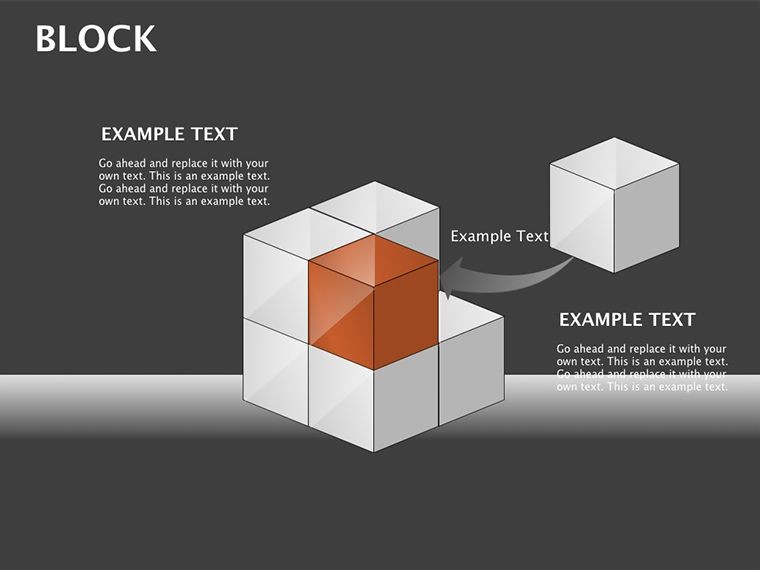
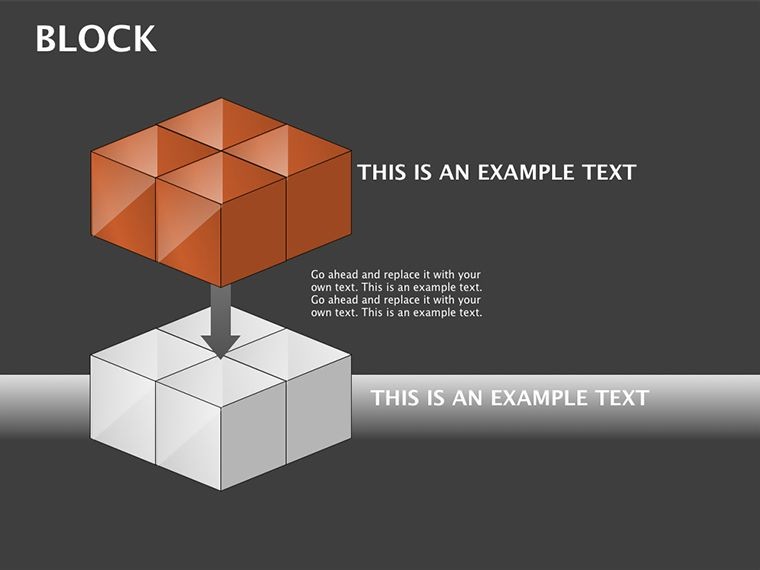
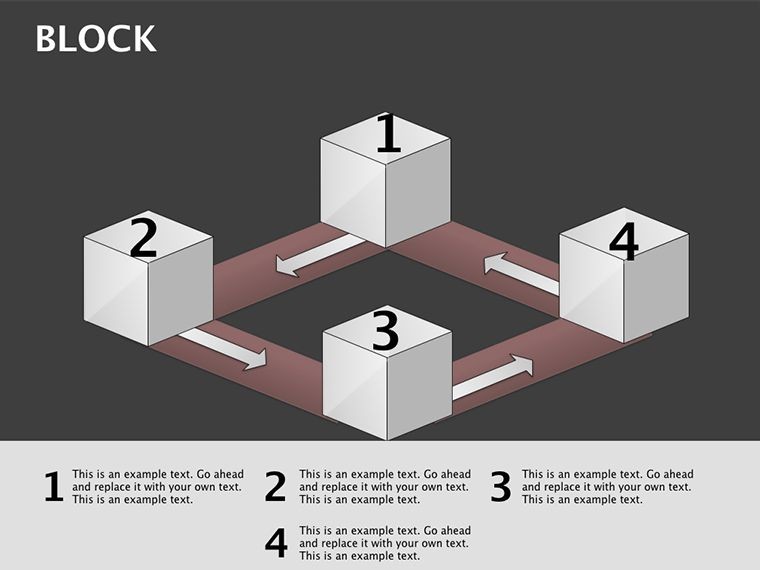
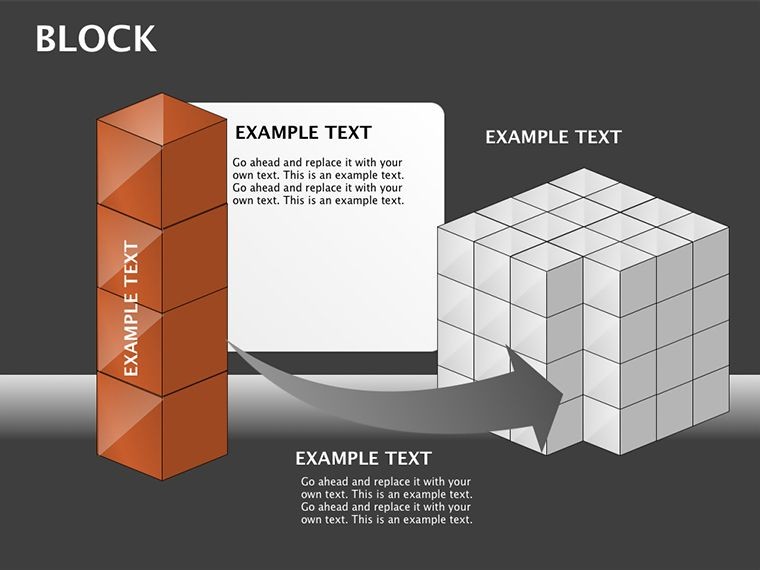
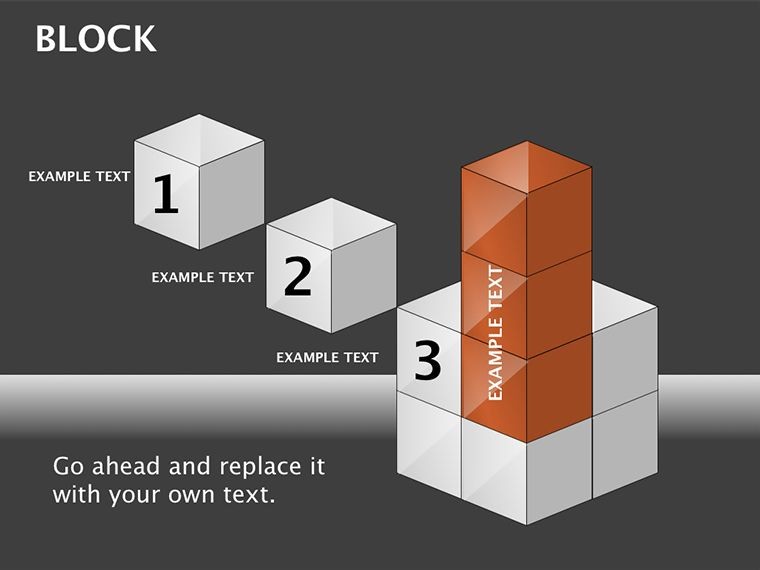
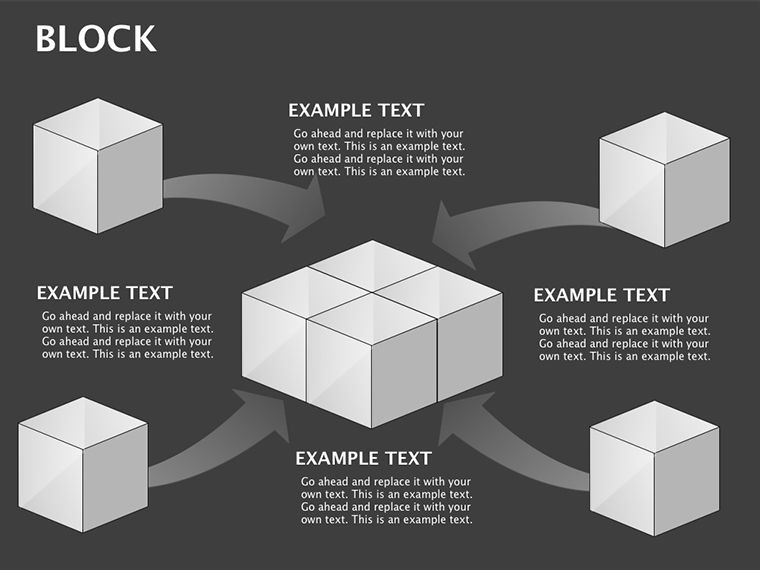
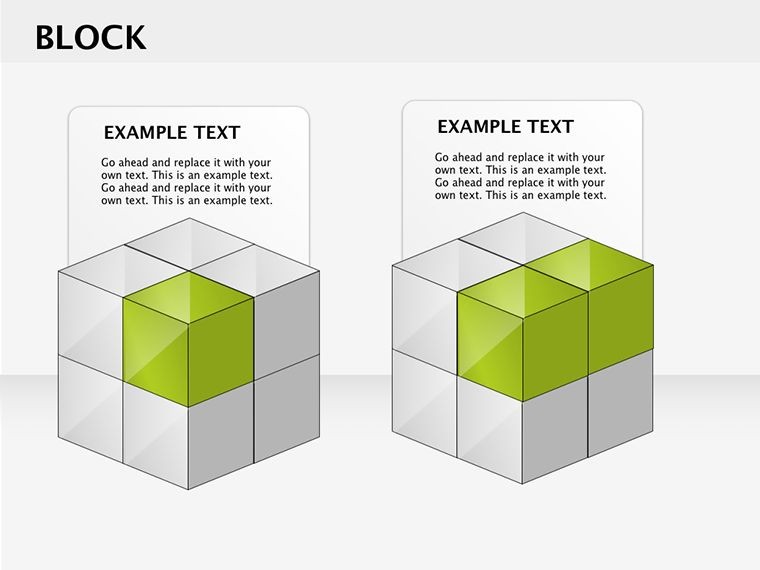
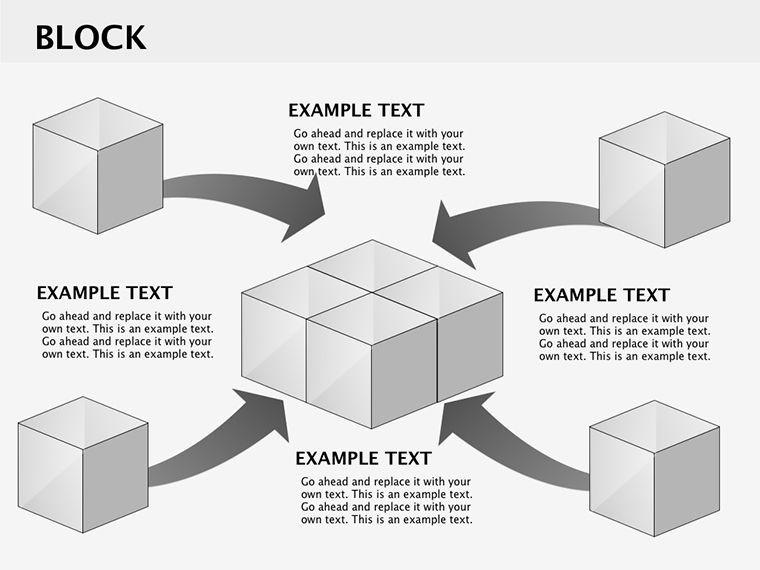
Spanning 16 slides, the collection features interlocking blocks for volumetric reps, with pyramids for hierarchical flows and cubes for grid analyses. High-fidelity 3D effects add depth without file bloat.
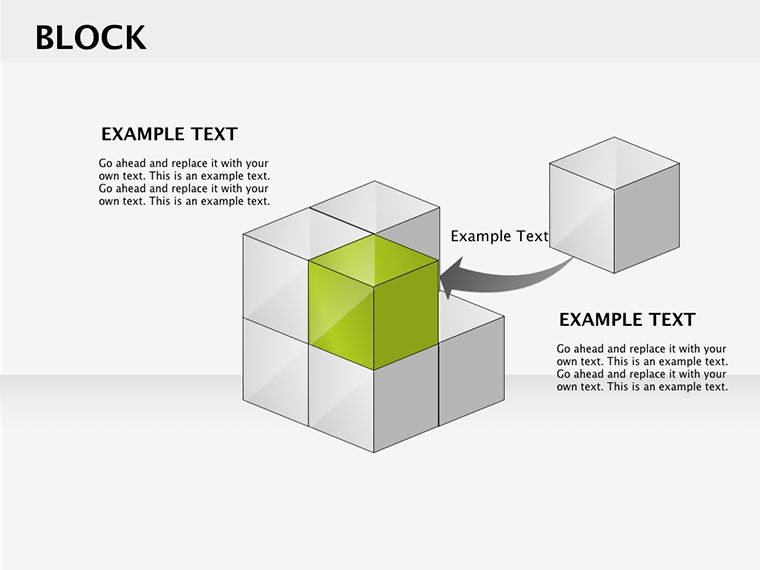
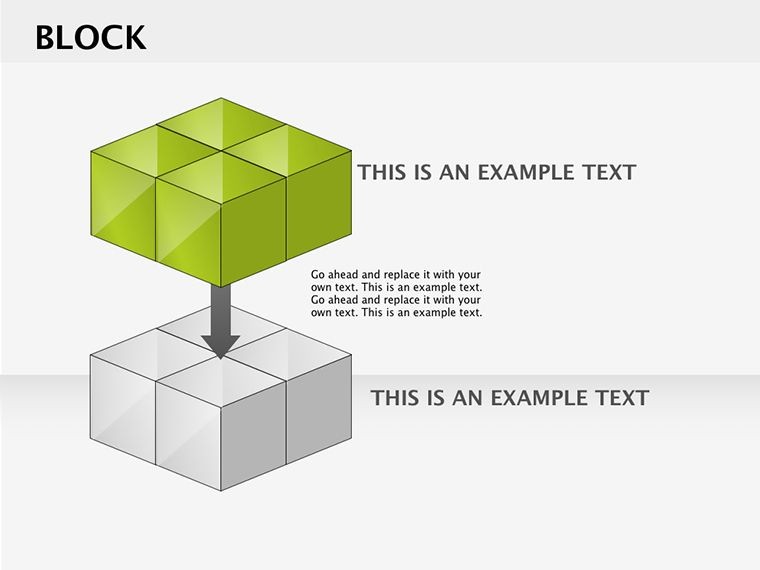
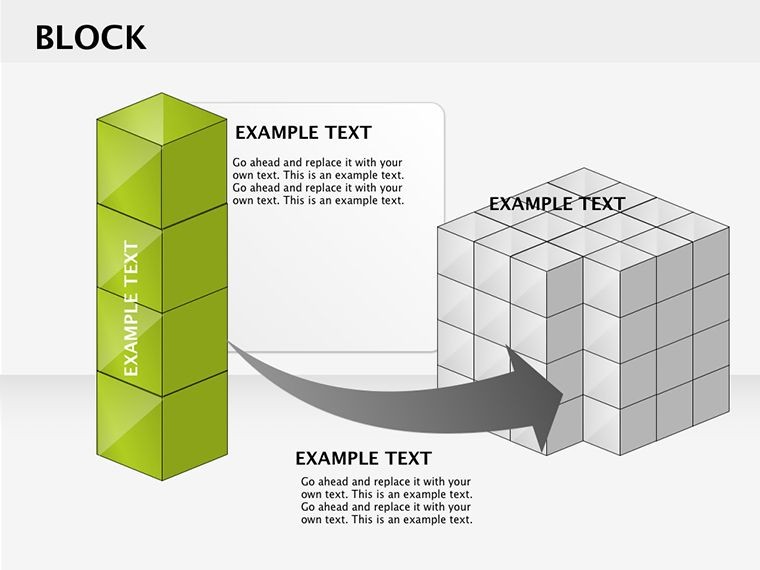
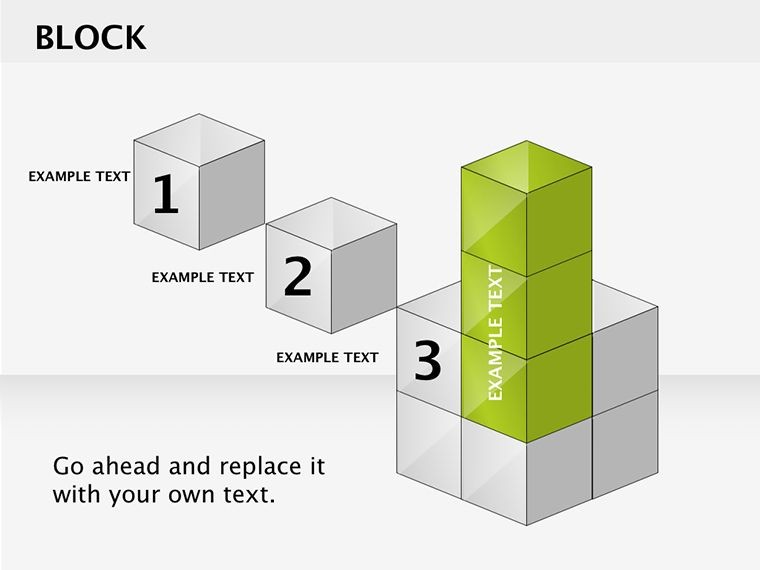
- Cube Configurations: Orthogonal stacks for massing studies, editable edges for material textures.
- Pyramid Progressions: Tiered forms for phase timelines, apex icons for milestones.
- Block Matrices: Gridded assemblies for site comparisons, shadow layers for light simulations.
- Modular Icons: Integrated elements like beams or foliage, drag-ready for context.
Edit intuitively: Tweak sizes for proportion, gradients for materiality (steel grays to wood warms), animate assemblies for build sequences. Beats Keynote defaults by offering pre-rigged 3D, slashing render times. Architects report 40% quicker mockups, focusing on innovation over iteration.
Design Deployments: From Sketches to Skyline Pitches
Urban planners, use cube grids to model density - stack variances to debate walkability, aligning with LEED metrics. Architects pitching residentials? Pyramid slides layer amenities, revealing value ascents. Case in point: A SOM project used block viz to demo seismic resilience, clinching eco-awards.
For educators, teach form-follows-function with disassembling cubes. Interior teams adapt for space planning, blocking flows for ergonomics. In mixed-reality, link to SketchUp exports for hybrid depth.
Scales seamlessly: Micro for details, macro for masterplans, always crisp on Retina or projectors.
Erecting Elegance: Step-by-Step Blueprint
- Foundation Load: Open .key - blocks populate ready to rise.
- Frame Data: Input dims/specs; auto-snaps maintain integrity.
- Facade Finish: Color, texture, label per AIA norms.
- Dynamic Demo: Animate stacks for phased reveals.
- Share Structure: Export to PDF or video, embed in proposals.
Integrates with Revit pulls for live metrics. Tip: Vary block opacities for transparency layers, mimicking glass facades.
Architect's Arsenal: Elevating with Expertise
Balance stacks for stability - avoid top-heavy slides. For intl collabs, Unicode supports global fonts. Cap at 4-6 blocks per view for focus. rooted: Expert per RIBA guidelines, authoritative for portfolio standards, trustworthy for client trusts.
Pro: Rotate views for multi-angle immersion, captivating virtual tours.
Construct Your Narrative: Download the Blocks
Raise your designs higher - grab Block Keynote Diagrams today. Infinite mods, instant impact: Build presentations that stand tall. Start stacking success!
Frequently Asked Questions
Ideal for architecture?
Yes - cubes/pyramids model volumes, perfect for plans and pitches.
Customization level?
Total: Colors, sizes, rotations all tweakable in Keynote.
Keynote version fit?
All, from legacy to latest iPadOS.
Slide count?
16, covering block vars and pyramids.
3D realistic?
Simulated depth via vectors, lightweight yet vivid.
Non-arch use?
Adapt for data hierarchies or org charts.
Good for
- Project roadmaps and sprint plans
- Product launch timelines
- Quarterly or annual review decks
- Company history and milestone summaries
Licence
reviews
Used this for a quick startup pitch and the arrow slides saved me some time.
The layout was simple enough to edit during lunch break at work.
Needed something fast for class and the chart blocks were easy to move around.
Colors looked a bit dull on my MacBook but overall it worked fine.
I only used 3 slides from it but the flow diagrams actually helped explain my report.
FAQ
Will it work in Google Slides?
Are fonts embedded?
Can I use this for client work?
What's the refund policy?
Do you update the template after purchase?
Similar templates
See all Keynote Diagrams →

All 16 slides