 Click to zoom
Venn Animation Keynote Charts - Instant Download | ImagineLayout
| Format | .pptx |
| Slides | 22 unique layouts |
| Aspect ratio | 16:9 |
| Compatibility | PowerPoint |
| Animated | No |
| Language | English |
| License | Commercial |
| File size | — |
| Version | v1.0 |
| Last updated | March 2026 |
What's inside
22 Animated Venn Diagrams: What You Get
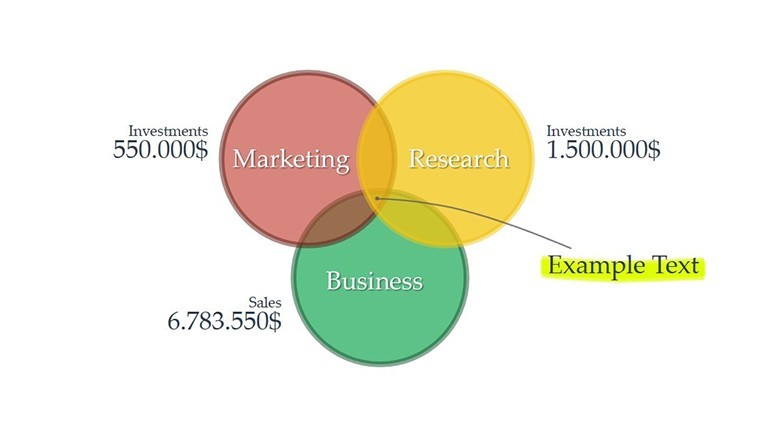
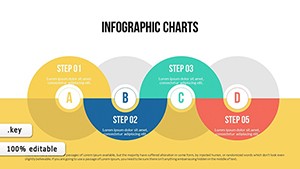
22 diagrams cover multiple overlap configurations with built-in animations.
The download delivers one .key file ready for Keynote.
- Overlap types for market segments
- Concept intersections
- Phase comparisons
Full access to every animated element and layout composition comes included.
Technical Specs
FeatureDetailsSlides included22 animated Venn diagramsDiagram categoriesoverlap analysis and phase comparisonEditable elementstext placeholders and icon layers replaceable without affecting layoutAspect ratiostandard 16:9PowerPoint compatibilityKeynote onlyColor themescompatible with Keynote slide master color paletteAnimation supportbuilt-in transitions editable in direction and weightDiagram connectorsarrows and lines adjustable independentlyWho Reaches for This Template
A marketing team lead in consumer goods industry presents audience segment overlaps during strategy workshops.
Switching overlap zones and triggering animations cut deck preparation from 3 hours to 45 minutes.
An educator in higher education prepares an academic lecture on concept synthesis.
The same file gets reused across three classes after simple color theme adjustments.
Secure the Venn Animation Keynote Charts and streamline your next overlap analysis today.
Customization in 4 Steps
1. Open the .key file in Keynote (1 minute).
2. Replace placeholder text inside Venn circles (3 minutes).
3. Adjust color theme adjustments via the slide master (2 minutes).
4. Tweak diagram connectors and animation timing (4 minutes).
Export as PDF for distribution (1 minute). Editing difficulty stays moderate for users familiar with Keynote.
Compared to Starting From Zero
Many presentations place labels directly inside diagram shapes.
That approach works on laptops but becomes harder to read on large projection screens.
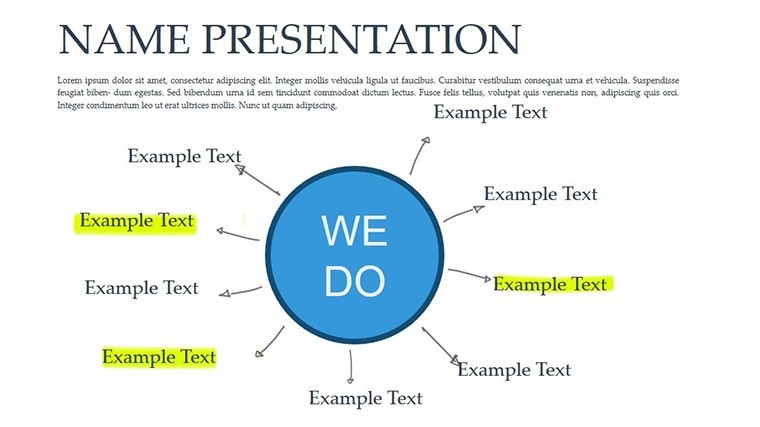
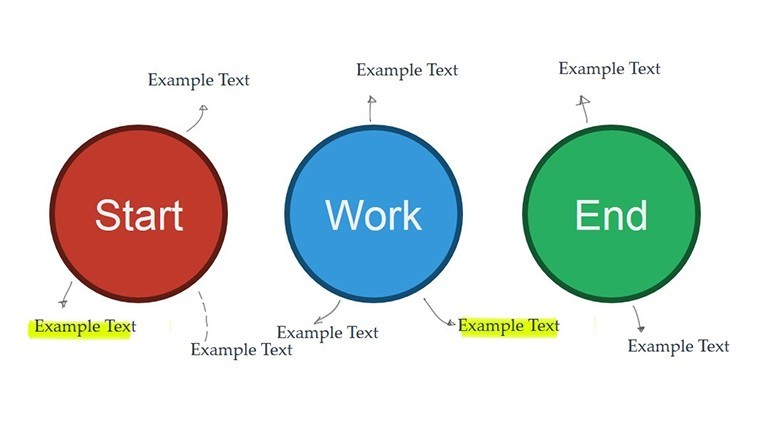
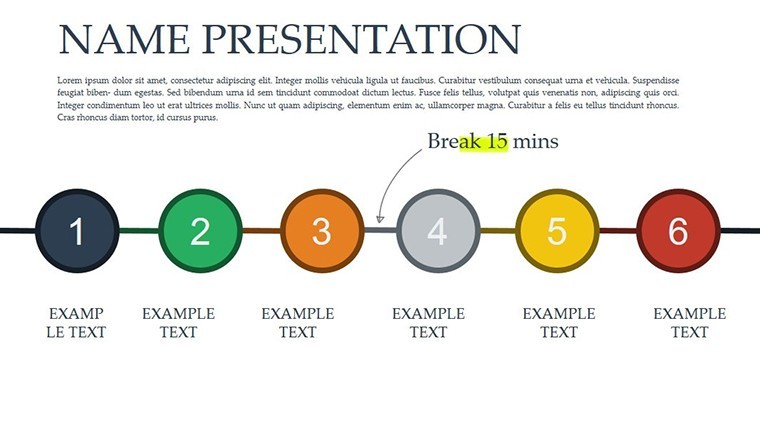
This layout keeps labels outside the shapes and connects them with thin lines.
Clarity improves during live meetings without increasing editing complexity.
Building equivalent animated Venn slides from scratch takes over 2 hours per diagram due to alignment and flow direction issues.
Here you start with ready structure and save time while achieving better visual hierarchy.
Download the Venn Animation Keynote Charts now and start visualizing overlaps today.
Which Keynote versions does this template support?This template opens exclusively in Keynote versions 10 and above on macOS or iOS. Earlier versions may not support the animation features fully. You cannot open it in PowerPoint or Google Slides without conversion losses. Always test in your installed Keynote before finalizing edits.
How do I change the color scheme?Open the file in Keynote and switch to slide master view. Select the color palette and update the theme colors directly. Apply the changes to all slides at once. Every diagram updates automatically without manual recoloring of each element.
What does the license permit?The license permits use in your own presentations and for paid client work. You cannot resell the template file itself or distribute copies to others. Sublicensing is not allowed. Commercial use in client proposals is fully permitted as long as the end user does not receive the source file.
Is there a free version available?No free version is available for this template. The paid download includes all slides, animations, and editable elements listed. A free version would typically limit slides or remove animations but is not offered here. Purchase grants immediate access to the complete package.
What file formats are included and what software is required?The file is provided as a single .key archive. Keynote software is required to open and edit it. No PPTX or other formats are included. Export to PDF or images is possible from within Keynote for sharing.
Does it include animation support?Animation support is included with built-in effects on diagram elements. To apply or modify, select the shape in Keynote and adjust the animate tab. Transitions between overlaps are pre-set but customizable. This works in Keynote 12+ without additional plugins.
Good for
- Project roadmaps and sprint plans
- Product launch timelines
- Quarterly or annual review decks
- Company history and milestone summaries
Licence
reviews
The process diagrams were the most useful part for me.
Used this in an internal training deck.
Nothing groundbreaking but clean enough.
Some slides felt copied with tiny changes.
Worked okay once I adjusted the colors.
FAQ
Will it work in Google Slides?
Are fonts embedded?
Can I use this for client work?
What's the refund policy?
Do you update the template after purchase?
Similar templates
See all Keynote Charts →
All 22 slides