 Click to zoom
Stunning Infographic Keynote Template: Craft Presentations That Captivate
| Format | .pptx |
| Slides | 22 unique layouts |
| Aspect ratio | 16:9 |
| Compatibility | PowerPoint |
| Animated | No |
| Language | English |
| License | Commercial |
| File size | — |
| Version | v1.0 |
| Last updated | September 2023 |
What's inside
In an era where ideas compete for attention like never before, your presentations must not just inform but inspire. Our Stunning Infographic Keynote Template delivers exactly that with 22 editable slides that blend sleek design, intuitive infographics, and subtle animations. Geared toward professionals, educators, and entrepreneurs who juggle complex concepts daily, this template is your shortcut to visuals that resonate. Natively built for Keynote, it exports flawlessly to PowerPoint, ensuring versatility across teams and devices.
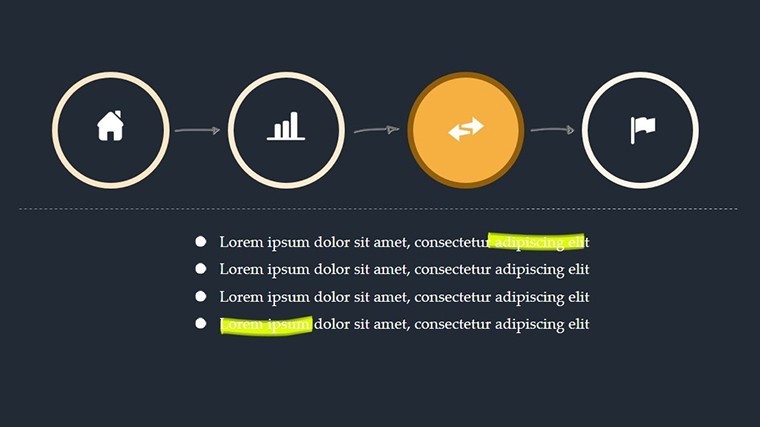
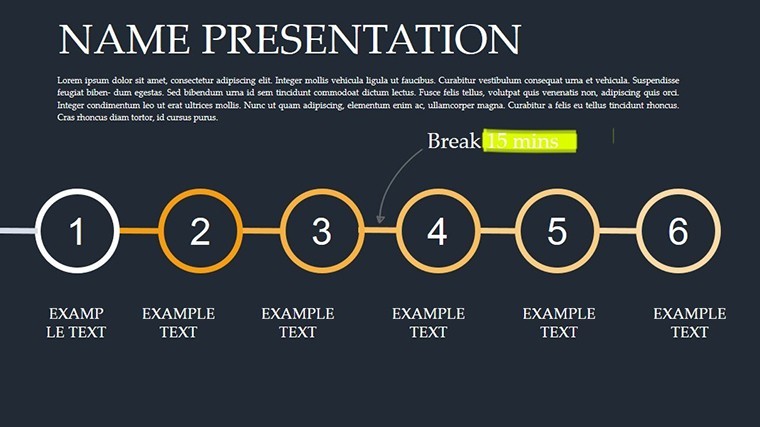
At the heart of this template is its power to simplify the intricate. Whether mapping out business workflows or illustrating educational frameworks, the slides turn data into digestible stories. Think customizable process steps that unfold like a roadmap or infographic charts that pop with color-coded insights. With eye-catching yet professional animations - fades, scales, and paths - it adds dynamism without distraction, making your message stick.
Transform Complex Ideas into Visual Masterpieces
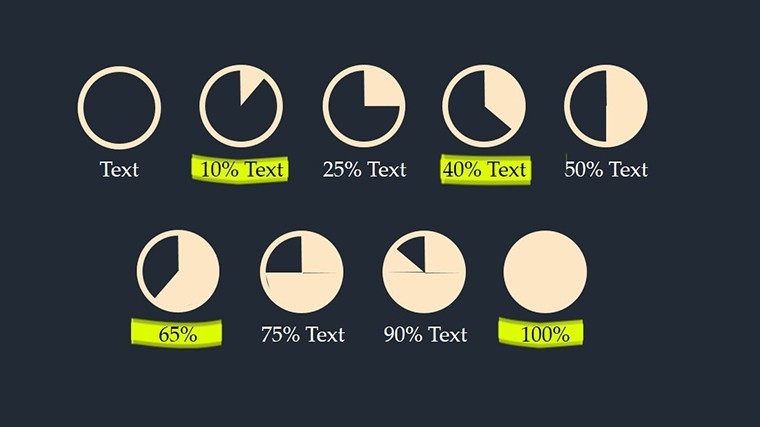
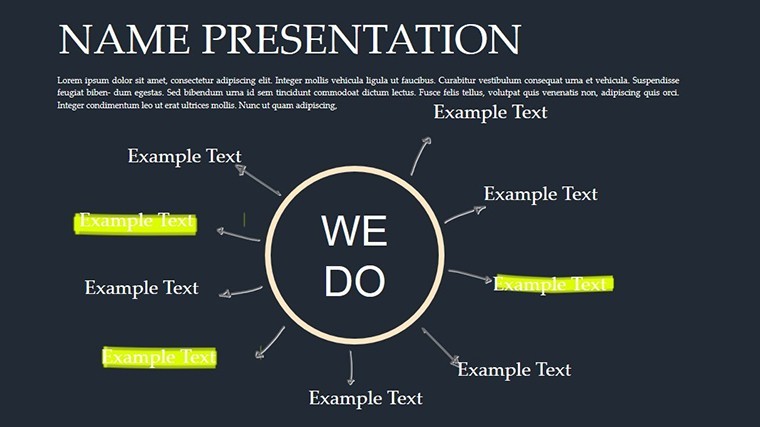
What makes this template a game-changer? It's the thoughtful integration of form and function, drawing from design principles endorsed by experts like those at Interaction Design Foundation. For instance, the radial infographics excel at showing interconnections, ideal for project overviews where stakeholders need quick comprehension. Businesses report using similar tools to shorten pitch cycles, as visuals cut through noise more effectively than paragraphs.
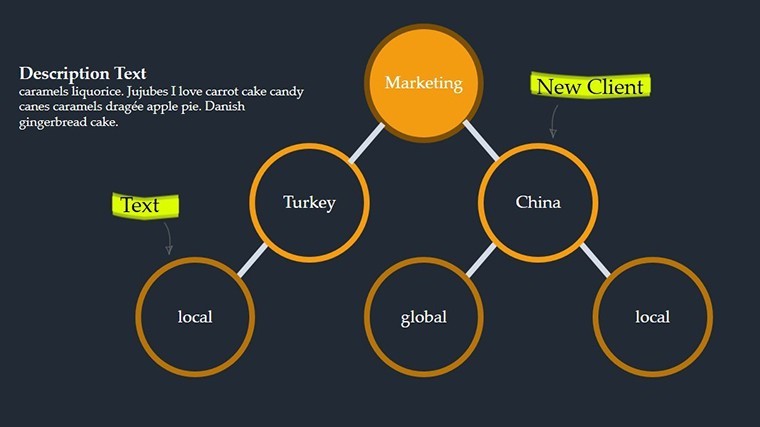
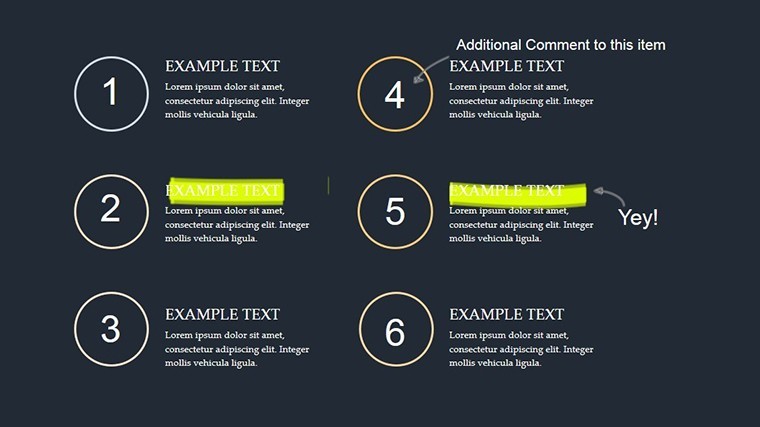
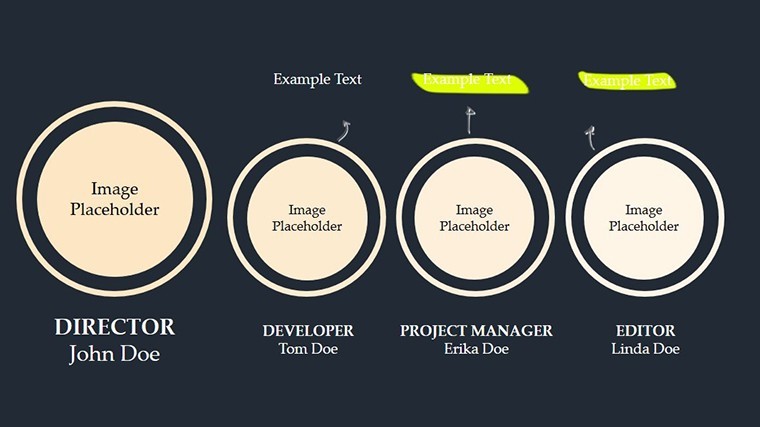
Customization is effortless: Adjust fonts from clean moderns to classics, tweak color schemes to align with your brand - vibrant blues for tech startups or earthy tones for sustainability talks. The 22 slides offer variety, from linear timelines for historical contexts to hierarchical trees for organizational structures, ensuring no two presentations feel cookie-cutter.
Essential Features for Dynamic Infographic Design
- 22 Editable Slides: A mix of infographics, charts, and process visuals for comprehensive storytelling.
- Customization Galore: Fonts, colors, and layouts adaptable to any theme or style.
- Animated Elements: Subtle transitions and effects to guide audience focus smoothly.
- User-Friendly Interface: Drag-and-drop editing in Keynote for rapid modifications.
- High-Quality Vectors: Scalable graphics that maintain sharpness on any display.
These elements are curated for impact. Begin with a hero slide featuring your key visual, then layer in supporting infographics. This progression builds narratives logically, much like acclaimed TED talks that prioritize visual hierarchy.
Versatile Applications Across Industries and Roles
Envision a marketing exec unveiling a campaign roadmap: The template's flowchart slides animate steps from ideation to launch, with icons pulsing to emphasize milestones. A real-world parallel - agencies like Ogilvy have employed infographic-heavy decks to win clients, boosting conversion rates through visual persuasion.
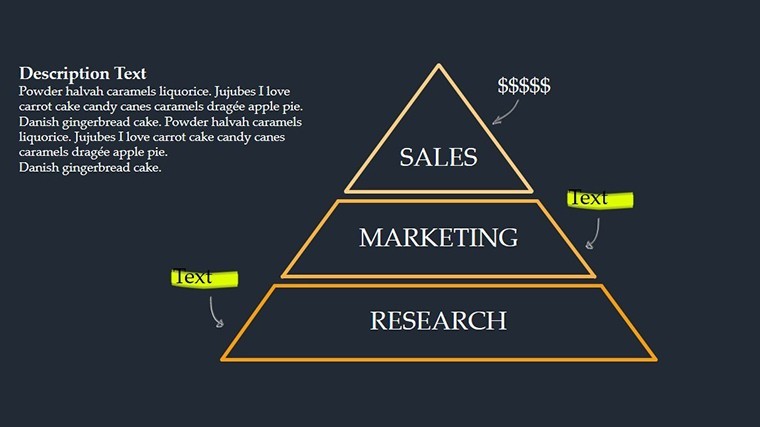
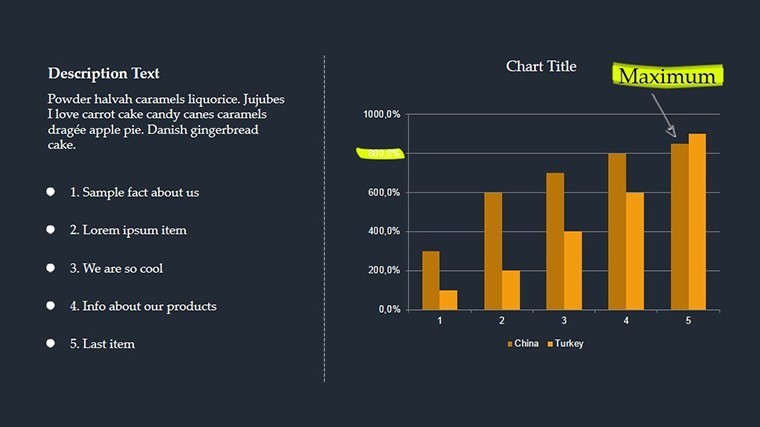
Educators find gold in the comparison charts, perfect for lesson contrasts like historical events or scientific models, engaging students with interactive reveals. Entrepreneurs, meanwhile, use pyramid structures for value propositions, scaling layers to show growth potential. Even in healthcare, adapt for patient journey maps, where animations trace treatment paths compassionately.
Seamless workflow: Pull data from spreadsheets into charts via Keynote's tools, updating in real-time. Versus generic templates, this one's polish elevates professionalism, fostering trust and recall in high-stakes settings.
Quick Customization Roadmap for Stunning Results
- Import and Explore: Open in Keynote; scan the 22 slides to outline your content.
- Populate Data: Edit placeholders with your info - charts auto-adjust for accuracy.
- Personalize Visuals: Select elements, apply brand colors, and resize icons intuitively.
- Enhance with Animations: Assign effects in the timeline for paced reveals.
- Finalize and Distribute: Preview, export to video/PDF, and share via cloud links.
This guide streamlines creation, empowering quick iterations. Insider tip: Use opacity layers for depth in infographics, adding a sophisticated edge.
Advanced Tips to Maximize Infographic Impact
Dig into master slides for global tweaks, ensuring consistency across your deck. Mix slide types creatively: Pair bubble charts for idea clustering with arrow flows for action items. For accessibility, incorporate alt text for images and high-contrast modes.
The payoff? Audiences retain 65% more from visuals, per studies from the University of Waterloo. This template isn't just pretty - it's a strategic ally for clearer communication and stronger outcomes.
Seize the chance to dazzle - download the Stunning Infographic Keynote Template today and turn your ideas into unforgettable visuals. Edit, animate, and inspire now.
Frequently Asked Questions
How easy is it to customize colors and fonts?
Very - use Keynote's theme editor to swap schemes and typefaces in seconds.
Are animations overwhelming for formal presentations?
No, they're subtle and adjustable, enhancing without distracting.
Can this work for educational purposes?
Definitely, with slides tailored for concepts, processes, and data visualization.
What export options are available?
PDF, video, images, and PPTX for broad compatibility.
Is there support for adding external media?
Yes, embed photos, videos, and links effortlessly into slides.
Good for
- Project roadmaps and sprint plans
- Product launch timelines
- Quarterly or annual review decks
- Company history and milestone summaries
Licence
reviews
Downloaded this during exam week because I had no time left.
The layout structure was easy to understand immediately.
A few charts needed resizing after export.
Still much faster than making everything myself.
I’d probably reuse parts of it.
FAQ
Will it work in Google Slides?
Are fonts embedded?
Can I use this for client work?
What's the refund policy?
Do you update the template after purchase?
Similar templates
See all Keynote Charts →
All 22 slides