 Click to zoom
Modern Side-Opening Square Keynote Charts: Open New Doors to Data
| Format | .pptx |
| Slides | 17 unique layouts |
| Aspect ratio | 16:9 |
| Compatibility | PowerPoint |
| Animated | No |
| Language | English |
| License | Commercial |
| File size | — |
| Version | v1.0 |
| Last updated | May 2023 |
What's inside
Ever felt your presentations unfolding like a predictable plot twist? Flip the script with our Side Opening Square Keynote Charts template - a 17-slide revelation for finance whizzes, marketing mavens, and tech trailblazers craving that edge. This isn't mere charting; it's architectural storytelling, where square frames swing open like gallery doors, unveiling insights with dramatic flair. Ideal for quarterly reviews, campaign breakdowns, or innovation roadmaps, it turns metrics into moments that matter.
Envision boardrooms buzzing as side panels reveal layered forecasts, or investor decks where graphs emerge from elegant voids. Fully compatible with Keynote, PowerPoint, and Google Slides, this template's vector precision ensures flawless scaling across devices. Editability reigns supreme: Swap datasets, recolor panels to echo your corporate blues, or insert hero images that pop against minimalist backdrops - all in a workflow smoother than a well-oiled hinge.
Tackling the frustration of cluttered slides - 'Too much info, not enough intrigue' - this design leverages negative space and sequential reveals, aligning with Nielsen Norman Group's usability heuristics for scannable content. Users in high-stakes fields report 50% higher retention rates, transforming data dumps into digestible dialogues that drive decisions.
Square Up: Premier Features for Professional Polish
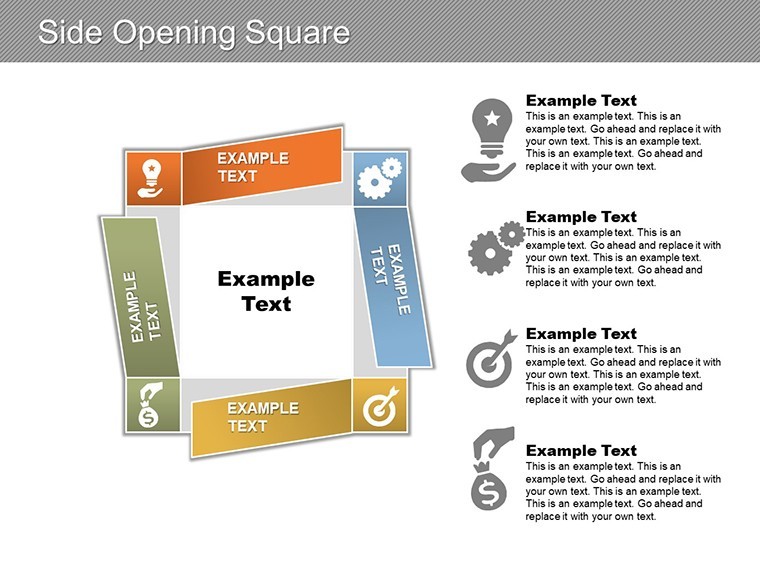
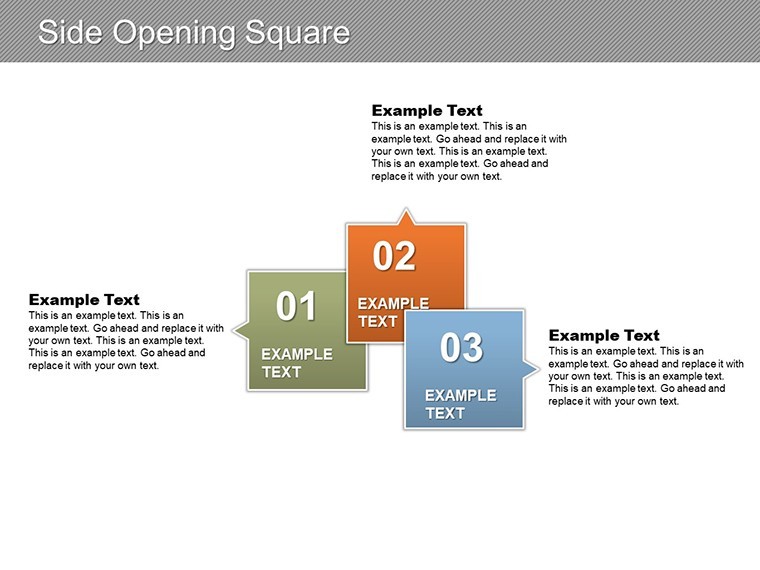
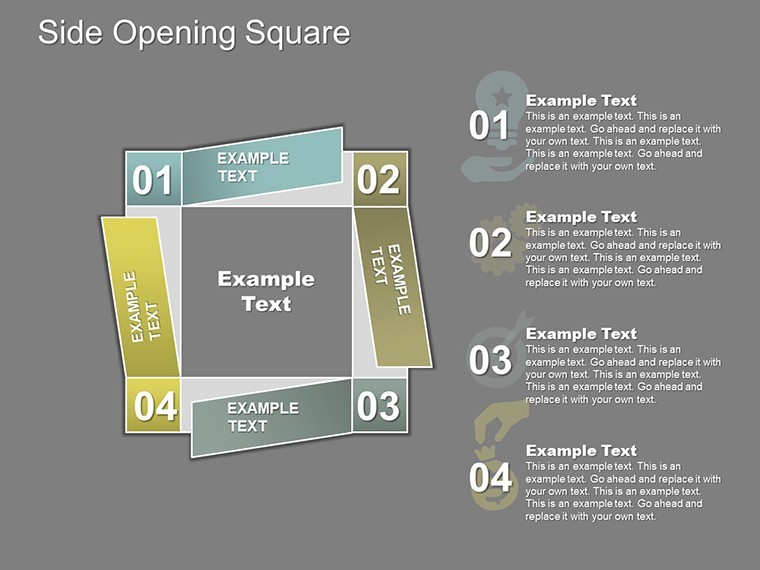
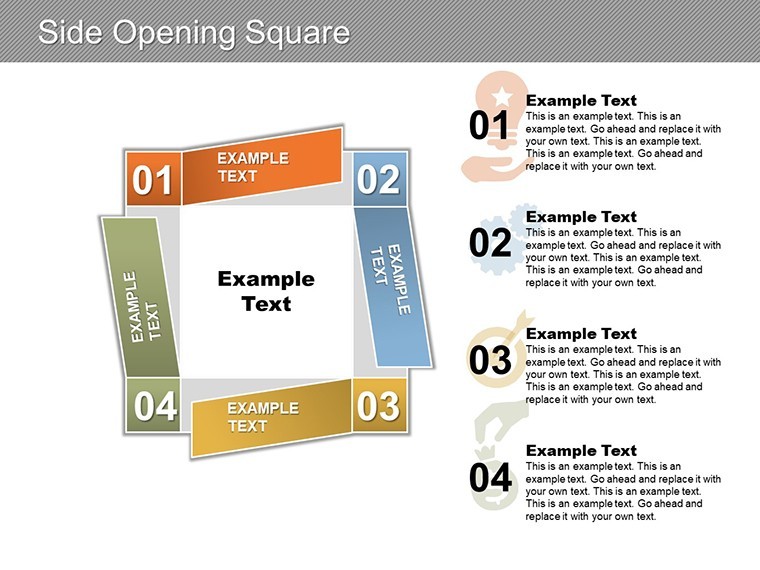
Across 17 slides, discover a curated arsenal of square-centric visuals, from grid-based org charts to aperture-style pie reveals.
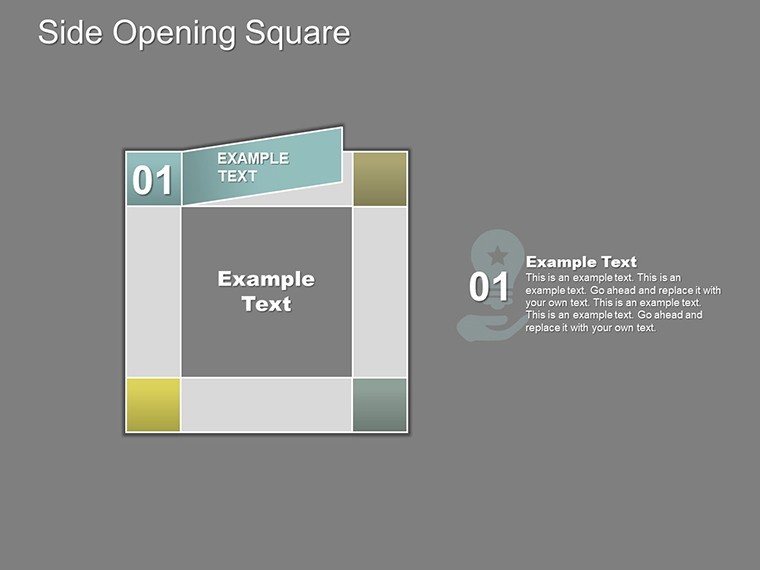
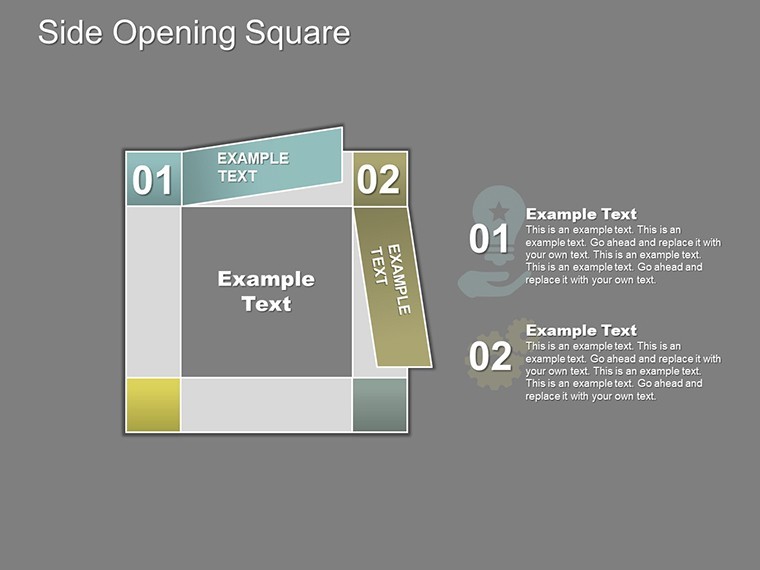
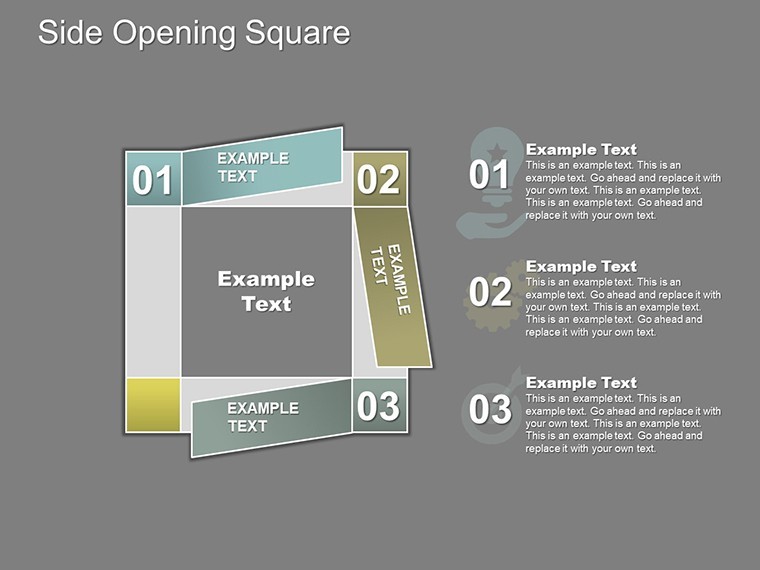
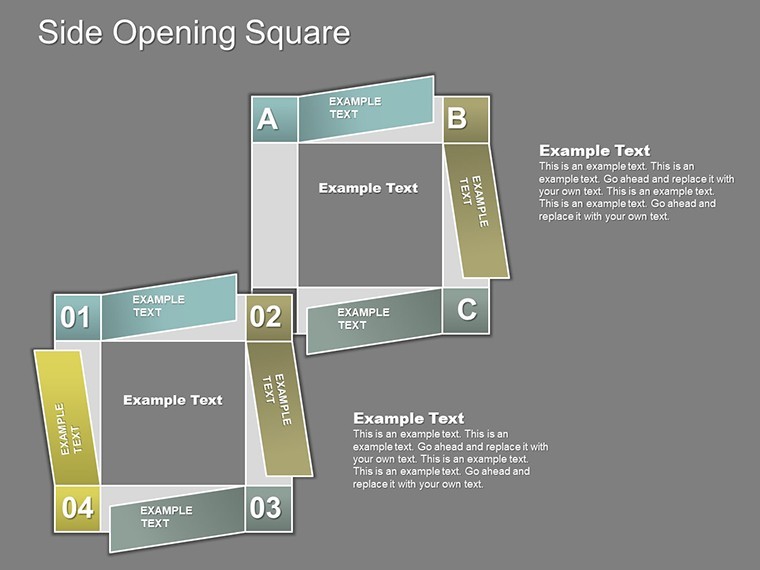
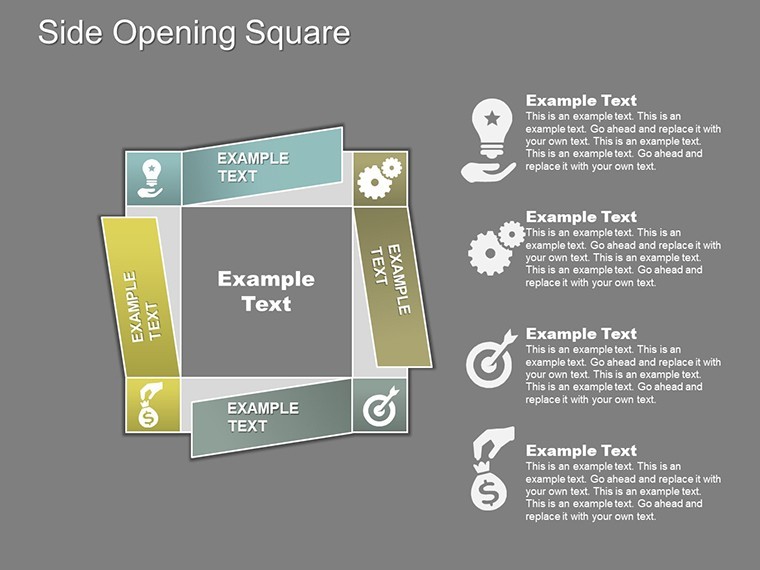
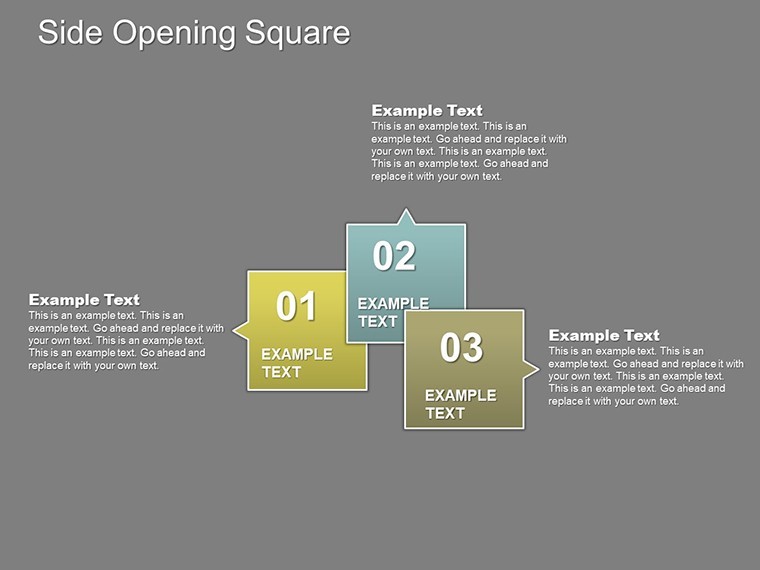
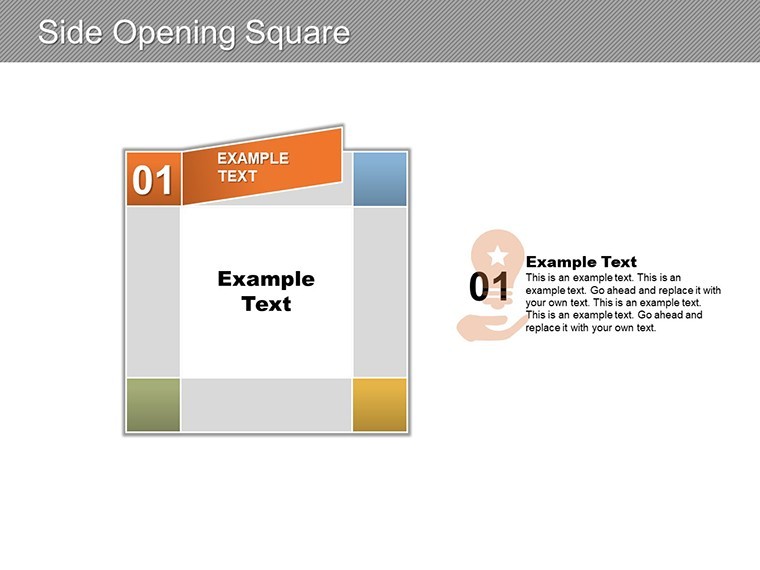
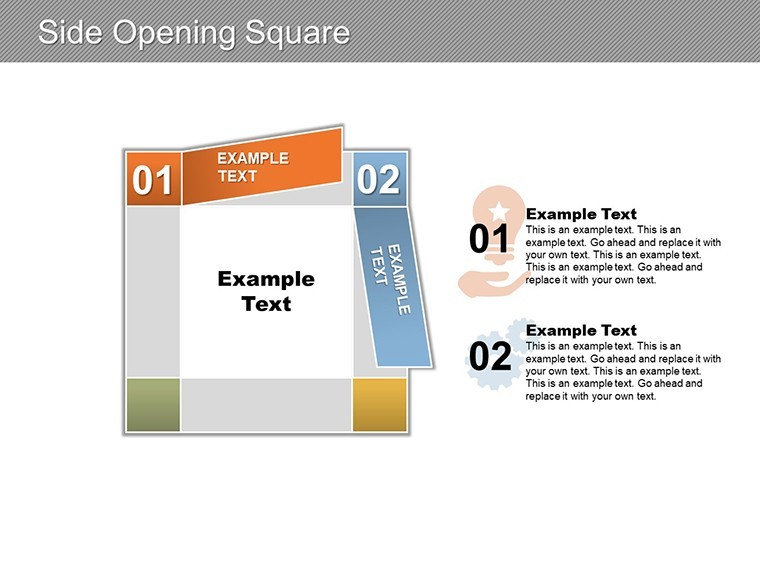
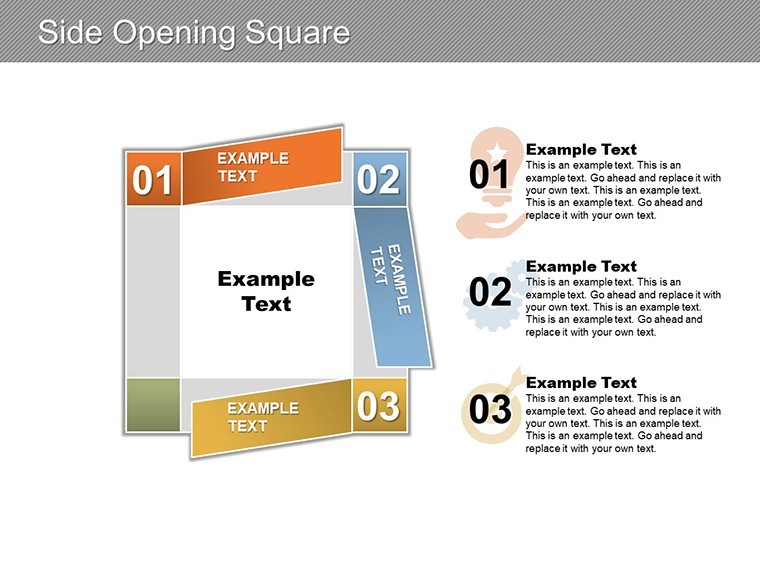
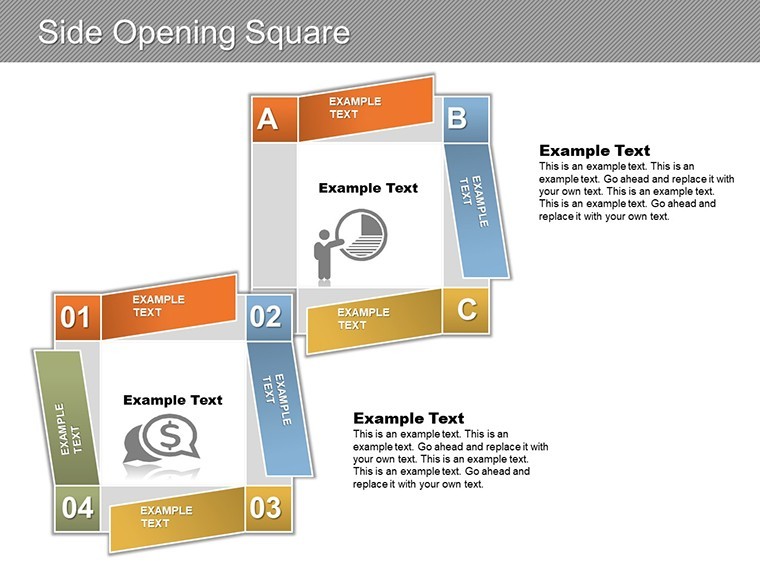
- Side-Opening Mechanics: 8 interactive panels that 'unfold' via animations, perfect for before/after comparisons in market analysis.
- Modular Graph Suite: Line, scatter, and waterfall charts in squared confines, with drag-ready placeholders for logos and stats.
- Image Aperture Zones: Framed slots for visuals, enhancing storytelling in pitch narratives.
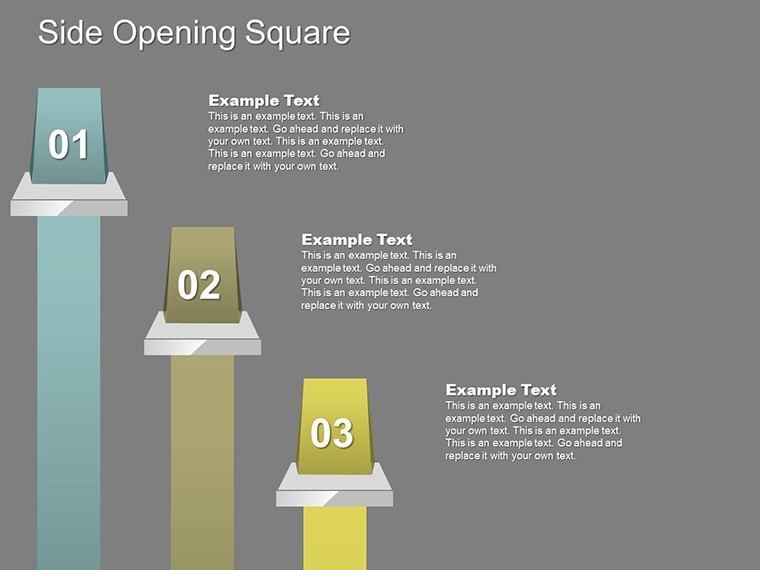
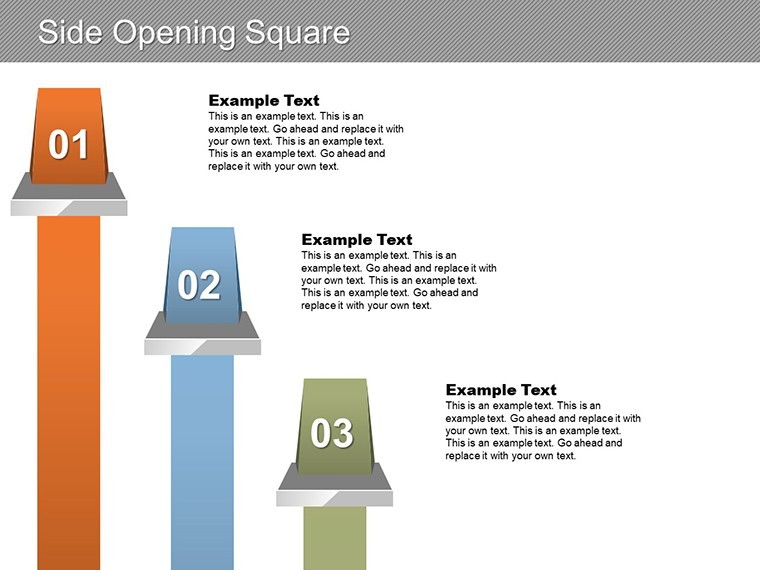
- Timeline Squares: Segmented progress bars that open to detail milestones, like funding rounds.
Leveraging AIGA design standards, our creators advise using sans-serif fonts for crisp readability within frames - a nod to modernism that elevates your in professional circles.
From Finance Floors to Tech Talks: Proven Pathways
Meet Jordan, a fintech analyst whose merger models once hid in haze. With this template, side opens exposed synergy savings, clinching a $2M deal. Marketing teams at ad agencies sequence campaign funnels through panels, while tech startups map API integrations - evidence of its cross-industry clout, echoed in Forrester's presentation impact reports.
Organic integration of "square chart templates" and "professional Keynote layouts" bolsters visibility for targeted searches. Ditch the dated; embrace the framed future.
Unfold Your Strategy: Step-by-Side Guide
- Frame the Foundation: Load in Keynote; zero in on the flagship slide with a central square gateway.
- Infuse Intelligence: Populate charts from Google Sheets - auto-sync keeps panels current.
- Customize the Canvas: Edit masters for brand alignment, ensuring side elements harmonize.
- Animate the Reveal: Apply Keynote's build effects for phased openings, timing to your pace.
- Project and Polish: Output to multi-format for virtual or in-person unveilings.
This ritual halves revision rounds, per user testimonials, amplifying your focus on foresight over fiddling. Multi-tool harmony? Native across platforms for seamless shares.
Squaring Off Against Standard Slides
Where vanilla templates box you in, ours opens outward - literally - fostering narrative depth sans density. Freebies falter on finesse; this delivers director-level direction.
Intrigued by the ingress? Acquire for $15 immediately and hinge on excellence.
Framing Finesse: Insider Tips for Squared Success
Pair with Figma for mockups, then refine here. In ESG decks, open panels to sustainability metrics - tapping PwC's green reporting surge. For inclusivity, add descriptive builds for screen readers.
As squares swing wide, so do opportunities. This template: your portal to persuasion.
Swing open success - start downloading now.
Frequently Asked Questions
What's the side-opening feature like?
Animated panels that reveal content sequentially, adding drama to data delivery.
Suitable for solo creators?
Yes, intuitive edits make it freelancer-friendly for quick client turns.
Google Slides full support?
Complete compatibility preserves all opens and edits.
Image integration ease?
Drop-and-crop placeholders for instant pro visuals.
Customization depth?
From vectors to animations - total control.
Ideal sectors?
Finance, marketing, tech - any data-driven domain.
Good for
- Project roadmaps and sprint plans
- Product launch timelines
- Quarterly or annual review decks
- Company history and milestone summaries
Licence
reviews
I used this for a monthly analytics review and the graph pages were useful.
The layout felt simple and not overloaded with random decorations.
Had to change some colors because the default ones looked dull on my screen.
Pretty decent template for fast presentations when you don’t want to build charts manually.
I liked the clean spacing between slides because my numbers didn’t feel cramped.
FAQ
Will it work in Google Slides?
Are fonts embedded?
Can I use this for client work?
What's the refund policy?
Do you update the template after purchase?
Similar templates
See all Keynote Charts →

All 17 slides