 Click to zoom
Shutter Pie Charts for Keynote: Master Information Flow with Style
| Format | .pptx |
| Slides | 14 unique layouts |
| Aspect ratio | 16:9 |
| Compatibility | PowerPoint |
| Animated | No |
| Language | English |
| License | Commercial |
| File size | — |
| Version | v1.0 |
| Last updated | September 2022 |
What's inside
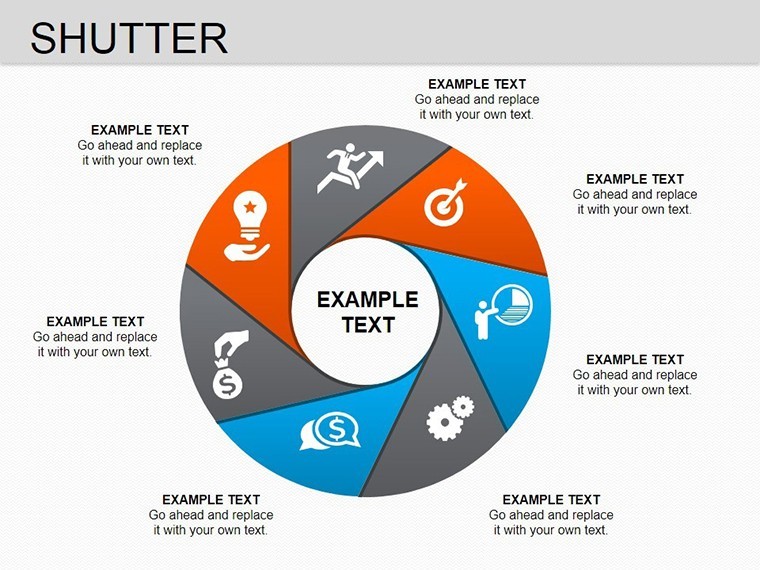
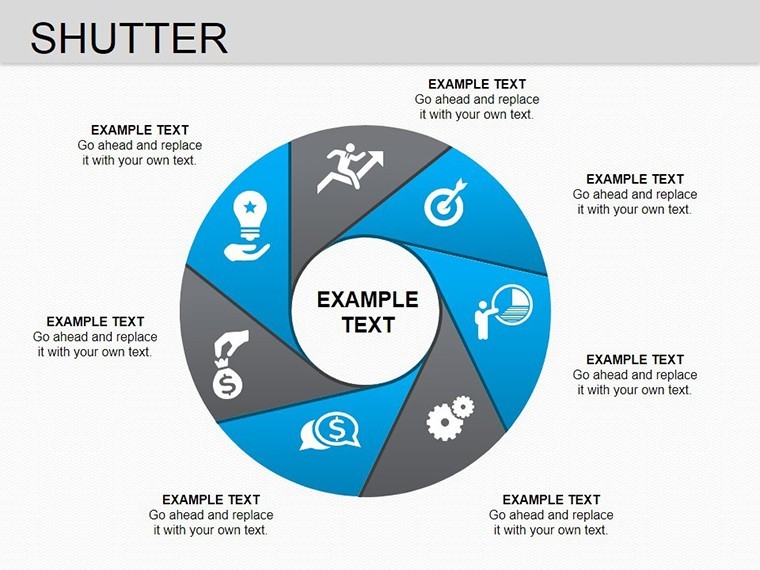
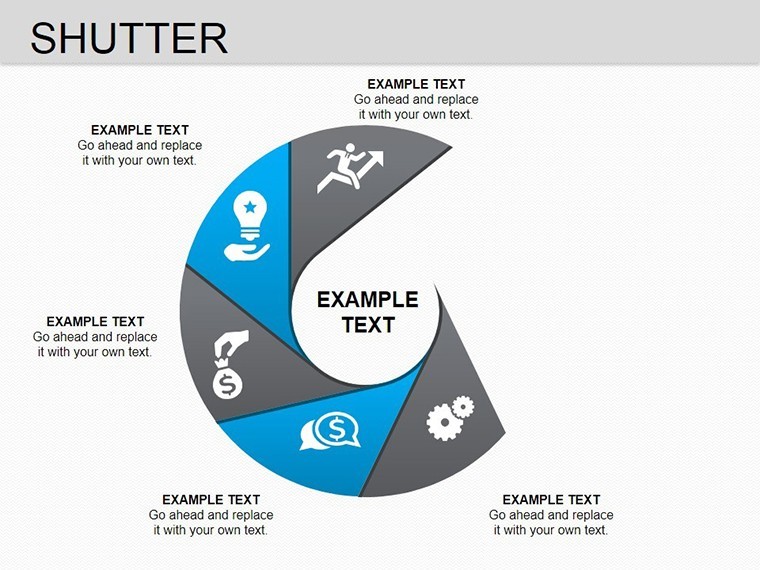
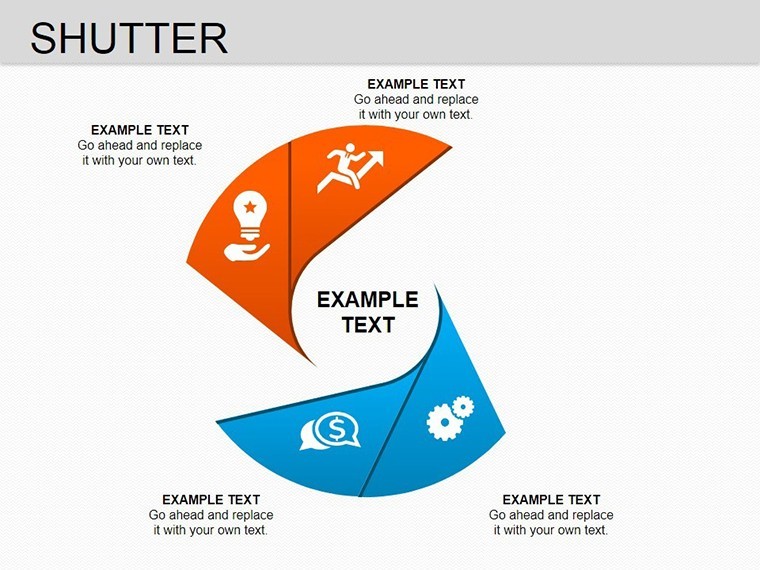
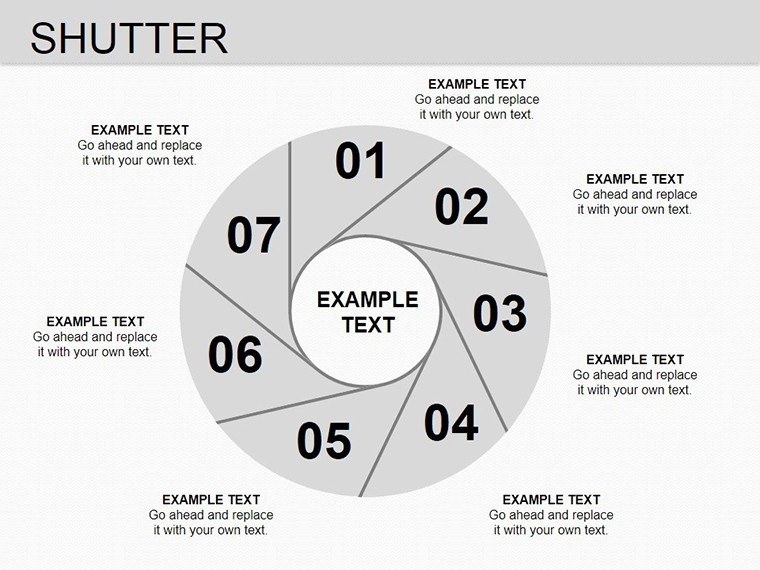
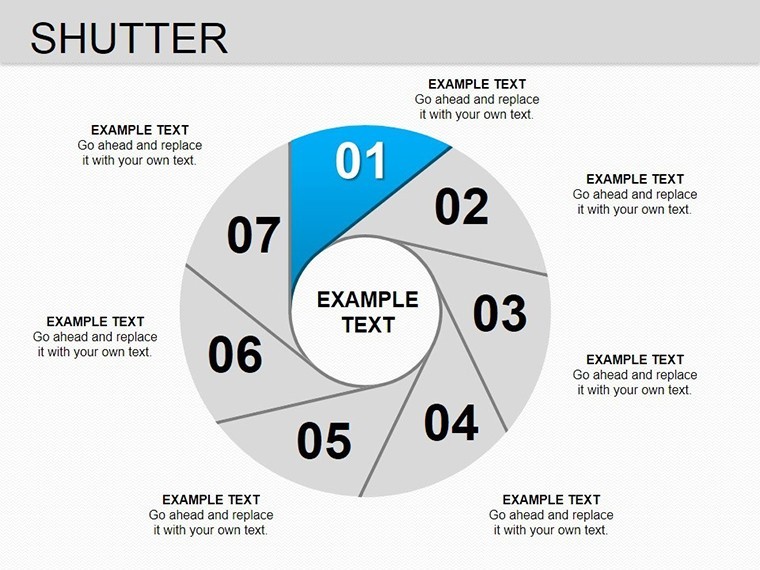
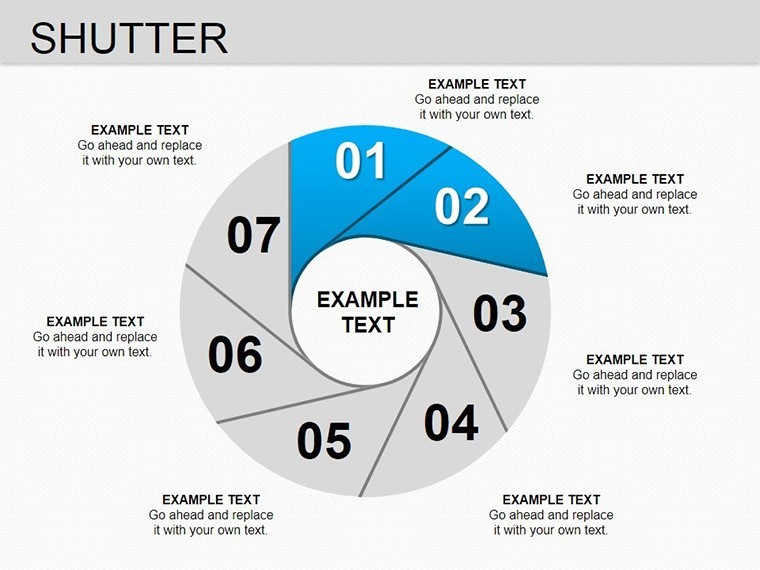
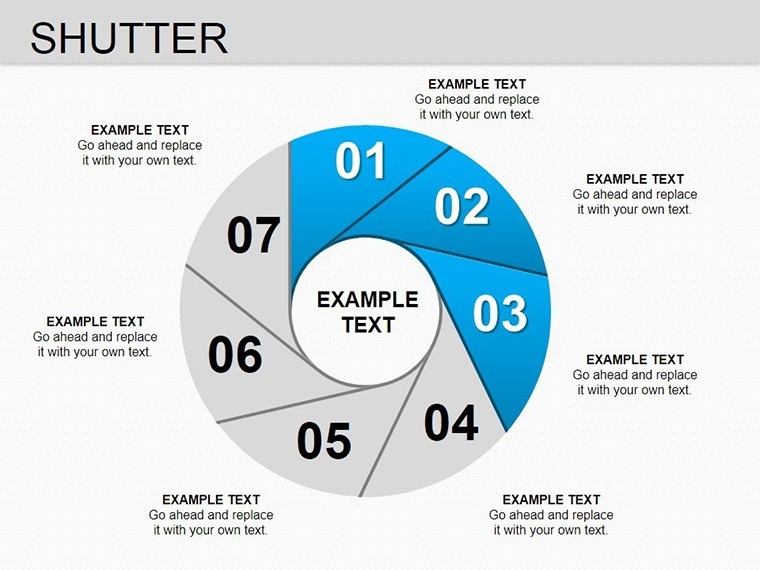
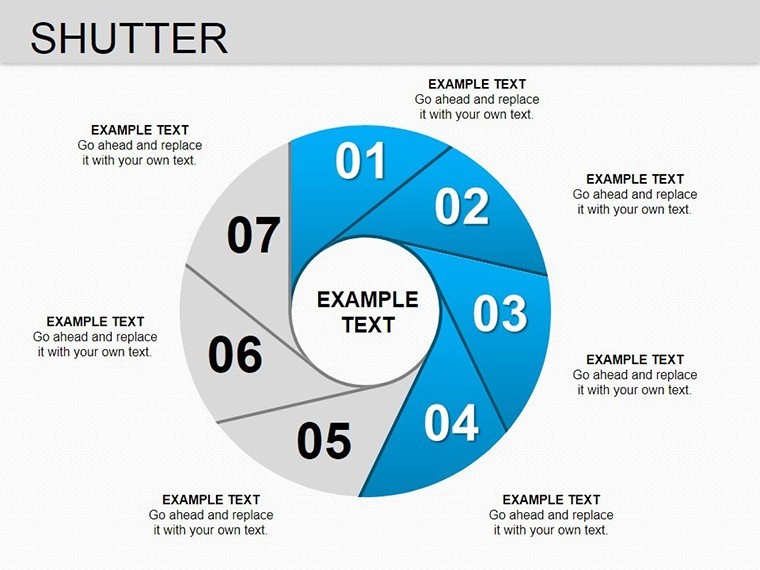
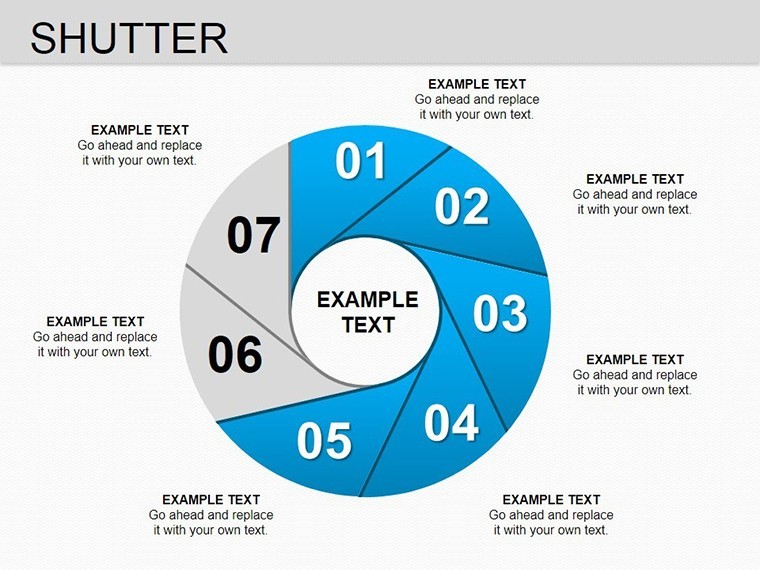
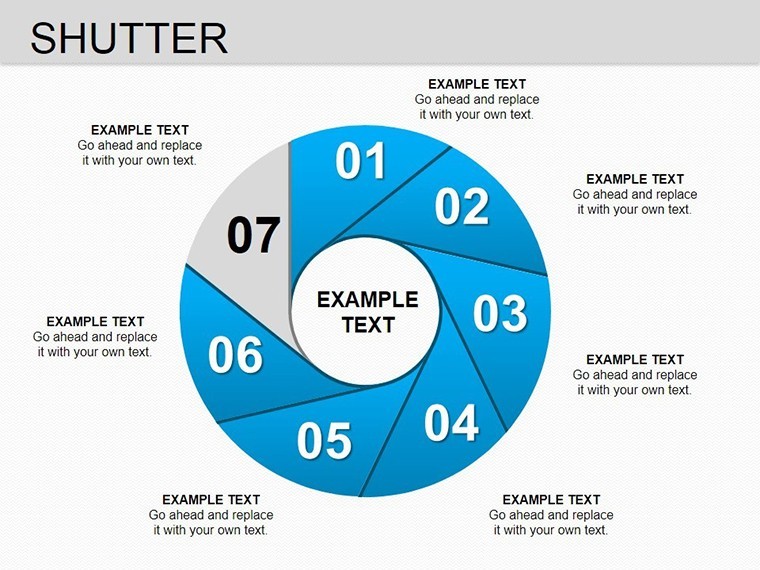
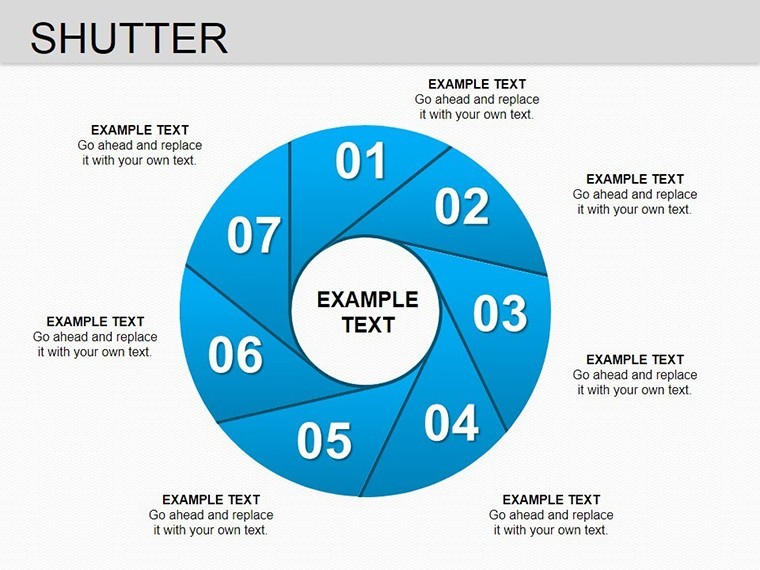
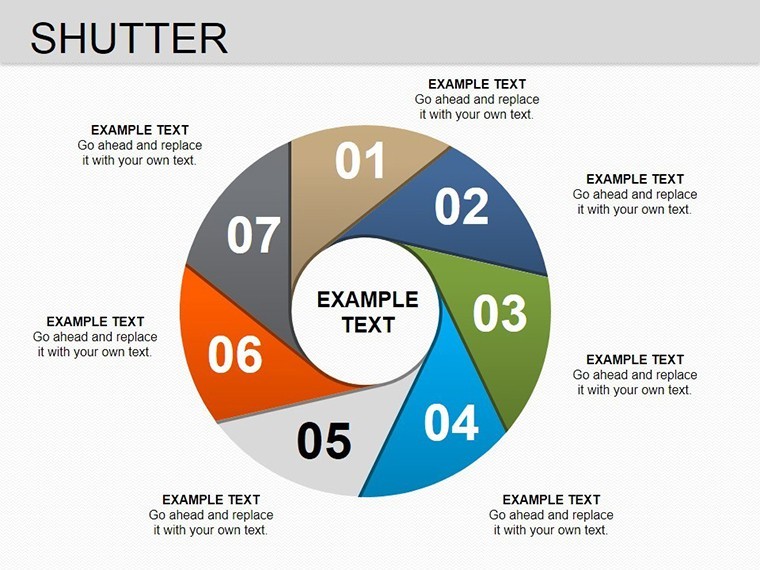
Picture this: You're in the middle of a high-stakes presentation, and your audience's eyes glaze over at yet another bland pie chart. Break the monotony with our Shutter Keynote charts template, a game-changer for visualizing segmented data. This collection of 14 editable slides introduces a shutter-like design to pie charts, allowing you to control the reveal of information sectors dynamically. Tailored for Mac users leveraging iWork Keynote, it's perfect for marketers segmenting customer demographics, financial analysts breaking down revenue streams, or educators teaching proportional concepts. The shutter mechanism adds a layer of interactivity, making your data not just visible but vividly memorable.
What sets this template apart is its focus on flow control - each sector can hold text, numbers, or icons, with easy color adjustments to highlight key segments. Drawing from data visualization best practices, like those in Stephen Few's works on perceptual design, these charts minimize cognitive load while maximizing insight. Available in widescreen (16:9), standard (4:3), and 16:10 ratios, the .key files ensure seamless integration, letting you focus on content rather than formatting. In a sales pitch, for example, shutter open each market share slice to build a narrative around growth opportunities, turning static data into a compelling story.
Diving into the Core Features
The Shutter charts are engineered for versatility and ease. With 14 slides, you get variations from simple three-sector pies to complex multi-shutter designs, all fully editable.
- Sector Customization: Add or remove shutters, input data directly, and resize for emphasis.
- Color Dynamics: Pre-set palettes or custom hues to match branding, with gradients for depth.
- Animation Integration: Use Keynote's build effects to 'open' shutters sequentially.
- Data Versatility: Supports percentages, labels, and embedded icons for richer context.
- Resolution Assurance: Vector-based for crisp visuals on any screen size.
These elements empower you to create presentations that adhere to AIGA design standards, ensuring accessibility and aesthetic appeal. The template's structure allows quick iterations - duplicate a slide, tweak the shutters, and you're set for multiple scenarios.
Practical Use Cases Across Sectors
Adaptability is at the heart of this template. Here's how it applies in diverse fields.
Marketing Analytics
For digital marketers, visualize campaign performance. Shutter each pie slice to represent channels like social media, email, and SEO, revealing ROI data on click. A case from a real agency: Using similar designs, they increased client buy-in by 30% through clearer budget allocations.
Financial Reporting
Accountants can dissect expense categories. Start with a closed shutter pie for totals, then open to detail sub-items like operations and R&D. This method aligns with GAAP principles for transparent reporting.
Educational Tools
Teachers explaining fractions or budgets can animate shutters to demonstrate parts-to-whole relationships, making abstract math concrete for students.
Incorporate into your routine by opening the .key in Keynote, selecting objects via the Format pane, and applying changes. For pros, layer with hyperlinks for interactive dashboards.
Tips to Maximize Impact
Elevate your use with these insights: Opt for contrasting colors for accessibility (WCAG compliant), limit sectors to 5-7 for readability, and pair with narrative text slides. Unlike standard Keynote pies, shutters add drama without extra effort.
Don't settle for ordinary - grab this Shutter template and direct your data's spotlight. Start customizing and see your presentations flow smoother than ever.
Frequently Asked Questions
How do I customize the shutter colors?
Select the sector in Keynote, go to the Style tab, and choose your color - it's that simple.
Does this work on iPad Keynote?
Yes, fully compatible with iOS Keynote, though some animations may vary.
Can I add more sectors?
Certainly; duplicate and edit shapes to expand the pie.
What’s in the download?
A .zip with 28 slides (variations included) in .key format.
Are animations pre-set?
Basic builds are included; customize further as needed.
Good for
- Project roadmaps and sprint plans
- Product launch timelines
- Quarterly or annual review decks
- Company history and milestone summaries
Licence
reviews
Used this during a small office training session.
The layouts were straightforward and easy to update.
I don’t really care about fancy slides but these worked.
Some chart labels were too small before editing.
The blue accents looked nice on larger screens.
FAQ
Will it work in Google Slides?
Are fonts embedded?
Can I use this for client work?
What's the refund policy?
Do you update the template after purchase?
Similar templates
See all Keynote Charts →
All 14 slides