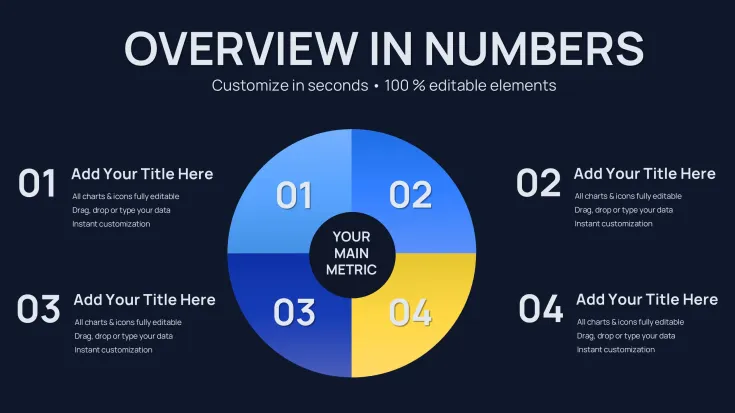
 Click to zoom
Pie Charts Keynote Template - 26 Fully Editable Slides | Instant Download
| Format | .pptx |
| Slides | 26 unique layouts |
| Aspect ratio | 130/73 |
| Compatibility | PowerPoint |
| Animated | No |
| Language | English |
| License | Commercial |
| File size | — |
| Version | v1.0 |
| Last updated | March 2026 |
What's inside
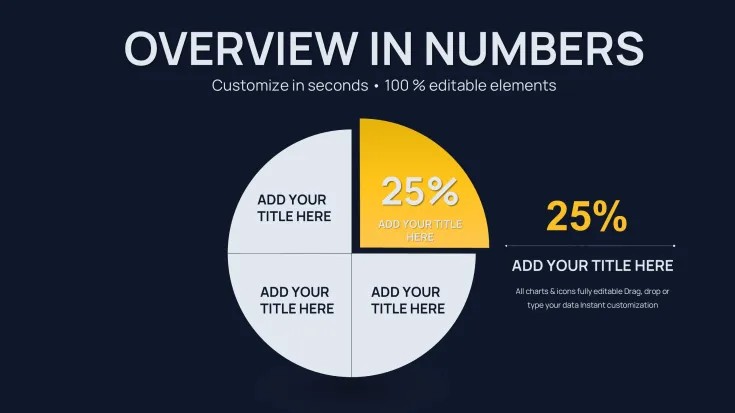
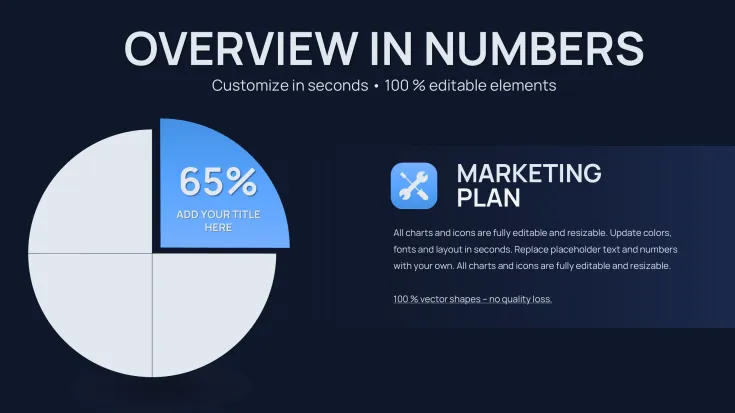
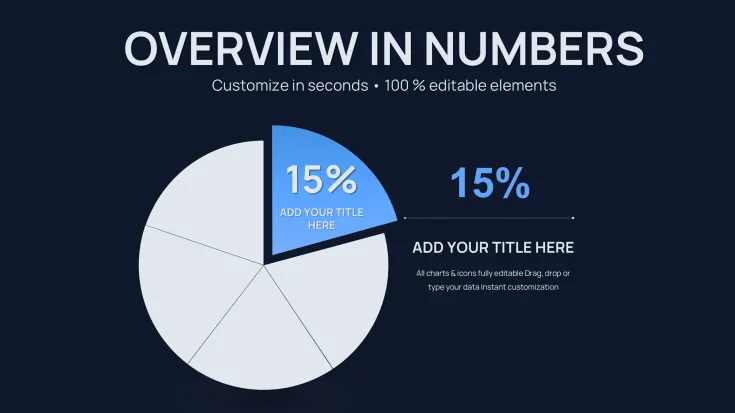
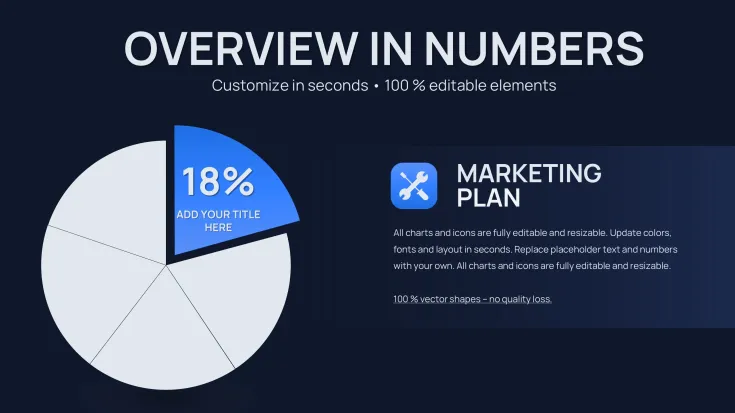
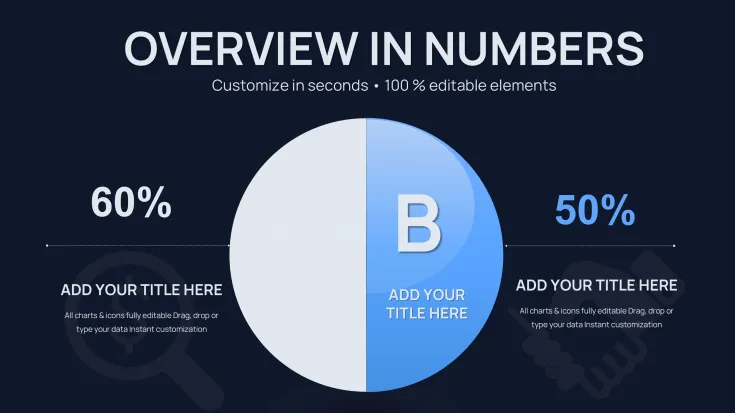
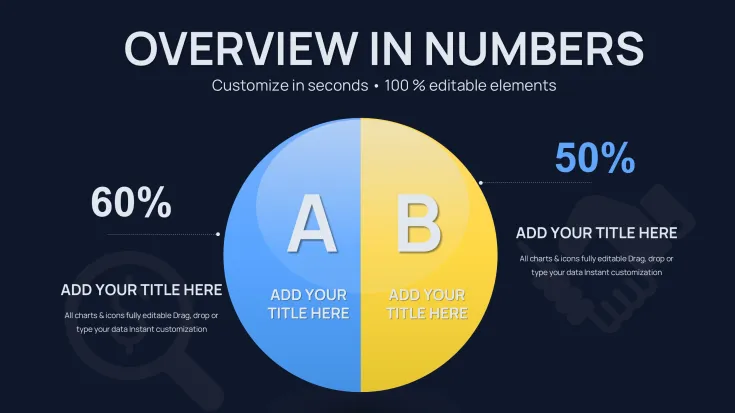
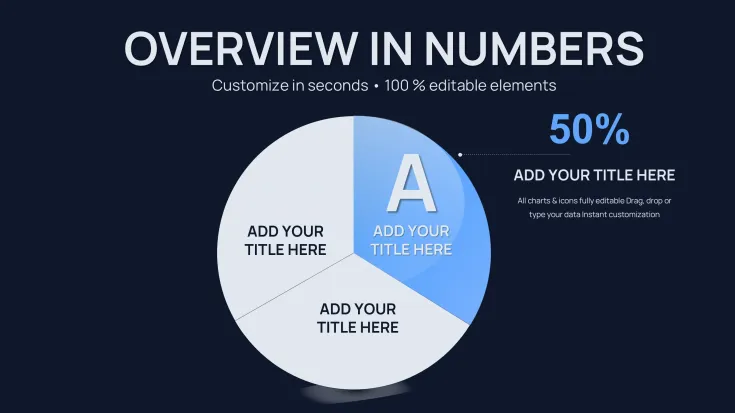
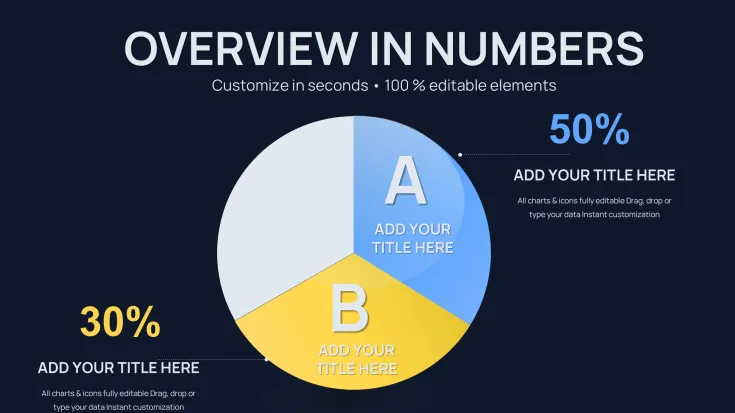
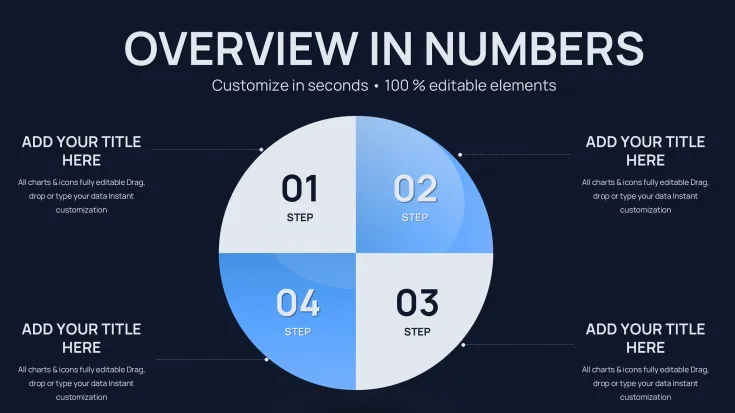
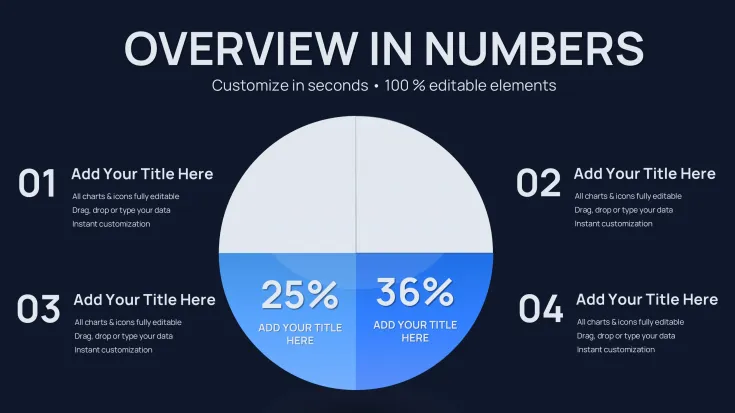
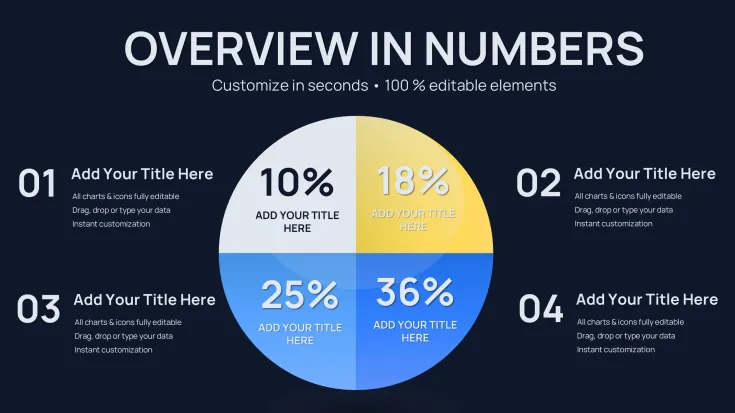
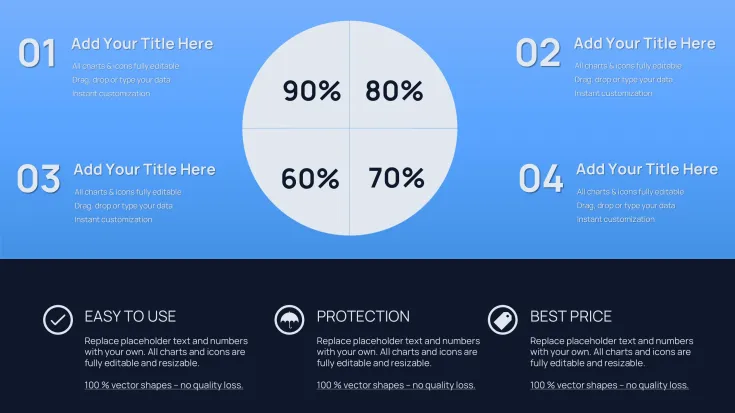
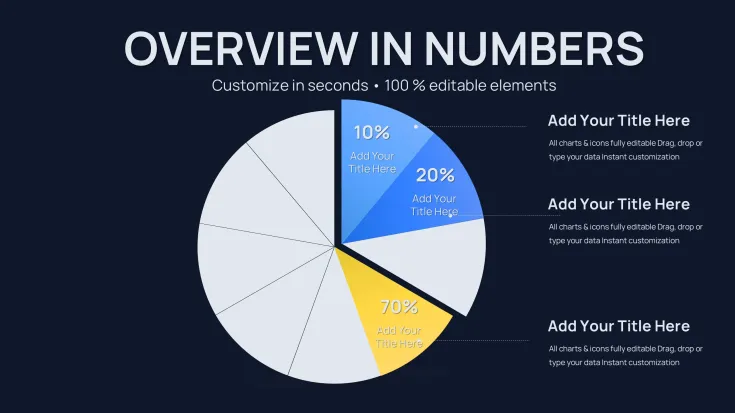
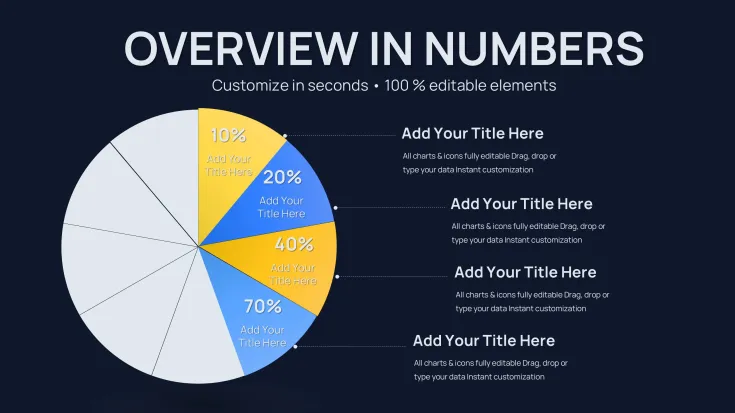
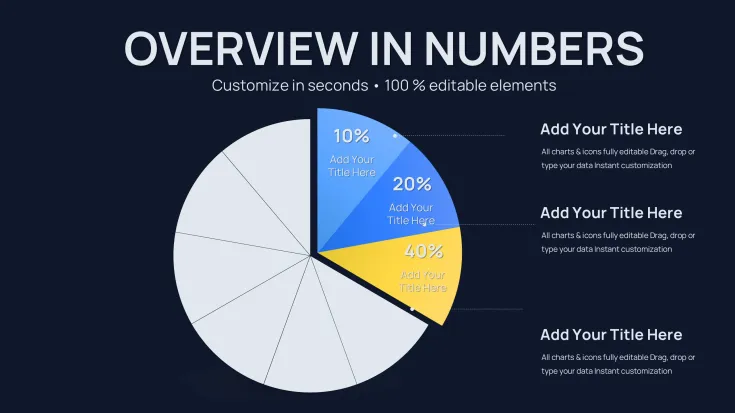
Download the Pie Charts Keynote Template with 26 fully editable slides in .key format for Apple Keynote. Visualize budgets, market shares, sales distributions and data proportions with professional pie chart layouts. Instant download available for $16.
What's Included in the Pie Charts Keynote Template
The Pie Charts Keynote Template delivers exactly 26 editable slides packed into a single .key file optimized for Apple Keynote. This focused collection centers on pie chart visualizations that display proportional data clearly and professionally. The download gives you immediate access to the complete set after checkout at the listed price of $16.00, with no extra files or setup required beyond opening the document in Keynote.
File and Product Specifications
Tagged under the Keynote Charts category with a Pie emphasis and identified as product KC01094, the package contains only pie-focused slides. Each of the 26 slides supports direct data entry, label updates, and visual adjustments inside Keynote, making it suitable for quick integration into existing presentation decks. The structure keeps everything self-contained for Mac users who rely on native Keynote features.
Key Features of This 26-Slide Set
This template offers 26 fully editable pie chart slides built exclusively for proportion-based storytelling in Keynote. Users can modify segment sizes, input custom percentages, update legends, and refine labels on every slide without external tools. The balanced slide count provides enough variety for complete data narratives while remaining concise compared to longer packs.
Below is a breakdown of core attributes:
FeatureDetails for This TemplateNumber of Slides26 fully editable pie chart slidesFile Format.key native Keynote fileChart FocusPie charts for proportional dataCustomization OptionsData values, segment colors, labels, legendsPrice$16.00 with instant accessCategory PlacementKeynote Charts - PieDownload TypeInstant after purchaseProfessional Use Cases
A financial analyst working at a regional logistics firm opened the 26-slide .key file to create a budget allocation overview for the annual strategy meeting. By updating segment values on several pie charts with actual expense data, the analyst delivered a clear breakdown of cost centers that helped the operations director identify three areas for immediate cost optimization, shortening the decision cycle by two weeks.
Separately, a marketing manager at an online retail startup used the same template for a quarterly investor update. Selecting appropriate pie chart layouts from the set allowed precise display of customer acquisition channel contributions, enabling the CEO to secure additional funding by demonstrating ROI visually rather than through text tables alone.
How to Customize the Template
Begin by completing the instant download of the .key file. Open it directly in Apple Keynote on your Mac or iPad. Navigate to any of the 26 slides, click once on a pie chart to activate the data editor, and replace the placeholder percentages or values with your own dataset. Keynote automatically recalculates and redraws the segments.
Next, highlight text placeholders to insert custom titles, subtitles, or source notes. Use the color picker panel to update individual segments or the entire chart palette. Add or hide legends and data labels via the format sidebar. The entire process from download to export typically takes under fifteen minutes, delivering a finished deck far faster than constructing pie charts manually from blank slides.
Why Choose This Pie Charts Keynote Template
This pack supplies a targeted collection of exactly 26 pie chart slides, striking a practical balance between variety and simplicity. It avoids the overload of 42-slide or 37-slide alternatives listed in related products while still covering essential layouts for proportion visuals. The native .key format guarantees zero compatibility friction inside Keynote, unlike generic chart bundles that require conversion or extra formatting steps.
Users who previously built similar charts from scratch report spending over an hour aligning elements and testing proportions; this template eliminates that step entirely, letting presenters concentrate on narrative delivery instead of design mechanics. Its concise 26-slide structure also differentiates it from narrower 5-segment or 10-segment specialized packs that lack flexibility for multi-topic presentations.
Add the template to your workflow today and transform raw proportional data into polished Keynote visuals.
FAQ
Is this Pie Charts Keynote Template compatible with the latest Apple Keynote?Yes, the template is provided in standard .key format and opens without issues in current versions of Apple Keynote on macOS and iPadOS. All 26 editable pie chart slides utilize native chart objects, so data editing, color changes, and label adjustments work exactly as expected. Users running the most recent Keynote updates experience full support for animations and transitions on every slide, ensuring smooth presentation delivery in both live meetings and exported PDF or video formats.
How many slides does the download contain and can I duplicate them?The Pie Charts Keynote Template download contains exactly 26 fully editable slides focused on pie chart designs. Inside Keynote you can duplicate any slide as many times as needed to extend your deck or create variations for different data sets. This base count of 26 provides enough starting layouts for most business reports involving market share, budget splits, or demographic breakdowns without forcing you to build additional charts manually.
How do I edit the pie chart data and labels in Keynote?Editing is performed directly inside the .key file. Select any slide, click the pie chart once to open the data table panel, then replace the sample percentages or category names with your own figures. Keynote instantly redraws the segments and updates associated labels and legends. You can further adjust text formatting, add percentage callouts, or hide elements using the sidebar tools. The process works identically across all 26 slides and requires no external plugins or scripts.
What licensing terms apply to commercial use of this template?Purchase grants standard rights to use the 26-slide .key template in commercial presentations, client deliverables, and internal company reports. You may modify the pie charts freely and distribute the resulting Keynote or exported files as part of your professional work. The original template file itself remains for personal or business use only and cannot be resold or redistributed as a standalone product. This approach matches typical expectations for Keynote Charts category items.
Does the template differ from the other 26-slide pie chart option on the site?Yes, while both contain 26 slides, this version is listed under the general Pie Charts Keynote Template collection and serves as a compact, all-purpose set for standard proportion visualizations. The related 26-slide variant (template-14170) follows a slightly different organizational approach visible in its own product page. This pack remains the balanced choice for users seeking straightforward pie chart layouts without specialized segment counts like the 5-segment or 10-segment alternatives.
Good for
- Project roadmaps and sprint plans
- Product launch timelines
- Quarterly or annual review decks
- Company history and milestone summaries
Licence
reviews
26 pie chart slides for budget allocation were clean and editable. Updated expense segments fast for strategy meeting. Helped identify optimizations.
Marketing manager: customer acquisition channels displayed clearly with the pies. 26 layouts gave good options. Professional proportion visuals.
The focused pie collection is concise yet versatile. Data editor works smoothly. Good for quarterly investor updates.
Financial analyst: cost center breakdowns using the templates. Legends and labels customize easily. Solid for Mac Keynote users.
Practical 26-slide set avoids overload. Proportional data looks sharp. Quick from download to export.
Student report on sales distributions benefited from the variety. Editing percentages is intuitive. Effective professional output.
FAQ
Will it work in Google Slides?
Are fonts embedded?
Can I use this for client work?
What's the refund policy?
Do you update the template after purchase?
Similar templates
See all Keynote Charts →
All 26 slides