 Click to zoom
Process Phases PowerPoint Charts Template: Mapping Architectural Journeys
| Format | .pptx |
| Slides | 18 unique layouts |
| Aspect ratio | 16:9 |
| Compatibility | PowerPoint |
| Animated | No |
| Language | English |
| License | Commercial |
| File size | — |
| Version | v1.0 |
| Last updated | August 2023 |
What's inside
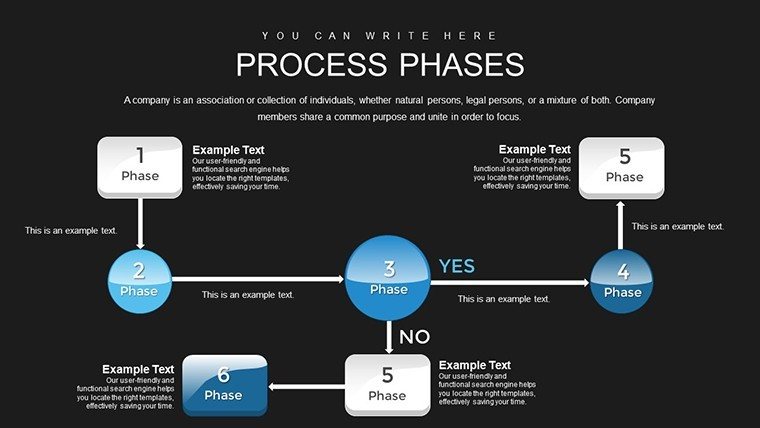
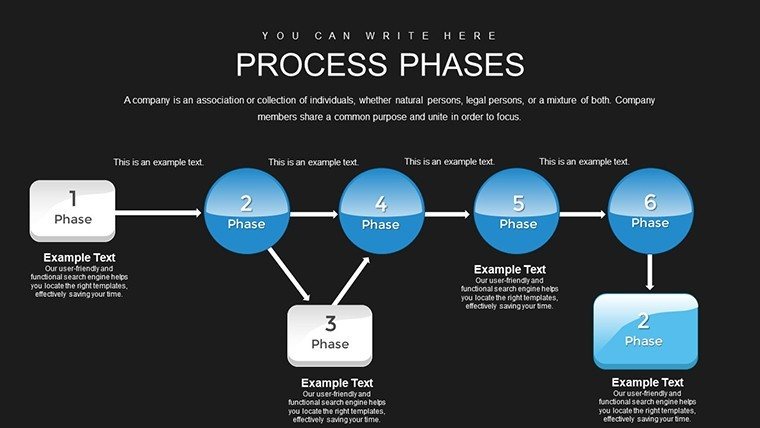
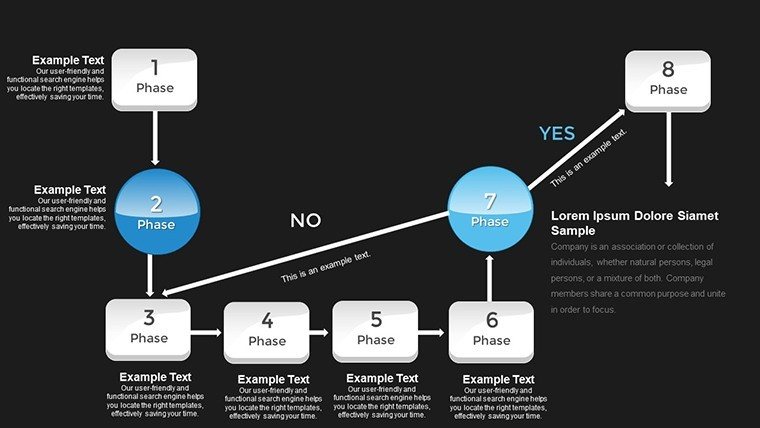
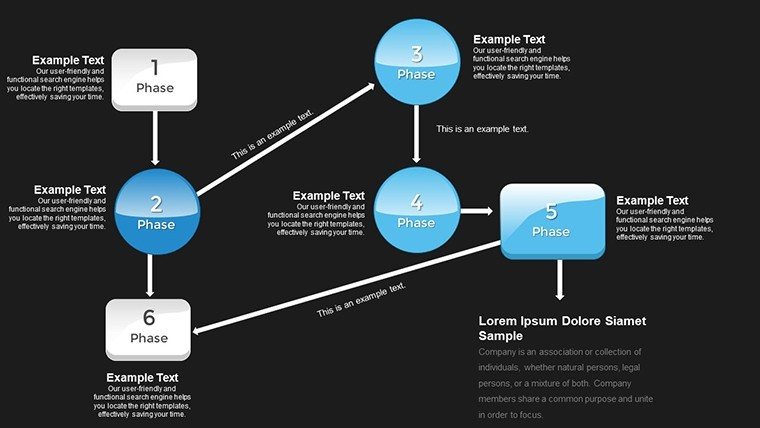
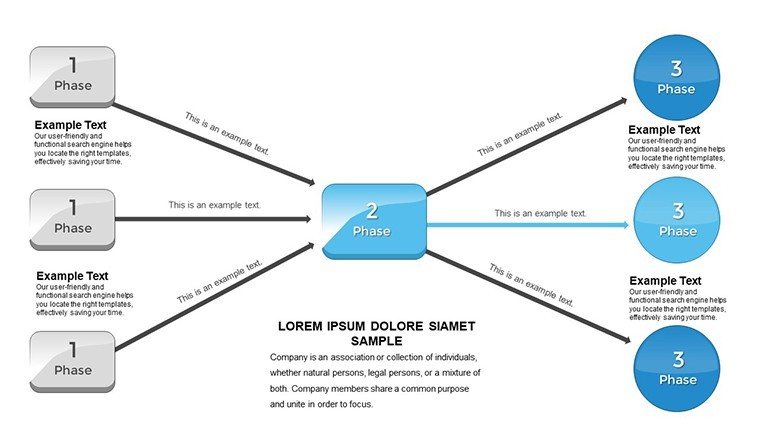
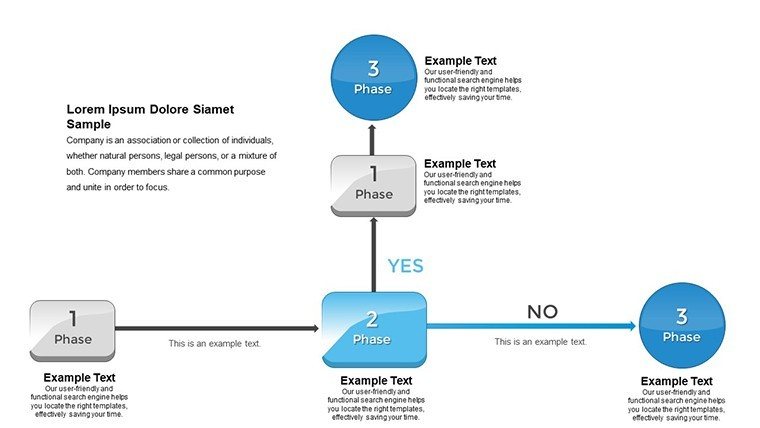
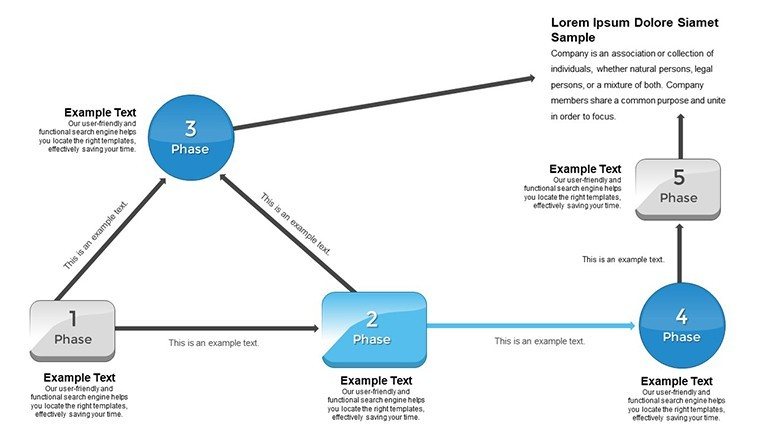
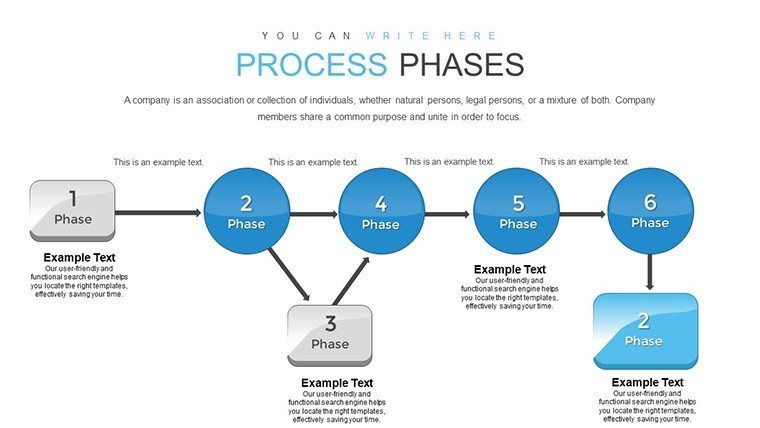
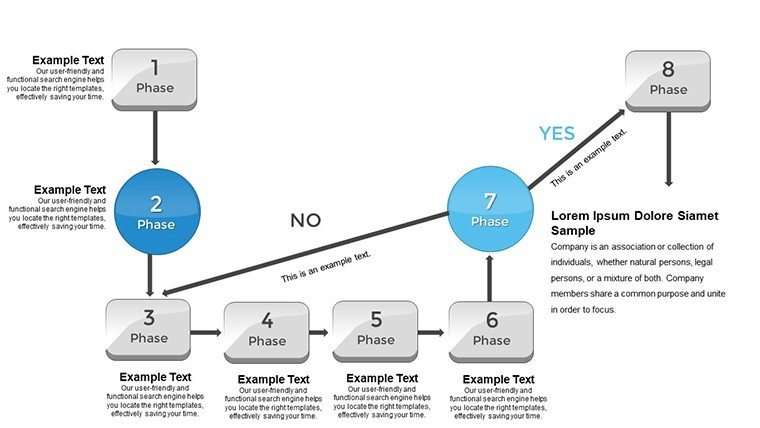
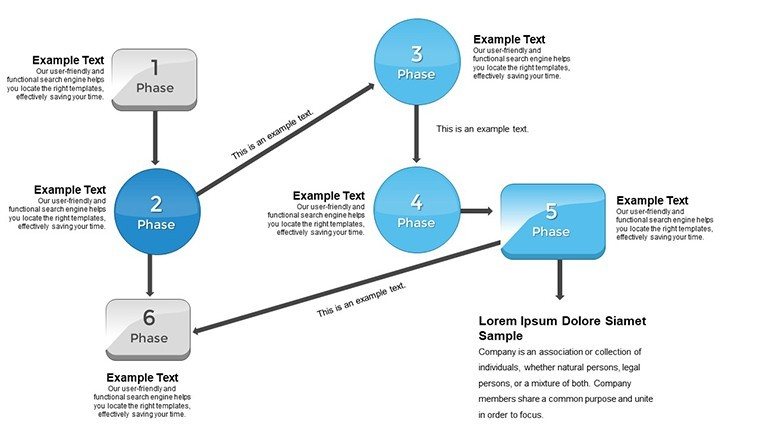
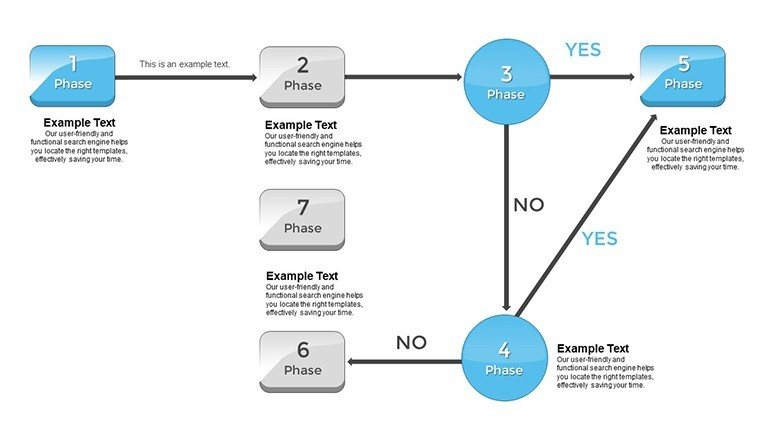
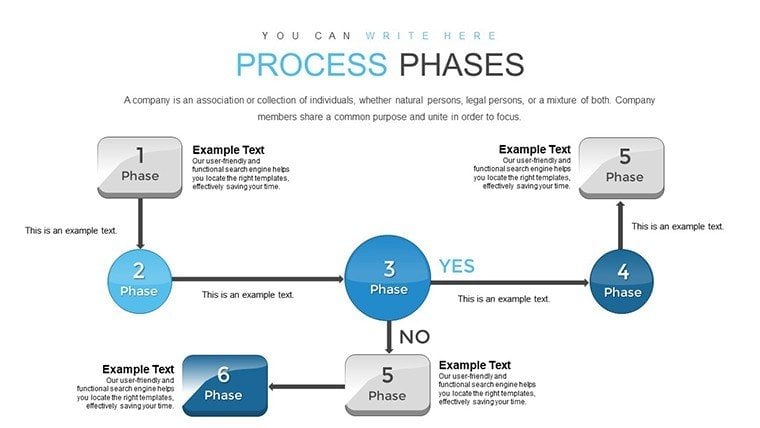
Architecture is a journey of phases, from ideation to inauguration, and conveying these steps effectively can make or break a project. The Process Phases PowerPoint Charts Template offers 18 editable slides to map out these sequences with visual elegance, ideal for architects, educators, and business owners. This template transforms linear processes into captivating visuals, like flowcharts detailing site analysis to final walkthroughs. It's more than charts; it's a storytelling device that clarifies complexities, such as regulatory approvals in heritage restorations. With PowerPoint and Google Slides compatibility, it fits your routine, incorporating high-res elements for impactful deliveries. Whether training apprentices on design iterations or updating investors on build progress, these slides ensure every phase is understood, fostering collaboration and reducing errors in the intricate world of architecture.
Visualizing the Architectural Process Spectrum
Processes in architecture demand precision, and this template delivers with designs inspired by workflow experts like those at the Project Management Institute (PMI), adapted for built environments. For instance, in projects like the Guggenheim Bilbao, phased visuals helped coordinate diverse teams, mirroring how this tool can unify your efforts.
Core Features for Phased Mastery
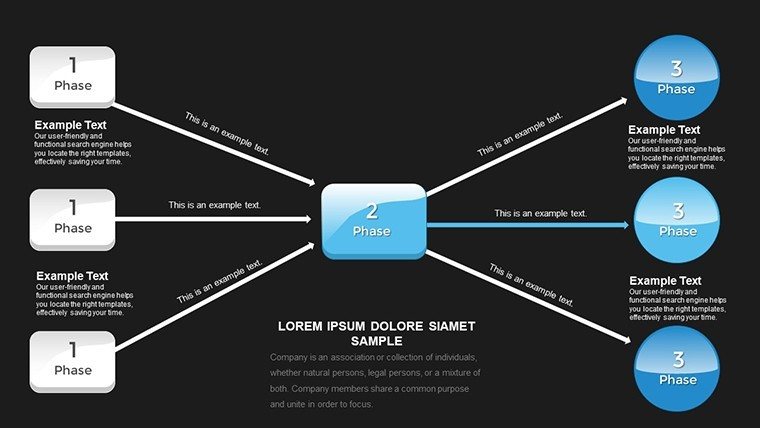
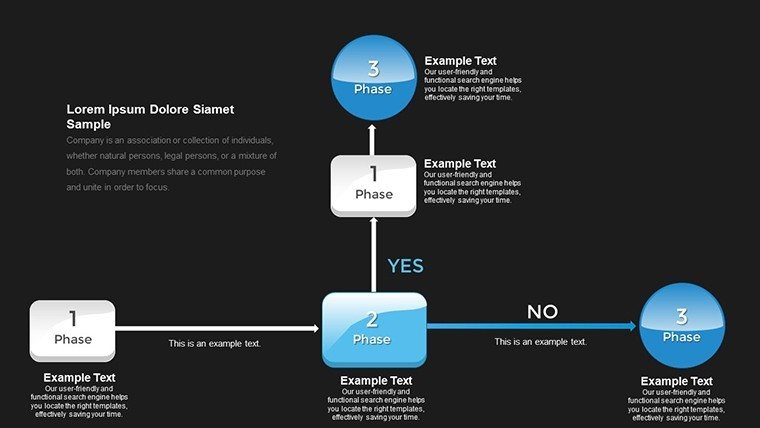
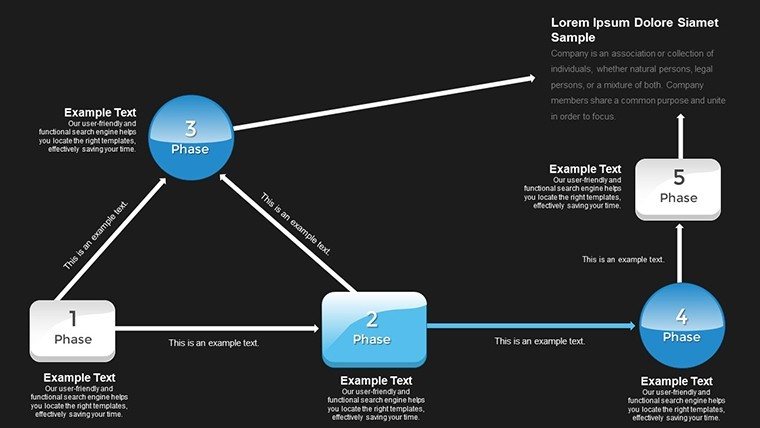
- Stunning Phase Charts: Eye-catching depictions of sequential stages, customizable for architecture-specific processes like schematic design to occupancy.
- Extensive Customization: Tailor styles, colors, and fonts to brand identity, with easy additions like phase milestones.
- Intuitive Usability: Minimal design knowledge needed, focusing on content over creation for busy professionals.
- Transition Enhancements: Built-in options for animations, revealing phases progressively in presentations.
- Multi-Purpose Slides: From lectures to reports, adaptable for various architectural contexts.
Aligned with trustworthy standards like those from the NCARB (National Council of Architectural Registration Boards), ensuring professional-grade outputs.
Use Cases: Phasing Through Architectural Realities
In a commercial retrofit, use flowchart slides to outline demolition to fit-out phases, integrating timelines from tools like Primavera. Educators can break down the design-bid-build process for students, drawing on case studies from iconic structures like the Sydney Opera House, where phase management was pivotal.
For entrepreneurs, visualize business growth phases in firm expansions, using charts to pitch to partners on scalability.
Implementation Guide: Phase by Phase
- Outline Your Process: Map key phases, e.g., conceptualization, development, execution in architecture projects.
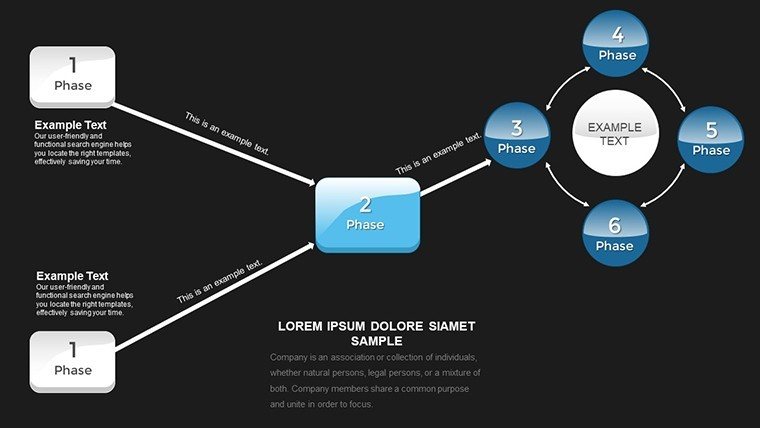
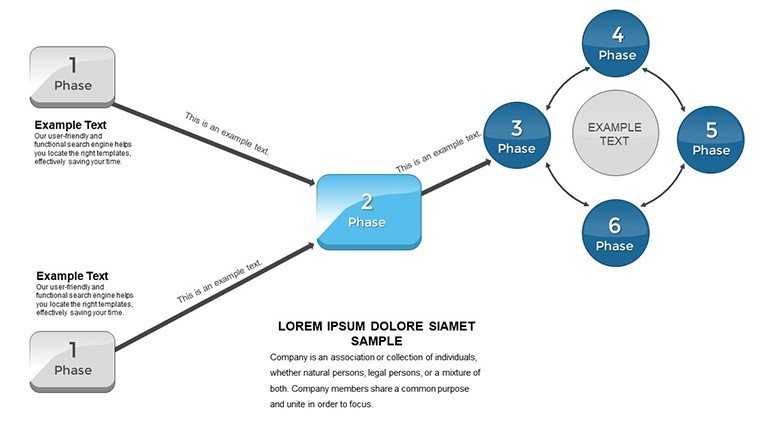
- Select Slides: Choose templates matching your sequence, like circular for iterative designs.
- Customize Details: Add specifics, colors coding urgency in critical paths.
- Incorporate Effects: Use transitions for dynamic reveals, enhancing engagement.
- Deliver and Iterate: Present, gather feedback, and refine for future uses.
This mirrors agile methodologies in architecture, as per Agile Alliance adaptations for design fields, boosting efficiency.
Beyond Basics: Elevating Process Presentations
Generic tools lack the phased focus this template provides, offering pre-linked slides for coherent narratives. In architecture, this means compliant visuals for permitting processes, with inclusivity features like high-contrast modes. A representative case: A boutique firm streamlined client approvals using phased charts, cutting revision cycles by 30%.
Embed LSI such as "workflow visualization charts" for enhanced utility.
Tips to Phase Your Way to Success
Humanize phases with anecdotes: Label a chart "From Dream to Beam" for whimsy. Cite sources like AIA contract documents for authority. Integrate with BIM software for data-rich phases, and animate for virtual tours of process evolutions.
Map your architectural processes today - acquire this template and phase in excellence.
Frequently Asked Questions
How many phases can I depict?
Flexible for any number, with expandable slides for detailed architectural sequences.
Supports animations?
Yes, built-in for revealing phases smoothly in presentations.
Ideal for education?
Perfect, with clear visuals for teaching process methodologies.
File compatibility?
.pptx format, works with PowerPoint and Google Slides.
Custom for specific industries?
Highly, especially tailored for architecture workflows.
Good for
- Project roadmaps and sprint plans
- Product launch timelines
- Quarterly or annual review decks
- Company history and milestone summaries
Licence
reviews
The comparison charts were the most helpful part for me.
Needed something quick for a business update.
A few icons looked strange with my content.
Easy template if you do not care much about design.
Worked fine once I simplified some slides.
FAQ
Will it work in Google Slides?
Are fonts embedded?
Can I use this for client work?
What's the refund policy?
Do you update the template after purchase?
Similar templates
See all PowerPoint Charts →


All 18 slides