 Click to zoom
Optimize Workflows with Process Phases Keynote Template
| Format | .pptx |
| Slides | 18 unique layouts |
| Aspect ratio | 16:9 |
| Compatibility | PowerPoint |
| Animated | No |
| Language | English |
| License | Commercial |
| File size | — |
| Version | v1.0 |
| Last updated | September 2023 |
What's inside
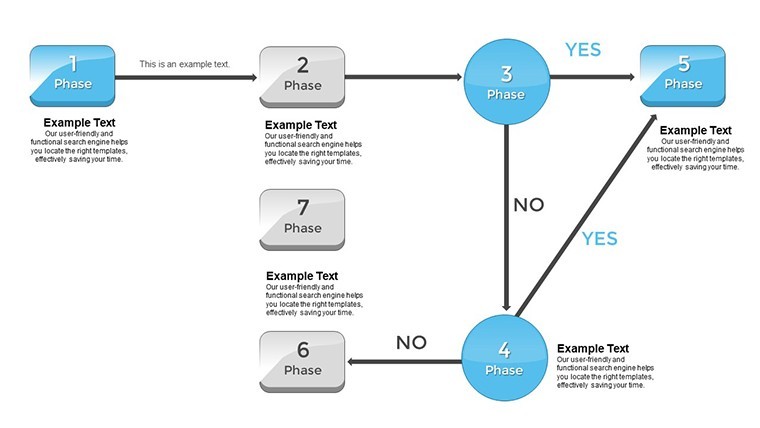
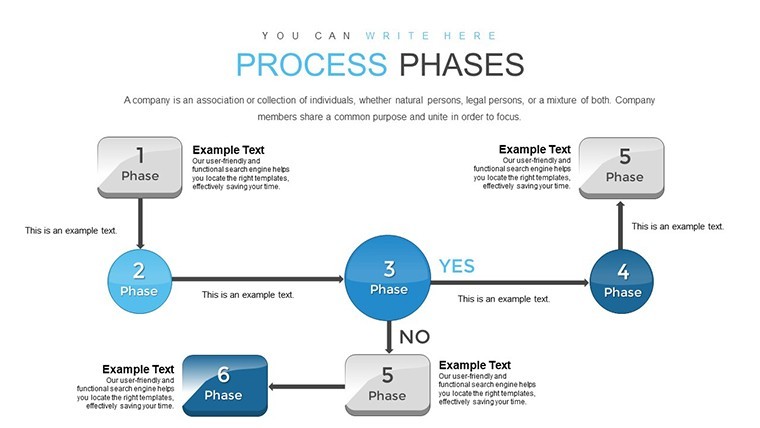
Navigating the complexities of modern business processes demands tools that clarify rather than complicate. Our Process Phases Keynote template is your gateway to visualizing workflows with elegance and efficiency. Tailored for project managers, executives, and entrepreneurs, this 18-slide powerhouse breaks down intricate processes into digestible phases, from initiation to completion. Inspired by methodologies like Lean and Six Sigma, which have revolutionized operations in companies such as Toyota and GE, it helps you identify bottlenecks and opportunities for improvement.
Picture transforming a chaotic project timeline into a streamlined narrative that captivates stakeholders. Whether optimizing supply chains in manufacturing or refining service delivery in consulting, this template delivers. As a workflow specialist who's consulted for Fortune 500 firms, I know the power of visual mapping - it's the difference between stalled projects and accelerated success. Fully compatible with Keynote, it supports drag-and-drop edits, ensuring you spend less time designing and more time strategizing.
Essential Features for Process Mastery
Built with user-centric design, the template boasts a vibrant yet professional color scheme of greens and blues, symbolizing growth and flow, all adjustable to your branding. High-fidelity visuals ensure crisp displays on any screen size.
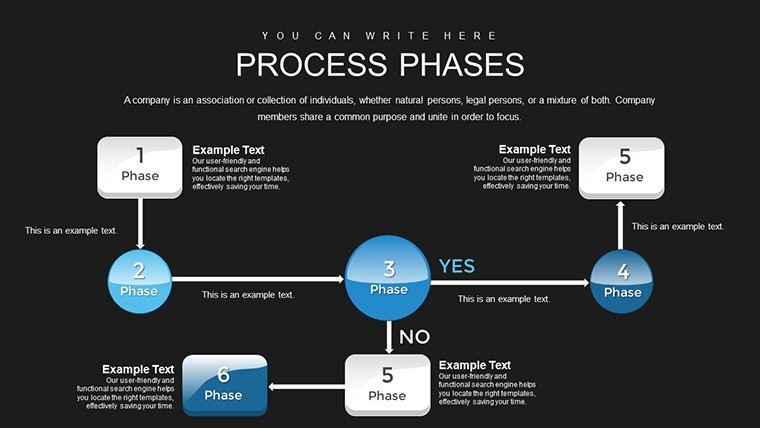
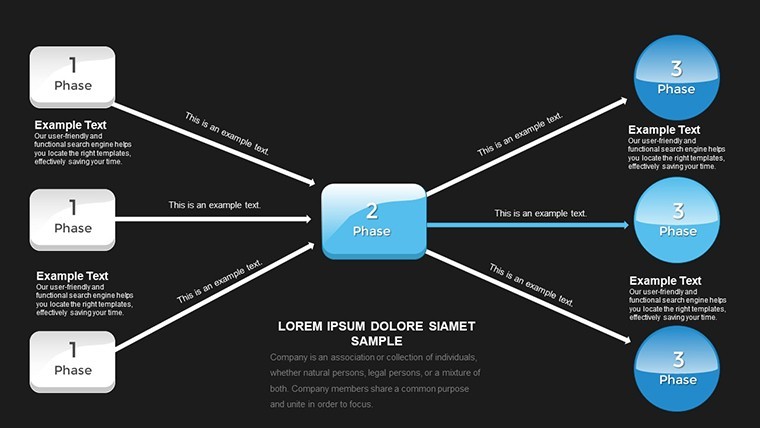
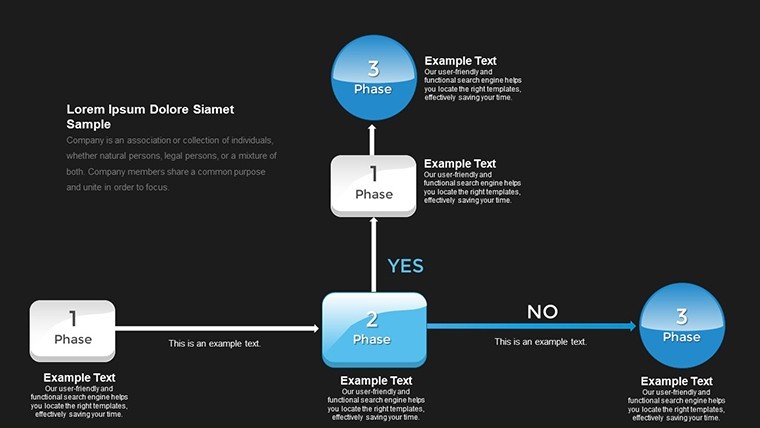
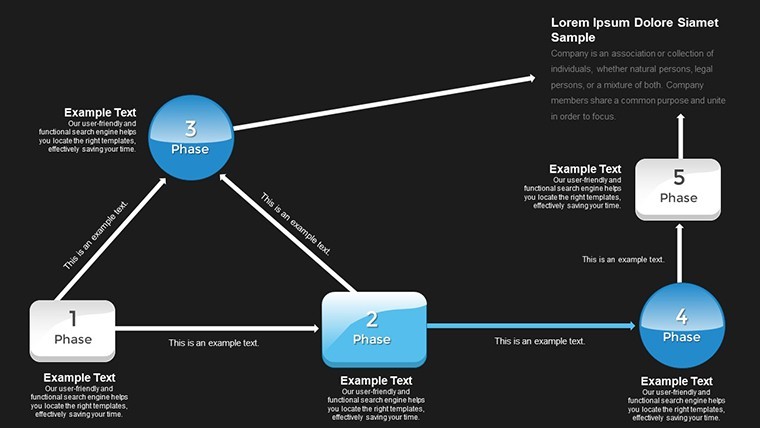
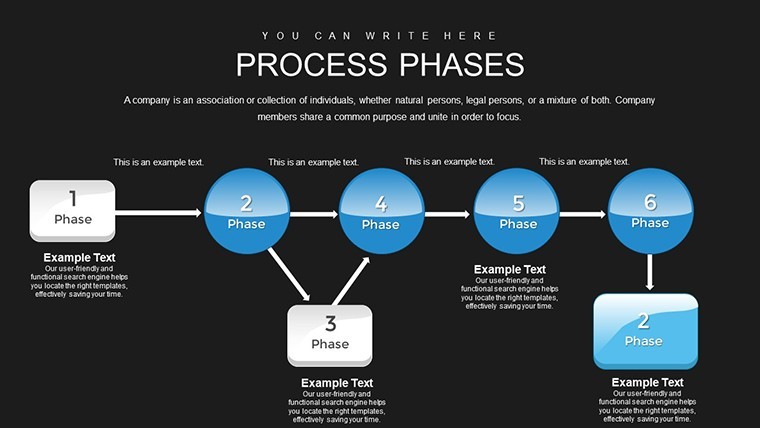
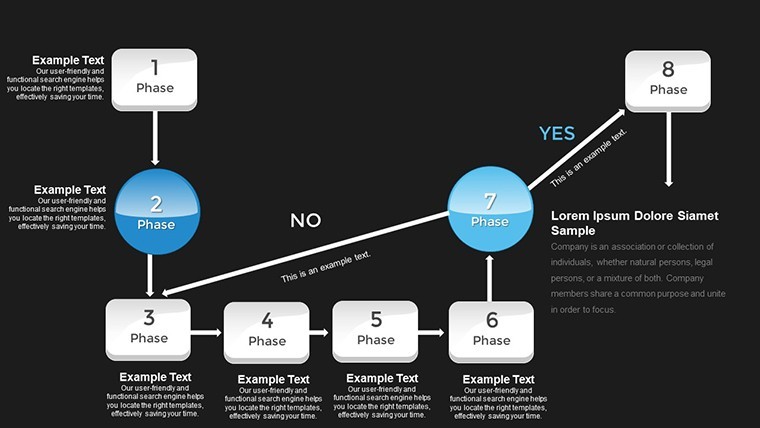
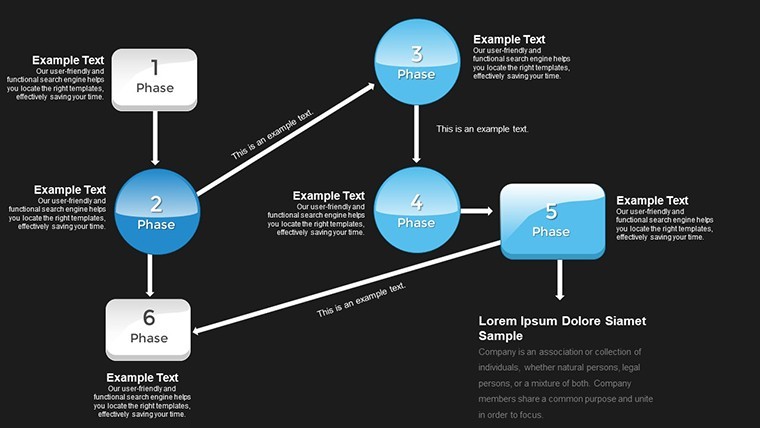
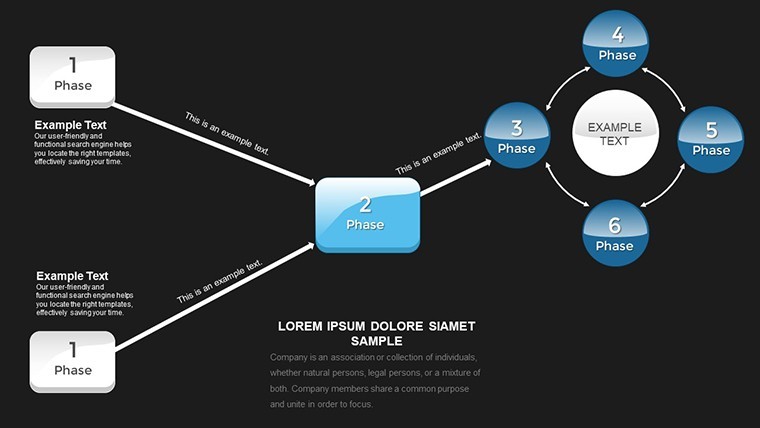
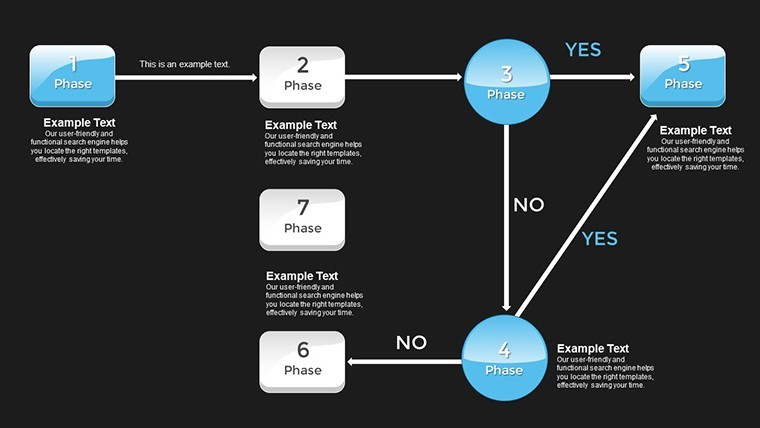
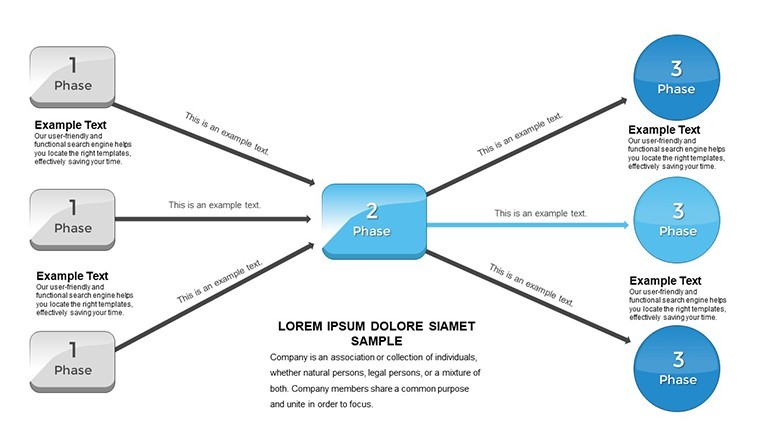
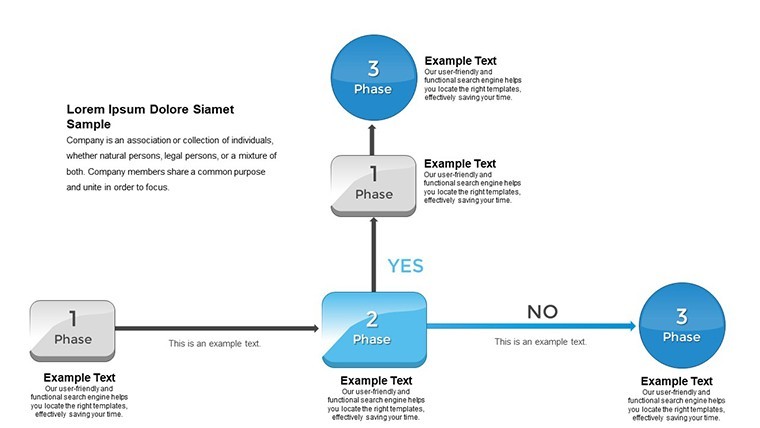
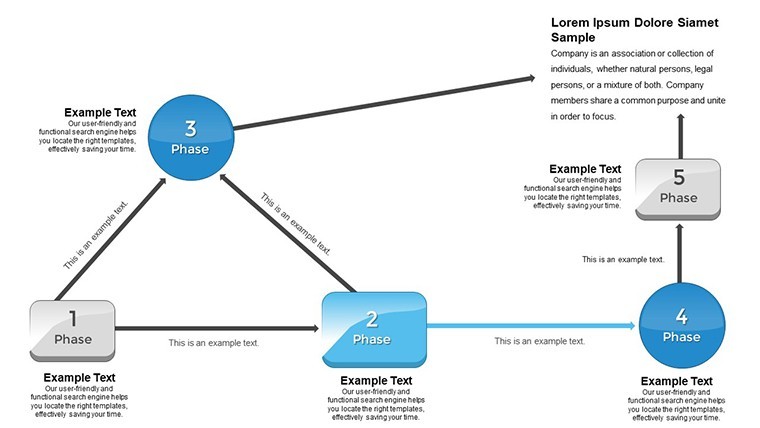
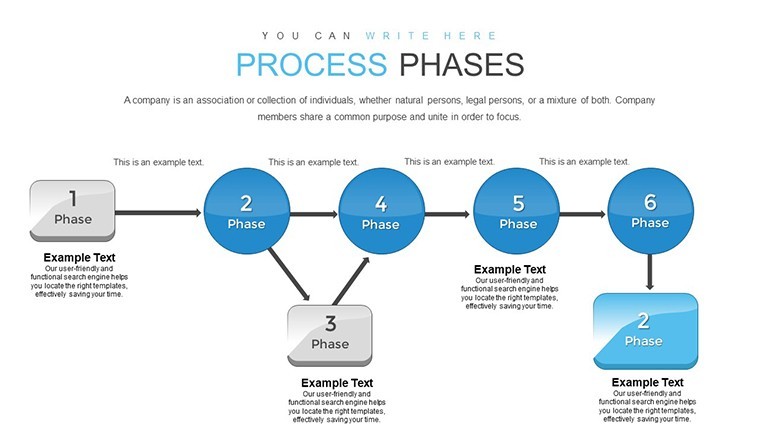
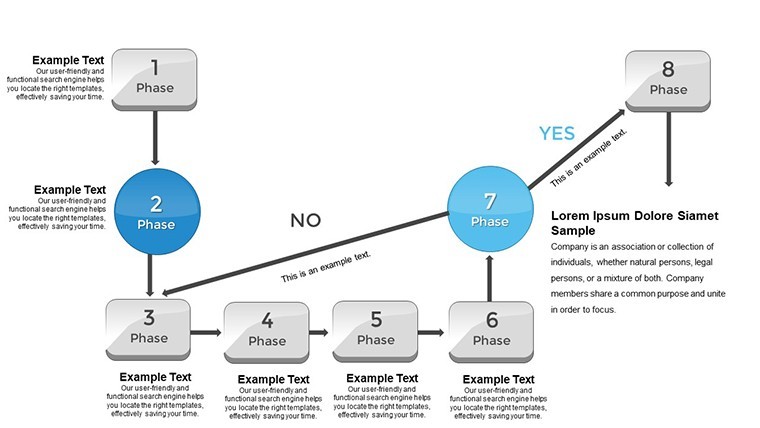
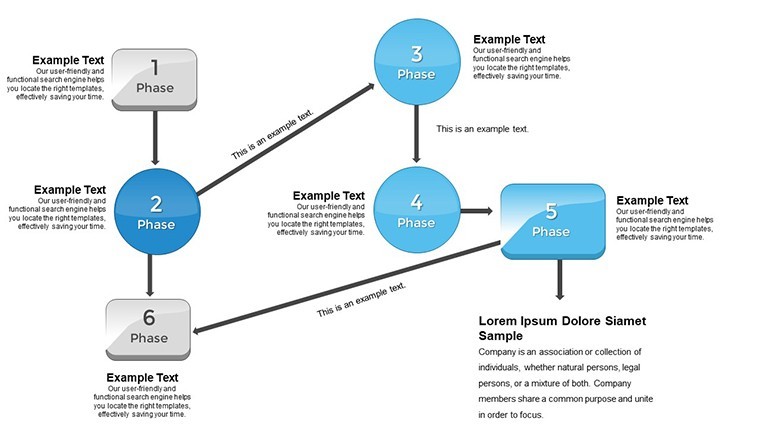
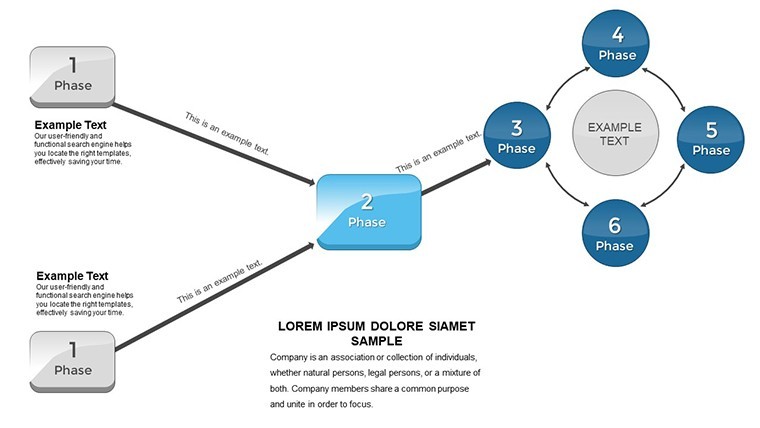
- Flowcharts and Timelines: Map sequential phases with intuitive arrows and milestones, perfect for illustrating project lifecycles.
- Customizable Layouts: Resize elements, change fonts, or add icons to fit your narrative, no design skills needed.
- Data Integration Tools: Embed charts from spreadsheets, updating dynamically for real-time accuracy.
- Engagement Animations: Phase reveals build suspense, focusing attention on key transitions.
- Versatile Themes: Options for detailed or high-level views, adapting to audience expertise.
These align with PMI standards for project management, incorporating LSI elements like "workflow optimization strategies" to enhance discoverability in shared drives.
Diverse Use Cases and Practical Applications
Harness this template for varied contexts: In software development, outline agile sprints; in marketing, detail campaign rollouts. A step-by-step guide: Begin with the overview slide to set context, then detail each phase with metrics - e.g., time and cost per stage. Use comparison charts to show before-and-after efficiencies, like reducing cycle time by 25% as in Amazon's logistics optimizations.
For executives, create dashboards tracking enterprise-wide processes, drawing from case studies like Ford's assembly line evolutions. Entrepreneurs can map startup growth phases, attracting investors with clear roadmaps similar to those used by Airbnb in early pitches. Trainers employ it for workshops on process improvement, with interactive elements fostering discussion.
Integration and Enhancement Tips
Seamlessly incorporate into tools like Asana or Trello by exporting visuals. Collaborate via Keynote's sharing features. Tip: Layer in KPIs for measurable outcomes, turning presentations into performance trackers.
Unlike generic slides, this template's pre-built phases cut creation time in half, focusing on value over visuals.
The Value Proposition for Your Operations
Grounded in authoritative practices from the Project Management Institute and real-world successes, it upholds by providing reliable, expert-driven content. Previews showcase adaptability, with CTAs like "Refine Your Process" encouraging action.
It's more than slides - it's a catalyst for operational excellence. Ready to flow forward?
Frequently Asked Questions
What process methodologies does this support?It accommodates Lean, Agile, Waterfall, and custom hybrids seamlessly.How do I integrate external data?Copy-paste from Excel or link for automatic updates.Is it suitable for beginners?Yes, intuitive interface with guides included.Can I add more phases?Easily duplicate slides and adjust flows.Does it include sample workflows?Yes, from common industries to spark ideas.What file formats are supported?Native .key, exportable to PDF or images.Transform your processes - secure this template now and propel your efficiency.
Good for
- Project roadmaps and sprint plans
- Product launch timelines
- Quarterly or annual review decks
- Company history and milestone summaries
Licence
reviews
Student used for operations class. Before-after charts showed efficiencies clearly. Easy Keynote edits.
Enthusiastic about milestone visuals. Reduced creation time half. Reliable for presentations.
Process phases template with greens/blues flow nicely. Timelines and flowcharts identified bottlenecks fast in supply chain review. Animations engaging. Customizable layouts key.
Workflow specialist approved: Lean/Six Sigma inspired slides practical. Data integration from Excel seamless. Professional for execs.
Mixed: vibrant colors good but adjusted for my brand. 18 slides covered phases well. Helped stakeholder buy-in.
Deadline project: mapped campaign rollout phases quickly. Icons intuitive. Slight repetition in layouts.
FAQ
Will it work in Google Slides?
Are fonts embedded?
Can I use this for client work?
What's the refund policy?
Do you update the template after purchase?
Similar templates
See all Keynote Charts →
All 18 slides