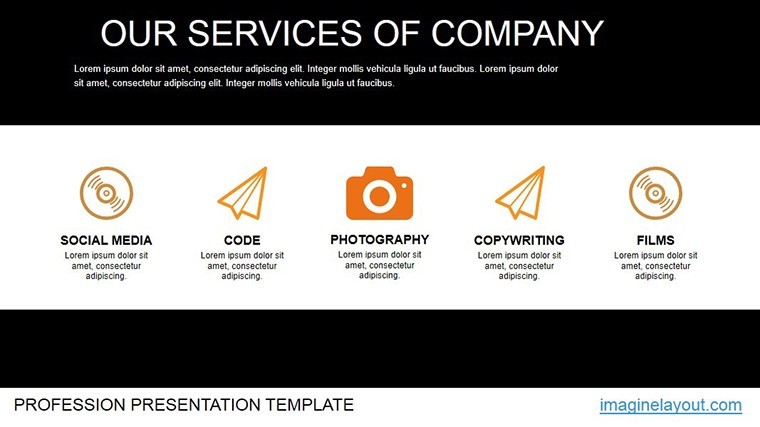
 Click to zoom
Infographics Keynote Charts - Instant Download | ImagineLayout
| Format | .pptx |
| Slides | 14 unique layouts |
| Aspect ratio | 16:9 |
| Compatibility | PowerPoint |
| Animated | No |
| Language | English |
| License | Commercial |
| File size | — |
| Version | v1.0 |
| Last updated | March 2026 |
What's inside
Package Contents
14 editable slides arrive in one .key file designed exclusively for Keynote.
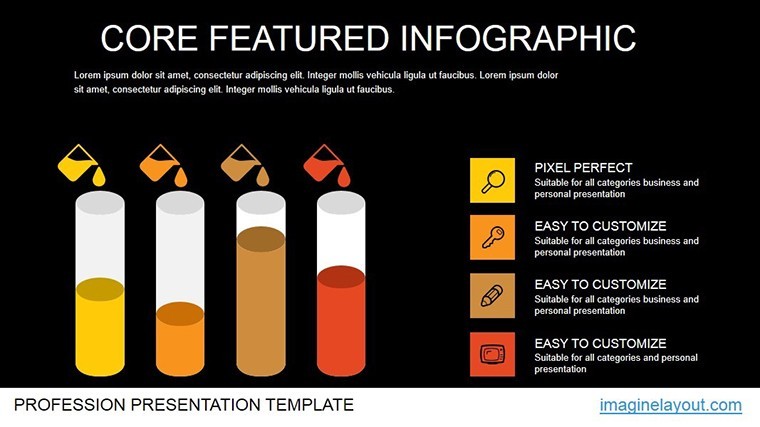
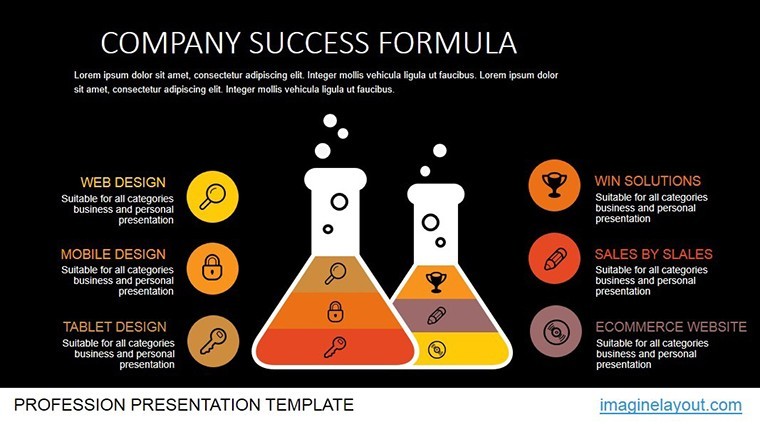
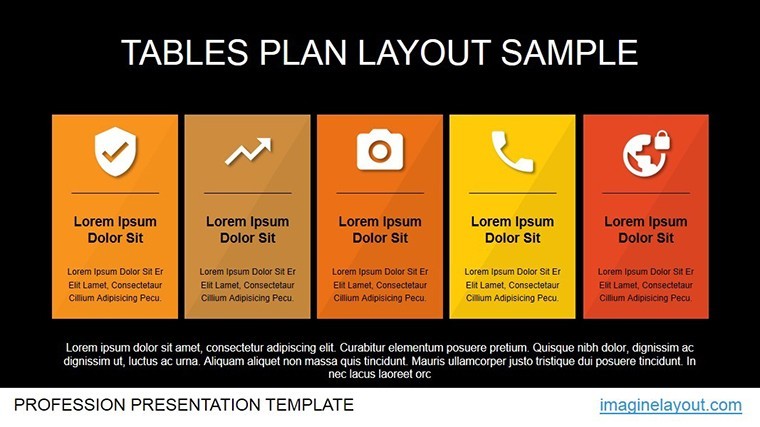
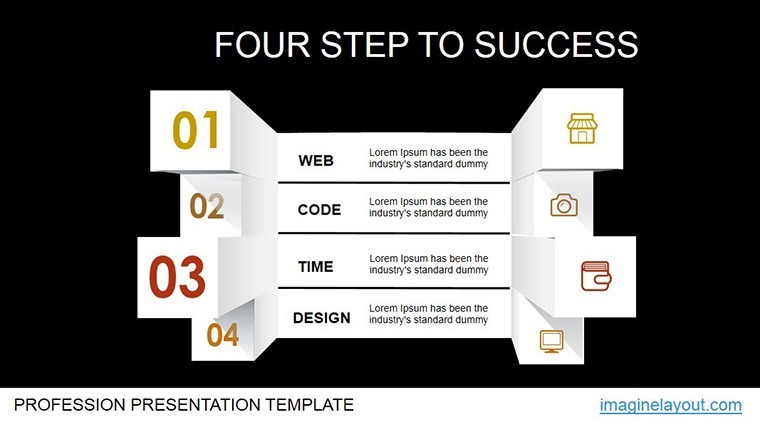
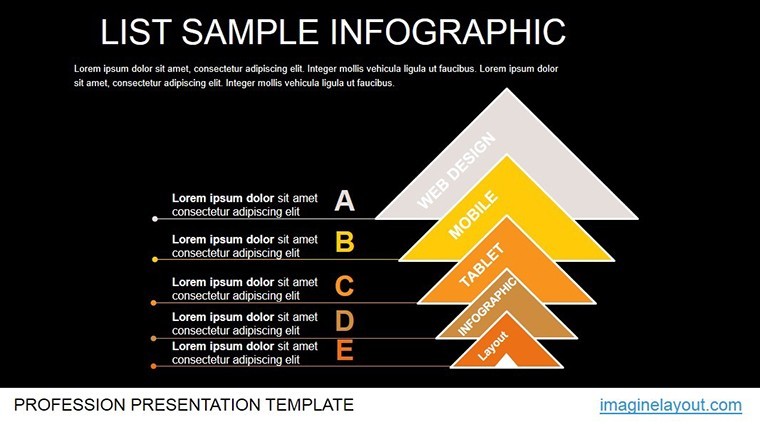
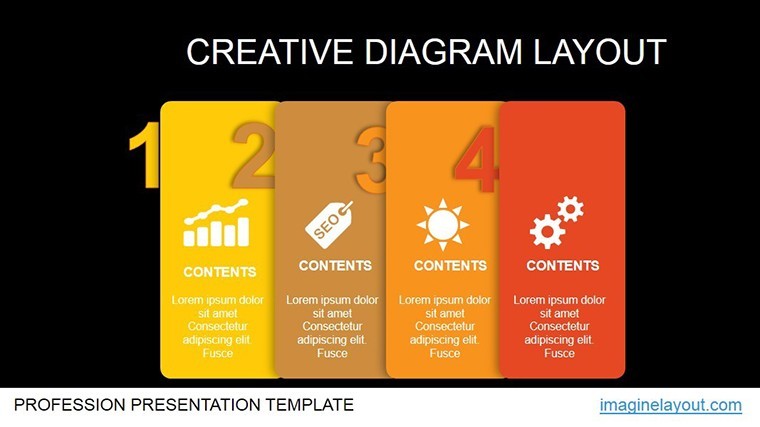
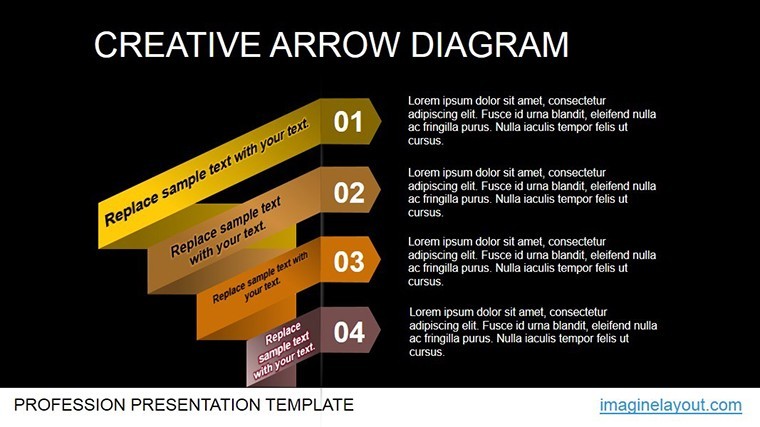
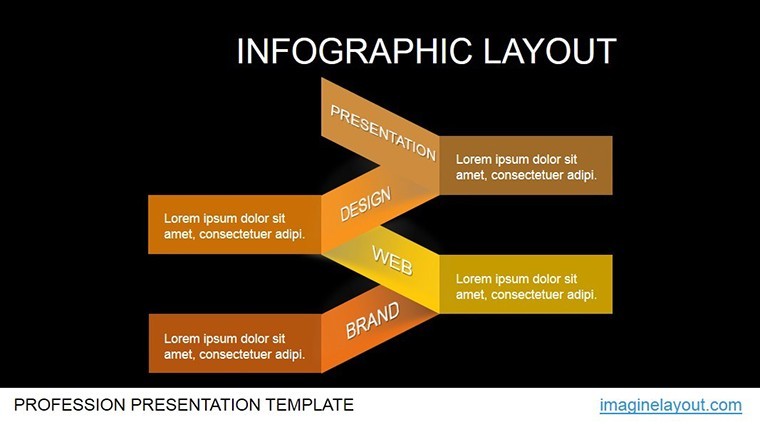
Infographic layouts link bar charts to flow diagrams supporting quick storytelling across marketing and education tasks.
Unlike single-metric sets this collection provides layered information spacing that supports multiple audiences in the same consulting deck.
At a Glance
FeatureDetailsSlides included14 editable infographic slidesIcon layersreplaceable without affecting surrounding layoutText placeholderseditable independently from shapesColor themesslide master compatible for instant swapsDiagram connectorsarrows adjustable for flow directionExport options.key editing PDF sharingAdapting the Template to Your Brand
Moderate difficulty. Follow these steps in Keynote under 15 minutes.
- Launch the .key file one minute
- Update placeholder text with your data three minutes
- Apply brand colors through the master two minutes
- Refine icon layers and export four minutes
Who Reaches for This Template
Marketing managers in tech firms build campaign overviews by editing infographic slides reusing the deck across quarterly reviews with simple color adjustments.
Educators in universities prepare lecture materials cutting slide creation time from three hours to 45 minutes.
Download the Professional Infographics Keynote Charts template now.
Building From Scratch vs. Starting Here
Manual infographic creation requires four hours plus design experience to maintain proper zone segmentation.
This template supplies ready diagram structure avoiding common alignment errors.
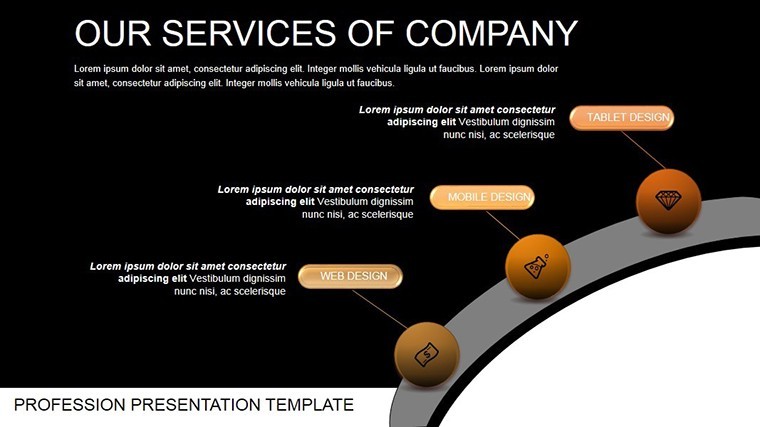
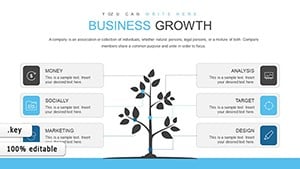
Many presentations place labels directly inside diagram shapes. That approach works on laptops but becomes harder to read on large projection screens. This layout keeps labels outside the shapes and connects them with thin lines improving clarity during live meetings without increasing editing complexity.
Get the template and simplify your next presentation.
Which Keynote versions does this template support?The template opens correctly in Keynote 12 and newer versions including the latest 2025 release. Older versions before Keynote 12 may show layout shifts because of missing shape effects. Test the file immediately after download to confirm compatibility with your installed version. If issues appear simply update Keynote through the App Store for full editable shapes and color theme support.
How do I change the color scheme?Select any slide then open the Format panel on the right. Click the color well next to the shape fill and pick your brand color. Repeat for all diagram connectors and text labels. The changes apply across the entire deck because of slide master compatibility. Save the file once finished to lock the new color contrast for your next sales report presentation.
What does the license allow for client work?You may use the template in paid client projects including investor decks and board briefings. The license covers unlimited presentations for your own business or clients. Resale of the original file or sublicensing to third parties is not permitted. Modify the diagrams freely and export PDFs for distribution without additional fees.
What does the free version include versus the paid version?The free version provides only a single static preview slide with locked elements. The paid version unlocks the complete 14 editable slides plus all diagram connectors and icon layers. Full text placeholders and color theme adjustments become available only after purchase. This difference lets you test the layout composition before committing to the full financial set.
What software is required to open the files?Apple Keynote is required on macOS or iOS devices. The .key format does not open in PowerPoint or Google Slides. Download the free Keynote app if you do not already have it. No additional plugins or fonts are needed because all elements use standard system resources.
What is the refund policy?Refunds are available within 14 days of purchase if the file fails to open in your Keynote version. Send the order number and a screenshot of the error to support. Refunds are not granted after successful download and editing because the product is digital. All sales are final once the template has been customized.
Good for
- Project roadmaps and sprint plans
- Product launch timelines
- Quarterly or annual review decks
- Company history and milestone summaries
Licence
reviews
Used for data slides the charts were easy to edit
Office report visuals looked clean after updating numbers
Bar charts helped compare values quickly
I used it in a rush and it worked
Some chart styles feel repetitive
FAQ
Will it work in Google Slides?
Are fonts embedded?
Can I use this for client work?
What's the refund policy?
Do you update the template after purchase?
Similar templates
See all Keynote Charts →
All 14 slides