 Click to zoom
Company Organization Keynote Charts: Navigate Change with Structured Visuals
| Format | .pptx |
| Slides | 18 unique layouts |
| Aspect ratio | 16:9 |
| Compatibility | PowerPoint |
| Animated | No |
| Language | English |
| License | Commercial |
| File size | — |
| Version | v1.0 |
| Last updated | May 2022 |
What's inside
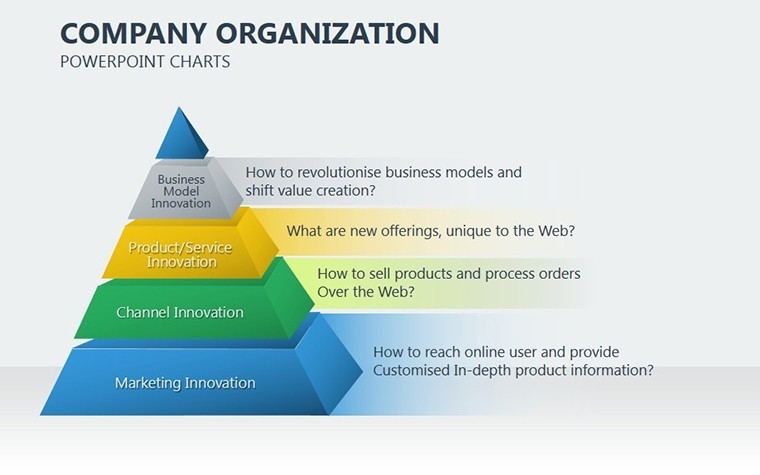
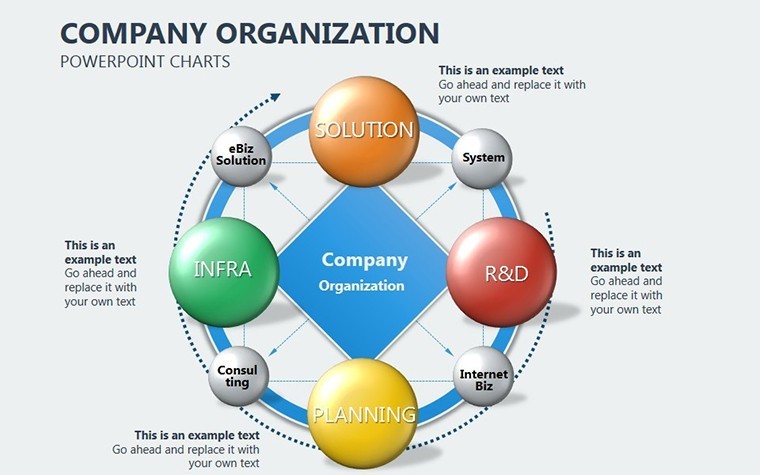
Organizational evolution is a cornerstone of success in both commercial and governmental sectors, yet communicating these shifts effectively can be challenging. Enter the Company Organization Keynote Charts template, a robust solution with 18 editable slides dedicated to illustrating structures, hierarchies, and transformation pathways. This template is crafted for leaders driving soft change initiatives - those that minimize conflicts and maximize buy-in - making it perfect for strategy sessions, restructuring announcements, and performance reviews.
Visualize a scenario where your org chart not only maps roles but also highlights growth opportunities, inspiring teams to embrace the future. Aimed at executives, consultants, and change managers, it supports the nuanced needs of modern organizations, from startups scaling up to public entities reforming policies. With native Keynote support and easy adaptation to PowerPoint and Google Slides, it fits any collaborative environment, turning potential disruptions into opportunities for alignment and efficiency.
Core Features Driving Organizational Clarity
Rooted in business model frameworks, this template uses proven visualization techniques to depict change without chaos. Its aesthetic is modern and hierarchical, with clean grids and connecting lines that symbolize unity and progression.
- 18 Dynamic Slides: Comprehensive coverage from basic org overviews to detailed change roadmaps, all customizable for your context.
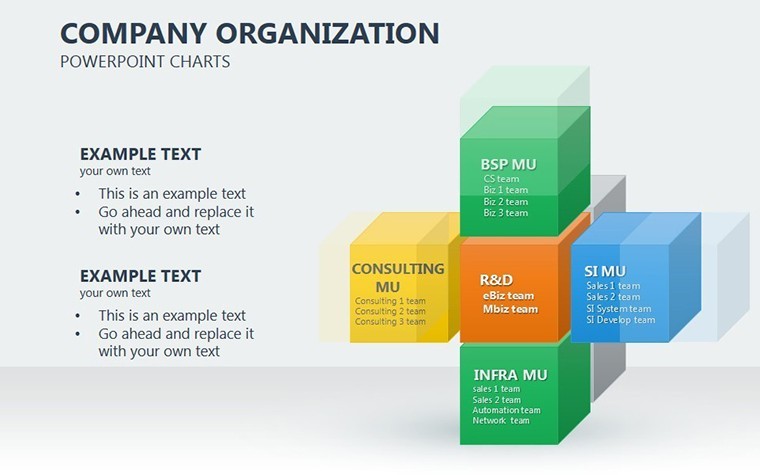
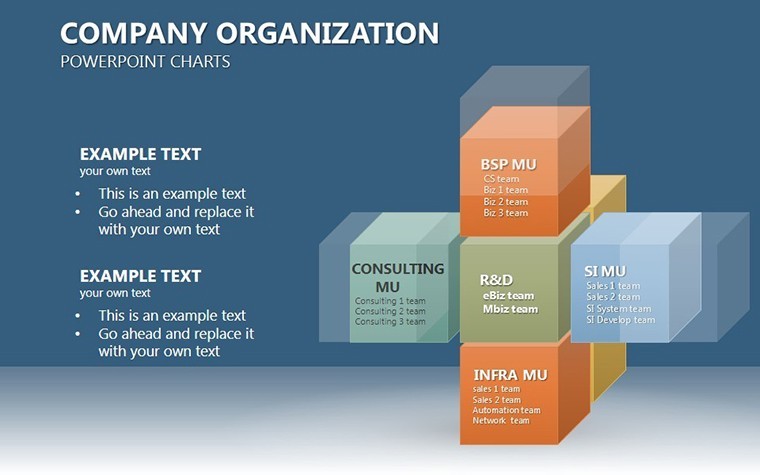
- Hierarchy-Focused Charts: Org trees, matrix layouts, and evolution timelines tailored for commercial and gov applications, emphasizing non-destructive transitions.
- Intuitive Editing Tools: Layered elements allow quick rearrangements, with auto-align features for professional polish.
- Universal Compatibility: Keynote-optimized but fully functional in PowerPoint and Google Slides for cross-platform sharing.
Subtle build animations simulate organic growth, mirroring real change processes to engage viewers psychologically.
Essential Slide Breakdowns
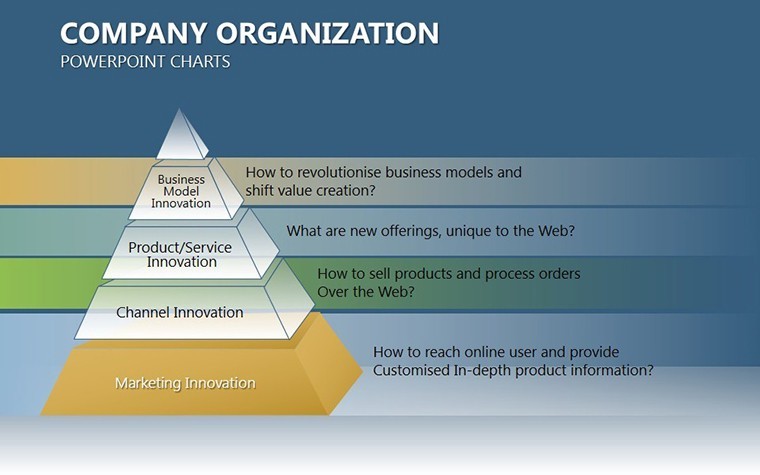
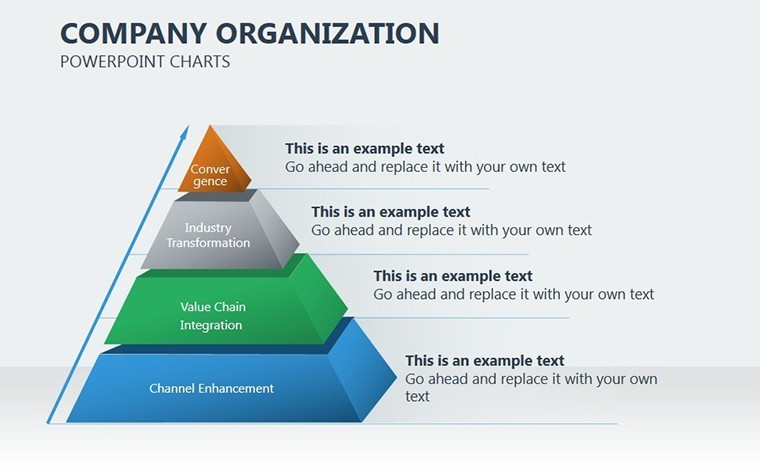
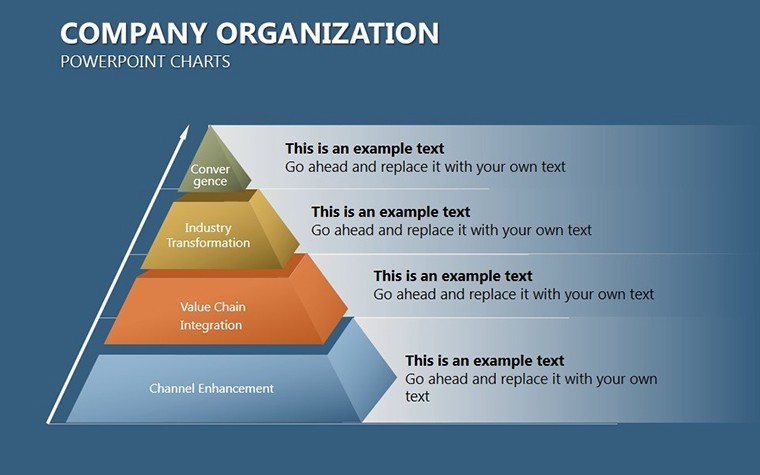
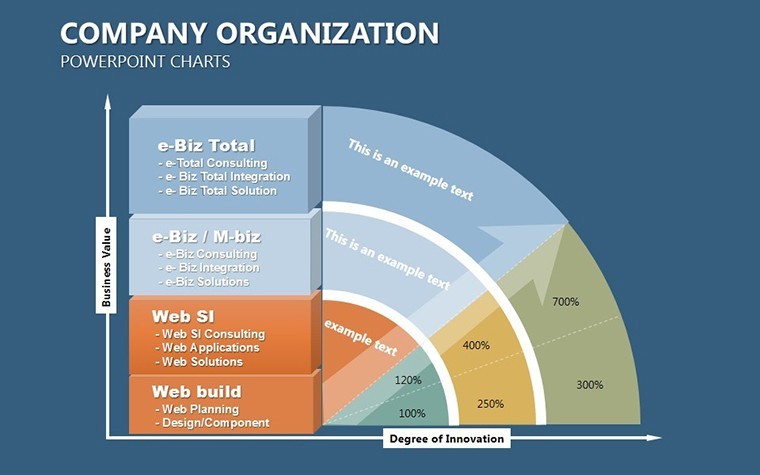
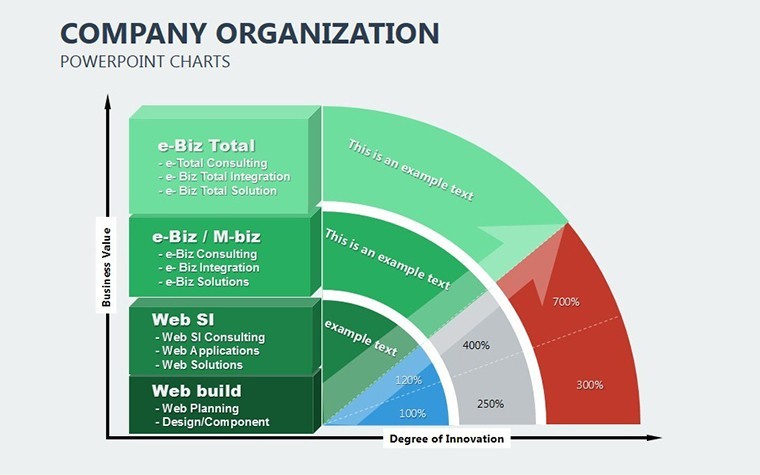
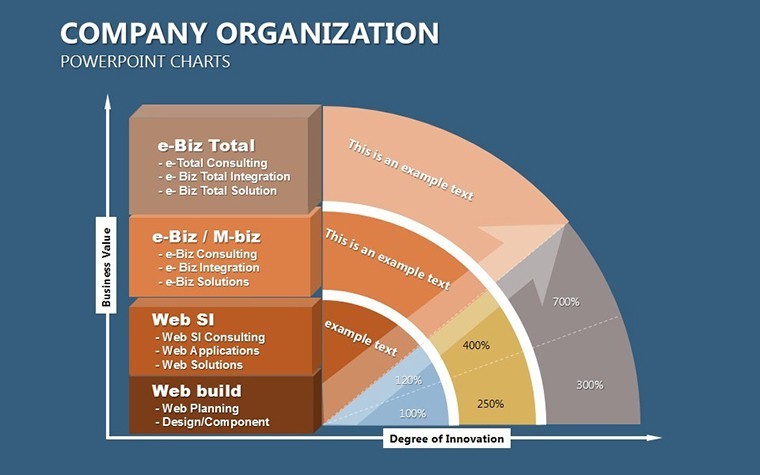
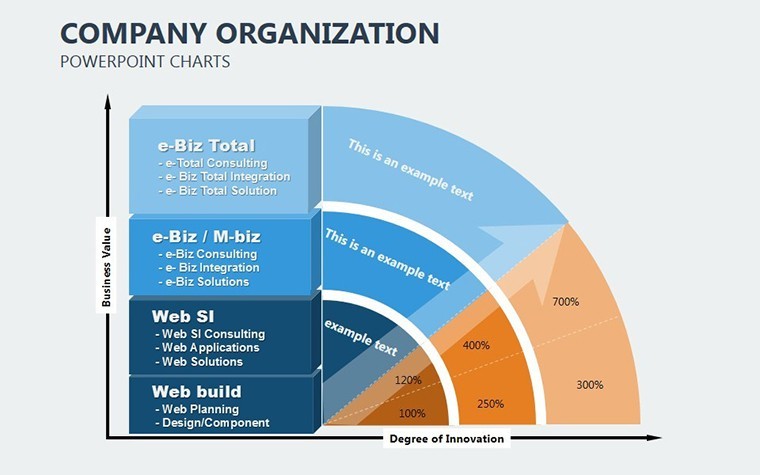
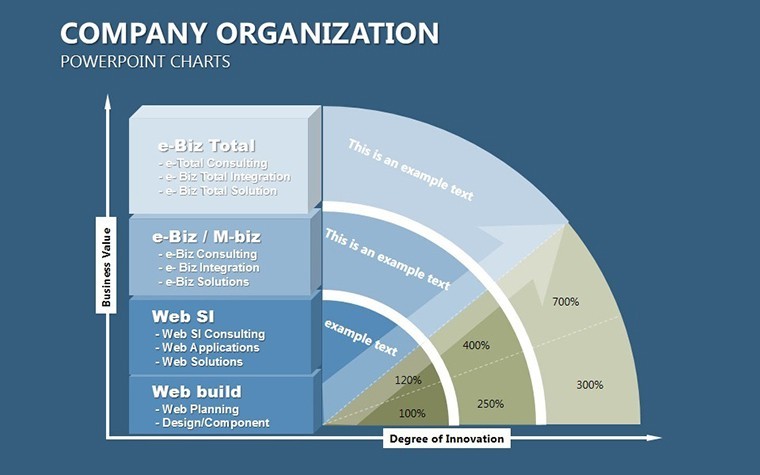
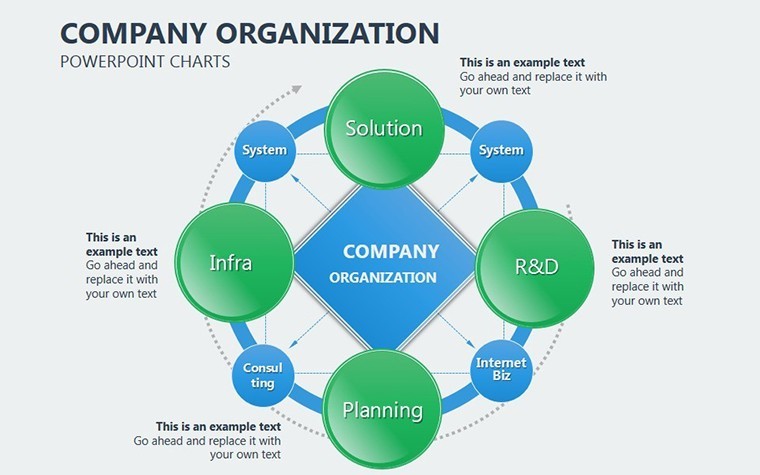
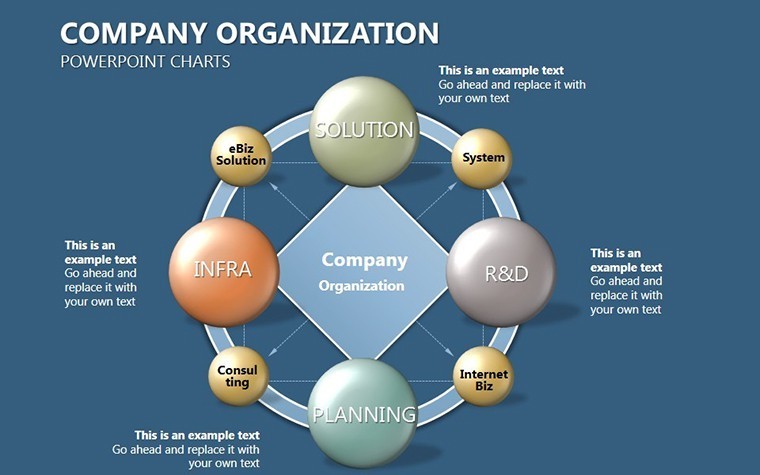
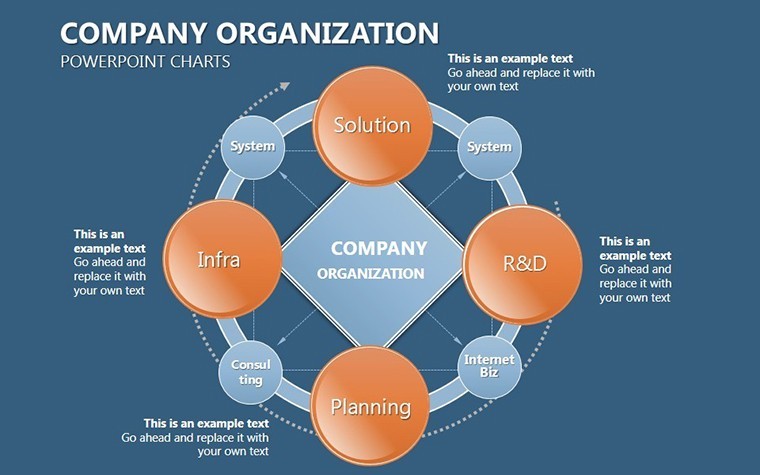
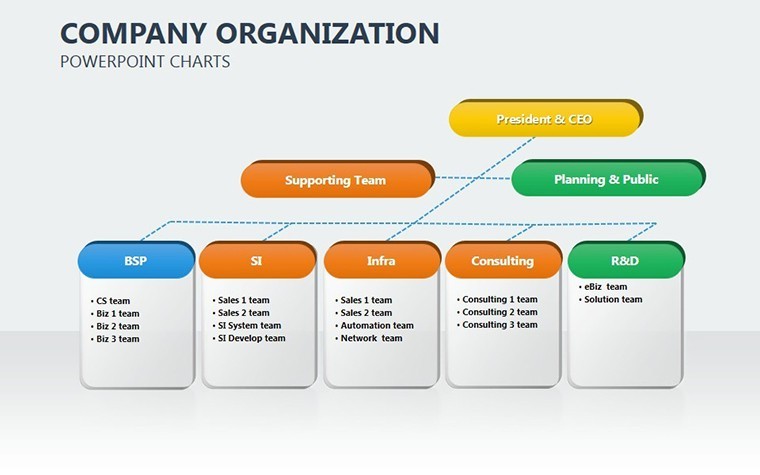
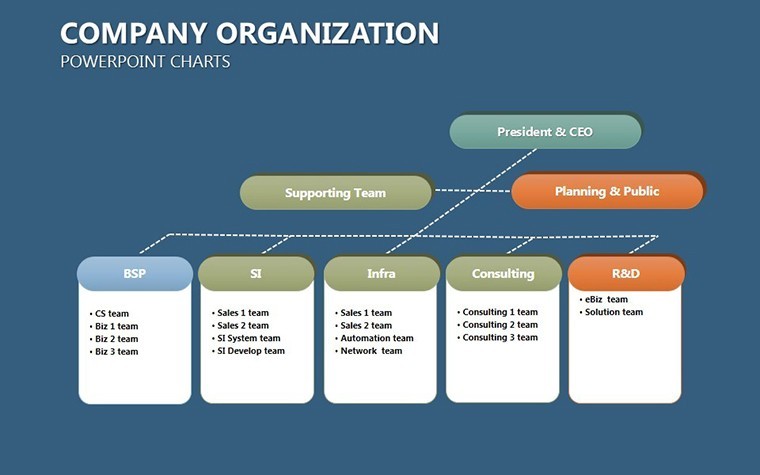
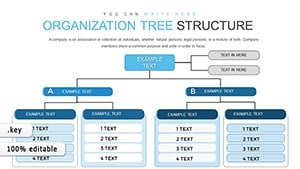
The flagship Organizational Hierarchy Tree slide branches out roles and reporting lines, ideal for clarifying post-merger structures. Add departments and watch connections form seamlessly.
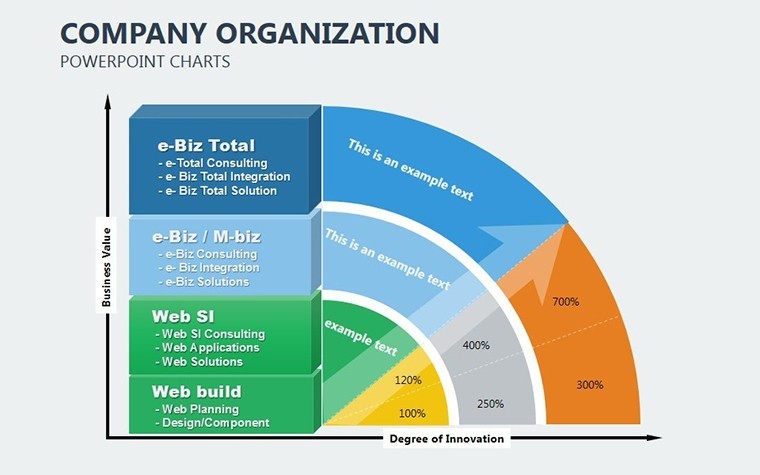
For transformation, the Change Management Flowchart sequences phases like assessment, implementation, and evaluation, drawing from models like Kotter's 8-Step Process. In government settings, use the Policy Impact Diagram to link reforms to outcomes, such as efficiency gains in public services.
- Assess Current State: Input existing structures via simple dropdowns.
- Model the Future: Drag nodes to reflect proposed changes; colors differentiate impacts.
- Validate and Present: Test animations to ensure smooth narrative flow.
Targeted Use Cases in Business and Government
In commercial realms, deploy during board meetings to outline departmental realignments, as seen in tech firms adapting to agile methodologies - visuals that reduced resistance by 30% in similar cases. For government, it's gold for policy overhauls, mapping agency interactions to streamline operations without turf wars.
Consultants love it for client workshops: A before-after comparison slide showcases restructuring benefits, quantifying improvements like cost savings. In educational non-profits, adapt for team expansions, ensuring everyone sees their place in the bigger picture.
Versus standard templates, this one's emphasis on 'soft change' integrates psychological elements, like positive framing, to foster acceptance - aligned with HR best practices from SHRM.
Workflow Enhancement Strategies
Integrate with tools like Lucidchart for initial sketches, then finalize in Keynote. For remote teams, Google Slides enables version control. Tip: Use consistent icons for roles to build familiarity. Environmentally, digital formats support paperless initiatives in gov compliance.
Why This Template Excels in Change Management
It goes beyond diagrams to embody strategic communication, with LSI terms like 'hierarchy visualization' enhancing discoverability. Users praise its role in smoother transitions, often citing faster adoption rates.
Elevate your org's narrative; secure the Company Organization Keynote Charts template immediately and lead change confidently. Customize for your next initiative!
Frequently Asked Questions
How does it support soft change initiatives?
By visualizing gradual transitions with flowcharts and phased timelines, minimizing conflict through clear, empathetic designs.
Slide sizes available?
Supports 16:9 widescreen, 4:3 standard, and 16:10 for versatile display options.
Export to PowerPoint?
Yes, high-fidelity exports preserve structures and edits.
Suitable for government use?
Perfectly, with neutral designs fitting official presentations and compliance needs.
Editing complexity?
Beginner-friendly with drag-and-drop; advanced for custom hierarchies.
Update frequency?
Lifetime access includes periodic enhancements.
Good for
- Project roadmaps and sprint plans
- Product launch timelines
- Quarterly or annual review decks
- Company history and milestone summaries
Licence
reviews
I only needed the comparison chart slides and they were fine.
Some layouts felt too busy with arrows everywhere.
Easy enough to swap in my own company colors.
Good for quick business presentations.
Didn’t run into any technical issues.
FAQ
Will it work in Google Slides?
Are fonts embedded?
Can I use this for client work?
What's the refund policy?
Do you update the template after purchase?
Similar templates
See all Keynote Charts →
All 18 slides