 Click to zoom
Sales Growth Earnings Keynote Charts - Fully Editable | ImagineLayout
| Format | .pptx |
| Slides | 28 unique layouts |
| Aspect ratio | 16:9 |
| Compatibility | PowerPoint |
| Animated | No |
| Language | English |
| License | Commercial |
| File size | — |
| Version | v1.0 |
| Last updated | April 2026 |
What's inside
For quarterly board decks with no designer the 28 sales growth charts keep everything aligned.
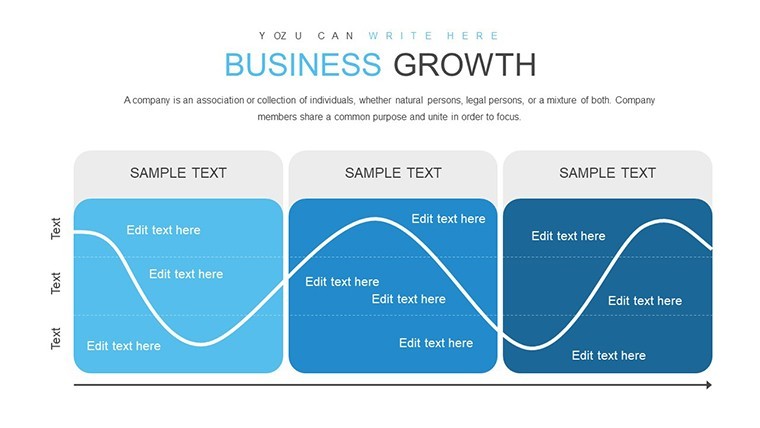
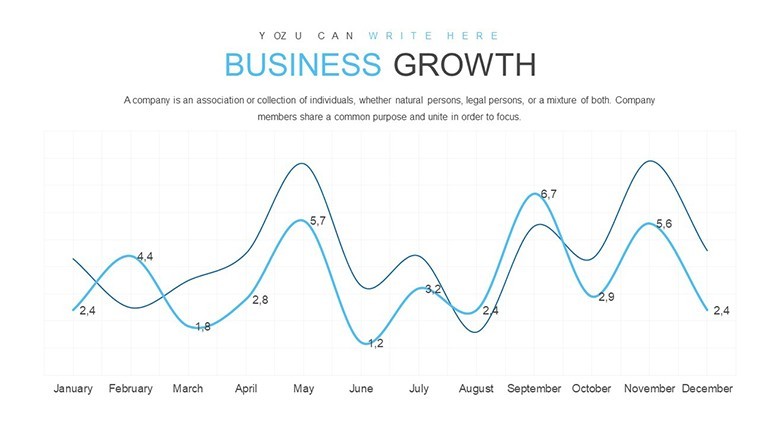
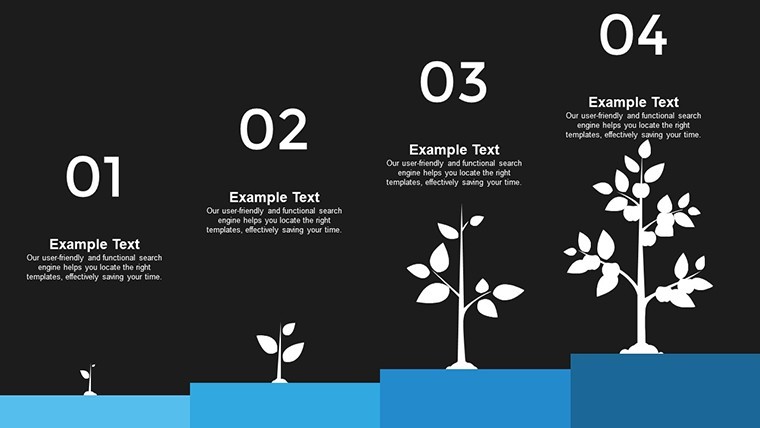
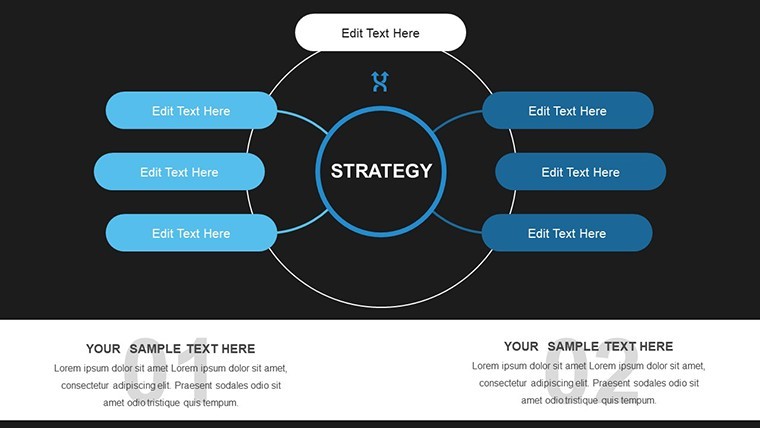
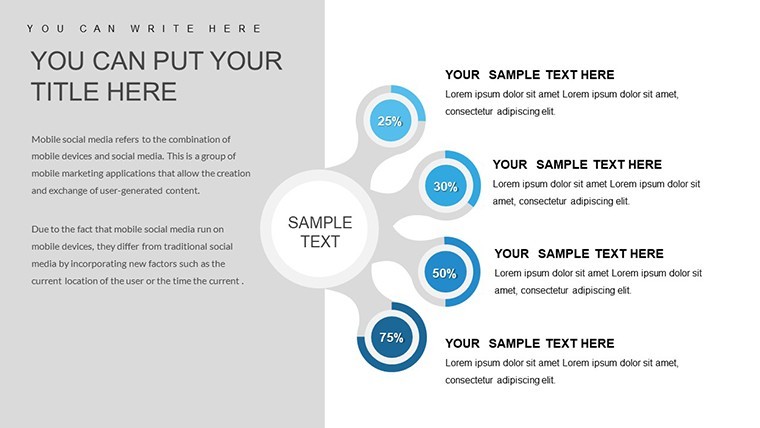
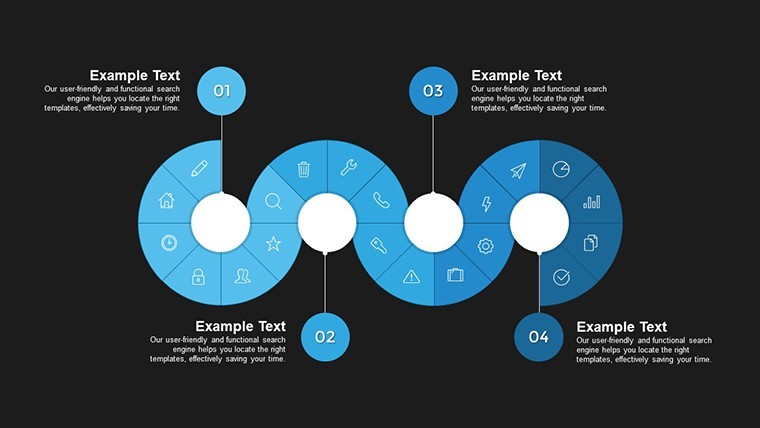
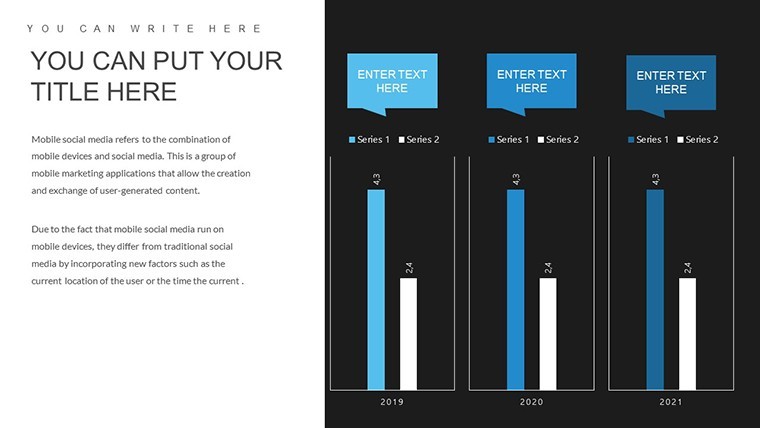
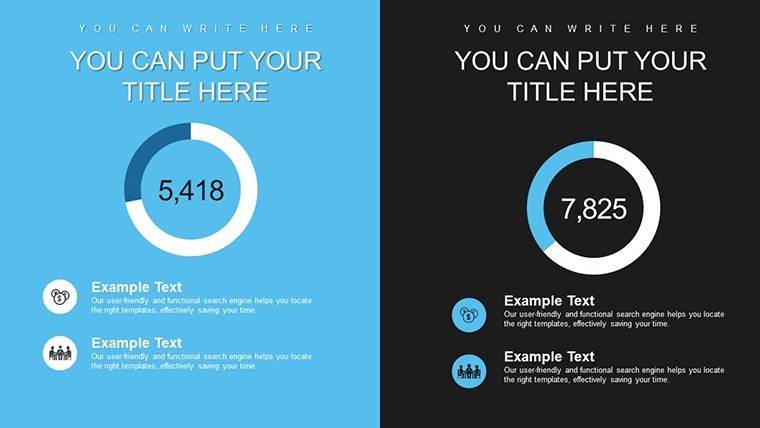
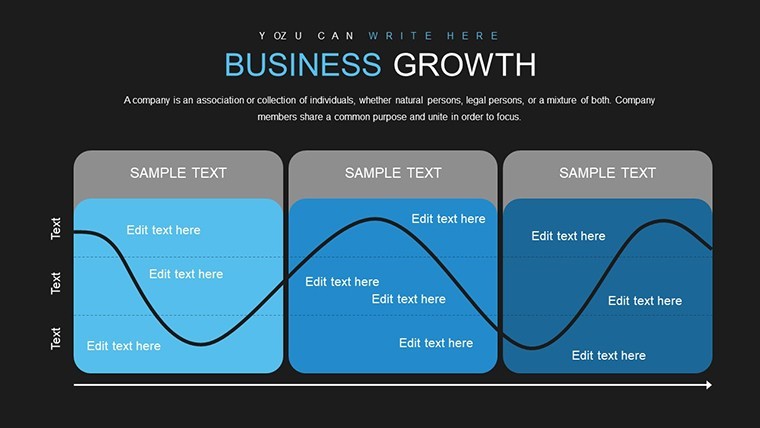
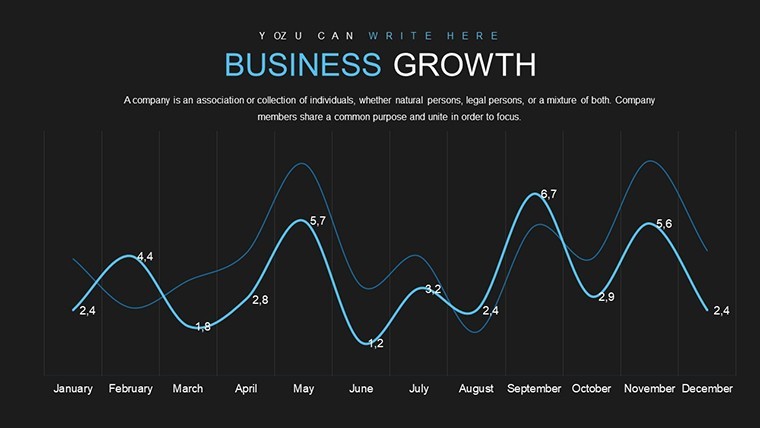
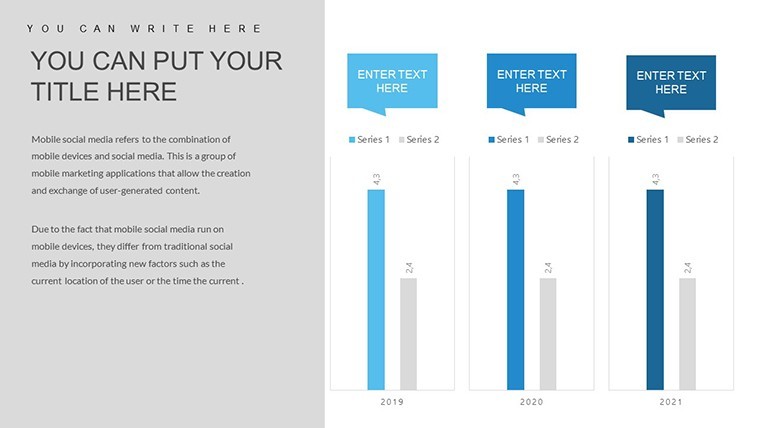
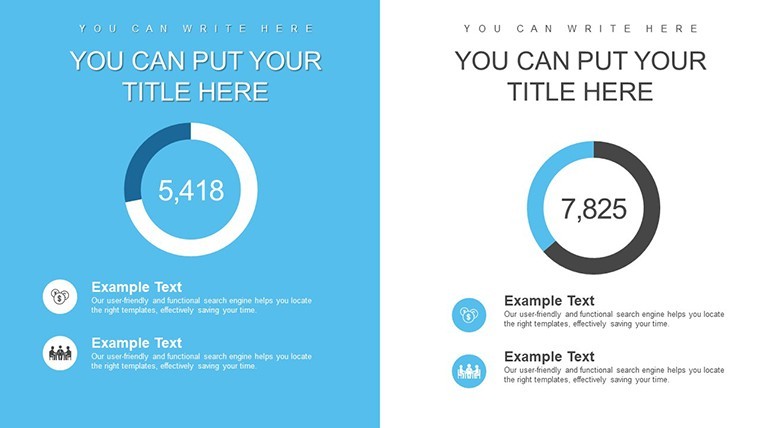
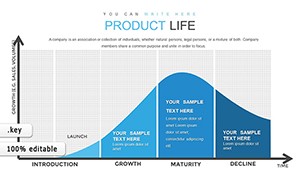
28 editable slides in .key format deliver bar area line and pie charts for earnings and growth tracking. You can duplicate slides and reuse the same structure.
The paid version unlocks the full 28 editable slides. In most cases color and data updates take seconds. Teams typically apply the same layouts to monthly performance updates.
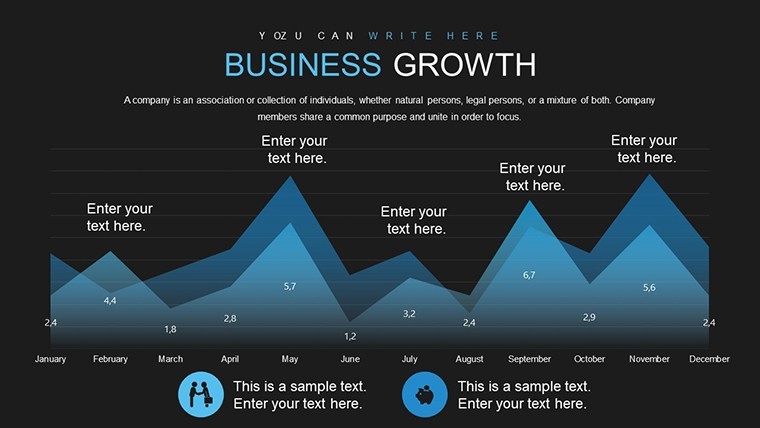
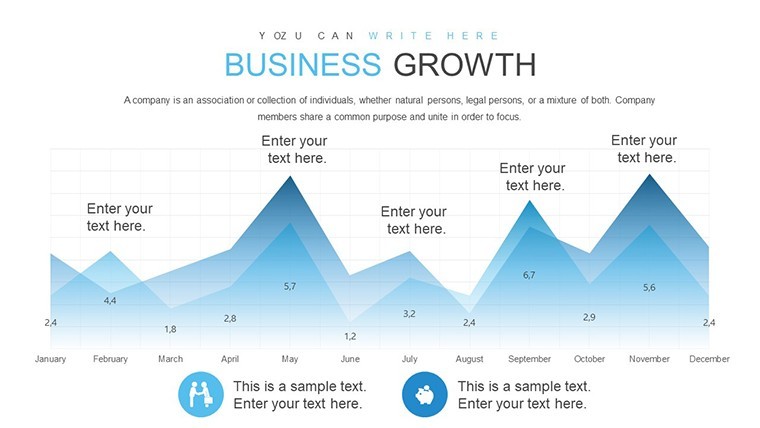
When you need to show inbound leads first purchases and repeat sales to executives the area graphs and trend lines organize the numbers out of the box instead of building diagrams manually. The structure prevents overcrowded slides and keeps focus on key metrics.
These charts support trend and component analysis so you identify growth drivers or slowdowns quickly. Viewers reach decisions on expansion strategies after seeing the breakdown. The layouts stay clean even when you swap large data sets.
This template suits sales managers financial analysts and entrepreneurs who prepare expansion updates. It works best for time-series data not purely qualitative content. Not ideal when your story needs heavy custom illustrations or photos.
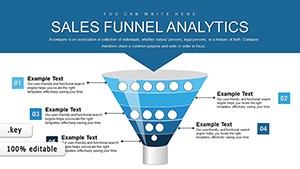
Use this when you need to visualize revenue accumulation without manual chart creation. See also the Growth Prospects Keynote Charts Template or Sales Funnel Analytics Keynote Template.
Ready to edit.
Download and start editing immediately
How do I change colors via slide master?Open Keynote and go to View > Master Slides. Select the master that contains your chart then click any element like a bar or line to pick a new color from the palette. All slides update instantly with one change which is useful when you need to match brand colors across an entire deck.
Can I use this for client work?Yes one license allows you to create presentations for multiple clients with the purchased template. You may deliver the final exported PDF or video to clients but you cannot resell or share the original .key file itself. This covers both internal and external commercial use.
What is the difference between free and paid versions?The paid version provides the complete set of 28 editable slides with all charts and layouts fully unlocked. Any free preview if offered contains only sample slides or watermarked versions. The full paid file gives you every vector element and master ready for immediate customization.
What are the refund conditions?Refunds are available within 14 days of purchase if the template does not meet your needs and you have not used it in any commercial project or exported final files. Contact support with your order details for a prompt full refund. No refunds after the file has been edited or integrated into presentations.
What Keynote version and macOS does this template require?The files follow standard KEY formats and work with Keynote 6.0 and later on macOS. They also open on iPad and newer iOS versions. No Windows native support but you can run Keynote via virtualization if needed.
Good for
- Project roadmaps and sprint plans
- Product launch timelines
- Quarterly or annual review decks
- Company history and milestone summaries
Licence
reviews
The chart layouts were cleaner than the free templates I tried before.
Used it for sales data and the comparison slides helped a lot.
Some icons looked generic but acceptable.
Would probably reuse a few slides later.
FAQ
Will it work in Google Slides?
Are fonts embedded?
Can I use this for client work?
What's the refund policy?
Do you update the template after purchase?
Similar templates
See all Keynote Charts →
All 28 slides