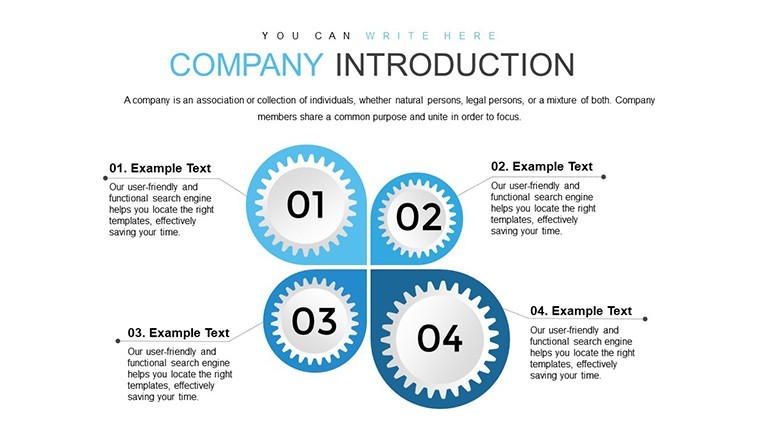
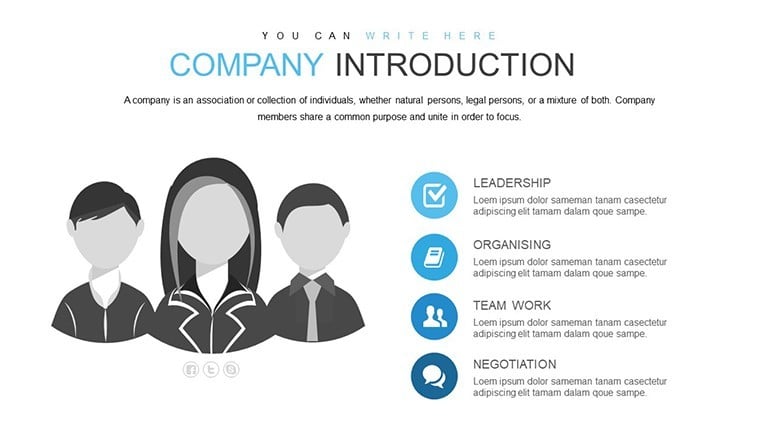
 Click to zoom
Company Introduction Keynote Charts - Editable Keynote | ImagineLayout
| Format | .pptx |
| Slides | 38 unique layouts |
| Aspect ratio | 16:9 |
| Compatibility | PowerPoint |
| Animated | No |
| Language | English |
| License | Commercial |
| File size | — |
| Version | v1.0 |
| Last updated | April 2026 |
What's inside
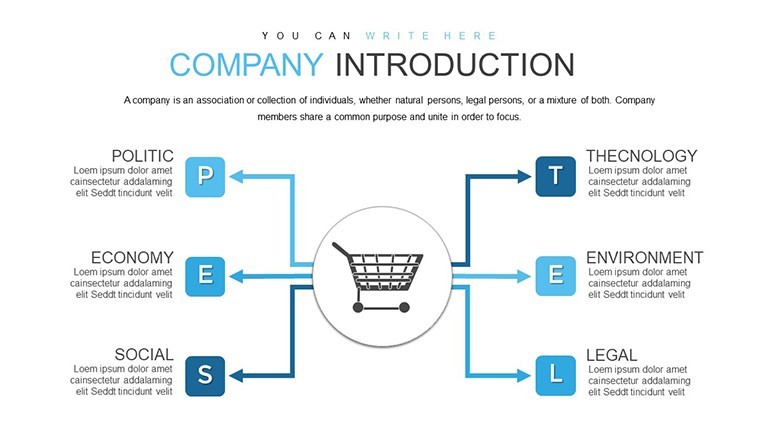
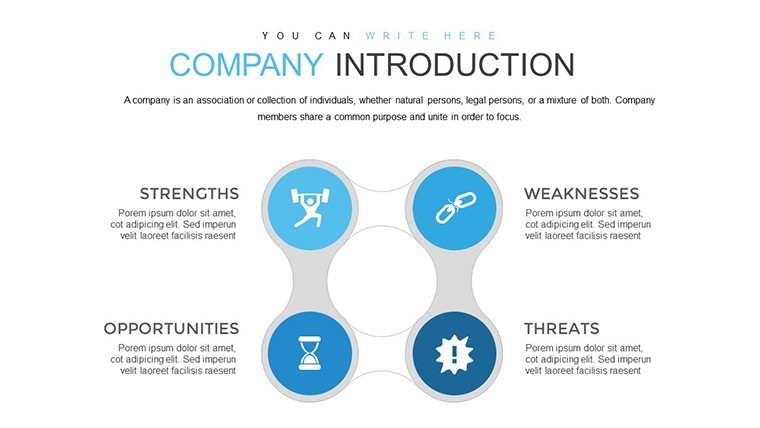
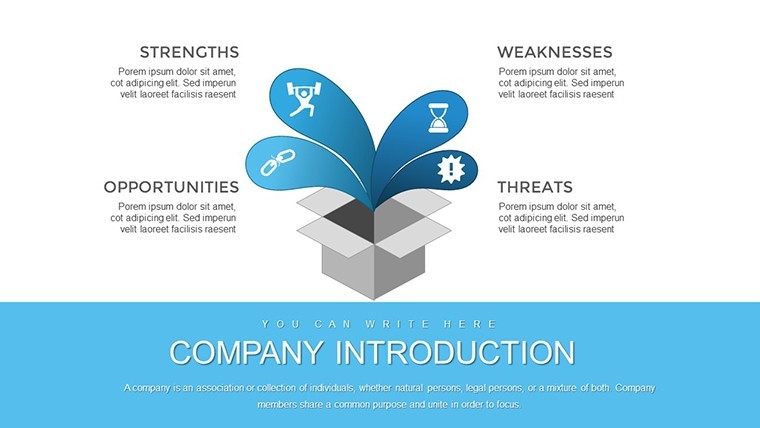
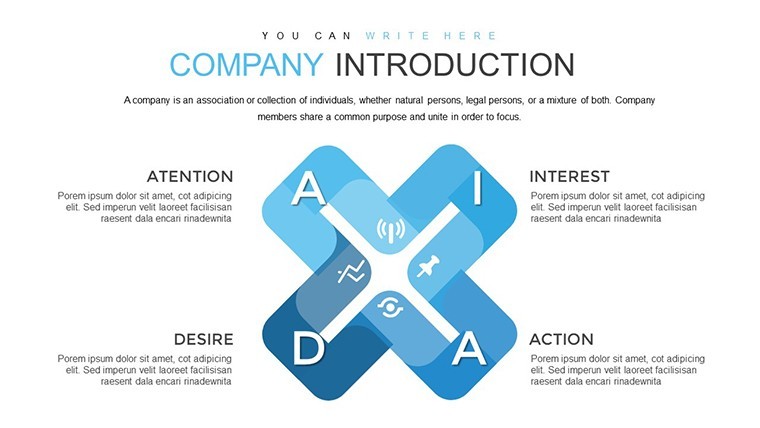
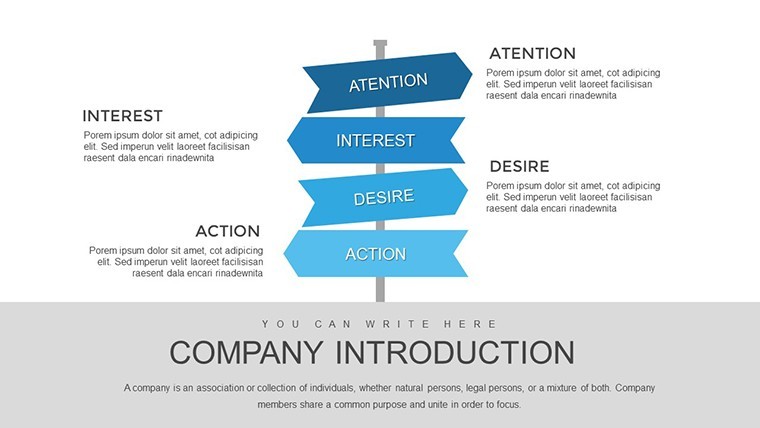
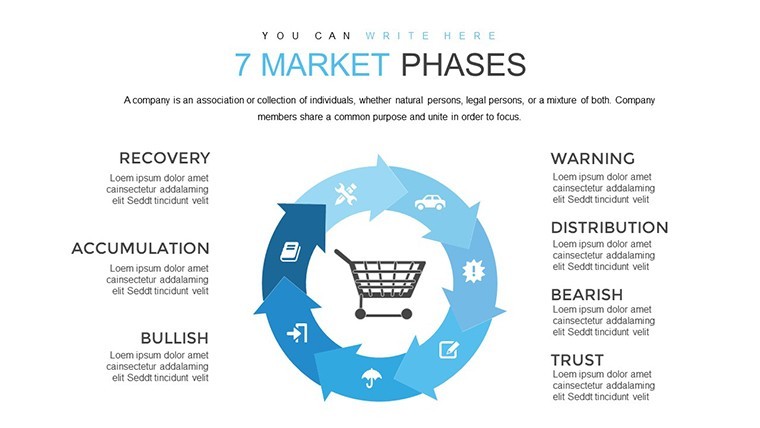
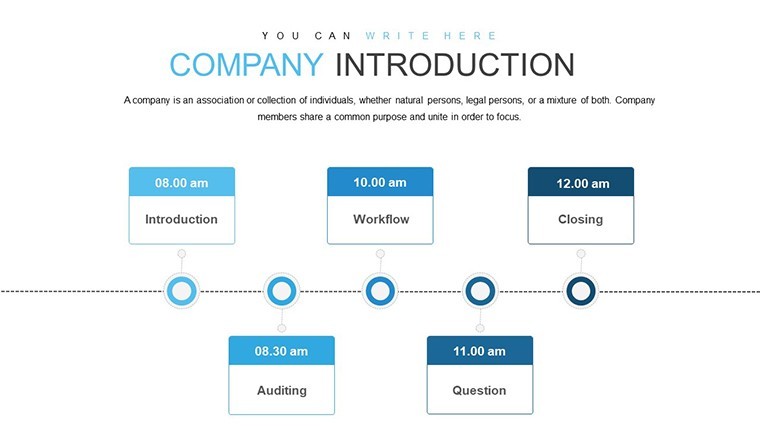
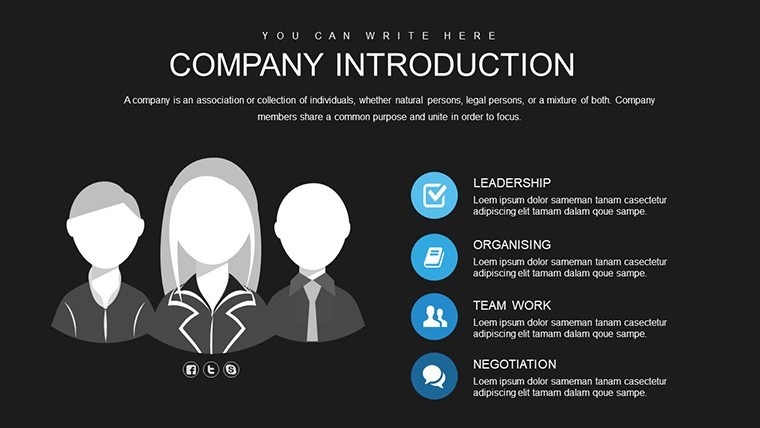
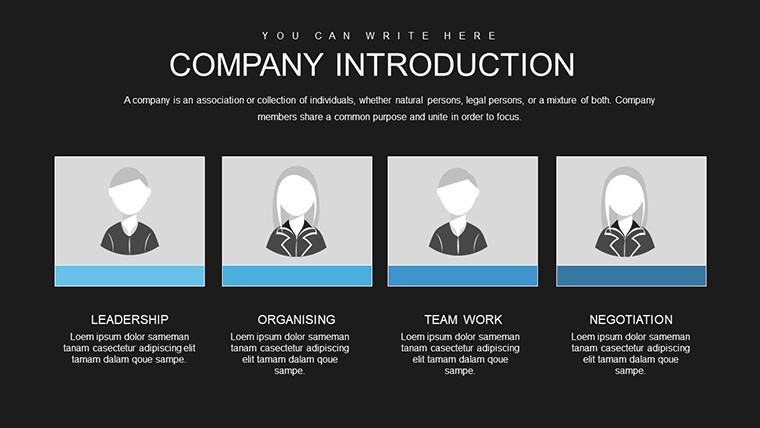
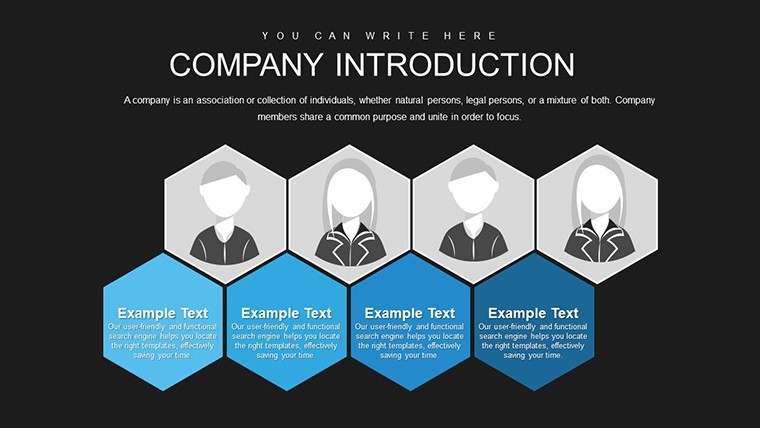
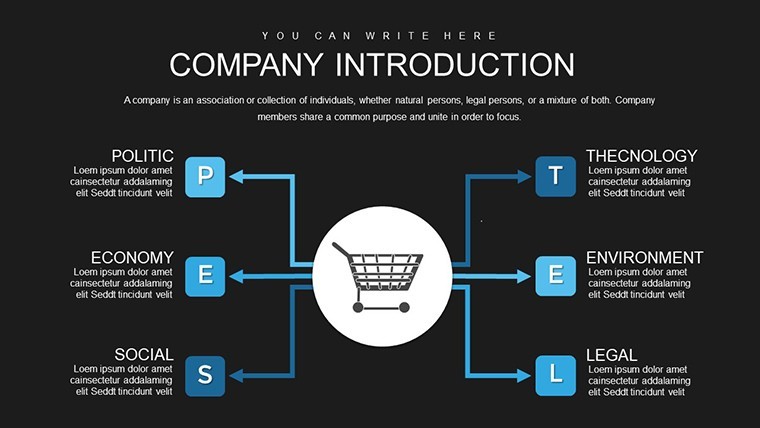
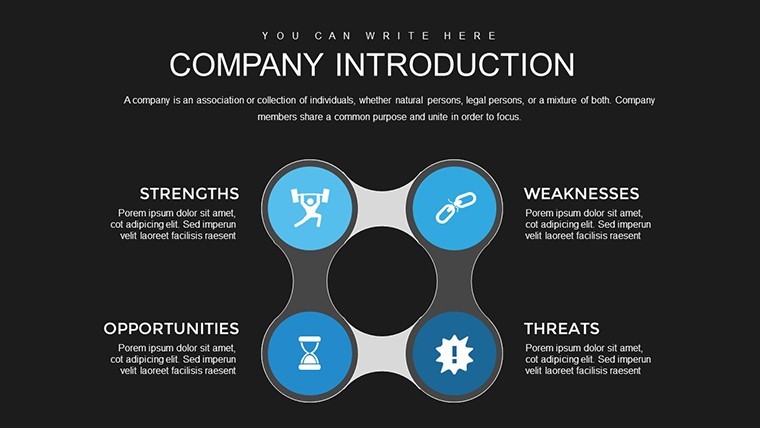
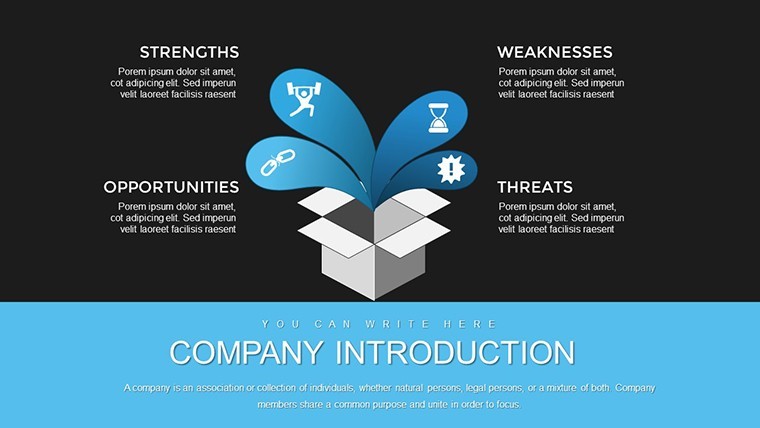
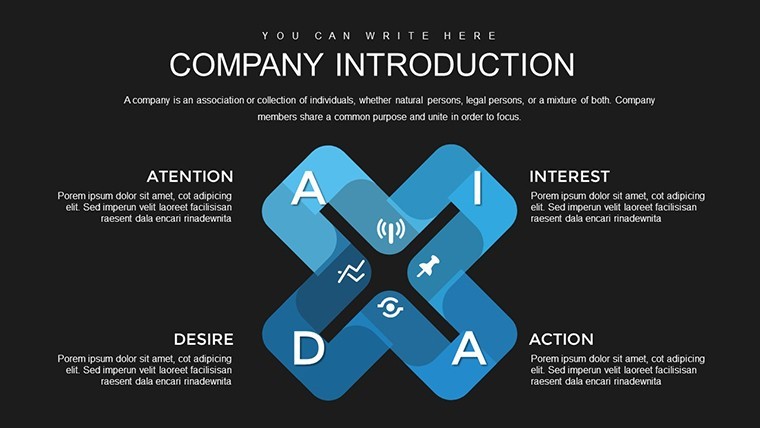
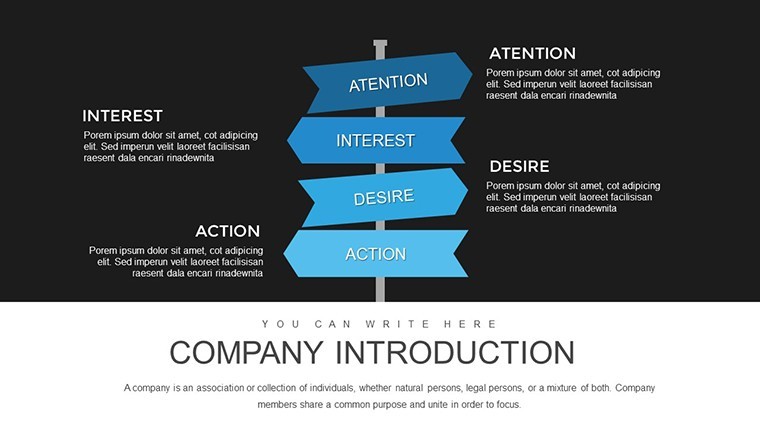
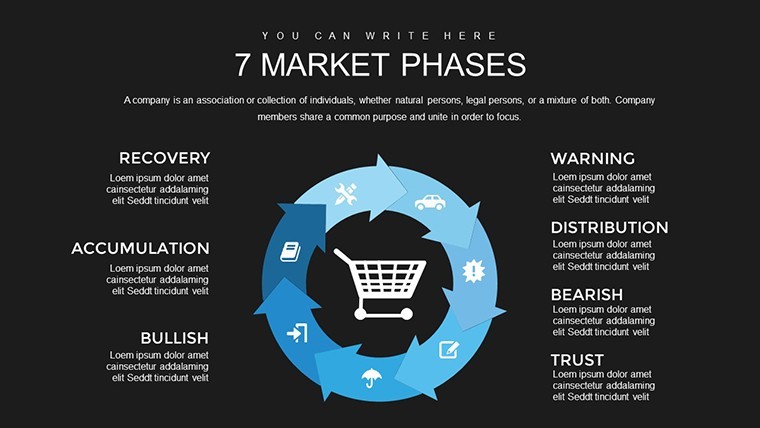
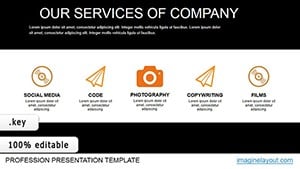
For quarterly board decks with no designer the 38 slides organize company introduction data cleanly.
You can duplicate slides and reuse the same structure.
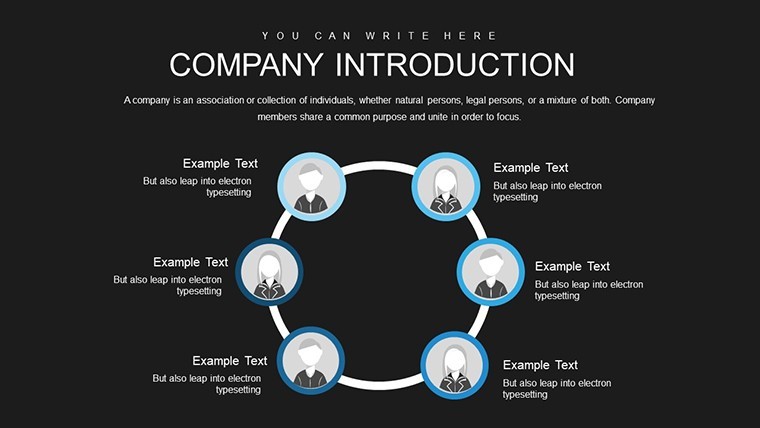
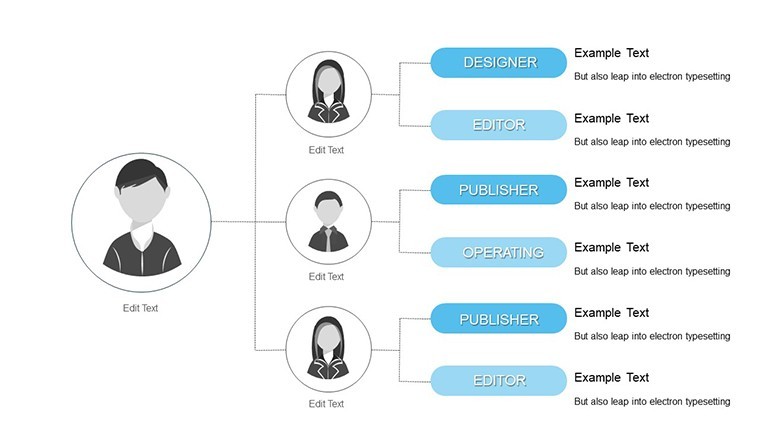
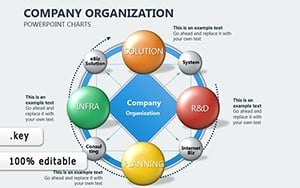
When you need to introduce your company to potential clients or investors these organizational charts replace manual slide building and keep every fact aligned.
The paid version includes 38 editable slides and the file works in current Keynote installations so you focus on content not layout.
In most cases you only replace text and adjust colors via the slide master.
Color changes via slide master let you switch the entire deck palette in under two minutes and this Keynote chart template keeps structure readable on one slide.
Typically teams reuse the same file across recurring presentations and it is not ideal for highly creative storytelling slides.
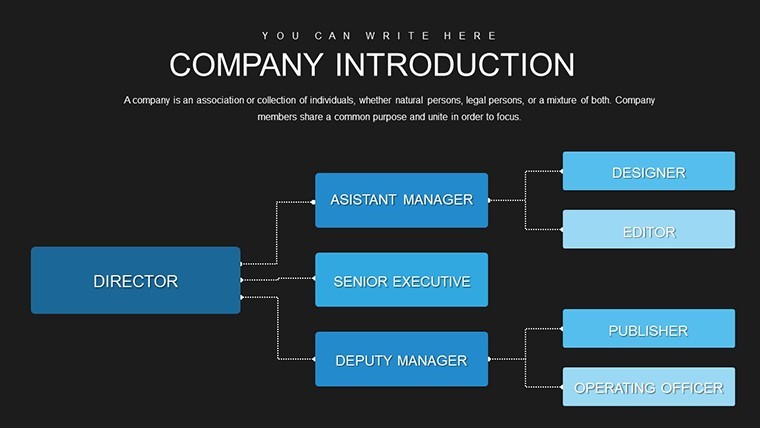
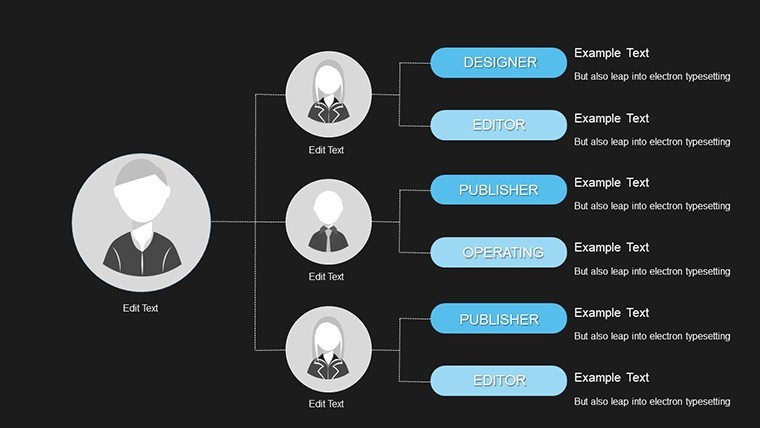
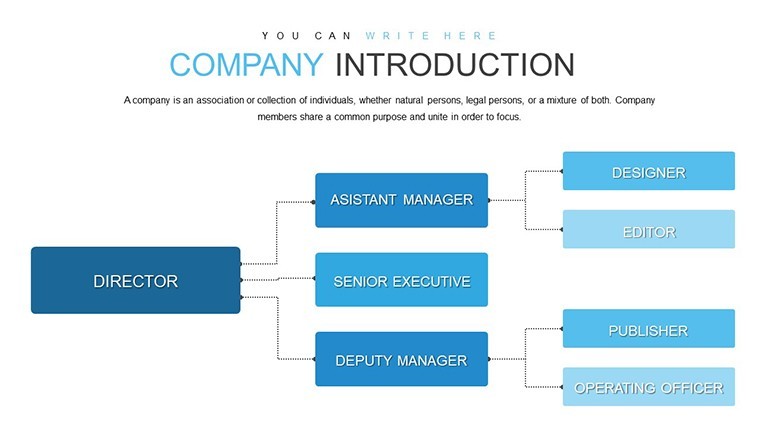
This supports hierarchy analysis so you can clarify priorities between company units and help viewers make informed decisions about partnerships.
Use this instead of building from scratch for executive overviews and see the Infographics Keynote Charts - Instant Download | ImagineLayout and Company Organization Keynote Charts: Navigate Change with Structured Visuals for related tools.
The paid version includes 38 editable slides while free details are not listed on the page.
Specifications
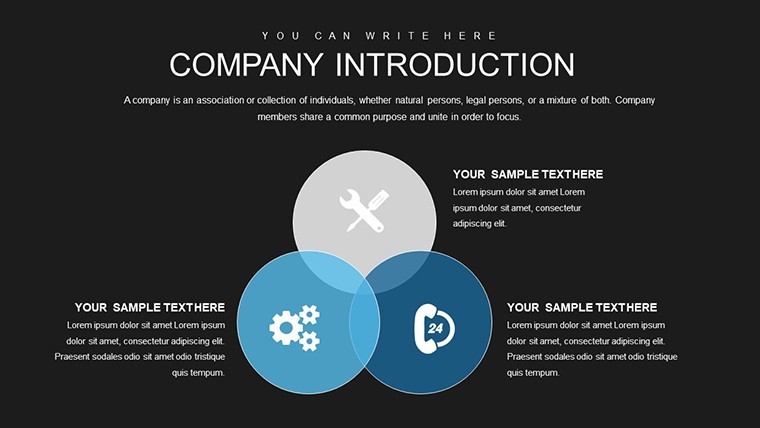
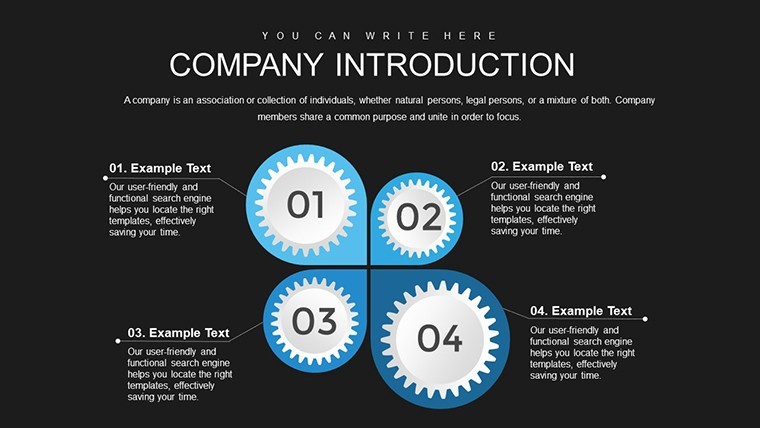
FeatureDetailsSlides / diagrams38 editable charts for company introductionFile formatKEYSoftware versionKeynote 10+Color schemesFully editable via master slidesEditable elementsText icons and colors resize independentlyAspect ratio16:9Free vs PaidPaid includes all 38 slidesMasters / BackgroundsOne master for quick updatesEverything is already structured.
Download and start editing immediately
How do I change colors via slide master?The template uses slide masters for quick updates. Open View > Master Slides in Keynote select the master and modify the color scheme. It applies to all slides instantly. In most cases this is the fastest way to rebrand the deck.
Can I use this for client work?Yes the license allows use in client projects as long as the template is not resold or distributed as is. You can deliver the customized presentation to clients.
What is the difference between free and paid?The paid version includes the full 38 editable slides. The page does not specify exact free version contents but the paid gives the complete file ready for editing.
What are the refund conditions?If the file does not open in your Keynote version contact support within 7 days for a full refund. The license is non-refundable after successful download and use.
What Keynote version is required?It works with Keynote 10 and later on macOS. The files follow standard KEY formats compatible with current installations.
Good for
- Project roadmaps and sprint plans
- Product launch timelines
- Quarterly or annual review decks
- Company history and milestone summaries
Licence
reviews
This one was easy to customize even for someone bad at design.
The pie charts and data blocks looked decent in fullscreen.
A couple slides felt outdated visually.
Still better than default Keynote themes.
Worked fine for my business class presentation.
FAQ
Will it work in Google Slides?
Are fonts embedded?
Can I use this for client work?
What's the refund policy?
Do you update the template after purchase?
Similar templates
See all Keynote Charts →
All 38 slides