 Click to zoom
Organization Tree Keynote Charts: Visualize Hierarchies Effortlessly
| Format | .pptx |
| Slides | 24 unique layouts |
| Aspect ratio | 16:9 |
| Compatibility | PowerPoint |
| Animated | No |
| Language | English |
| License | Commercial |
| File size | — |
| Version | v1.0 |
| Last updated | February 2024 |
What's inside
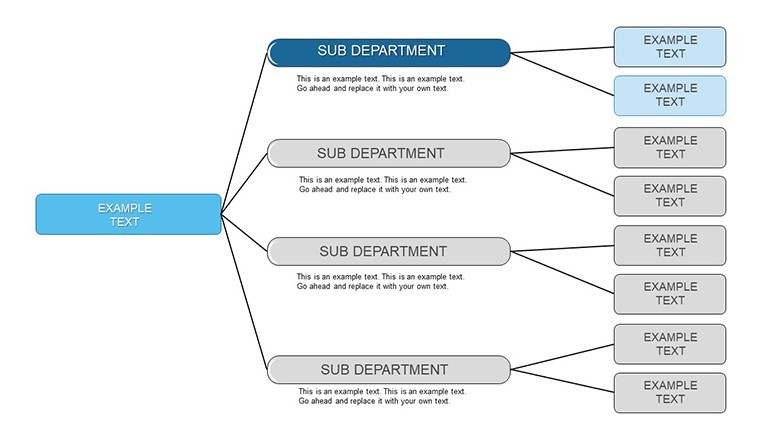
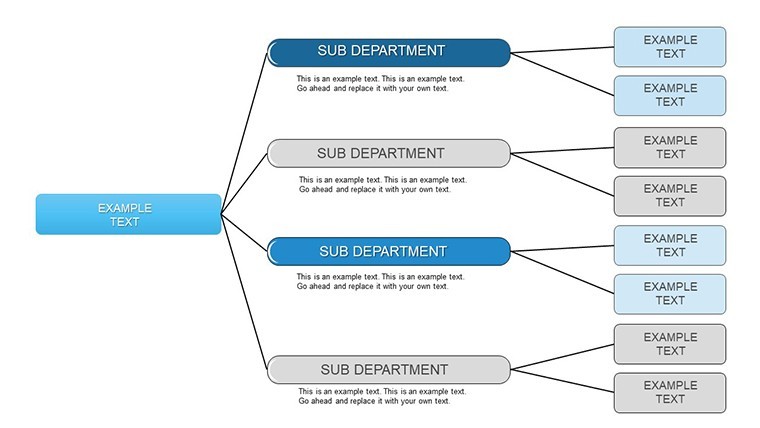
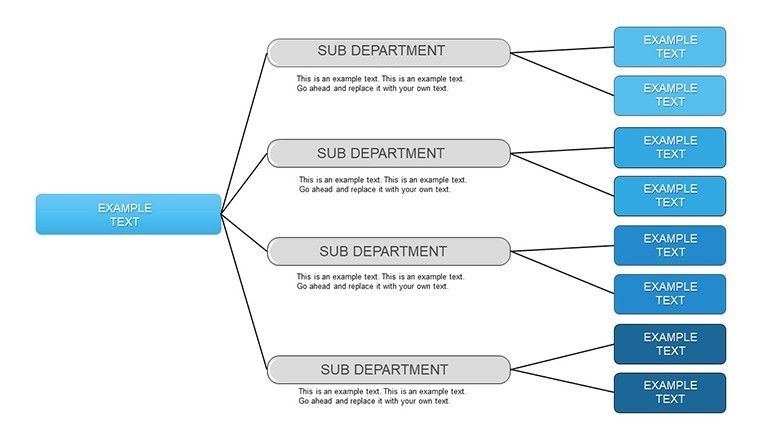
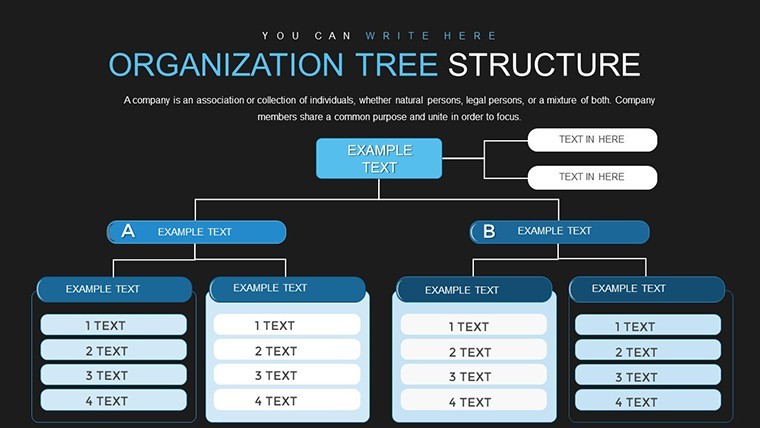
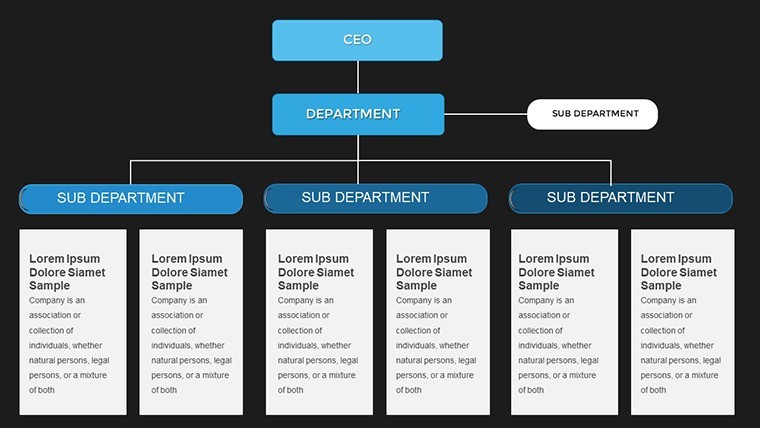
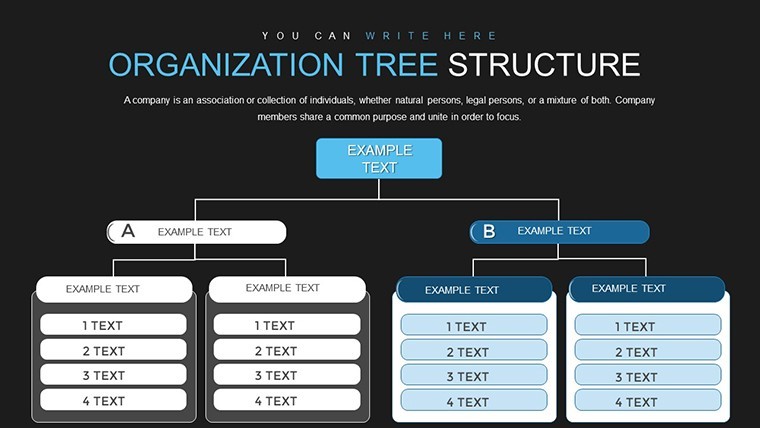
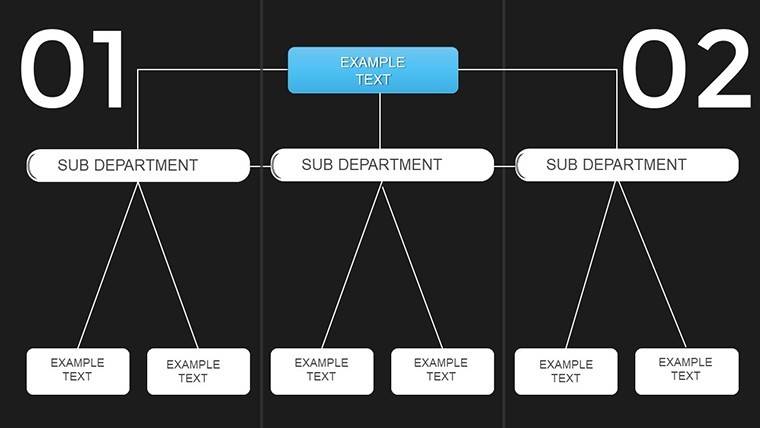
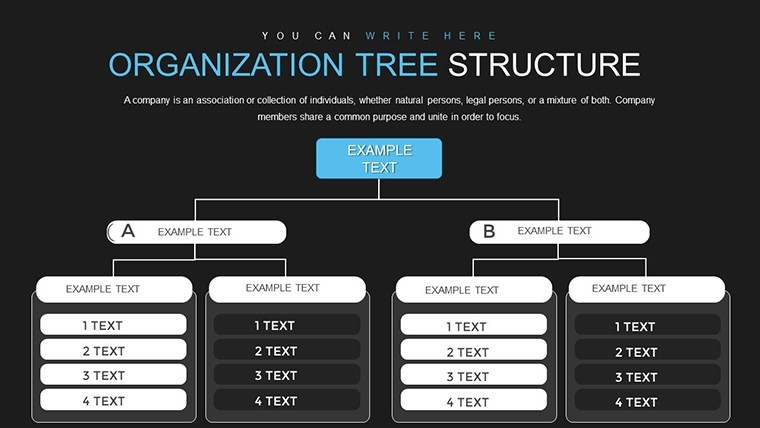
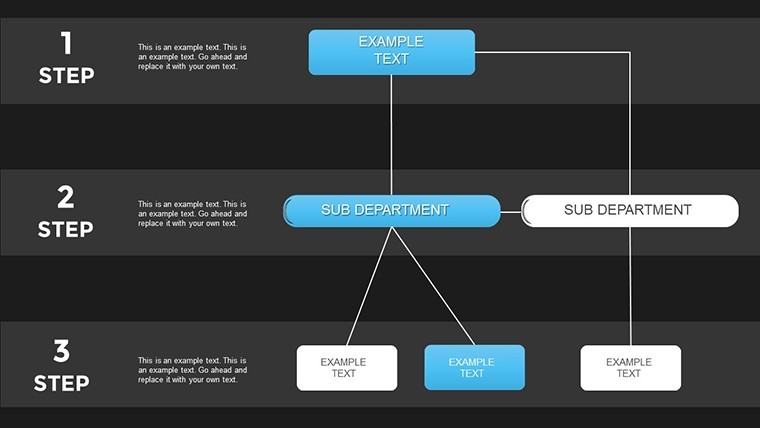
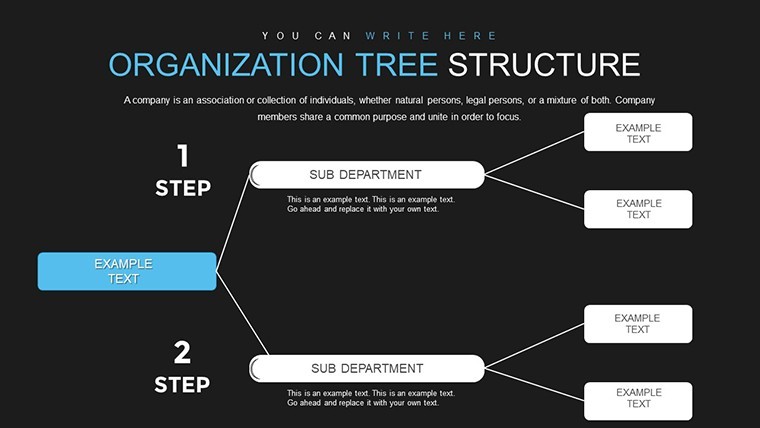
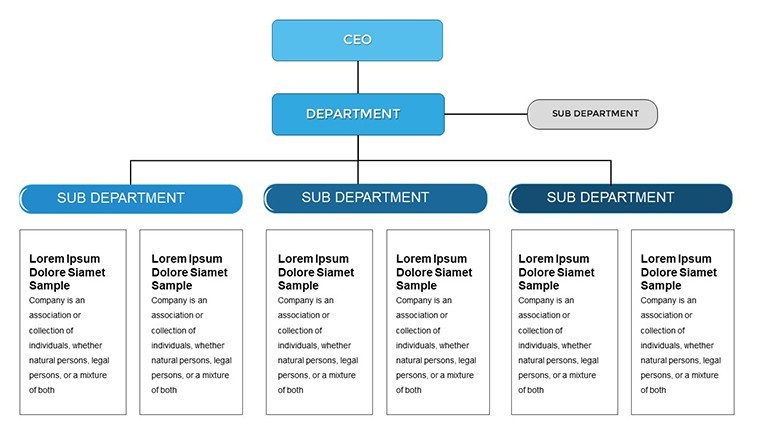
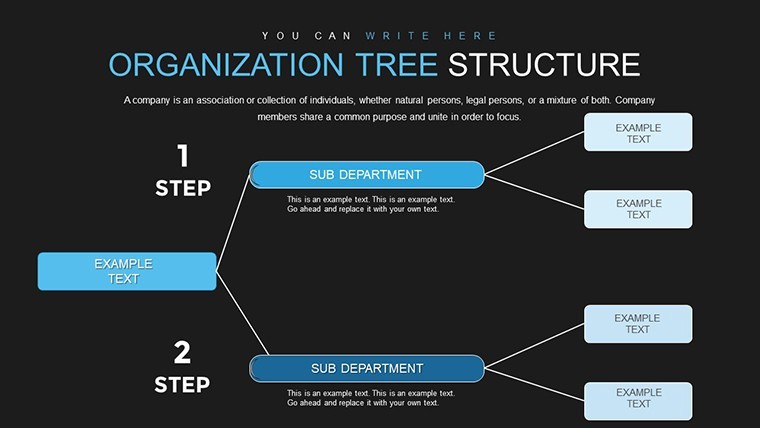
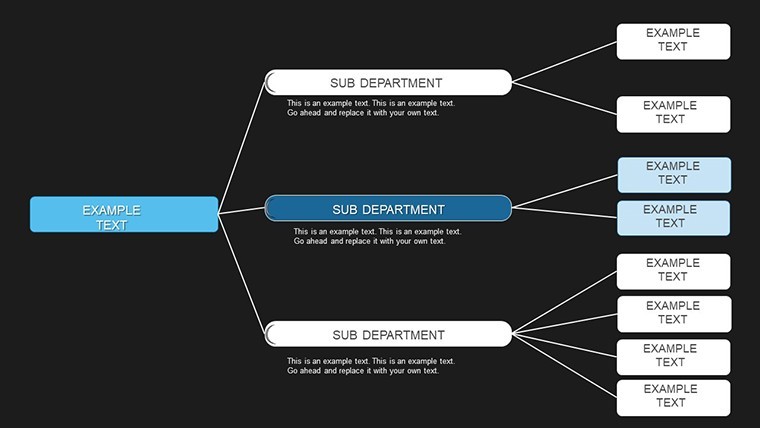
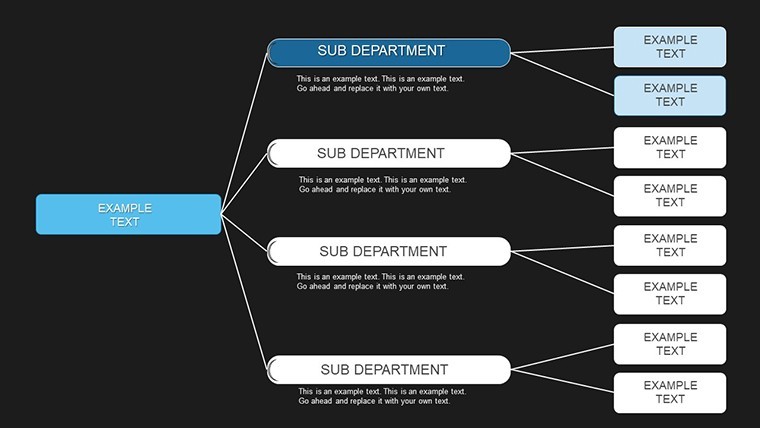
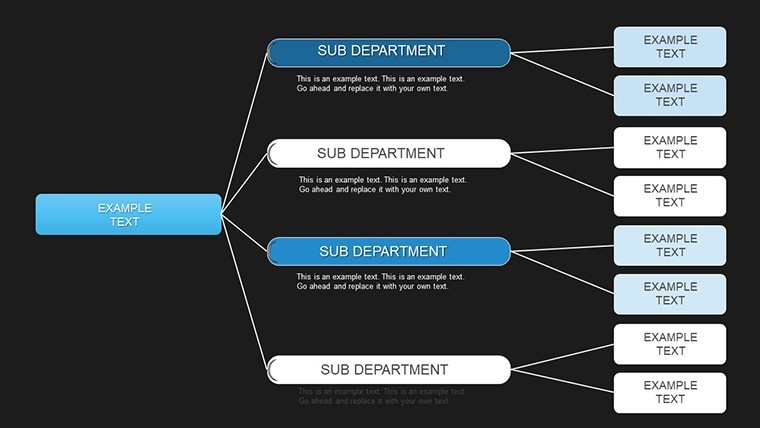
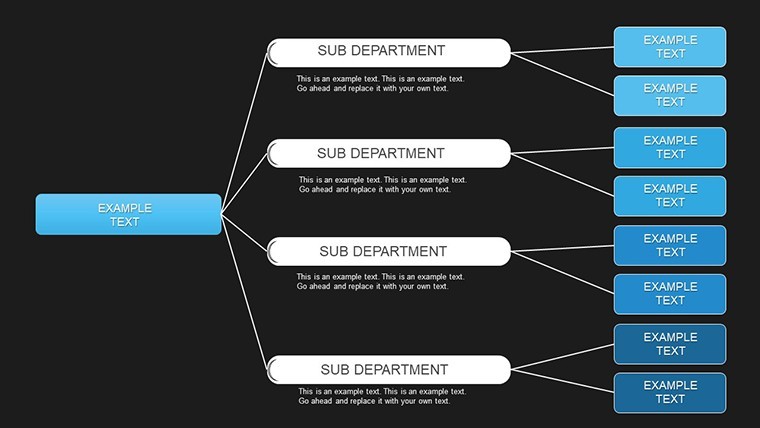
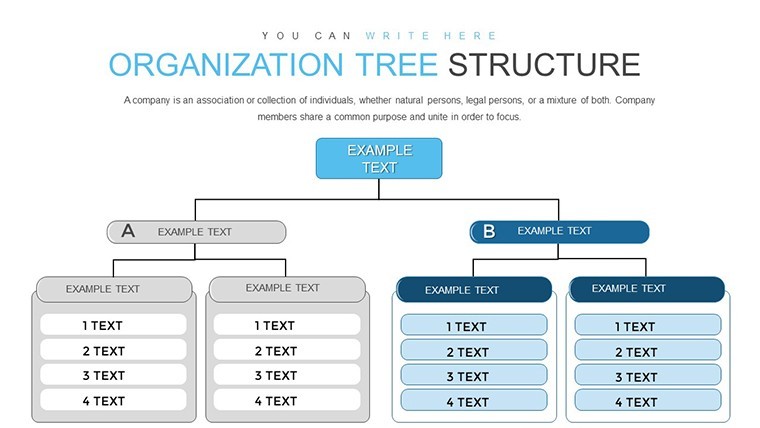
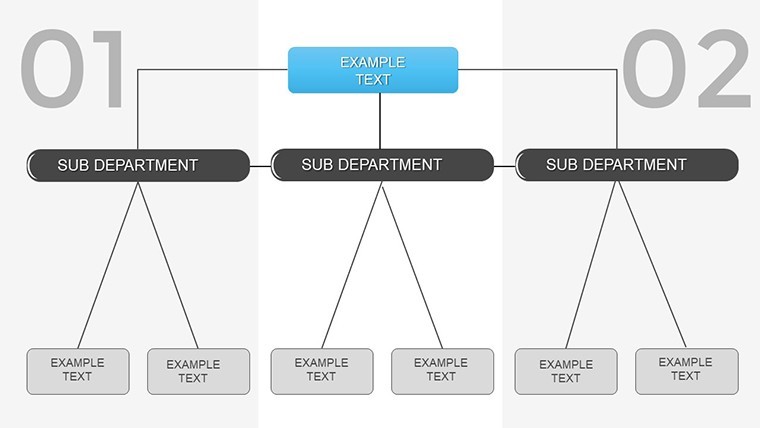
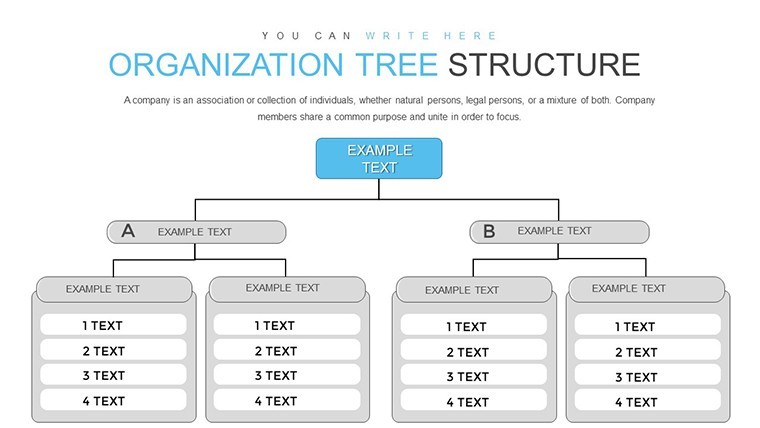
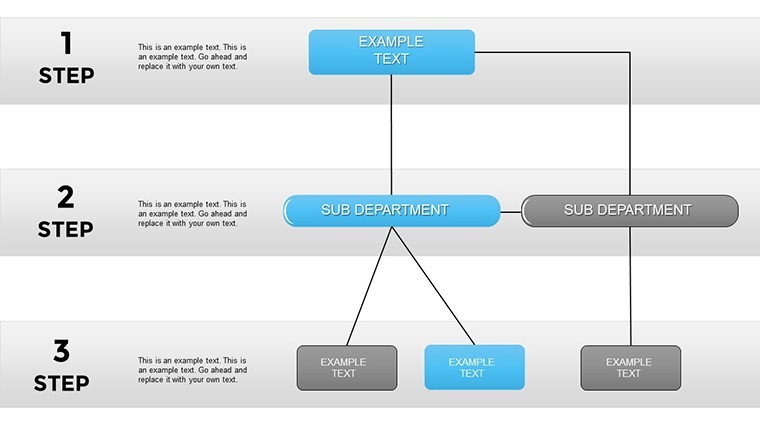
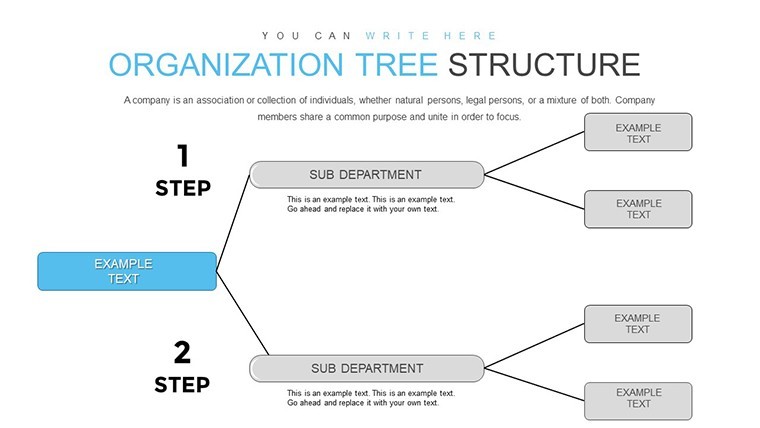
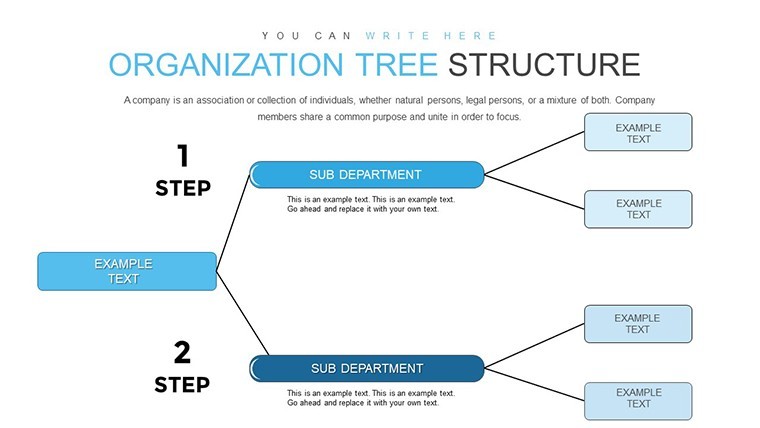
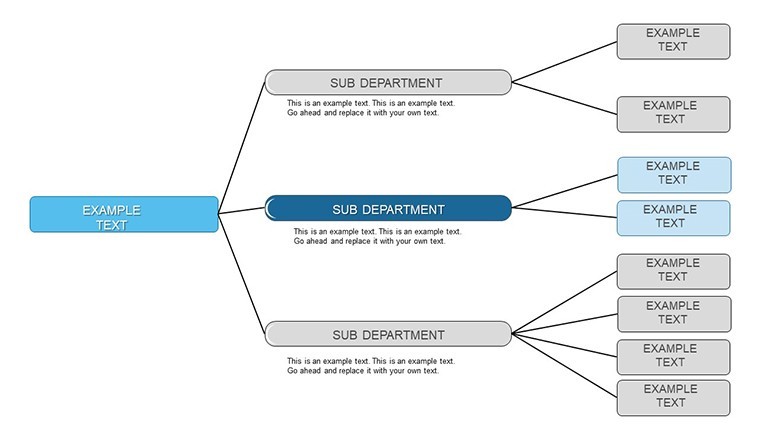
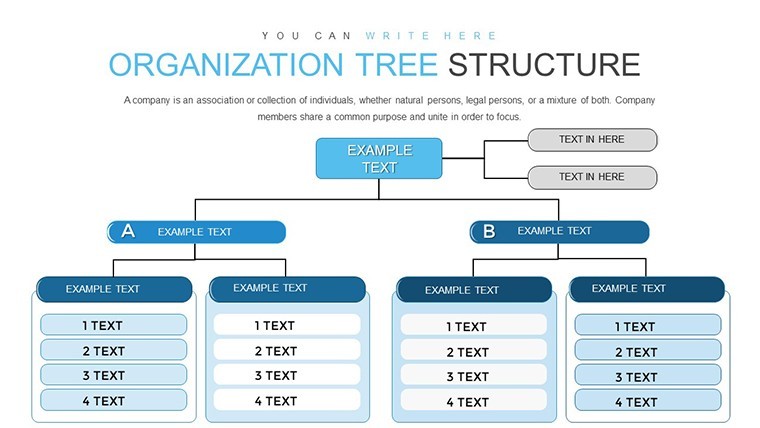
Envision a clear, branching structure that maps your entire organization at a glance, revealing roles, responsibilities, and relationships with precision. Our Organization Tree Keynote charts template delivers exactly that, with 24 editable slides crafted for professionals in business, education, and government. This tool isn't just about drawing lines; it's about illuminating paths for better collaboration and decision-making. From startups sketching growth plans to enterprises refining reporting chains, these tree charts help you communicate complex hierarchies simply and effectively, boosting understanding and efficiency.
Drawing from authoritative sources like those in SHRM guidelines for org design, this template ensures your visuals align with best practices. Fully compatible with Keynote, slides feature drag-and-drop interfaces for quick builds, saving you from scratch work. A nonprofit leader once shared how similar trees clarified volunteer roles, enhancing engagement per case studies from Charity Navigator.
Standout Features for Hierarchical Clarity
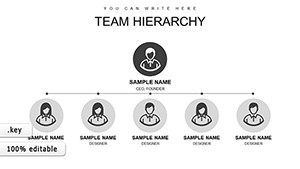
Explore the robust toolkit: multiple styles from vertical trees to radial layouts, all with customizable nodes for names, titles, and photos. Add levels seamlessly for expanding teams, and use fonts that match your brand.
- Multi-Level Support: Handle complex structures with up to 10+ tiers without clutter.
- Visual Enhancements: Icons and colors to differentiate departments, improving quick scans.
- Animation Options: Branch reveals for engaging storytelling in presentations.
- Image Integration: Add headshots for a personal touch in HR overviews.
These elements solve common issues, like vague role definitions in architecture practices following AIA team structure norms, where clear trees ensure smooth project handoffs.
Diverse Applications and Workflow Integration
From corporate onboarding to academic org simulations, this template adapts. In government, map agency divisions for policy briefs; in schools, illustrate administrative setups.
Step-by-step for a business merger: Use Slide 3 for pre-merger trees. Slide 12 for integrated views. Animate changes on Slide 20. This method fosters buy-in, as seen in Forbes articles on merger successes.
- Outline your hierarchy data.
- Choose a tree style and populate nodes.
- Customize aesthetics for appeal.
- Animate for dynamic delivery.
- Review and refine with stakeholders.
Outshining default Keynote options, it offers richer customization, halving design time. Pro tips: Ensure balance in branches for aesthetics, adhere to ADA color guidelines, and link to bios for interactivity.
Pro Design Insights
Leverage tree variants for scenario planning, combining with SWOT analyses for strategic depth, inspired by management texts like those from Peter Drucker.
Transform Your Organizational Views
This template empowers authoritative presentations, with users noting "instant clarity in team meetings." Embrace structured success - branch out your hierarchies today.
Frequently Asked Questions
How many levels can I add? Unlimited, but optimized for up to 10 for readability.
Can I import data from Excel? Yes, copy-paste into nodes easily.
Are radial trees included? Yes, for creative hierarchy displays.
Does it work on iPad Keynote? Fully compatible for mobile editing.
What about exporting options? PDF, images, or video for versatile sharing.
Good for
- Project roadmaps and sprint plans
- Product launch timelines
- Quarterly or annual review decks
- Company history and milestone summaries
Licence
reviews
Organization Tree with multi-level support visualized hierarchy perfectly. Radial options creative. Headshots added personal touch. Great for onboarding.
Consultant: branch reveals engaging in merger presentation. Customizable nodes easy. SHRM aligned.
Student: up to 10 tiers handled complex uni admin. Image integration nice.
Deadline: quick population from Excel. Clean export.
Practical: icons differentiate depts well. ADA colors considered.
Mixed: excellent clarity but balance branches manually sometimes.
FAQ
Will it work in Google Slides?
Are fonts embedded?
Can I use this for client work?
What's the refund policy?
Do you update the template after purchase?
Similar templates
See all Keynote Charts →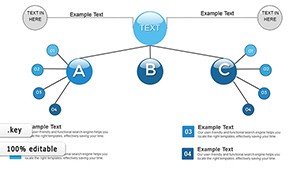
All 24 slides