 Click to zoom
3D Sphere 4 Parts PowerPoint Charts: Segment with Style
| Format | .pptx |
| Slides | 10 unique layouts |
| Aspect ratio | 16:9 |
| Compatibility | PowerPoint |
| Animated | No |
| Language | English |
| License | Commercial |
| File size | — |
| Version | v1.0 |
| Last updated | June 2024 |
What's inside
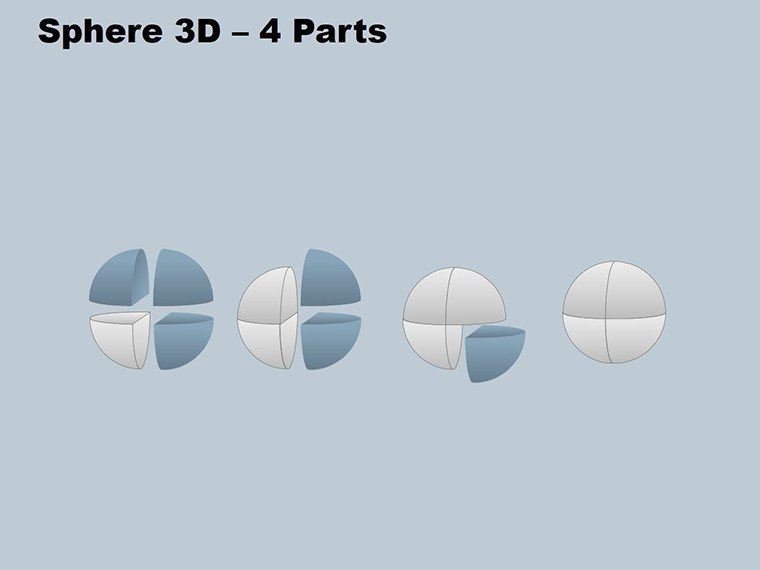
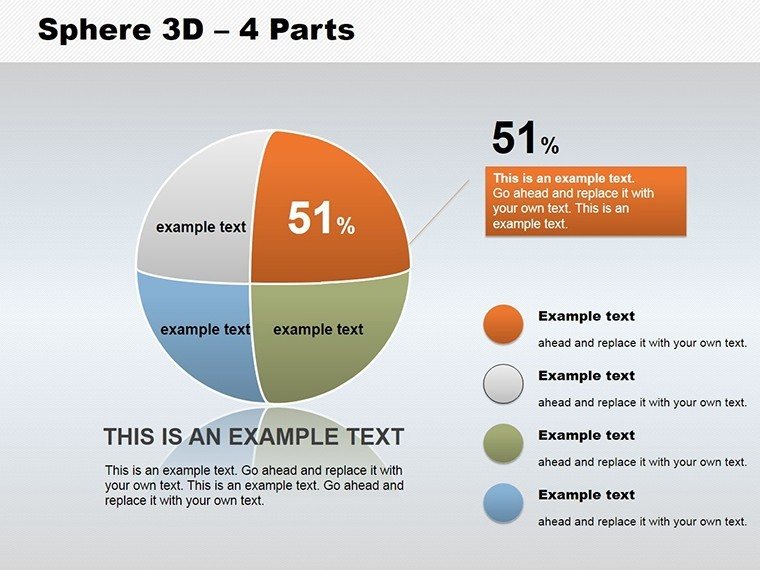
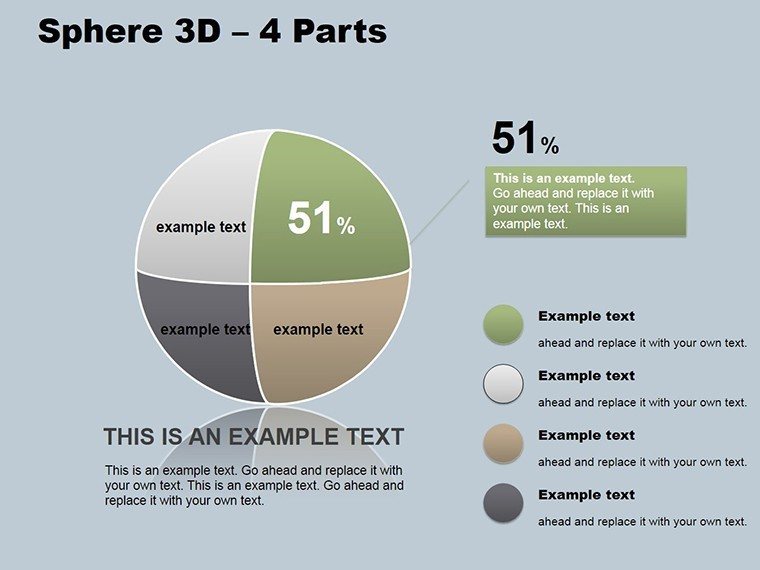
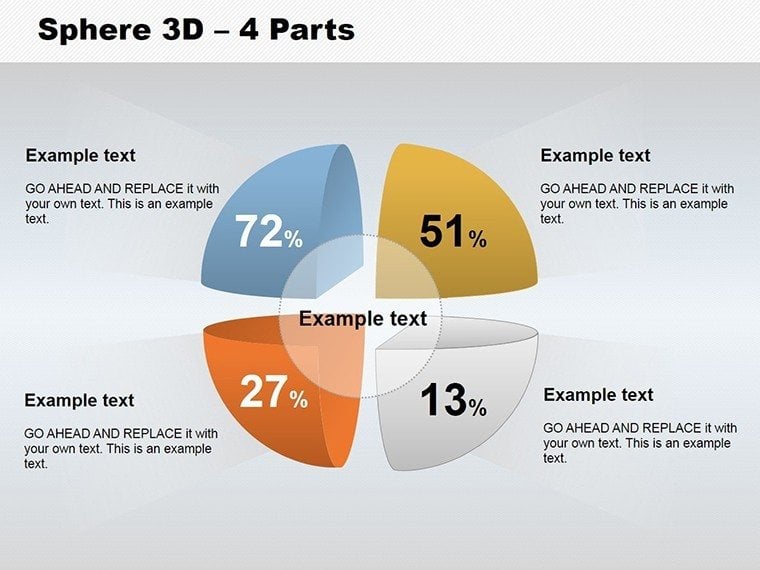
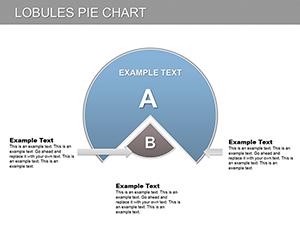
When ideas need to be divided yet connected, a simple chart won't suffice. Enter our 3D Sphere 4 Parts PowerPoint Charts template, featuring 10 editable slides that bring unity to segmented concepts. Ideal for executives, managers, educators, and consultants, this tool visualizes four-part structures - like process stages or regional breakdowns - with spherical elegance. Imagine presenting a marketing strategy where each quadrant of the sphere represents a pillar, rotating to reveal details in a mesmerizing 3D format. Grounded in visual communication theories from pioneers like Bertin, these charts enhance comprehension by using shape and depth to denote relationships. Whether dissecting product components in a tech demo or outlining project phases in a status update, the template's designs foster holistic understanding. With slides varying from basic four-part spheres to advanced ones with integrated data labels, you'll craft narratives that connect dots seamlessly, boosting engagement in boardrooms or classrooms alike.
Core Features Enhancing Your Visual Toolkit
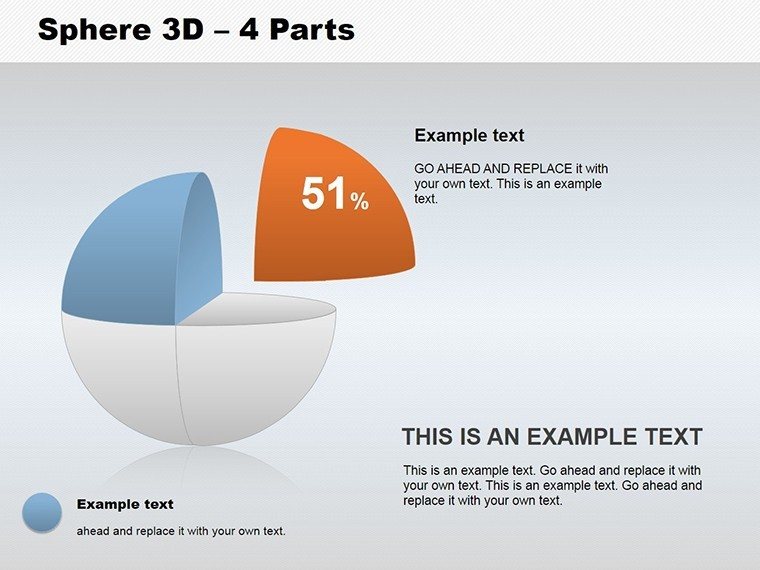
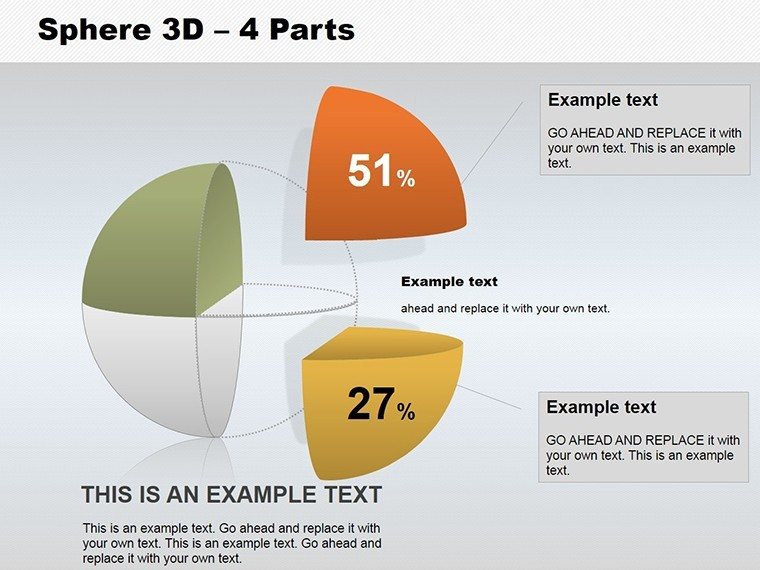
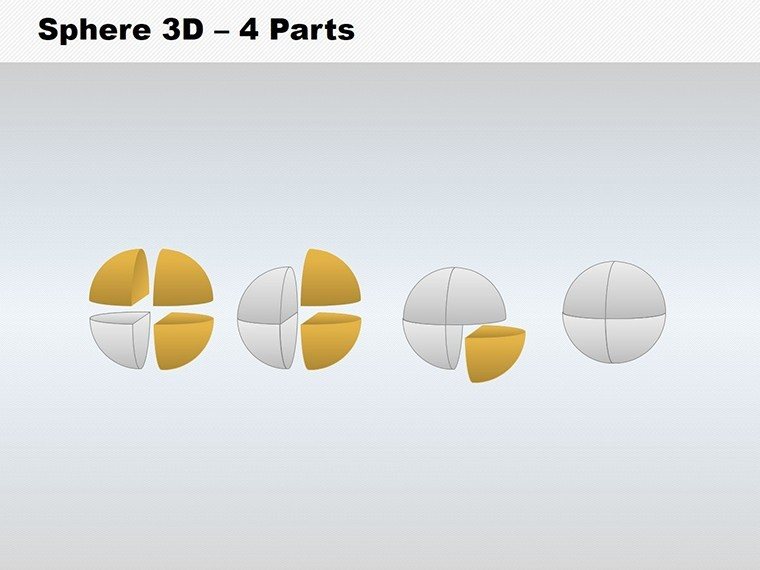
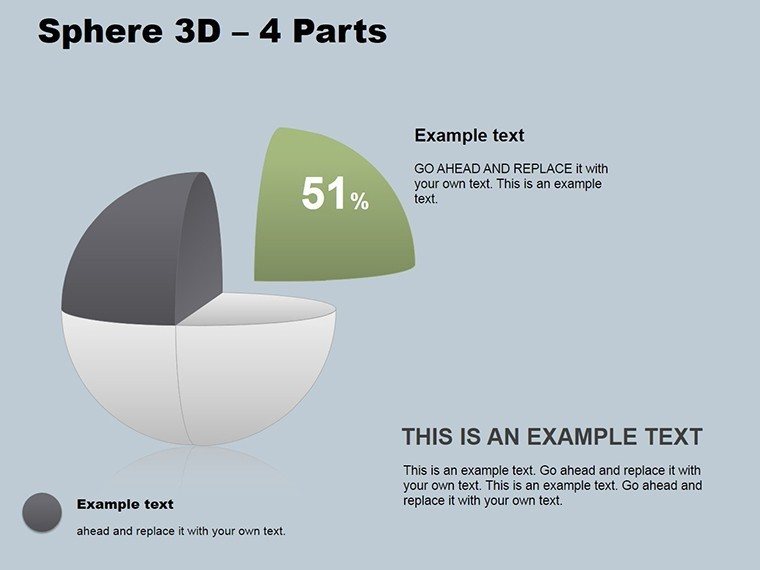
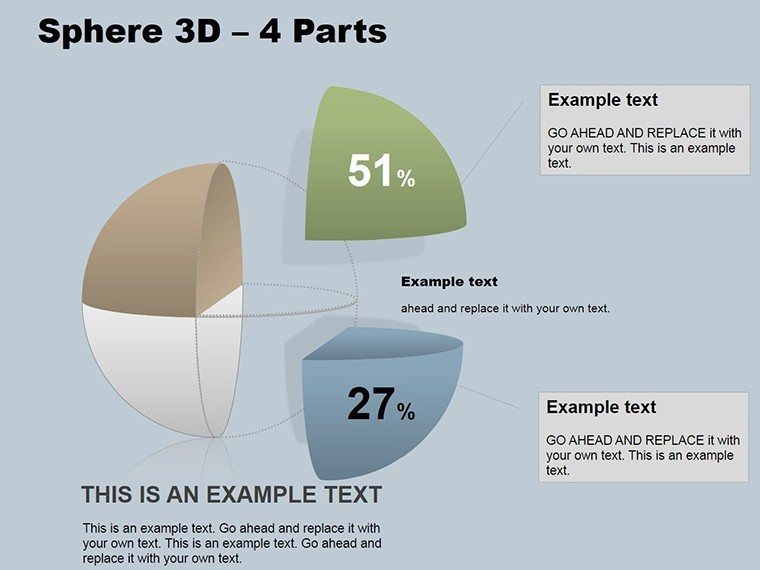
Explore features that prioritize usability and impact. The 10 slides come in .pptx, fully compatible with PowerPoint across platforms. Each sphere is divisible into four customizable parts - alter colors for thematic coding, add text for specifics, or resize for emphasis. A highlight slide includes a rotatable sphere with shadows for realism, perfect for global market divisions. Another offers exploded views, where parts separate on click to focus discussions. The cross-platform integrity means no quality loss on Mac, PC, or web versions, while simple edits via the shape tools keep things straightforward.
Visually Appealing 3D Designs for Clarity
The 3D spheres add sophistication, using gradients and lighting to create focal points. For example, shade quadrants differently to highlight priorities in strategy sessions. Incorporating terms like "sphere diagram PowerPoint" or "4-part segmentation," the flow remains organic, aiding both SEO and user experience. This design ethos ensures presentations that inform without overwhelming.
Delivering Tangible Benefits to Users
Executives clarify visions, using spheres to unify departmental goals and inspire teams. Managers track projects, segmenting into phases for better oversight. Educators teach interconnected topics, like ecosystem quadrants, making lessons interactive. Consultants build client trust with professional visuals, perhaps mapping business ecosystems as in McKinsey frameworks. The template's efficiency - quick customizations lead to faster prep - amplifies productivity, while its polish enhances perceived expertise.
Versatile Applications in Professional Contexts
Apply to marketing pillars: research, planning, execution, evaluation - rotating the sphere for emphasis, akin to Google's campaign models. In education, divide historical eras into four spheres for thematic analysis. Consultants use for SWOT, with each part a category. These draw from industry successes, where such visuals have streamlined communications and driven actions.
Effortless Customization Process
- Open in PowerPoint and select a sphere slide.
- Edit each part's content and aesthetics.
- Apply 3D rotations via the effects menu.
- Integrate data from external sources if needed.
- Export or present with confidence.
Links well with analytics tools for data-driven spheres.
Outperforming Basic Chart Alternatives
Generic spheres lack our depth; we offer thematic variations and animations that basic tools omit, elevating your narrative to expert levels.
Transform segmentation today. Download this 3D Sphere template and connect your ideas brilliantly.
Frequently Asked Questions
- How do I edit the sphere parts? Simply click each section to change colors, text, or size.
- Compatible with all PowerPoint versions? Yes, works on recent versions without issues.
- What are common uses? Ideal for processes, products, and strategies in four parts.
- Number of slides? 10 editable slides with varied sphere designs.
- Can I add animations? Absolutely, enhance with rotations and transitions.
Good for
- Project roadmaps and sprint plans
- Product launch timelines
- Quarterly or annual review decks
- Company history and milestone summaries
Licence
reviews
Used this during a rushed college assignment about business growth.
The charts saved me from building everything manually in Excel.
I liked the simple slide flow because my presentation was already messy.
Some graphics looked a little old but overall okay.
It worked better than I expected honestly.
FAQ
Will it work in Google Slides?
Are fonts embedded?
Can I use this for client work?
What's the refund policy?
Do you update the template after purchase?
Similar templates
See all PowerPoint Charts →
All 10 slides