 Click to zoom
3D Funnels PowerPoint Template: Funnel Insights into Focus
| Format | .pptx |
| Slides | 11 unique layouts |
| Aspect ratio | 16:9 |
| Compatibility | PowerPoint |
| Animated | No |
| Language | English |
| License | Commercial |
| File size | — |
| Version | v1.0 |
| Last updated | January 2025 |
What's inside
In the rush of data-driven decisions, clarity often gets lost in the narrow end of the funnel. Our 3D Funnels PowerPoint Template flips that script with 11 meticulously crafted slides that widen your view, making comparisons pop and performance metrics sing. Geared toward analysts dissecting sales pipelines or executives reviewing KPIs, this PPTX gem in PowerPoint's ecosystem turns numbers into narratives that guide, not overwhelm.
Envision funnels that stack in three dimensions, layers peeling back to reveal bottlenecks or peaks with dramatic flair. Each slide is a canvas for your story - editable text, resizable segments, and color shifts that highlight max and min values effortlessly. From PowerPoint 2016 onward, it plugs right in, letting you double-click to tweak, drag to reorder, and animate to emphasize. It's not mere visualization; it's the lens that sharpens strategy, helping you spot opportunities where others see static charts.
Core Elements That Channel Data with Precision
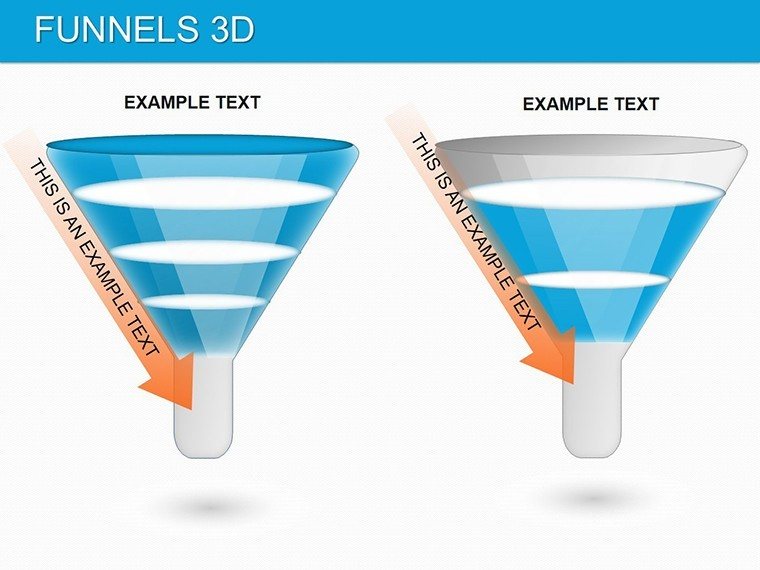
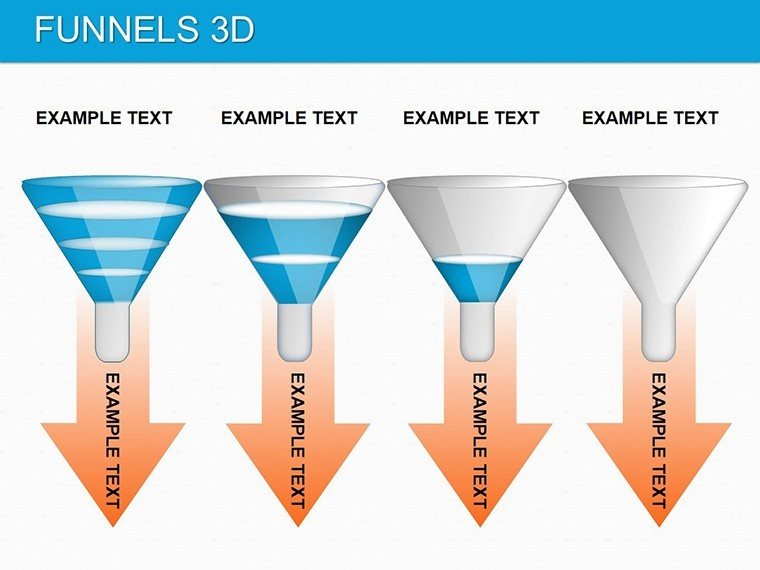
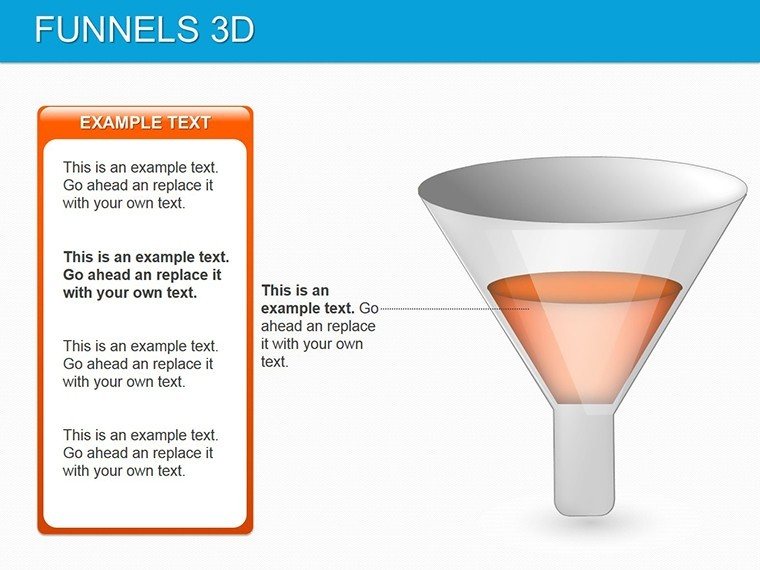
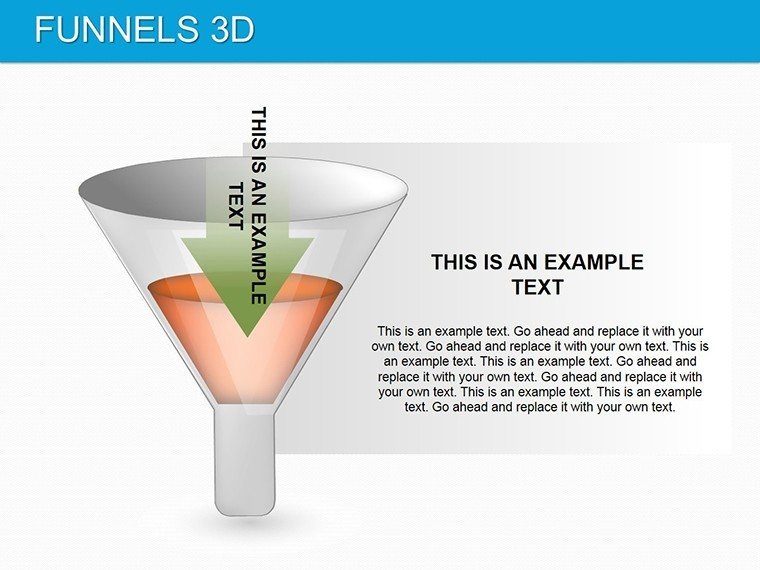
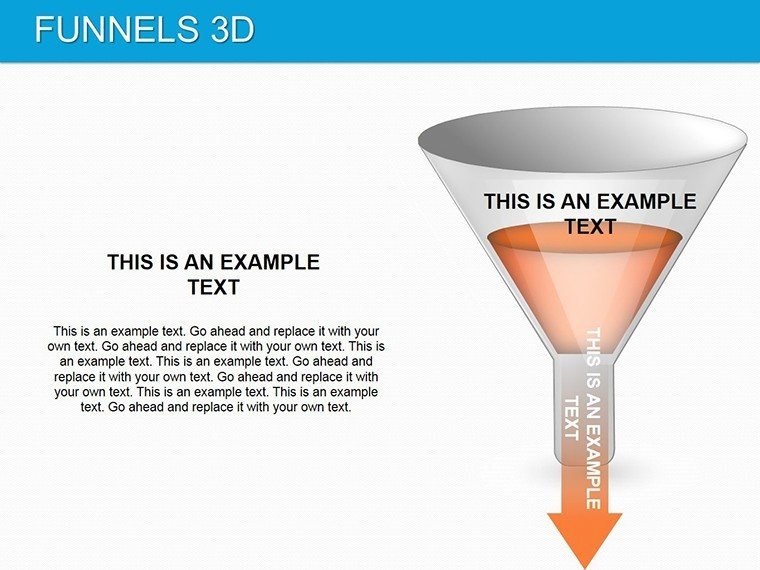
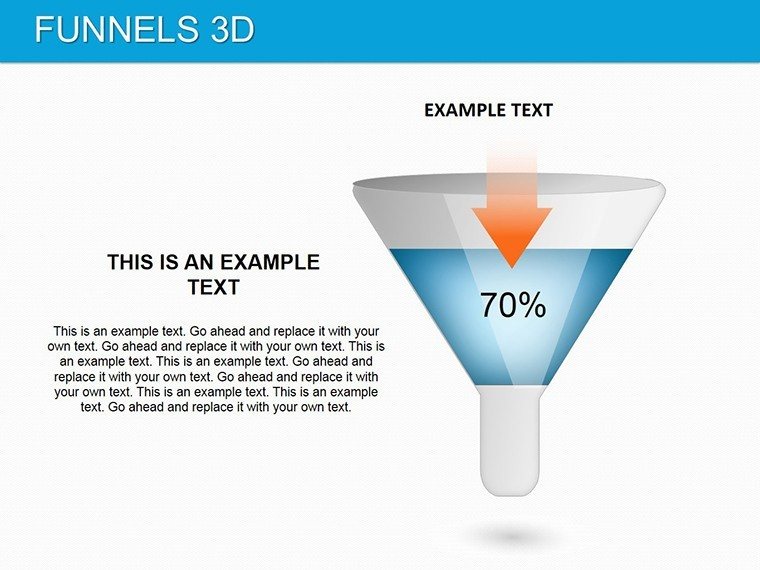
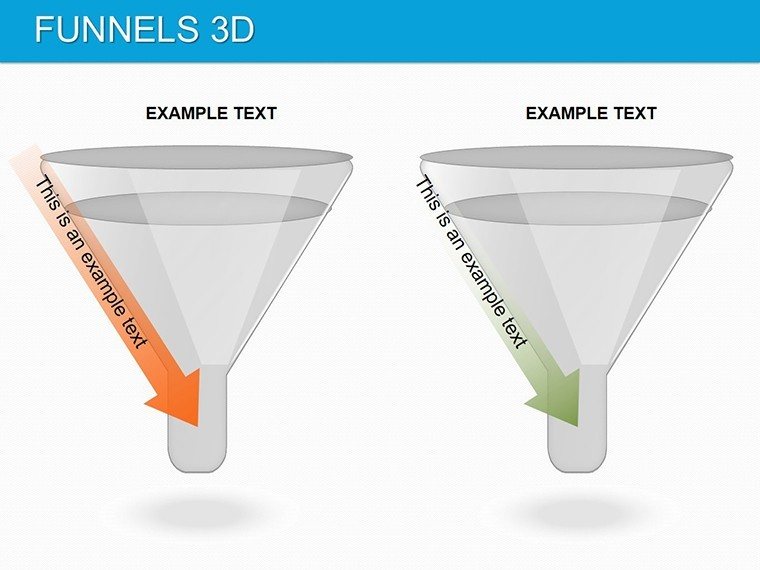
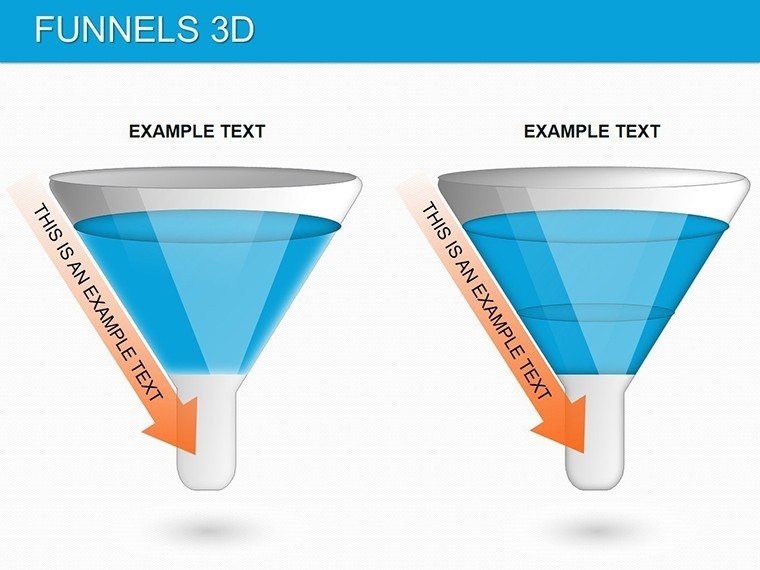
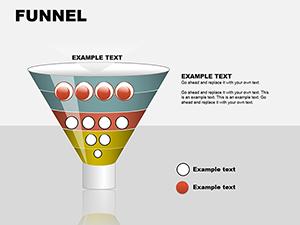
The template's backbone is its versatile funnel designs, starting with a classic inverted pyramid that narrows from broad inputs to refined outputs. Populate the top with leads generated, mid-layers with conversions, and the base with closed deals - colors intensify downward to signal progression. For multi-stage comparisons, a side-by-side funnel duo lets you pit quarters against each other, arrows bridging gaps to call out variances.
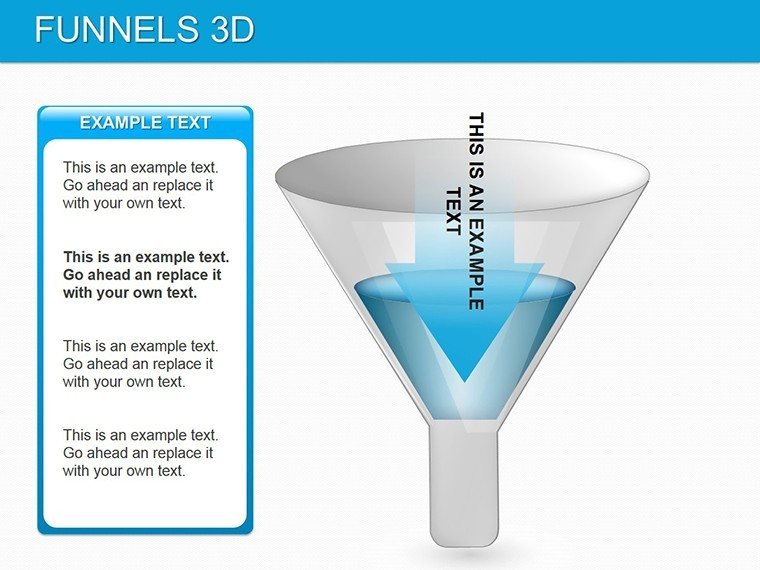
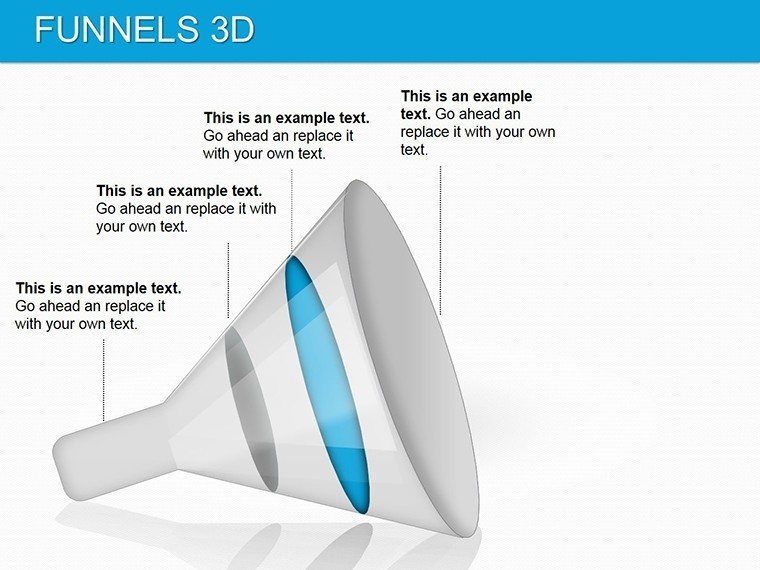
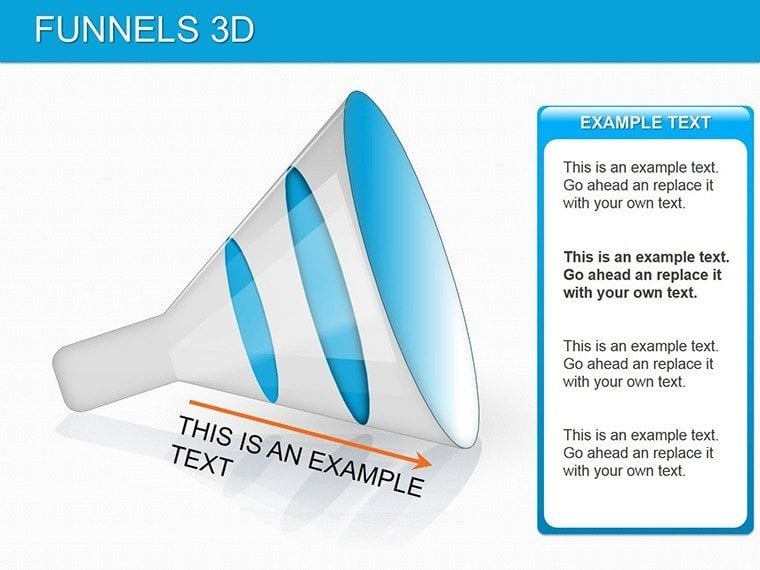
Deeper slides introduce stacked funnels for hierarchical views, like department roll-ups in org charts, where each layer aggregates sub-metrics. Animations here build from the bottom up, unveiling accumulations that underscore cumulative impact. A spotlight variant zooms on extremes, magnifying the widest or narrowest segments for deep dives into outliers.
- Layered 3D Builds: Depth gradients that simulate volume, making data feel substantial and relatable.
- Segment Controls: Click-to-edit widths that auto-adjust labels, keeping proportions accurate.
- Performance Indicators: Built-in icons for trends, like upward chevrons for growth points.
- Transition Effects: Smooth morphs between slides for seamless funnel evolutions.
A finance coordinator, for instance, used the stacked slide to layer expense categories, revealing trim opportunities that streamlined budgets without slashing essentials.
Effortless Editing: Shape Your Data Story
Open in PowerPoint, and the intuitive interface greets you - select a funnel, and handles appear for resizing; fill colors via eyedropper for brand sync. Step through customization: Input values in linked tables (hidden for clean views), watch segments swell or shrink in real time. For a report workflow, outline your funnel first with placeholders, then layer in live data from Excel pastes, ensuring updates ripple through.
This mirrors techniques from data viz experts like Edward Tufte - maximize ink for data, minimize for decoration - resulting in slides that inform at a glance. Quick tip: Group layers (Shift+click) for uniform moves, preserving alignment across complex builds.
Targeted Uses: From Metrics to Momentum
Adaptability defines it. In sales, traditional funnels track journey stages, 3D twists adding volume to drop-off analysis for targeted nurturing. HR pros funnel applicant flows, segments showing diversity at each gate to inform recruitment tweaks. Marketers dissect ad performance, comparing channels side-by-side to allocate budgets wisely.
For operations, vertical funnels map supply chains, extremes flagging supplier risks. In healthcare planning, they visualize patient pathways, bottlenecks prompting process overhauls. Everywhere, the depth conveys scale - wide tops for potential, narrow bases for precision - turning reports into roadmaps.
Pro Tips for Funnel Fluency
Pair with sparklines along segments for trend lines, or embed hyperlinks to source docs for transparency. Stick to 4-5 layers max per slide to avoid clutter, honoring the viewer's attention span. Against basic PowerPoint shapes, this template's pre-rigged math for proportions saves recalculations, letting you iterate faster on insights.
The Clarity Quotient That Captivates
It's the subtle smarts - like auto-scaling fonts and responsive grids - that elevate it, ensuring legibility on any screen size. Compact at 3MB, it travels light for on-the-go edits. Teams appreciate how it democratizes data storytelling, empowering even non-designers to deliver pro-level decks.
Channel your data's true flow - add the 3D Funnels PowerPoint Template to your arsenal today and watch insights cascade.
Frequently Asked Questions
Can I resize funnel segments independently?
Yes, each layer is individually adjustable via drag handles or value inputs.
Are animations included for revealing layers?
Built-in sequential builds let you uncover stages progressively.
How do I import data from spreadsheets?
Paste directly into placeholders; formulas link for dynamic updates.
Does it work on PowerPoint for Mac?
Fully compatible, with identical editing tools across platforms.
Can funnels be recolored for themes?
Easily - use the color theme editor to apply schemes site-wide.
Good for
- Project roadmaps and sprint plans
- Product launch timelines
- Quarterly or annual review decks
- Company history and milestone summaries
Licence
reviews
Used this for an agile workflow.
The cards are movable in edit mode.
FAQ
Will it work in Google Slides?
Are fonts embedded?
Can I use this for client work?
What's the refund policy?
Do you update the template after purchase?
Similar templates
See all Powerpoint Diagrams →
All 11 slides