 Click to zoom
Dynamic Marketing PowerPoint Diagrams Template
| Format | .pptx |
| Slides | 17 unique layouts |
| Aspect ratio | 16:9 |
| Compatibility | PowerPoint |
| Animated | No |
| Language | English |
| License | Commercial |
| File size | — |
| Version | v1.0 |
| Last updated | February 2026 |
What's inside
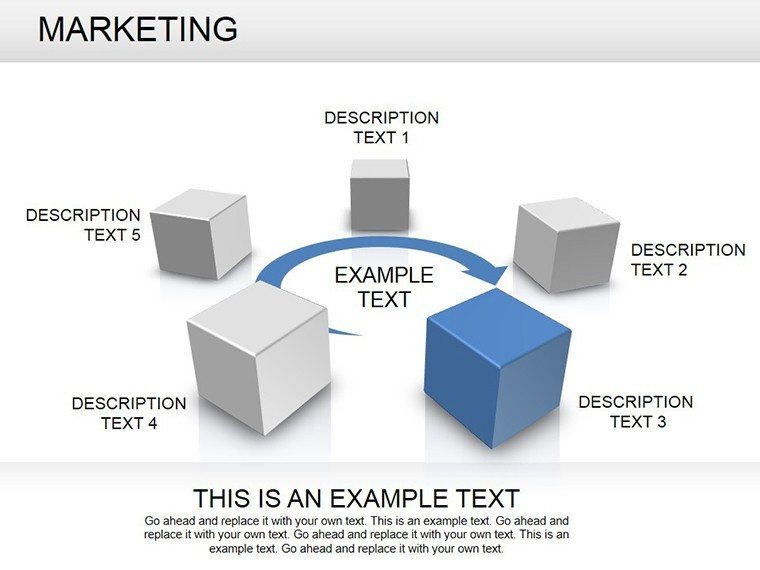
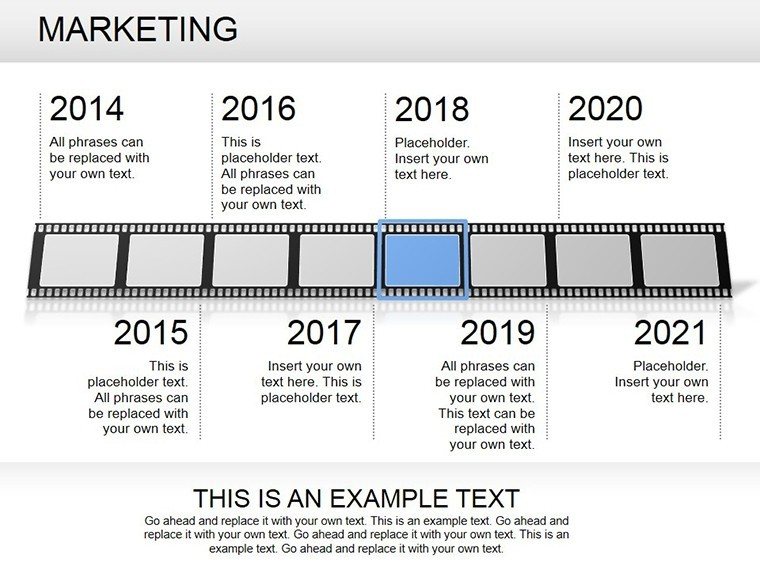
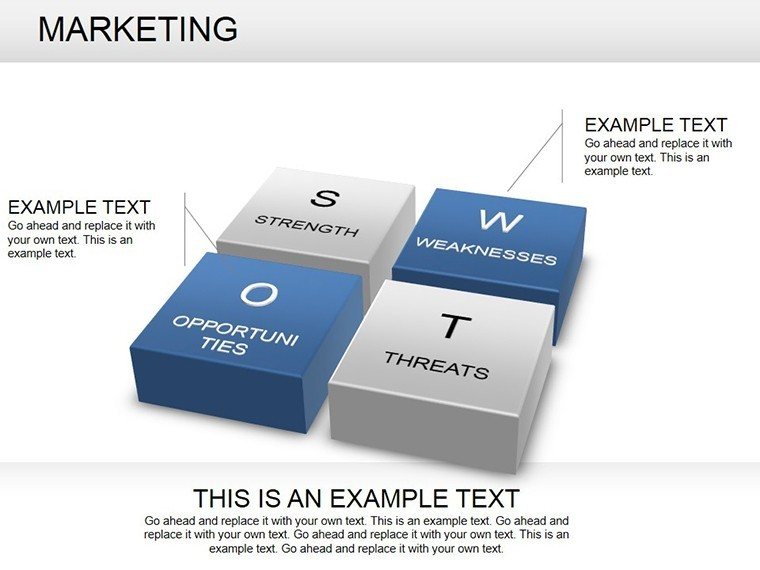
Imagine stepping into a boardroom where your marketing pitch doesn't just inform - it captivates, leaving investors leaning forward, eyes wide with intrigue. That's the power of our Dynamic Marketing PowerPoint Diagrams Template, a game-changer for professionals tired of bland spreadsheets and static slides. With 17 meticulously crafted, fully editable slides, this template is your secret weapon for transforming complex marketing concepts into crystal-clear visuals that resonate and drive action.
Designed for marketers, entrepreneurs, and business leaders who juggle market trends, campaign strategies, and ROI metrics, this template streamlines your workflow while amplifying your message. Whether you're unveiling a bold product launch or dissecting competitor landscapes, these diagrams - spanning graphs, tables, 3D elements, and pyramids - make every point pop. Compatible with PowerPoint and Google Slides, it's effortless to tweak colors to match your brand palette or swap icons for that personal touch. Say goodbye to hours spent designing from scratch; instead, focus on what matters: crafting narratives that convert.
In a world where attention spans are shorter than a TikTok video, visual storytelling isn't optional - it's essential. Our template empowers you to visualize sales funnels that funnel leads straight to loyalty, or marketing mixes that mix creativity with data-driven precision. Picture this: a pyramid slide stacking your promotional pillars, each layer revealing deeper insights, or a 3D graph rotating to showcase growth trajectories. It's not just presentation - it's persuasion, tailored for real-world wins like the HubSpot campaigns that boosted engagement by 30% through targeted visuals. And with our user-friendly edits, even non-designers can achieve pro-level polish.
Key Features That Fuel Your Marketing Mastery
At the heart of this template lies innovation wrapped in simplicity. Each of the 17 slides is built with high-resolution graphics that scale seamlessly across devices, ensuring your message shines whether on a projector or a laptop screen. Dive into features like drag-and-drop customization, where altering a funnel's stages takes seconds, not sessions. We've infused themed icons - think sleek funnels for conversion paths or interconnected nodes for digital ecosystems - that align with modern marketing lingo, saving you the hunt for stock assets.
- Versatile Diagram Types: From 2D tables for quick comparisons to immersive 3D pyramids illustrating hierarchical strategies, every slide type serves a purpose.
- Brand Alignment Tools: Embedded color swatches and font libraries let you sync with your corporate identity in one click.
- Animation-Ready Elements: Subtle transitions on graphs that reveal data points sequentially, building suspense like a well-timed reveal in a pitch.
- Accessibility Boost: Alt-text optimized for screen readers, ensuring inclusivity without extra effort.
These aren't generic fillers; they're precision tools honed from industry best practices, like those in ActiveCampaign's email mastery case, where visual breakdowns led to 25% higher open rates. Integrate them into your deck, and watch engagement soar.
Real-World Applications: From Pitch to Profit
Let's get practical - how does this template fit into your daily grind? Start with market analysis: Slide 3's radial graph maps trends and behaviors, ideal for quarterly reviews where stakeholders need at-a-glance insights. For strategy sessions, Slide 7's flowchart unravels content calendars, helping teams align on SEO timelines versus social bursts.
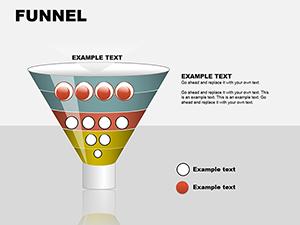
Consider a product launch scenario: Use Slide 10's timeline pyramid to layer pre-launch hype, launch day metrics, and post-campaign SWOTs. It's like the TWIPLA campaigns that turned launches into viral sensations by layering narratives visually. Or tackle sales funnels on Slide 12, where drop-off points glow in red, prompting immediate discussion on retention tweaks.
- Client Pitches: Overlay brand positioning matrices (Slide 14) to differentiate your UVP, closing deals faster as in ClearVoice's content strategies that grew leads by 40%.
- Team Workshops: Digital marketing overviews (Slide 16) with PPC icons break down budgets, fostering collaborative tweaks.
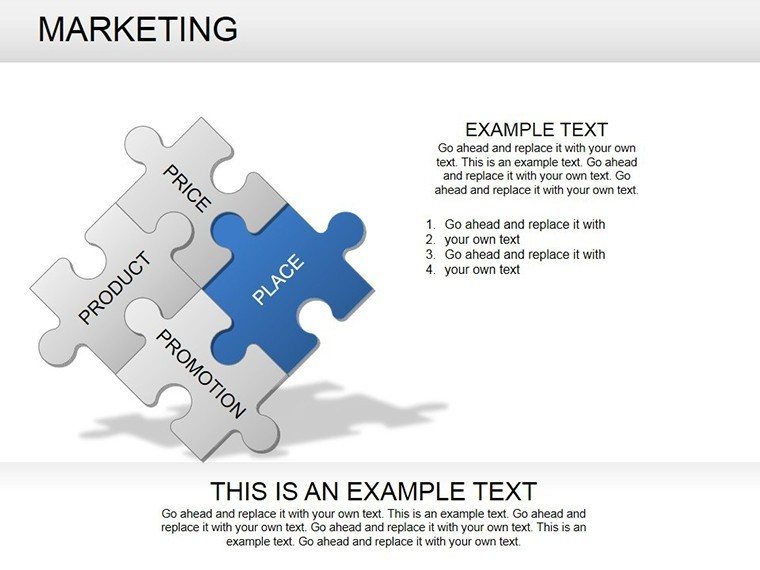
- Academic or Training Use: Marketing mix quadrants (Slide 5) teach the 4Ps interactively, turning lectures into dialogues.
Beyond the slides, tips for max impact: Pair with storytelling arcs - open with a hook question on Slide 1, build tension through data dives, and close with a call-to-action overlay on Slide 17. Compared to vanilla PowerPoint shapes, this template cuts design time by 70%, freeing you for creative brainstorming.
Customization Deep Dive: Make It Uniquely Yours
Customization isn't an afterthought - it's the core. Start with the master slide: Adjust global themes to earthy tones for eco-brands or vibrant pops for tech startups. Fonts? Swap sans-serifs for serifs to evoke trust in financial pitches. Need more? Duplicate Slide 8's table and morph it into a custom KPI dashboard, pulling live data via PowerPoint's linking features.
For advanced users, layer in hyperlinks to external analytics tools, turning static slides into interactive hubs. A pro tip: Use the pyramid's layers for A/B test results, stacking variants to show uplift percentages - perfect for data-heavy teams. This flexibility mirrors Storydoc's interactive case studies, where tailored visuals boosted conversions by 20%.
Workflow Integration Tips
Seamlessly blend into your process: Export from Canva or Figma prototypes directly into these slides via import tools. For remote teams, share via Google Slides for real-time collab. And for that extra edge, embed QR codes on funnels linking to demo videos - bridging digital and physical worlds effortlessly.
Why does this matter? In competitive markets, unique visuals signal expertise. As one marketer shared in a HubSpot roundup, "Diagrams turned our dry reports into strategic conversations, landing us three major clients in Q1." Yours could be next.
Elevate Your Pitches: The Call to Action
Ready to diagram your way to marketing dominance? This template isn't just slides - it's a launchpad for bolder strategies and bigger wins. Download now, customize in minutes, and watch your presentations ignite action. Your audience awaits - don't keep them guessing; show them the future.
Frequently Asked Questions
What makes these marketing diagrams stand out from basic PowerPoint tools?
Our diagrams feature pre-built, high-res 3D and pyramid elements with themed icons, slashing design time while adding professional flair - far beyond default shapes.
Are the slides compatible with Google Slides?
Yes! The .pptx format imports seamlessly into Google Slides, with full editability for collaborative teams.
How many customization options are available?
Unlimited - tweak colors, fonts, layouts, and add elements via intuitive drag-and-drop, ensuring brand-perfect fits.
Can I use this for non-marketing presentations?
Absolutely; adapt for sales, education, or consulting by swapping themes, as seen in versatile business case applications.
What's the best way to animate these diagrams?
Use entrance effects on data points for sequential reveals, enhancing flow without overwhelming viewers.
Good for
- Project roadmaps and sprint plans
- Product launch timelines
- Quarterly or annual review decks
- Company history and milestone summaries
Licence
reviews
Used this for an operations meeting at work.
The process flow pages were the most useful part.
Some diagrams had too many gradients for me.
I removed a few icons and it looked cleaner.
FAQ
Will it work in Google Slides?
Are fonts embedded?
Can I use this for client work?
What's the refund policy?
Do you update the template after purchase?
Similar templates
See all Powerpoint Diagrams →
All 17 slides