 Click to zoom
3D Funnel PowerPoint Diagrams: Guide Your Audience Through the Flow
| Format | .pptx |
| Slides | 10 unique layouts |
| Aspect ratio | 16:9 |
| Compatibility | PowerPoint |
| Animated | No |
| Language | English |
| License | Commercial |
| File size | — |
| Version | v1.0 |
| Last updated | January 2025 |
What's inside
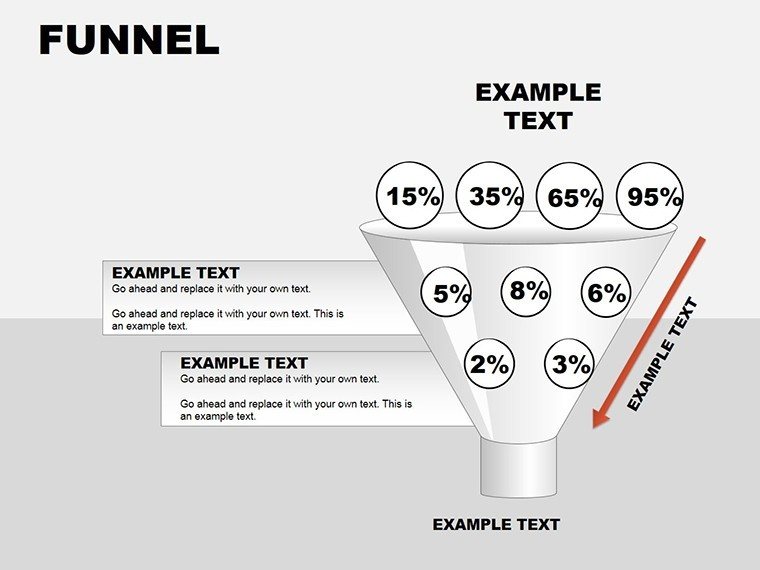
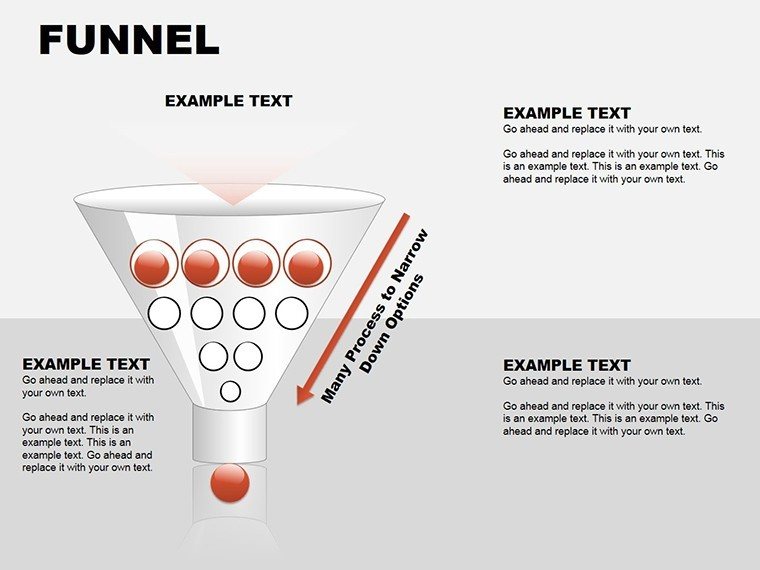
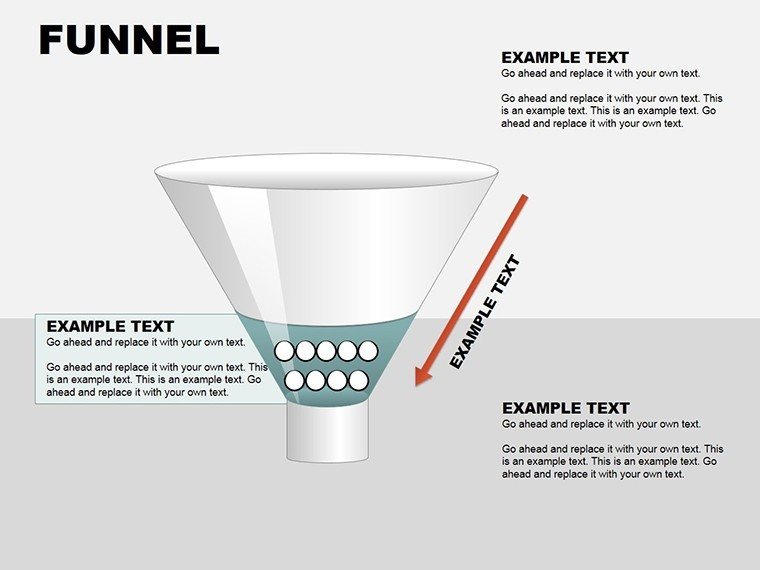
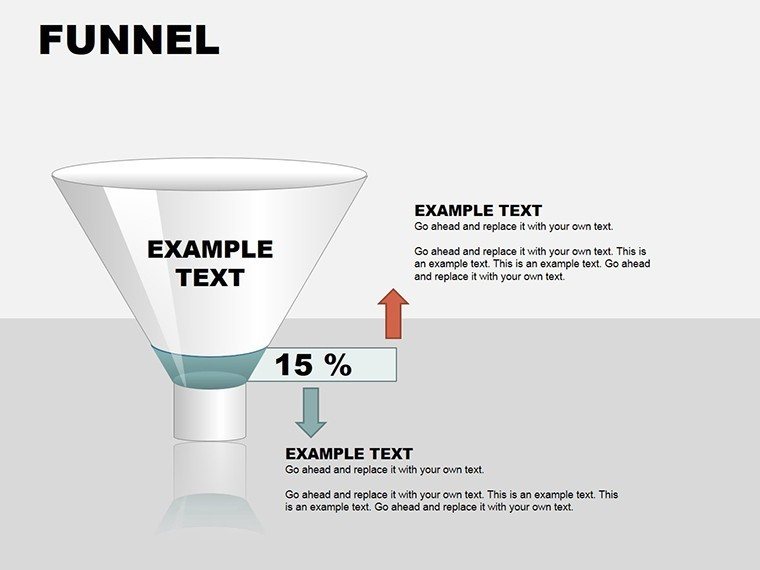
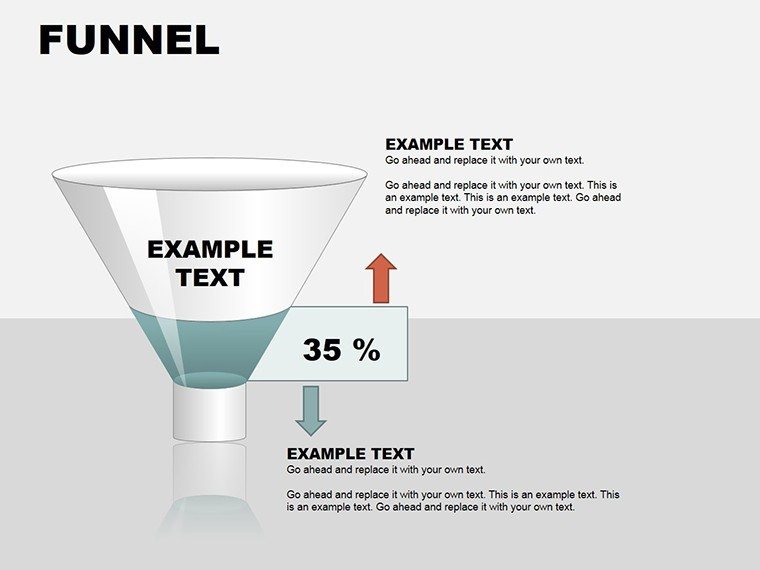
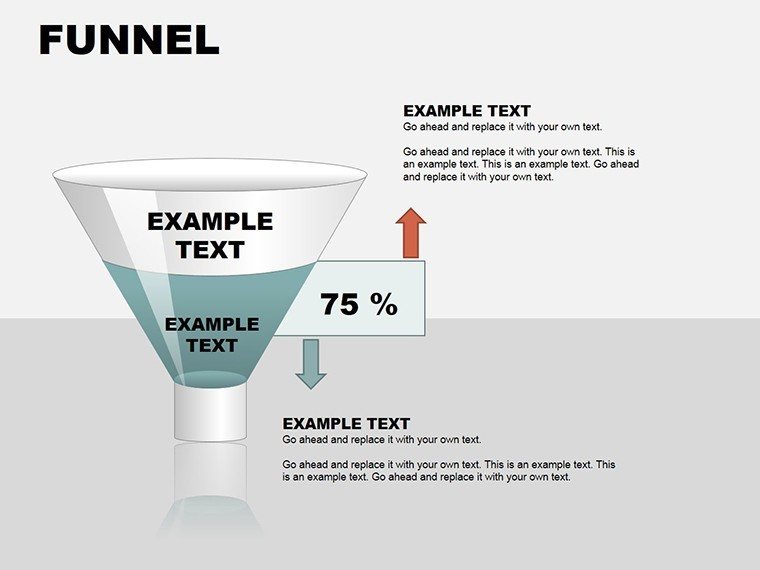
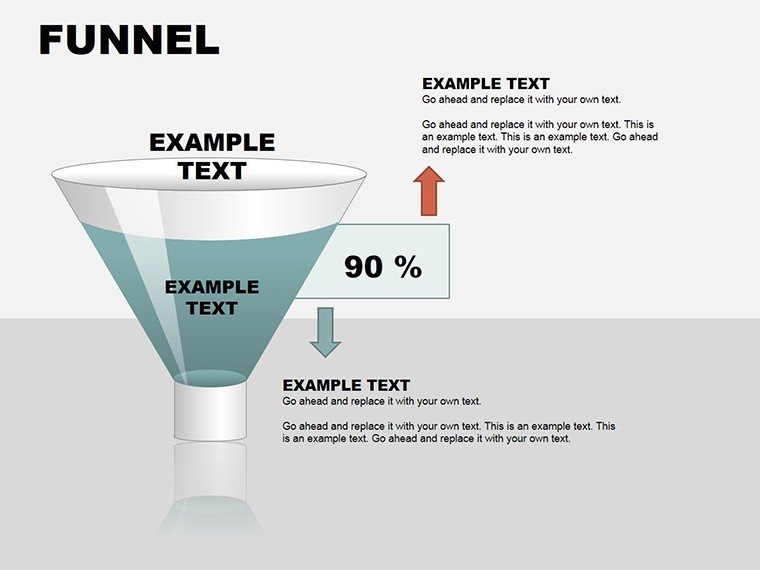
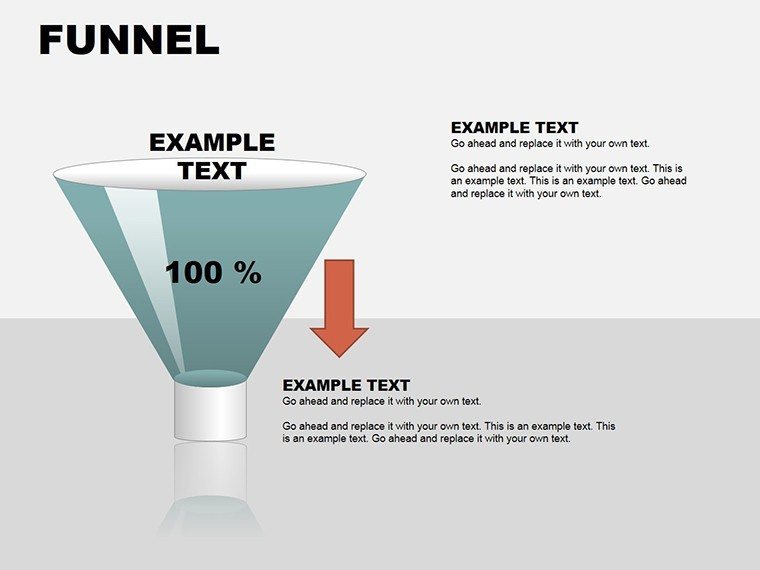
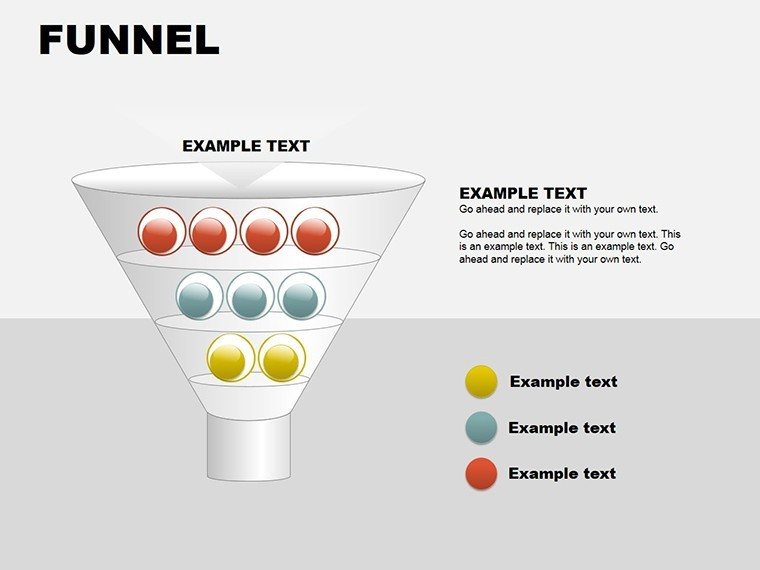
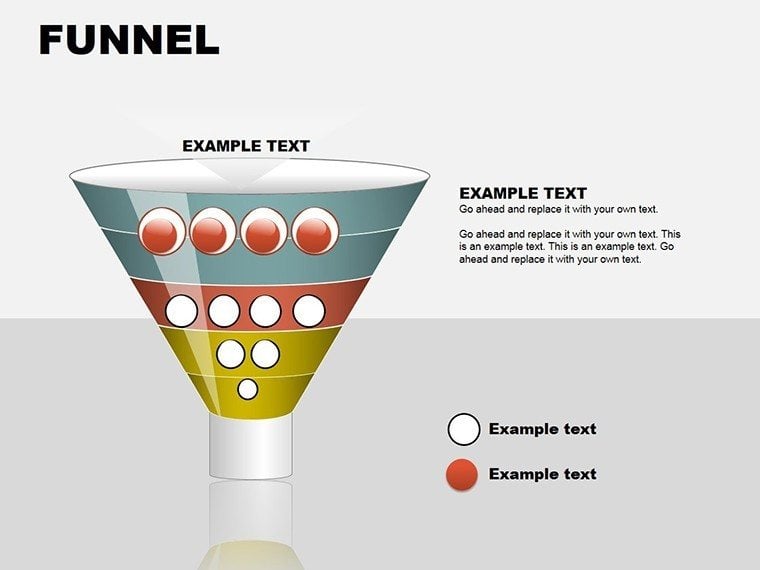
Every great presentation funnels attention from broad concepts to pinpoint actions, much like a well-designed sales pipeline narrows leads into loyal customers. The 3D Funnel PowerPoint Diagrams template captures this essence with 10 editable slides, providing depth and dimension to your process visuals. Aimed at sales reps, marketers, and process engineers, it turns flat descriptions into immersive journeys that hold viewers hooked from top to bottom.
Engineered for PowerPoint 2016+, these pyramids under the 3D category offer mutations for varied stages - wide tops for awareness, tapered bottoms for conversions. For $20, you gain a library that integrates text seamlessly, clarifying each layer's role. It's the antidote to vague overviews, delivering specificity that sparks questions turned insights.
Envision pitching a marketing campaign: instead of listing steps, a 3D funnel cascades from impressions to engagements, with volumetric tapers showing drop-offs realistically. This spatial storytelling, rooted in design principles from pros like Edward Tufte, minimizes misinterpretation and maximizes retention.
Key Elements and Mutations in the Funnel Designs
Slide one kicks off with a classic horizontal funnel, slicing stages like a cross-section for timeline emphasis. Vertical stacks follow, building pyramid-like from base inputs to peak outputs.
Mutated forms include asymmetrical funnels for uneven processes, like creative workflows where ideation balloons before refinement tightens.
- Standard Funnels: Symmetrical shapes for balanced flows, with gradient shading for depth.
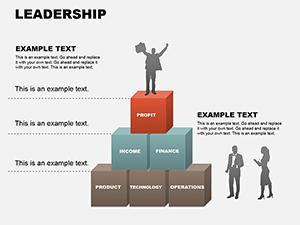
- Segmented Pyramids: Layered blocks stackable for multi-phase models.
- Mutated Variants: Curved or stepped edges for non-linear paths.
.pot and .potx sources ensure editable layers, with shadows enhancing 3D illusion.
From Concept to Close: Using Funnels in Action
For sales demos, populate the top with lead sources, narrowing to qualified opportunities - add metrics via text boxes that scale with the shape. Animate fills from wide to narrow, simulating progression and building anticipation.
Engineers map manufacturing: funnel raw materials through assembly, highlighting bottlenecks with color accents. It parallels how Toyota visualizes lean processes, emphasizing waste reduction visually.
Marketers dissect customer journeys: awareness at the brim, loyalty at the spout, inserting icons for touchpoints.
- Insert funnel slide into your presentation.
- Label layers with descriptive text.
- Adjust widths proportionally to data volumes.
- Incorporate charts for quantitative support.
- Test in full screen for 3D effect.
This workflow suits any scale, from quick updates to elaborate proposals.
Enhancing Funnels with Smart Tweaks
Boost engagement by varying opacities - semi-transparent tops suggest openness, solid bases imply solidity. Limit to four stages for scannability, using bevels for extra pop on glossy themes.
Pair with arrows threading through for sub-flows, keeping the core funnel intact.
The Edge of 3D Over Flat: Depth in Every Detail
These surpass 2D by implying volume, making attrition tangible - viewers grasp losses intuitively. In reports, mutated funnels adapt to irregular data, unlike rigid defaults.
Shareable .potx files invite feedback, with vectors preserving fidelity across exports.
Narrow your focus to what matters - let these funnels channel your narrative powerfully.
Streamline your slides starting today: download the 3D Funnel template for $20 and pour ideas into action.
Frequently Asked Questions
Can I change the 3D perspective?
Yes, rotate shapes in 3D format options for custom angles.
How do I add metrics to layers?
Use aligned text boxes or embed mini-charts that resize with the funnel.
Are shadows customizable?
Fully - adjust offset, blur, and color in the effects pane.
Suitable for vertical or horizontal layouts?
Both; slides include orientations for portrait or landscape decks.
Good for
- Project roadmaps and sprint plans
- Product launch timelines
- Quarterly or annual review decks
- Company history and milestone summaries
Licence
reviews
Needed process diagrams for a manufacturing report and this worked okay.
The slide transitions weren’t important but the layouts were useful.
A few shapes needed manual alignment after editing.
Simple design but readable from the back of the room.
I’d probably reuse the timeline pages again.
FAQ
Will it work in Google Slides?
Are fonts embedded?
Can I use this for client work?
What's the refund policy?
Do you update the template after purchase?
Similar templates
See all Powerpoint Diagrams →
All 10 slides