 Click to zoom
Pyramid Ring PowerPoint Diagrams
| Format | .pptx |
| Slides | 20 unique layouts |
| Aspect ratio | 16:9 |
| Compatibility | PowerPoint |
| Animated | No |
| Language | English |
| License | Commercial |
| File size | — |
| Version | v1.0 |
| Last updated | January 2025 |
What's inside
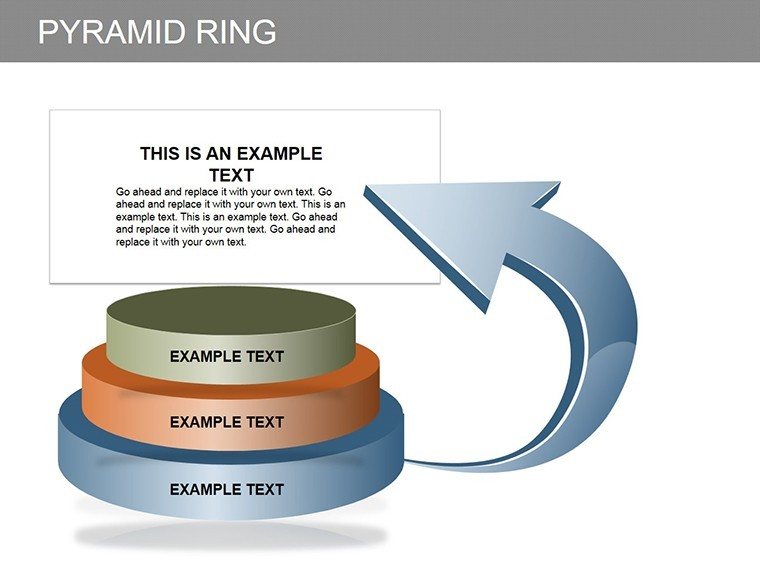
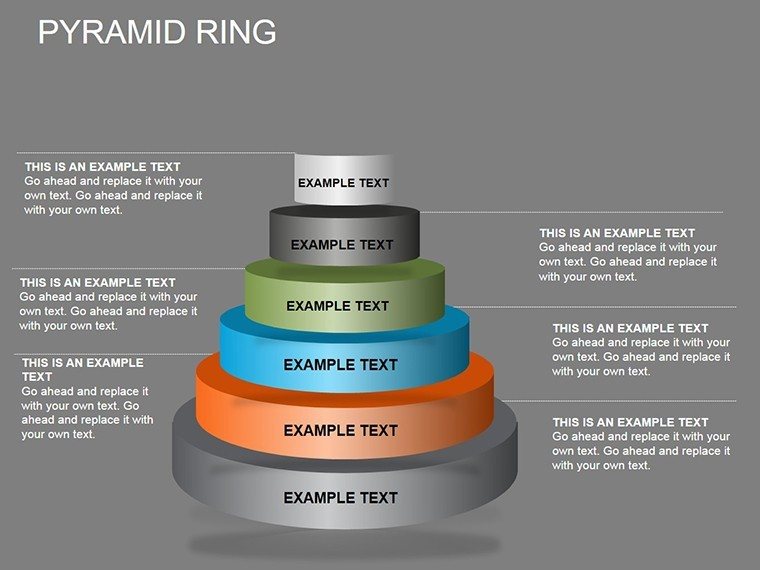
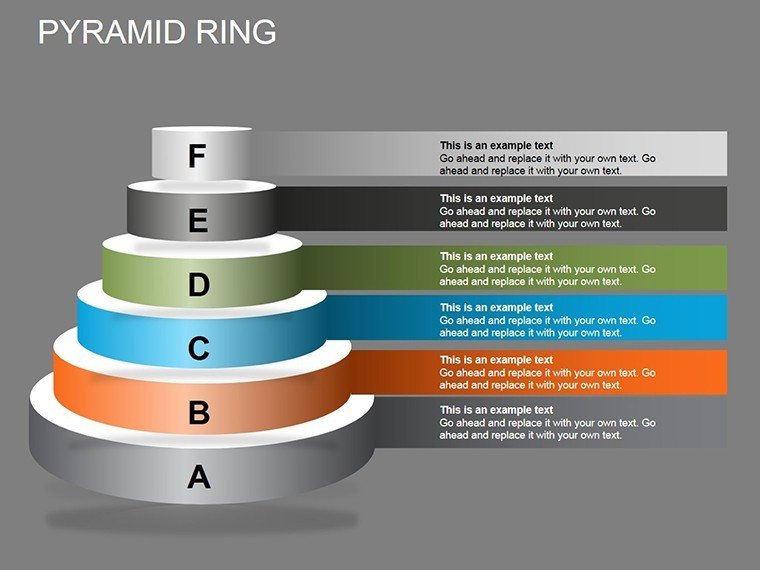
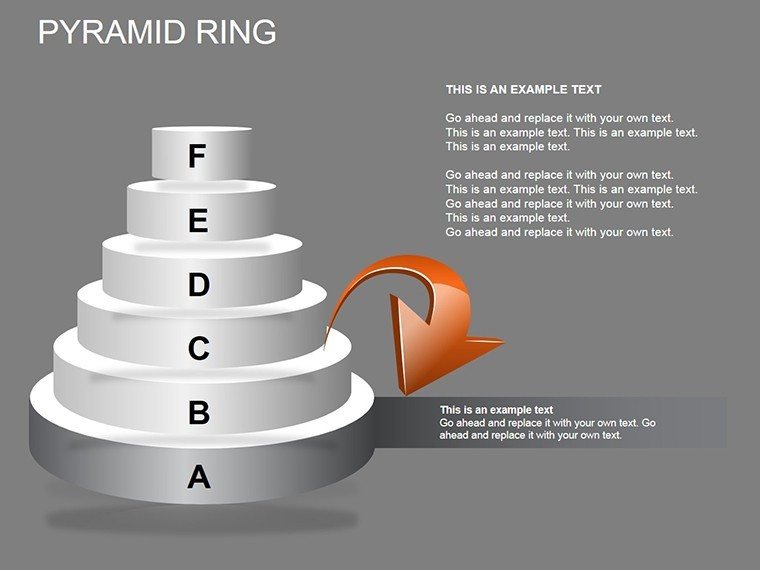
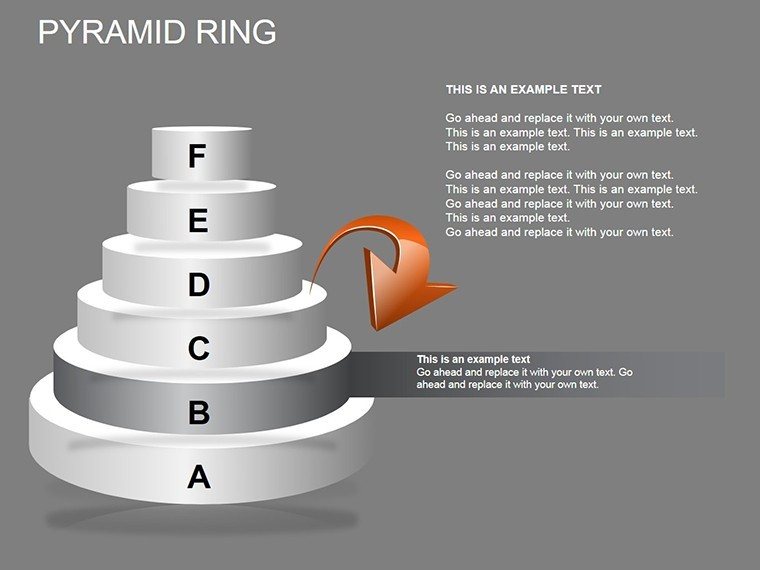
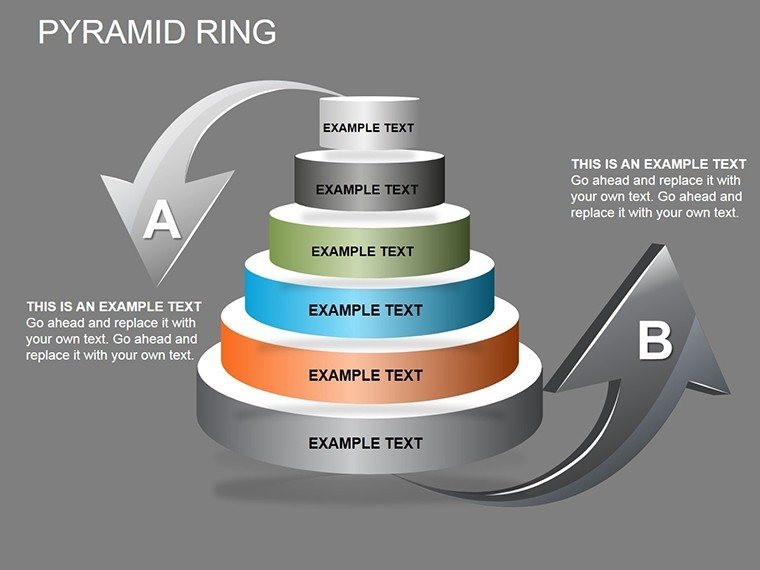
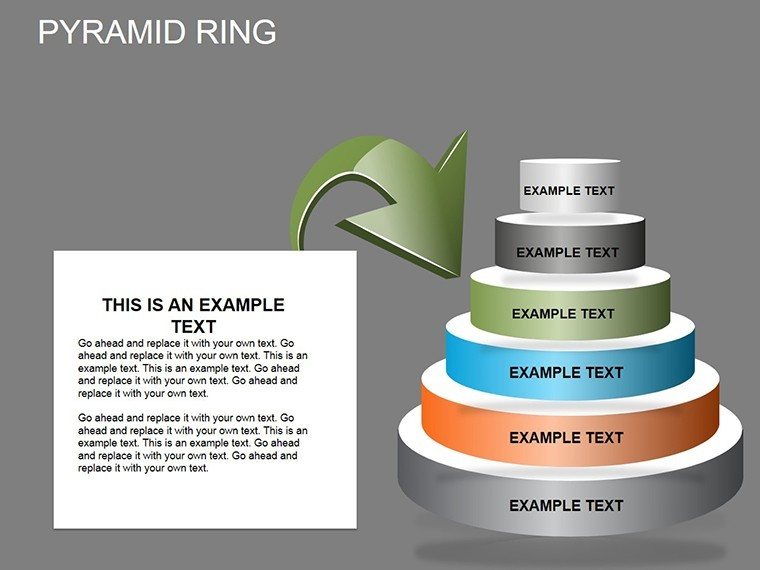
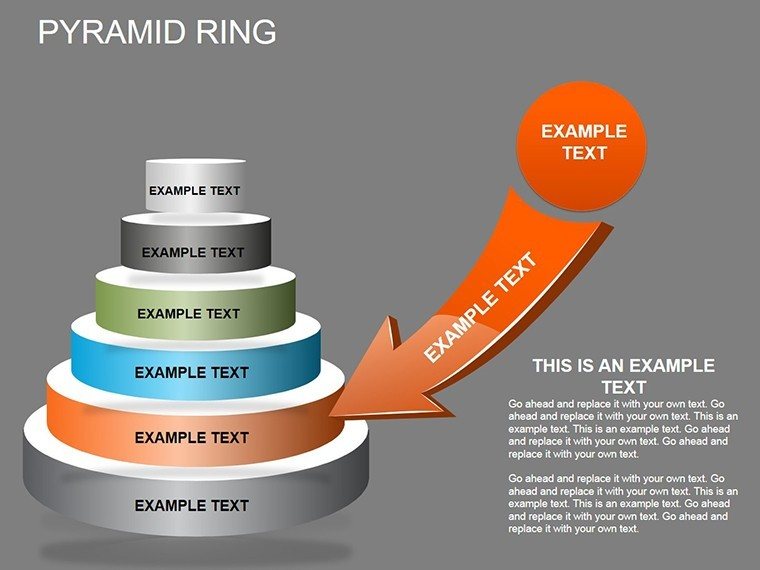
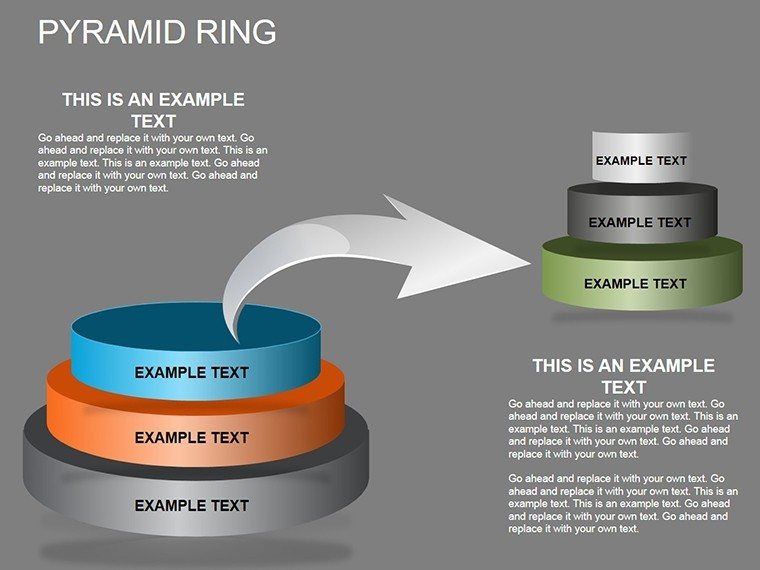
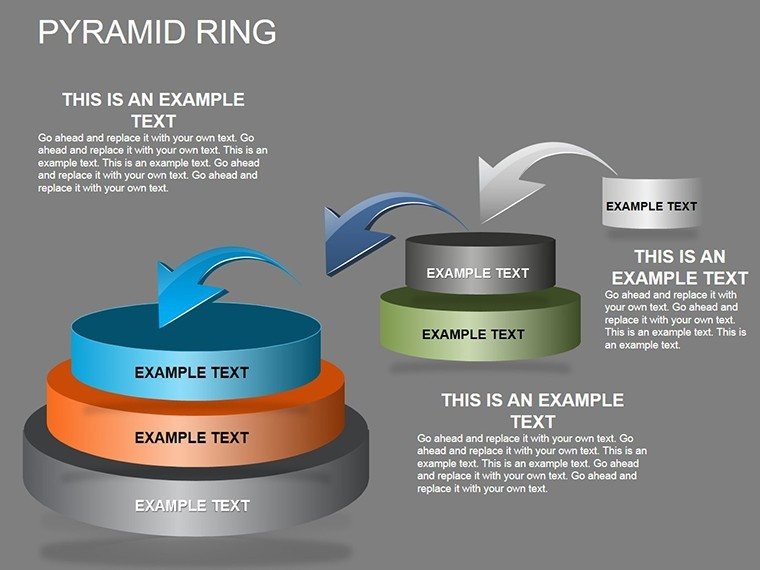
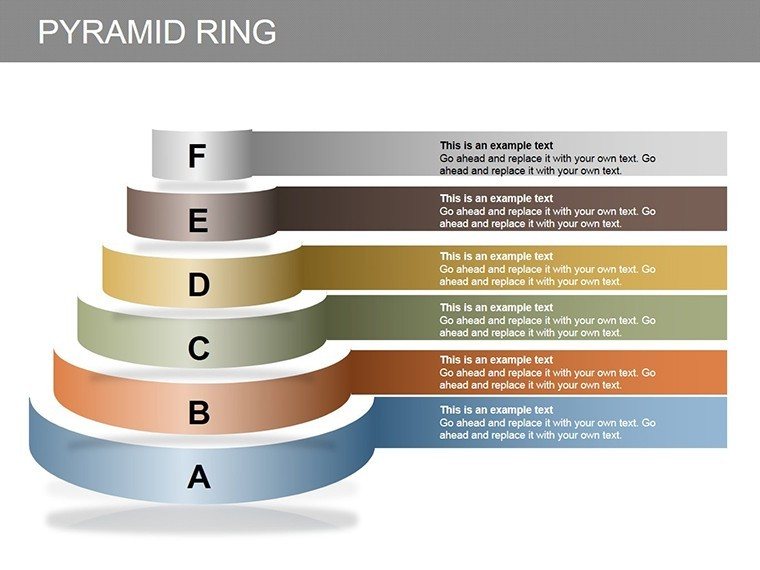
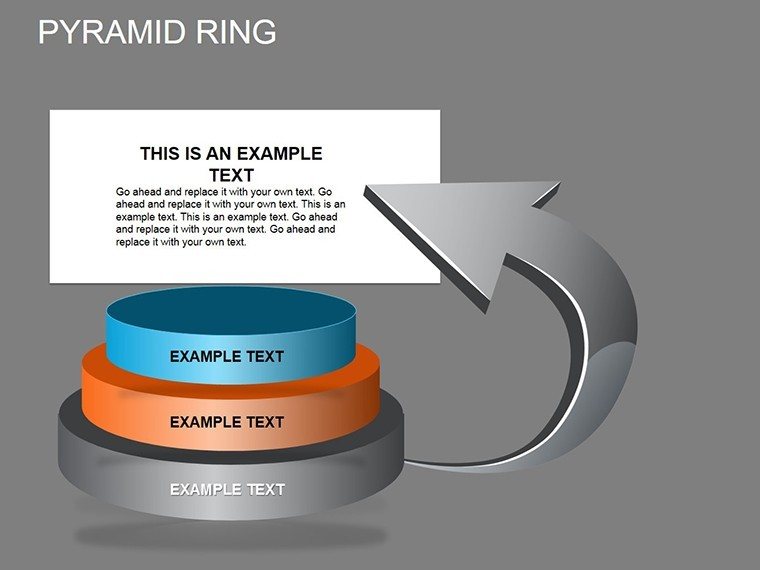
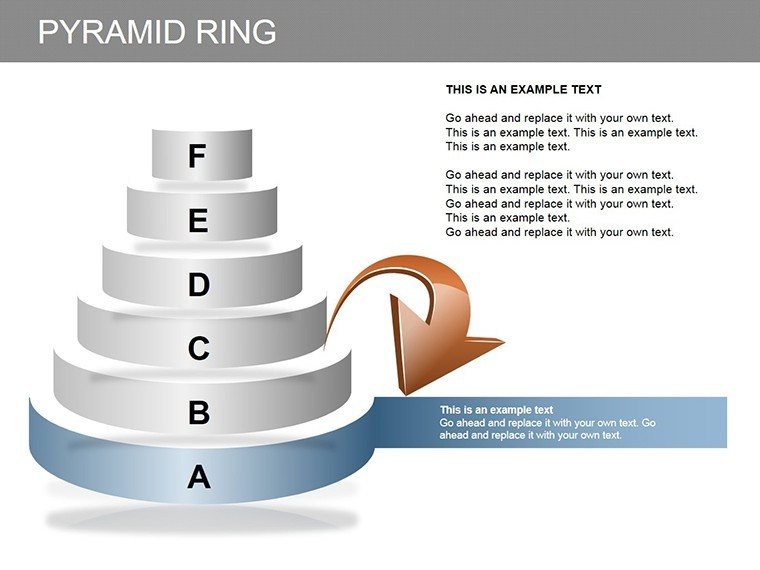
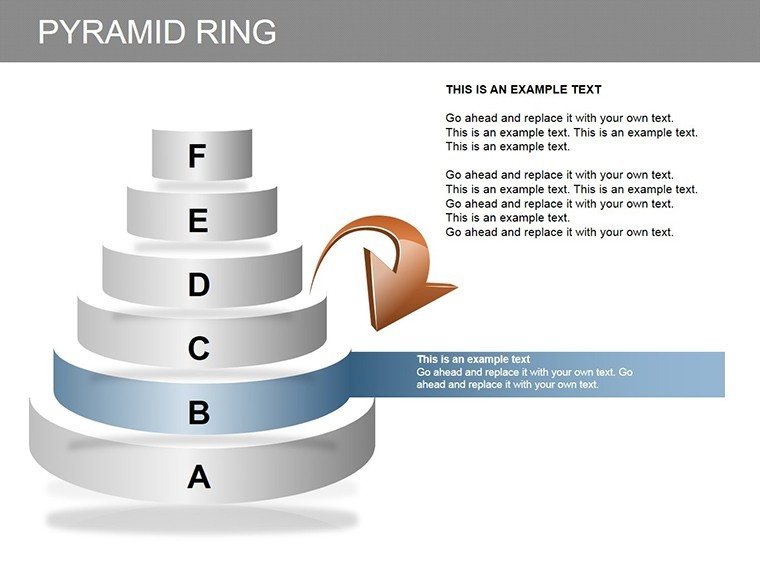
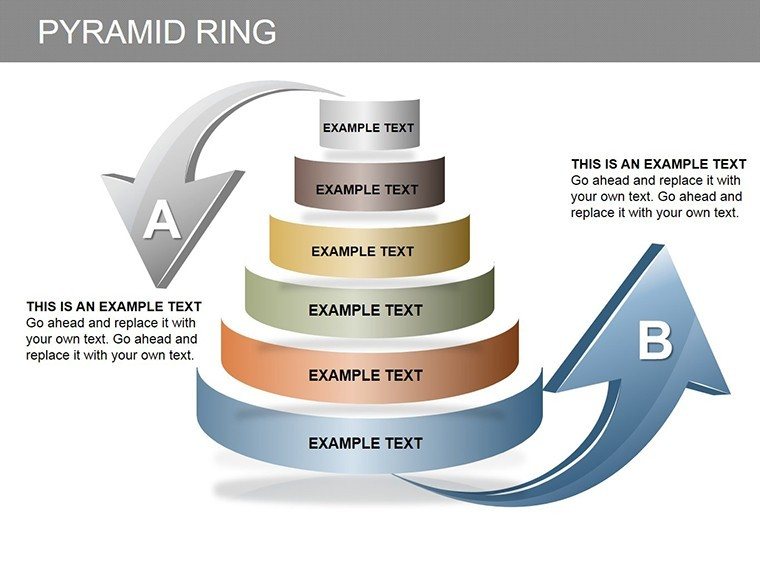
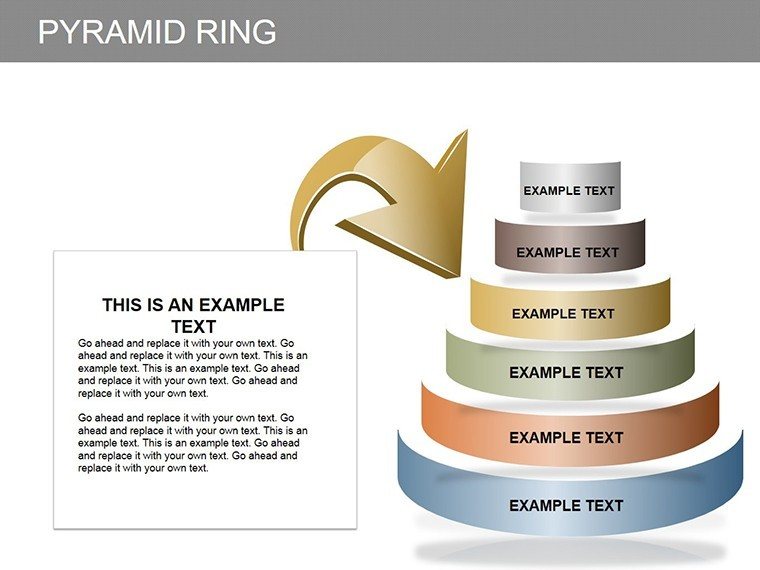
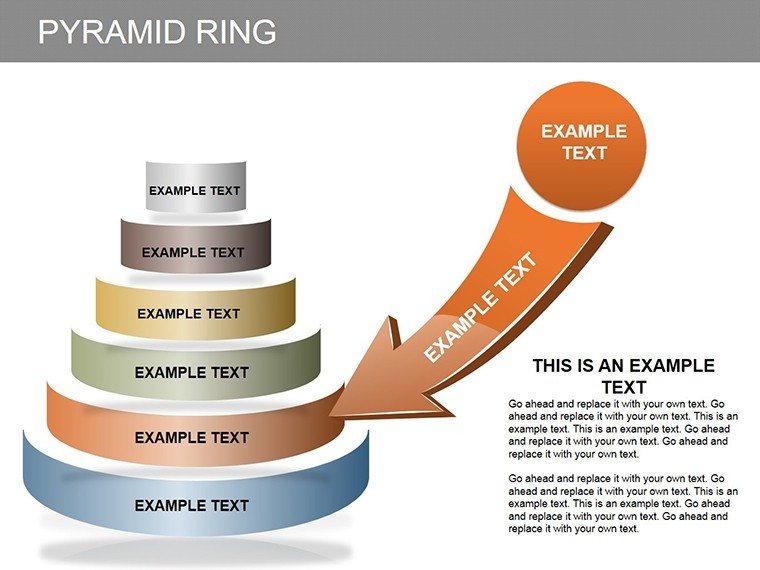
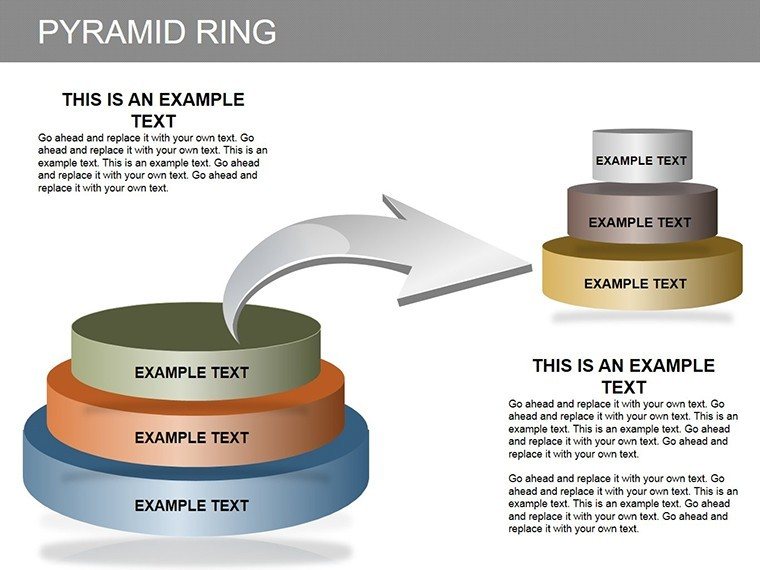
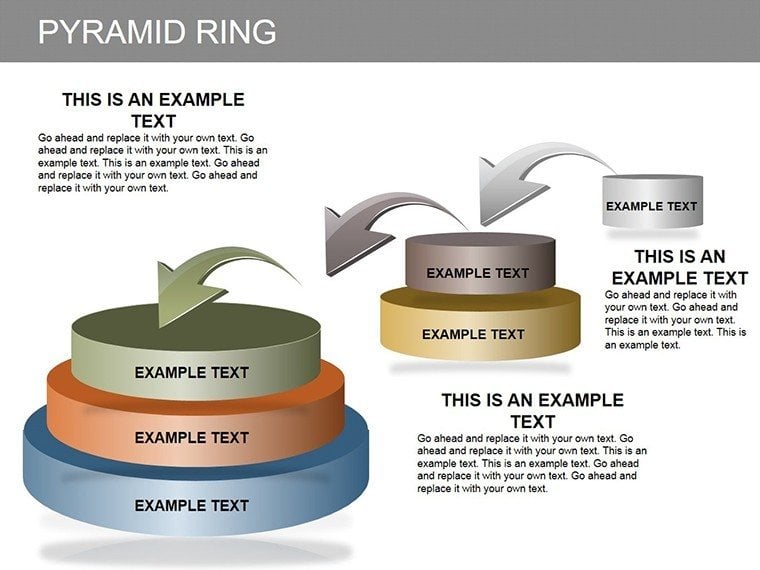
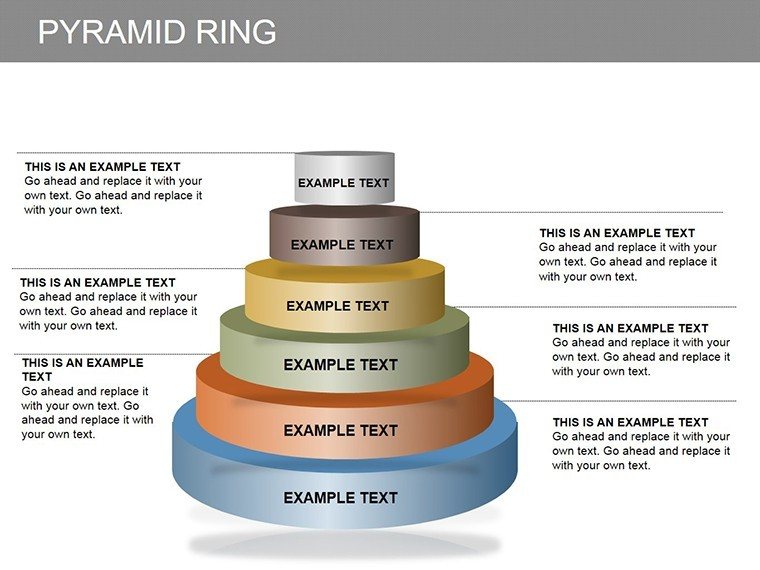
Visualizing hierarchies and progressions has never been more intuitive than with this Pyramid Ring PowerPoint diagrams template. Featuring 20 editable slides, it's perfect for HR managers tracking career ladders, marketers analyzing market shares, or entrepreneurs mapping business evolutions. Each pyramid ring structure allows you to layer information step-by-step, adding text or numbers to represent levels of achievement or segmentation. This isn't just a diagram set; it's a catalyst for clearer communication, helping you transform abstract concepts like 'ego' in market positioning or staff development into tangible, engaging visuals that drive discussions and decisions forward.
Harness Hierarchical Magic in Your Presentations
At the core of effective business storytelling lies the ability to depict structures vividly. This template, influenced by proven models like Maslow's hierarchy adapted for business from psychology texts, enables you to illustrate multi-level concepts with ease. Consider a sales team presentation: Use a ringed pyramid to show market share breakdowns, from base-level competitors to top-tier dominators, citing data from Nielsen reports for added authority.
Essential Features for Dynamic Diagrams
Built for versatility, these slides shine in PowerPoint environments with full editability. Notable elements include:
- Layered Pyramid Designs: Rings that expand or contract to fit your data, ideal for showing progressive builds.
- Text and Numeric Integration: Easily insert labels at each ring for precise, quantifiable insights.
- 3D Visual Enhancements: Depth effects that make hierarchies pop, enhancing viewer engagement.
- Customizable Aesthetics: Alter sizes, colors, and orientations to align with your narrative.
In contrast to flat PowerPoint pyramids, these ringed versions add a circular dimension, symbolizing cycles or interconnected growth, for more sophisticated analyses.
Diverse Applications Across Industries
From corporate boardrooms to educational workshops, this template adapts effortlessly. In career development, HR pros can map employee progressions, referencing frameworks from the Society for Human Resource Management (SHRM) to underscore paths to leadership. For market analysis, break down 'ego' factors - brand perception layers - using rings to visualize consumer loyalty tiers, backed by insights from Forrester Research.
Step-by-Step Customization Workflow
- Define Your Hierarchy: Outline levels, such as entry-level to executive in careers.
- Select a Slide Variant: Pick from 20 options, like multi-ring for complex shares or simple for basics.
- Populate Rings: Add text/numbers, ensuring each layer builds logically.
- Refine Visuals: Apply gradients or shadows for emphasis, per design principles from Adobe's creative guides.
- Test and Tweak: Share drafts for feedback, refining for maximum clarity.
This process mitigates typical challenges like unclear progressions, as evidenced in successful implementations at companies like Google for internal promotions.
Expert Advice for Pyramid Perfection
Elevate your use by layering narratives: Start at the base with foundational data, ascending to apex insights. Steer clear of overload - limit to 5-7 rings per diagram for digestibility. In digital formats, animate ring builds to reveal information sequentially, maintaining attention. Extend utility by combining with tools like Excel for data-linked updates or exporting for web-based reports.
Grounded in trustworthy methodologies, such as hierarchical models from business literature like 'Good to Great' by Jim Collins, this template fosters authoritative presentations. It's an investment in clarity, suitable for ambitious professionals across scales.
Elevate Your Hierarchical Narratives Today
With its blend of functionality and flair, this Pyramid Ring template redefines how you present growth and structure. Embrace it to turn data into dialogues that inspire action. Ready to ring in better visuals? Grab this set and propel your presentations to new heights.
Frequently Asked Questions
How many levels can each pyramid ring support?
Typically 4-8, but editable to add more as needed for your specific hierarchy.
Is this suitable for 3D presentations?
Yes, the built-in 3D effects enhance depth, perfect for modern slides.
Can I integrate numbers for quantitative data?
Absolutely - each ring accepts numeric values for metrics like market percentages.
What if I need to adapt for non-business uses?
Flexible for education or personal growth, just relabel rings accordingly.
Does it work with older PowerPoint versions?
Compatible with PowerPoint 2010 and later; test for full feature support.
How to ensure brand consistency?
Customize colors and fonts to match your palette seamlessly.
Good for
- Project roadmaps and sprint plans
- Product launch timelines
- Quarterly or annual review decks
- Company history and milestone summaries
Licence
reviews
Used this for an engineering workflow presentation.
The layout looked clean without too many effects.
Some shapes needed manual alignment.
Good for technical reports and updates.
Helped me finish slides under a tight deadline.
FAQ
Will it work in Google Slides?
Are fonts embedded?
Can I use this for client work?
What's the refund policy?
Do you update the template after purchase?
Similar templates
See all Powerpoint Diagrams →
All 20 slides