 Click to zoom
Leadership PowerPoint Diagrams: Motivate and Guide
| Format | .pptx |
| Slides | 14 unique layouts |
| Aspect ratio | 16:9 |
| Compatibility | PowerPoint |
| Animated | No |
| Language | English |
| License | Commercial |
| File size | — |
| Version | v1.0 |
| Last updated | January 2025 |
What's inside
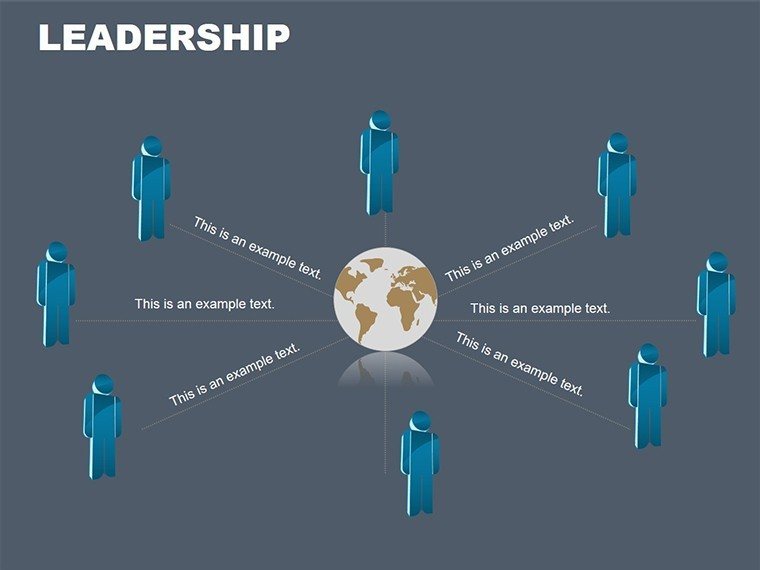
Leadership isn't about titles; it's about lighting the way for others toward shared victories, and the Leadership PowerPoint Diagrams template captures that spark in 14 editable slides. Crafted for PowerPoint users across Windows and Mac, this set draws on pyramid and organizational motifs to structure visions hierarchically, making abstract guidance concrete and compelling. Ideal for executives crafting team alignments or coaches building development frameworks, it priced at $15, delivers tools that align actions with ambitions.
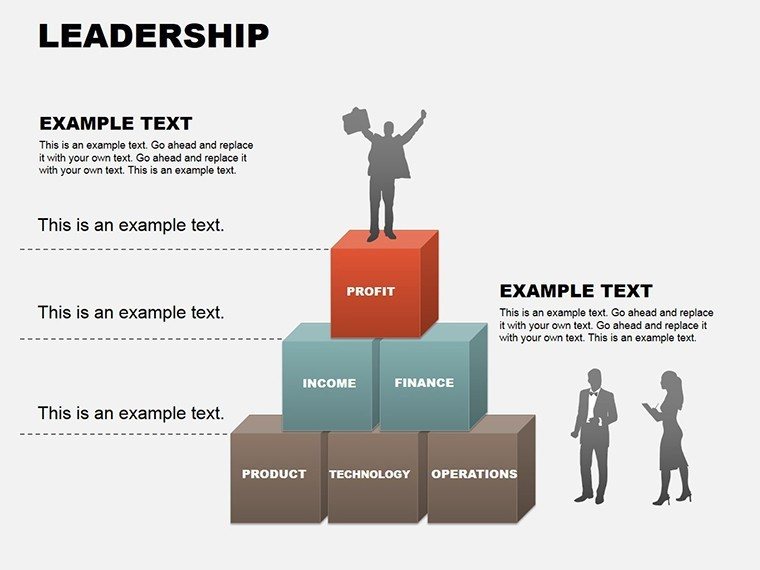
Think of unveiling a new org chart where base layers represent frontline efforts funneling upward to executive strategies - each level animated to rise, symbolizing growth. Or in a motivational seminar, pyramid slides stack values from core principles to peak performance, engaging participants in their ascent. This template's pyramid designs evoke stability and progression, turning routine updates into rallying cries.
Foundational Designs for Commanding Presence
Explore layered pyramids and org tree variants, vector-based for infinite scaling. Clean lines and neutral palettes invite your branding, while subtle shadows add dimension for professional polish.
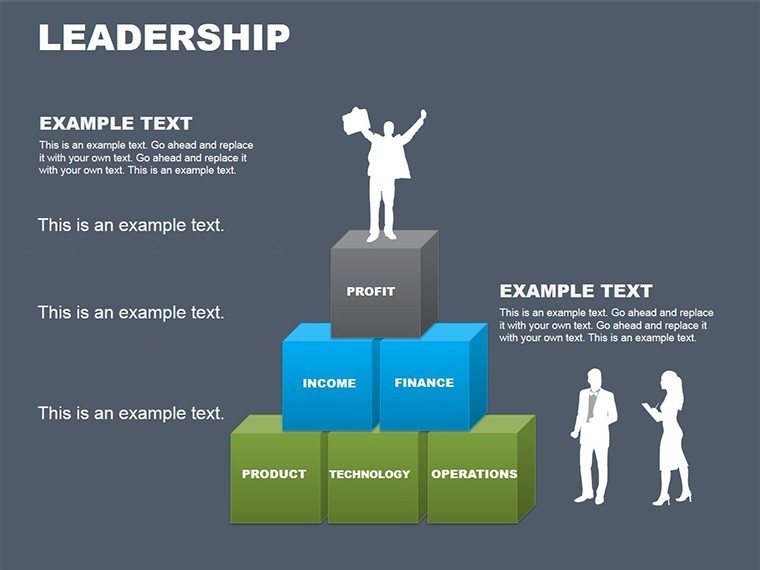
- Pyramid Stacks: Tiered structures for priority mapping, from broad bases to apex goals.
- Org Branches: Tree-like extensions for role delineations, with connectors that branch organically.
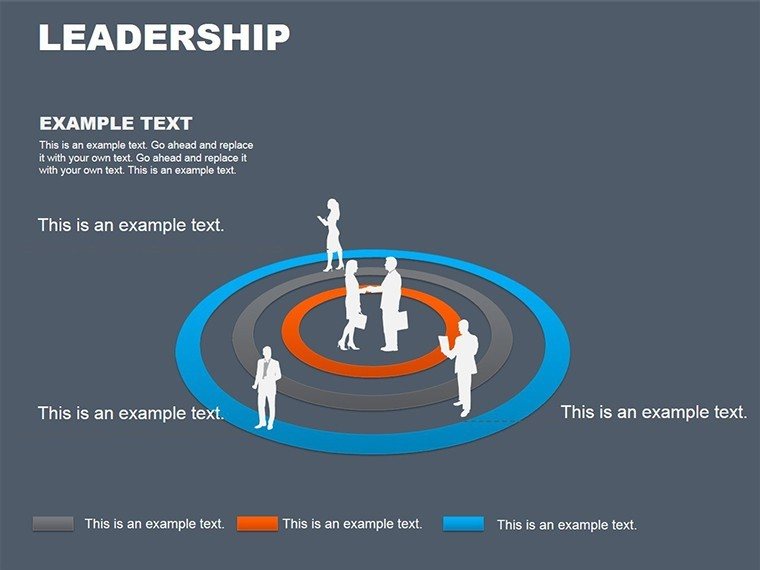
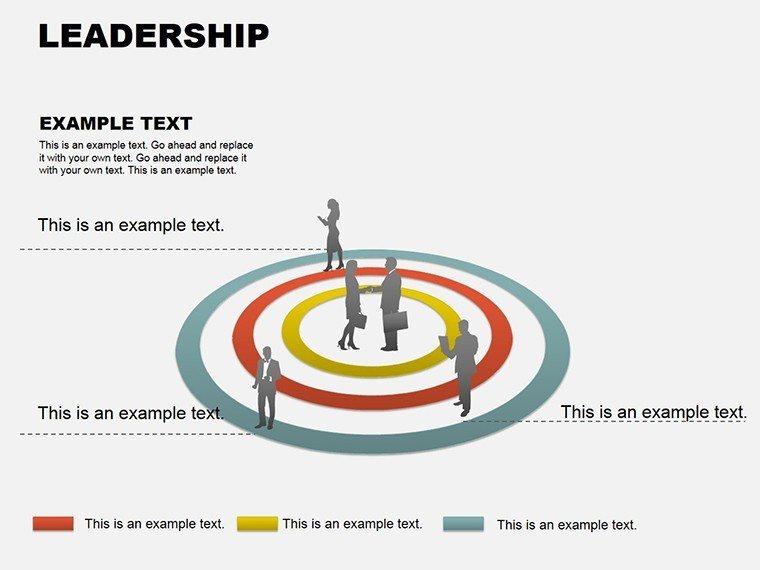
- Influence Radii: Circular overlays on pyramids to denote impact zones, editable for scope adjustments.
These visuals command attention, distilling hierarchies into digestible forms. A department head might layer a pyramid with KPIs, base-wide for volume metrics tapering to singular leadership targets.
Effortless Editing: Shape Your Leadership Narrative
- Launch in PowerPoint: Open the .pptx file and navigate to a pyramid slide suiting your hierarchy depth.
- Layer Content: Insert text in tiers via smart guides, then recolor gradients to reflect team energies.
- Animate Ascent: Apply entrance effects to build layers sequentially, syncing with your motivational beats.
- Validate Flow: Use slide sorter to sequence org evolutions, ensuring logical progression.
Such steps bypass tedious alignments, empowering quick pivots to audience reactions.
Strategic Applications That Forge Teams
Managers deploy these diagrams for restructuring announcements, pyramids illustrating streamlined reporting lines to boost efficiency. It aligns with tactics from leadership texts like those by John Maxwell, where visual hierarchies clarify delegation. HR specialists use org trees for talent pipelines, branching from entry roles to C-suite potentials.
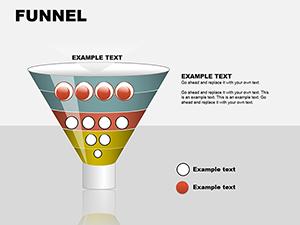
In sales, stack pyramids for funnel management, base captures leads narrowing to closed deals at the top. Non-profits adapt for mission breakdowns, ensuring volunteers see their role in the greater structure.
Tackling Hierarchy Headaches
Flat org charts bore; these dynamic pyramids engage by implying motion upward. They outshine tables by spatial storytelling, reducing cognitive load in diverse teams. For global ops, add locale icons to branches, bridging cultural gaps visually.
Embed hyperlinks in apex nodes for drill-downs to policies, enhancing interactivity in town halls.
Amplifying with PowerPoint Features
Combine with morph transitions for evolving structures across slides, or ink annotations for live emphasis. Share via OneDrive for collaborative refinements.
Acquire the Leadership PowerPoint Diagrams template today and guide your teams to peaks of productivity - step into command now.
Frequently Asked Questions
Which PowerPoint versions are compatible?
Works seamlessly with PowerPoint 2016 and newer, including Microsoft 365 subscriptions.
Can pyramids be inverted for bottom-up views?
Yes, flip shapes via rotate tools and realign for ascending narratives.
How do I add photos to org nodes?
Insert via picture placeholders, which mask to circles for uniform portraits.
Are there pre-set color schemes?
Indeed - five themes from corporate blues to energetic reds, all theme-adjustable.
Does it support right-to-left languages?
Fully, with mirrored layouts for Arabic or Hebrew hierarchies.
What's the best way to print these diagrams?
Export as PDF at 300 DPI for handouts that retain layered details.
Good for
- Project roadmaps and sprint plans
- Product launch timelines
- Quarterly or annual review decks
- Company history and milestone summaries
Licence
reviews
The timeline pages were probably the best part.
I made a short client presentation using these diagrams.
The layouts kept the information cleaner than my normal slides.
A couple graphics looked stretched when resized.
Still useful for business reports.
FAQ
Will it work in Google Slides?
Are fonts embedded?
Can I use this for client work?
What's the refund policy?
Do you update the template after purchase?
Similar templates
See all Powerpoint Diagrams →

All 14 slides