 Click to zoom
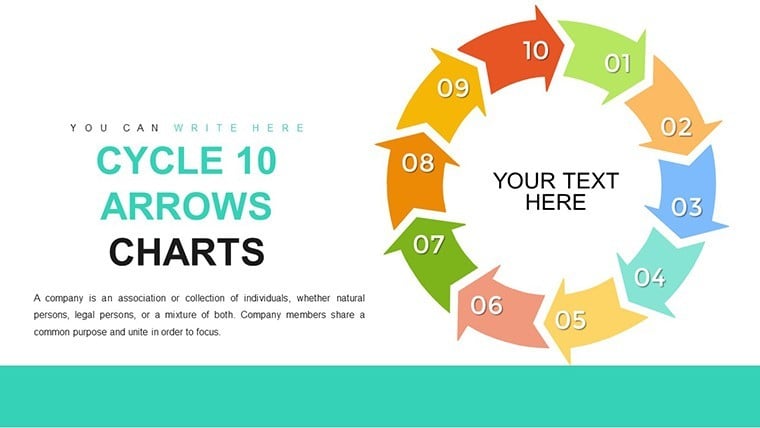
10-Step Cycle Arrows Keynote Template: Comprehensive Process Visualization
| Format | .pptx |
| Slides | 26 unique layouts |
| Aspect ratio | 16:9 |
| Compatibility | PowerPoint |
| Animated | No |
| Language | English |
| License | Commercial |
| File size | — |
| Version | v1.0 |
| Last updated | July 2021 |
What's inside
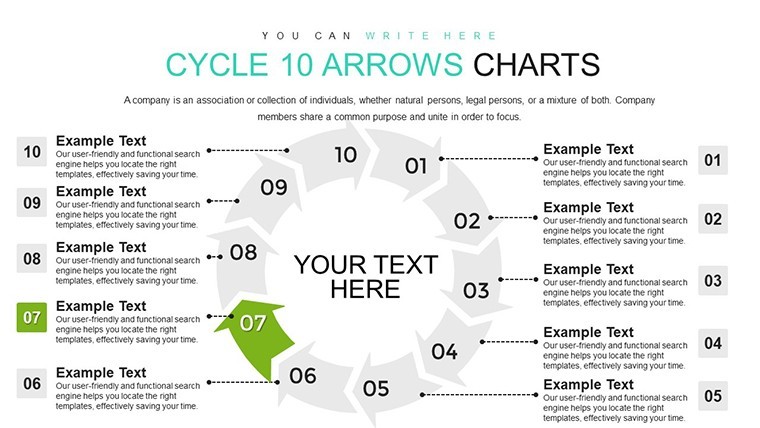
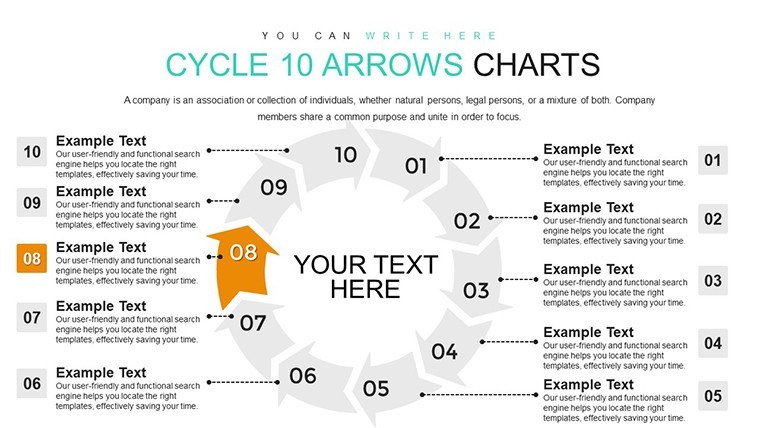
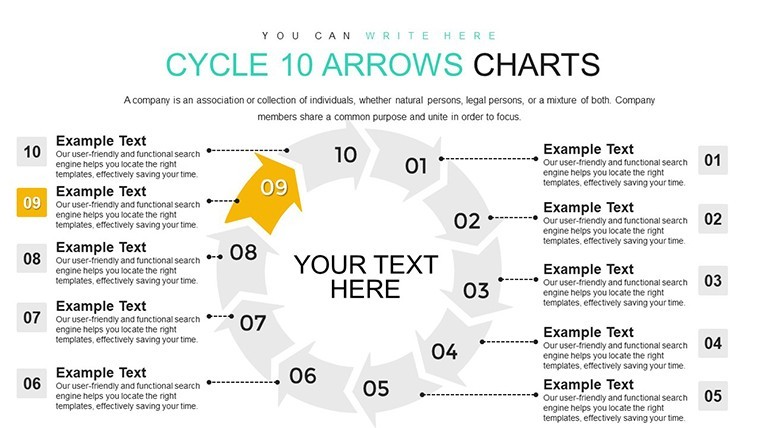
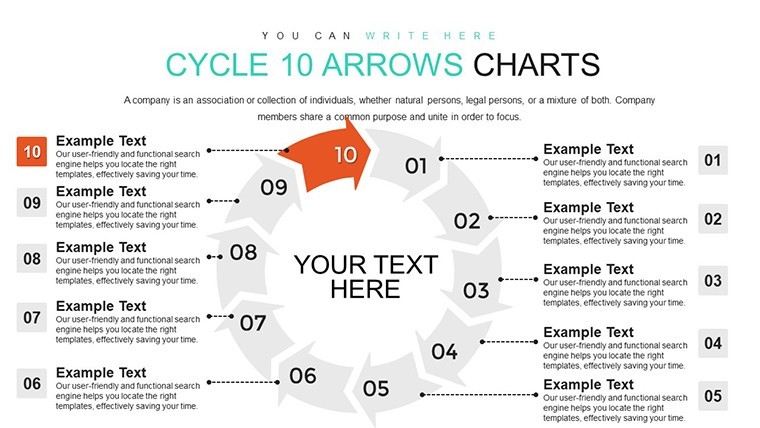
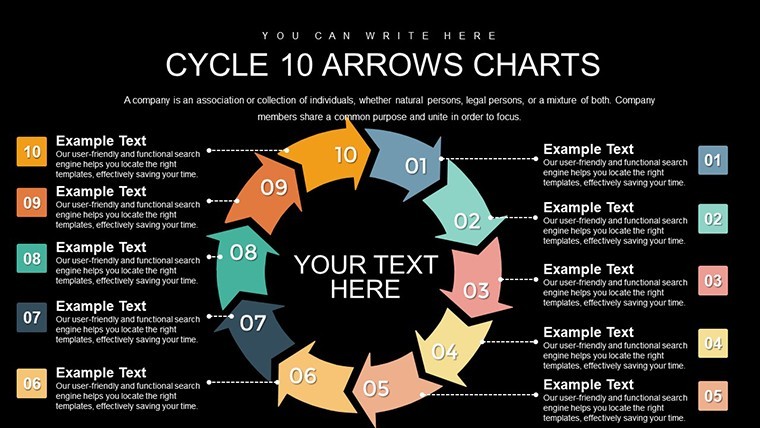
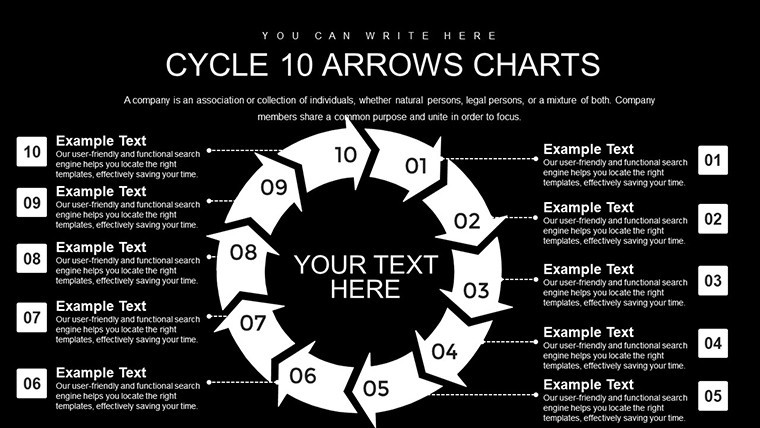
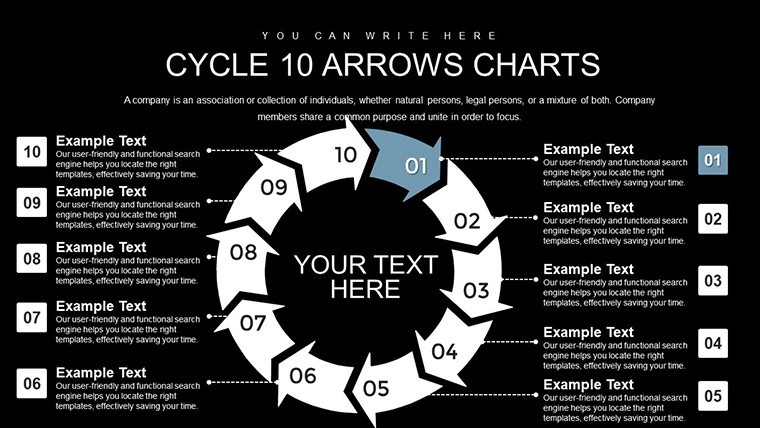
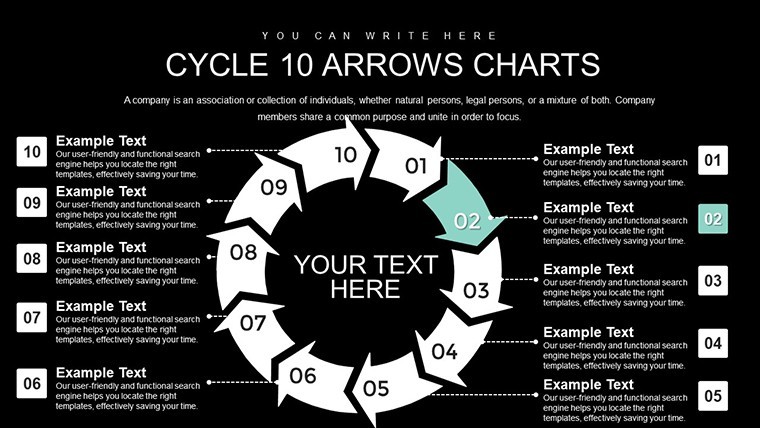
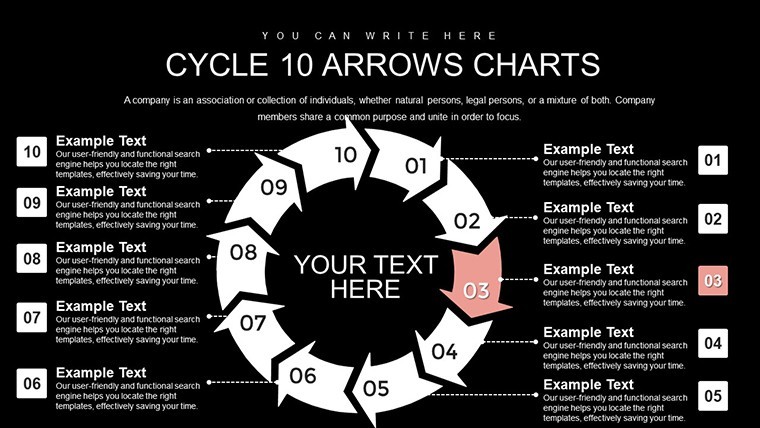
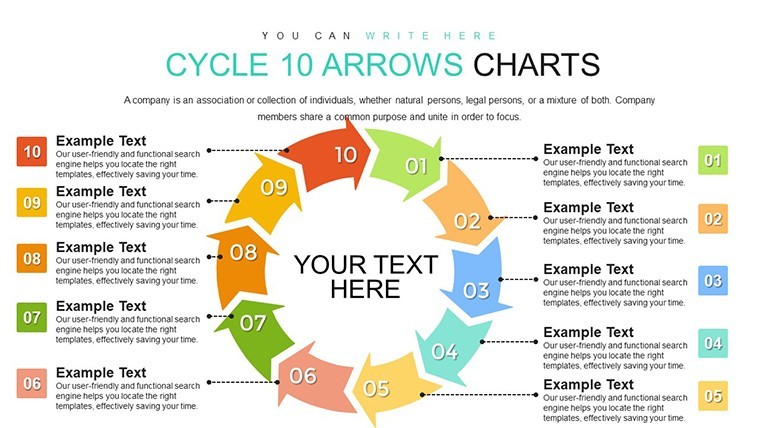
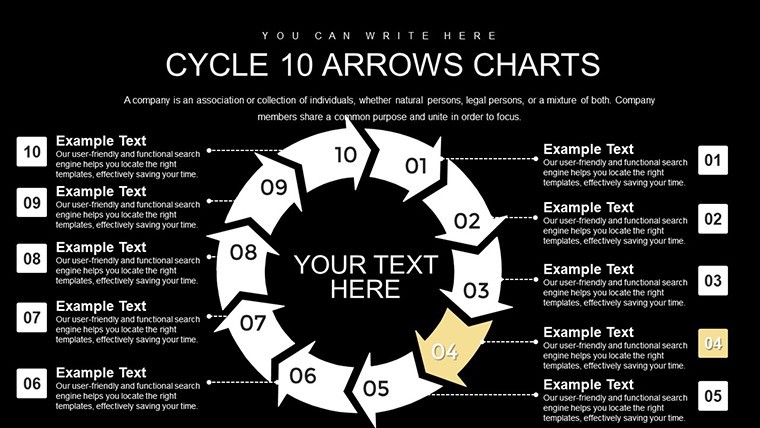
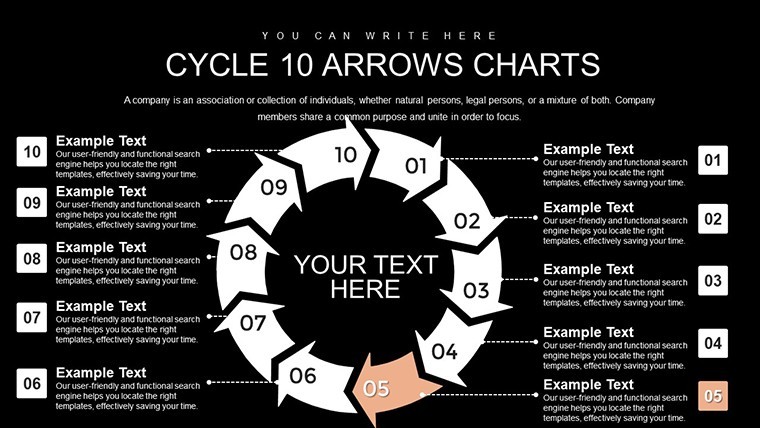
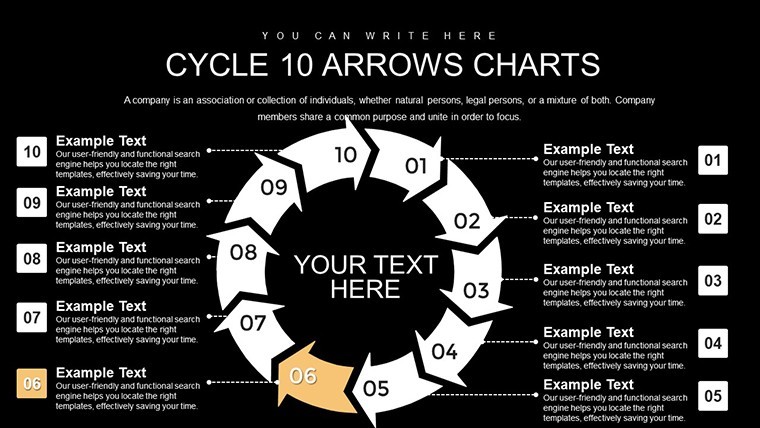
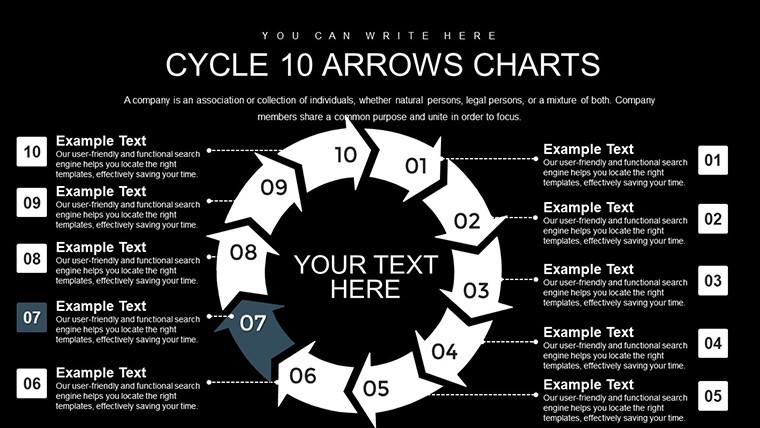
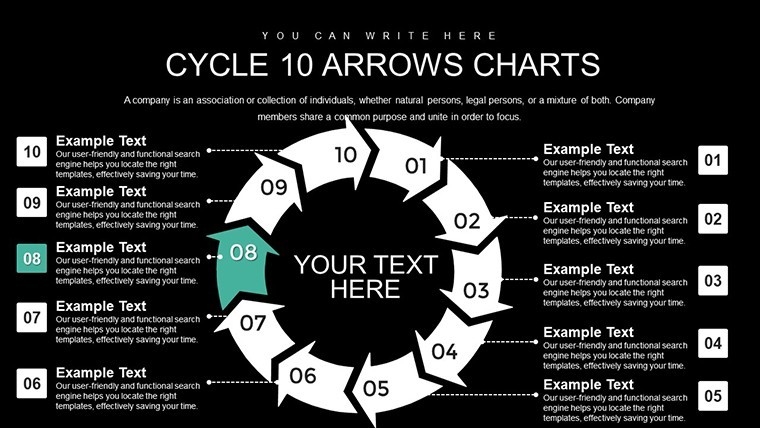
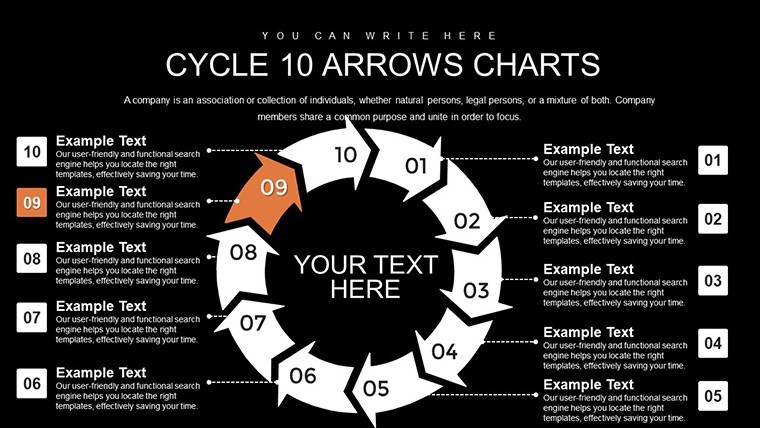
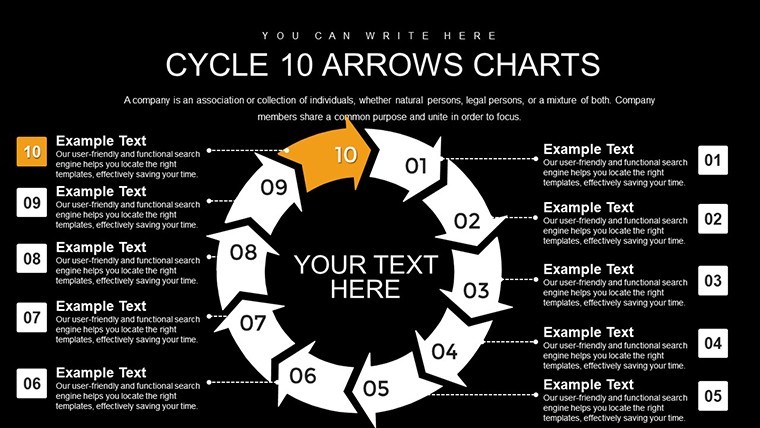
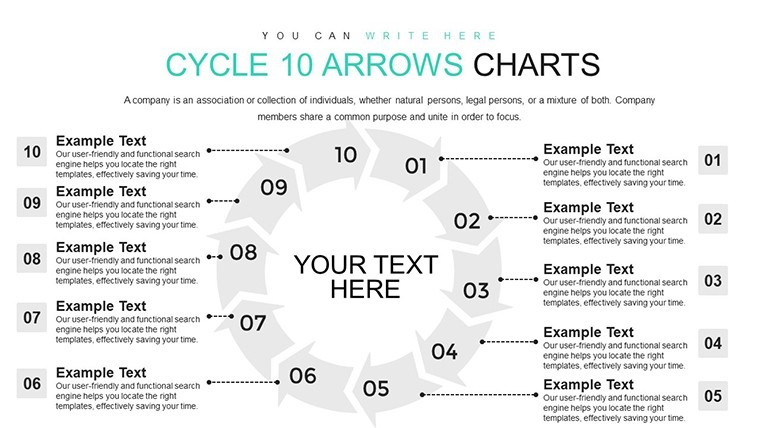
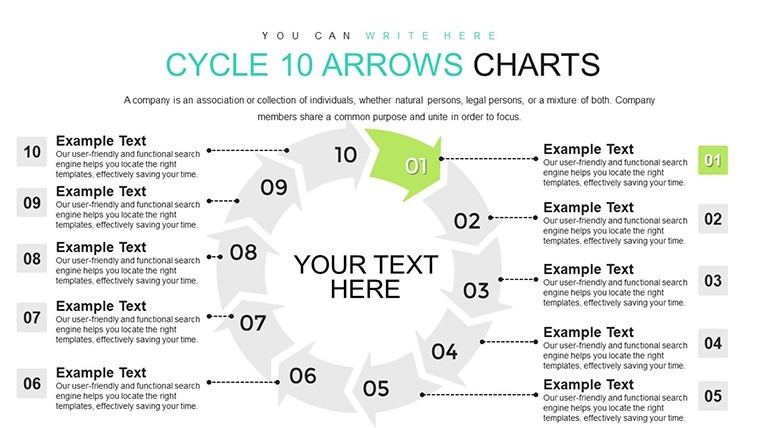
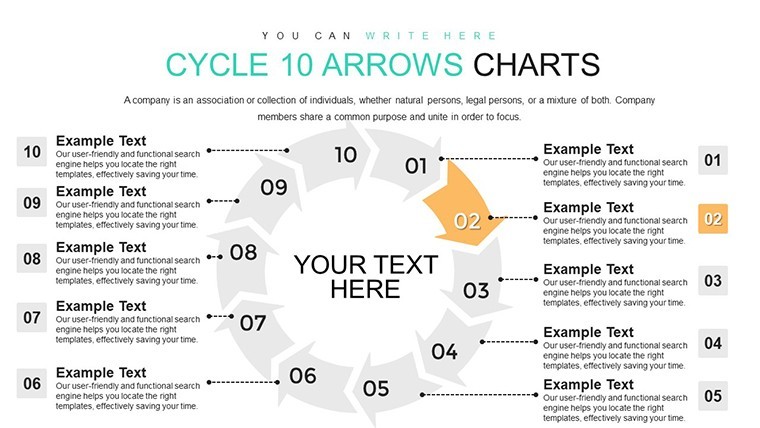
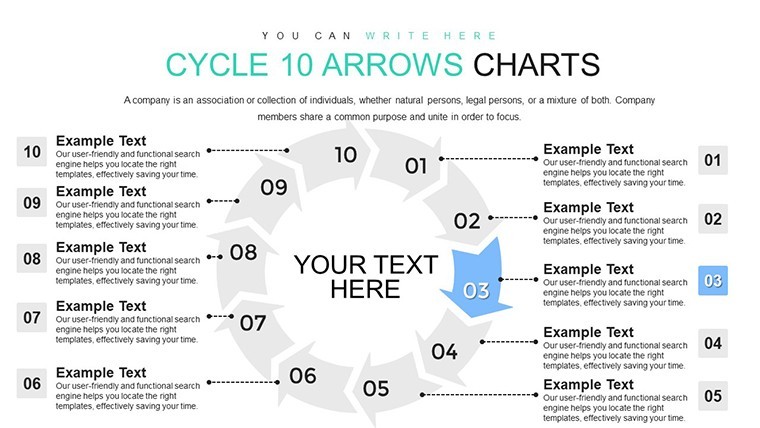
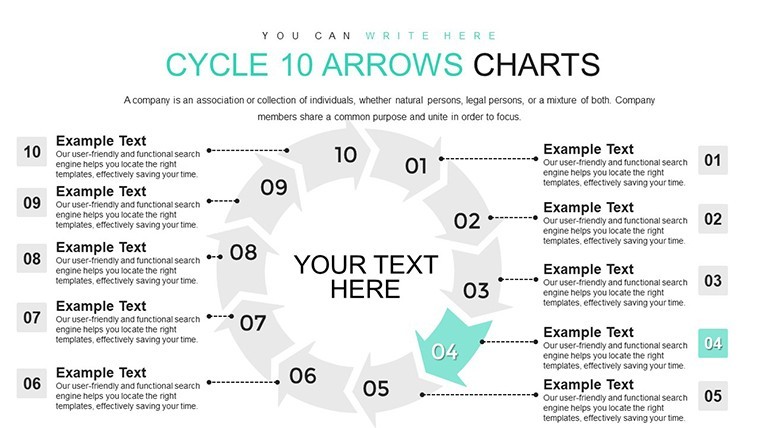
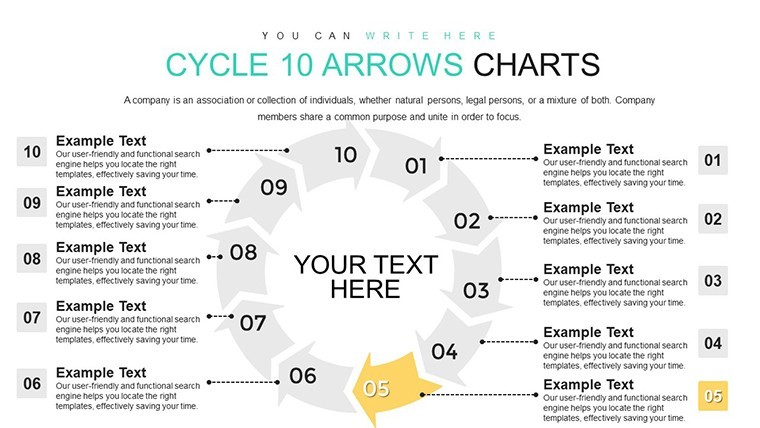
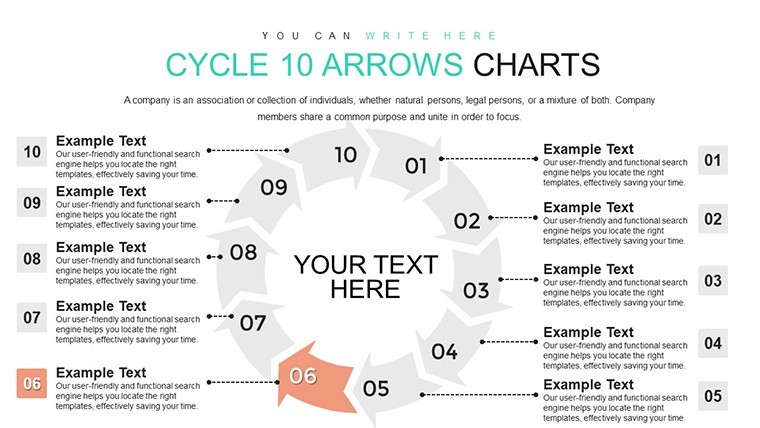
For expansive strategies that require meticulous detailing, the 10-Step Cycle Arrows Keynote Charts Template stands out. Offering 26 editable slides in widescreen format, it's primed for Keynote users seeking depth in their visuals. This template excels at illustrating extended loops, from business transformations to educational curricula. Imagine a 10-phase transformation cycle that guides your audience through every nuance, fostering deeper insights. Built with vector precision, it ensures your presentations scale flawlessly, embodying professionalism and innovation.
Embracing 10 Steps for Thorough Narratives
Ten steps provide the scope for exhaustive processes, aligning with holistic approaches advocated by thinkers like Peter Senge in systems thinking. This template's elegant arrows and fluid designs facilitate clear progression mapping. Business analysts can depict end-to-end supply chains, compliant with GS1 standards for efficiency. In training, it outlines certification programs, enhancing learner engagement. Animations add dynamism, turning linear steps into captivating cycles that emphasize interconnectedness.
Core Features Driving Value
The 26 slides deliver a wealth of options, from basic to intricate layouts. Key features include customizable arrows, built-in transitions, and multimedia support. Vector-based for unlimited scaling, it's intuitive for all skill levels, allowing additions like charts or embeds with ease.
- Extensive Arrows: Tailor for detailed phase highlights.
- Advanced Animations: Sequence for immersive storytelling.
- Theme Variety: Match to corporate or creative vibes.
- Data Tools: Integrate metrics seamlessly.
- Collaboration Ready: Edit in real-time with teams.
Broad Use Cases for Maximum Impact
In corporate strategy, visualize a 10-step digital transformation, inspired by Deloitte's frameworks for tech adoption. A success story: A Fortune 500 company used analogous cycles to streamline operations, cutting costs by 15% as per industry reports. For educators, it's ideal for curriculum development cycles, aligning with Bloom's Taxonomy expansions. Sustainability experts can map eco-initiatives, from planning to evaluation. Hyperlinks and layers add interactivity, making decks navigational tools.
Project managers adapt for PMBOK-aligned processes, ensuring comprehensive coverage. The template reduces creation time, allowing emphasis on insights over aesthetics, and supports diverse sectors with its adaptable design.
Comprehensive Slide Overview
Slides 1-10 cover essential cycles with progressive complexities, including icon integrations. Slides 11-18 blend with other visuals like Gantt charts. Final slides 19-26 provide summary and variant options, all with uniform styling for cohesion.
Strategic Tips for Optimal Use
Map your process holistically before assigning steps, ensuring completeness. Utilize Keynote's rehearsal tools for timing animations. Add engaging elements like quotes per arrow for motivation. Reference benchmarks, such as 10-step models in Bain & Company analyses. Ensure inclusivity with accessible designs. Iterate based on feedback to refine cycles.
This template empowers users to convey complexity with elegance, establishing credibility and driving action through superior visuals.
Launch Your Detailed Cycles Today
The 10-Step Cycle Arrows Keynote Template is your ally for in-depth presentations. Versatile and powerful, it elevates your communication. Secure it now and master the art of process storytelling.
Frequently Asked Questions
When is a 10-step cycle most effective?
For processes needing extensive breakdown, like transformations.
Can I incorporate external data?
Yes, link to spreadsheets for live updates.
How to handle long text on arrows?
Use abbreviations or tooltips for clarity.
Is it optimized for virtual presentations?
Absolutely, with smooth animations for online sharing.
What customization limits exist?
None - fully editable in every aspect.
Does it include sample content?
Placeholders guide, but customize freely.
Good for
- Project roadmaps and sprint plans
- Product launch timelines
- Quarterly or annual review decks
- Company history and milestone summaries
Licence
reviews
The layouts were cleaner than the default Keynote themes.
A couple slides looked repetitive honestly.
I changed the icons and colors pretty quickly.
Good enough if you just need structured presentation pages.
Used the bar chart slides for a sales comparison report.
FAQ
Will it work in Google Slides?
Are fonts embedded?
Can I use this for client work?
What's the refund policy?
Do you update the template after purchase?
Similar templates
See all Keynote Charts →

All 26 slides