 Click to zoom
12-Step Cycle Arrows Keynote Charts: Streamline Your Process Narratives
| Format | .pptx |
| Slides | 30 unique layouts |
| Aspect ratio | 16:9 |
| Compatibility | PowerPoint |
| Animated | No |
| Language | English |
| License | Commercial |
| File size | — |
| Version | v1.0 |
| Last updated | February 2022 |
What's inside
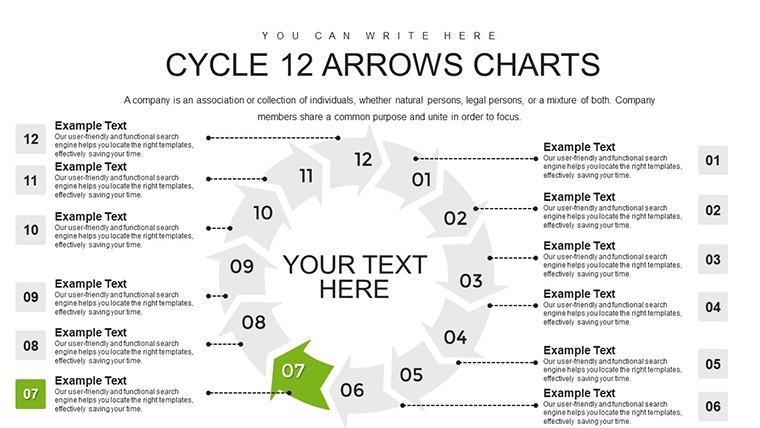
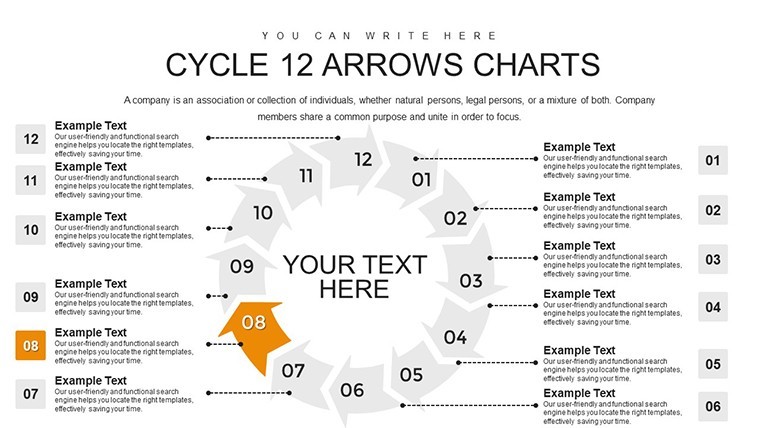
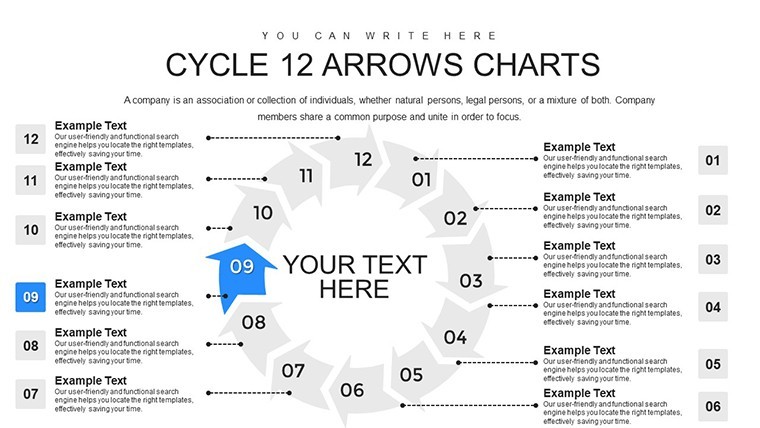
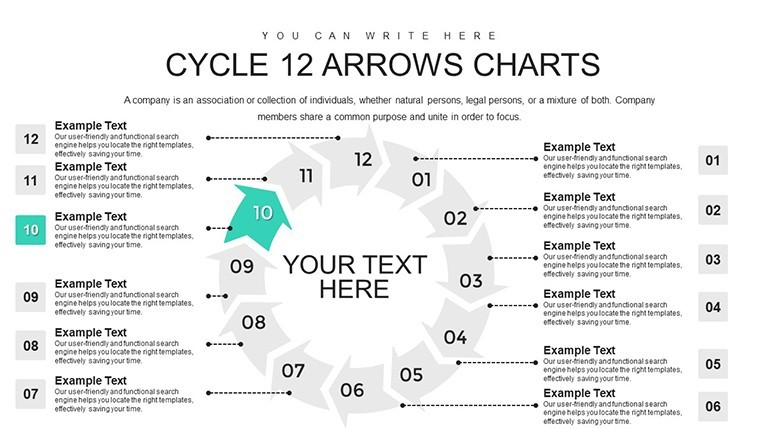
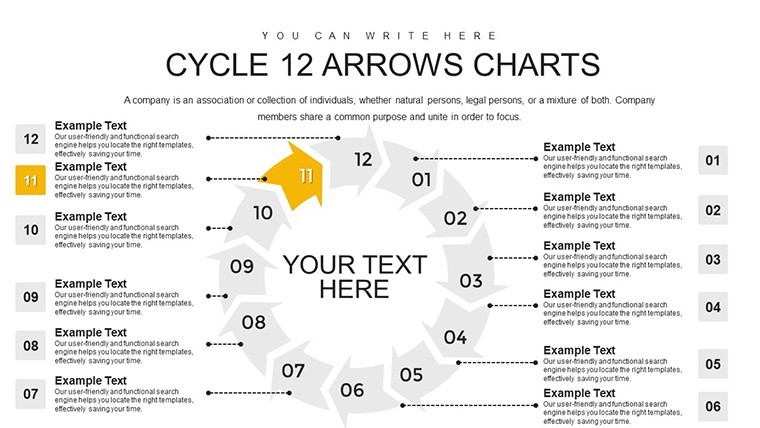
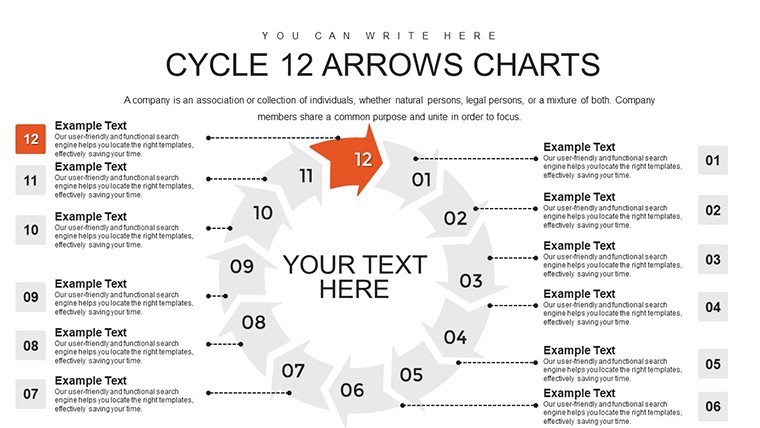
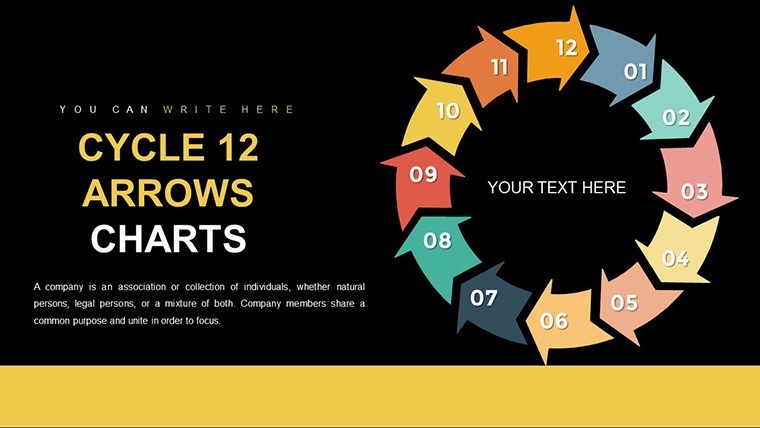
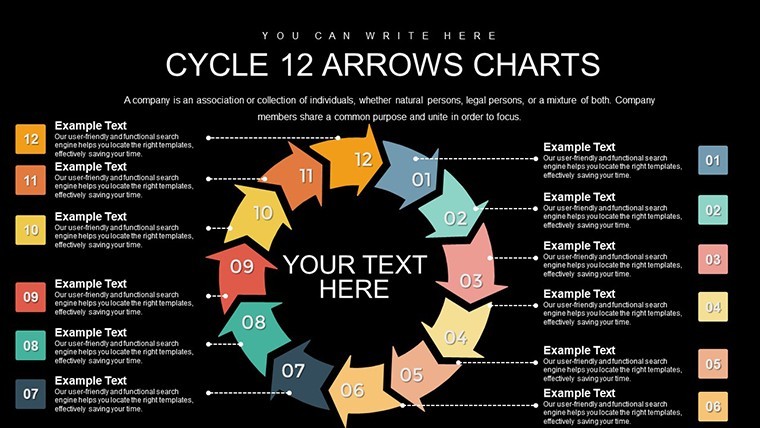
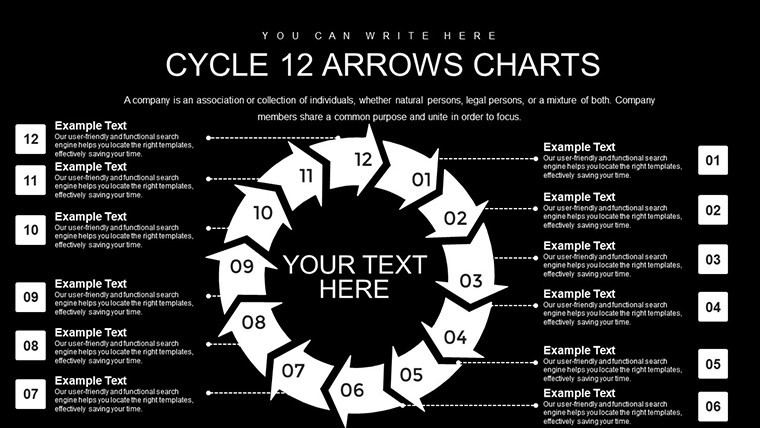
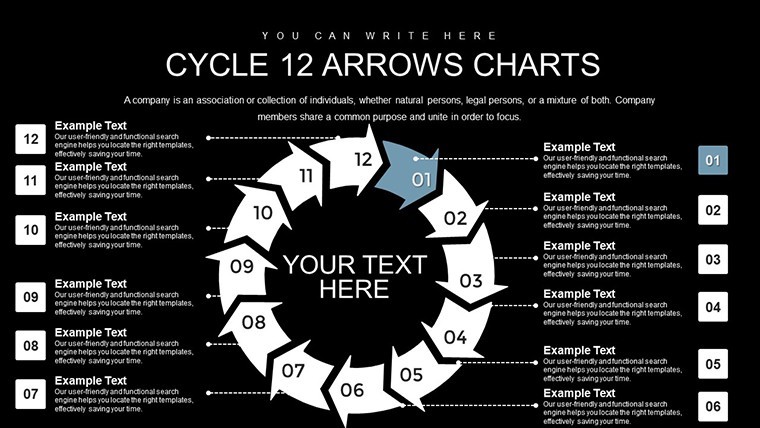
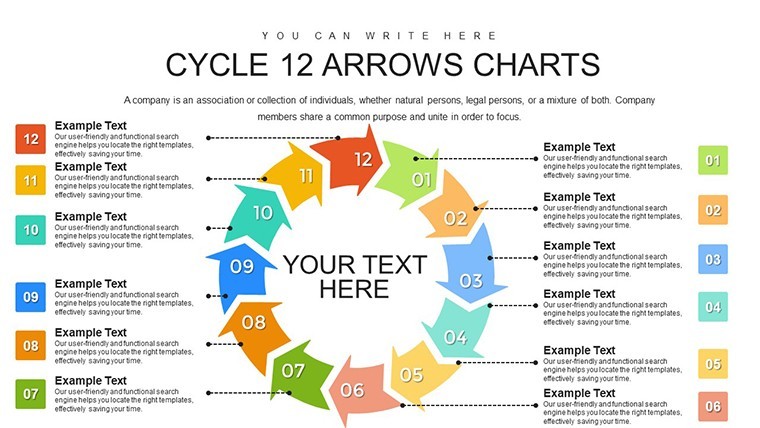
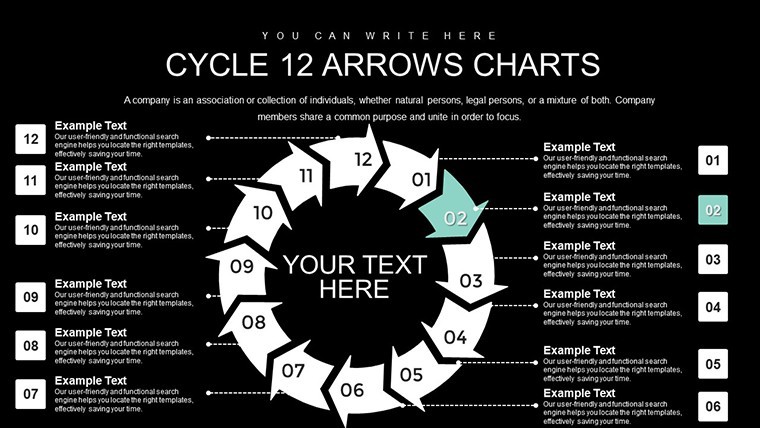
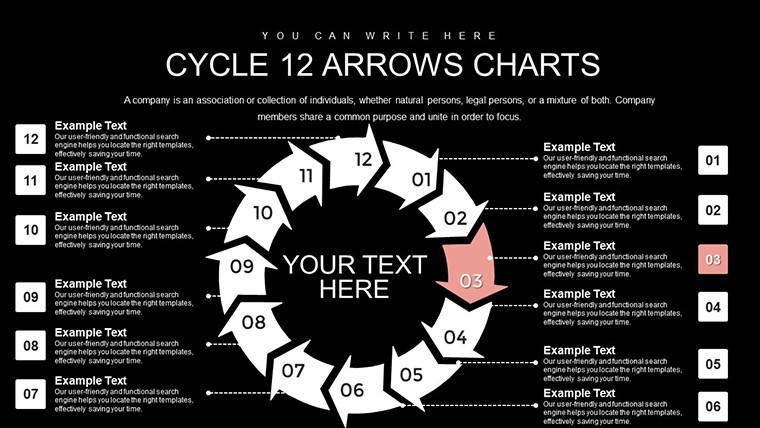
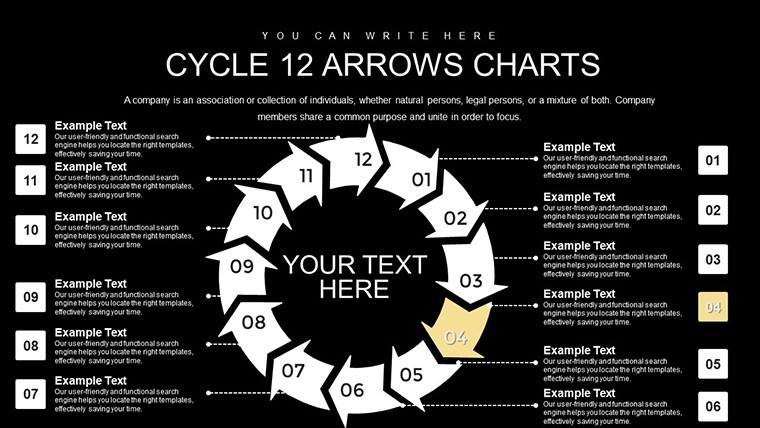
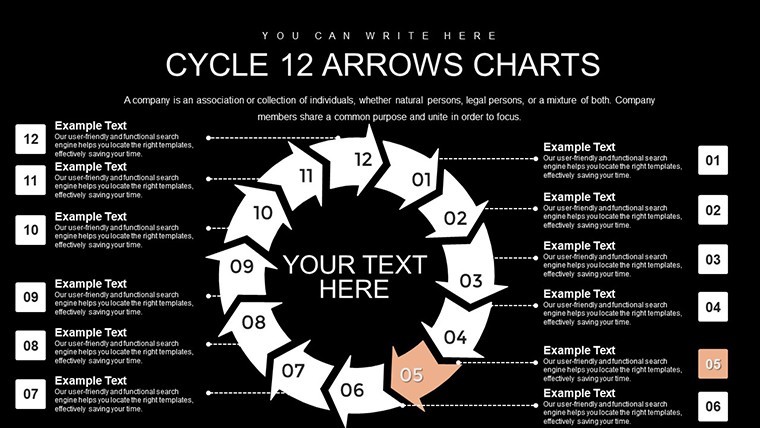
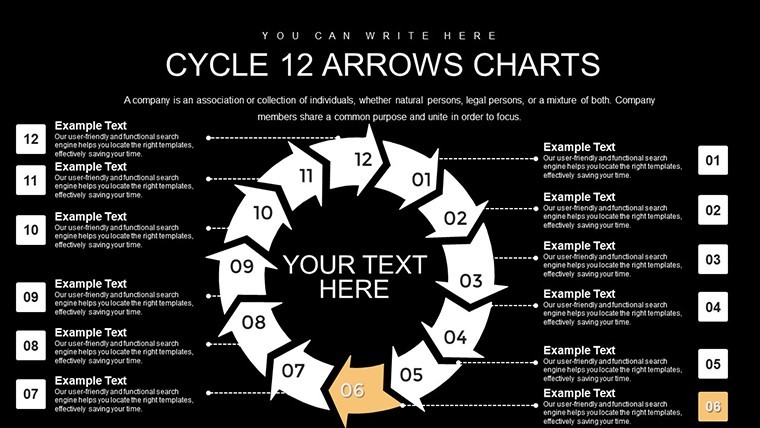
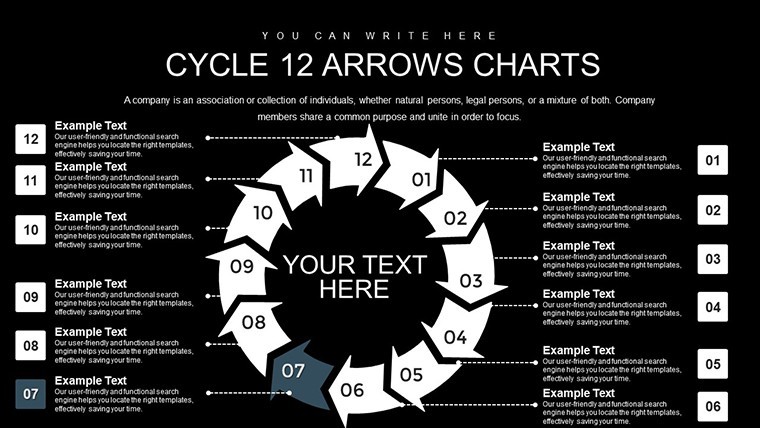
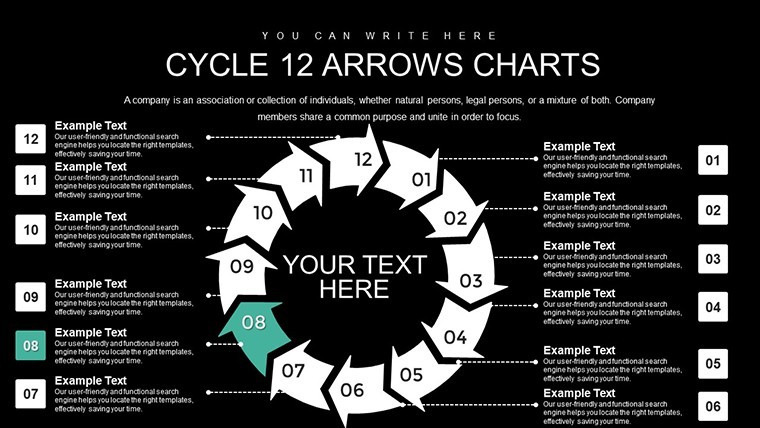
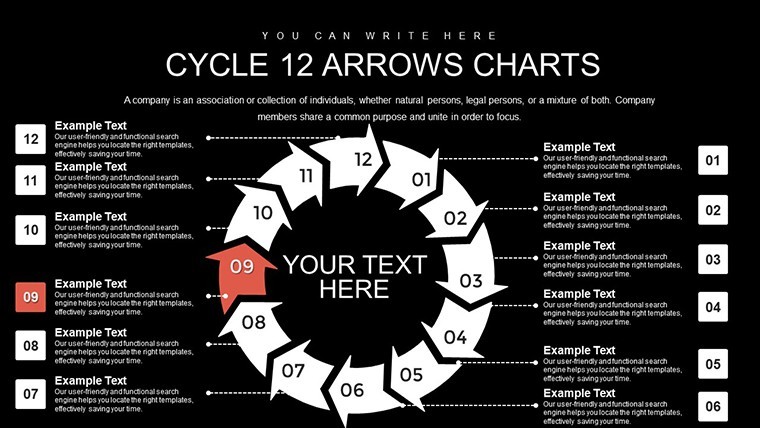
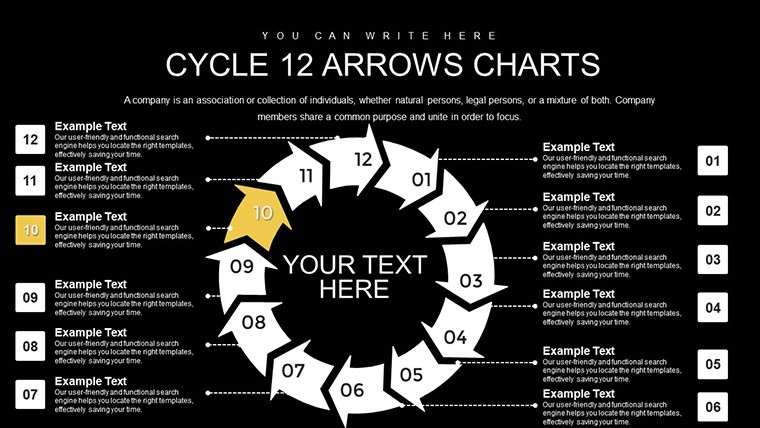
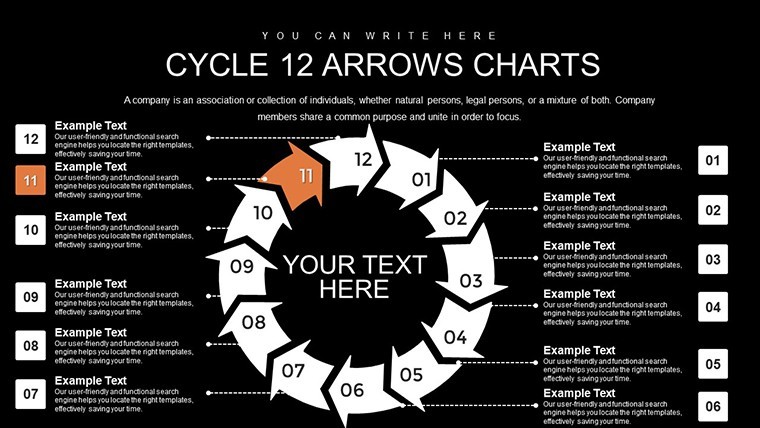
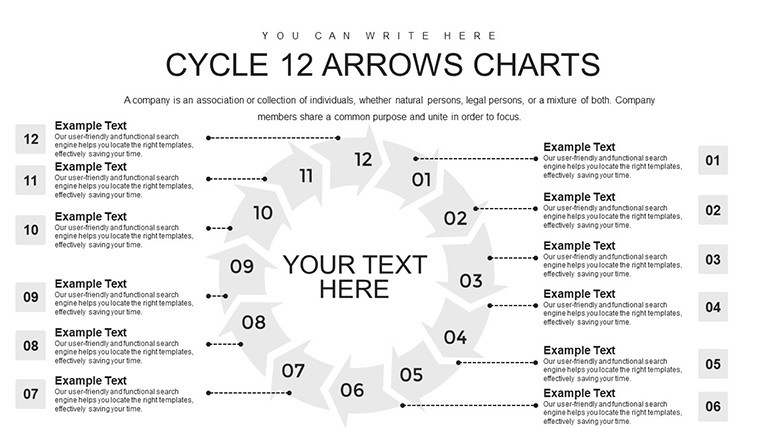
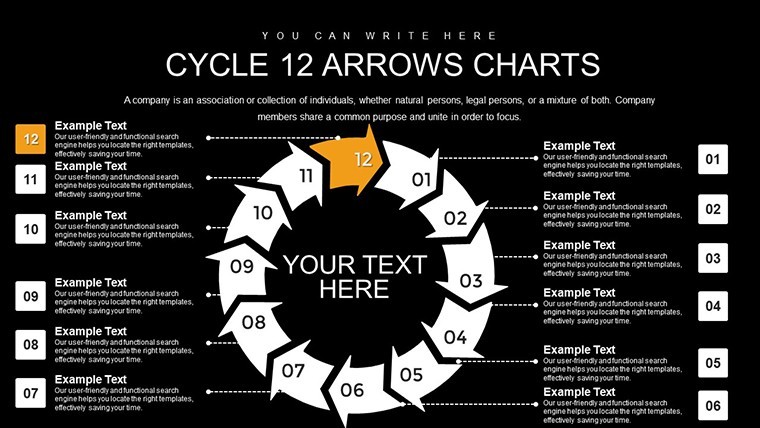
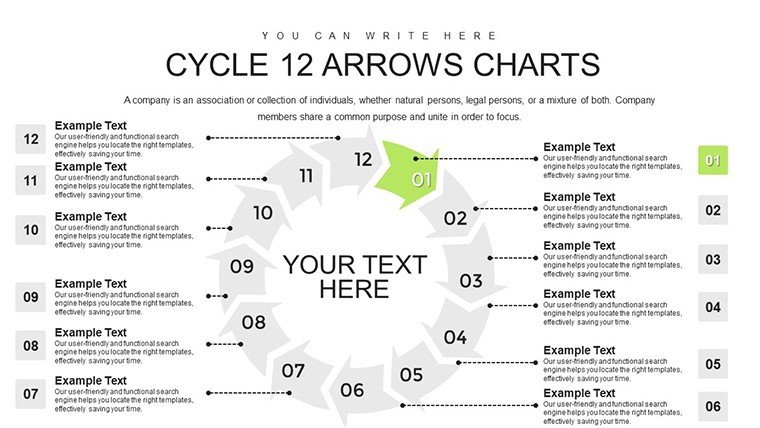
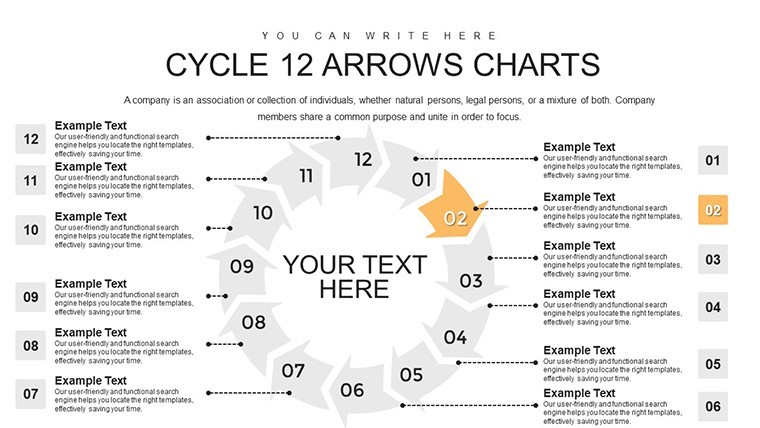
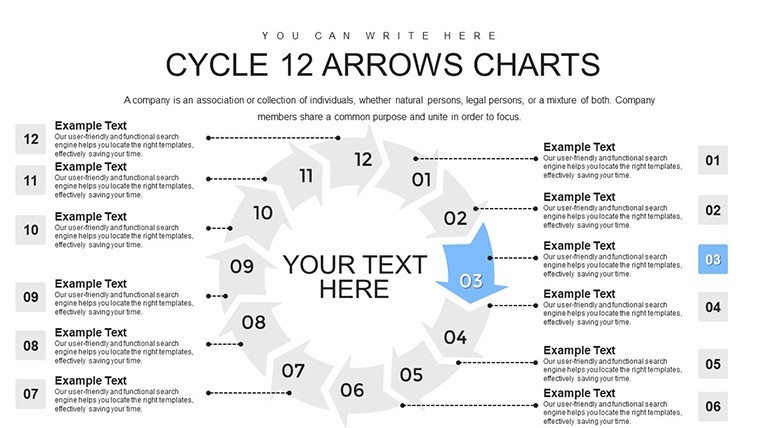
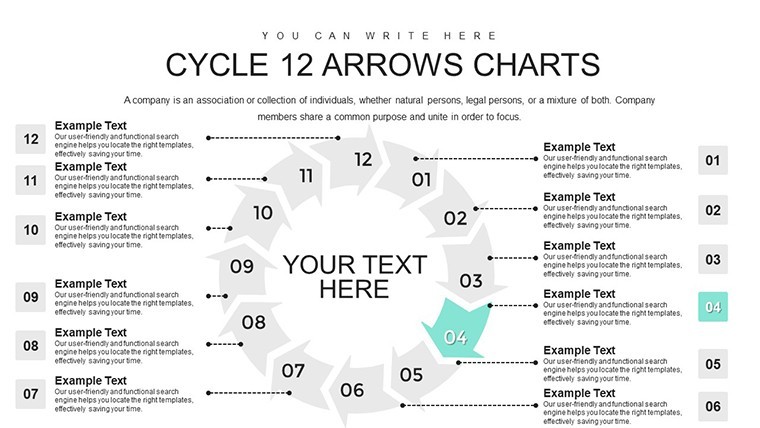
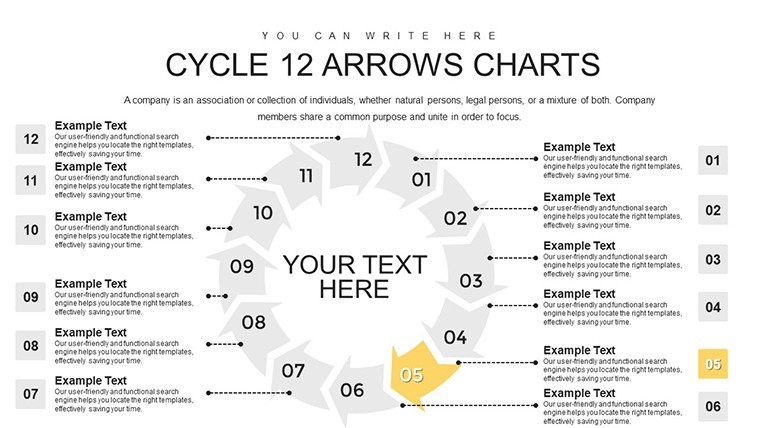
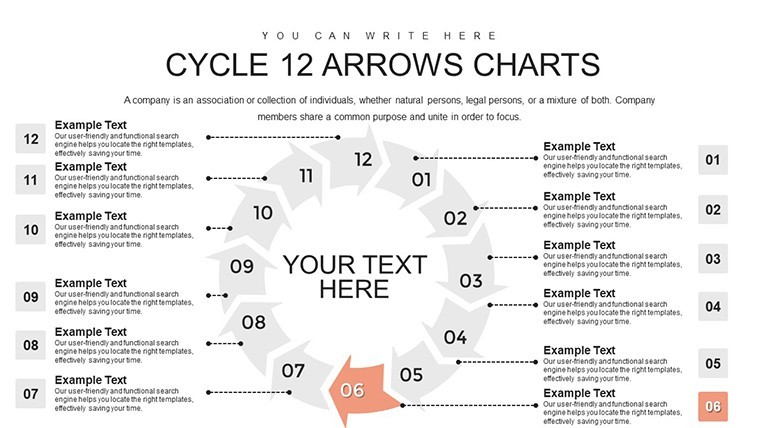
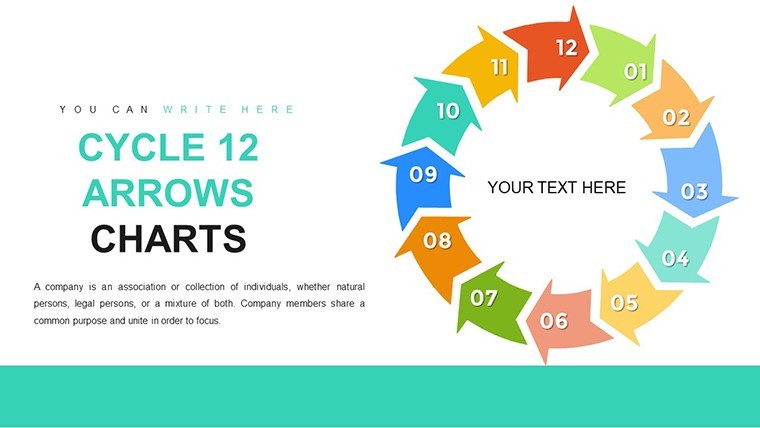
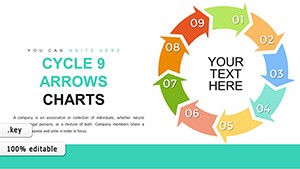
Picture this: You're in a high-stakes meeting, and instead of drowning your audience in bullet points, you unveil a vibrant 12-step cycle that flows effortlessly, guiding them through each phase with precision and flair. Our 12-Step Cycle Arrows Keynote Charts template makes this a reality. With 30 widescreen, editable slides crafted for Apple's Keynote, this tool is ideal for entrepreneurs, educators, and professionals who need to depict sequential processes vividly. From product development cycles to educational lesson plans, it transforms dense information into digestible, looping visuals that emphasize continuity and progression.
The template's modern design incorporates special animations for each object, ensuring your presentation isn't just seen but experienced. Users love how it simplifies complex sequences, often citing reduced preparation time and heightened audience engagement. Fully compatible with Keynote's ecosystem, it supports seamless integration on iOS and macOS devices, making it a go-to for on-the-go edits.
Standout Features for Professional Polish
What sets this template apart is its blend of creativity and functionality. Built on vector graphics, every element - from arrows to backgrounds - can be resized or recolored without pixelation, adhering to high design standards like those from Apple's own guidelines.
- Animated Objects: Each arrow and step comes with unique build-ins and transitions, adding a layer of sophistication to your storytelling.
- Media Integration: Embed photos, videos, or audio clips directly into cycles for multimedia-rich explanations, like demoing a manufacturing process.
- Easy Editing: No design degree needed - drag-and-drop interfaces let you swap text, adjust layouts, and add tables in seconds.
- Template-Based Prep: Start from pre-designed slides and iterate quickly, perfect for iterative processes like agile methodologies.
Inspired by effective communication strategies from experts like Nancy Duarte, the template prioritizes viewer impact through color contrasts and logical flow, helping you avoid common pitfalls like information overload.
In-Depth Slide Exploration
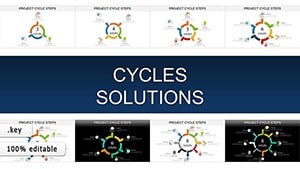
The 30 slides are organized progressively: Initial slides offer broad overviews of the 12-step loop, with arrows encircling key themes. As you advance, dedicated slides per step allow deep dives - Slide 8, for example, might highlight action integration with placeholder charts for metrics.
Later slides introduce variations, such as branched cycles for decision points or overlapped arrows for parallel processes. The collection ends with summary views and interactive elements, like clickable arrows for navigation. Each includes animation presets, so your cycle "unfolds" dynamically during delivery.
Versatile Applications Across Industries
This template excels in varied contexts. Entrepreneurs can map out business growth cycles, from ideation to scaling, incorporating real metrics like revenue projections. Teachers might use it for curriculum overviews, cycling through learning objectives with embedded videos for engagement.
A case in point: A marketing agency adapted it for client campaign strategies, resulting in clearer proposals and a 30% uptick in conversions, echoing findings from the Content Marketing Institute. For personal use, it could outline fitness routines or habit-building loops, adding motivational icons within arrows.
Implementation steps: Import into Keynote, select a slide variant, input your sequence data via text boxes, apply animations from the Animate pane, and preview. Enhance with transitions for smooth step-to-step movement.
Pro Tips for Maximum Effectiveness
Leverage Keynote's magic move for arrow transitions that feel organic. Tip: Use color psychology - blues for calm planning phases, reds for urgent actions - to subconsciously guide emotions. Integrate with iCloud for collaborative tweaks, ensuring team alignment.
Steer clear of over-animating; aim for subtlety to maintain professionalism. Advanced tricks include embedding hyperlinks to external resources, turning your deck into a comprehensive hub.
Superior to Standard Options
Unlike bare-bones Keynote shapes, this template provides ready-to-use, animated cycles that elevate basic presentations. It outshines PowerPoint equivalents with Keynote's fluid performance on Apple hardware, offering more slides for comprehensive coverage.
Ultimately, it's about empowering your ideas to cycle through minds long after the presentation ends, fostering understanding and action.
Frequently Asked Questions
How do the animations work in this template?Each object has pre-set animations; customize via Keynote's Animate tab for timing and effects.Can I add media like videos?Yes, drag and drop media into placeholders, and arrows can frame them for integrated visuals.Is it suitable for beginners?Absolutely - intuitive editing makes it accessible, with no advanced skills required.What if my process has fewer than 12 steps?Simply remove or hide extra arrows; the design adapts flexibly.Does it support team collaboration?Yes, through iCloud sharing in Keynote for real-time edits.Can I export to other formats?Export to PDF or .pptx, preserving most elements for cross-platform use.Good for
- Project roadmaps and sprint plans
- Product launch timelines
- Quarterly or annual review decks
- Company history and milestone summaries
Licence
reviews
Used this for a quick finance class presentation and the chart slides saved me a lot of time.
The arrows and graphs were easy to edit even though I barely use Keynote.
I only needed two slides from it but the layout looked clean enough for my office report.
Colors were okay but I had to resize some icons because they looked too big on my screen.
Downloaded this late at night before a meeting and honestly it worked fine.
FAQ
Will it work in Google Slides?
Are fonts embedded?
Can I use this for client work?
What's the refund policy?
Do you update the template after purchase?
Similar templates
See all Keynote Charts →
All 30 slides