 Click to zoom
9 Step Cycle Keynote Template - Fully Editable | ImagineLayout
| Format | .pptx |
| Slides | 24 unique layouts |
| Aspect ratio | 16:9 |
| Compatibility | PowerPoint |
| Animated | No |
| Language | English |
| License | Commercial |
| File size | — |
| Version | v1.0 |
| Last updated | March 2026 |
What's inside
What's Inside the Download
24 editable slides arrive in one .key file.
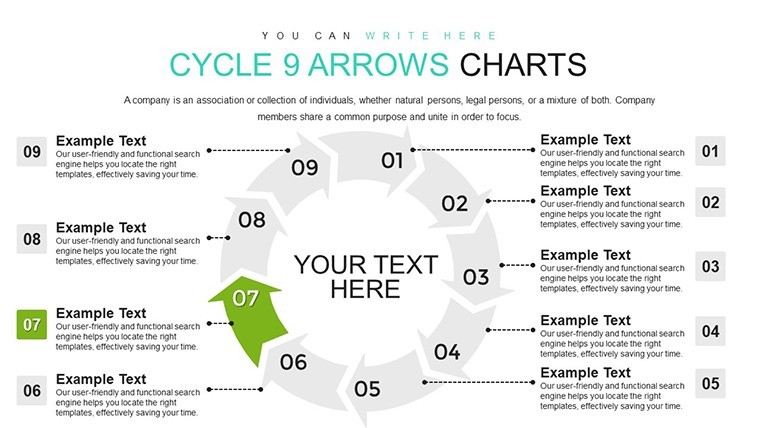
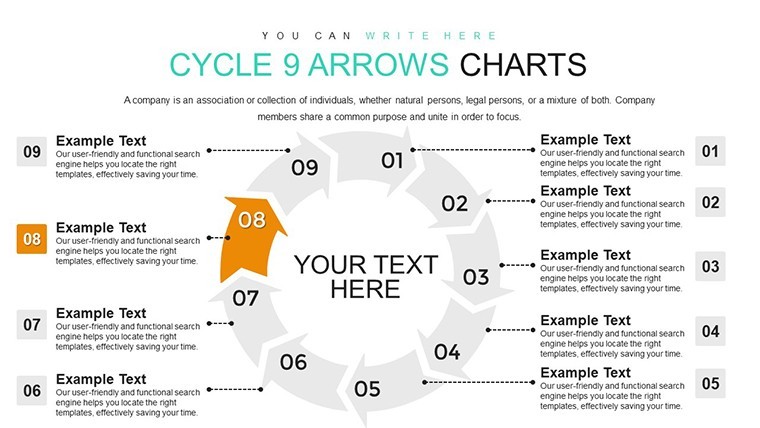
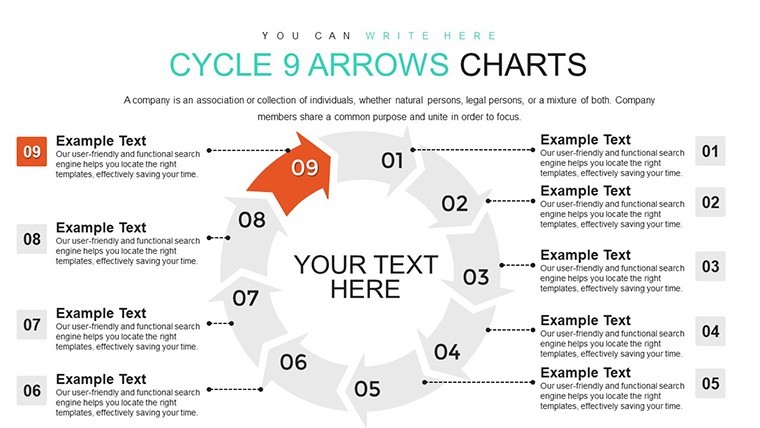
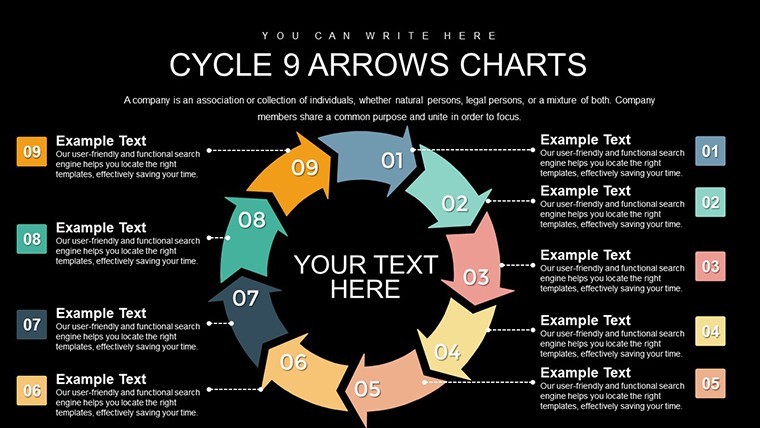
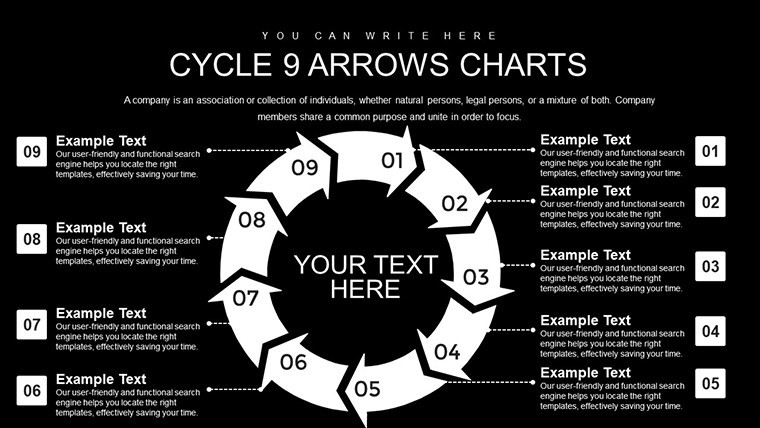
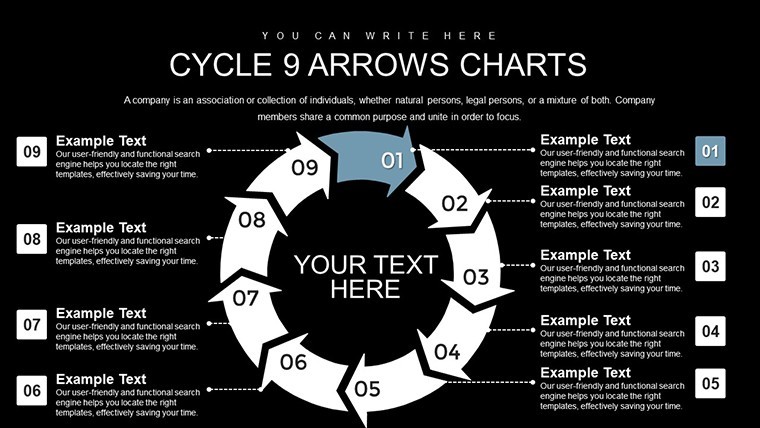
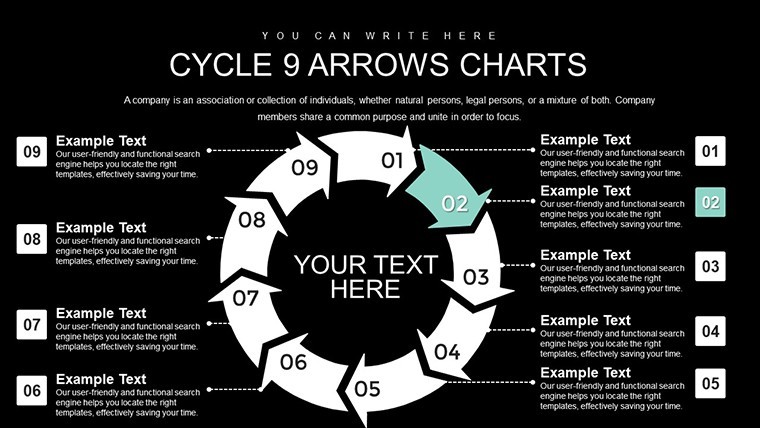
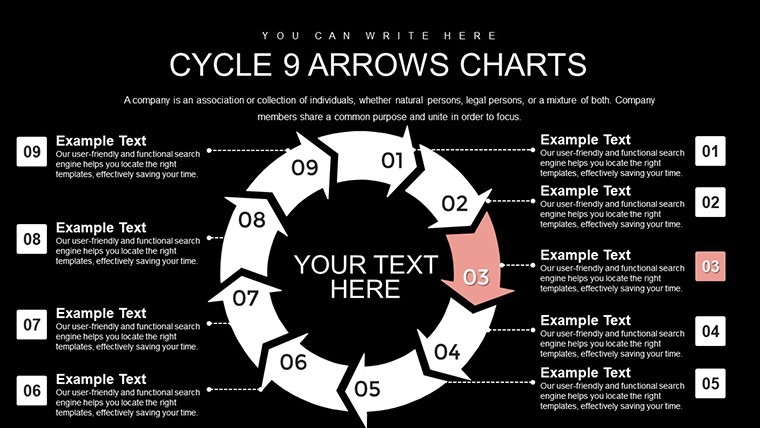
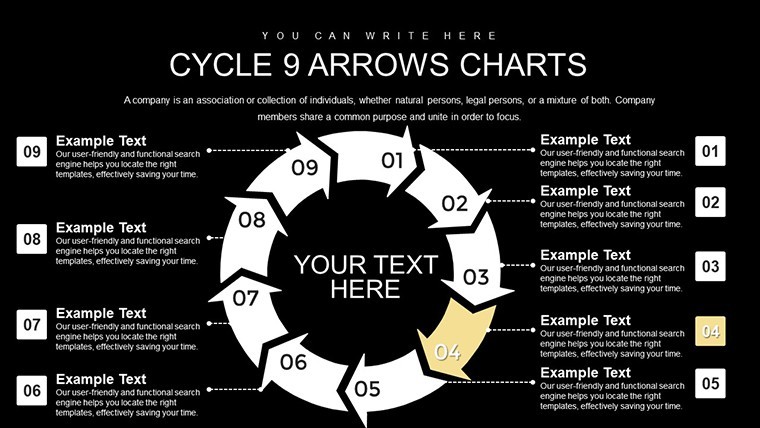
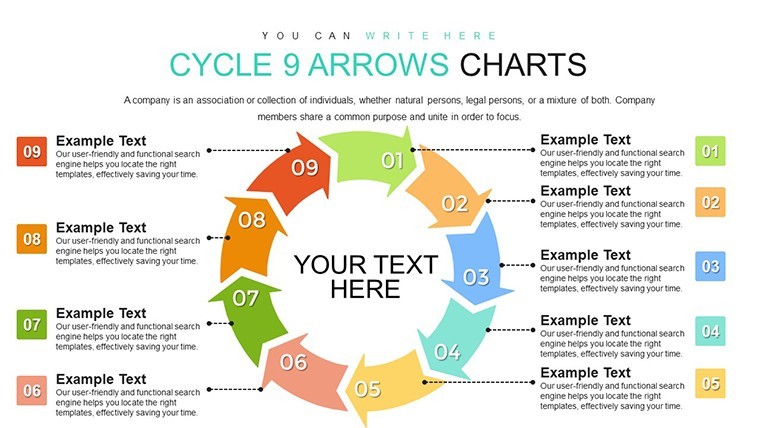
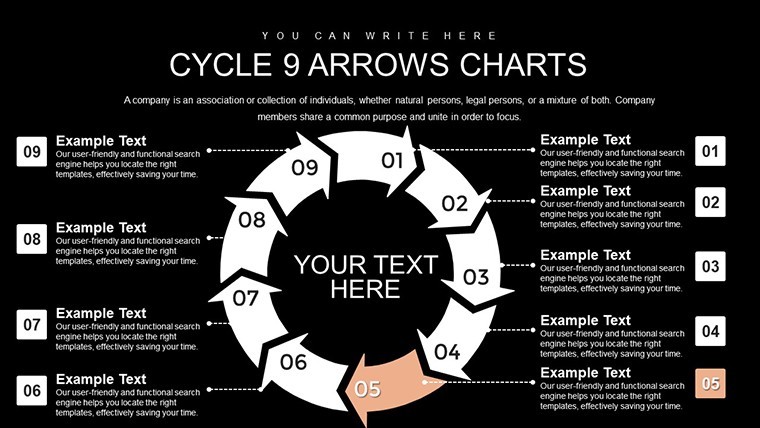
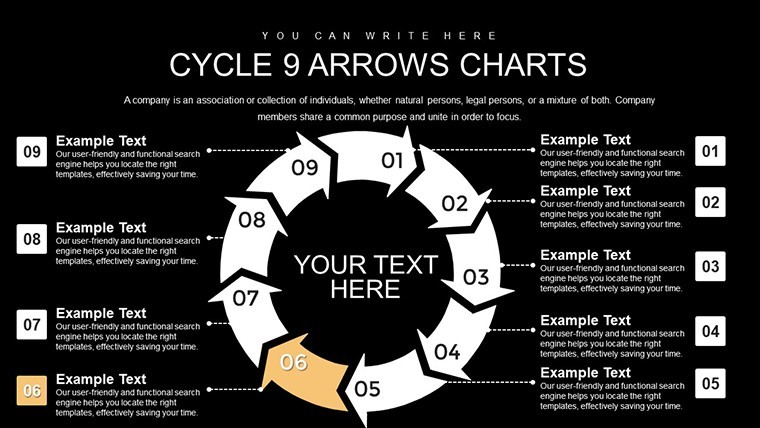
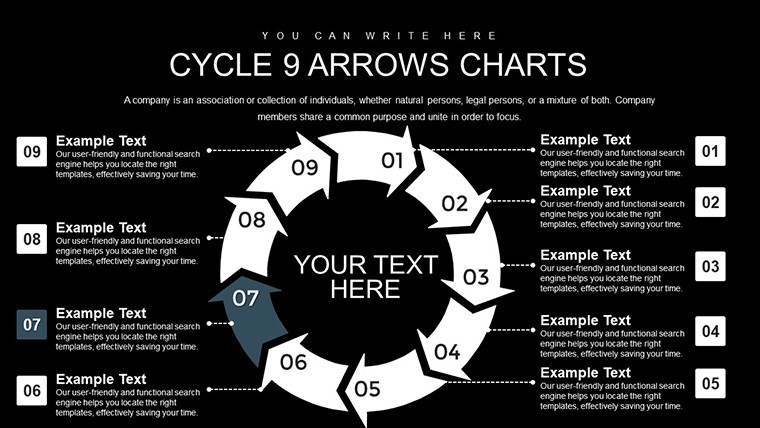
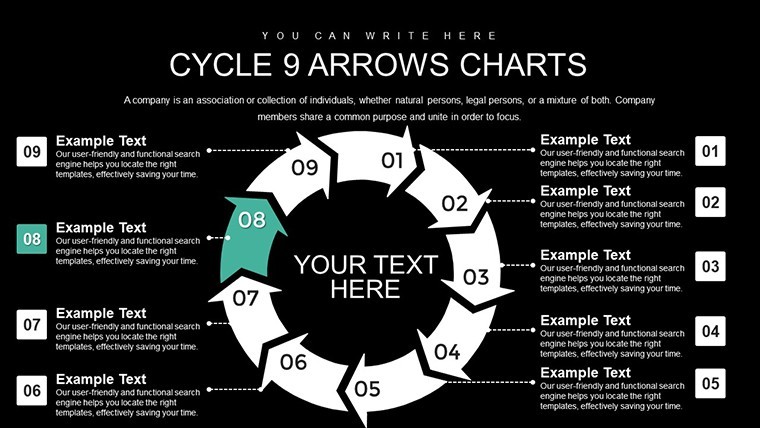
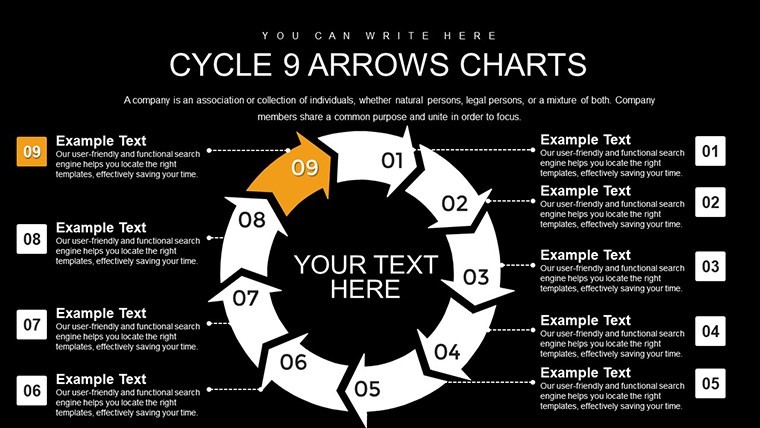
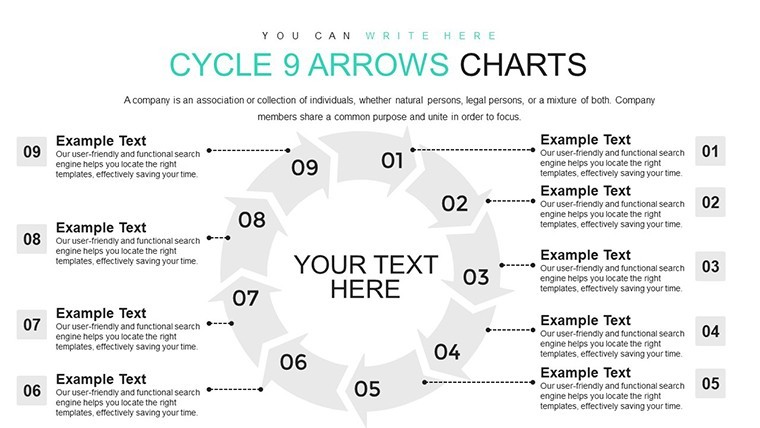
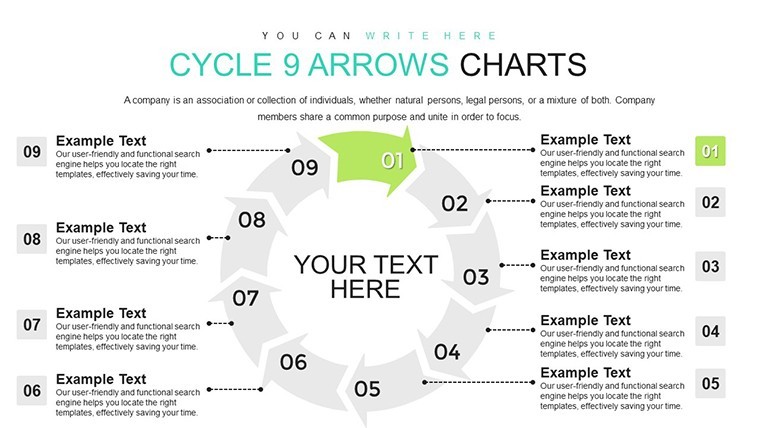
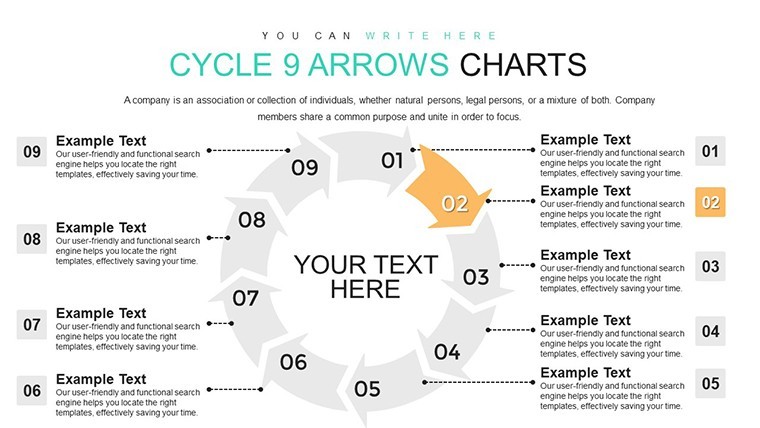
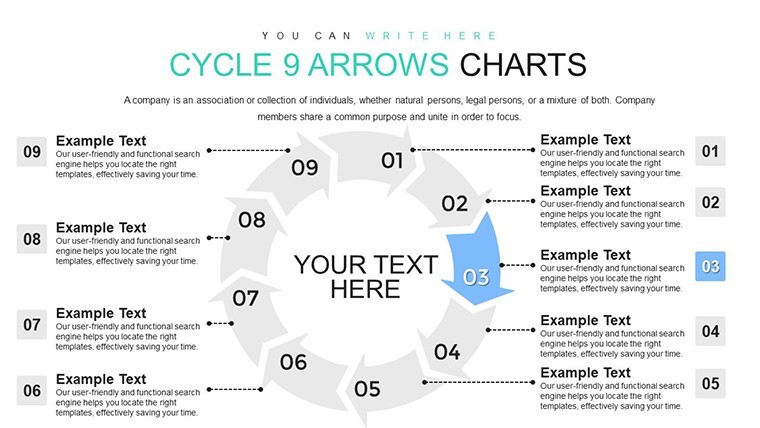
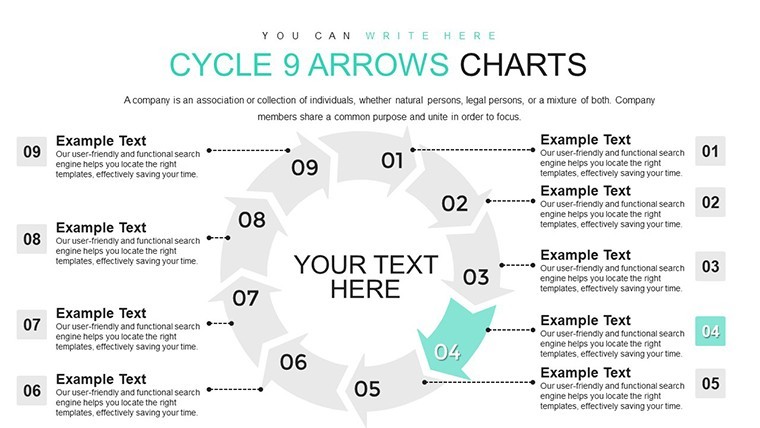
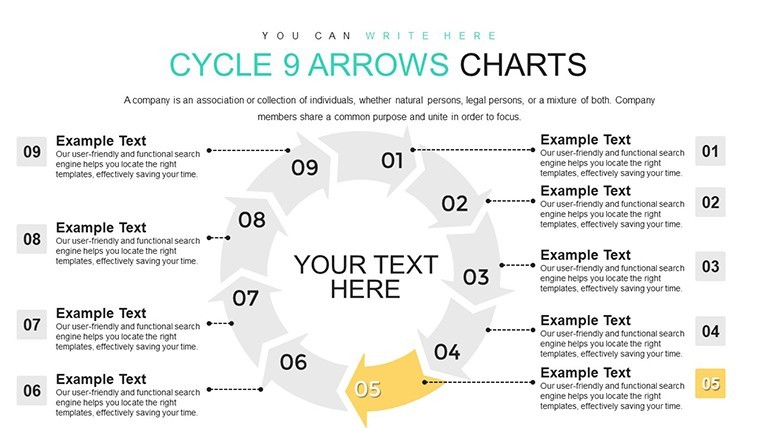
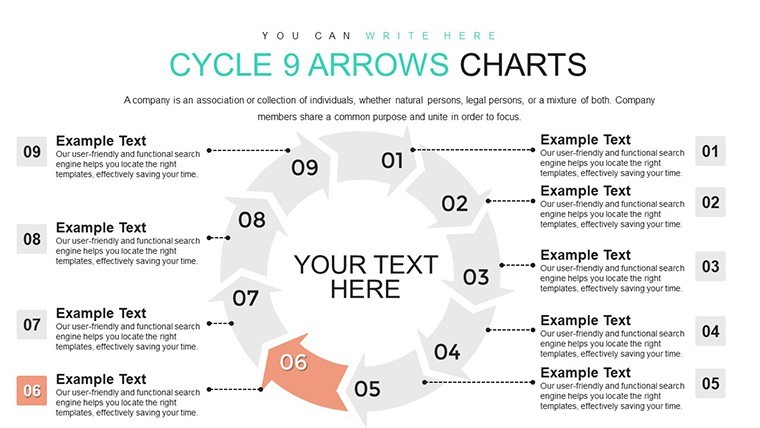
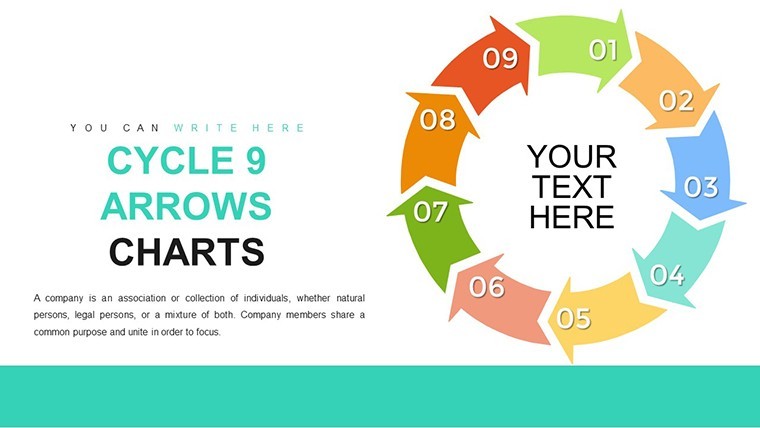
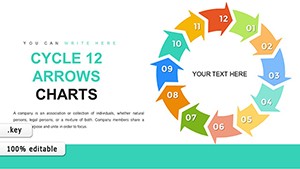
Layered arrows cover each of the 9 steps while integrated timelines and 3D renders sit ready alongside the animation suite.
File formats stay Keynote only.
Key Specifications
FeatureDetailsSlides included24 editable slides built around 9-step cycle structureEditable elementsarrows resize and recolor independently without breaking layoutText placeholderseach label edits without unlocking grouped elementsColor theme adjustmentscompatible with Keynote slide master color paletteDiagram connectorsarrows and lines adjust direction and weight on the flyExport optionsKeynote for editing plus PDF for distributionAspect ratiostandard 16:9 across all slidesTypical Use Cases by Role
Project managers in manufacturing rely on the file for internal reporting on process optimization.
They cut deck preparation from 3 hours to 45 minutes by swapping color schemes across three quarterly briefings.
Consultants in strategy workshops turn to the same file for client proposals.
The 9-step version stands out from the related 12-Step Cycle Arrows and 8-Step Cycle Arrows because it includes integrated timelines tailored exactly for 9 phases.
One specific visual characteristic is the layered arrows with 3D depth.
It works best for product development tasks over its neighbors since the exact step count matches common workflows.
The paid version includes the full animation suite and editable 24 slides that previews lack.
Download now to map your next 9-step process
Adapting the Template to Your Brand
1. Open the .key file in Keynote 12 or later (1 minute).
2. Replace placeholder text inside arrow labels (3 minutes).
3. Adjust brand colors through the slide master (2 minutes).
4. Modify diagram connectors and flow direction (4 minutes).
5. Apply or remove animations as needed (2 minutes).
Editing difficulty stays moderate.
Why This Template, Not a Blank Slide
Creating equivalent cycles from scratch demands advanced Keynote skills plus four hours per diagram.
Here the structure already exists so focus shifts to content.
Many presentations place labels directly inside shapes yet that approach loses readability once projected in boardrooms.
This layout keeps labels outside the shapes and connects them with thin lines improving clarity during live strategy meetings without raising editing complexity.
Consultants often combine this cycle with
Good for
- Project roadmaps and sprint plans
- Product launch timelines
- Quarterly or annual review decks
- Company history and milestone summaries
Licence
reviews
I rushed through editing this template at midnight and it still came out okay.
The timeline and chart pages were the most useful for me.
Some elements felt old school but not terrible.
Easy enough to customize even without design skills.
Worked fine for my small team presentation.
FAQ
Will it work in Google Slides?
Are fonts embedded?
Can I use this for client work?
What's the refund policy?
Do you update the template after purchase?
Similar templates
See all Keynote Charts →


All 24 slides