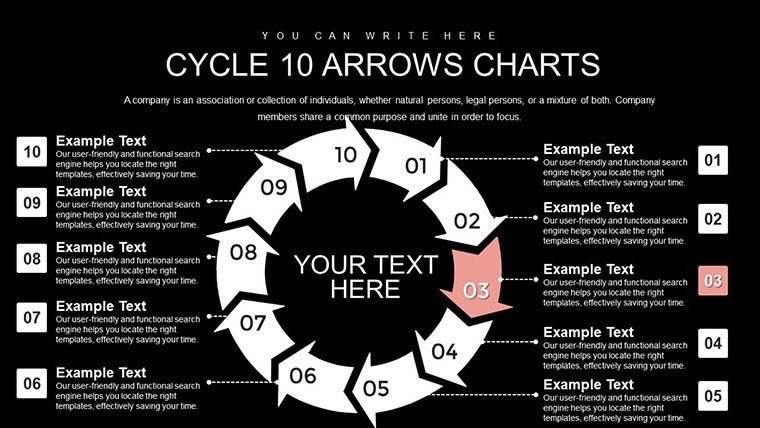
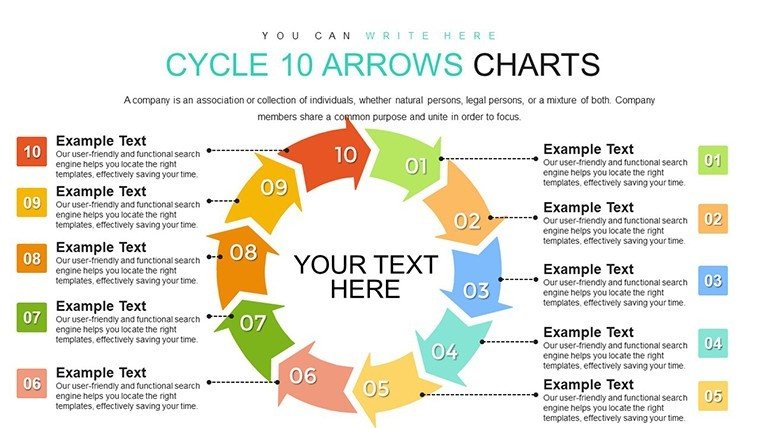
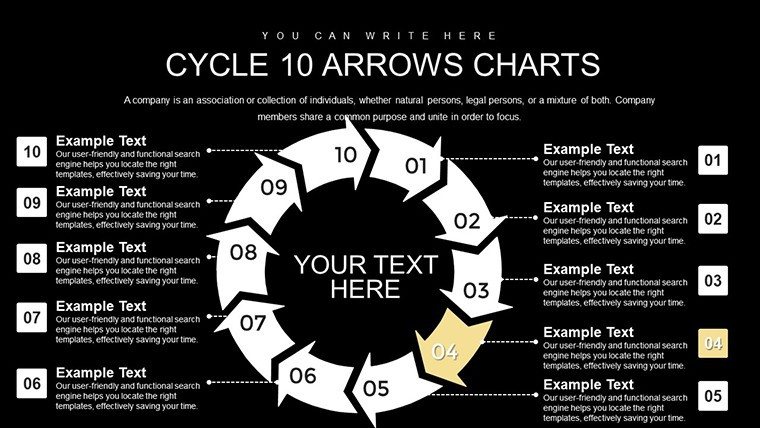
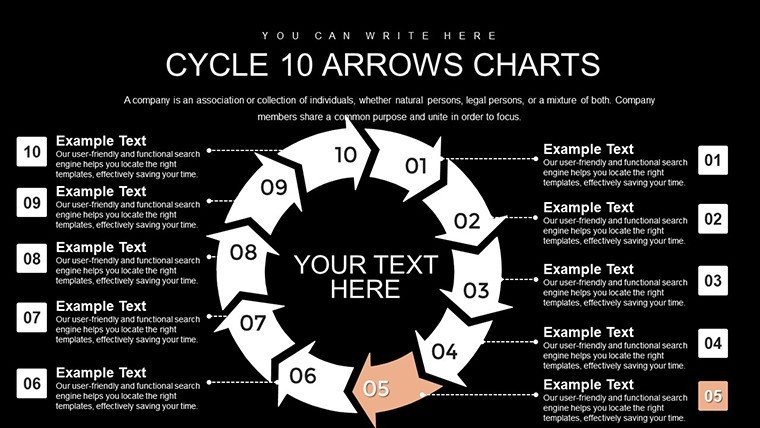
 Click to zoom
Cycle 10 Arrows PowerPoint Template: Master Complex Processes
| Format | .pptx |
| Slides | 26 unique layouts |
| Aspect ratio | 16:9 |
| Compatibility | PowerPoint |
| Animated | No |
| Language | English |
| License | Commercial |
| File size | — |
| Version | v1.0 |
| Last updated | August 2023 |
What's inside
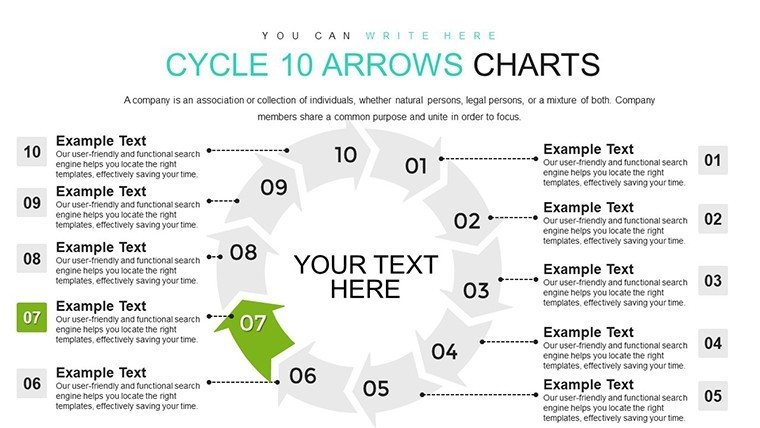
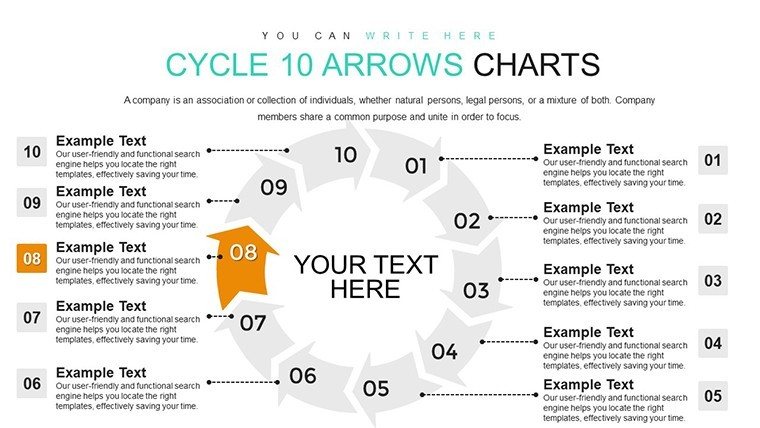
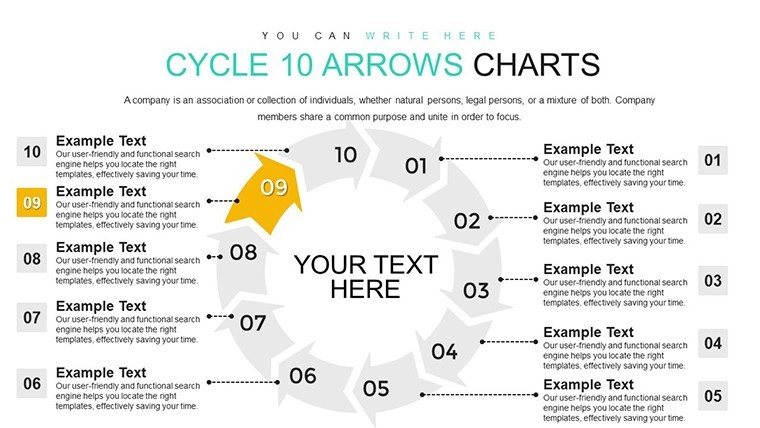
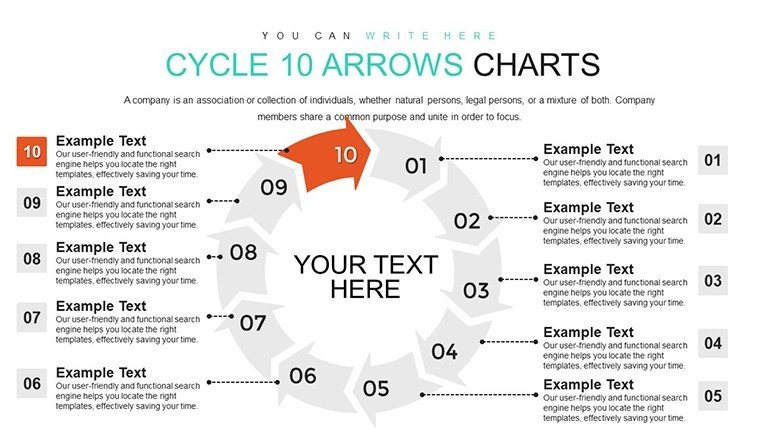
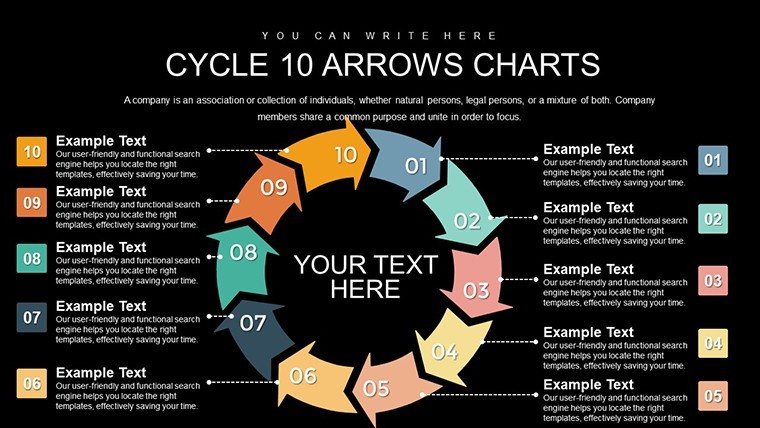
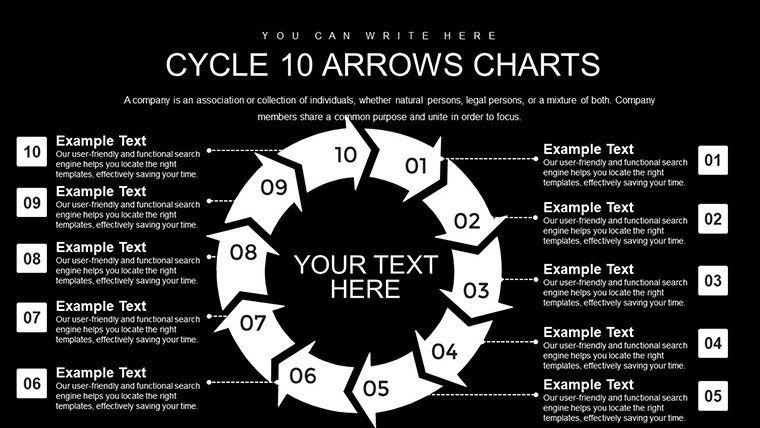
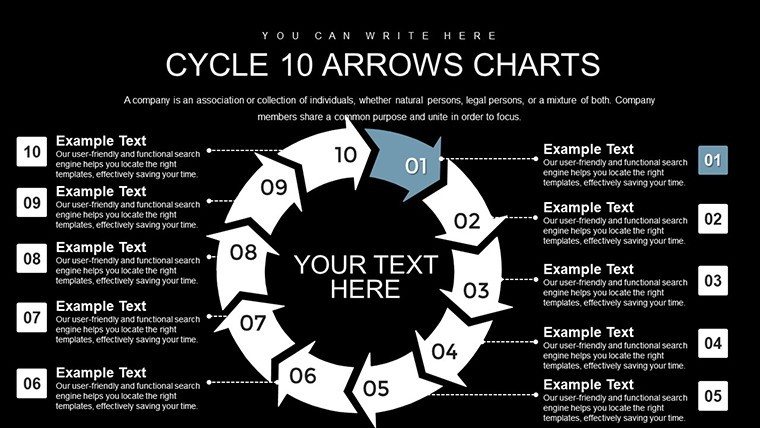
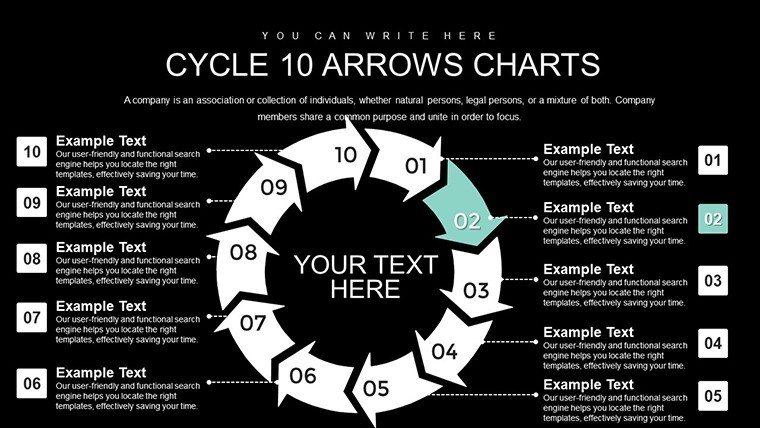
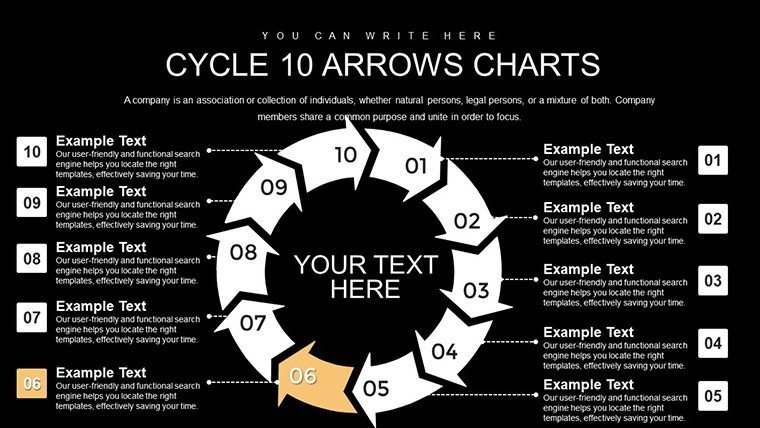
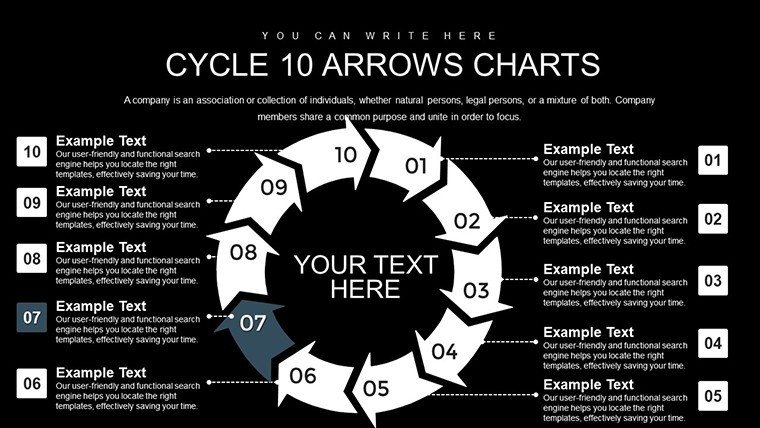
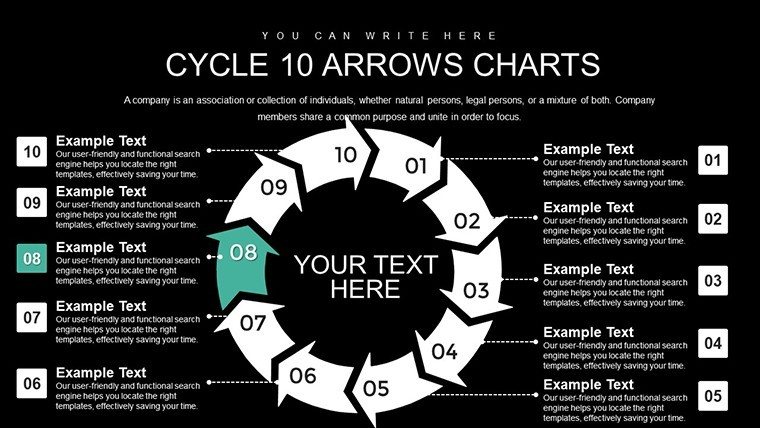
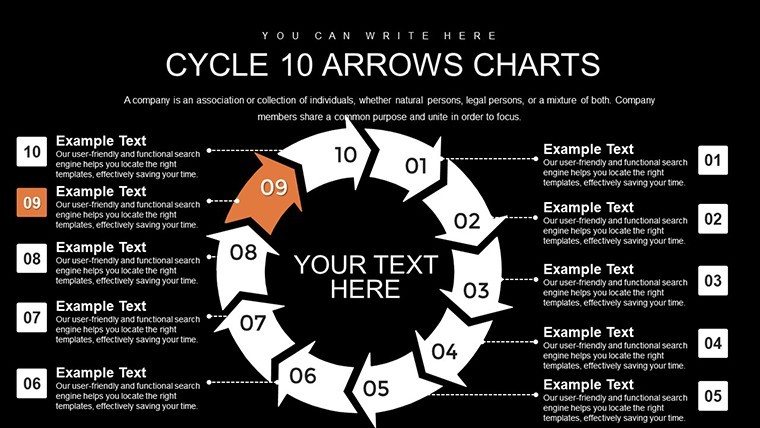
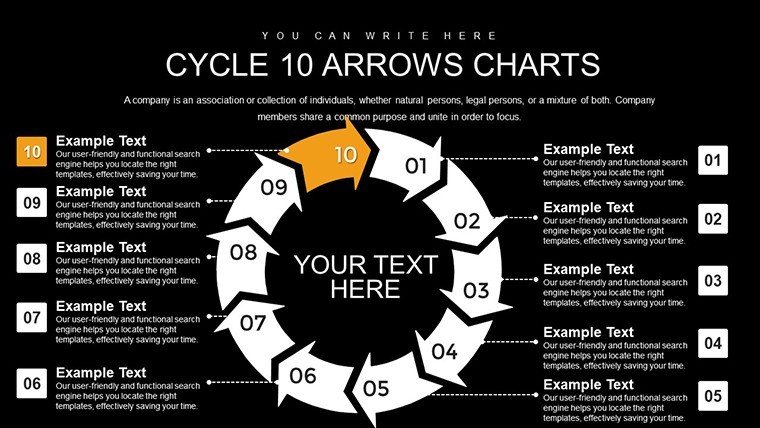
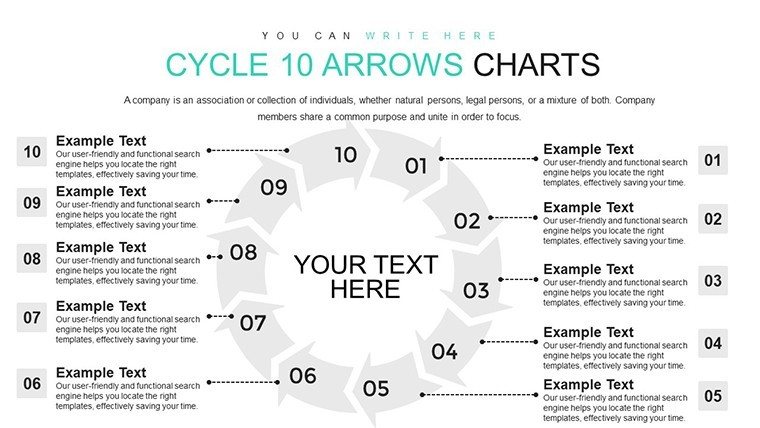
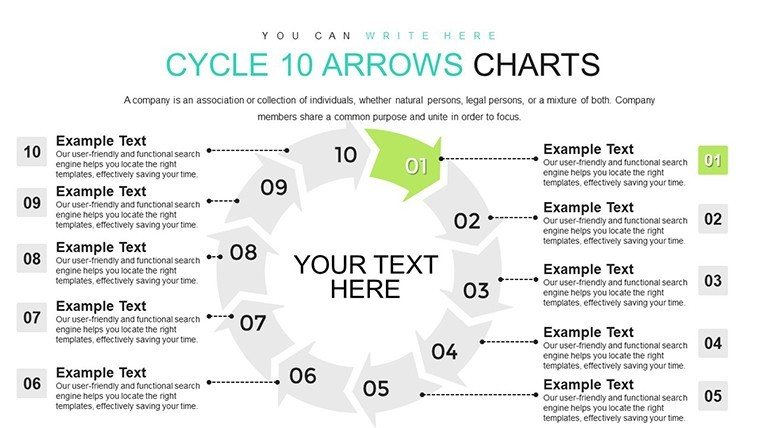
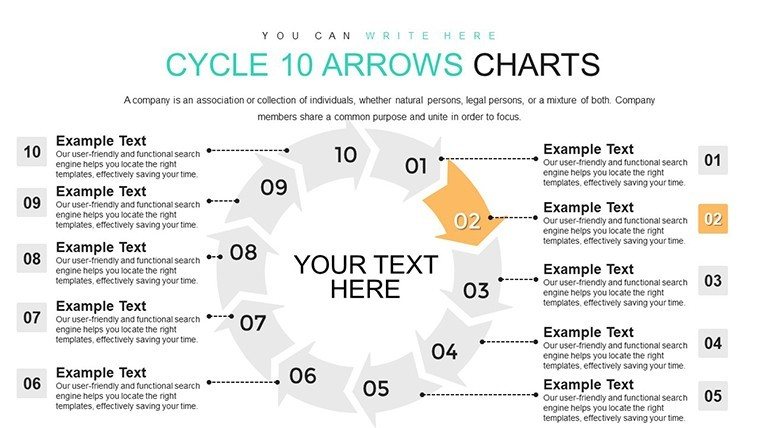
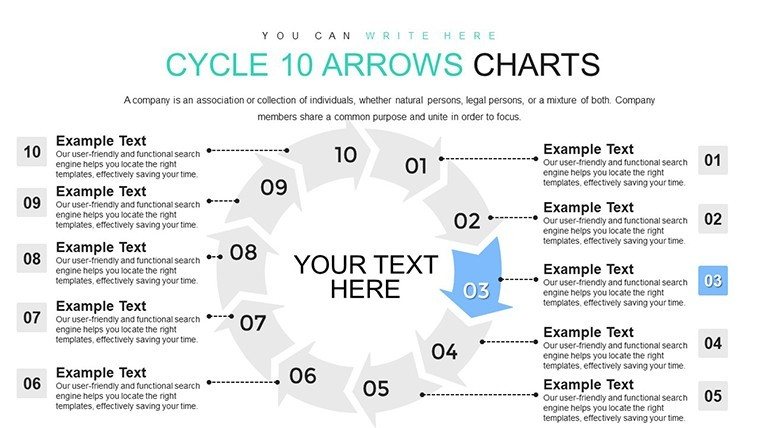
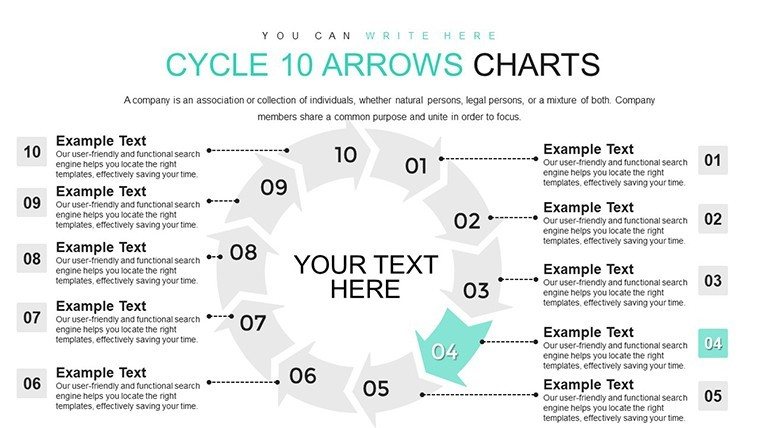
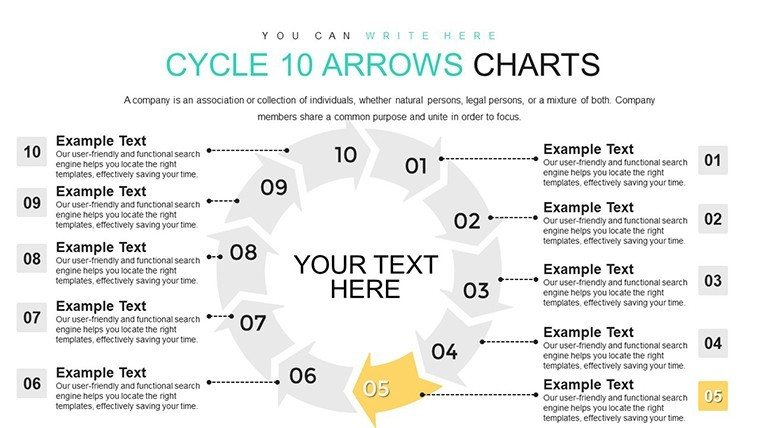
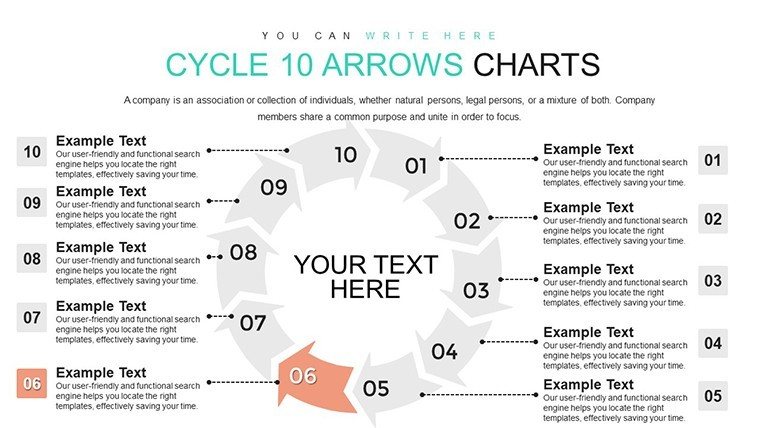
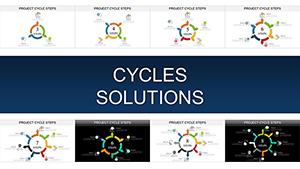
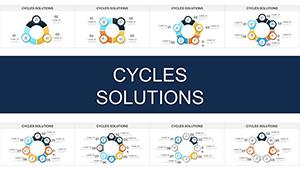
Envision a presentation where every slide builds anticipation, guiding your audience through intricate ideas with unmatched clarity. The Cycle 10 Arrows PowerPoint Template delivers exactly that, boasting 26 editable slides designed around a sophisticated 10-arrow cycle. Perfect for sales professionals closing deals or lecturers conveying theories, this template turns abstract concepts into tangible visuals, fostering deeper understanding and retention.
Tackling the challenge of presenting multifaceted data, it offers a structured approach to cycles like project timelines in architecture, compliant with PMI methodologies. With its high-resolution graphics and easy compatibility, you can seamlessly weave in your content, creating slides that speak volumes without words.
Standout applications include conference talks where arrows delineate innovation cycles, drawing from real successes at companies like Tesla. This not only engages but persuades, as evidenced by increased audience interaction in similar formats.
Standout Features for Expert Users
The template's core is its 10-arrow framework, ideal for detailed sequences, complemented by tools that enhance professionalism.
- High-Quality Animations: Captivate with smooth reveals that emphasize progression.
- Customizable Graphics: Tailor every element to your vision, from shapes to shades.
- Screen-Optimized Design: Sharp visuals for any display size.
- Beginner-Friendly Elements: Intuitive controls for rapid assembly.
- Versatile Diagrams: Mix cycles with other charts for hybrid views.
Grounded in design expertise, it aligns with standards from the International Institute of Business Analysis for effective visualization.
Practical Scenarios and Comparisons
In sales pitches, map out customer acquisition cycles to highlight efficiencies, mirroring strategies from Salesforce case studies. For classroom use, cycle through scientific methods, improving comprehension as per educational research.
Unlike rudimentary templates, this provides depth and polish, avoiding amateur pitfalls like misaligned elements.
Easy Implementation Steps
- Launch in PowerPoint and browse slide variants.
- Assign steps to arrows with custom text.
- Enhance with graphics from the built-in library.
- Set animations for narrative flow.
- Export or present directly.
Integrate with apps like Zoom for virtual delivery.
Pro Tips for Enhanced Delivery
Layer narratives by starting with overviews, then drilling down. Use authoritative references like Harvard Business Review for credibility in business contexts.
Unlock new levels of presentation prowess - download the Cycle 10 Arrows template now.
Frequently Asked Questions
How many customization levels are there?Multiple, including advanced layering for complex designs.Is it suitable for large audiences?Yes, high-res ensures clarity in big venues.Can I combine with other templates?Certainly, mix and match for unique decks.What about updates?Template supports easy refreshes with new data.Good for
- Project roadmaps and sprint plans
- Product launch timelines
- Quarterly or annual review decks
- Company history and milestone summaries
Licence
reviews
This one worked fine for my internship report because the charts already matched.
The blue color palette looked calmer on the projector than expected.
I ended up deleting several slides but kept the comparison tables.
Not bad for a template I downloaded in a hurry.
Would have liked a few more minimal slides without graphics.
FAQ
Will it work in Google Slides?
Are fonts embedded?
Can I use this for client work?
What's the refund policy?
Do you update the template after purchase?
Similar templates
See all PowerPoint Charts →

All 26 slides