 Click to zoom
Timeline Film Roll PowerPoint Diagram Template
| Format | .pptx |
| Slides | 11 unique layouts |
| Aspect ratio | 16:9 |
| Compatibility | PowerPoint |
| Animated | No |
| Language | English |
| License | Commercial |
| File size | — |
| Version | v1.0 |
| Last updated | September 2023 |
What's inside
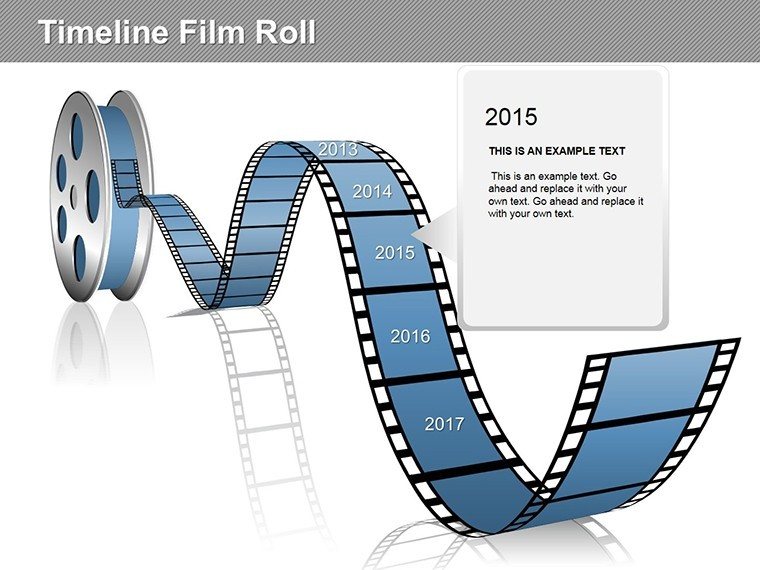
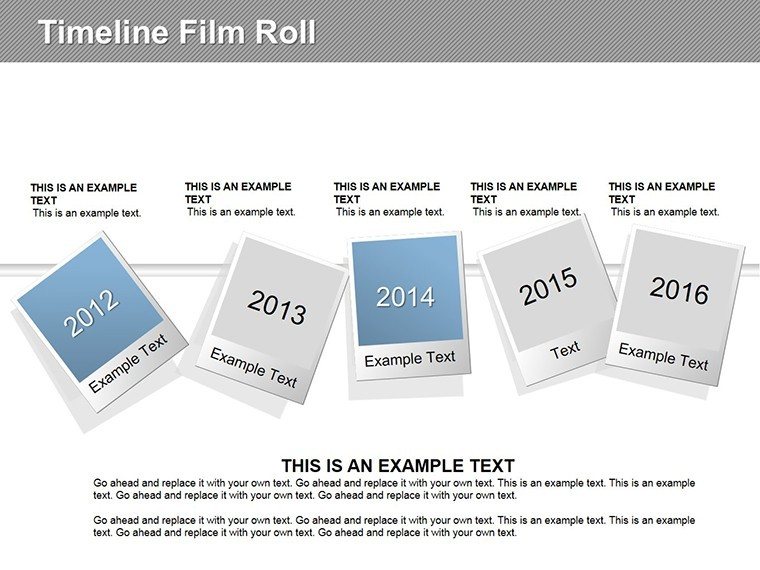
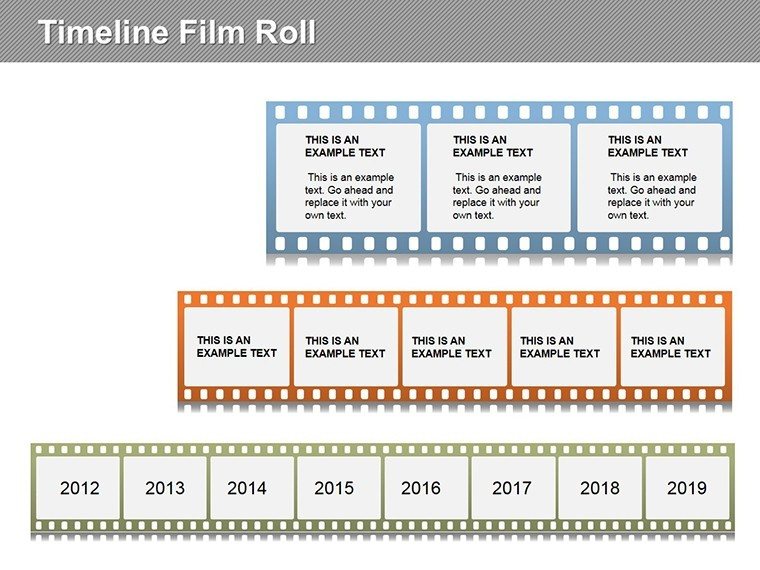
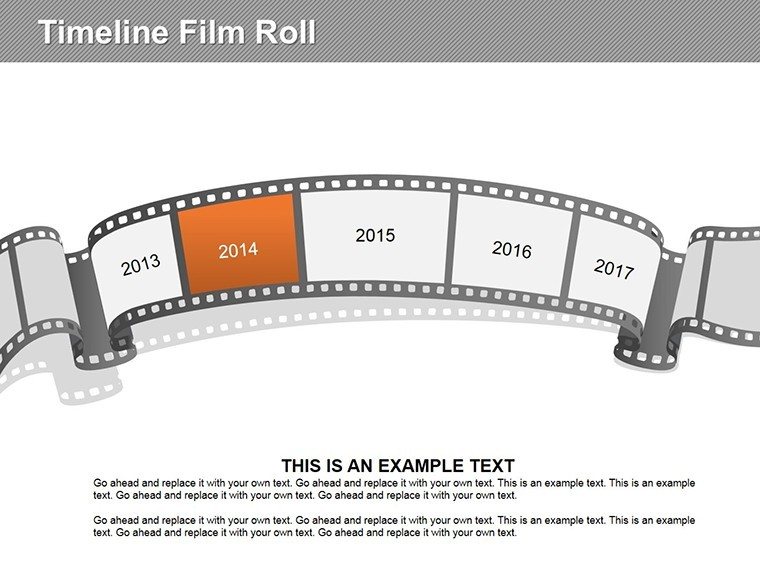
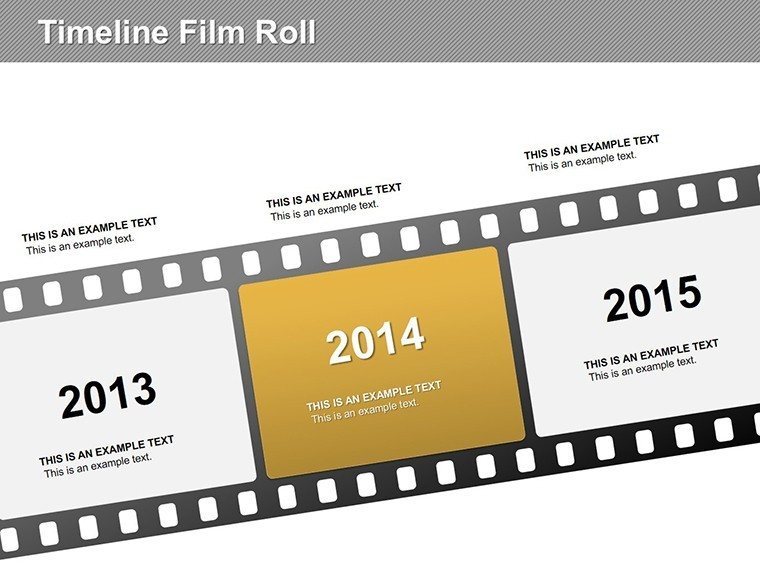
Imagine transforming your mundane project timelines into a captivating cinematic experience that draws your audience in like a blockbuster movie. That's exactly what our Timeline Film Roll PowerPoint diagram template offers. Designed for professionals who need to convey sequences of events, plans, or historical progressions with flair, this template mimics the allure of a film reel, complete with frames where you can seamlessly insert photos or icons. With 11 fully editable slides, it's tailored for PowerPoint users seeking to add a narrative depth to their presentations. Whether you're a project manager outlining milestones, a historian detailing eras, or a marketer showcasing product evolution, this template turns data into a story that sticks.
Beyond its visual appeal, the template addresses common pain points in presentation design. Standard timelines often fall flat, lacking engagement and memorability. Here, the film roll metaphor not only organizes information chronologically but also infuses creativity, making your content more relatable and easier to follow. Compatible with all recent versions of Microsoft PowerPoint, it ensures smooth editing without compatibility issues. Users appreciate how quickly they can adapt the slides - change colors to match your brand, adjust text for specificity, or even animate the frames for a dynamic reveal during your pitch.
Key Features of the Timeline Film Roll Template
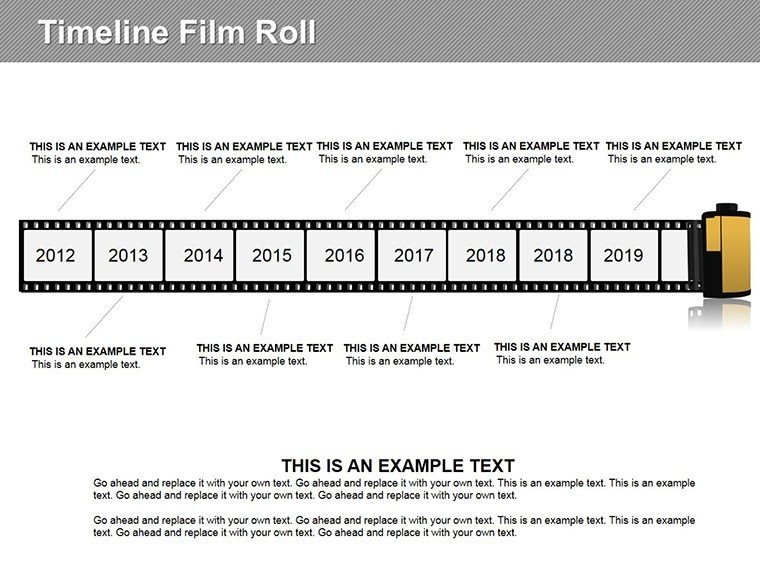
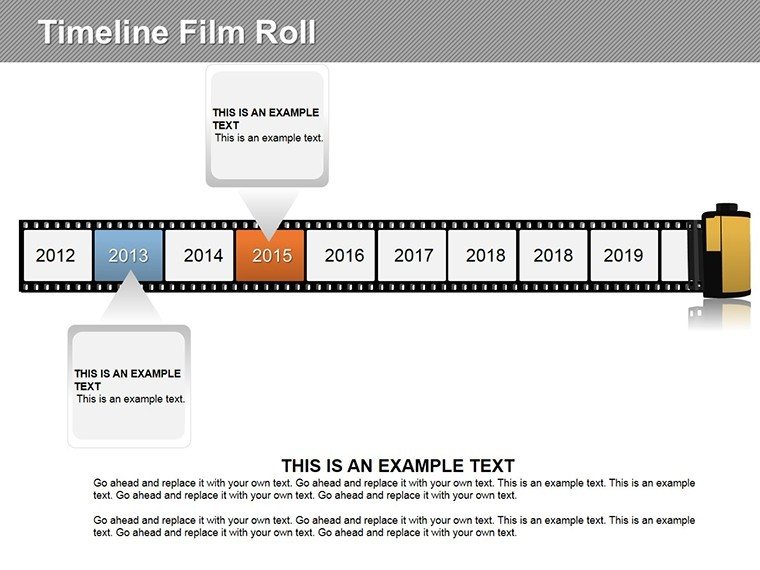
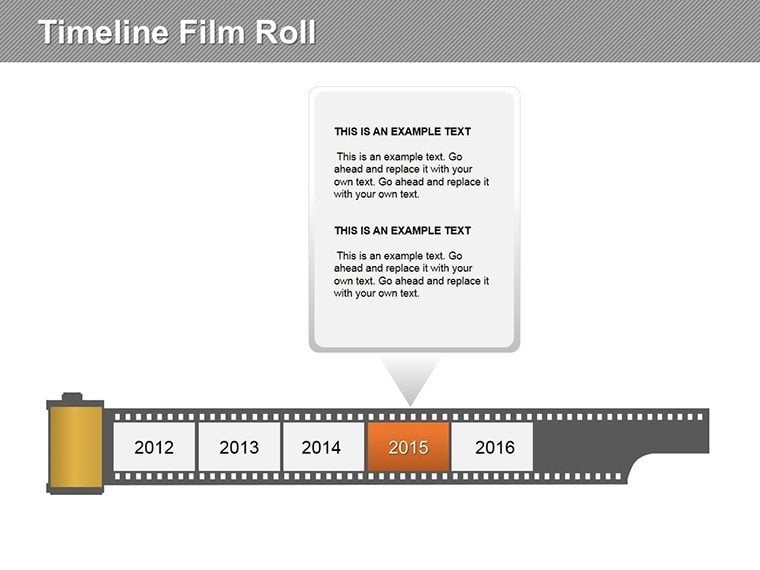
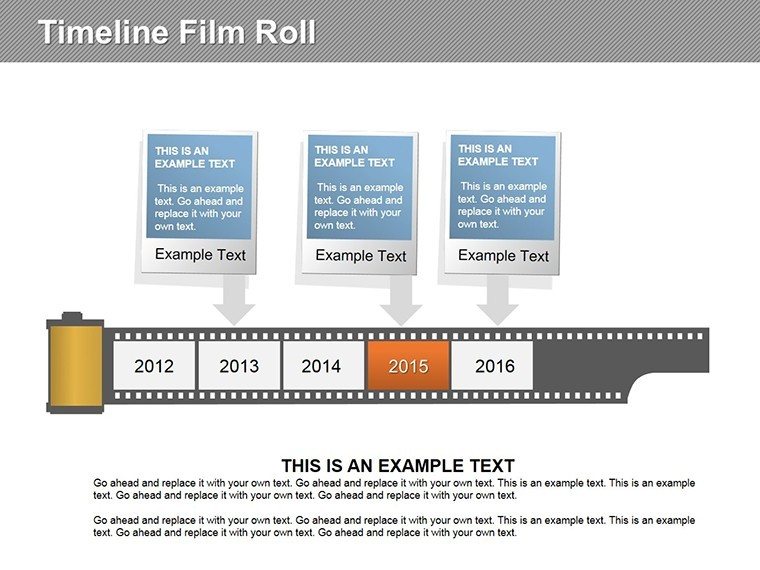
Delving deeper, let's explore what sets this template apart. Each of the 11 slides is meticulously crafted to support various timeline complexities, from simple linear progressions to multi-branching narratives. The core design revolves around a horizontal film strip where each 'frame' represents a key event or phase. This isn't just aesthetic; it's functional, allowing for clear visual separation of elements while maintaining a cohesive flow.
- Editable Frames: Easily insert images or graphics into each frame, turning abstract timelines into visually rich stories. For instance, in a product launch presentation, place prototype photos in early frames and market success metrics in later ones.
- Customizable Text and Icons: All text fields are fully editable, with pre-included icons that can be swapped or resized. This flexibility ensures the template aligns with your specific content needs.
- Color Scheme Adaptability: Start with a neutral palette that's easy on the eyes, but tweak hues to fit corporate branding or thematic requirements, like using earthy tones for environmental projects.
- Animation-Ready: Built-in placeholders for animations let you simulate film rolling, enhancing engagement without extra design work.
These features stem from real-world feedback from presentation experts, ensuring the template isn't just pretty but practically solves design challenges. Drawing from principles like those in Edward Tufte's data visualization guidelines, it prioritizes clarity and impact over clutter.
Real-World Applications and Use Cases
Picture this: You're pitching a multi-year business strategy to stakeholders. Instead of bullet points, you unveil a film roll timeline where each frame highlights a fiscal quarter's achievements, complete with revenue graphs and team photos. This not only clarifies the progression but also builds emotional investment, as viewers 'watch' the story unfold.
In educational settings, teachers use this template to map historical events, such as the Industrial Revolution, inserting era-specific images to make lessons vivid. For event planners, it's ideal for wedding timelines or conference schedules, where photos of venues or speakers add personalization.
- Project Management: Track phases from initiation to closure, with frames for risks, milestones, and outcomes.
- Marketing Campaigns: Illustrate campaign evolution, from ideation to ROI analysis, engaging clients with a narrative arc.
- Personal Development: Create career timelines for resumes or motivational talks, inserting achievement badges.
A case study from a tech startup reveals how using this template in investor meetings shortened Q&A sessions by 20%, as the visual clarity preempted many questions. It's about more than slides - it's about communicating effectively.
Tips for Maximizing Your Timeline Presentation
To get the most out of this template, start by outlining your key events on paper before digitizing. Ensure consistency in frame sizing for a professional look. Incorporate subtle transitions if presenting virtually, mimicking a reel unwind. Always preview on different devices to confirm photo resolutions hold up.
For advanced users, integrate this with PowerPoint's morph transition for seamless frame shifts, adding a wow factor. Remember, the goal is storytelling - use concise captions and high-quality images to avoid overwhelming your audience.
Why Choose This Template Over Basic PowerPoint Tools?
Built-in PowerPoint timelines are functional but generic, often resulting in bland slides that fail to captivate. Our Film Roll template elevates this by blending metaphor with utility, offering pre-designed elements that save hours of custom work. Unlike free alternatives that lack polish or editability, this paid version guarantees quality and support.
Comparatively, it's more versatile than rigid Gantt charts, suiting creative industries where engagement trumps strict metrics. Users report higher audience retention rates, attributing it to the novel design that breaks from convention.
In terms of value, at just $22, it's an investment in your presentation prowess. With the current promo, there's no better time to upgrade your toolkit.
Ready to roll out timelines that mesmerize? Download the Timeline Film Roll PowerPoint diagram today and start crafting presentations that leave a lasting impression.
Frequently Asked Questions
How editable are the film frames in this template?Fully editable - you can resize, recolor, and insert custom photos or graphics into each frame with just a few clicks in PowerPoint.Is this template compatible with Google Slides?While designed for PowerPoint (.pptx), it can be imported into Google Slides, though some animations may need adjustment.Can I use this for non-business purposes?Absolutely - it's versatile for educational, personal, or event timelines, adapting to any chronological narrative.What if I need more than 11 slides?The template is duplicatable; simply copy slides and modify as needed to extend your timeline.Are there any tutorials included?Basic editing tips are in the download notes, but PowerPoint's built-in help covers advanced customizations.Good for
- Project roadmaps and sprint plans
- Product launch timelines
- Quarterly or annual review decks
- Company history and milestone summaries
Licence
reviews
Needed process slides for a team meeting and this worked.
The arrows and blocks made information easier to follow.
A few colors looked dull before editing.
Good option for quick presentations.
The layouts saved me from building diagrams manually.
FAQ
Will it work in Google Slides?
Are fonts embedded?
Can I use this for client work?
What's the refund policy?
Do you update the template after purchase?
Similar templates
See all Powerpoint Diagrams →

All 11 slides