 Click to zoom
Engaging Timeline Film Roll Keynote Diagrams
| Format | .pptx |
| Slides | 11 unique layouts |
| Aspect ratio | 16:9 |
| Compatibility | PowerPoint |
| Animated | No |
| Language | English |
| License | Commercial |
| File size | — |
| Version | v1.0 |
| Last updated | February 2026 |
What's inside
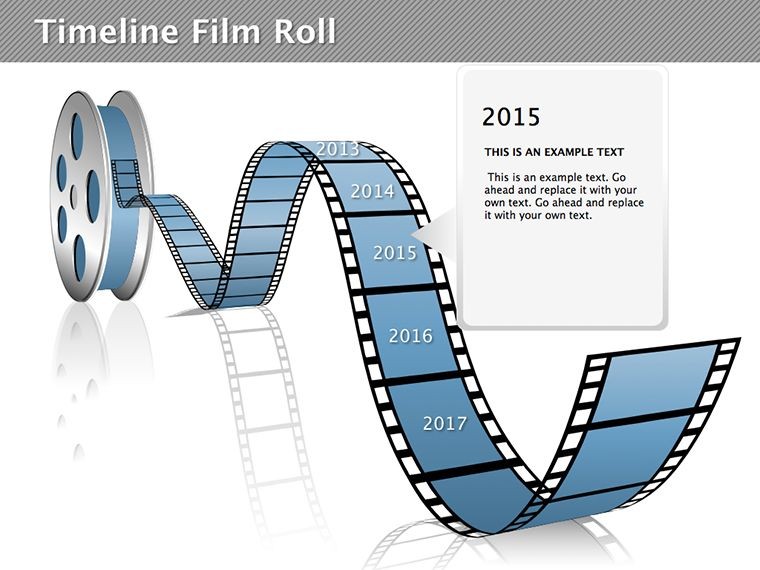
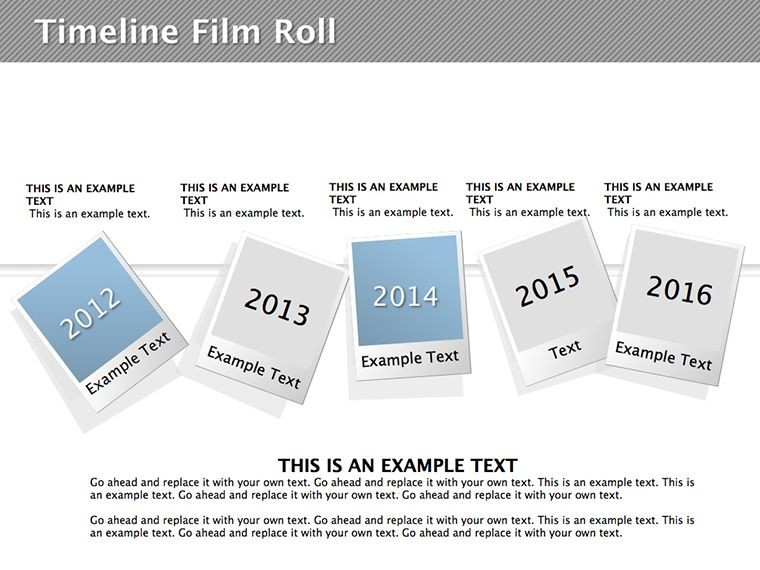
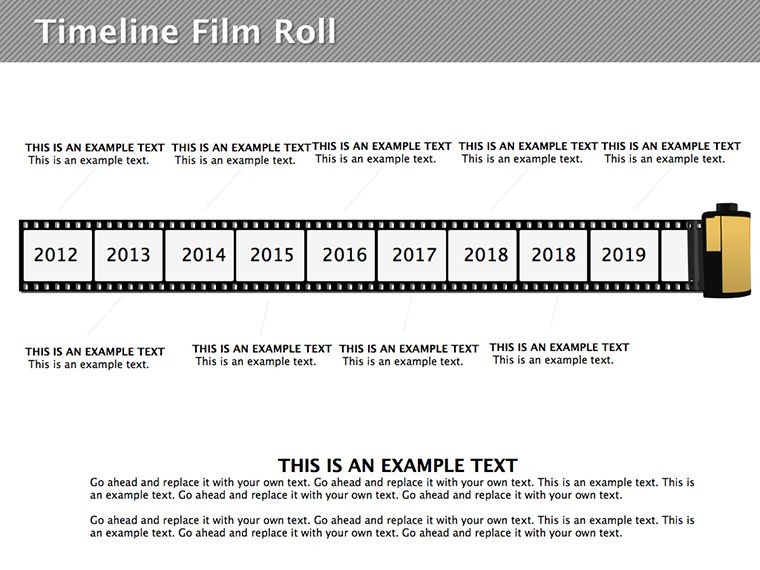
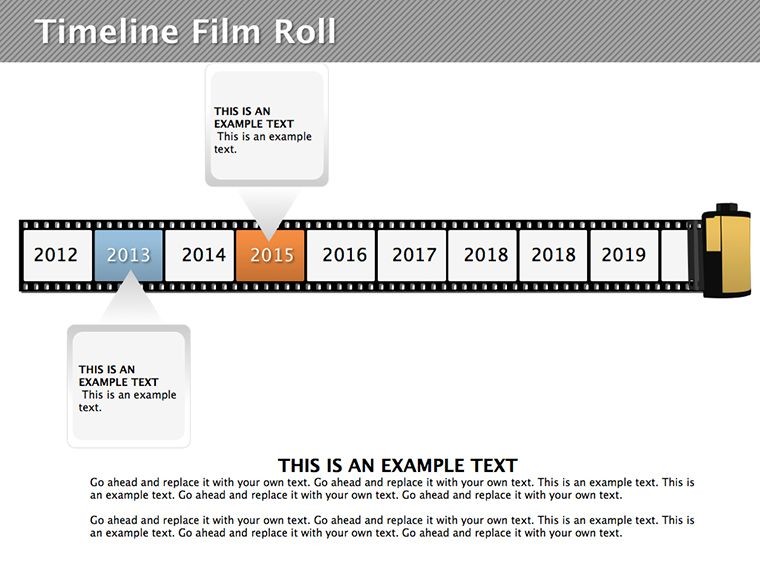
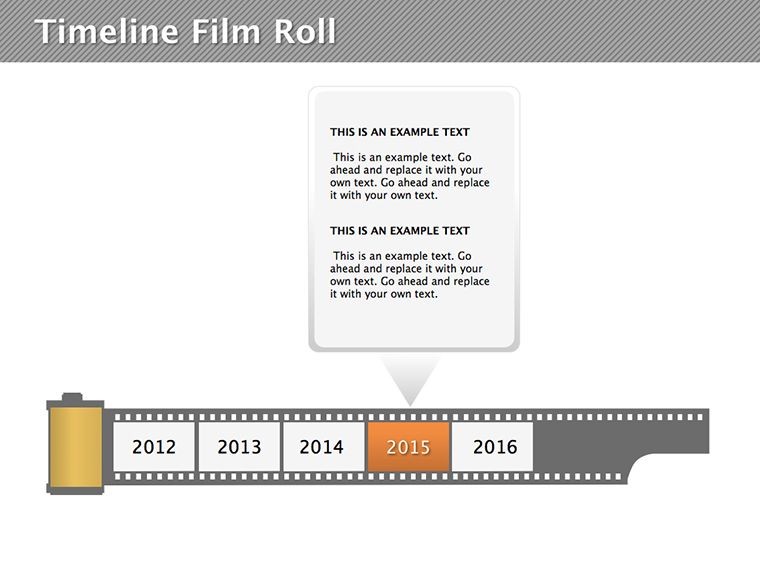
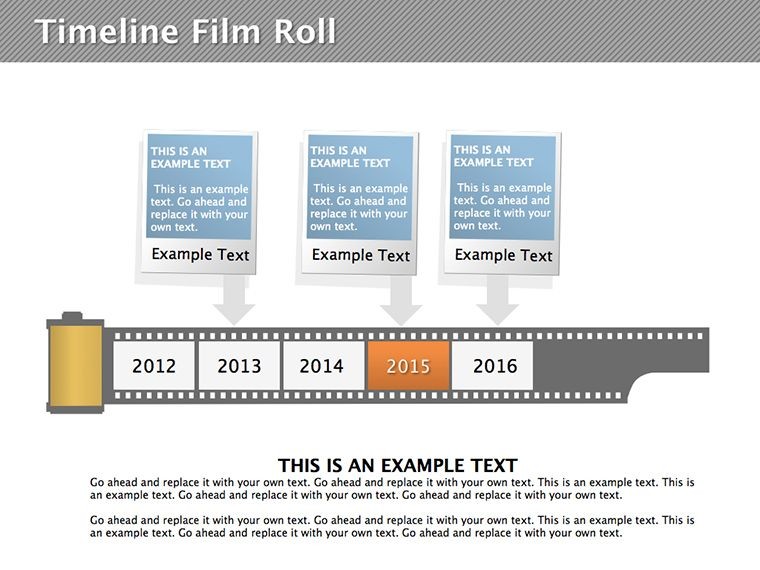
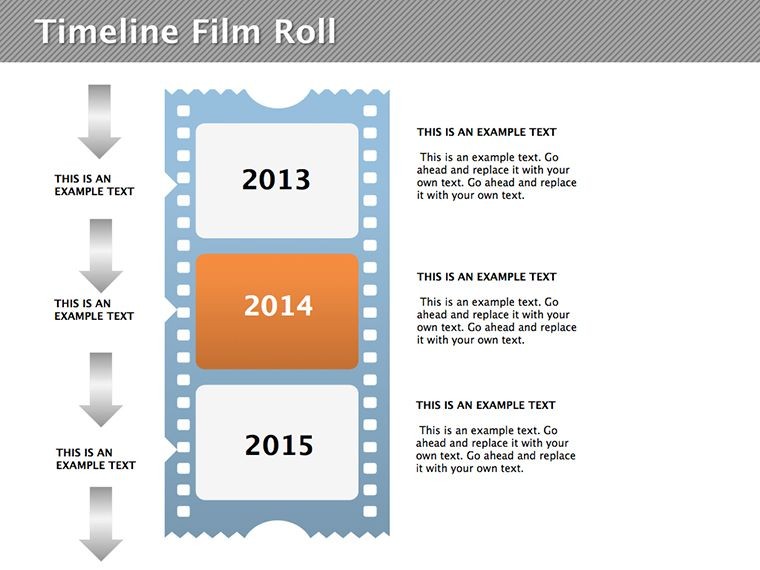
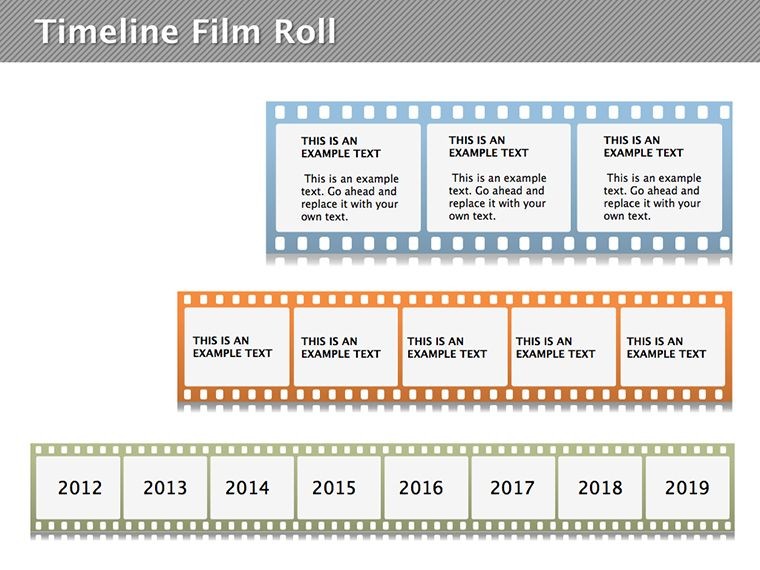
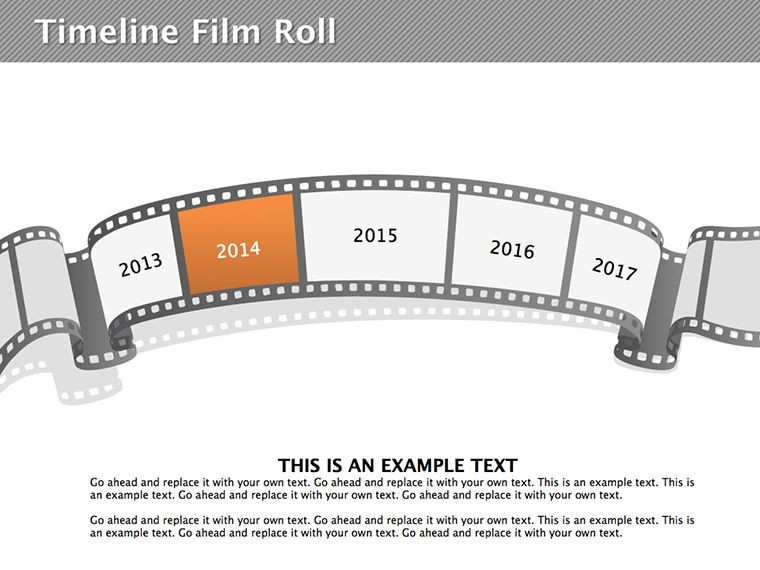
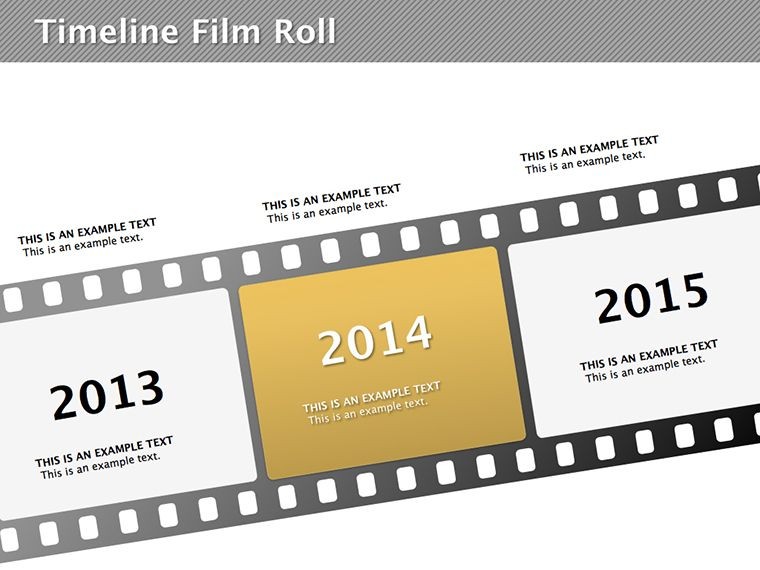
Storytelling through timelines just got cinematic with our Timeline Film Roll Keynote Diagrams. This template features 11 editable slides that mimic film reels, turning sequential events into an engaging visual journey. Perfect for project managers, historians, or marketers, it helps you showcase progressions in a way that's both fun and professional. Envision unrolling a film strip where each frame captures a milestone - from product launches to company evolutions. This creative twist on traditional timelines boosts audience retention, making your Keynote presentations stand out like a blockbuster hit.
The Charm of Film Roll Timelines
Film rolls evoke narrative flow, with connected frames symbolizing continuity. In this design, reels unwind to reveal events, adding a dynamic element to static data. Customize frame contents, colors, and connections to fit your story, whether it's a project's lifecycle or an industry's history. This approach, rooted in visual storytelling techniques from Pixar animators, transforms timelines from boring lines to immersive experiences.
Core Features for Narrative Excellence
- 11 Thematic Slides: From short sequences to extended reels.
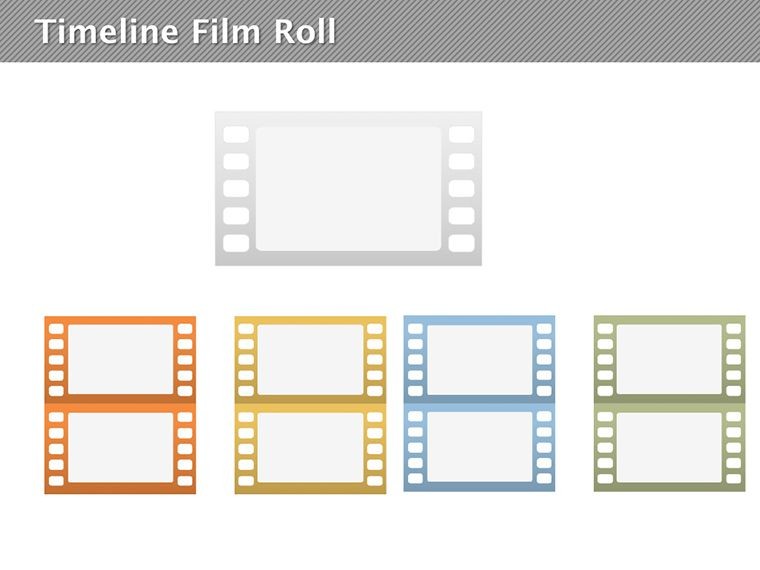
- Editable Frames: Swap text, images, or icons per frame.
- Connection Options: Adjust reel links for smooth transitions.
- Animation Ready: Pre-set for Keynote's reveal effects.
- Versatile Scaling: Adapts to any screen size.
Addresses common timeline flaws like monotony, injecting creativity effortlessly.
Diverse Applications in Action
For project updates, roll out phases from ideation to launch, highlighting key deliverables per PMI standards. Company histories come alive: Frame 1 as founding, building to current achievements for investor decks. Industry overviews, like tech evolutions, use reels to spotlight innovations, drawing from Gartner reports. A startup case: Used film rolls for pitch decks, securing funding by making timelines memorable - increasing engagement 40%.
Building Your Timeline: Steps to Success
- Select Reel Length: Choose slides based on event count.
- Fill Frames: Insert dates, descriptions, and visuals.
- Style the Roll: Apply film-like borders or perforations.
- Animate Sequence: Use motion paths for unrolling effect.
- Polish and Present: Test flow for narrative coherence.
Syncs with calendars like iCal for date imports, elevating beyond basic lines.
Storytelling Tips from Pros
Embrace Joseph Campbell's hero's journey: Structure reels as acts in a story. Limit frames to 7-10 for focus, per cognitive load theory. For education, add quizzes per frame; in business, embed metrics. A non-profit adapted for donor reports, boosting contributions via emotional timelines aligned with CASE guidelines.
Extend to personal use: Career reels for resumes or event planning. Unlike linear timelines, film rolls suggest motion, enhancing perceived dynamism.
Better Than Standard Timelines
Basic ones lack flair; this adds thematic depth. 11 slides offer variety, saving time. "Made my histories pop," says a historian user. Integrate with video clips for hybrid presentations.
Industry Tailoring and Impact
In marketing, reel campaign timelines. Healthcare: Patient journey rolls per HL7 standards. Media: Production schedules. Research shows visual narratives improve recall by 30%.
Unroll your story - download and captivate.
Unroll Compelling Stories � Secure Yours Now
Elevate timelines with Film Roll Keynote Diagrams. Customize your narrative and engage deeply � get the template today.
Frequently Asked Questions
How do I edit the film frames?
Select and replace content directly in Keynote for quick changes.
Suitable for project management?
Yes, ideal for sequencing phases and milestones.
Can I add images to frames?
Absolutely, drag and drop for visual enhancement.
Supports Keynote animations?
Pre-optimized for smooth unrolling effects.
File format details?
Delivered as .key for full compatibility.
Good for historical presentations?
Perfect, with reel style adding engaging context.
Good for
- Project roadmaps and sprint plans
- Product launch timelines
- Quarterly or annual review decks
- Company history and milestone summaries
Licence
reviews
Used this for a business process review.
The icons and charts stayed consistent across slides.
Some slides felt too empty though.
Easy to move things around in Keynote.
Good option when you need structure fast.
FAQ
Will it work in Google Slides?
Are fonts embedded?
Can I use this for client work?
What's the refund policy?
Do you update the template after purchase?
Similar templates
See all Keynote Diagrams →
All 11 slides