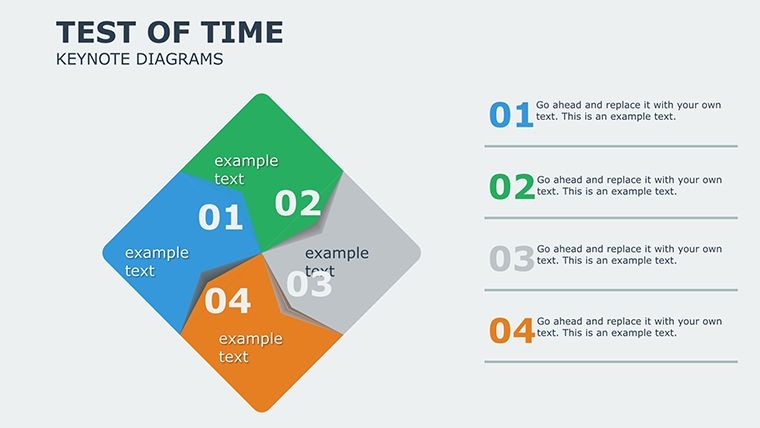
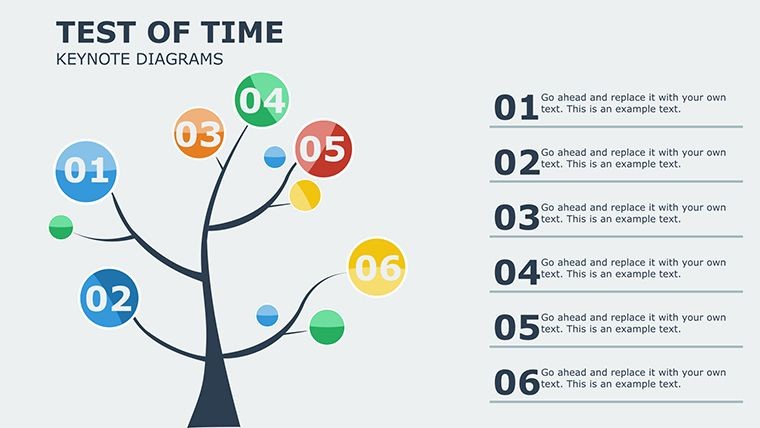
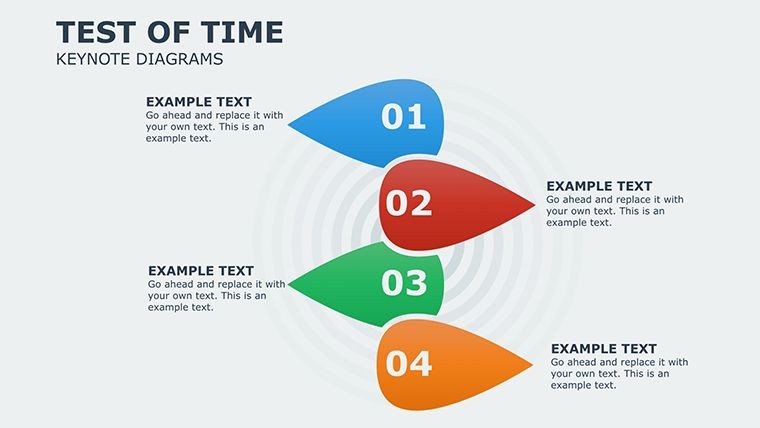
 Click to zoom
Timeless Keynote Diagrams Template
| Format | .pptx |
| Slides | 16 unique layouts |
| Aspect ratio | 16:9 |
| Compatibility | PowerPoint |
| Animated | No |
| Language | English |
| License | Commercial |
| File size | — |
| Version | v1.0 |
| Last updated | February 2025 |
What's inside
Some concepts transcend trends, demanding presentations that endure. Our Timeless Keynote Diagrams Template, with 16 editable slides in the Matrix category, is engineered for just that - delivering classic, impactful visuals that stand strong in any era. Influenced by timeless design principles from Bauhaus simplicity to modern minimalism, this template helps professionals like speakers and executives articulate strategies with elegance and authority, ensuring your message resonates long after the lights dim.
This isn't fleeting fashion; it's foundational. For business strategists, matrix diagrams clarify quadrants like SWOT analyses, aiding in pivotal decisions. Drawing from Harvard Business Review case studies, similar tools have streamlined corporate planning, turning abstract frameworks into concrete plans that drive success.
Essential Features for Lasting Impressions
Compact yet comprehensive: 16 slides in .key and .kth, ready for customization. Alter color schemes to match corporate palettes, font styles for readability, and layouts for emphasis - all within Keynote's robust ecosystem.
- Matrix Mastery: Core grids for categorizing data, with adjustable cells for depth.
- Enduring Design: Clean lines and balanced compositions that avoid dated looks.
- Quick Edits: Drag-and-drop interfaces save hours, focusing on content.
- Visual Enhancements: Subtle graphics and charts that amplify without overwhelming.
Outshining basic matrices, it includes layered options for multi-dimensional views, like risk vs. reward plots.
Use Cases That Endure
In conferences, deploy these for keynote addresses on industry evolutions, where matrices map historical shifts to future forecasts. Lecturers use them to dissect theories, as in psychology sessions breaking down behavior models. Workflow: Import template, populate a matrix slide with data, refine borders, and rehearse transitions for seamless delivery.
Pitch decks benefit too; entrepreneurs visualize product positioning, impressing investors - as evidenced in successful Shark Tank pitches relying on clear visuals.
Slide-by-Slide Insights
Highlights:
- Slide 1-3: Basic Matrices – 2x2 grids for quick categorizations, like priority tasks.
- Slide 4-7: Advanced Grids – 3x3 or more, for nuanced analyses like competitor positioning.
- Slide 8-10: Themed Variations – Color-coded for themes like growth stages.
- Slide 11-13: Integrated Charts – Matrices with embedded bars for hybrid views.
- Slide 14-16: Customizable Templates – Blank starters for unique creations.
Pro tip: Use Keynote's alignment tools for perfect symmetry, enhancing perceived professionalism.
Tips for Timeless Delivery
Build narratives around universality: Frame matrices as timeless tools, perhaps with a nod to ancient grids in planning. Inject subtle wit, like "Quadrants of Quest" for adventure-themed strategies, keeping tones light yet authoritative.
Compatible with exports to PowerPoint or video, ensuring broad reach. Designs follow credibility standards, promoting accurate representations for trust-building.
Secure this enduring asset - your presentations will thank you.
Claim Your Timeless Toolkit Today
Invest in longevity with the Timeless Keynote Diagrams Template. Purchase now and craft presentations that echo through time.
Frequently Asked Questions
What makes these diagrams 'timeless'?Classic designs focus on simplicity and functionality, avoiding trendy elements for lasting appeal.Can I expand the matrices?Yes, easily add rows/columns in Keynote for larger datasets.Suitable for beginners?Absolutely, with intuitive edits and guides included.Do slides include data examples?Yes, placeholders with sample data to jumpstart your work.Animation compatibility?Pre-built for subtle builds, enhancing without distraction.Good for
- Project roadmaps and sprint plans
- Product launch timelines
- Quarterly or annual review decks
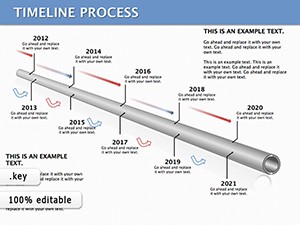
- Company history and milestone summaries
Licence
reviews
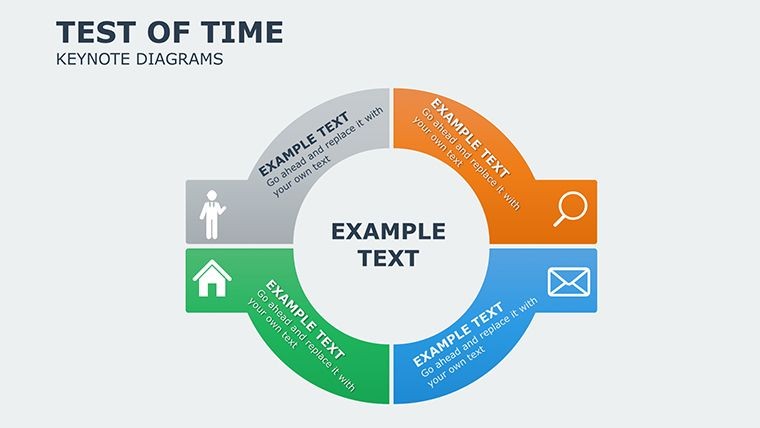
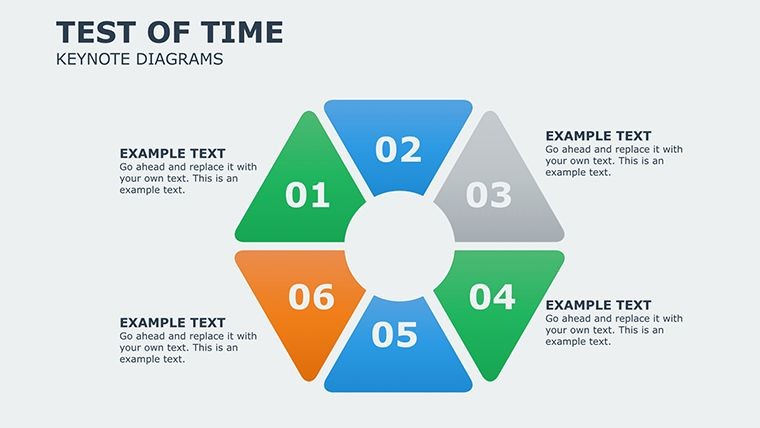
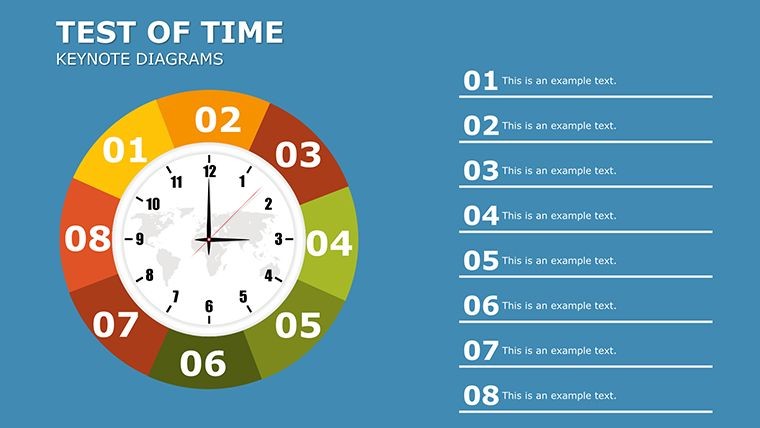
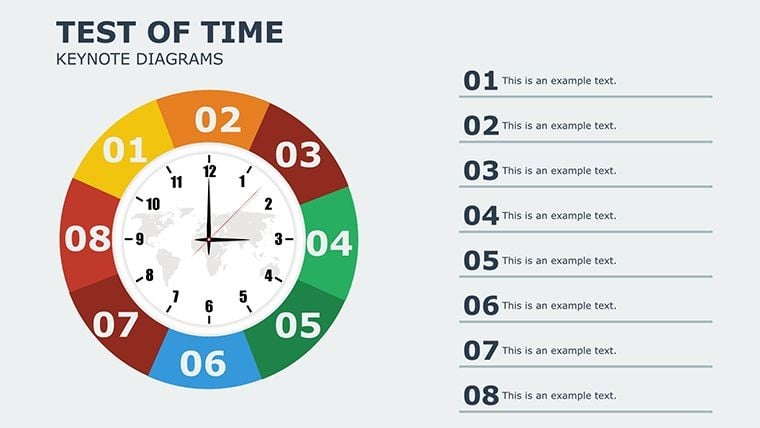
I used the circular chart slide in a sales review and it explained things faster than my spreadsheet.
The icons looked fine once I swapped the colors around.
Kind of plain overall but it got the job done for my manager update.
Needed a few process slides quickly and this template was easier than building from zero.
The arrows and blocks were actually useful for showing project stages.
FAQ
Will it work in Google Slides?
Are fonts embedded?
Can I use this for client work?
What's the refund policy?
Do you update the template after purchase?
Similar templates
See all Keynote Diagrams →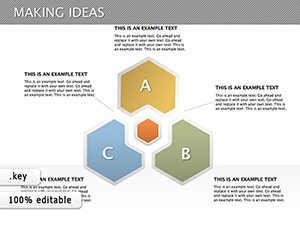


All 16 slides