 Click to zoom
Timeline Process Keynote Template: Chart Your Path Forward
| Format | .pptx |
| Slides | 14 unique layouts |
| Aspect ratio | 16:9 |
| Compatibility | PowerPoint |
| Animated | No |
| Language | English |
| License | Commercial |
| File size | — |
| Version | v1.0 |
| Last updated | February 2026 |
What's inside
Time doesn't just pass; it shapes outcomes, and the right visual can make those moments crystal clear. Enter the Timeline Process Keynote Template, featuring 14 editable slides that weave chronology with action, ideal for project leads sequencing milestones or historians narrating eras. This isn't mere lines on a slide - it's a roadmap that propels your story from inception to impact.
Designed for Keynote enthusiasts who demand precision and polish, these timelines blend linear progression with process nodes, highlighting dependencies and achievements. For $28, you gain a toolkit that condenses weeks of planning into compelling sequences, perfect for investor updates or classroom recaps. Let's trace how this template timelines your success.
Unpacking the Sequential Power of Timeline Layouts
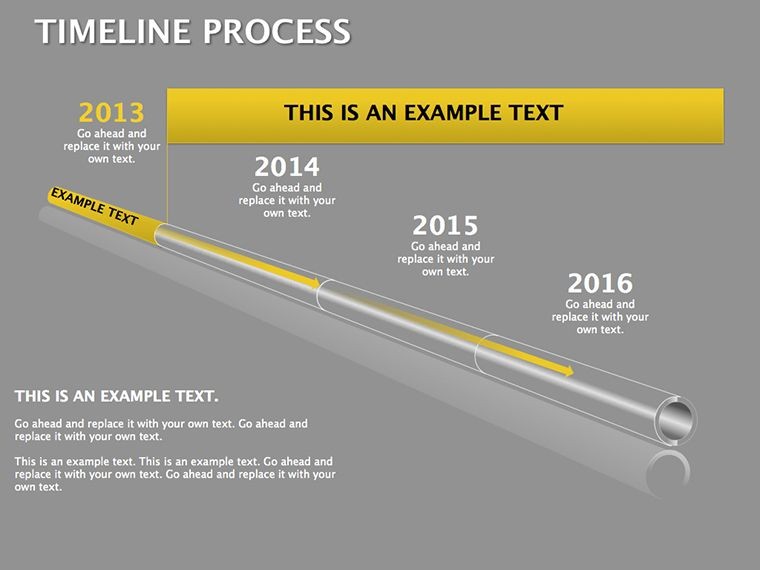
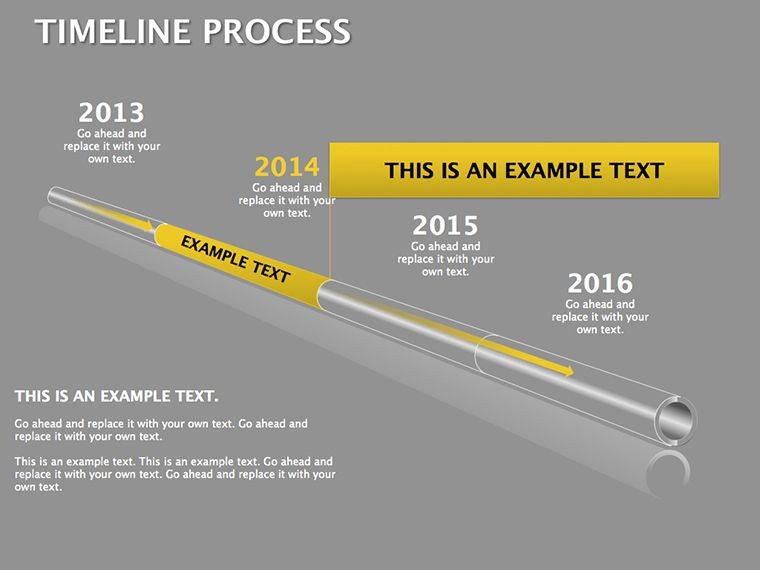
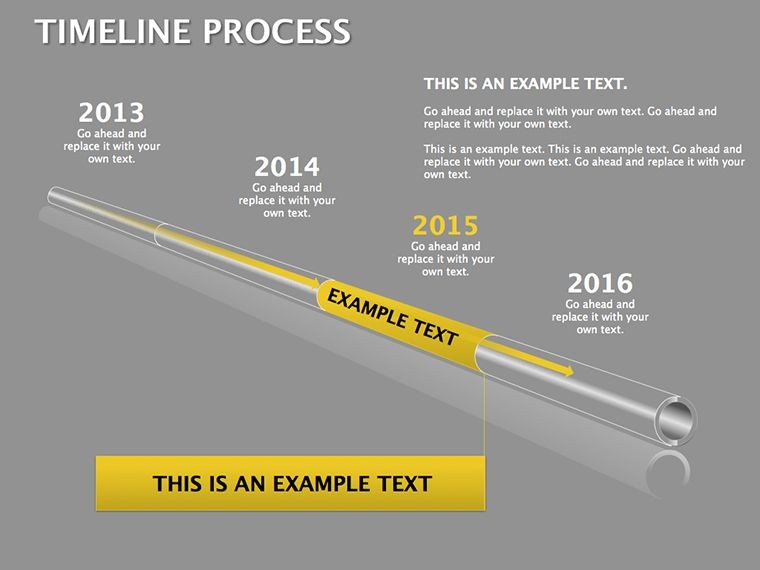
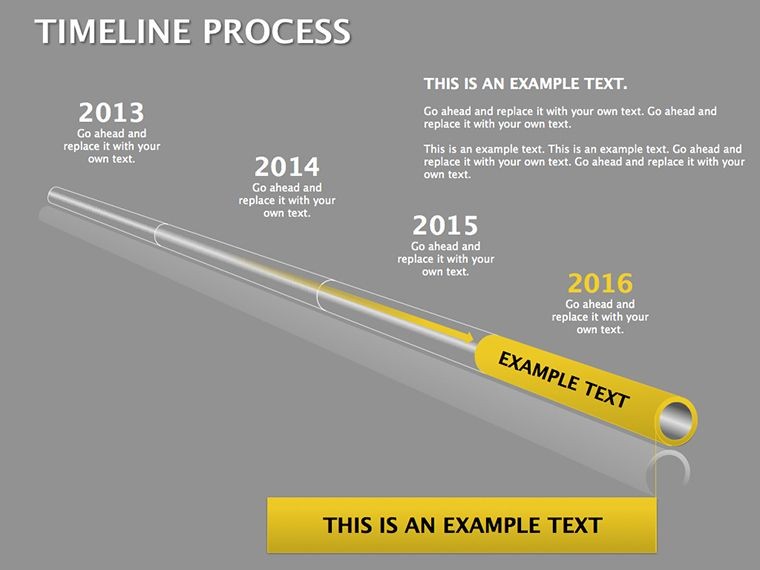
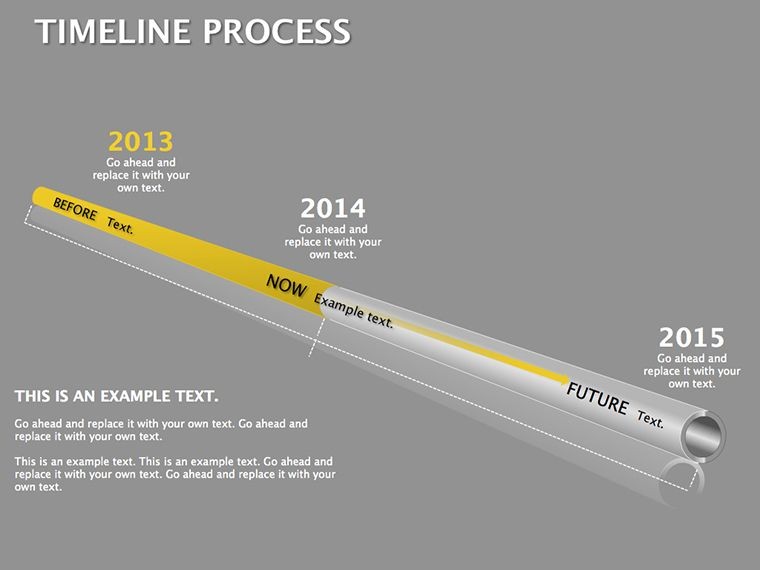
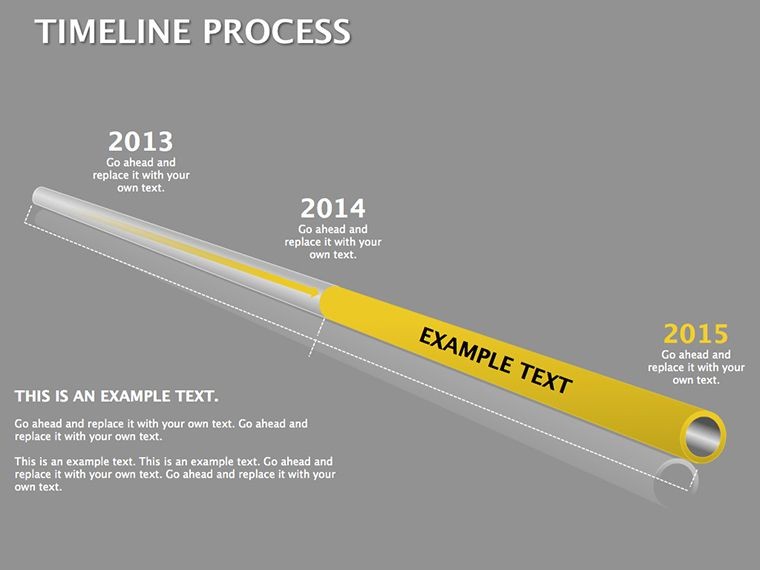
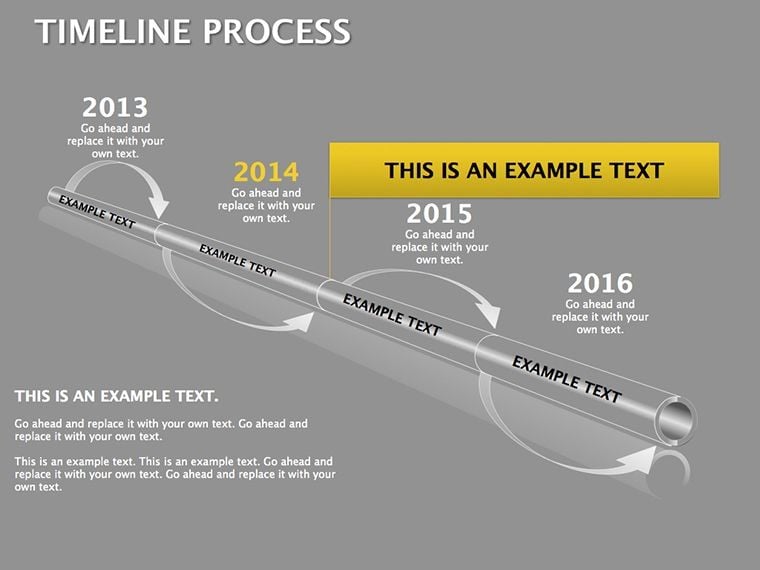
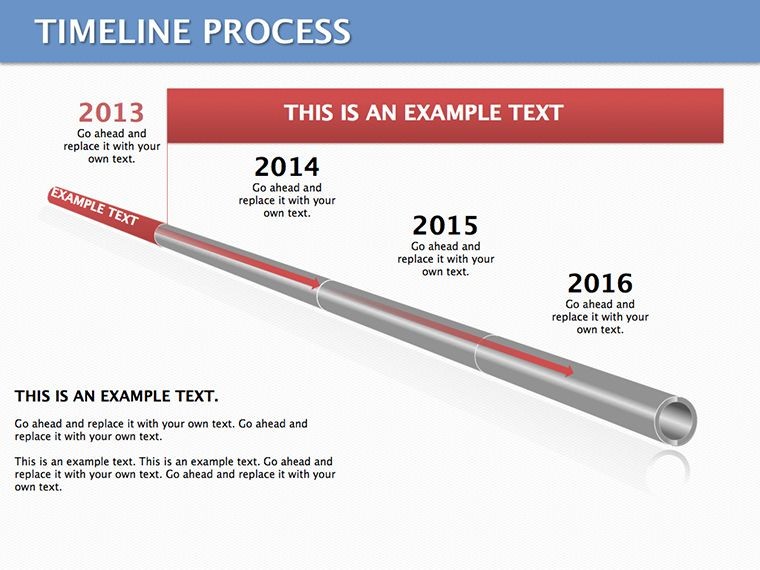
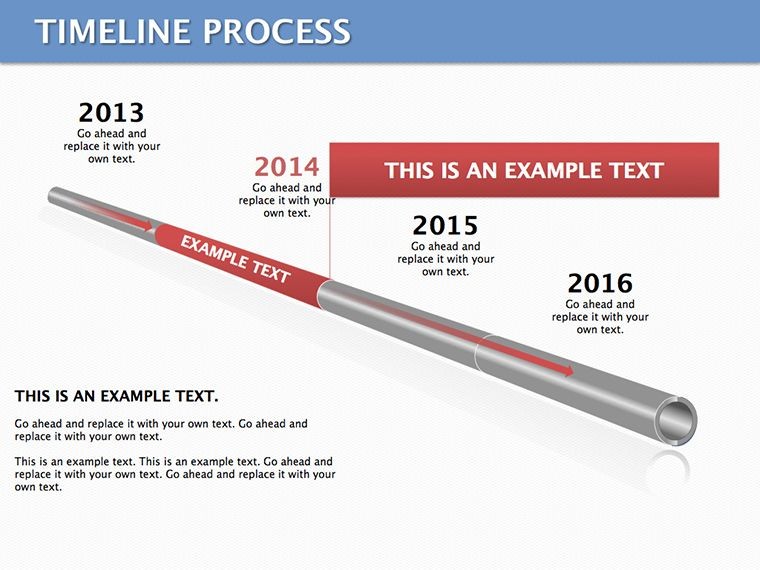
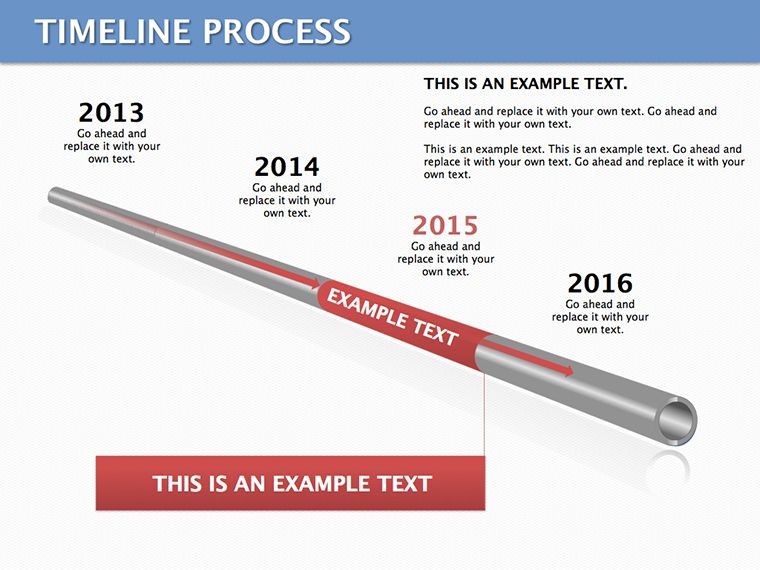
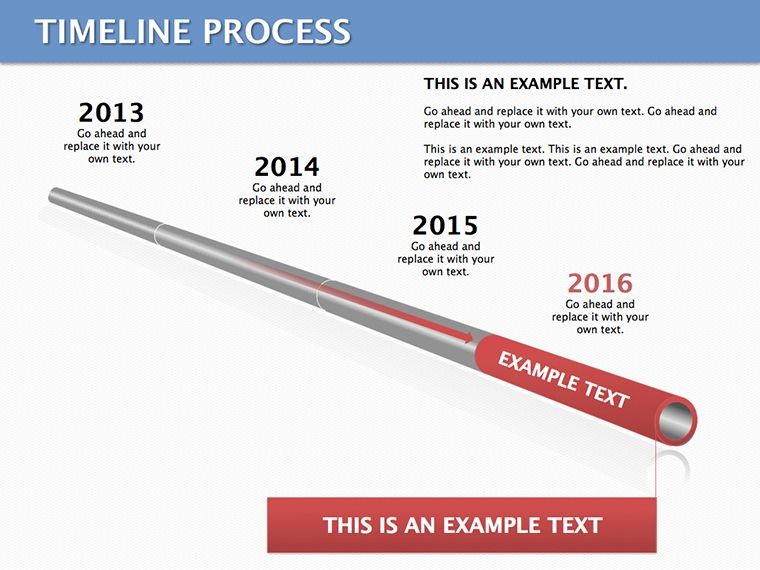
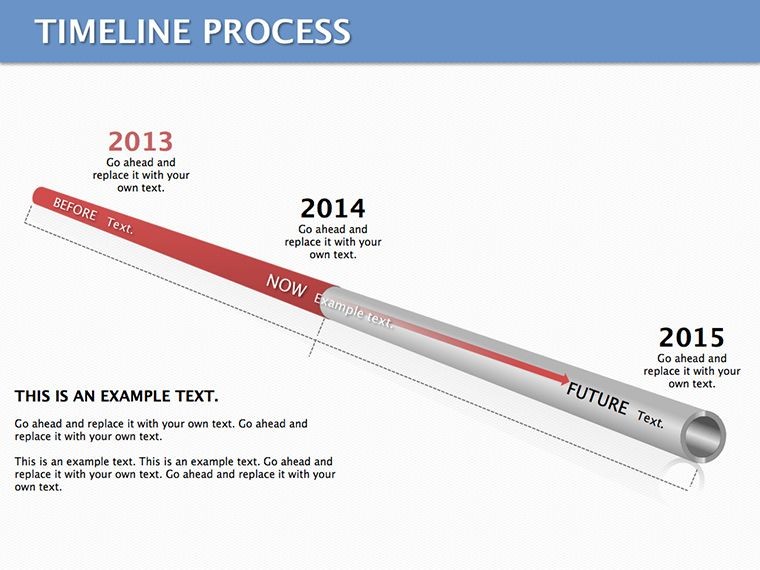
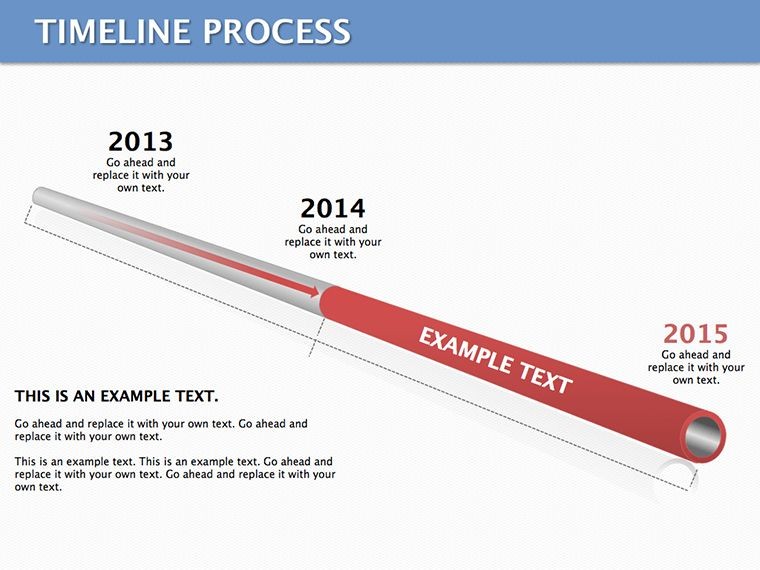
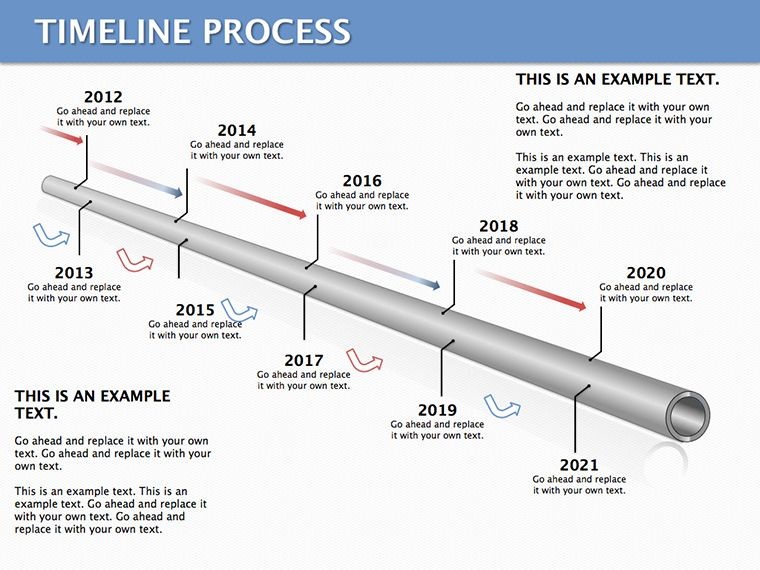
Slide 1 sets the stage with a straightforward horizontal timeline, markers for quarterly goals in business reviews. Evolve to slide 5's curved variant, which arcs gently for narrative flow - like tracing product launches from ideation to market.
Editable nodes allow date stamps, icons, and descriptions, all vector-sharp for zoom-proof clarity. Fully tuned for Keynote 2020+, it leverages native builds for phased reveals, turning static lines into unfolding journeys.
- Diverse Formats: Straight, wavy, and circular timelines across slides 7-10.
- Process Integration: Embedded arrows and connectors for step linkages.
- Scalable Milestones: Resize events without losing alignment.
Such versatility ensures your timelines adapt to any duration, from daily sprints to decade-spanning evolutions.
Hands-On Steps to Timeline Mastery in Keynote
Open the template and jump to slide 3: Outline your process backbone by dragging milestone placeholders along the line. Add context via callouts - detailed notes on challenges overcome at each juncture.
For workflow demos, utilize slide 8's vertical timeline, stacking phases like software development stages from design to deployment. Animate nodes sequentially to mimic real-time progression.
- Input dates dynamically: Link to Keynote tables for auto-updates.
- Style connectors: Choose dashed lines for projections, solid for completed steps.
- Rehearse timing: Use Keynote's presenter notes to sync reveals with your script.
This methodical build keeps timelines tight and telling, avoiding the sprawl of unchecked lists.
Industry-Specific Timeline Transformations
Project managers thrive with slide 11's Gantt-inspired hybrid, plotting tasks against dates for resource allocation in construction bids. Marketing pros can arc campaigns on slide 6, from content creation to analytics review, showcasing ROI builds.
In academia, slide 12's annotated line traces literary movements, pinning authors and works for engaging lectures. Event planners layer logistics on slide 4, sequencing venue bookings to post-event feedback.
The common thread? These timelines don't just show what happened - they illuminate why it matters, driving decisions with visual momentum.
Refinement Techniques for Timeless Timelines
Clutter kills clarity: Space milestones evenly, using color codes for categories like risks (red) or wins (green). Enhance with subtle gradients along the line for depth, or embed photos at key points for vivid recall.
For collaboration, share Keynote links for real-time edits, merging feedback into the flow. Compare against plain text by noting how timelines boost comprehension - your audience follows the path intuitively.
Experiment with loops in slide 14 for iterative processes, like design sprints, closing the circle on continuous improvement.
Why Timelines Are Your Presentation Anchor
In a world of scattered details, timelines tether everything, providing the when that unlocks the how and why. This template delivers that anchor with effortless Keynote integration, no extras needed.
Grab the Timeline Process Keynote Template for $28 and map out narratives that endure. Time your next presentation right.
Frequently Asked Questions
What Keynote compatibility does it offer?
Optimized for Keynote 2020 and subsequent versions on macOS.
Can I customize timeline directions?
Yes, flip horizontal to vertical or reverse flow via simple rotations.
Are there presets for different scales?
Slides cover short (daily) to long (yearly) spans, with adjustable intervals.
How do animations work here?
Built-in sequential builds; modify order in the inspector panel.
Can I import external data?
Easily - paste from calendars or CSV files into node fields.
Is it suitable for circular processes?
Slide 14 specializes in loops; adapt others with connector tweaks.
Good for
- Project roadmaps and sprint plans
- Product launch timelines
- Quarterly or annual review decks
- Company history and milestone summaries
Licence
reviews
Easy to drag things around in Keynote.
Not bad for quick edits before a meeting.
The timeline layouts were useful.
Needed diagrams for a product roadmap and this saved me time.
Some slides felt crowded with shapes.
FAQ
Will it work in Google Slides?
Are fonts embedded?
Can I use this for client work?
What's the refund policy?
Do you update the template after purchase?
Similar templates
See all Keynote Diagrams →
All 14 slides