 Click to zoom
Targets Needed PowerPoint Charts for Goal Setting
| Format | .pptx |
| Slides | 15 unique layouts |
| Aspect ratio | 16:9 |
| Compatibility | PowerPoint |
| Animated | No |
| Language | English |
| License | Commercial |
| File size | — |
| Version | v1.0 |
| Last updated | September 2023 |
What's inside
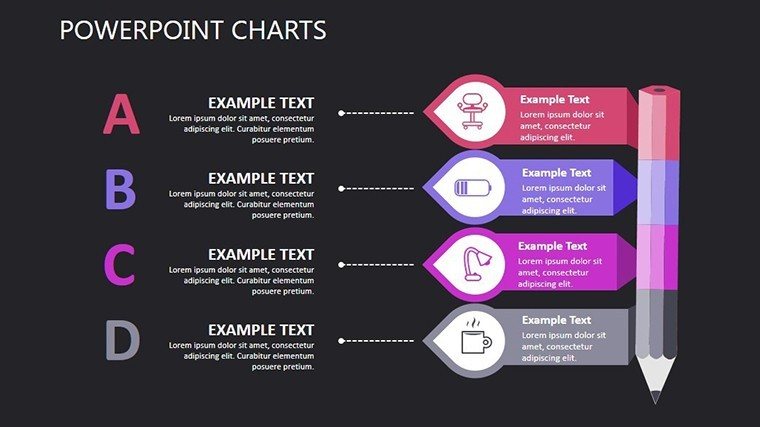
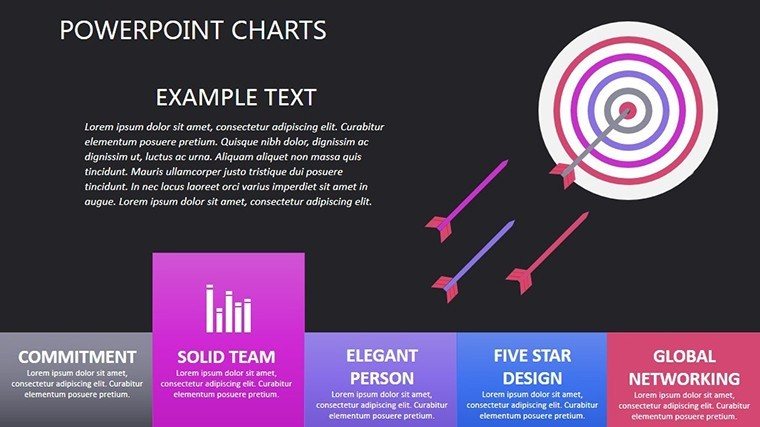
Setting targets is the oxygen of achievement - no one thrives without them. Our Targets Needed PowerPoint Charts template, with 15 editable slides, empowers leaders, coaches, and planners to map aspirations vividly. Themed around relationships and analysis, it's ideal for anyone charting a path from current realities to desired futures. Whether in business planning, personal development, or project management, these charts make abstract goals concrete. Influenced by SMART goal frameworks from management gurus like Peter Drucker, it promotes precise visualization, enhancing motivation and alignment. Save design effort while fostering creativity, turning vague ambitions into structured plans that drive results.
Visualizing Pathways to Success
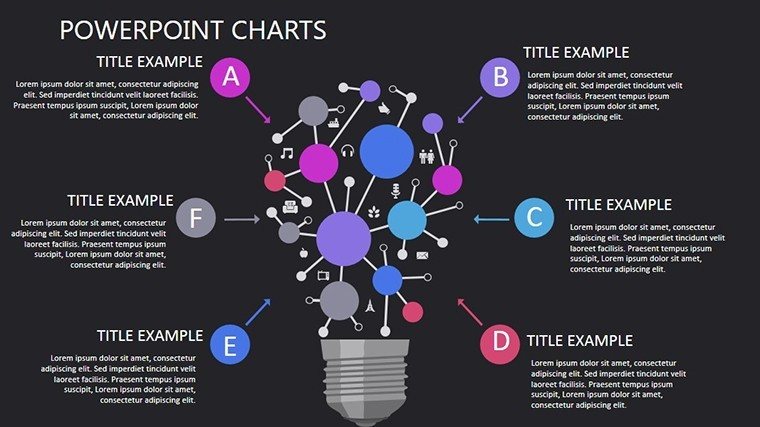
This template excels in depicting interconnections, using relationship charts to show how goals link. Analytical elements dissect progress, per metrics from KPI standards. Customize for your context - adjust for team OKRs or individual milestones. Compatible with PowerPoint, it supports collaborative edits. For planners, it's key in strategic sessions, illustrating dependencies like in supply chain targets.
Comprehensive Slide Overview
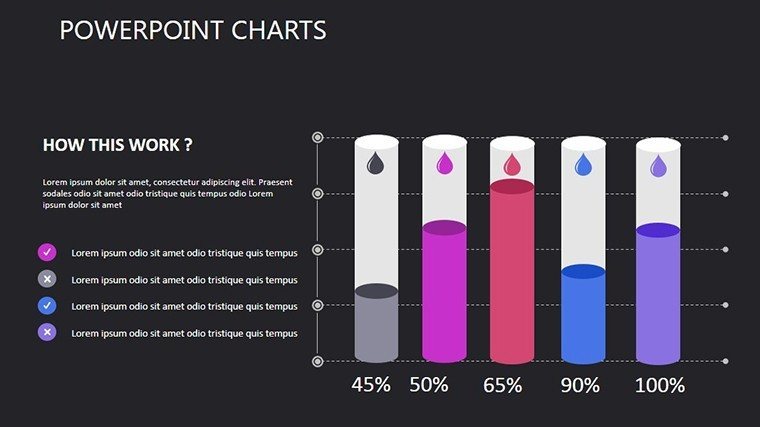
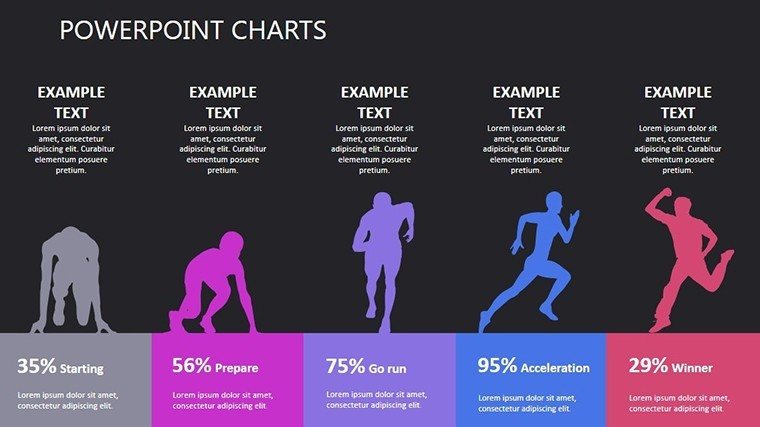
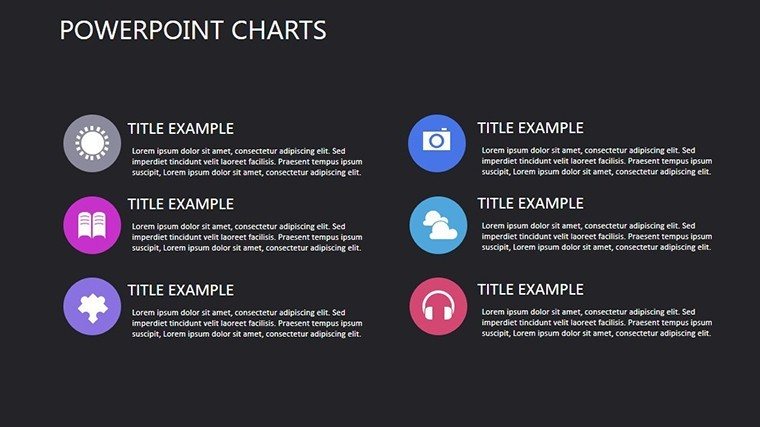
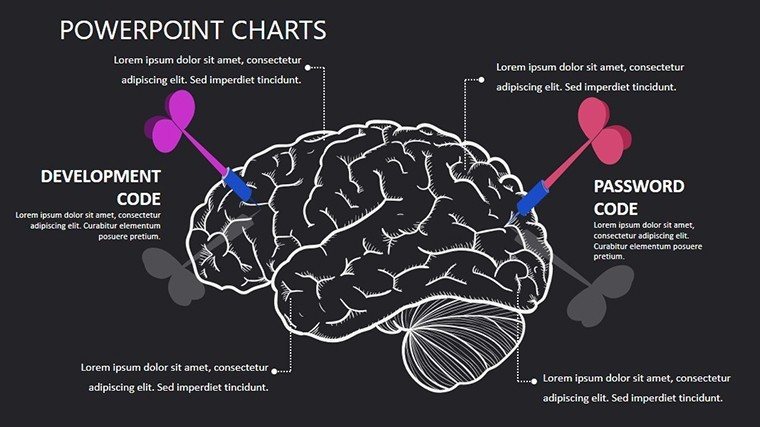
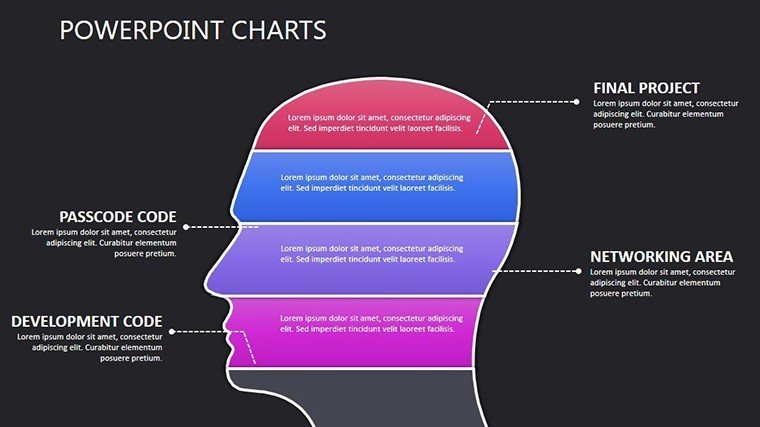
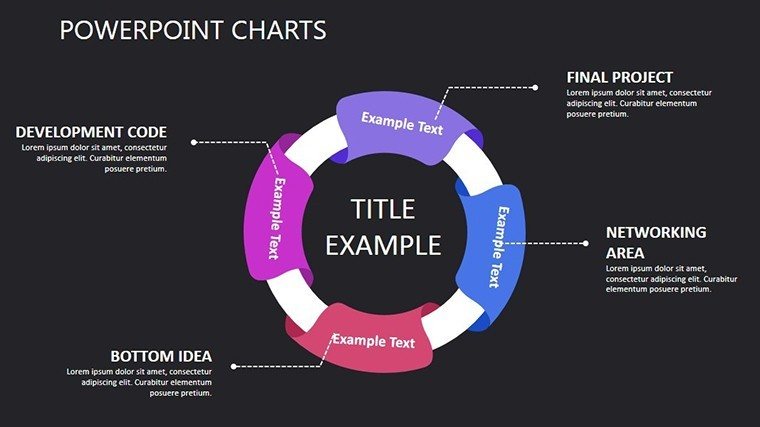
Slide 1: Motivational cover with target motifs. Slides 2-4: Relationship diagrams for goal hierarchies. Slide 5: Analysis bars for baseline assessments. Slides 6-8: Timelines and Gantt-style for milestones. Slide 9: SWOT relationships. Slides 10-12: Progress trackers with gauges. Slide 13: Comparative analyses. Slides 14-15: Action plans and summaries. Fully vector, scalable edits.
Applications and Inspirational Examples
A startup used it to align investor goals, securing funding via clear visuals. A coach mapped client journeys, boosting completion rates. Per PMI standards, it aids certified projects. Integrate with Asana for live updates. Versatile for educators or nonprofits, solving ambiguity in goal pursuits.
Goal-Setting Mastery Tips
- Start with end in mind: Reverse-engineer charts from targets.
- Use colors strategically: Greens for progress, yellows for cautions.
- Build iteratively: Update slides as goals evolve.
- Incorporate metrics: Tie to quantifiable KPIs.
- Share collaboratively: Foster team buy-in.
Expert-derived, these surpass basics for deeper impact.
Ignite Your Goal Journey
Download now and breathe life into your targets.
Frequently Asked Questions
How do charts aid goal relationships?
They visualize connections, clarifying dependencies.
Editable for personal use?
Yes, adapt freely for any context.
What analysis tools included?
Progress trackers and comparatives for insights.
Compatible with other software?
Primarily PowerPoint, but exportable.
Best for which scenarios?
Business planning, coaching, projects.
Good for
- Project roadmaps and sprint plans
- Product launch timelines
- Quarterly or annual review decks
- Company history and milestone summaries
Licence
reviews
Had to finish a presentation at 2am and this template basically carried me.
Some chart labels needed resizing but overall it looked clean enough.
I liked that the icons didn’t look too corporate for once.
The layout made my monthly report less boring than usual.
Slides were easy to edit even in older PowerPoint.
FAQ
Will it work in Google Slides?
Are fonts embedded?
Can I use this for client work?
What's the refund policy?
Do you update the template after purchase?
Similar templates
See all PowerPoint Charts →
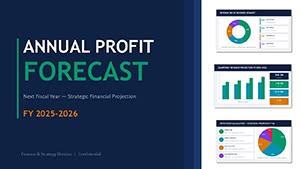
All 15 slides