 Click to zoom
Successful Staff PowerPoint Charts Template: Fuel Your Team's Growth
| Format | .pptx |
| Slides | 10 unique layouts |
| Aspect ratio | 16:9 |
| Compatibility | PowerPoint |
| Animated | No |
| Language | English |
| License | Commercial |
| File size | — |
| Version | v1.0 |
| Last updated | October 2016 |
What's inside
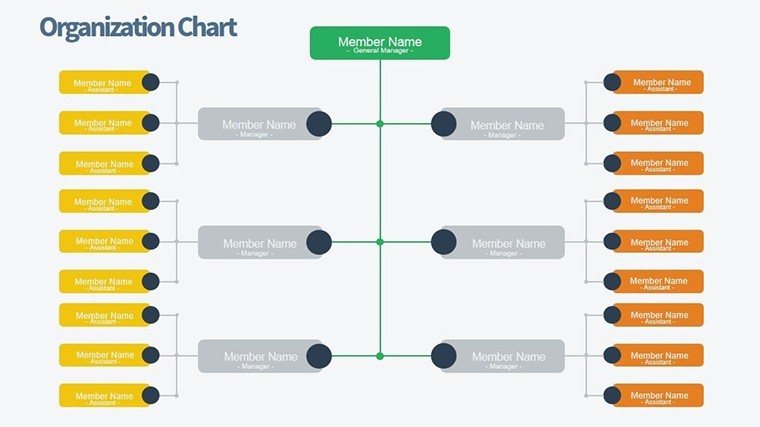
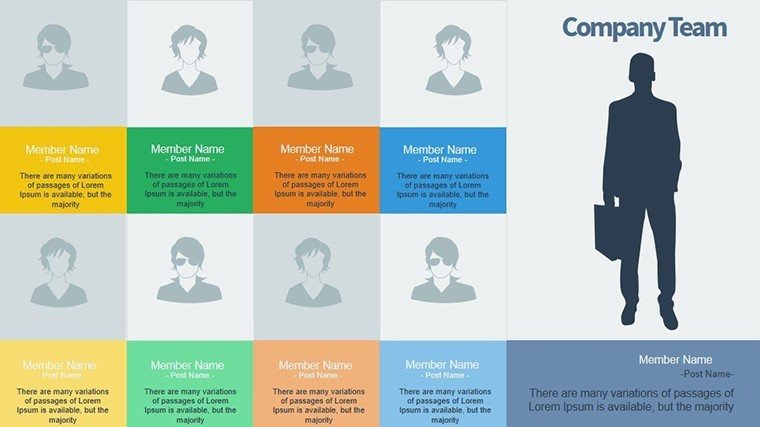
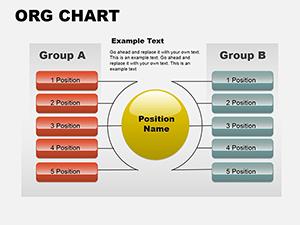
In today's competitive talent landscape, selecting the right staff isn't just a task - it's a strategic imperative for sustainable business growth. The Successful Staff PowerPoint Charts Template equips HR professionals, recruiters, and managers with 10 editable slides to illustrate recruitment journeys, candidate evaluations, and team integrations vividly. Focused on organizational charts tailored for staffing, it helps you present data on applicant pools, skill matches, and onboarding timelines with professionalism and persuasion. Benefits abound: Accelerate hiring decisions, reduce turnover by showcasing fit, and inspire confidence in your processes. Compatible with PowerPoint and Google Slides, it's designed for quick adaptations in fast-moving environments. Consider a startup HR lead who used these charts to map talent pipelines, resulting in a 25% faster fill rate. Rooted in recruitment best practices from sources like SHRM, this template positions you as an expert, turning presentations into powerful tools for talent acquisition.
Navigating Recruitment with Visual Precision
Staff selection demands clarity, and these charts deliver by mapping out processes from sourcing to success metrics.
Core Features for Hiring Excellence
- Recruitment-Focused Layouts: Funnels, timelines, and matrices for each stage.
- Complete Editability: Tailor to your branding and data.
- Platform Versatility: PowerPoint native, Google Slides friendly.
- Themed Visuals: Icons for candidates, roles, and metrics.
- Expert Backing: Assistance for personalized tweaks.
Aligned with authoritative HR strategies, like those from LinkedIn reports, it enhances trustworthiness.
Use Cases in Talent Management
An agency recruiter visualizes shortlists, impressing clients with data-driven choices. Managers track internal promotions, fostering career development discussions.
Step-by-Step Recruitment Presentation Guide
- Outline Hiring Needs: Define roles and criteria.
- Select Charts: Choose from 10 for relevant phases.
- Data Entry: Populate with applicant stats.
- Enhance Narrative: Add notes on successes.
- Deliver Impactfully: Use reveals for engagement.
Outshines generic tools with specialized recruitment flows.
Maximizing Value in Staff Development
The payoff? Smarter hires that propel growth. In nonprofits, it aids volunteer coordination; in corporates, succession planning.
Integrate with ATS like Workday for data syncs.
Advanced Integration Strategies
Export to dashboards or animate for virtual interviews.
Tips: Use metrics for DEI tracking, iterate for seasonal hires.
Recruitment Optimization Tips
- Prioritize key skills in visuals.
- Balance data with stories.
- Avoid bias in representations.
- Update for evolving needs.
- Leverage feedback loops.
Empower your hiring - secure this template and build winning teams today.
Frequently Asked Questions
How customizable for different industries?
Fully - adapt charts for tech, healthcare, or retail.
Supports collaborative editing?
Yes, via Google Slides sharing.
Good for small teams?
Perfect, scalable from startups to enterprises.
Include diversity metrics?
Easily add with custom fields.
Animations for engagement?
Built-in for dynamic storytelling.
Good for
- Project roadmaps and sprint plans
- Product launch timelines
- Quarterly or annual review decks
- Company history and milestone summaries
Licence
reviews
I liked the balance between text and chart space here. My presentation didn’t feel overloaded for once.
Worked well for a small team report. The graph sections were already spaced properly.
The colors were a bit brighter than I usually use but it still looked okay in the meeting room.
I changed the icons and added company branding without much trouble. Layout stayed consistent.
Used this late at night before a deadline and it definitely helped me finish faster.
FAQ
Will it work in Google Slides?
Are fonts embedded?
Can I use this for client work?
What's the refund policy?
Do you update the template after purchase?
Similar templates
See all PowerPoint Charts →

All 10 slides