 Click to zoom
Alternative Making Solutions PowerPoint Charts Template - Creative Presentation
| Format | .pptx |
| Slides | 23 unique layouts |
| Aspect ratio | 16:9 |
| Compatibility | PowerPoint |
| Animated | No |
| Language | English |
| License | Commercial |
| File size | — |
| Version | v1.0 |
| Last updated | August 2023 |
What's inside
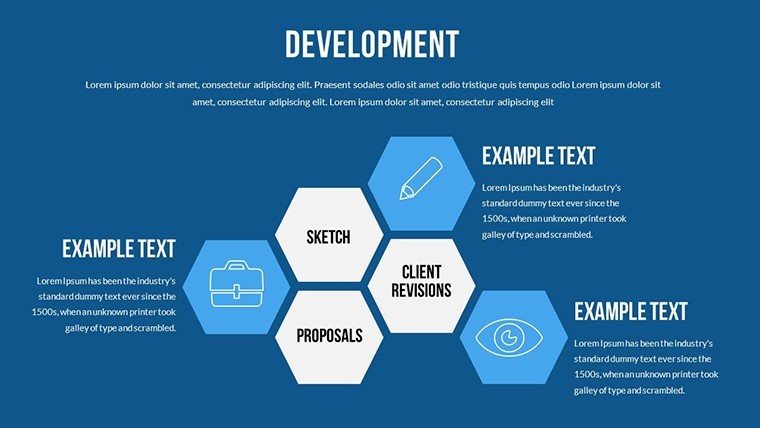
Embrace a new era of presentation excellence with the Alternative Making Solutions PowerPoint Charts Template, your gateway to innovative problem-solving visuals. Boasting 23 editable slides, this resource is engineered for those who seek to challenge the status quo, whether in corporate strategy sessions or academic explorations. Envision turning tangled decision-making processes into clear cycle diagrams or relationship charts that illuminate paths forward. Tailored for dynamic thinkers, it solves the frustration of static slides by offering versatile tools that adapt to your vision, enhancing comprehension and sparking collaborative breakthroughs. From organizational hierarchies to relational analyses, these charts empower you to present alternatives with confidence, ultimately driving better decisions and fostering a culture of creativity in your endeavors.
Innovate with Dynamic Chart Designs
This template's core strength is its array of cycle, relationship, and organizational charts, each designed to facilitate alternative thinking. Stand out from vanilla PowerPoint offerings with seamless customization - alter color schemes to evoke energy or serenity, depending on your topic. The user-focused interface ensures even novices can craft professional results, drawing on principles from design thinkers like IDEO to structure ideas effectively.
Essential Features for Breakthrough Presentations
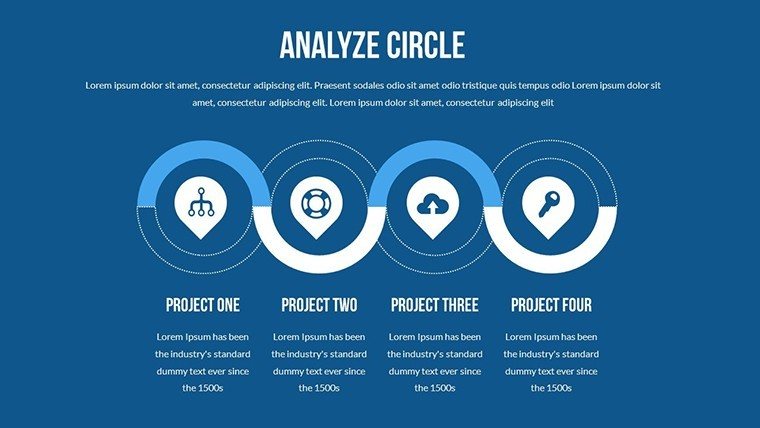
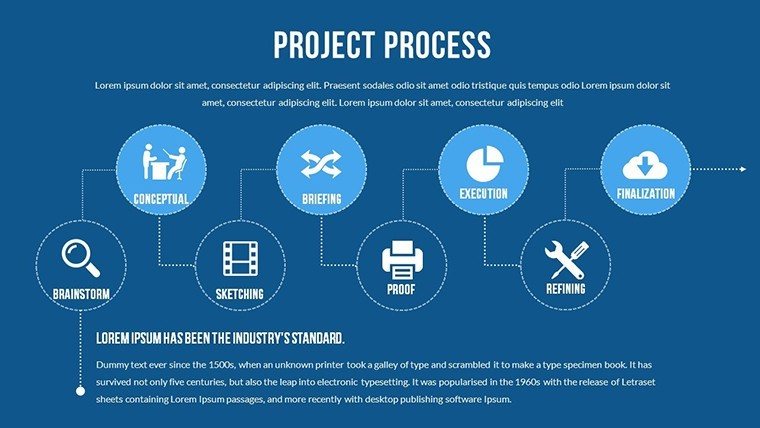
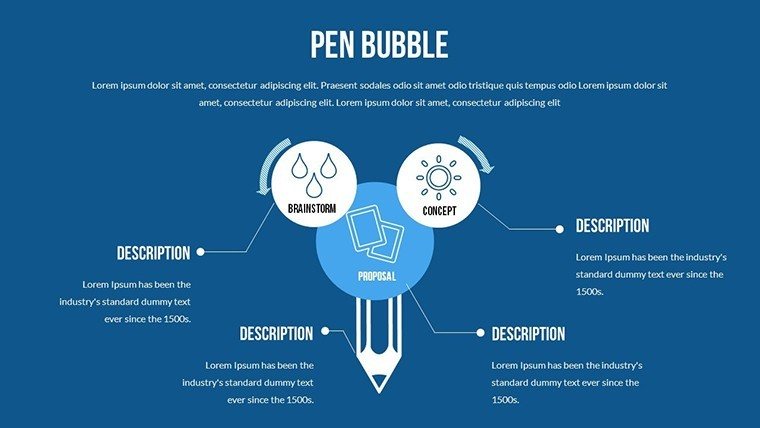
- Cycle Charts: Ideal for showing iterative processes in solution development.
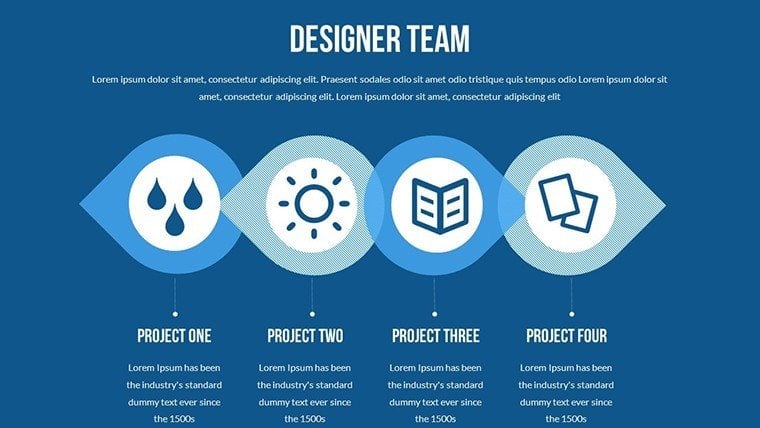
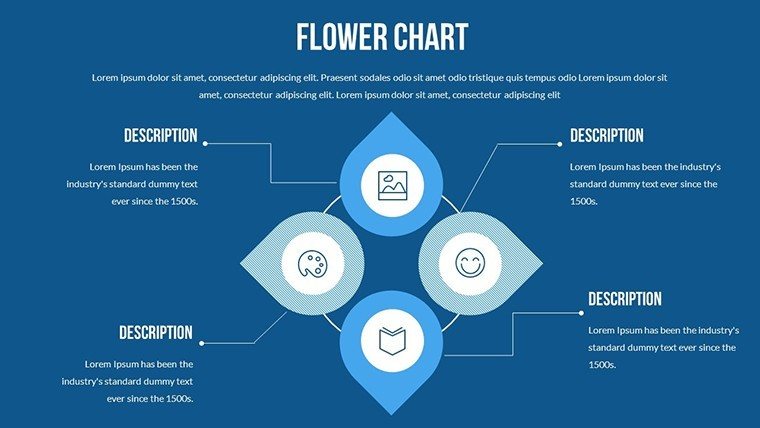
- Relationship Diagrams: Highlight interconnections between ideas or teams.
- Organizational Structures: Map out alternative hierarchies for efficiency.
- Customization Freedom: Fonts, layouts, and themes at your command.
- Versatile Themes: Adaptable for business, education, or creative fields.
In practice, a consultant might use these to propose alternative business models, referencing Harvard Business Review case studies for added credibility.
Applications That Drive Change
Deploy this template in brainstorming workshops where cycle charts reveal iterative improvements, or in educational settings to teach alternative historical narratives via relationship diagrams. Business pros can outline contingency plans, ensuring resilience in volatile markets.
Integrate by selecting a base chart, populating with data, and refining visuals - add animations for emphasis. This method surpasses basic templates by promoting deeper insights, as evidenced by innovation metrics in McKinsey reports.
Guide to Effective Use
- Launch the template file.
- Choose and edit a chart type.
- Tailor aesthetics to your audience.
- Incorporate data-driven alternatives.
- Present with confidence.
Such workflows turn ideas into actionable strategies seamlessly.
Your Partner in Innovative Storytelling
Backed by years of design expertise, this template upholds through reliable, adaptable tools. A tech firm, for example, used it to explore alternative product roadmaps, securing venture funding.
Unlock alternative solutions now - grab this template and innovate!
Frequently Asked Questions
How versatile are the chart themes?
Highly adaptable for business, education, and creative themes with easy customizations.
Can beginners use this template?
Yes, the intuitive design makes it accessible for all skill levels.
What chart types focus on alternatives?
Cycle, relationship, and organizational charts for exploring options.
Is animation support included?
Yes, add animations to enhance your presentations.
How many editable slides?
23 slides dedicated to innovative solutions.
Good for
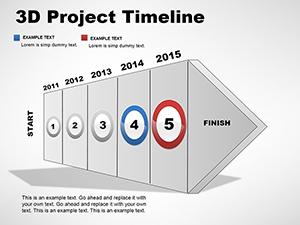
- Project roadmaps and sprint plans
- Product launch timelines
- Quarterly or annual review decks
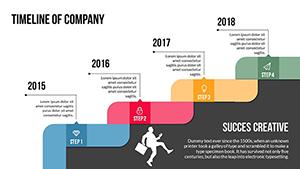
- Company history and milestone summaries
Licence
reviews
Made a quick slide deck for school it was simple
Chart layout made data comparison quick and easy to read
Used in meeting slides at office it helped show data
Just needed something simple for slides it did the job
Okay template but colors feel a bit off sometimes
FAQ
Will it work in Google Slides?
Are fonts embedded?
Can I use this for client work?
What's the refund policy?
Do you update the template after purchase?
Similar templates
See all PowerPoint Charts →

All 23 slides