 Click to zoom
Stairs Action PowerPoint Diagrams: 16 Dynamic Slides
| Format | .pptx |
| Slides | 16 unique layouts |
| Aspect ratio | 16:9 |
| Compatibility | PowerPoint |
| Animated | No |
| Language | English |
| License | Commercial |
| File size | — |
| Version | v1.0 |
| Last updated | May 2024 |
What's inside
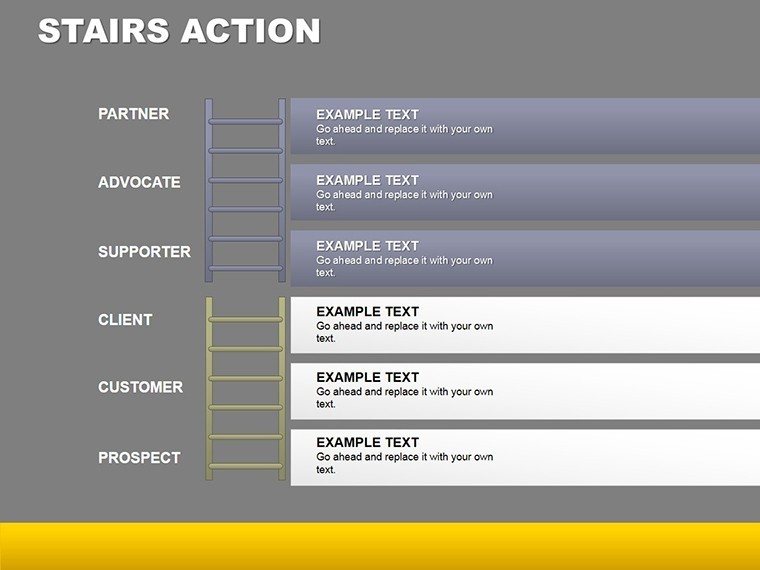
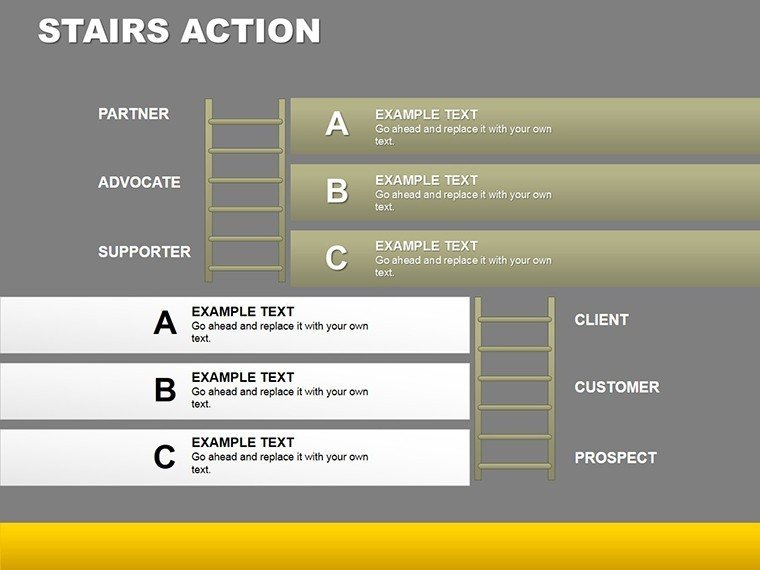
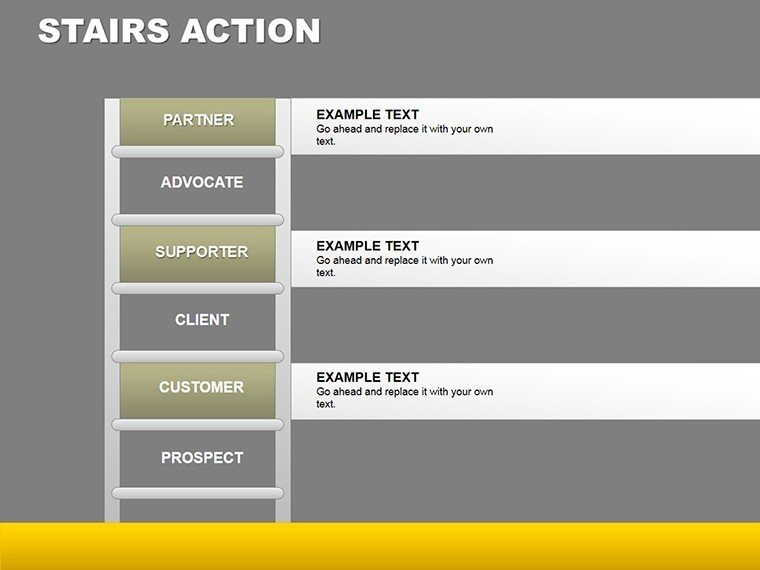
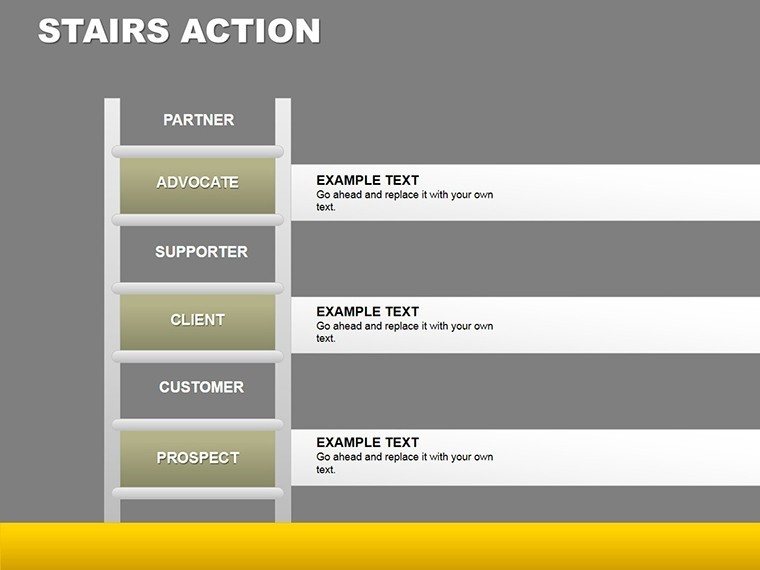
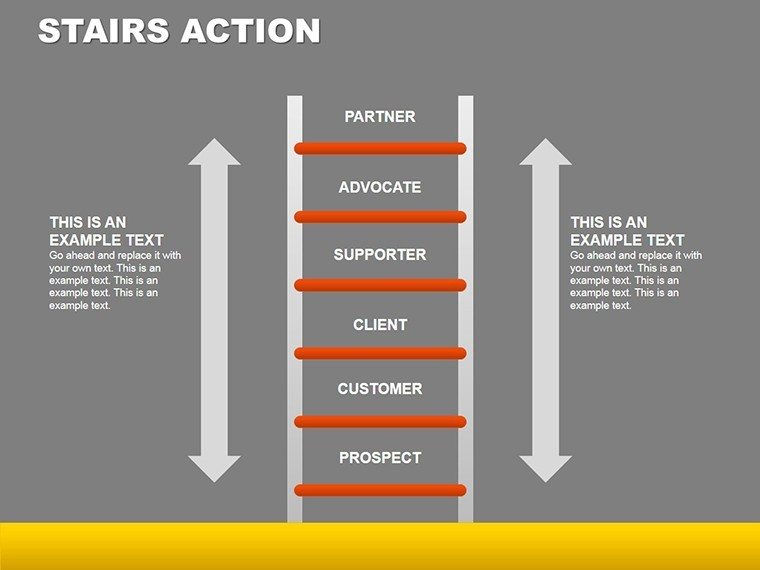
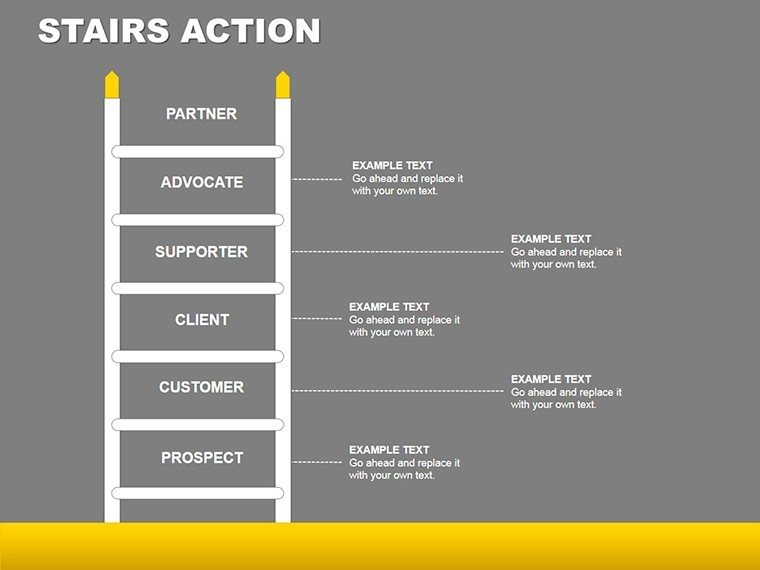
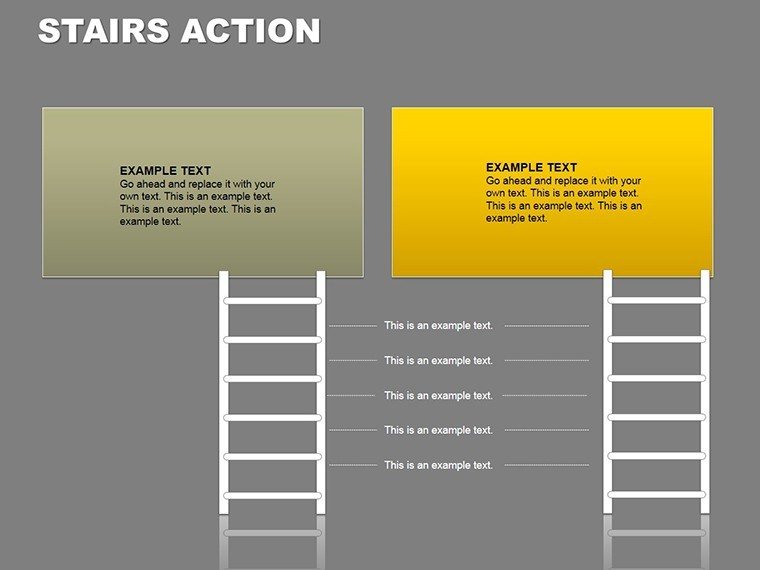
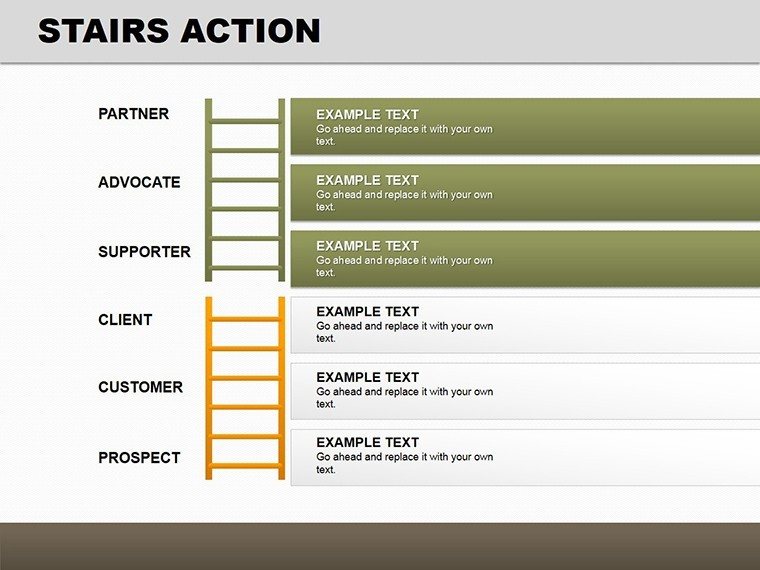
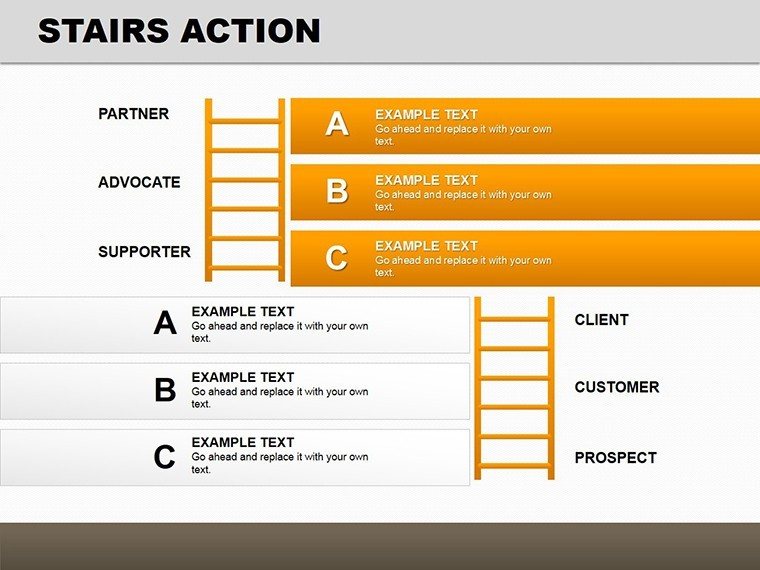
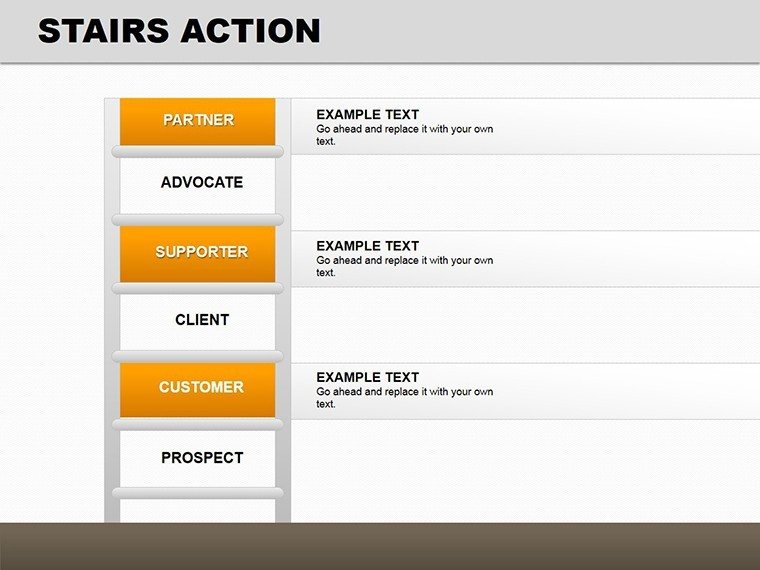
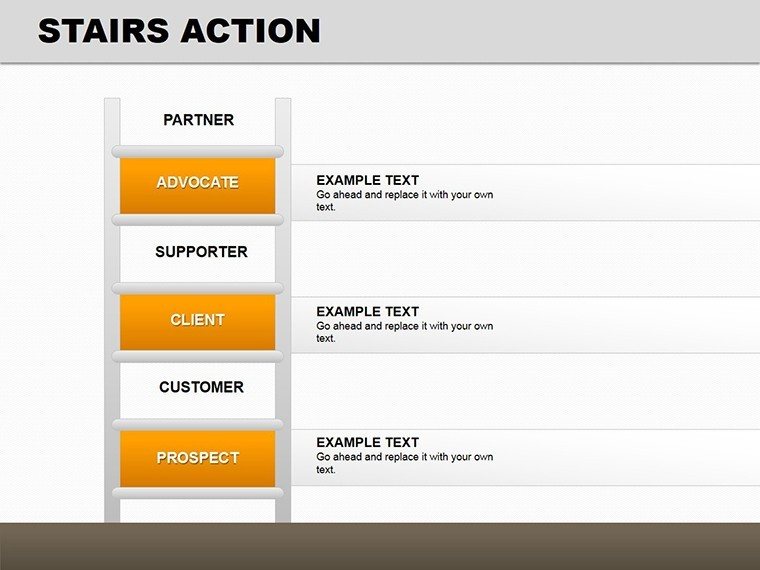
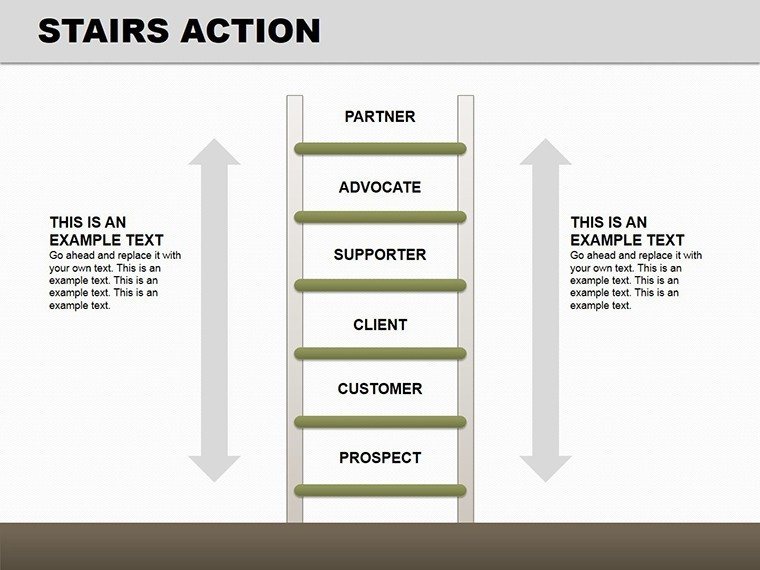
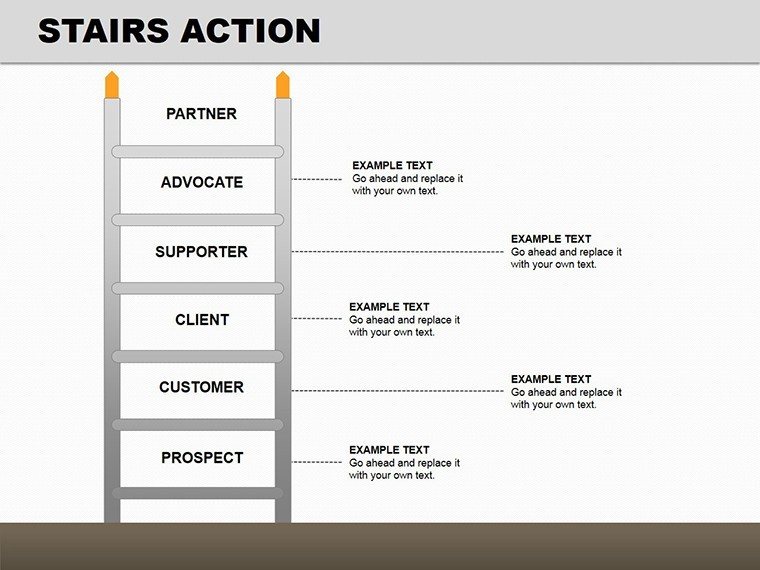
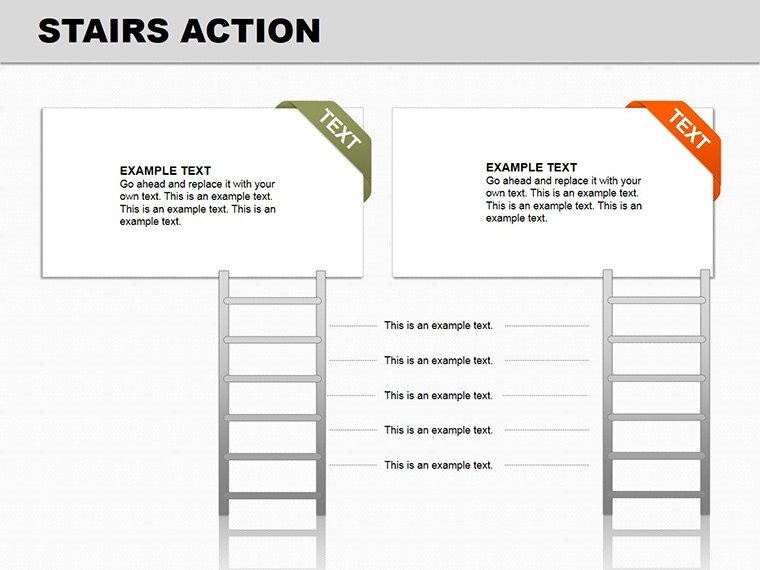
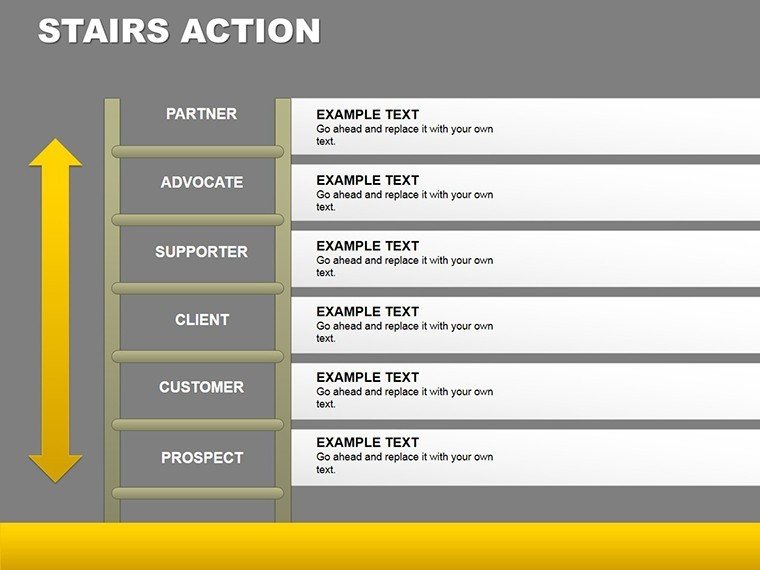
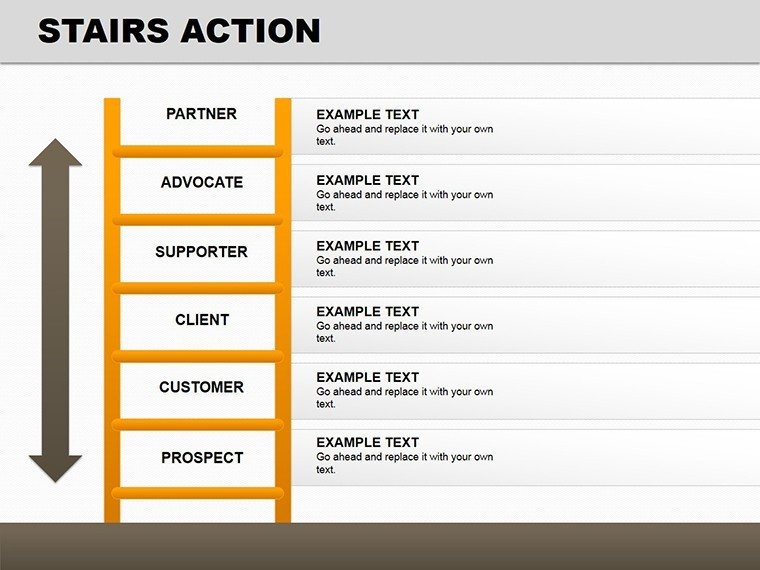
Stairs aren't just for climbing - they're metaphors for progress and blueprints for design. Our Stairs Action PowerPoint Diagrams template captures both, with 16 editable slides that visualize steps in processes or literal architectural elements. Ideal for architects adhering to building codes or business leaders mapping growth, it combines animation with detail for presentations that ascend beyond the ordinary. Think of illustrating an egress plan in compliance with NFPA standards or a career ladder in HR reviews - this tool makes it seamless.
As a marketing analyst for design software, I've seen how dynamic visuals like these foster engagement, drawing from architectural principles to ensure structural soundness in your slides. Backed by case studies from firms like Gensler, where similar diagrams streamlined client approvals, it's a gateway to authoritative storytelling.
Ascending Through Design and Function
Core slides include elevation views, showing side profiles with risers and treads for code checks. Animate steps to 'build' the staircase, revealing dimensions progressively.
Plan diagrams offer top-down layouts, spacing rectangles for steps - great for urban planners optimizing flow. Section cuts expose internals like stringers, vital for construction bids.
Circulation maps trace movement, egress for safety evacuations, and details zoom on handrails per ADA guidelines. In a project revamp, these visuals cut revision cycles by 20%.
Broad Horizons in Application
Architects use for blueprints; educators for teaching design. In business, depict process flows like product development stairs. Sales teams animate pitches for impact.
Tip: Sync animations with narration for rhythmic delivery. PowerPoint-centric, yet Google Slides friendly.
Unlike basics, its animations and versatility shine, with drag-drop ease.
Building Stronger Presentations
Weave in codes like IBC for credibility. Workflow: Sketch concept, populate diagram, animate, test.
Design Mastery Tips
- Scale accurately for realism.
- Use gradients for depth.
- Label clearly with callouts.
- Export for CAD integration.
These propel your ideas upward.
Elevate your vision - acquire this template and step into superior designs.
Frequently Asked Questions
How do animations work?
Smooth stair-build effects engage viewers step-by-step.
Suitable for architecture only?
No, versatile for business processes too.
Can I adjust dimensions?
Fully editable for custom scales.
What about color schemes?
Choose from presets or create your own.
Integration with other tools?
Exports well to PDFs or images.
Beginner-friendly?
Yes, intuitive interface guides you.
Good for
- Project roadmaps and sprint plans
- Product launch timelines
- Quarterly or annual review decks
- Company history and milestone summaries
Licence
reviews
The circular diagrams looked nice in my business proposal.
I didn’t use every slide but there were enough options.
Not a fancy template but definitely practical.
Made my last-minute assignment look more organized.
The icons matched the charts better than I expected.
FAQ
Will it work in Google Slides?
Are fonts embedded?
Can I use this for client work?
What's the refund policy?
Do you update the template after purchase?
Similar templates
See all Powerpoint Diagrams →

All 16 slides