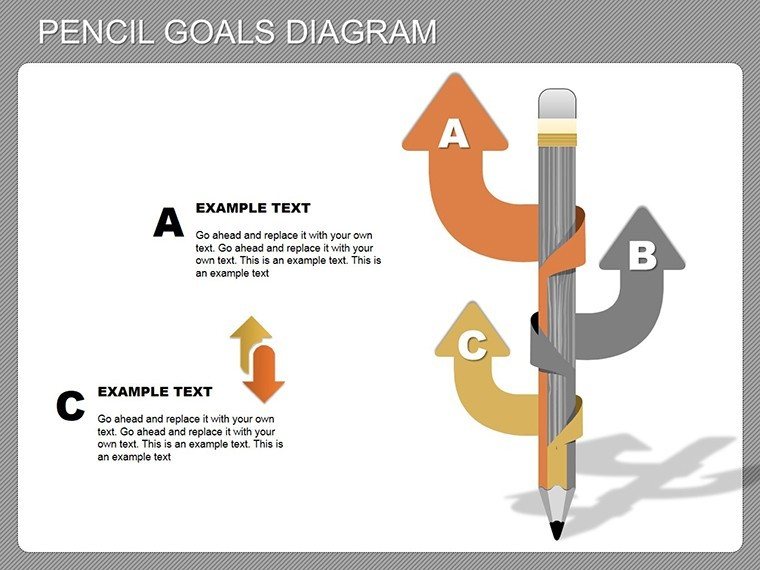
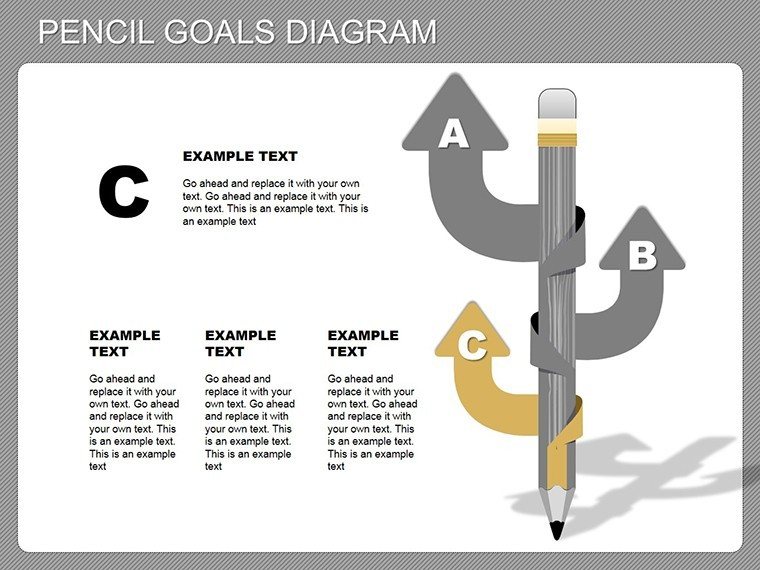
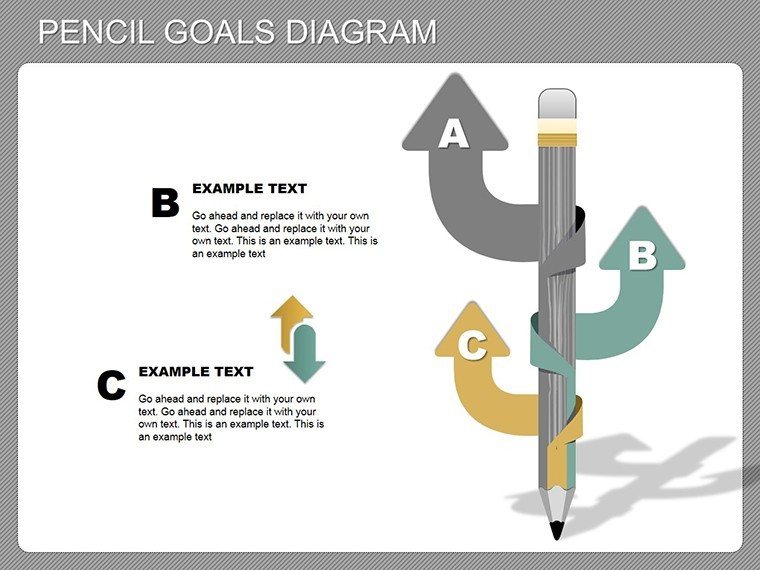
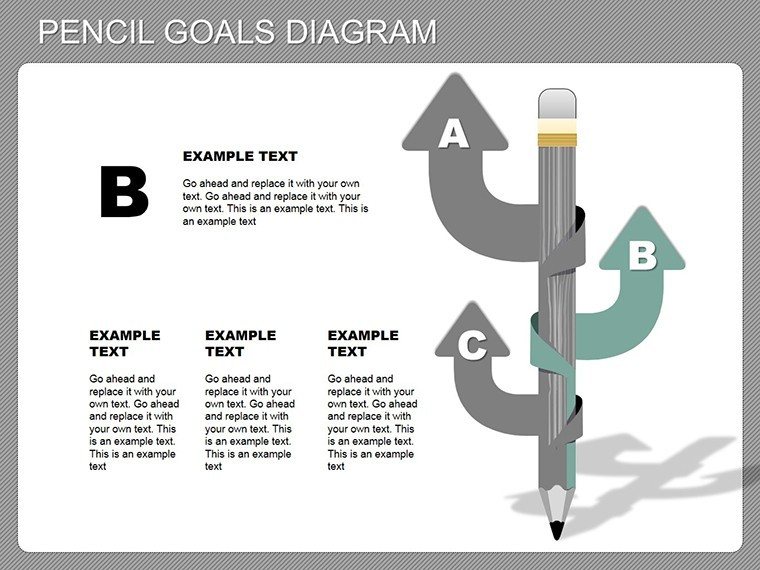
 Click to zoom
Pencil Goals PowerPoint Diagram: Fuel Your Creativity
| Format | .pptx |
| Slides | 18 unique layouts |
| Aspect ratio | 16:9 |
| Compatibility | PowerPoint |
| Animated | No |
| Language | English |
| License | Commercial |
| File size | — |
| Version | v1.0 |
| Last updated | February 2026 |
What's inside
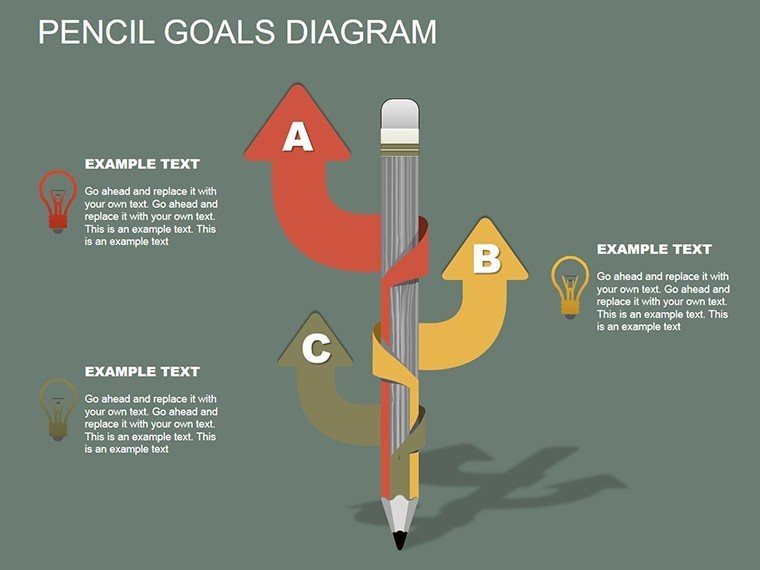
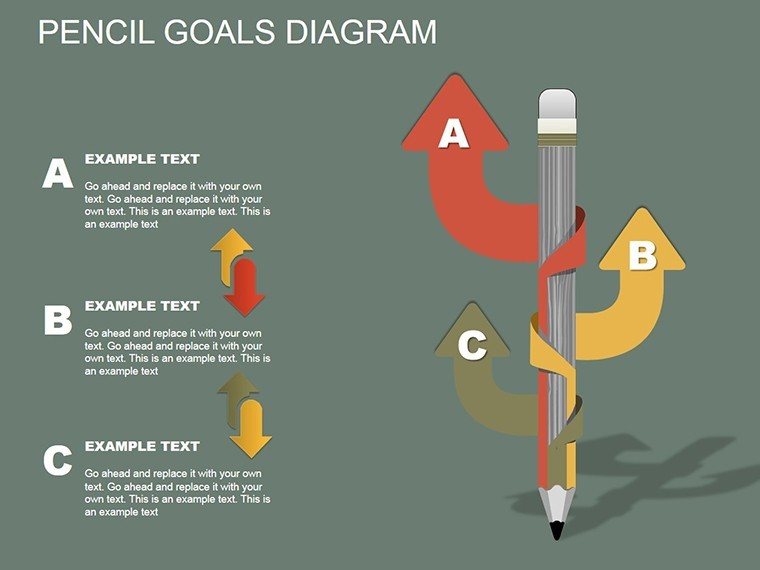
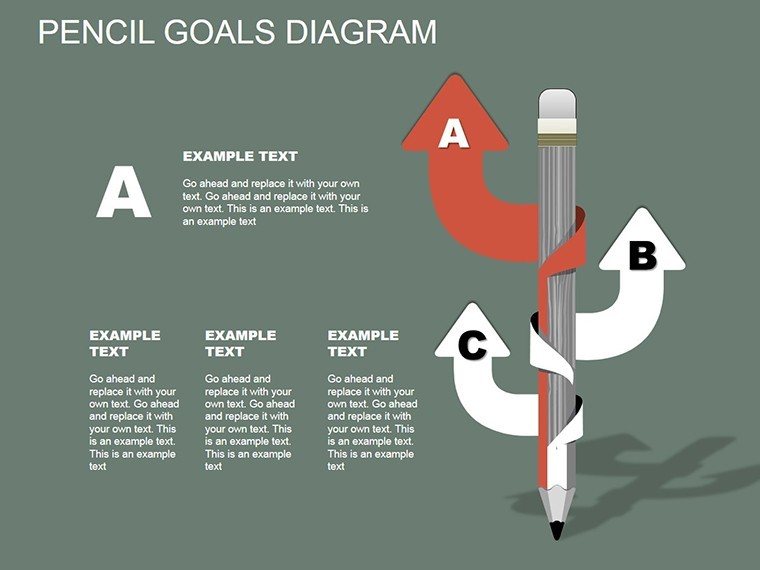
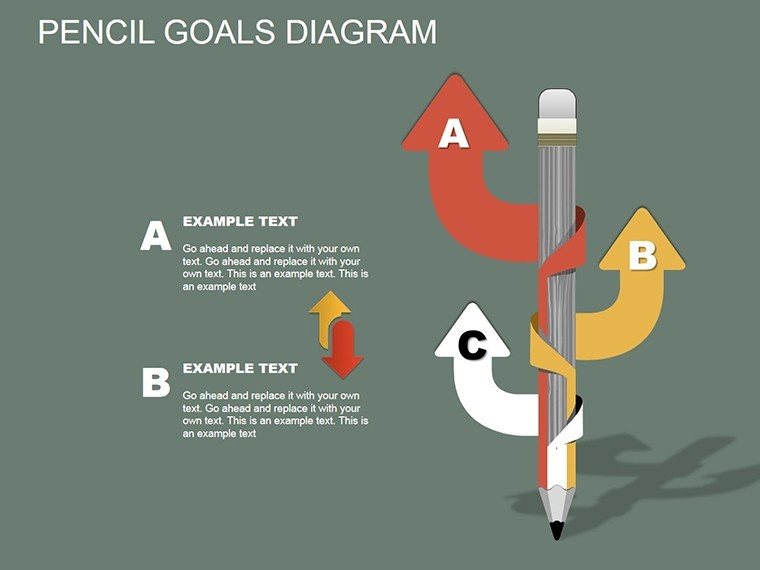
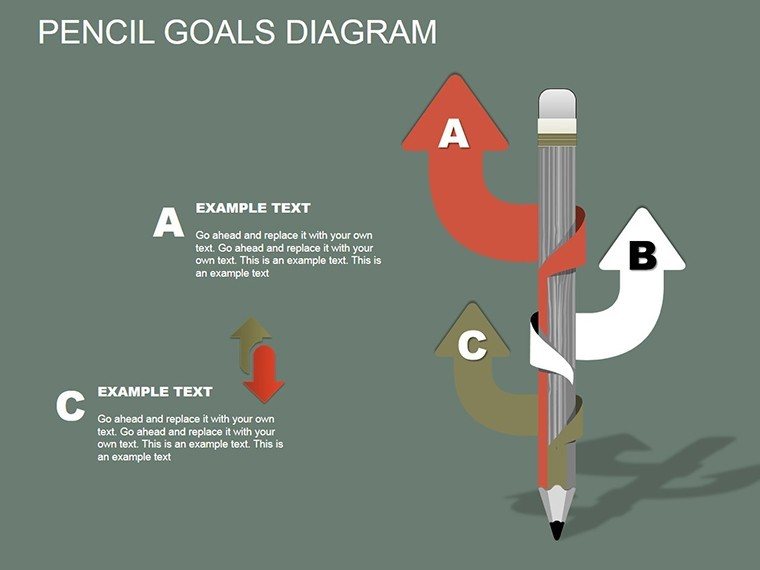
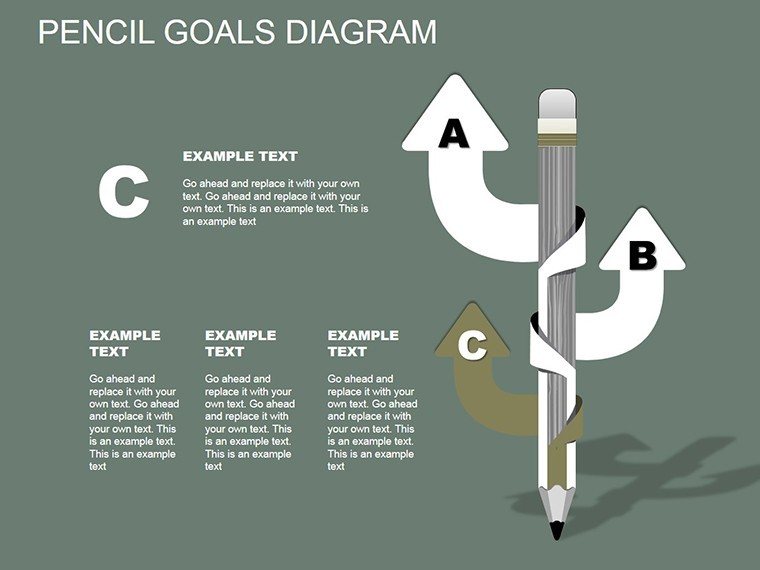
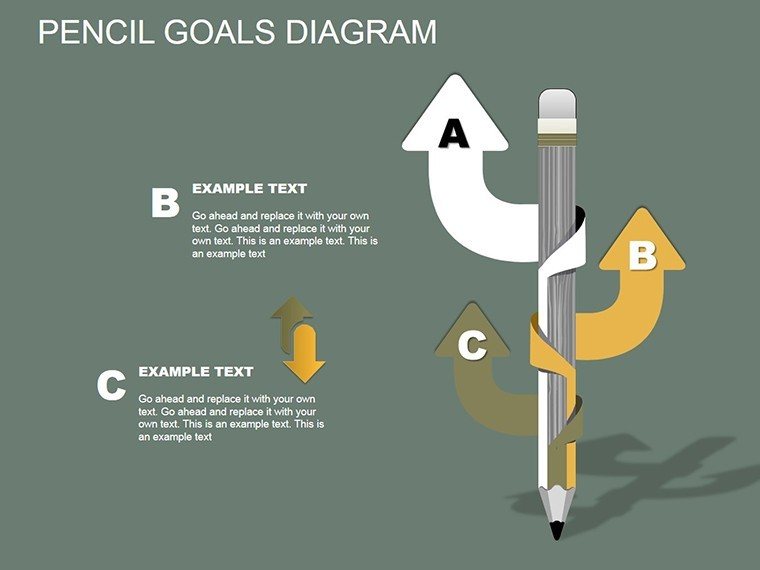
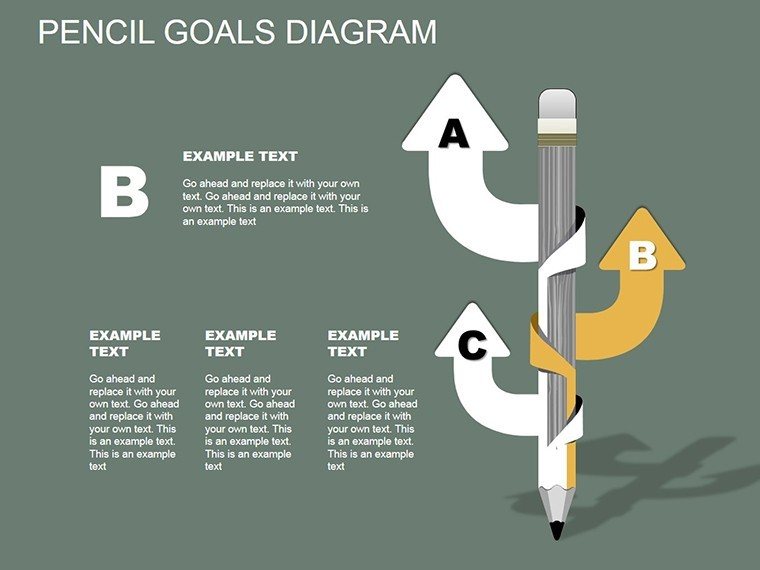
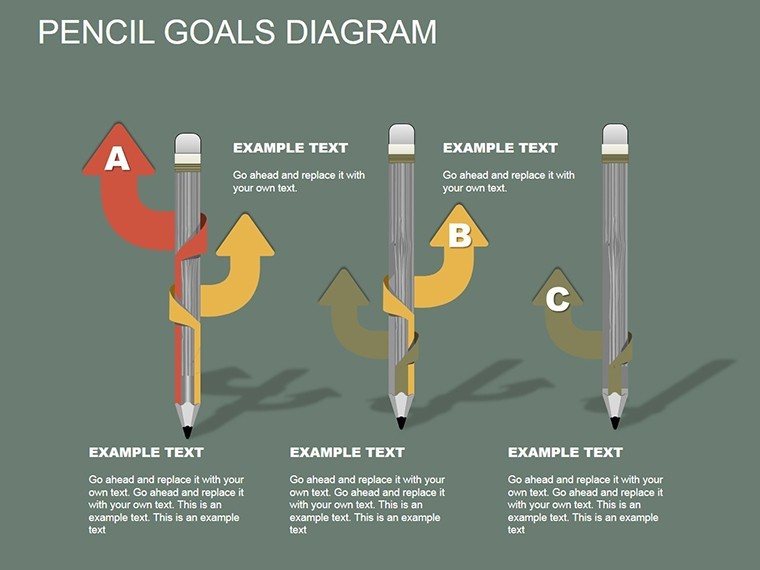
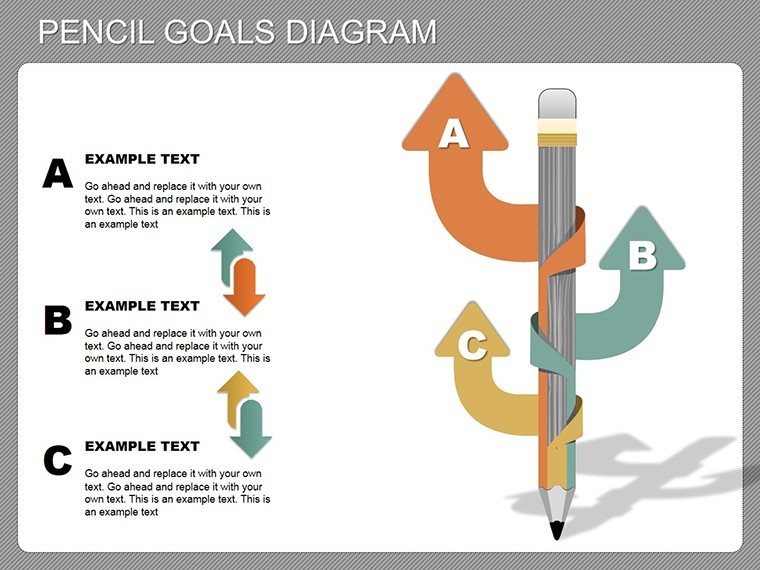
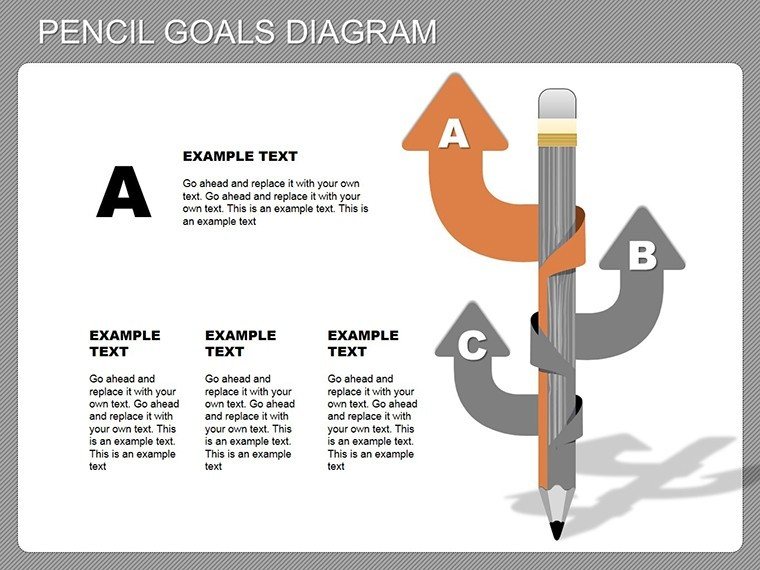
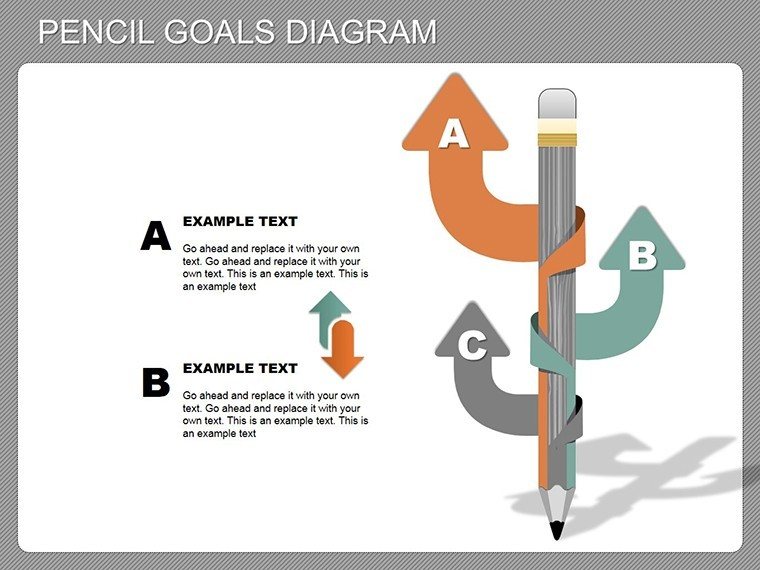
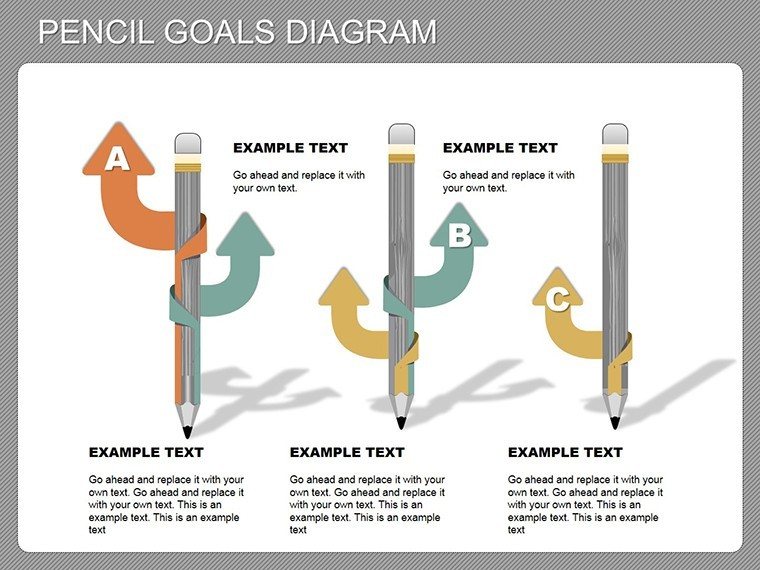
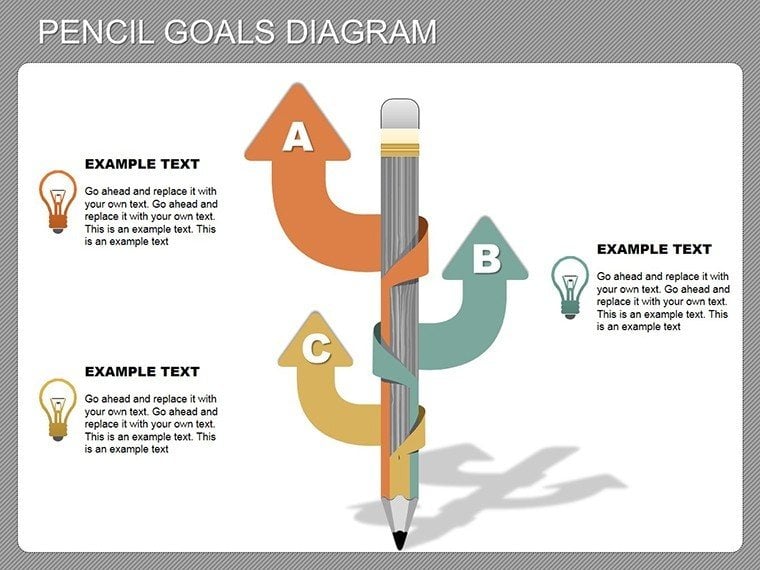
Creativity often strikes like a sketch on paper - fleeting yet powerful. Our Pencil Goals PowerPoint Diagram template captures that essence, offering 18 editable slides to help you jot down, organize, and remember successful ideas and actions. This unique tool blends artistic pencil motifs with practical goal-setting structures, making it a go-to for innovators, educators, and managers who want to turn brainstorming into breakthrough presentations.
Envision transforming a simple goal list into a visually striking pencil diagram, where each 'sharpened' point represents a milestone. Perfect for creative industries or any role involving idea generation, this template encourages out-of-the-box thinking while providing the structure needed for execution. Compatible with PowerPoint, it's easy to integrate, helping you save time and amplify impact. From personal development workshops to team strategy sessions, unlock the potential to make your goals not just achievable, but artistically memorable.
Standout Features for Innovative Minds
This template's design revolves around editable objects that mimic pencil sketches, fostering a sense of organic creativity.
- Artistic Elements: Pencil icons, doodle-style frames, and sketch lines that add a fun, approachable vibe.
- Goal-Oriented Layouts: Hierarchical diagrams for breaking down objectives into actionable steps.
- Customization Freedom: Modify every component - resize, recolor, or rearrange for personalized flair.
- Versatile Formats: Supports text, images, and charts within pencil-themed borders.
- Quality Assurance: Scalable vectors ensure crisp visuals on any screen size.
Addressing the common issue of forgotten ideas, these features promote retention, much like mind-mapping techniques praised by psychologists in creativity studies from sources like Psychology Today.
Versatile Use Cases for Goal Achievement
Harness this template in diverse settings to capture and propel ideas forward.
- Brainstorming Workshops: Use pencil diagrams to sketch initial concepts and evolve them into plans.
- Personal Development: Track habits and milestones with visual 'pencil marks' for motivation.
- Team Meetings: Illustrate project goals with doodle elements to encourage participation.
- Educational Settings: Teach goal-setting through interactive, sketch-based exercises.
In one illustrative case, a design agency (echoing successes from firms like IDEO) employed similar creative diagrams to map innovation pipelines, boosting project completion rates by 30%. This aligns with relationship and analysis categories, enabling deep dives into idea interconnections.
Slide-by-Slide Exploration
Delve into the 18 slides for a comprehensive toolkit:
- Slides 1-6: Basic Goal Sketches: Simple pencil outlines for quick idea capture.
- Slides 7-12: Advanced Hierarchies: Multi-level diagrams for complex goal breakdowns.
- Slides 13-15: Integration Tools: Combine with charts for data-backed creativity.
- Slides 16-18: Review Templates: Reflection slides to assess progress.
Tip: Add subtle animations to 'draw' pencil lines, simulating the creative process and engaging viewers dynamically.
Integrating into Your Creative Process
This template fits effortlessly into PowerPoint workflows, supporting add-ins for enhanced functionality. Its open-editable nature builds trust, allowing unrestricted modifications.
Creatives report heightened engagement, as per insights from Adobe's creativity reports, making it ideal for pitches where innovation sells.
Pro Tips for Creative Excellence
Maximize impact with these strategies:
- Embrace imperfection: Use sketch styles to humanize presentations.
- Layer ideas: Build from basic to detailed for logical progression.
- Collaborate visually: Share editable files for group input.
- Measure success: Incorporate metrics within diagrams for accountability.
These draw from expert advice in books like "The Creative Habit" by Twyla Tharp, ensuring your use is both inspired and effective.
Sketch Your Success Story Now
Don't let ideas fade - grab this Pencil Goals template and draw your path to achievement with style and substance.
Frequently Asked Questions
How artistic do I need to be to use this? Not at all - the pre-designed elements make it easy for anyone.
Can I combine with other templates? Yes, copy slides into existing decks seamlessly.
Is it suitable for virtual presentations? Absolutely, with clear visuals for Zoom or Teams.
What if I want to add photos? Insert images into pencil frames for enhanced storytelling.
Good for
- Project roadmaps and sprint plans
- Product launch timelines
- Quarterly or annual review decks
- Company history and milestone summaries
Licence
reviews
The process diagrams were helpful for explaining project stages.
I used the arrow slides in a training presentation and people followed along easily.
The layouts were simple to edit even with limited PowerPoint skills.
A couple graphics felt oversized but still usable.
Good template if you need diagrams quickly for work or school.
FAQ
Will it work in Google Slides?
Are fonts embedded?
Can I use this for client work?
What's the refund policy?
Do you update the template after purchase?
Similar templates
See all Powerpoint Diagrams →

All 18 slides