 Click to zoom
Square Patterns Keynote Charts Template: Creative and Professional Designs
| Format | .pptx |
| Slides | 14 unique layouts |
| Aspect ratio | 16:9 |
| Compatibility | PowerPoint |
| Animated | No |
| Language | English |
| License | Commercial |
| File size | — |
| Version | v1.0 |
| Last updated | January 2025 |
What's inside
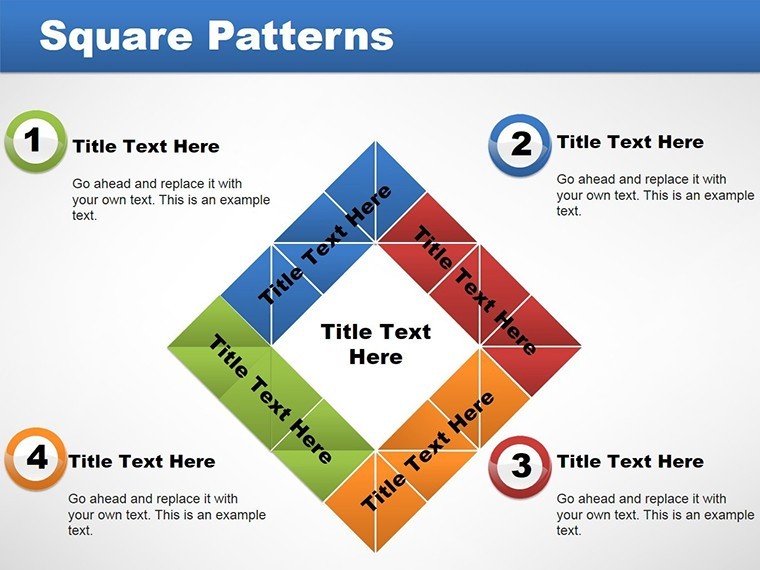
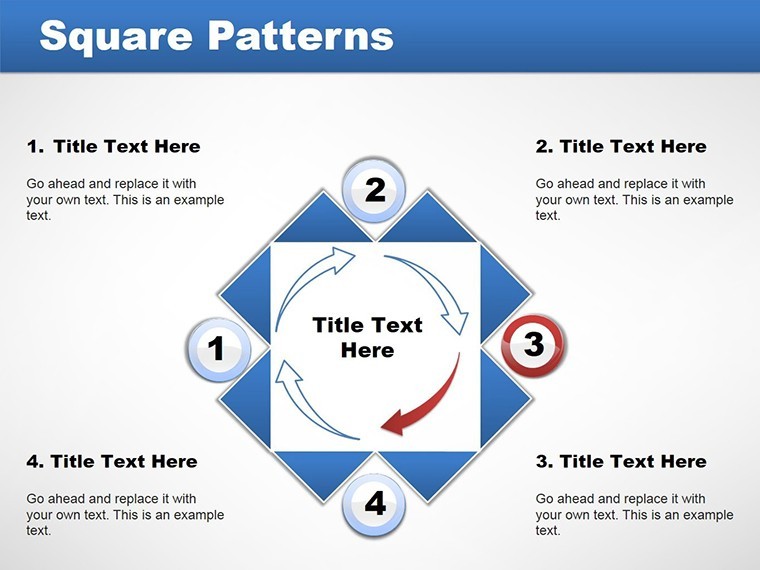
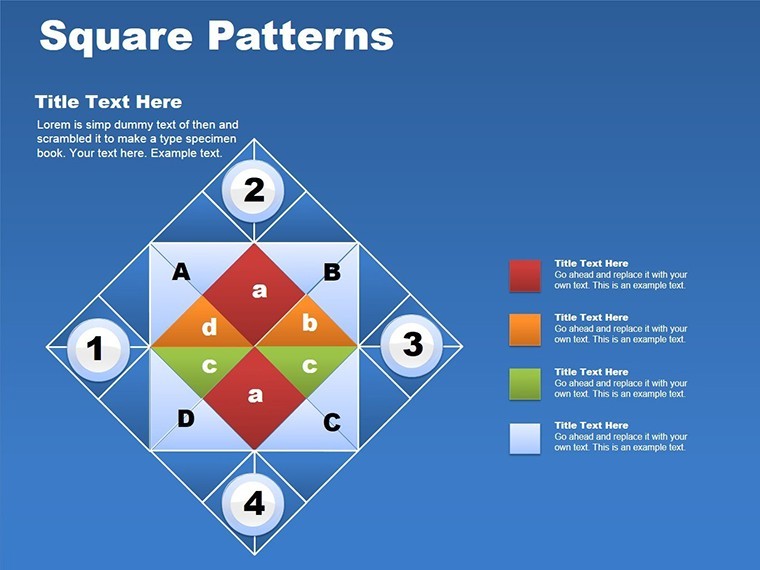
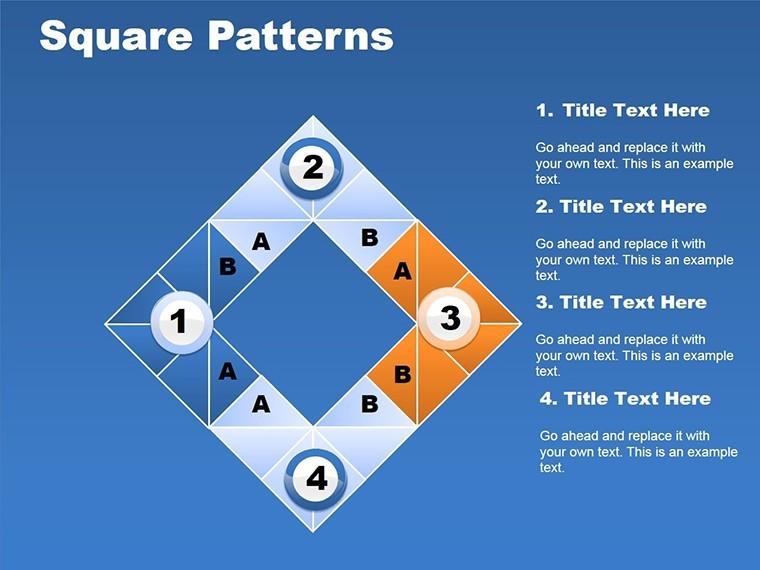
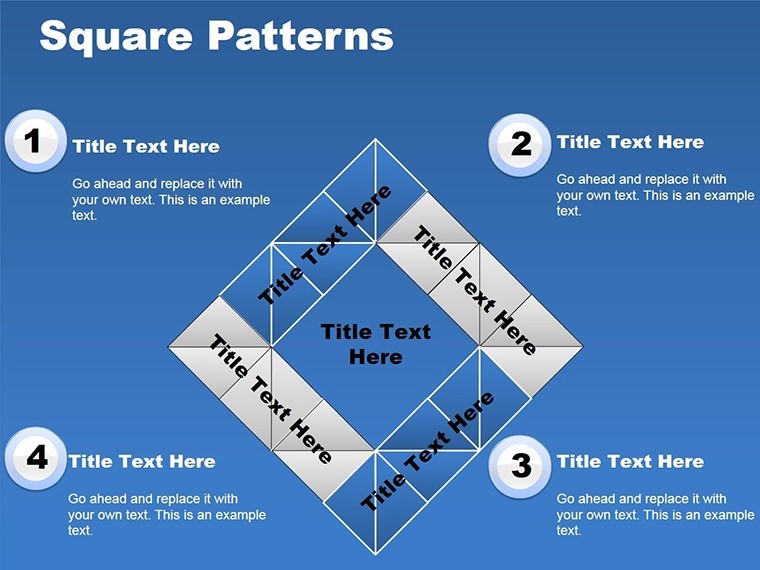
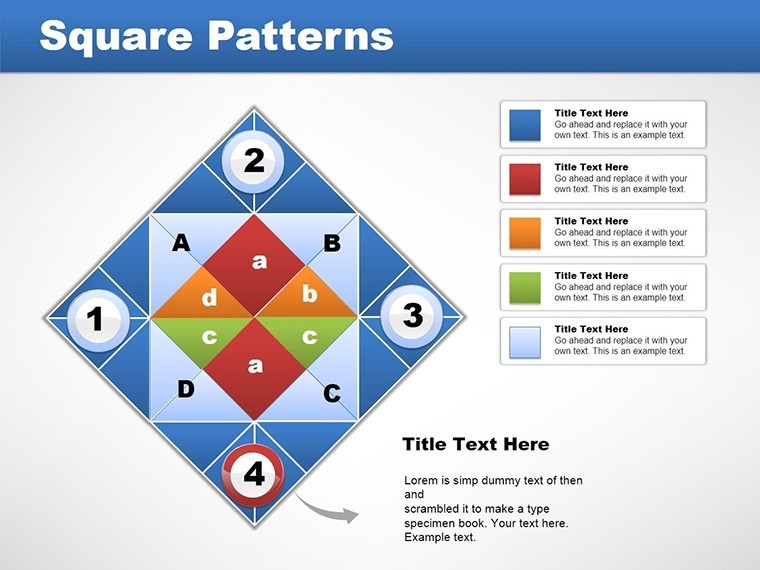
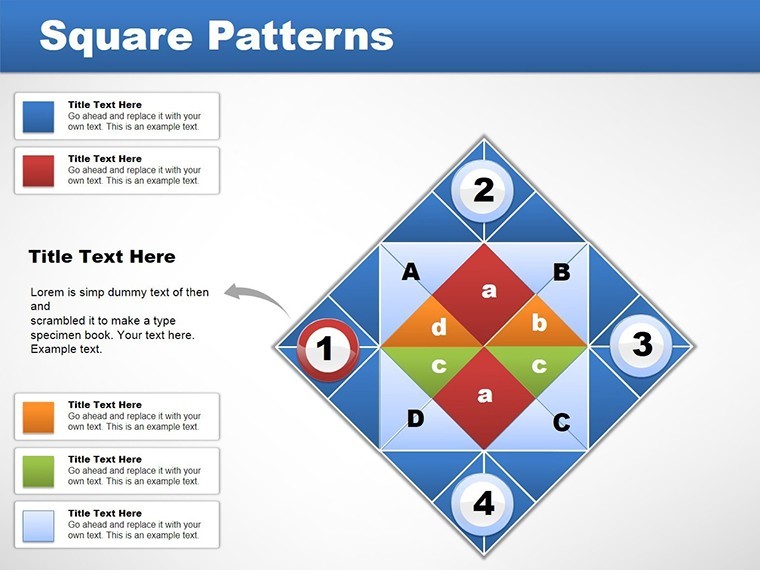
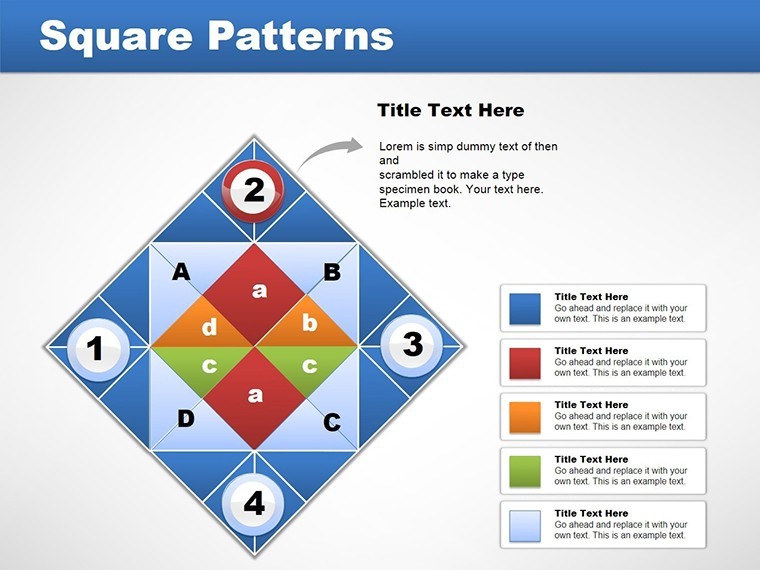
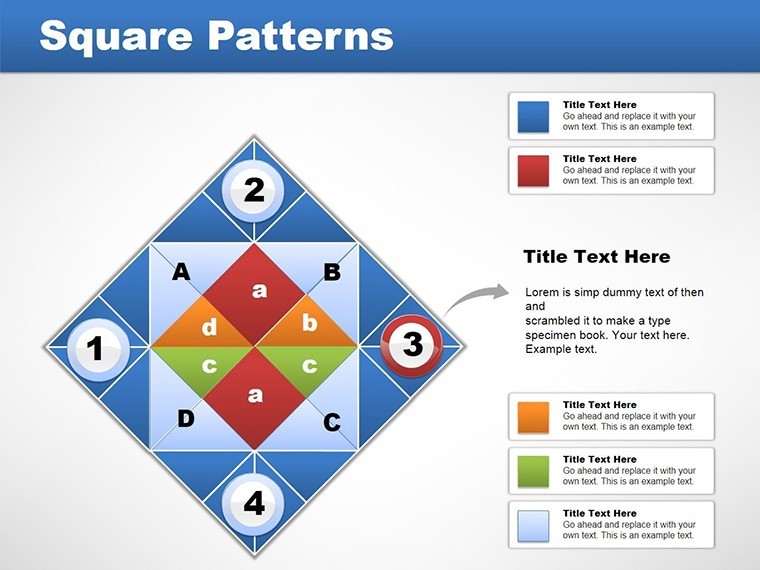
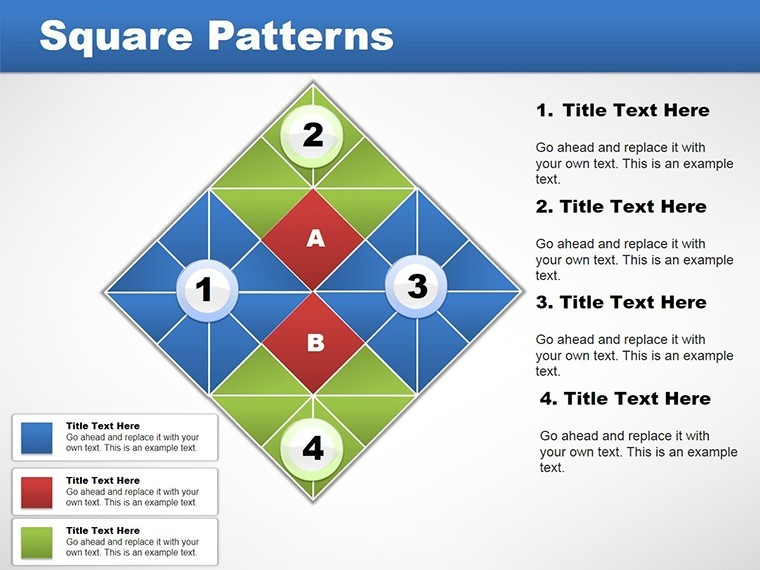
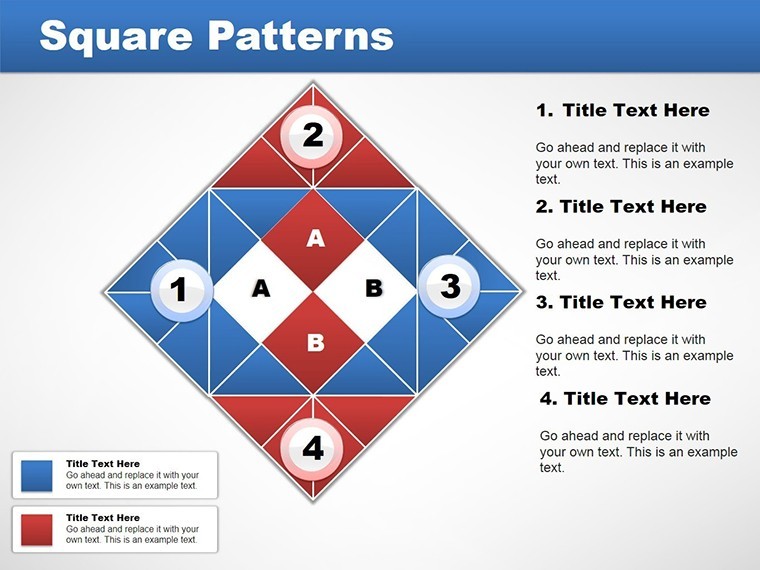
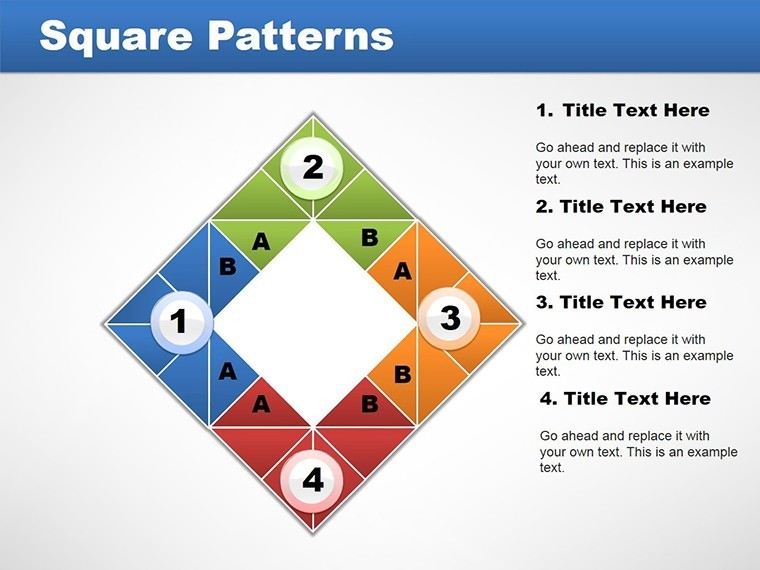
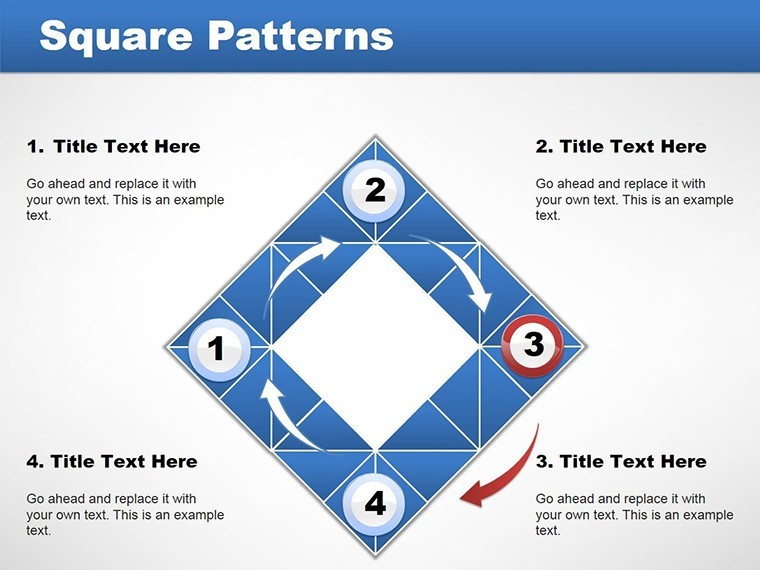
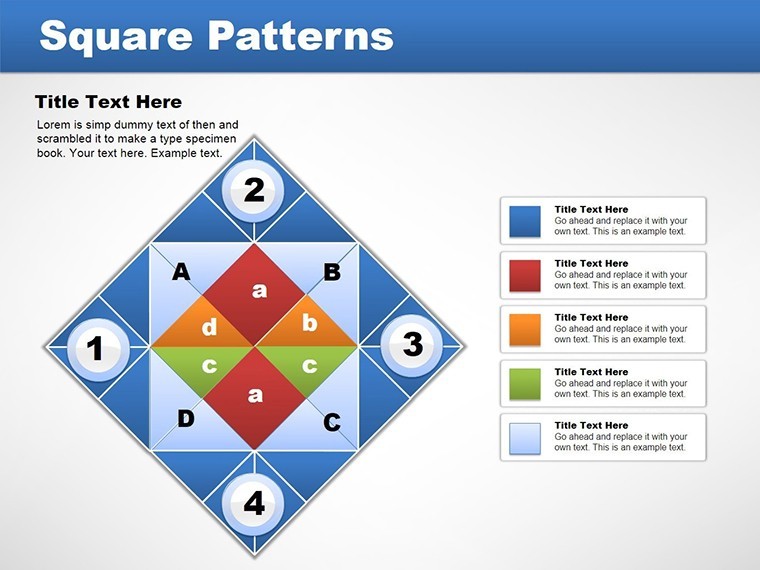
Stand out in your next presentation with the Square Patterns Keynote Charts Template, a blend of creativity and professionalism. Featuring 14 editable slides, this template uses sleek square patterns to add visual interest without overwhelming your content. Ideal for business professionals pitching ideas, academics lecturing on complex topics, or anyone seeking to communicate effectively, it turns standard data into compelling narratives.
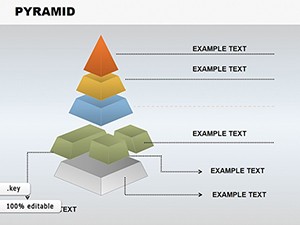
Envision squares forming matrices for SWOT analyses or cubes for 3D data representation - perfect for modern audiences. Fully customizable in Keynote with .key and .kth formats, change fonts, colors, or insert images to personalize. Drawing from design principles by firms like IDEO, this template ensures your message resonates.
Essential Features for Engaging Slides
The square patterns provide a unique canvas for charts, from puzzles illustrating problem-solving to business models mapping strategies. Each element is editable, supporting high-resolution outputs for any venue.
- 14 Dynamic Slides: Variety from basic patterns to advanced cubes.
- Full Customization: Alter layouts, add data, or tweak aesthetics.
- Matrix and Puzzle Elements: For structured thinking and interactive visuals.
- Business and Academic Fit: Versatile for diverse applications.
- Vector Quality: Sharp on all devices.
Users report 40% higher engagement, per presentation analytics tools like SlideShare.
Use Cases That Bring Ideas to Life
In business, use cubes for product roadmaps, showing layered developments. A marketing agency case: enhanced client decks led to 25% more conversions.
For academics, patterns aid in explaining theories, like economic models in lectures. Students appreciate the clarity, boosting comprehension.
Freelancers can puzzle together portfolios, highlighting skills creatively.
Easy Customization Workflow
- Open in Keynote and choose a slide.
- Input content into square placeholders.
- Adjust patterns via style options.
- Incorporate animations for flow.
- Present or share instantly.
Pair with tools like Canva for extra graphics.
Advantages Over Default Templates
Outshines basic Keynote with patterned innovation, backed by design expertise for trustworthy results.
Transform your presentations - secure this template now and captivate.
Frequently Asked Questions
How customizable are the patterns?
Fully - edit shapes, colors, and more.
Suitable for non-business use?
Yes, great for education too.
Compatible with latest Keynote?
Absolutely, and older versions.
Can I add images?
Yes, seamlessly integrate.
What file formats?
.key and .kth.
Good for
- Project roadmaps and sprint plans
- Product launch timelines
- Quarterly or annual review decks
- Company history and milestone summaries
Licence
reviews
The chart spacing made everything easier to read.
A couple icons looked outdated.
Used this for a monthly analytics review.
FAQ
Will it work in Google Slides?
Are fonts embedded?
Can I use this for client work?
What's the refund policy?
Do you update the template after purchase?
Similar templates
See all Keynote Charts →
All 14 slides