 Click to zoom
Toy Blocks Keynote Template: Playful & Professional
| Format | .pptx |
| Slides | 14 unique layouts |
| Aspect ratio | 16:9 |
| Compatibility | PowerPoint |
| Animated | No |
| Language | English |
| License | Commercial |
| File size | — |
| Version | v1.0 |
| Last updated | January 2025 |
What's inside
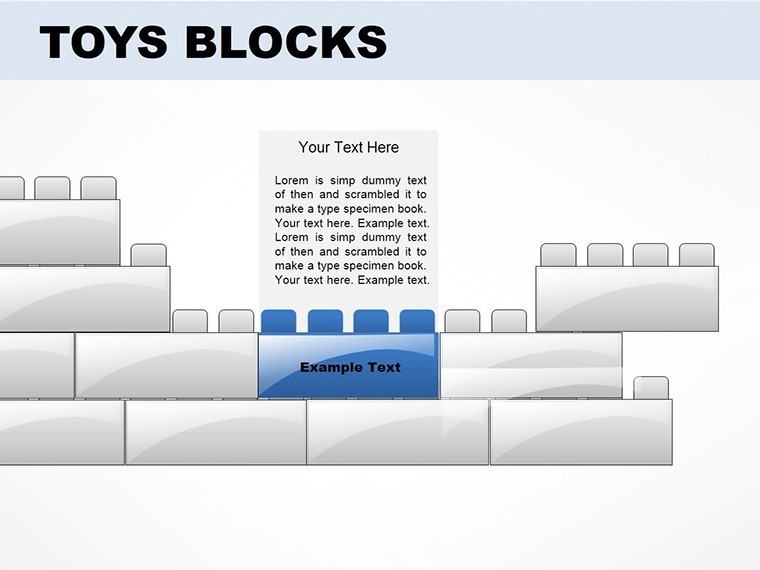
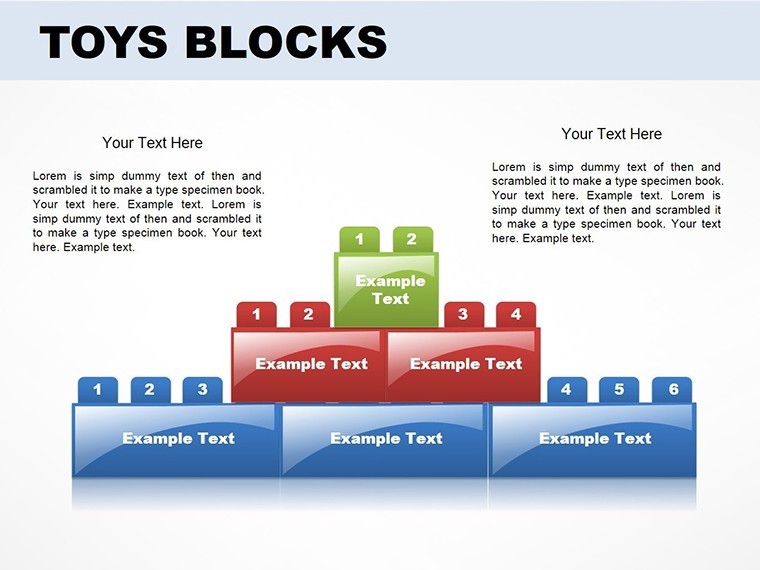
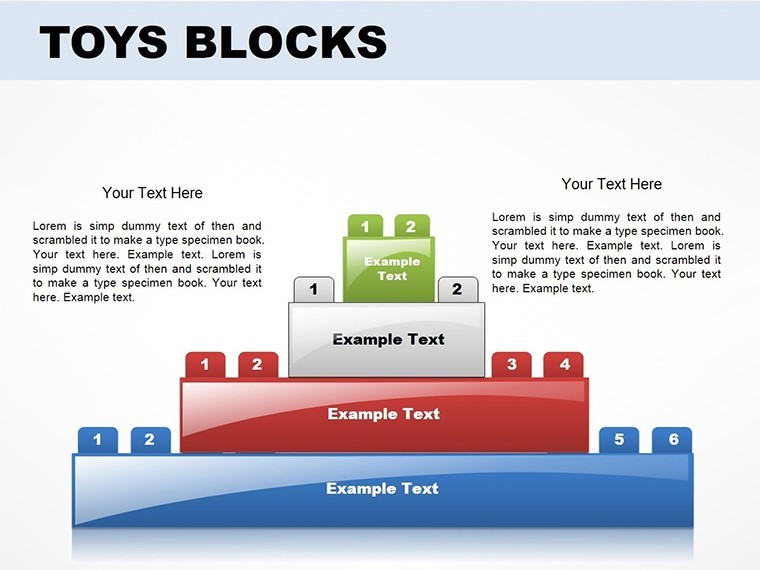
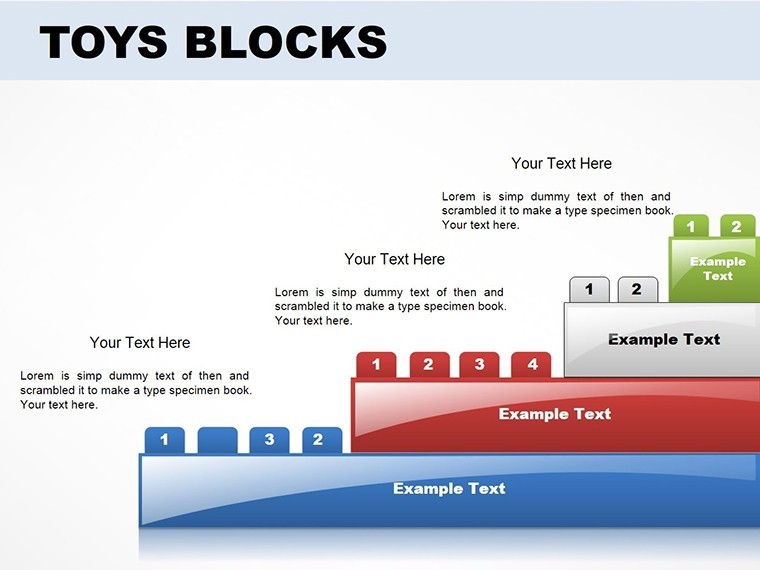
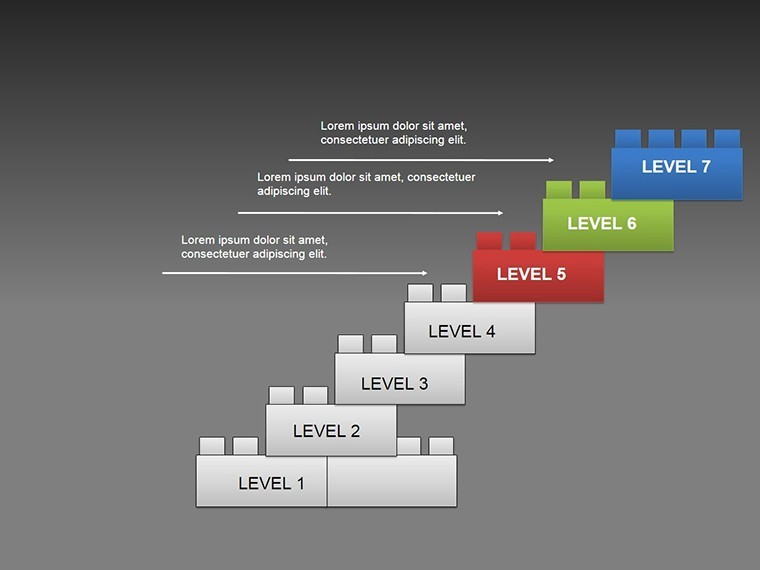
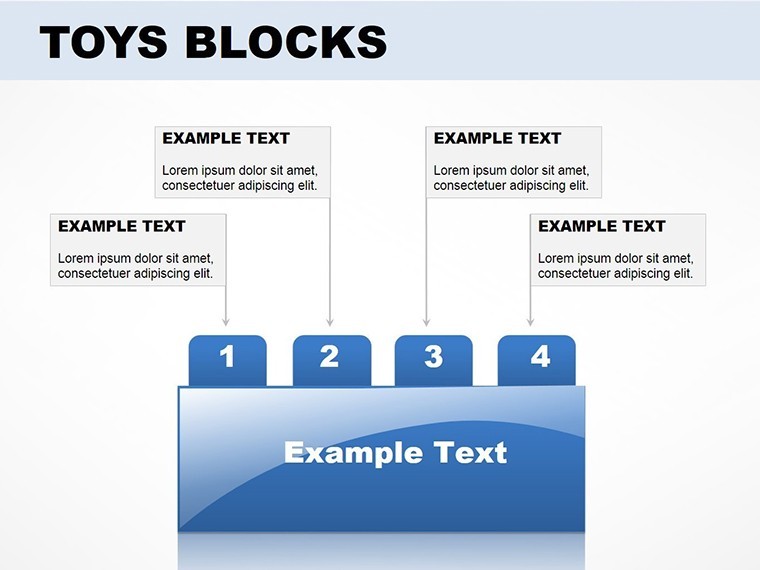
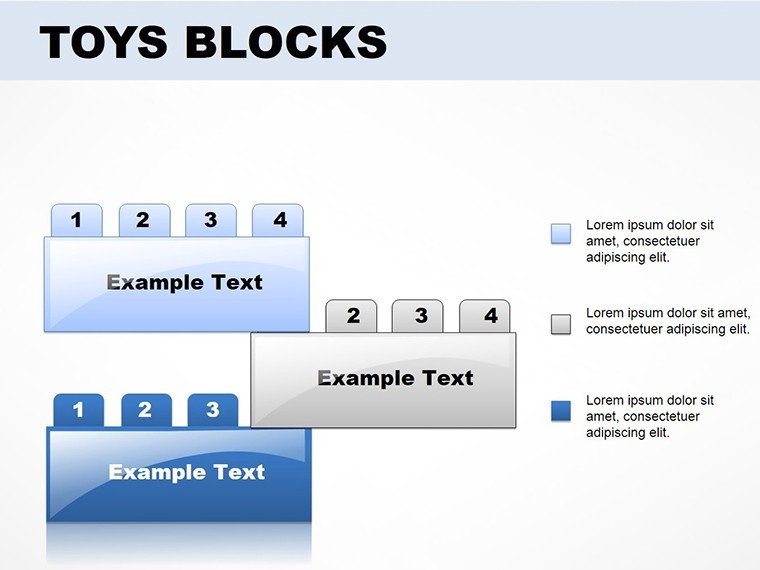
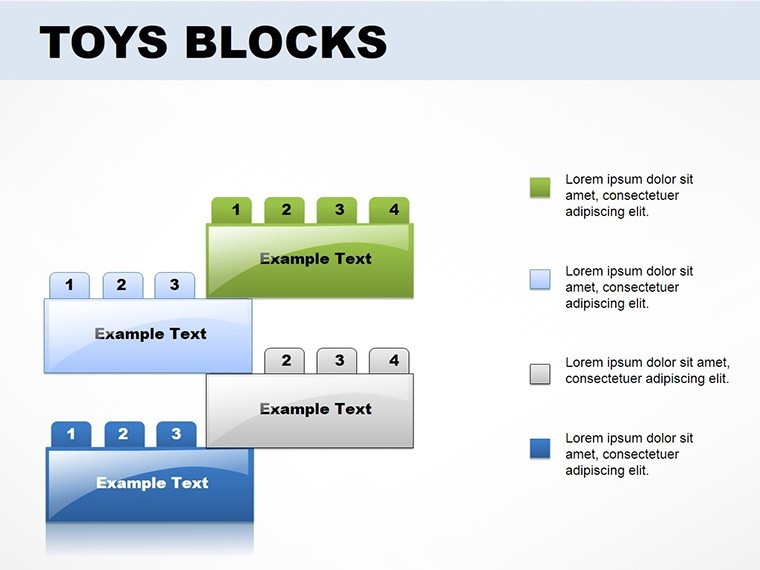
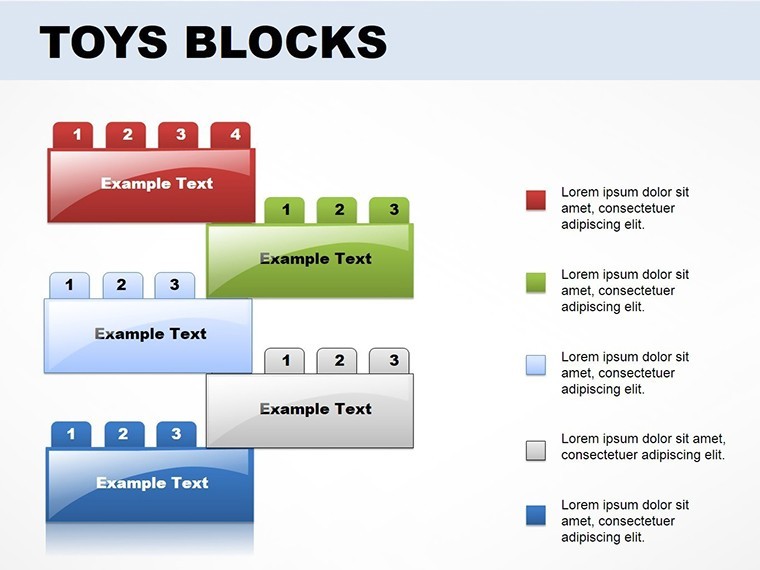
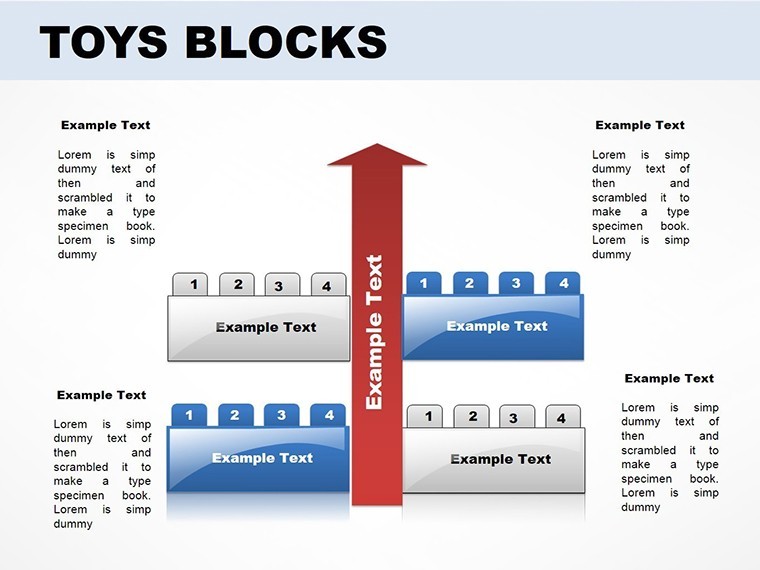
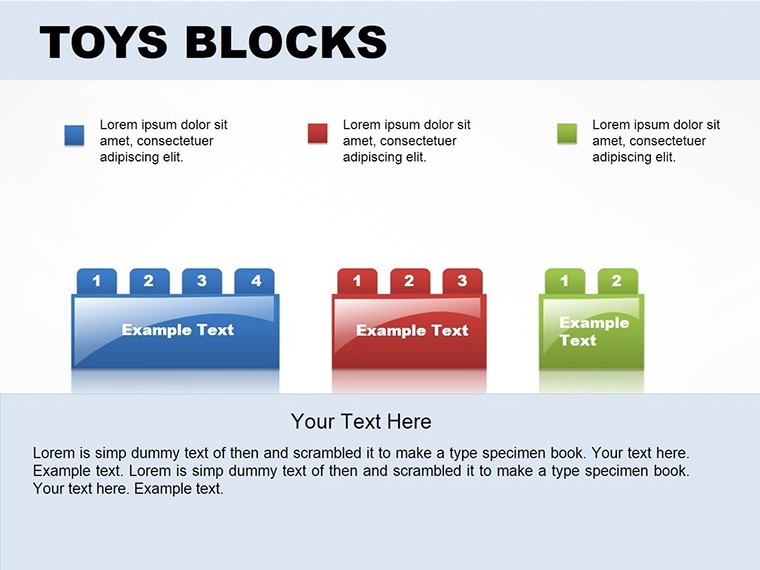
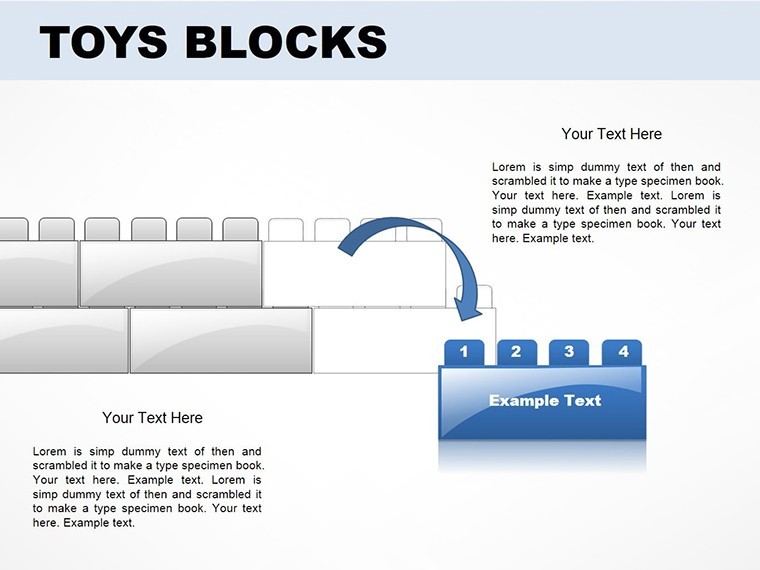
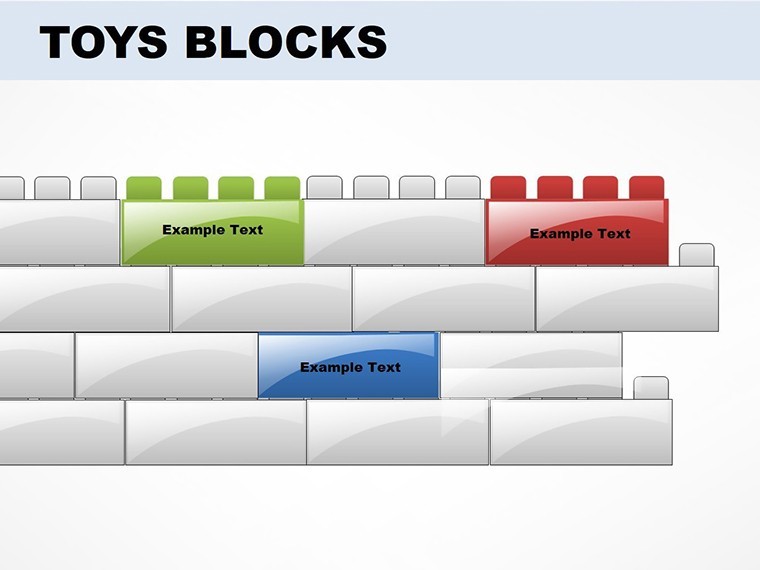
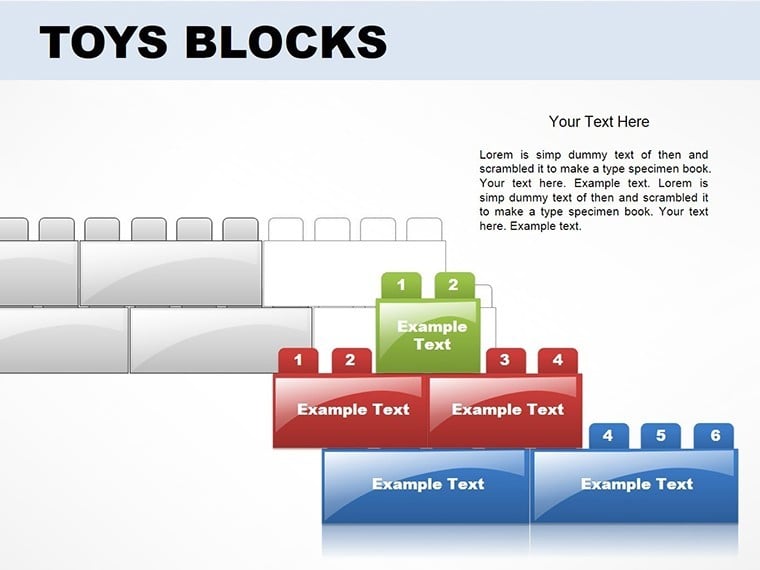
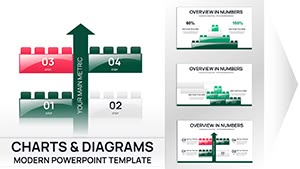
In a world where presentations often blend into monotony, injecting playfulness can make yours unforgettable. Our Toy Blocks Keynote presentation template does just that, with 14 editable slides featuring colorful cubes, pyramids, and puzzles that blend whimsy with professionalism. Tailored for teachers sparking young minds, business pros outlining strategies, or anyone seeking to engage audiences creatively, this template turns ideas into interactive builds. Imagine an educator using block stacks to teach math concepts, each cube representing units in a fun, tangible way - echoing Montessori methods for hands-on learning. Or a strategist assembling puzzle charts to show how team pieces fit together, inspired by agile frameworks from Scrum Alliance. Drawing from design principles in books like "The Design of Everyday Things" by Don Norman, these slides ensure intuitive use while maintaining high visual appeal. Optimized for Apple Keynote with .key and .kth files, customization is a breeze - alter colors to match your theme or rearrange blocks for unique layouts. Ditch dull decks and embrace a template that builds excitement; discover its magic below.
Playful Features That Build Strong Presentations
The core of this template is its toy-inspired elements: vibrant blocks that stack into charts, puzzles for interconnected ideas, and pyramids for hierarchical fun. Each of the 14 slides is fully editable, allowing font changes, color swaps, and layout tweaks. For example, use cube graphs to visualize data volumes, like sales blocks piling up quarter by quarter. The playful graphics don't compromise professionalism - they enhance it, as seen in creative agencies like IDEO using similar metaphors for innovation workshops. High-quality vectors ensure scalability without pixelation, perfect for large screens or prints.
Easy Customization for Creative Flows
Personalize effortlessly: Open in Keynote, select a block, and modify via the toolbar. Change hues for seasonal vibes or add text to puzzle pieces for step-by-step guides. Tip: Layer animations to "build" blocks onstage, captivating like in interactive keynotes at SXSW. For branding, match colors to your palette; educators might use primary shades for kids' lessons. This flexibility aligns with UX best practices, ensuring user-friendly edits.
Versatile Applications in Education and Business
This template thrives across fields. Teachers can puzzle out history timelines, with pieces revealing events sequentially. Business users might stack blocks for org charts, showing growth like Lego empires. A case from edtech firms shows playful visuals boost engagement by 50% in classrooms. For strategies, use pyramids to outline goals, fostering team buy-in. Non-profits could build donor impact charts, making abstract contributions concrete. Each use case leverages the template's charm to make complex ideas approachable.
- Educational Builds: Blocks for concept stacking in lessons.
- Strategy Puzzles: Interlocking pieces for plan visuals.
- Data Pyramids: Layered graphics for hierarchy displays.
- Creative Charts: Toy themes for engaging reports.
Fostering Engagement and Trust
Enhance authority by integrating real examples: Cite studies from Psychology Today on play's role in learning. Animations add dynamism, while accessibility options like color-blind modes build inclusivity. Picture a workshop leader using blocks to brainstorm - participants feel involved, leading to better outcomes.
Build Your Best Presentation Yet
This Toy Blocks template merges fun with function, ideal for standout slides. Download to start stacking success.
Frequently Asked Questions
How do I edit the block colors?Select the element in Keynote and use the color picker for instant changes.Suitable for professional settings?Yes, the playful design enhances without overpowering serious content.Can I rearrange puzzle pieces?Absolutely, drag and drop for custom configurations.What file types are provided?.key and .kth for full Keynote compatibility.Ideal for kids' education?Perfect, with vibrant visuals that engage young learners.Animation support?Yes, add Keynote animations for building effects.Good for
- Project roadmaps and sprint plans
- Product launch timelines
- Quarterly or annual review decks
- Company history and milestone summaries
Licence
reviews
Used these charts for a small startup report.
The layouts made data easier to explain.
Some slide titles were oddly placed.
I mostly liked the bar graph pages.
FAQ
Will it work in Google Slides?
Are fonts embedded?
Can I use this for client work?
What's the refund policy?
Do you update the template after purchase?
Similar templates
See all Keynote Charts →
All 14 slides