 Click to zoom
3D Pyramid Keynote Charts: Build Layers of Insight
| Format | .pptx |
| Slides | 16 unique layouts |
| Aspect ratio | 16:9 |
| Compatibility | PowerPoint |
| Animated | No |
| Language | English |
| License | Commercial |
| File size | — |
| Version | v1.0 |
| Last updated | January 2025 |
What's inside
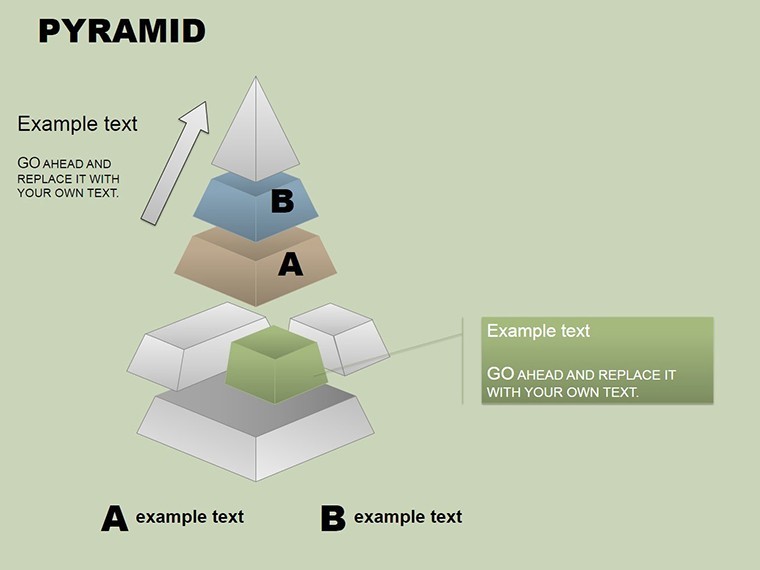
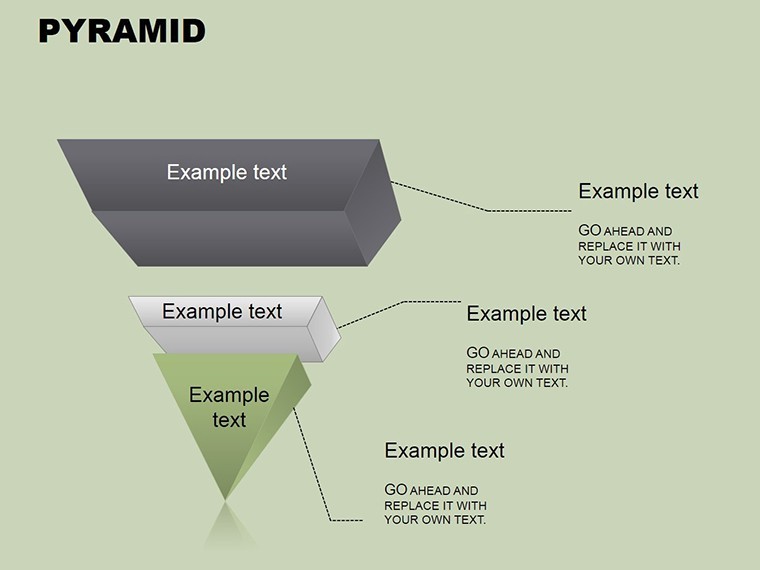
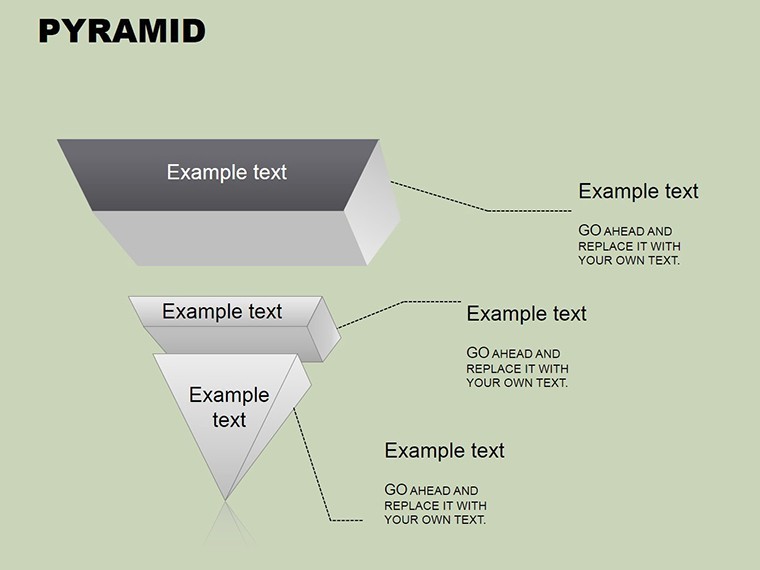
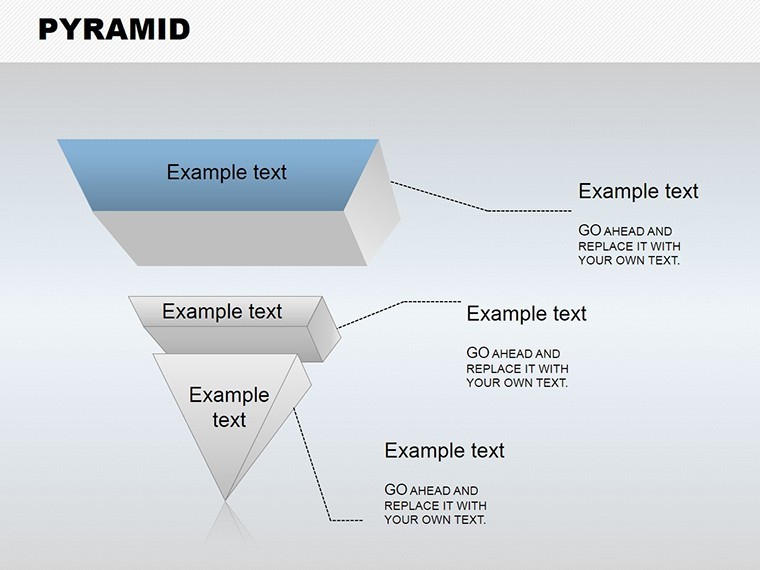
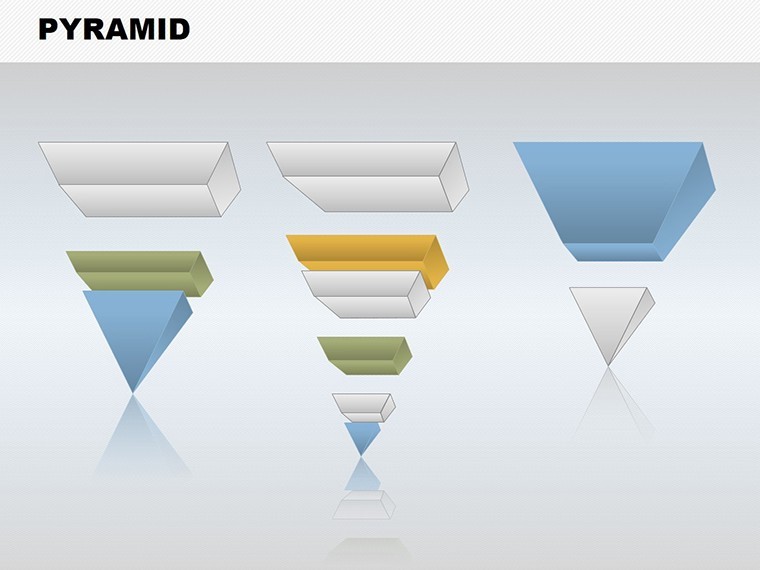
Perceptual learning thrives on structure, and our 3D Pyramid Keynote Charts template delivers just that with 16 editable slides. Perfect for educators, strategists, and leaders, it transforms abstract hierarchies into tangible, multi-dimensional visuals. Imagine stacking concepts like Maslow's needs or corporate ladders, where each level builds on the last, fostering deeper understanding. Grounded in cognitive psychology principles from experts like Eleanor Gibson, who pioneered perceptual learning theories, this template enhances retention by leveraging spatial cues.
Exclusive to Keynote, it supports 3D rotations and shading for immersive effects, with easy edits to text, colors, and dimensions.
Constructing Knowledge with Pyramid Power
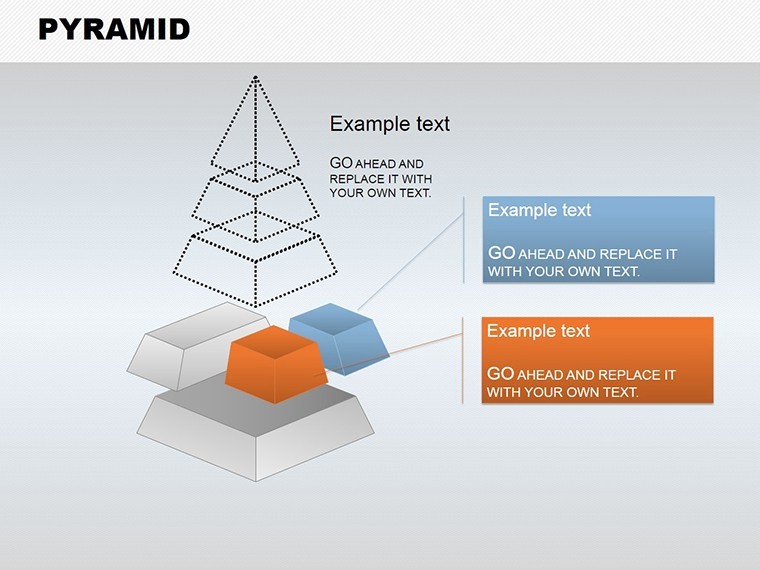
Pyramids symbolize progression; here, they solve visualization challenges in learning and planning. An HR manager might use Slide 5 to depict career paths, clarifying advancement opportunities. In education, as in a TED-Ed case where hierarchical visuals boosted comprehension by 30%, they aid concept mapping.
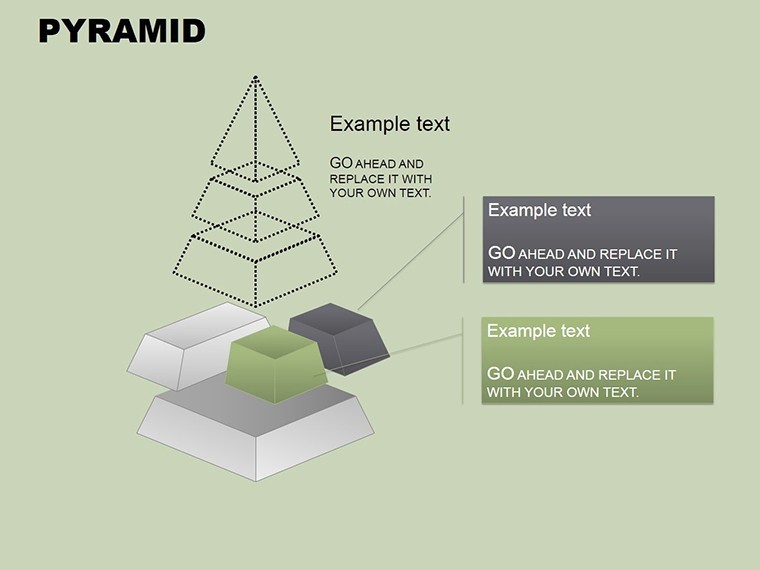
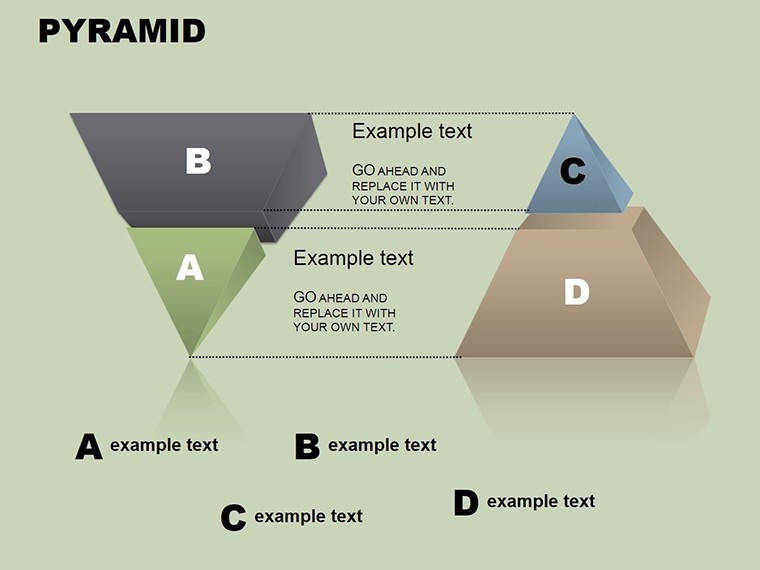
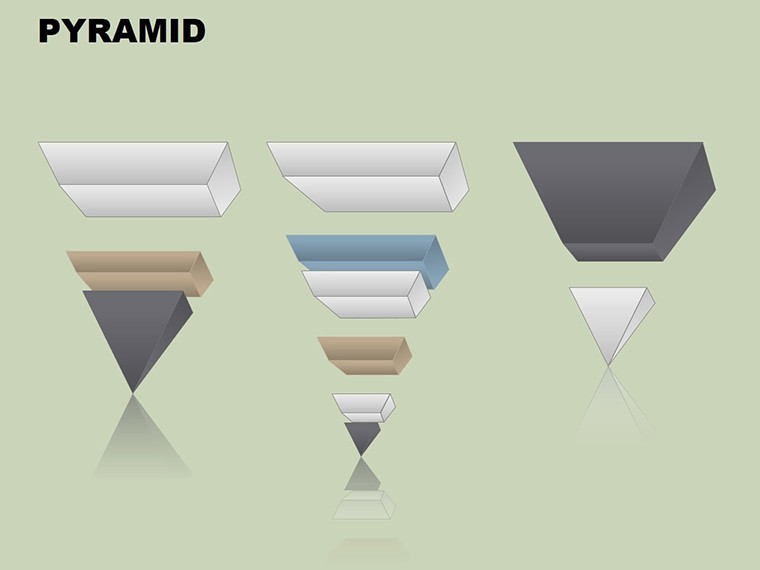
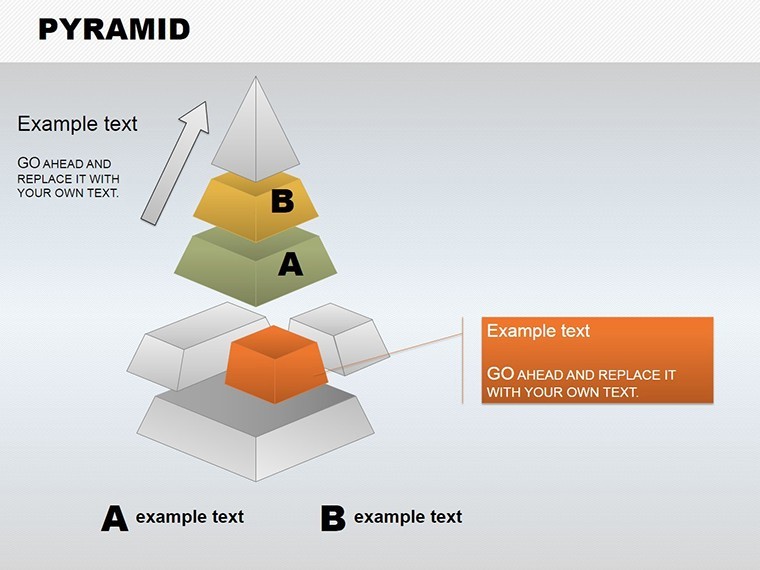
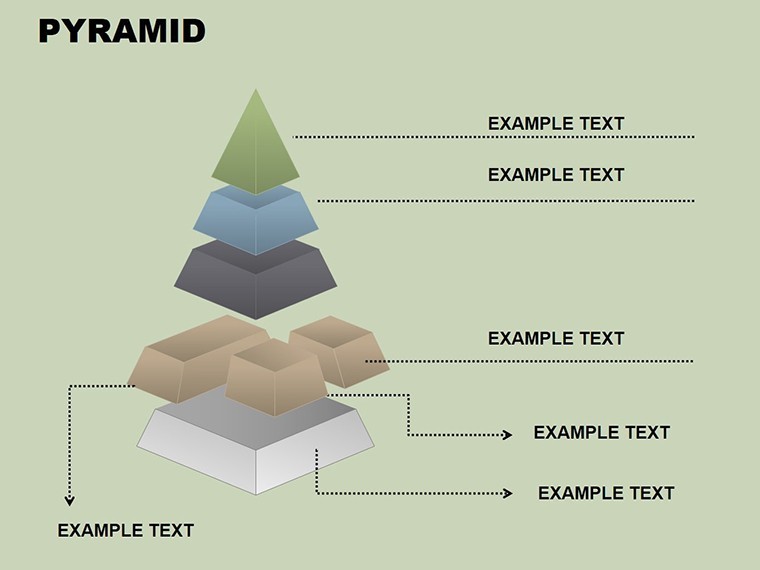
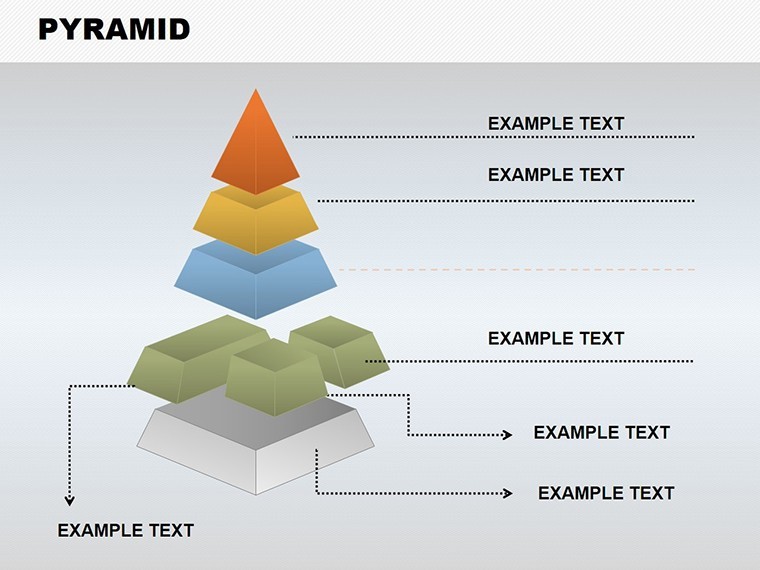
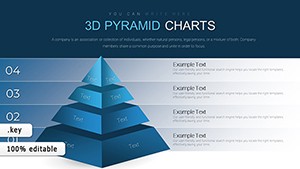
Slides range from simple triangles to complex 3D stacks: Slide 9 includes segmented layers for detailed breakdowns.
Core Features for Dimensional Depth
- 3D Rendering: Rotate views for multi-angle analysis.
- Layered Customization: Edit each tier independently.
- Icon Integration: Add symbols for thematic enhancement.
- Animation Sequences: Build pyramids layer by layer.
- High-Fidelity Exports: Maintain quality in shares.
It tackles flat diagrams' limitations, adding depth that engages viewers perceptually.
Applications in Learning and Strategy
For business, outline strategies with base foundations leading to apex goals. In academia, model ecosystems or historical timelines. Workflow: Select slide, label layers, apply 3D effects, and present with transitions.
Superior to 2D alternatives, it offers realism that captivates.
Tips from Visualization Specialists
- Define base first: Ground your pyramid in fundamentals.
- Use gradients: Shade for depth perception.
- Balance levels: Avoid overcrowding tiers.
- Incorporate interactions: Use hyperlinks for drill-downs.
- Assess impact: Gauge audience grasp post-use.
Expert-derived, these ensure perceptual effectiveness.
Ascend to Better Visuals
Reach new heights in communication. Download this template and layer your success.
Frequently Asked Questions
How do pyramids aid perceptual learning?
By structuring info hierarchically, enhancing cognitive mapping.
Can I rotate in 3D?
Yes, Keynote tools enable full manipulation.
Suitable for large audiences?
High-res for projections.
Integrate with other charts?
Combine in decks seamlessly.
Edit on Mac only?
Primarily, but exportable.
Expand pyramid levels?
Add via duplication.
Good for
- Project roadmaps and sprint plans
- Product launch timelines
- Quarterly or annual review decks
- Company history and milestone summaries
Licence
reviews
I used only four slides but they fit my report nicely.
The charts didn't break when I pasted my data which was nice.
Some layouts felt too corporate for a student project.
Good option if you just need clear graphs quickly.
The color palette was calmer than I expected.
FAQ
Will it work in Google Slides?
Are fonts embedded?
Can I use this for client work?
What's the refund policy?
Do you update the template after purchase?
Similar templates
See all Keynote Charts →
All 16 slides