 Click to zoom
Search Decisions Charts - Editable PPTX | ImagineLayout
| Format | .pptx |
| Slides | 28 unique layouts |
| Aspect ratio | 16:9 |
| Compatibility | PowerPoint |
| Animated | No |
| Language | English |
| License | Commercial |
| File size | — |
| Version | v1.0 |
| Last updated | March 2026 |
What's inside
28 Diagrams Across Decision Flow Layouts: Full Contents
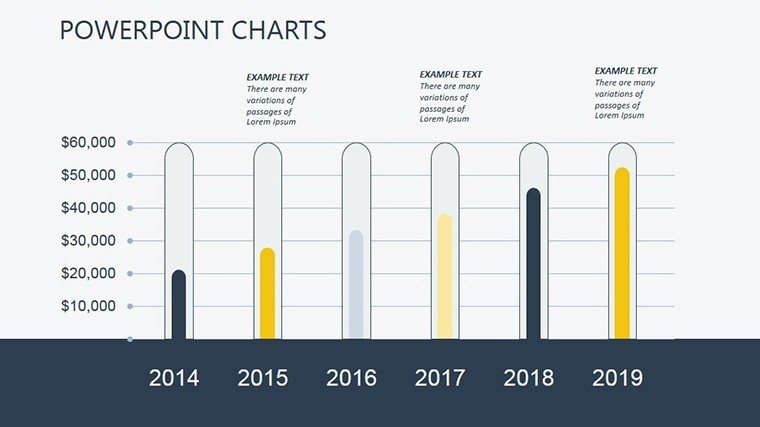
28 editable slides cover decision trees, flowcharts, and choice matrices.
These elements integrate to support board briefing presentations by mapping paths clearly.
Unlike workflow-focused sets this one prioritizes path navigation for search-driven choices with specific flow direction.
Editing Capabilities at a Glance
FeatureDetailsEditable shapesdiagram segments resize and recolor independentlyText placeholderslabels update without unlocking grouped elementsColor theme adjustmentscompatible with PowerPoint slide master paletteDiagram connectorsarrows and lines adjustable in direction and weightIcon layersicons replaceable without affecting layoutExport optionsPPTX for editing PDF for distributionWho Reaches for This Template
Digital marketing managers in e-commerce firms map user search behaviors.
They reuse the same file across three client reports by swapping color schemes.
Financial analysts in consulting adapt the diagrams for quarterly reviews.
Preparation drops from 3 hours to 45 minutes.
Download the Search Decisions PowerPoint Charts Template now.
Customization in 5 Steps
Moderate difficulty.
- Open the PPTX file in PowerPoint 2016 or later (1 minute).
- Replace placeholder text with your content (3 minutes).
- Adjust brand colors via the slide master (2 minutes).
- Edit diagram labels and connectors (4 minutes).
- Export as PPTX or PDF (1 minute).
Building From Scratch vs. Starting Here
Manual creation requires advanced design skill and 4 hours per deck.
Many presentations place labels directly inside diagram shapes.
That approach works on a laptop screen but becomes harder to read on a projection screen.
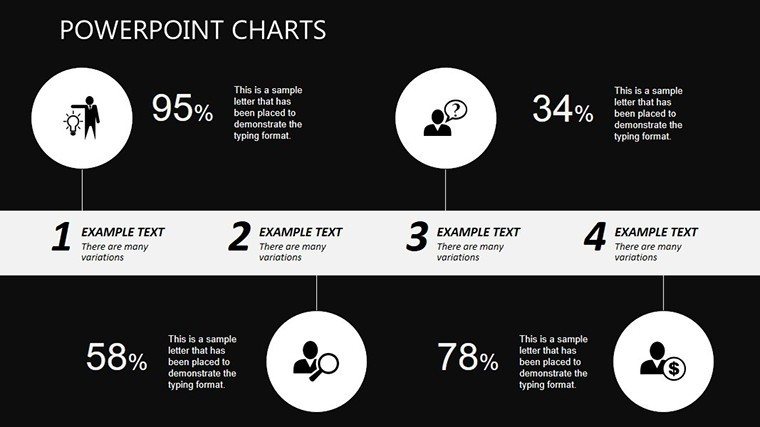
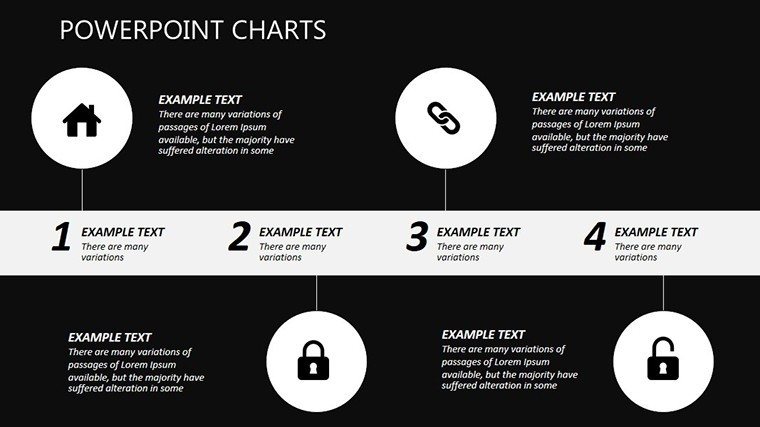
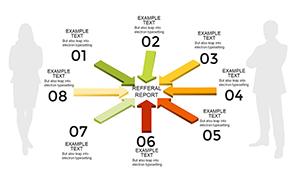
This layout places labels outside the shapes connected by thin lines.
It maintains readability during live meetings without adding editing complexity.
Download the Search Decisions PowerPoint Charts Template now.
Which PowerPoint versions does this template support?The template opens in PowerPoint 2016 2019 365 and Mac versions. It uses standard shapes and masters so compatibility holds across recent releases. Older versions before 2016 may lose some connector flexibility. Test the file first in your installed version.
How do I change the color scheme?Open the slide master under View tab. Select the color palette and update the theme colors. All diagrams update automatically. Save the master before returning to normal view. This takes under 2 minutes.
What does the license permit?The license allows use in internal presentations and paid client work. Resale or sublicensing of the template itself is prohibited. You may modify and distribute final decks. Check the download package for full terms.
Is there a free version?The page does not specify a free version. The paid version provides 28 editable slides in PPTX format. No separate free tier appears in the details. Purchase grants immediate access to the full set.
What file formats are included?The download contains one PPTX file. It opens directly in PowerPoint. Export to PDF is possible after editing. No KEY or other formats appear on the page.
Does it support animations?Basic entrance animations on connectors work in PowerPoint. Remove or adjust them via the Animations tab. The page does not list advanced animation support. Keep edits simple for compatibility.
Project managers often pair these with flow chart templates when structuring multi-tier strategy decks.
Financial analysts reach for process flow charts to complement decision mapping.
Consultants combine the set with strategy analysis charts for investor decks.
Good for
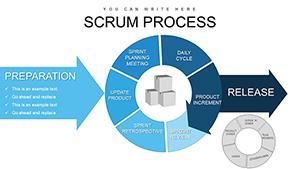
- Project roadmaps and sprint plans
- Product launch timelines
- Quarterly or annual review decks
- Company history and milestone summaries
Licence
reviews
The chart placeholders were actually useful instead of awkwardly sized. Easy data swap.
I used this for a business strategy meeting and the layout looked organized on screen.
The icons and little arrows gave the slides some structure without overdoing it.
Some slide designs felt older style but still perfectly usable.
Pretty handy template if you need charts and timelines in one deck.
FAQ
Will it work in Google Slides?
Are fonts embedded?
Can I use this for client work?
What's the refund policy?
Do you update the template after purchase?
Similar templates
See all PowerPoint Charts →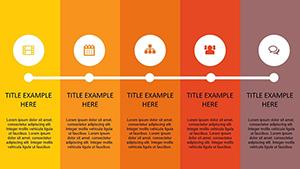

All 28 slides