 Click to zoom
Presentation Product Features Keynote Charts and Infographics
| Format | .pptx |
| Slides | 14 unique layouts |
| Aspect ratio | 16:9 |
| Compatibility | PowerPoint |
| Animated | No |
| Language | English |
| License | Commercial |
| File size | — |
| Version | v1.0 |
| Last updated | October 2022 |
What's inside
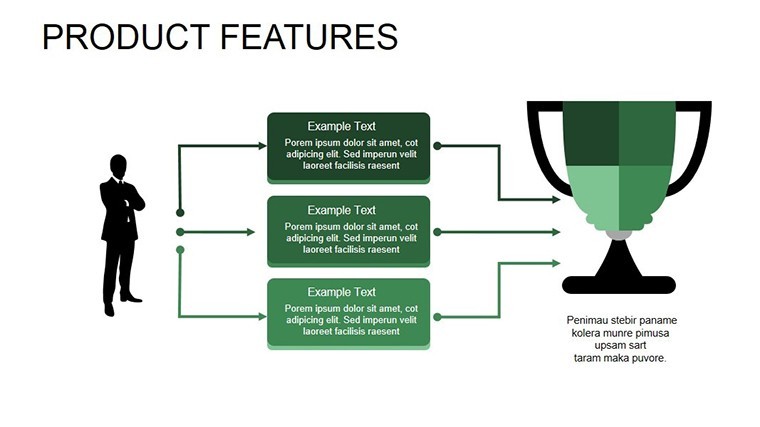
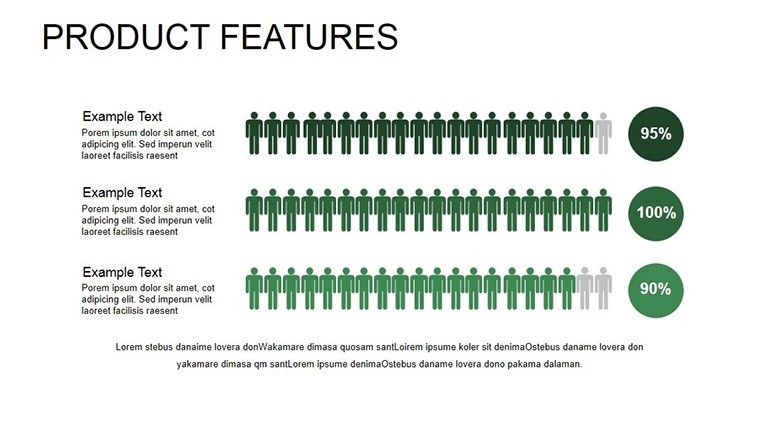
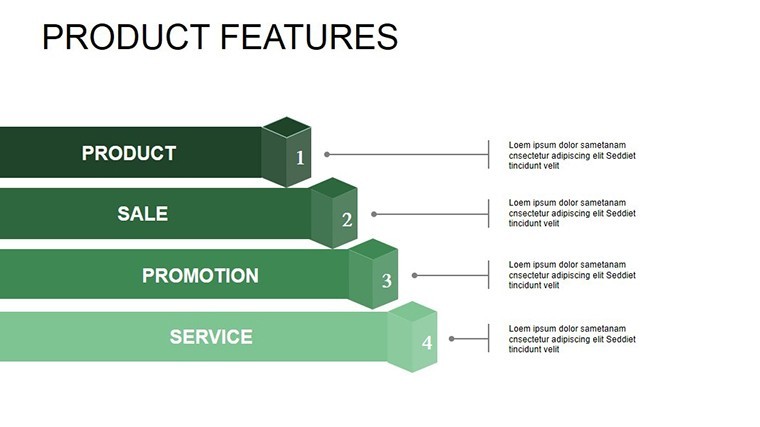
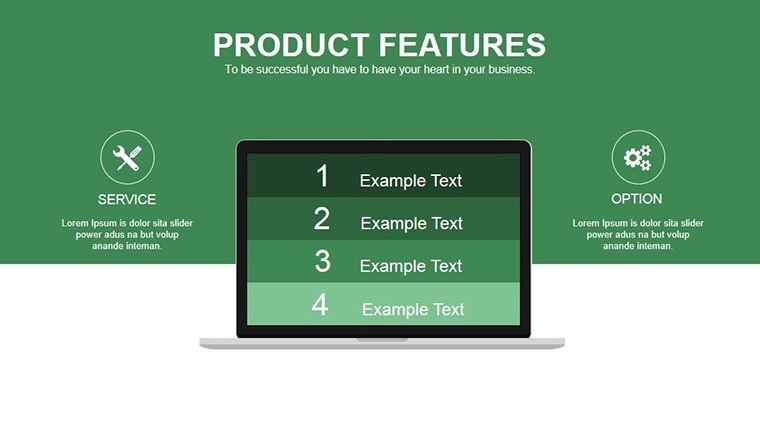
When it comes to highlighting product features in a way that's both informative and captivating, nothing beats a well-crafted presentation. Our Product Features Keynote template, with its 14 editable slides, is engineered for teachers, mentors, professionals, and entrepreneurs who need to convey ideas, knowledge, or experiences with flair. This template turns mundane details into visual masterpieces, using colored chart objects and infographics to emphasize key points. Envision pitching a new gadget to investors: Start with a sleek infographic breaking down features, then animate transitions to reveal benefits, keeping everyone hooked. Its creative, modern design ensures your content stands out, while vector elements allow for infinite scaling without quality loss. Perfect for widescreen displays, this tool integrates seamlessly into your workflow, saving time and amplifying impact in competitive arenas.
Essential Features for Professional Polish
This template's strength lies in its array of features tailored for dynamic presentations. The 14 slides include specialized animations for each object, creating engaging reveals that draw attention to product specifics. Modern professional design elements, like gradient fills and icon sets, elevate aesthetics beyond basic charts. Easy editing means you can modify layouts, add tables, or embed media - photos, videos, even music - to enrich narratives. For product launches, use infographic slides to map features against user needs, with animations syncing to your speech for dramatic effect. Vector-based components ensure crisp visuals at any size, ideal for printed handouts or digital shares.
Customization Mastery: Tailor to Your Vision
Go beyond basics with deep customization. Stretch or reshape vectors without distortion, perfect for adapting infographics to unique product shapes. Change color palettes to align with brand identities, or insert custom media for immersive storytelling. In entrepreneurial pitches, edit charts to show feature evolution over time, using transitions to simulate product development journeys. This flexibility, combined with Keynote's native tools, allows for quick iterations - test different layouts and refine based on feedback, ensuring your final output is polished and persuasive.
Versatile Applications in Diverse Fields
Entrepreneurs can use this template to demo startup products, employing infographics to highlight unique selling points against competitors. Teachers might adapt for classroom lessons, turning complex concepts into digestible visuals with animated builds. Mentors in coaching sessions could customize charts to track mentee progress, fostering interactive discussions. Professionals in sales leverage it for client proposals, integrating videos of product demos within slides for a multimedia experience. In tech conferences, present software features via flow infographics, drawing from real events like CES showcases where similar visuals captivated audiences.
Entrepreneurial Edge: A Launch Case Study
Consider a startup unveiling a fitness app. Using this template, they designed infographics comparing features to market leaders, with animations revealing user testimonials. This led to securing funding, as the visuals clearly communicated value. Aligned with design principles from the Industrial Designers Society of America, it demonstrates the template's expertise in product presentation, building credibility.
Seamless Workflow: Building Your Masterpiece
- Initiate the Project: Download the .key file and explore the 14 slides' structure.
- Content Population: Input product details into charts and infographics.
- Design Refinement: Adjust vectors, colors, and add media elements.
- Animation Enhancement: Set special effects for object reveals.
- Delivery Preparation: Rehearse with transitions for flawless execution.
This process outpaces starting from scratch, integrating with tools like Photoshop for asset creation, resulting in cohesive, professional outputs.
Design Tips for Standout Infographics
- Layer elements strategically: Use animations to build complexity gradually.
- Incorporate multimedia: Embed short clips to demonstrate features live.
- Maintain consistency: Stick to a color scheme for brand reinforcement.
- Focus on hierarchy: Bold key features in larger fonts or brighter hues.
- Gather feedback: Share drafts via Keynote's collaboration for improvements.
These strategies, inspired by infographic experts like David McCandless, maximize viewer retention and engagement.
Outshining Generic Presentation Tools
Standard Keynote lacks the specialized animations and vector flexibility here, often resulting in static slides. This template provides incomparable effects, akin to advanced suites like Adobe Illustrator integrations, but user-friendly for all levels.
Empower your product stories - grab this Keynote template today and watch your presentations soar.
Frequently Asked Questions
How many slides are there?14 fully editable slides focused on product features and infographics.Can I add videos or music?Yes, the template supports media integration for richer presentations.Is it vector-based?Absolutely, allowing scaling without quality loss.Who is this template for?Teachers, mentors, professionals, and entrepreneurs presenting products or ideas.Are animations pre-set?Yes, with special effects for each object, customizable as needed.Good for
- Project roadmaps and sprint plans
- Product launch timelines
- Quarterly or annual review decks
- Company history and milestone summaries
Licence
reviews
I don’t really care about presentation design but this was easy to edit.
The arrow elements helped explain our workflow better.
Some slide titles felt generic though.
Worked alright for a small team meeting.
Saved me from building charts manually in Keynote.
FAQ
Will it work in Google Slides?
Are fonts embedded?
Can I use this for client work?
What's the refund policy?
Do you update the template after purchase?
Similar templates
See all Keynote Charts →
All 14 slides