 Click to zoom
Pie Process Strategies PowerPoint Charts Template - Presentation PPT
| Format | .pptx |
| Slides | 29 unique layouts |
| Aspect ratio | 16:9 |
| Compatibility | PowerPoint |
| Animated | No |
| Language | English |
| License | Commercial |
| File size | — |
| Version | v1.0 |
| Last updated | August 2023 |
What's inside
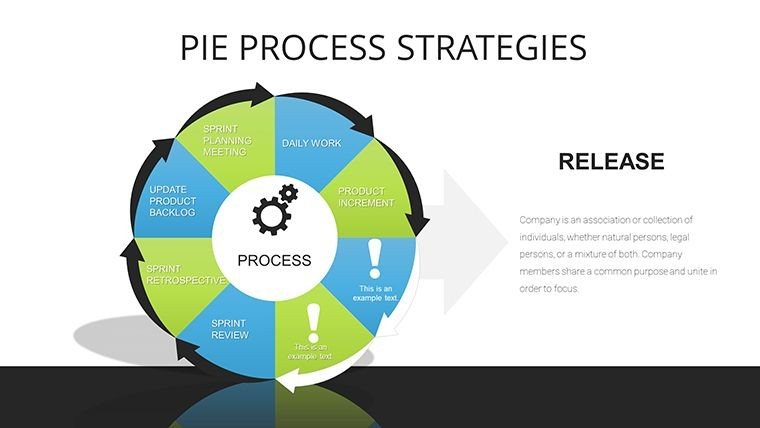
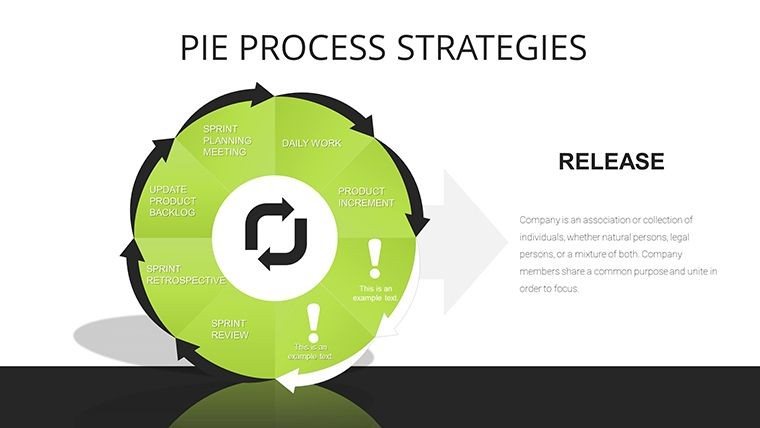
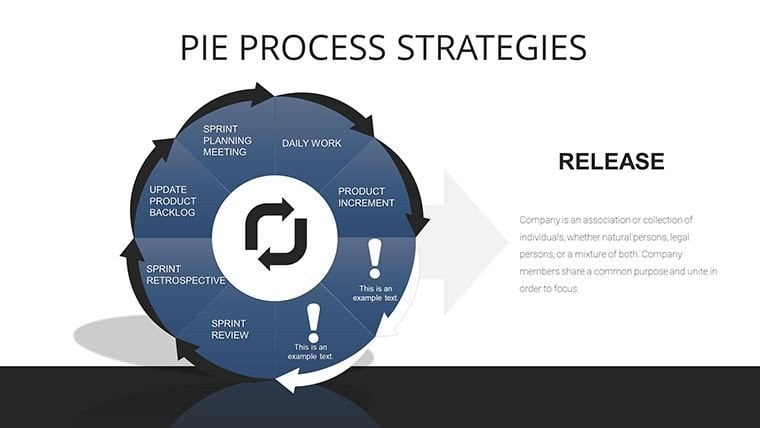
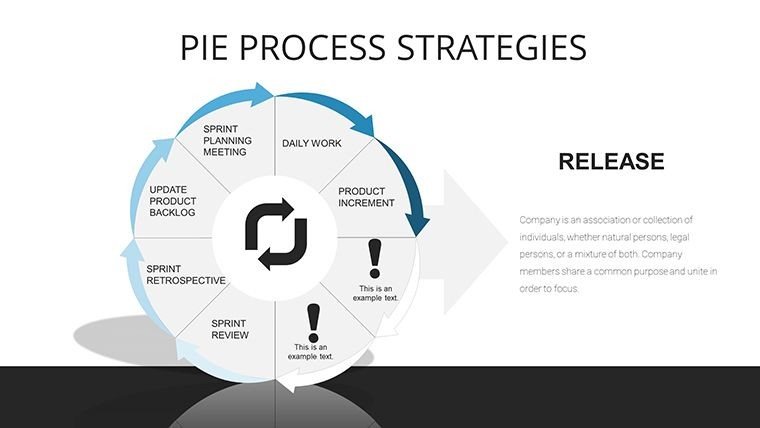
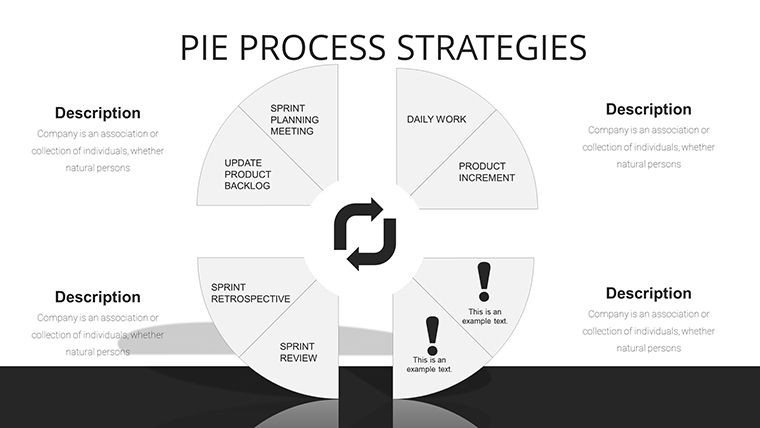
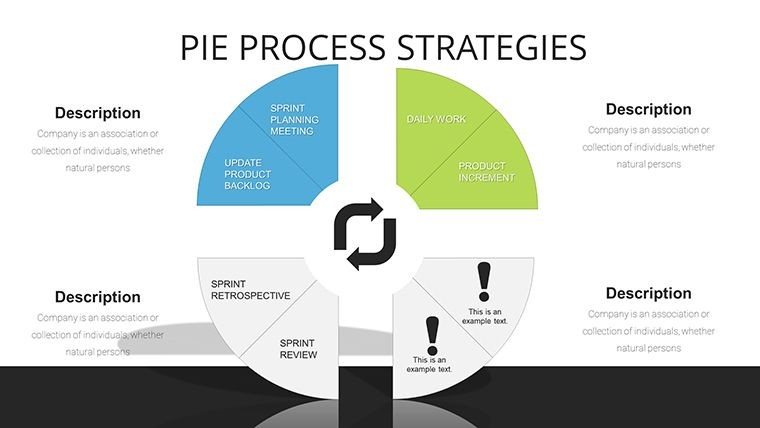
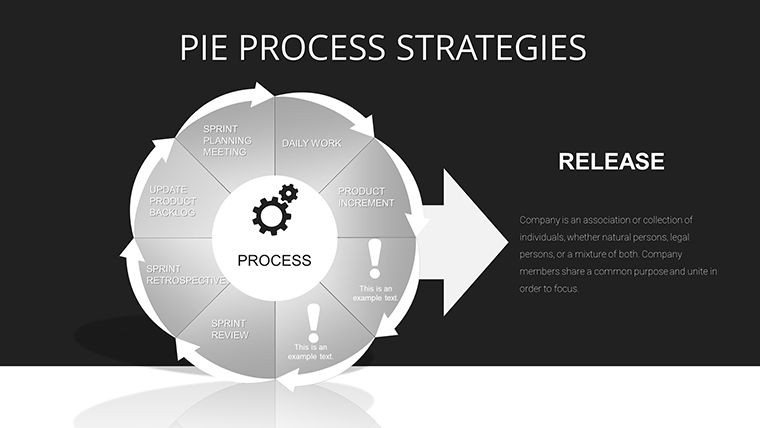
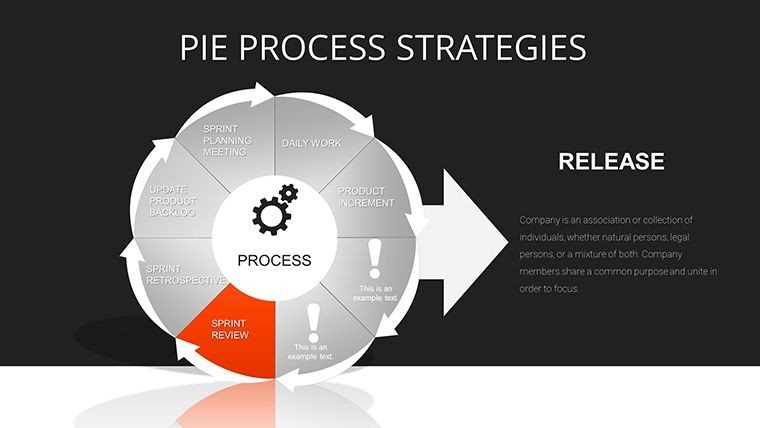
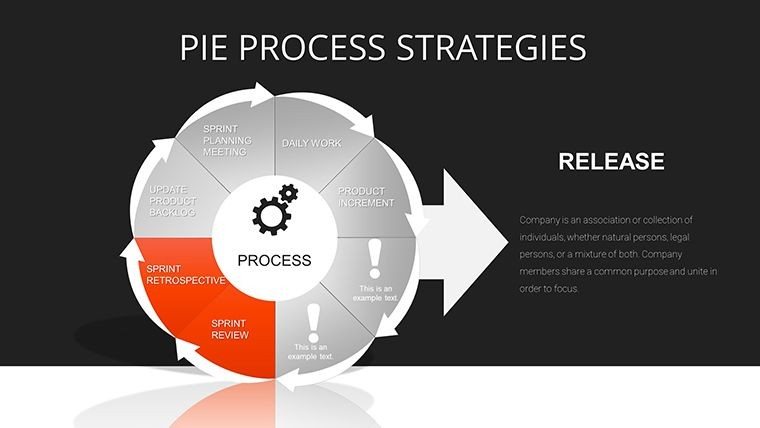
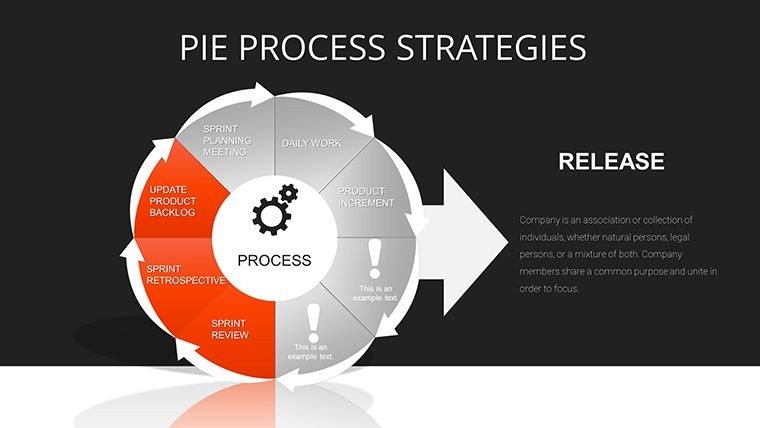
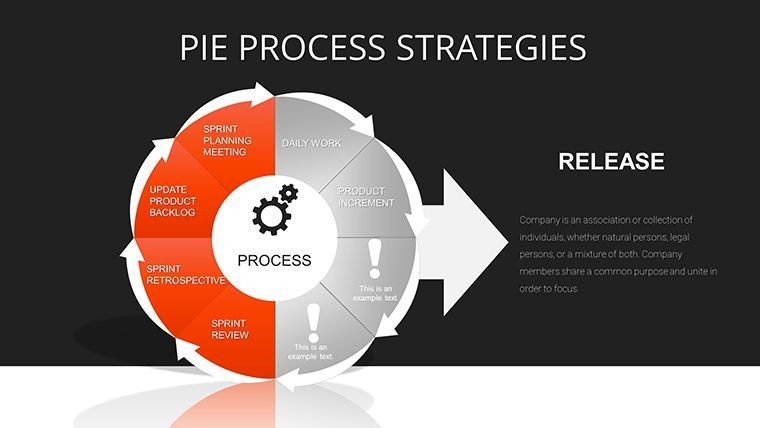
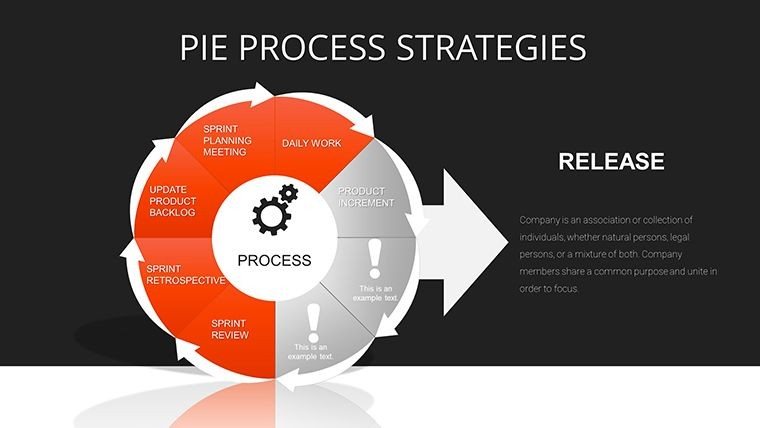
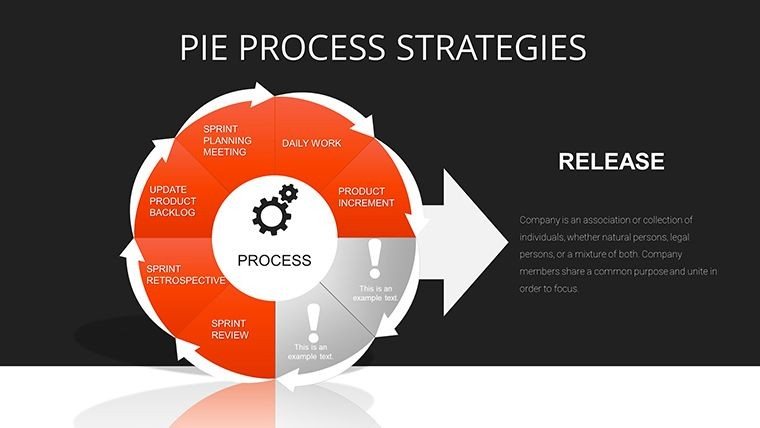
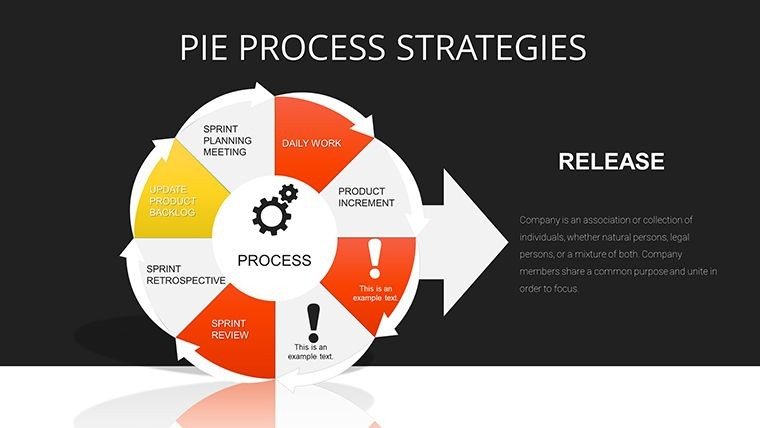
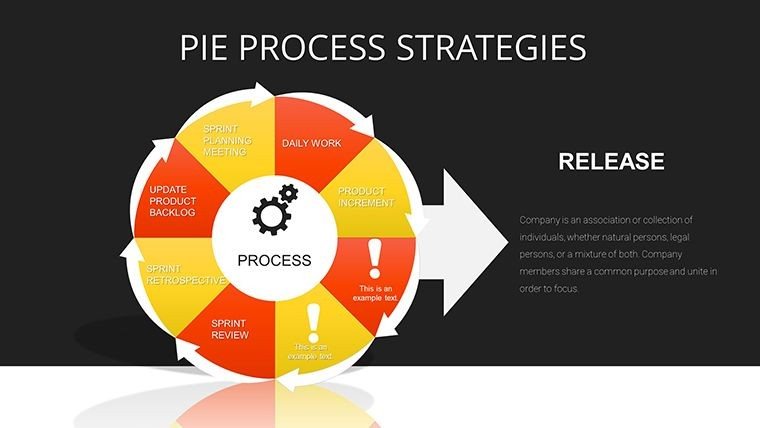
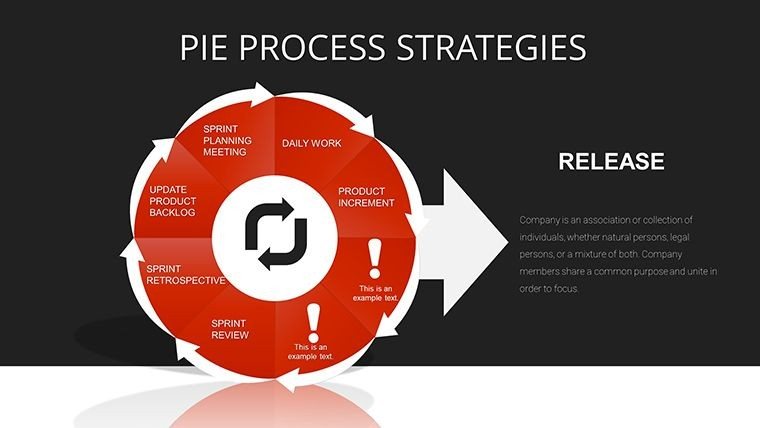
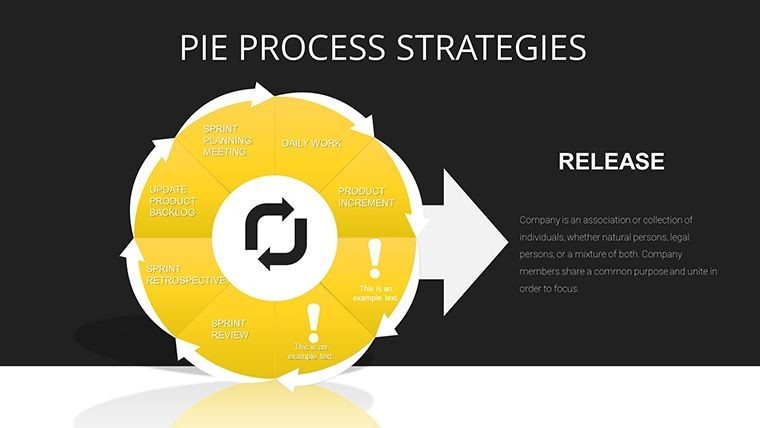
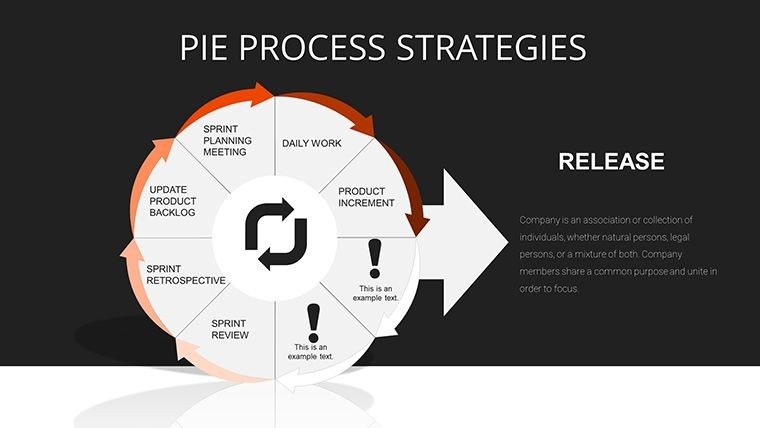
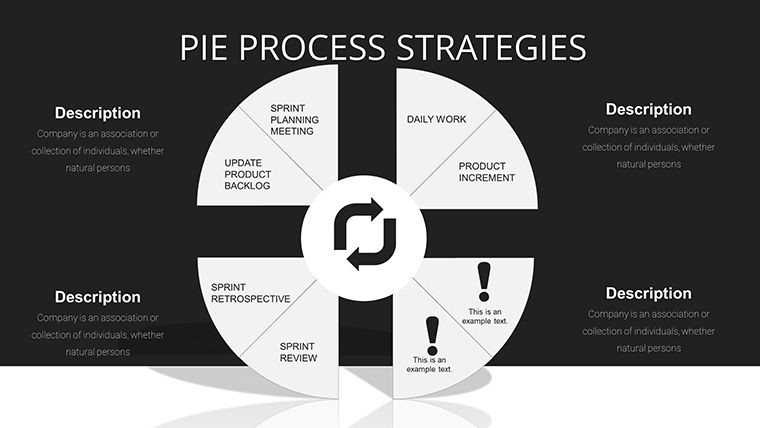
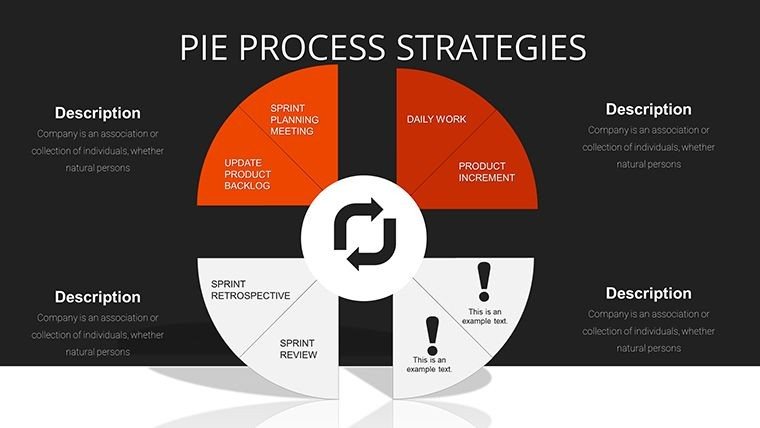
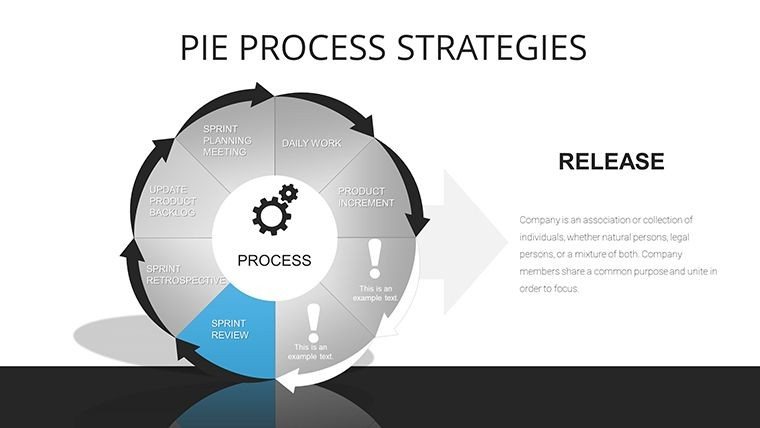
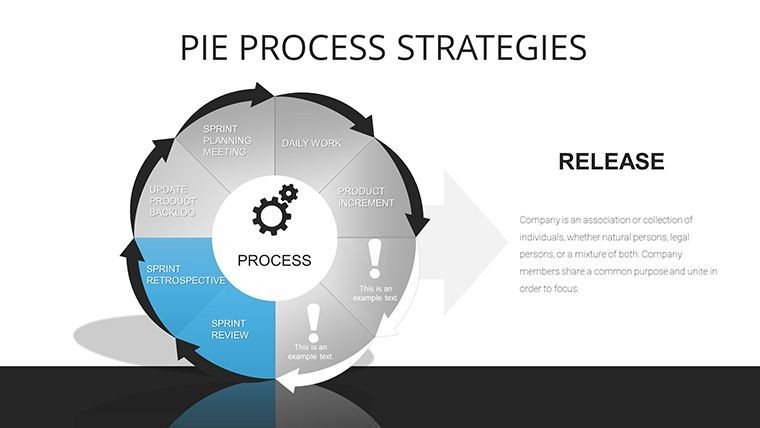
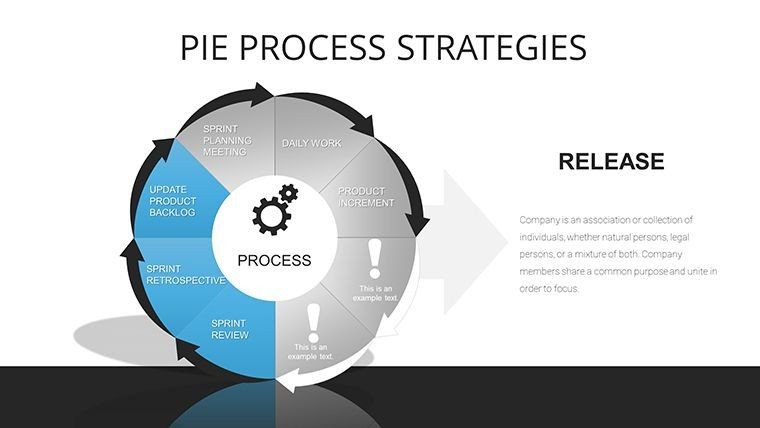
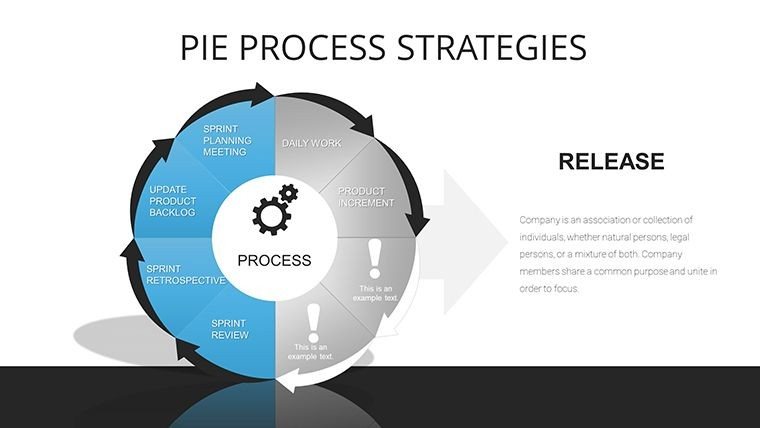
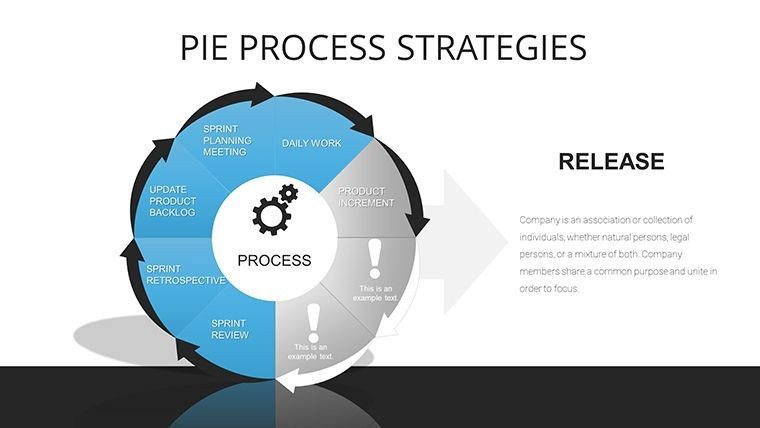
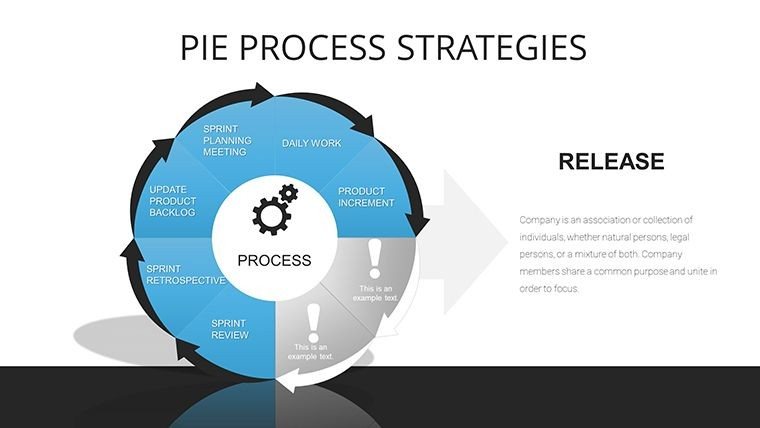
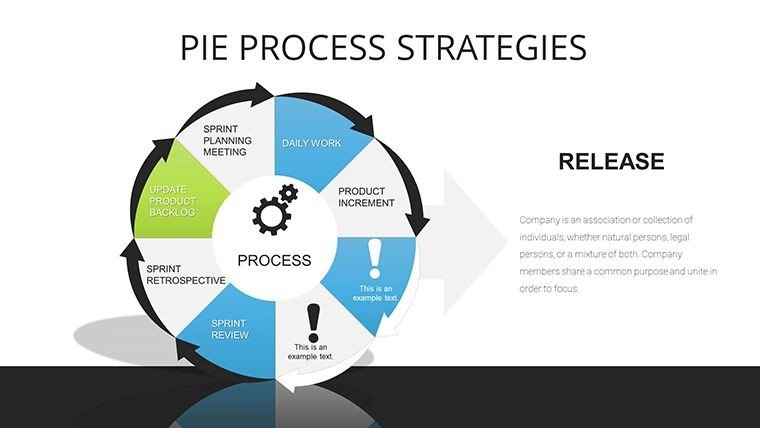
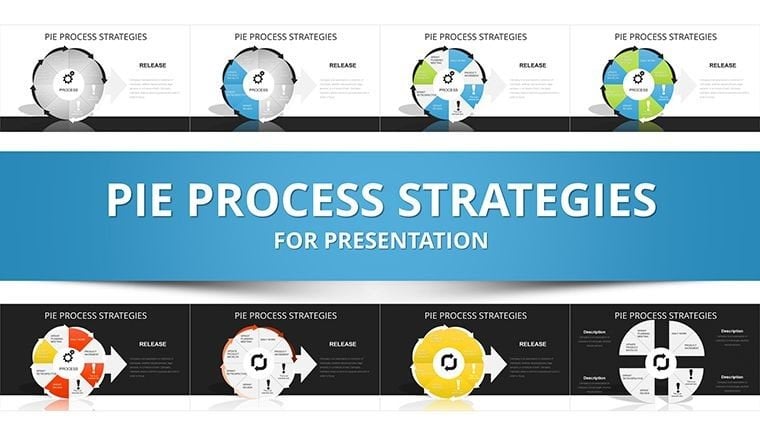
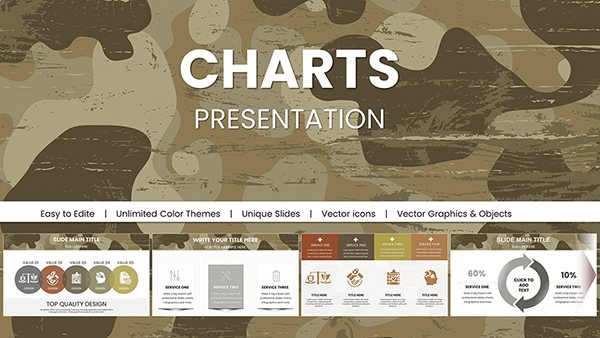
Step into a realm where data meets design in perfect harmony with the Pie Process Strategies PowerPoint Charts template. Boasting 29 meticulously crafted editable slides, this tool is engineered for professionals who need to dissect complex processes and strategies through intuitive visuals. Picture a marketing team pitching a new campaign: Instead of dense spreadsheets, they use vibrant pie charts to break down market shares and flow diagrams to outline execution steps, instantly clarifying their vision. Tailored for business strategists and educators, it addresses the frustration of unclear communications by providing ready-made frameworks that highlight efficiencies and outcomes. Compatible with PowerPoint and Google Slides, these charts allow quick adaptations, saving precious time while enhancing audience retention. Whether illustrating cyclical processes in project management or segmenting data in lesson plans, this template transforms abstract ideas into actionable insights, fostering better decision-making and engagement.
Core Features That Drive Strategic Success
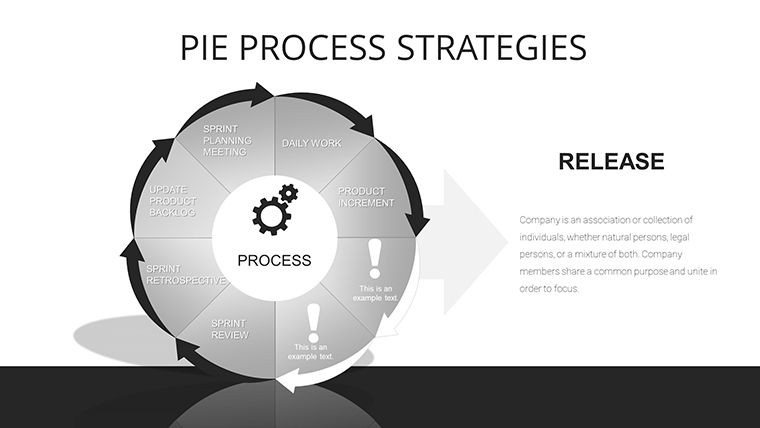
At its core, this template excels with a rich array of features designed for precision and flexibility. The 29 slides include variations of pie charts for proportional analysis, such as budget allocations in corporate settings, and process arrows that map out sequential strategies like product development cycles. Colors are fully adjustable to align with company branding, while fonts and layouts can be tweaked for readability on any screen. Incorporate your datasets directly - say, sales figures from quarterly reports - and watch as the visuals update automatically. Drawing from business analysis best practices, like those in Harvard Business Review case studies, these elements ensure your presentations carry authoritative weight. For educators, the interactive quizzes built into some slides encourage participation, turning passive lectures into dynamic discussions on topics like economic models.
Diverse Applications Across Industries
The real power lies in its broad applicability, making it a staple for varied scenarios. In business, use it for sales pitches where pie charts reveal customer demographics, helping close deals by demonstrating targeted strategies. Educators might employ process diagrams to teach supply chain logistics, simplifying concepts for students with real examples from companies like Amazon. A step-by-step use case: Start with a blank pie slide, input market research data, customize segments with icons representing sectors, then link to a process flow showing implementation phases. This approach, inspired by agile methodologies, ensures clarity in project timelines for teams in fields like software development. Even in non-profits, it aids in grant proposals by visually breaking down program impacts, boosting funding success rates through compelling narratives.
Expert Tips for Mastering Customization
To truly harness this template, follow these expert-driven customization strategies. Begin by selecting a base color scheme that evokes trust - blues for corporate reliability - then layer in data labels for quick insights without overwhelming viewers. For advanced effects, add animations to reveal pie segments one by one during a strategy reveal, building anticipation as recommended by presentation gurus like Nancy Duarte. Integrate LSI elements naturally, such as embedding cycle diagrams within pie overviews for multifaceted views. If working in teams, utilize Google Slides' comment features to refine processes collaboratively. Avoid common errors like overpacking slides; aim for one key strategy per visual to maintain focus. These insights, honed from years in marketing consultancy, elevate your output from standard to standout.
Superior to Generic Alternatives
What sets this apart from default PowerPoint tools? Built-in options often lack the integrated strategy focus, resulting in disjointed slides that fail to convey cohesion. Here, pre-linked pie and process elements create seamless narratives, ideal for complex topics like risk assessment in finance. Users in educational seminars report higher engagement when using these over basics, as the thematic icons - gears for processes, percentages for pies - add professional polish. Plus, with 29 variations, you avoid repetition, unlike limited free templates that constrain creativity. In competitive environments, this means standing out in boardrooms or classrooms, where visual strategy can sway opinions and drive results.
Transform your strategies into visuals that stick - secure the Pie Process Strategies template now and strategize with style.
Frequently Asked Questions
What types of charts are included?
Mainly pie charts and process diagrams, with variations for strategic breakdowns.
Can I add my own data easily?
Yes, simply input values, and visuals update automatically for quick edits.
Is it suitable for beginners?
Absolutely, with an intuitive interface and customization options for all levels.
Does it support team collaboration?
Yes, fully compatible with Google Slides for shared editing.
Are there any usage limits?
No, use it for unlimited personal or professional presentations.
Good for
- Project roadmaps and sprint plans
- Product launch timelines
- Quarterly or annual review decks
- Company history and milestone summaries
Licence
reviews
Pie Process Strategies template blends proportions and flows seamlessly. Vibrant segments for market shares worked great in campaign pitch. 29 slides versatile.
Business strategist: automatic data updates handy. Icons enhance storytelling. Professional for execs.
The strategy breakdowns are intuitive. Good for educators explaining cycles. Colors brand well.
Practical hybrid charts saved redesign time. Some pies felt standard but process links strong.
Marketing team loved the execution step visuals. Clear audience engagement boost.
Deadline report: pie-to-process transitions logical. Solid PowerPoint integration.
FAQ
Will it work in Google Slides?
Are fonts embedded?
Can I use this for client work?
What's the refund policy?
Do you update the template after purchase?
Similar templates
See all PowerPoint Charts →
All 29 slides