 Click to zoom
Military Camouflage PowerPoint Charts Templates
| Format | .pptx |
| Slides | 59 unique layouts |
| Aspect ratio | 16:9 |
| Compatibility | PowerPoint |
| Animated | No |
| Language | English |
| License | Commercial |
| File size | — |
| Version | v1.0 |
| Last updated | July 2023 |
What's inside
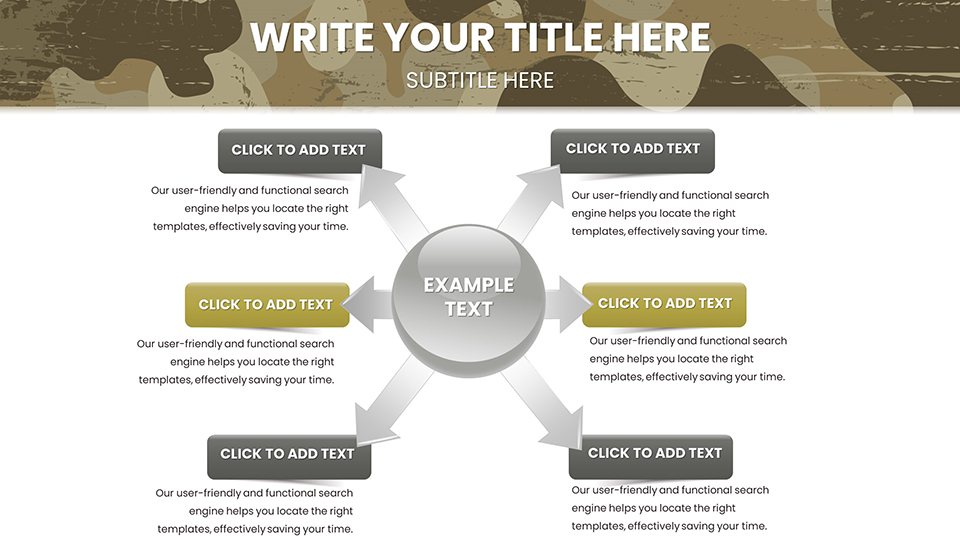
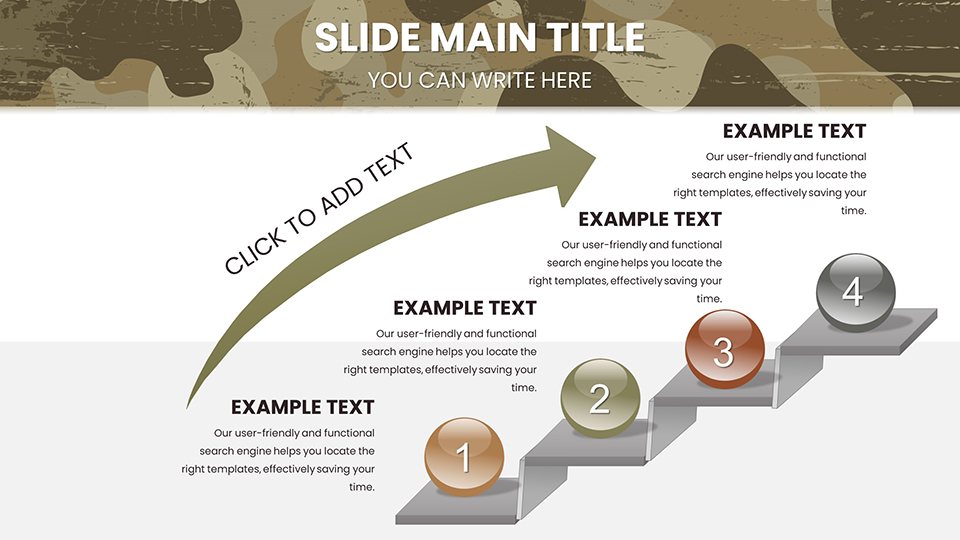
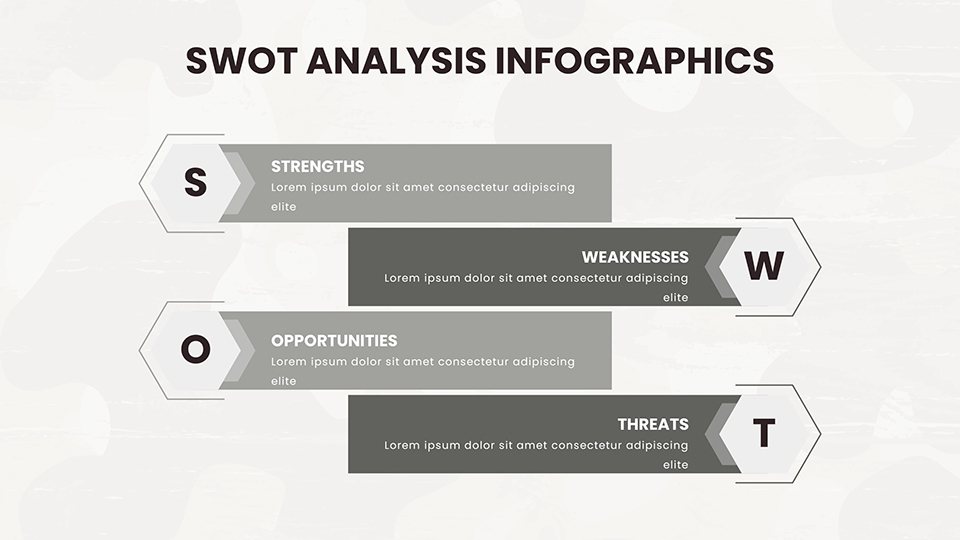
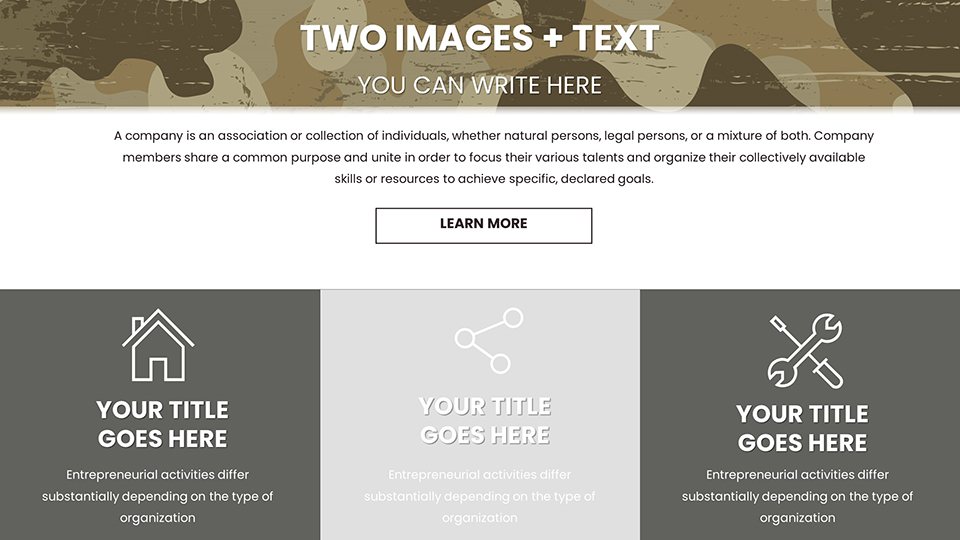
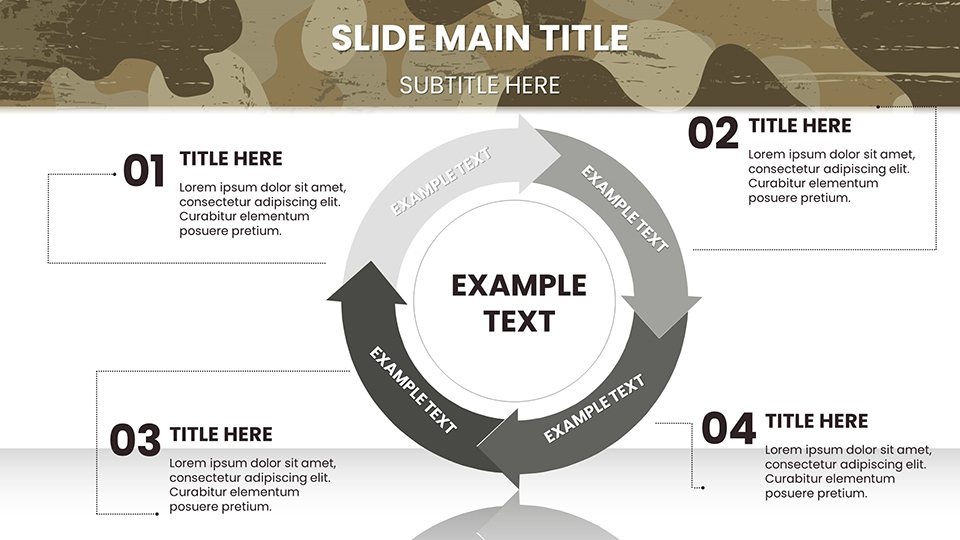
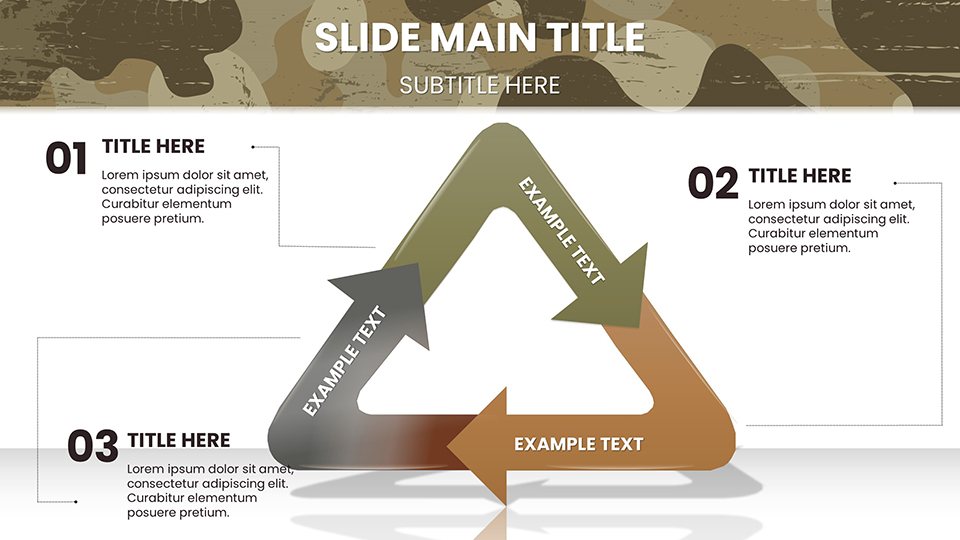
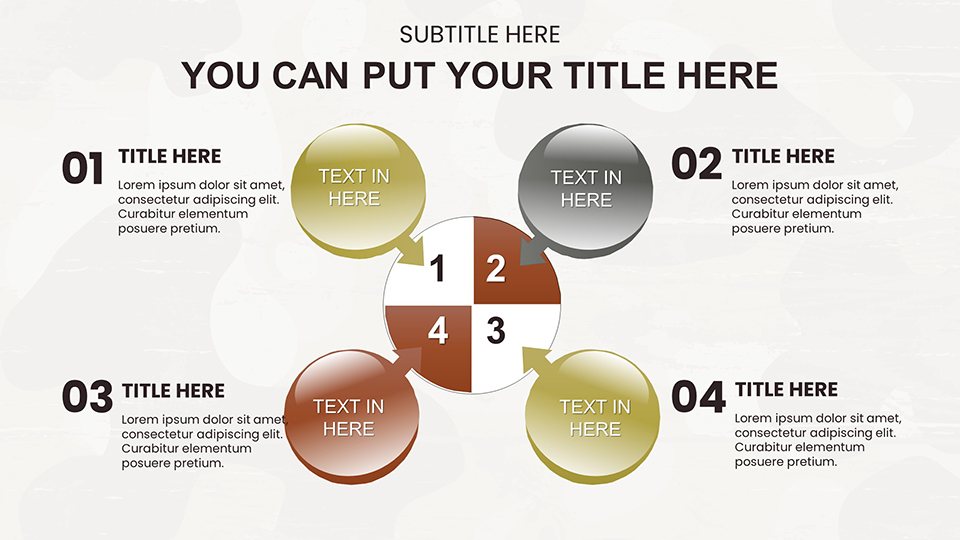
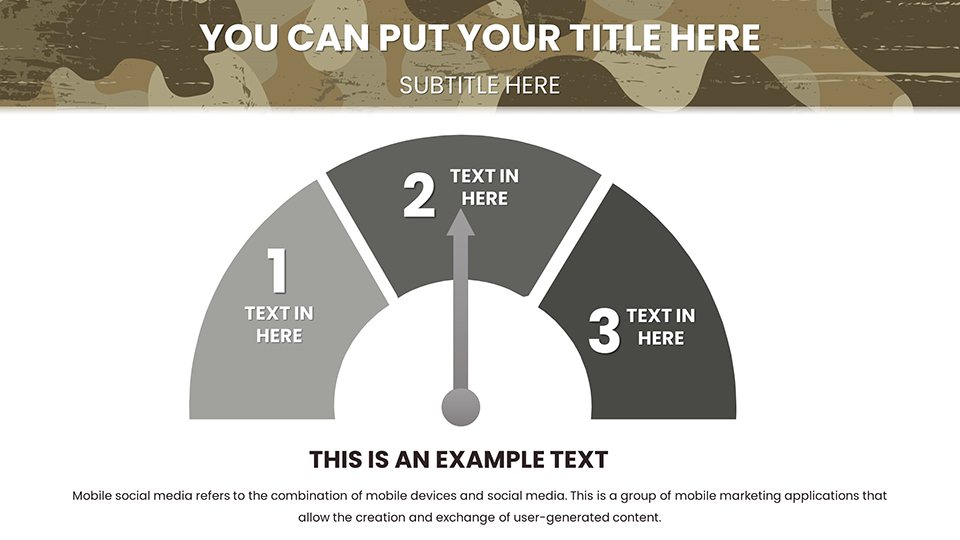
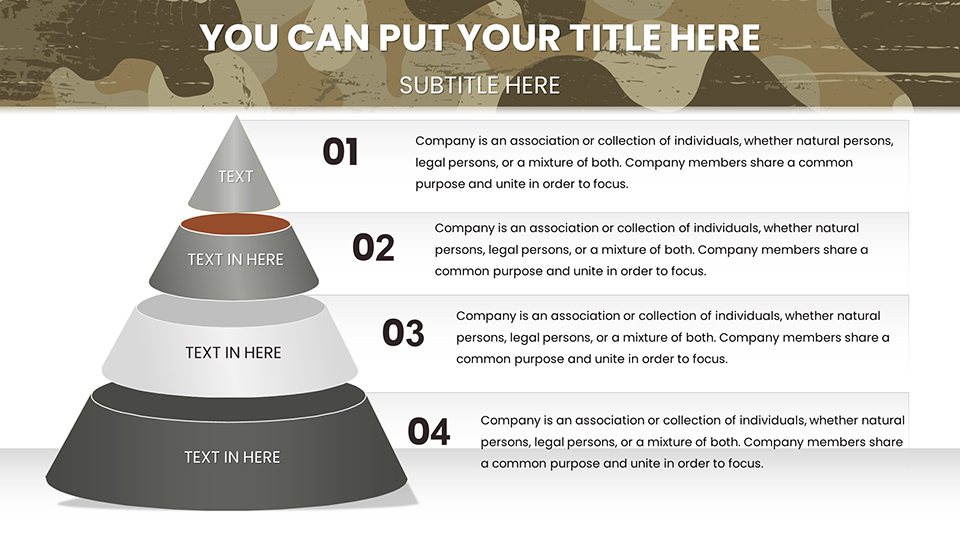
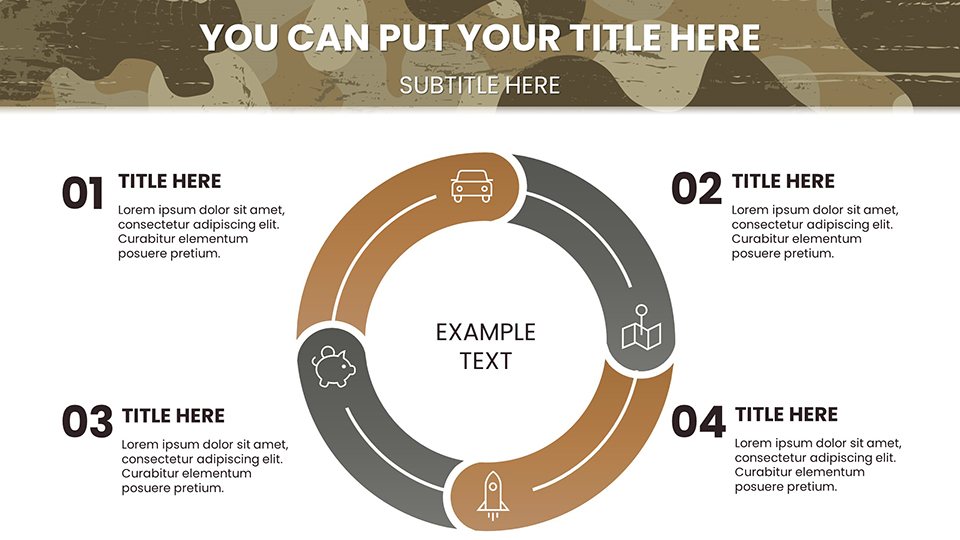
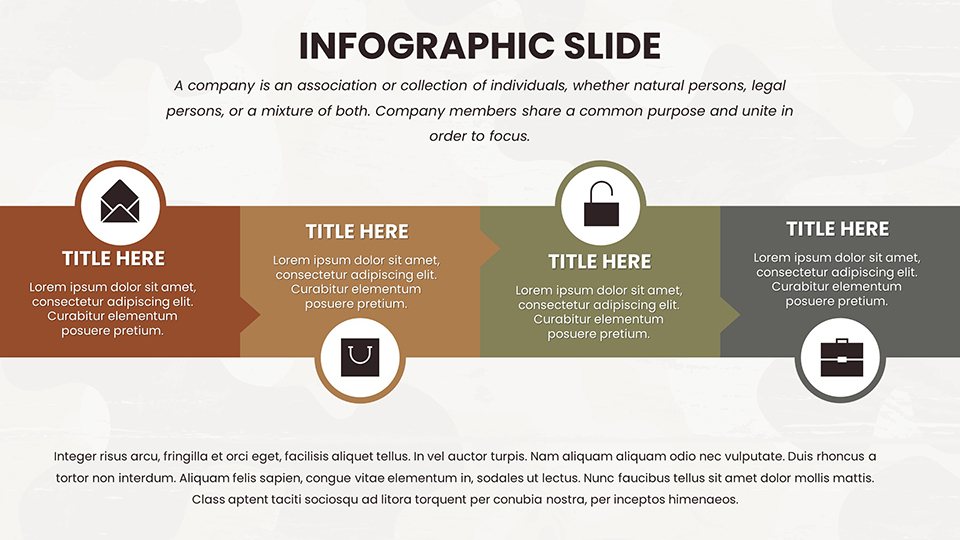
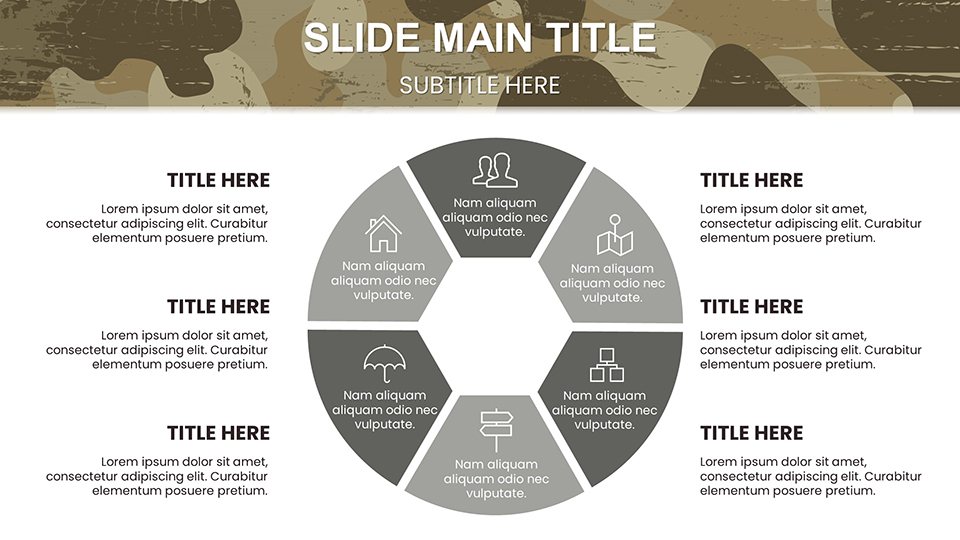
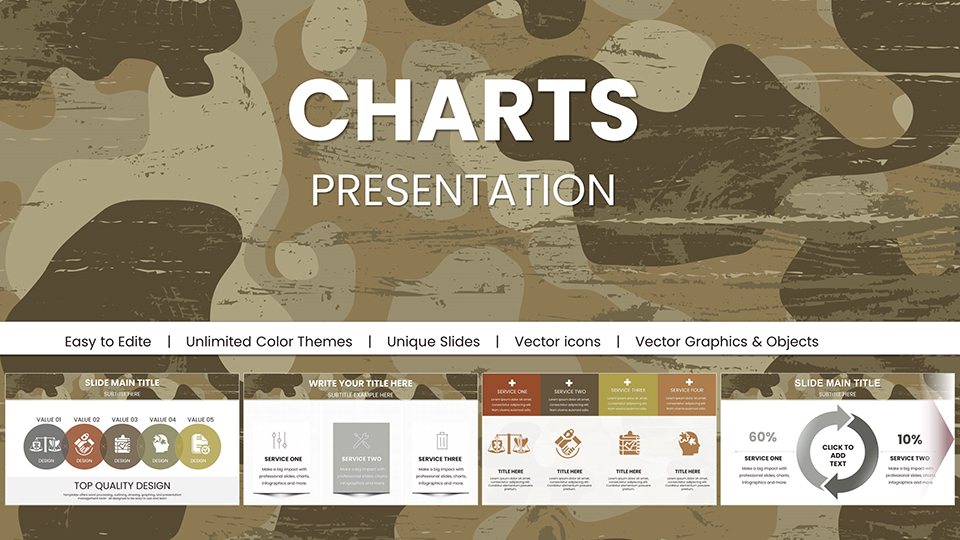
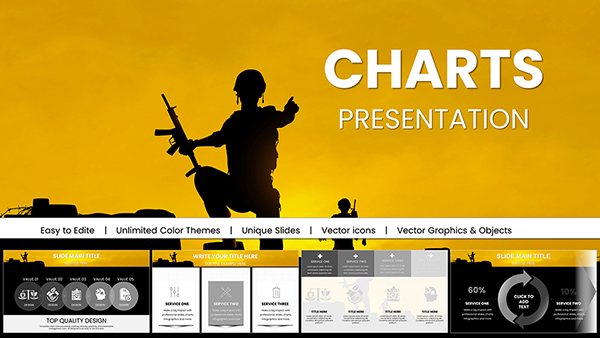
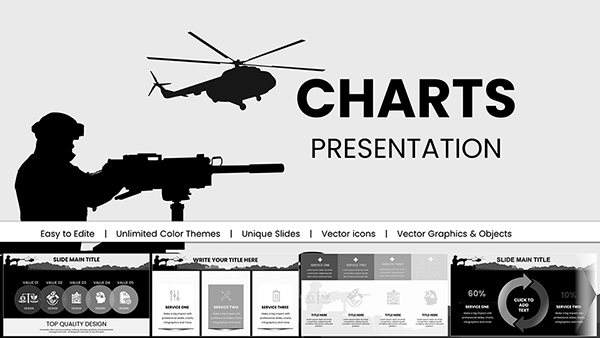
In the shadows of strategic planning, where details must blend seamlessly yet stand out when needed, our Military Camouflage PowerPoint Charts template provides the perfect cover. Boasting 59 editable slides, this resource is ideal for security consultants, military planners, and analysts who require visuals that mask complexity while highlighting essentials. The camouflage motif isn't just aesthetic - it's functional, using patterned backgrounds to integrate data without visual overload, much like terrain concealment in ops. Defense firms can use these to pitch surveillance systems, embedding graphs that show detection rates amid cluttered environments. This template resolves the issue of generic designs by offering themed infographics that enhance immersion, all editable for swift adaptations. With full support for PowerPoint and Google Slides, it facilitates covert collaborations, proving invaluable for those navigating sensitive information landscapes.
Camouflaged Design for Stealthy Effectiveness
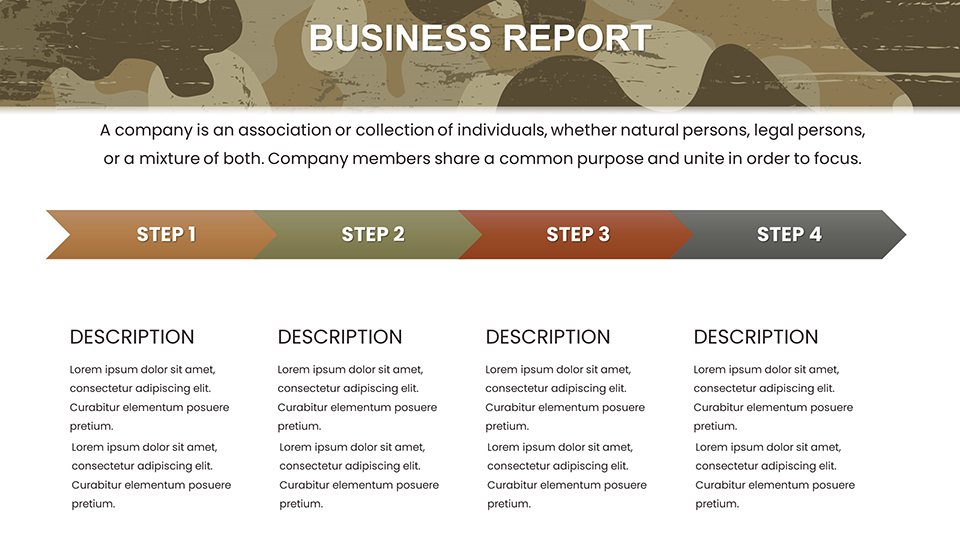
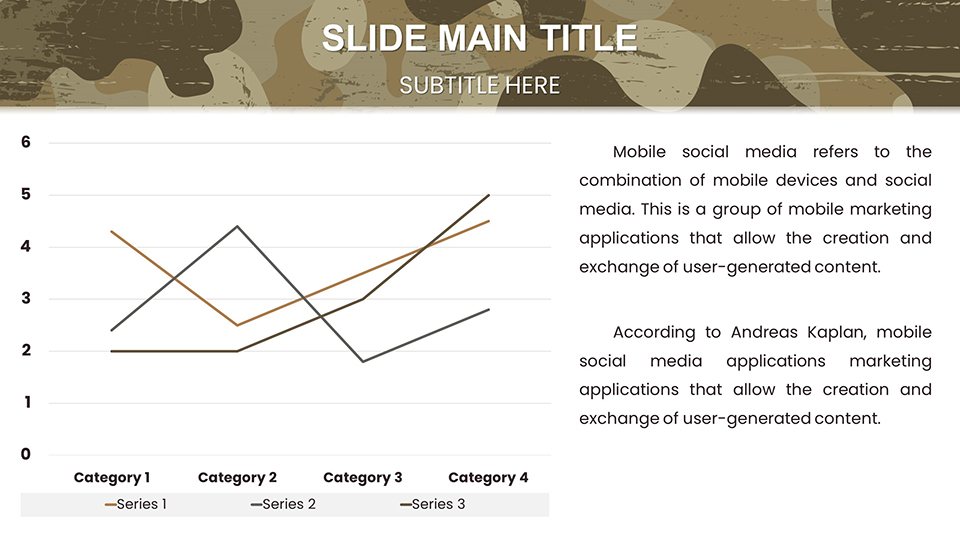
This template's ingenuity lies in its ability to disguise dense data within intuitive visuals. Timelines mimic patrol routes, while area charts represent coverage zones, all overlaid on subtle camo patterns that maintain focus. Referencing tactics from manuals like FM 3-21.8 on infantry operations, the designs employ contrast wisely to reveal key intel. Security teams assessing vulnerabilities can customize dashboards to plot threat landscapes, adding layers like heat signatures via color gradients. The full editability extends to reshaping elements, ensuring adaptability to mission-specific needs, from urban to woodland scenarios. This fosters an authoritative presence, grounded in practical military applications that build user trust.
Core Features Hidden in Plain Sight
- Infographic Arsenal: Graphs, diagrams, and maps tailored for defense narratives.
- Pattern Integration: Camo themes that unify slides without distracting.
- Edit Mastery: Alter patterns, data, and layouts for bespoke fits.
- Visual Stealth: Balanced elements that hide clutter, reveal value.
- Access Speed: Instant downloads for urgent briefing prep.
These traits make the template a covert asset, enhancing through specialized, reliable tools.
Concealed Applications in Defense Realms
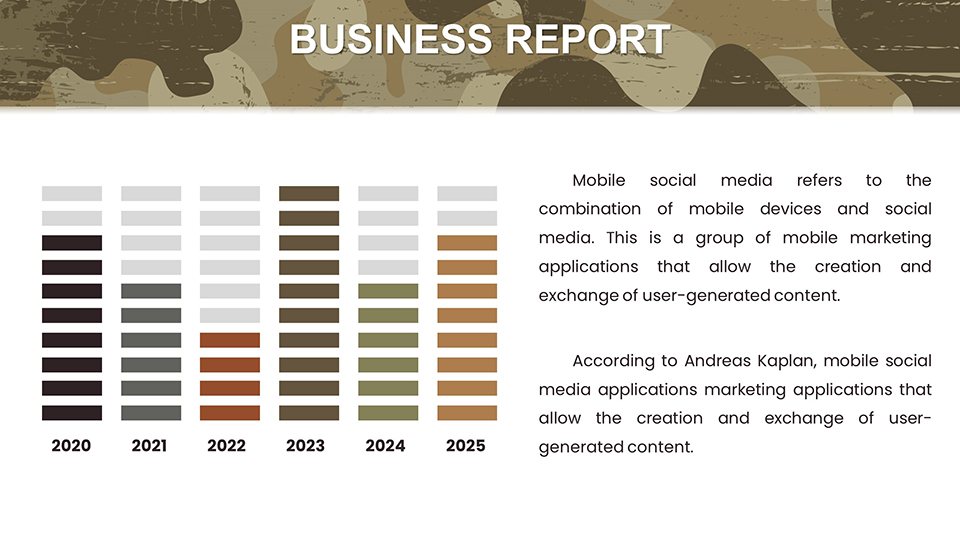
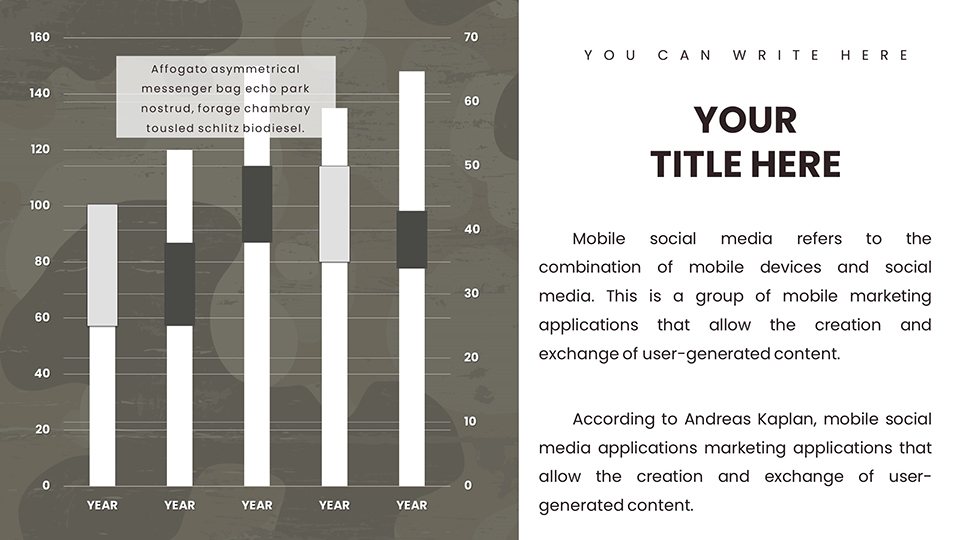
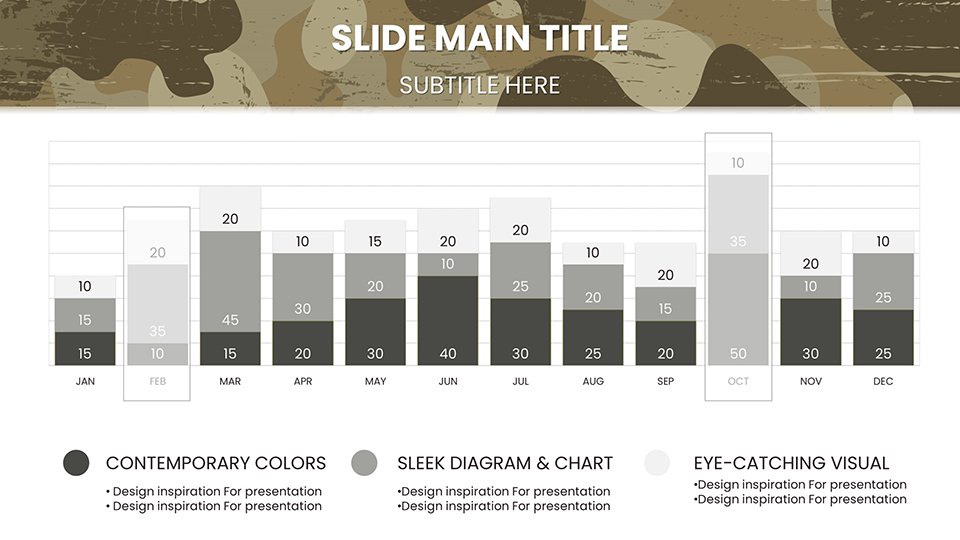
Imagine camouflaging budget allocations in a proposal: use stacked bars to layer expenditures, blending them into a cohesive strategy overview. Echoing successes in operations like Phantom Fury, this technique adds historical gravitas. Trainers can deploy slides for camouflage technique workshops, incorporating interactive zones for scenario simulations. In corporate security, adapt for risk assessments, mapping cyber threats akin to physical ambushes. Weaving in terms like stealth operations, tactical concealment, and reconnaissance visuals boosts discoverability, all while prioritizing user utility in high-stakes fields.
Stealth Workflow Deployment
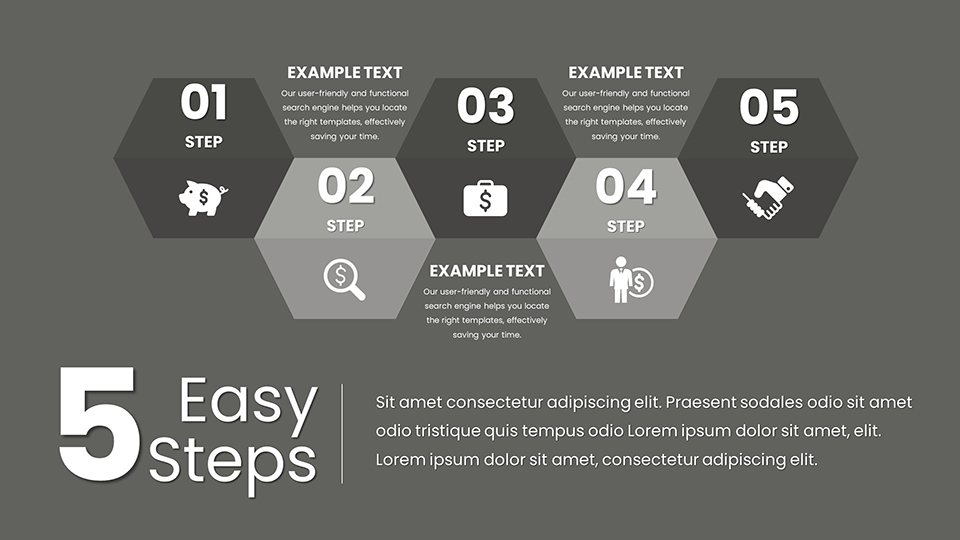
- Initiate Acquisition: Secure the .pptx file download.
- Intel Insertion: Embed your data into pre-camouflaged charts.
- Pattern Adjustment: Tune themes to environmental contexts.
- Team Infiltration: Collaborate via Google Slides for silent inputs.
- Recon Review: Test visibility in various display modes.
- Mission Launch: Present with concealed confidence.
This methodical path ensures operational secrecy and efficiency.
Tactical Advice for Invisible Excellence
Master camouflage by balancing reveal and conceal: use animations to unveil data progressively, mimicking intel drops. Avoid over-patterning; let content emerge naturally. For remote ops, leverage sharing tools to maintain operational security. Cite sources like the Marine Corps Warfighting Publication for added credibility. Outpacing basic templates, this offers thematic depth, minimizing exposure to subpar visuals in critical reviews.
Unveil the power of disguised data - acquire this template and blend into brilliance.
Frequently Asked Questions
Why the camouflage theme?
It provides a thematic unity for military presentations, enhancing immersion without overwhelming visuals.
How customizable are the patterns?
Fully - adjust colors and styles to match specific operational environments.
Suitable for security training?
Yes, with diagrams perfect for illustrating concealment strategies.
Format options?
.pptx primary, PDF for secure exports.
Collaboration features?
Seamless with Google Slides for team-based edits.
Data integration ease?
Simple placeholders for quick, secure insertions.
Good for
- Project roadmaps and sprint plans
- Product launch timelines
- Quarterly or annual review decks
- Company history and milestone summaries
Licence
reviews
Military planner - camo patterns integrate data cleverly without clutter. Threat landscape dashboards with heat maps felt immersive for briefings.
Security consultant found timeline patrol routes practical. Subtle overlays reveal key intel well. Customizable for urban/woodland scenarios effectively.
Training sessions benefited from interactive zones and stacked expenditure bars. Theme enhances immersion but can overwhelm if not edited carefully.
As an analyst, coverage zone area charts with gradients worked for risk assessments. Stealthy design builds authority. Solid editable PPTX.
Deadline for ops proposal - blended visuals masked complexity nicely. Animations for intel drops are tactical. Good value.
Slightly critical of pattern density on dense slides but overall functional for defense narratives. Vectors maintain quality when scaled.**
FAQ
Will it work in Google Slides?
Are fonts embedded?
Can I use this for client work?
What's the refund policy?
Do you update the template after purchase?
Similar templates
See all PowerPoint Charts →

All 59 slides