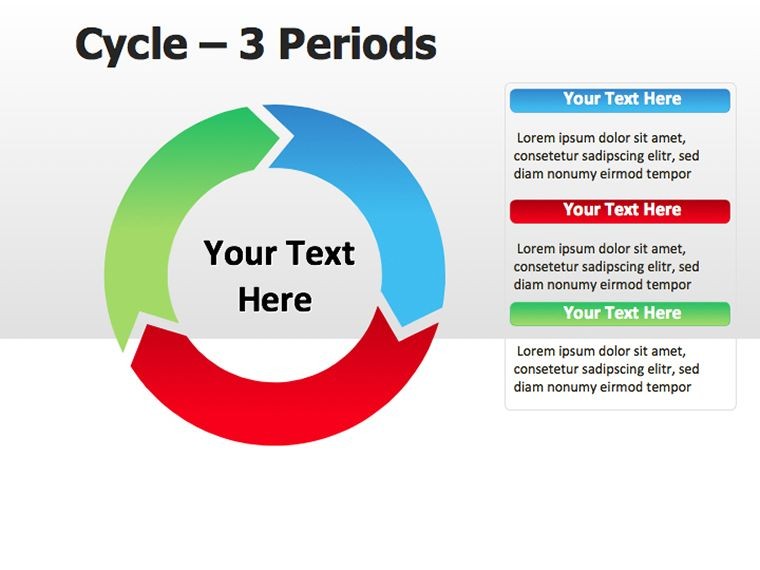
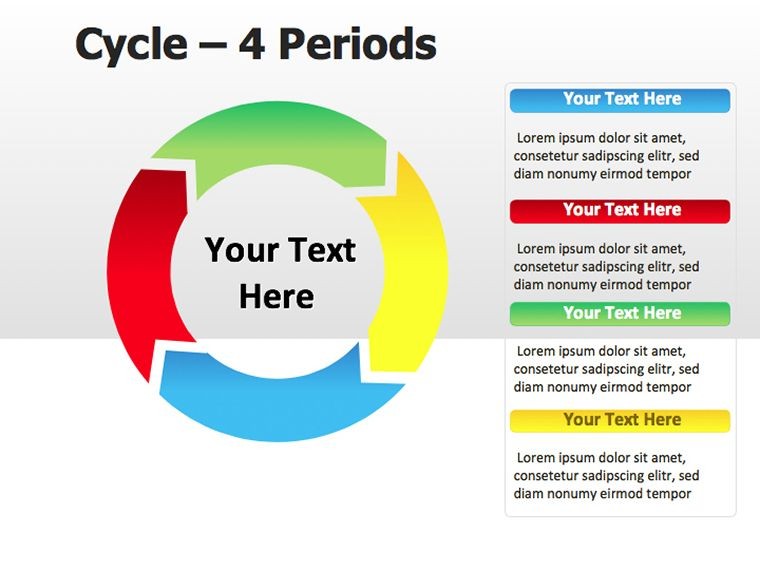
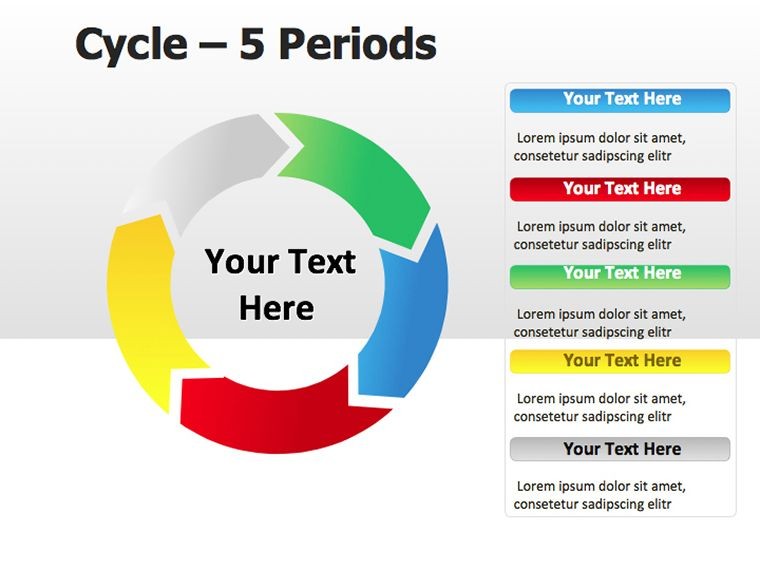
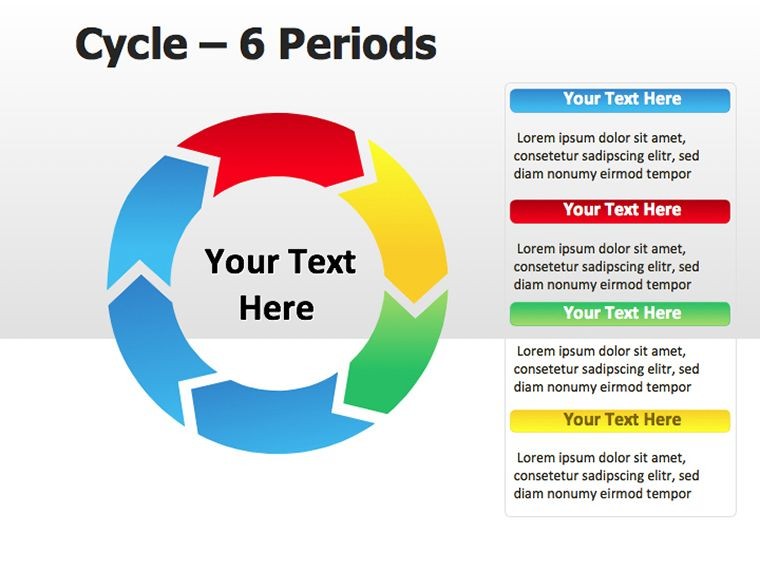
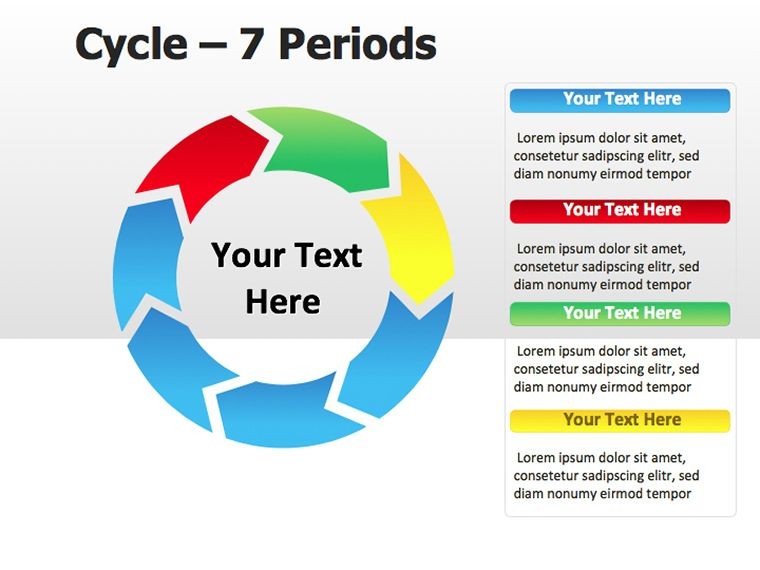
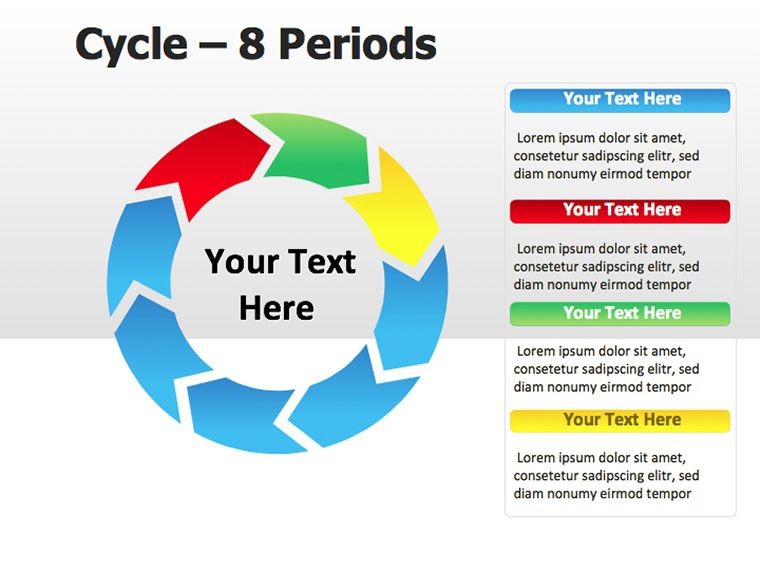
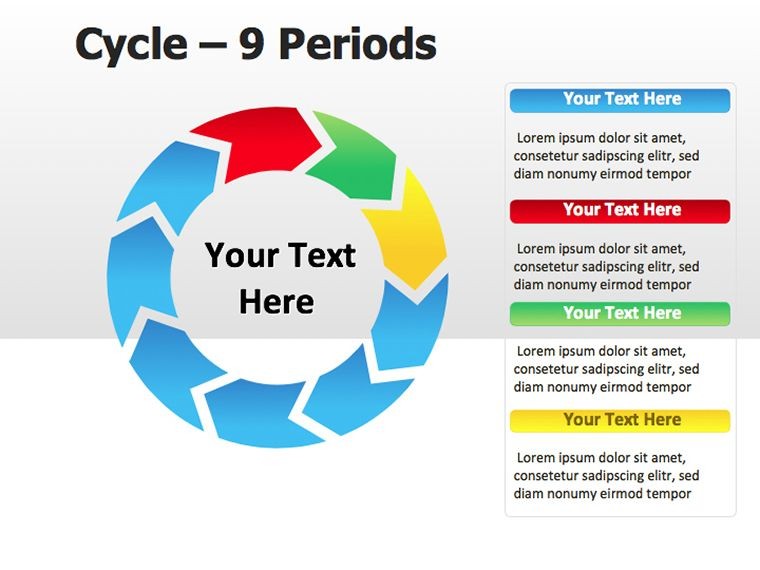
 Click to zoom
Period Cycle Keynote Diagrams: Spin Cycles into Stories
| Format | .pptx |
| Slides | 12 unique layouts |
| Aspect ratio | 16:9 |
| Compatibility | PowerPoint |
| Animated | No |
| Language | English |
| License | Commercial |
| File size | — |
| Version | v1.0 |
| Last updated | February 2025 |
What's inside
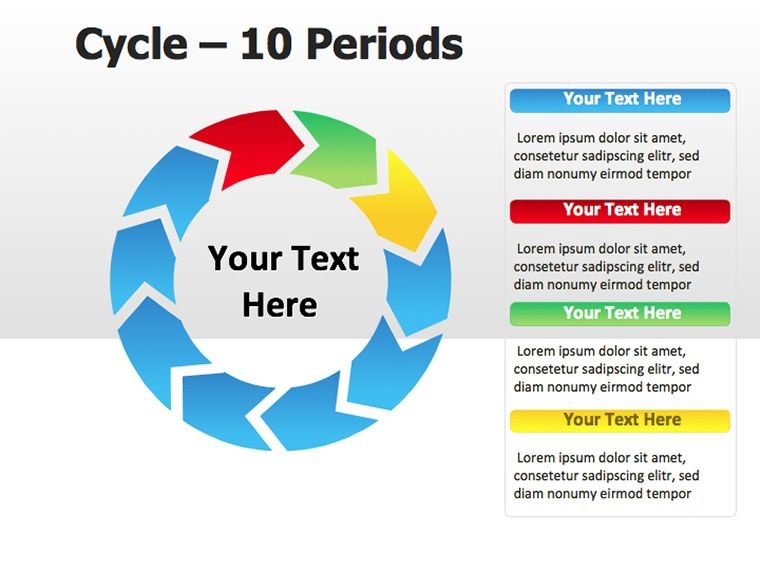
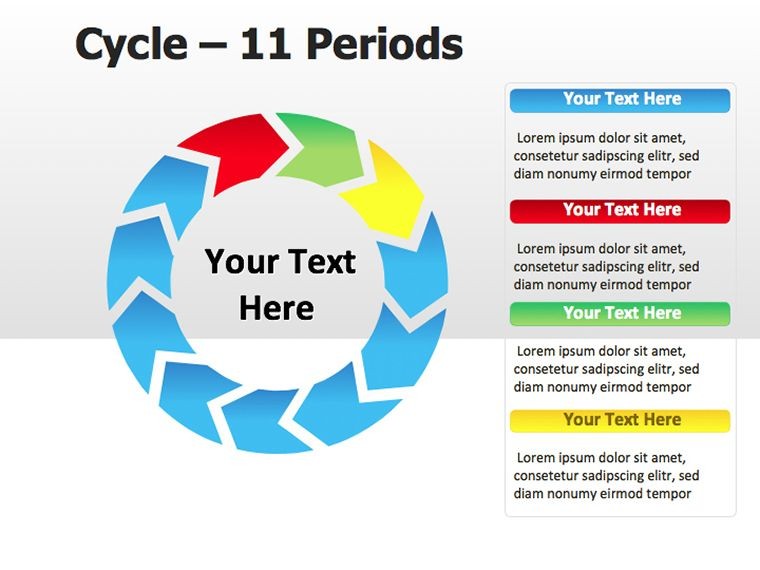
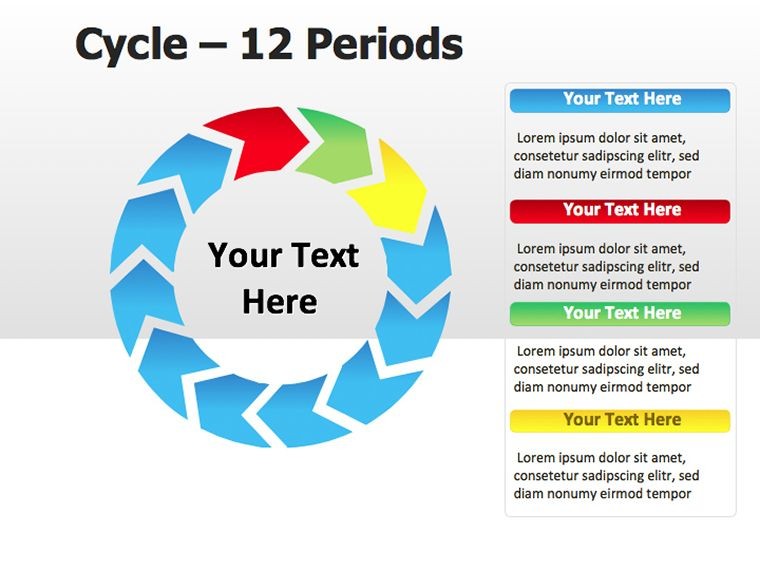
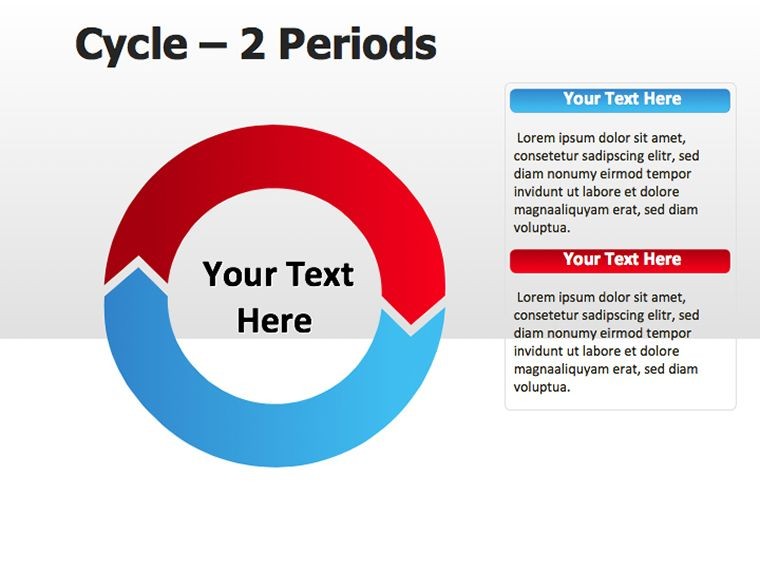
Cycles aren't mere repetitions - they're rhythms that pulse with purpose, and our Period Cycle Keynote Diagrams template captures that pulse across 12 editable slides. Blending pies, puzzles, and flows for $24, this .key pack is crafted for presenters who weave time-based tales, from fiscal periods to seasonal shifts. Keynote's native tools make it a breeze for Mac users aiming to make speeches that echo.
These diagrams fuse circular pies for proportions with puzzle interlocks for sequences, creating hybrids that adapt to any period's narrative. Shadows and gradients add subtle dimension, while full editability ensures your cycles align with unique timelines.
Fusing Forms for Fluid Cycles
The template's genius is in its modular mix: Pie slices quantify periods, puzzles sequence them, all within a cohesive cycle framework. This allows nuanced views - like a pie for allocation within a puzzle for progression - tailored to your story's beat.
Edit with ease: Slice pies via shape tools, notch puzzles for fits, recolor cycles to seasonal palettes. It's designed for intuition, minimizing clicks to maximize creativity.
- Pie Cycles: Radial breakdowns for periodic distributions, like monthly budgets.
- Puzzle Periods: Interlocking phases for event-driven timelines.
- Hybrid Flows: Blended views for comprehensive overviews.
Assembling Your Cycle
Import to Keynote, pick a slide - maybe the pie-puzzle for annual reviews. Assign data to slices, connect via lines, animate a clockwise build to unfold the period. Refine with master slides for consistent theming across your deck.
A finance advisor might use this for investment cycles: Pie for asset mixes per quarter, puzzle for strategy evolutions, illustrating compounding in an engaging loop that clients revisit.
Cycling Through Practical Scenarios
In marketing, period cycles track campaign waves - pies for channel spends, puzzles for tactic sequences. Educators cycle through curriculum units, each pie segment a topic's weight, puzzles linking prerequisites.
HR pros diagram performance reviews, with cycles showing growth arcs over years. Event coordinators map festival periods, blending pies for attendee breakdowns with flows for logistics.
Over plain cycles, these add puzzle intrigue, making static periods interactive. Lightweight for mobile edits, they export vibrantly to shares.
Cycle Optimization Tips
- Cap slices at key periods - focus on rhythm over detail.
- Layer transparencies for overlapping eras.
- Leverage Keynote's path animations for pie spins.
These keep your cycles crisp and captivating.
Periods That Resonate
Versatile for solopreneurs cycling freelance gigs or teams orbiting sprints, this template amplifies periodicity's power. Consultants cycle advisory models, pies quantifying deliverables, puzzles sequencing engagements.
It's for anyone who sees time as a wheel turning forward, turning reports into rhythmic recitals.
Download the Period Cycle Keynote Diagrams and let your periods propel presentations to new heights.
Frequently Asked Questions
Do pies integrate with Keynote charts?
Yes, overlay data seamlessly for dynamic updates.
Are puzzles resizable independently?
Fully, with smart guides for perfect fits.
Suitable for seasonal planning?
Ideal for quarterly or annual rhythms.
Animation options?
Rich, from rotates to sequential assembles.
Edit time estimate?
Minutes per slide with pre-built bases.
Good for
- Project roadmaps and sprint plans
- Product launch timelines
- Quarterly or annual review decks
- Company history and milestone summaries
Licence
reviews
and review are in a loop.
Used this for a scrum training.
The burndown chart is included.
FAQ
Will it work in Google Slides?
Are fonts embedded?
Can I use this for client work?
What's the refund policy?
Do you update the template after purchase?
Similar templates
See all Keynote Diagrams →
All 12 slides