 Click to zoom
Versatile 19 Keynote Diagrams Collection - Fully Editable | ImagineLayout
| Format | .pptx |
| Slides | 19 unique layouts |
| Aspect ratio | 16:9 |
| Compatibility | PowerPoint |
| Animated | No |
| Language | English |
| License | Commercial |
| File size | — |
| Version | v1.0 |
| Last updated | March 2026 |
What's inside
19 Diagrams Across Multiple Layouts: Full Contents
The download delivers 19 editable slides.
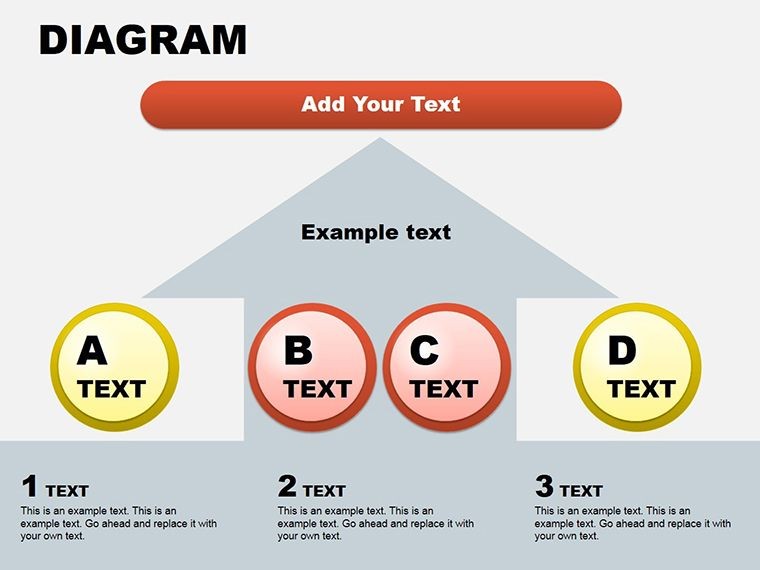
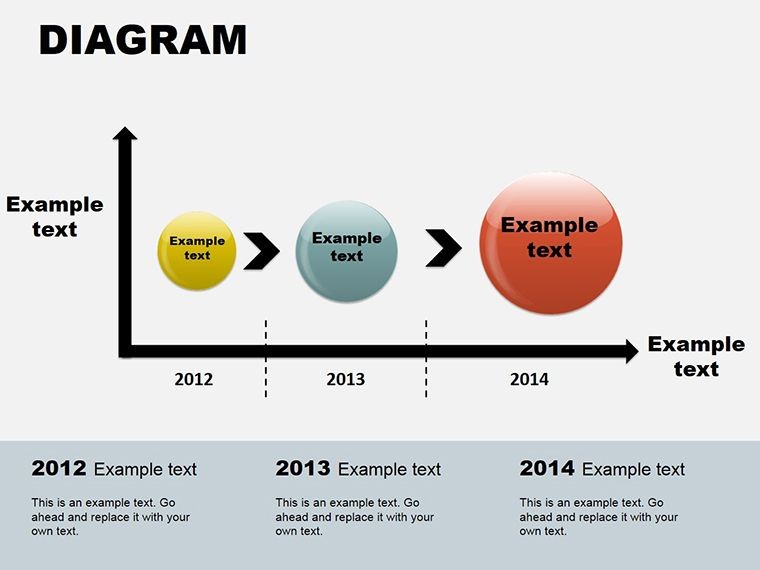
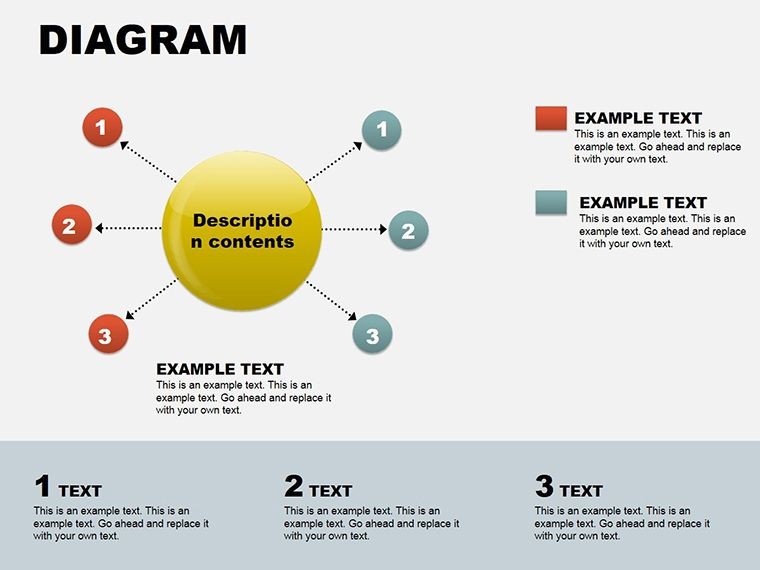
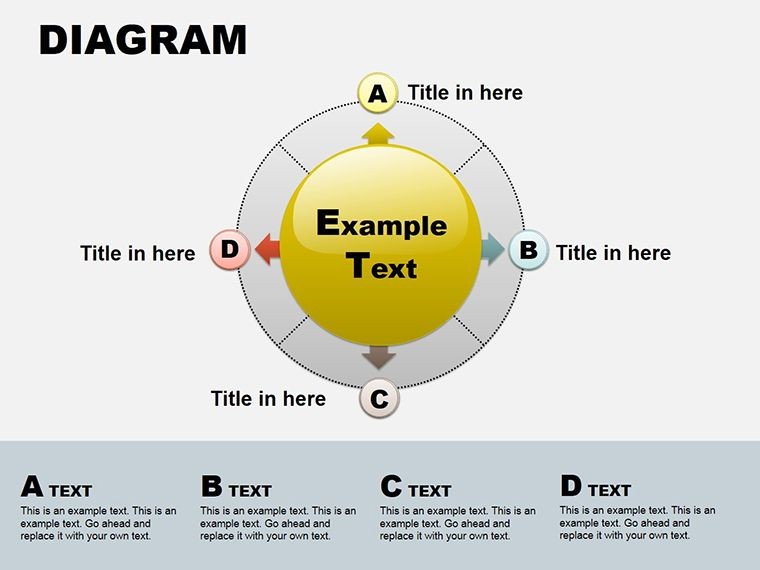
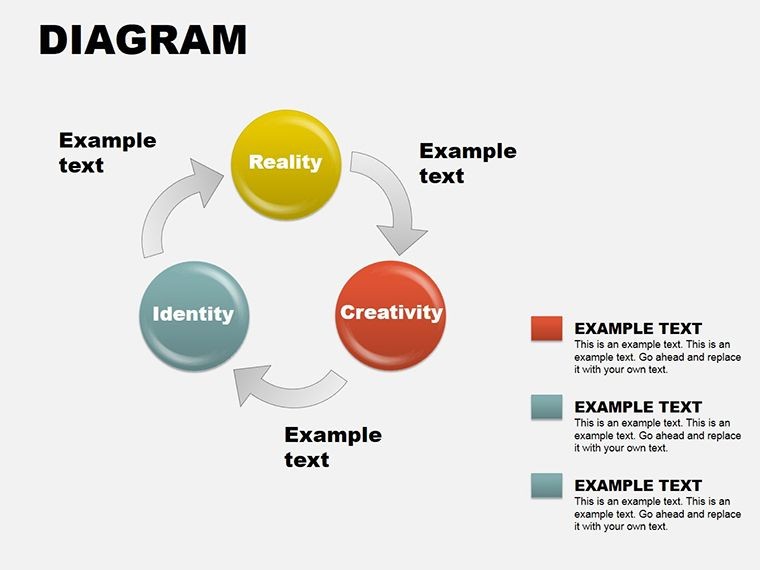
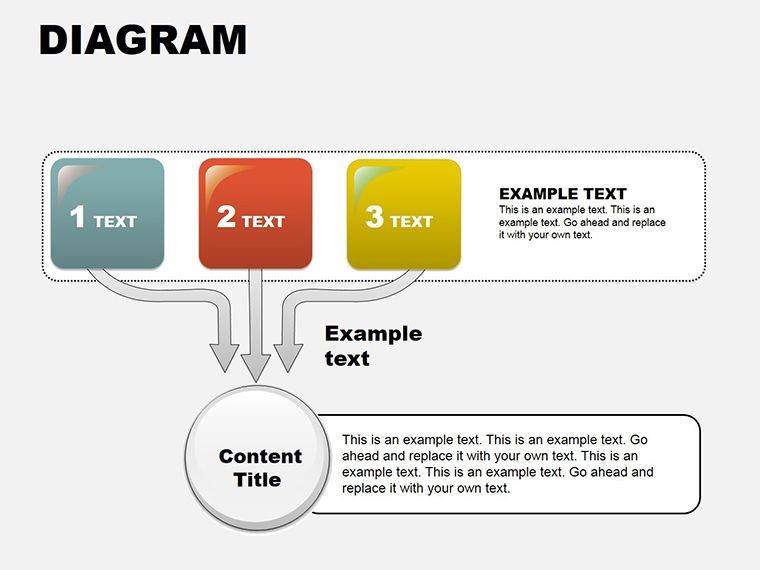
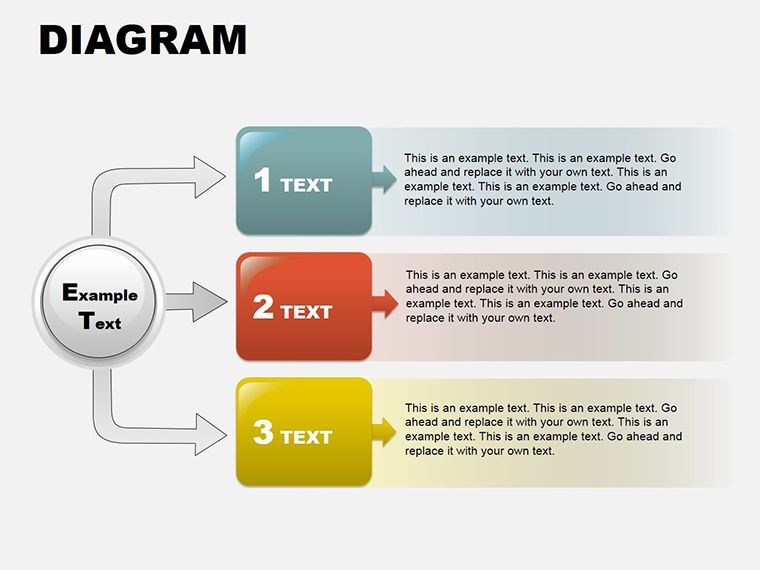
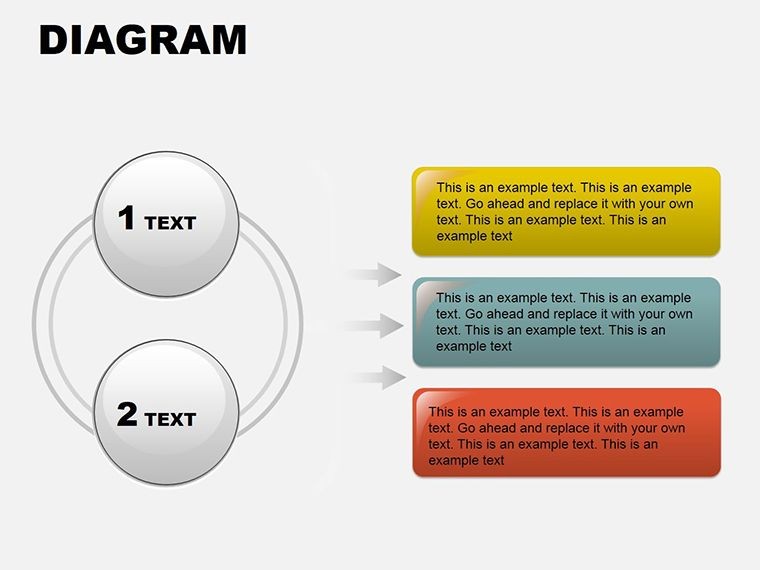
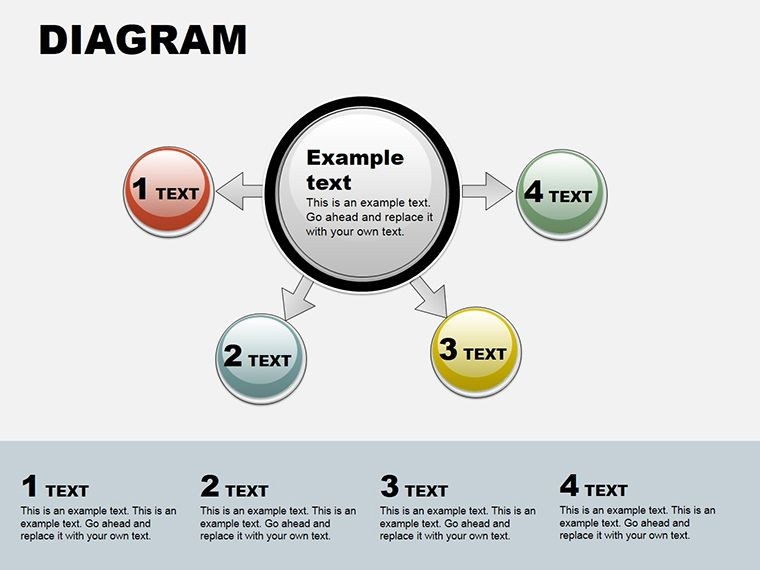
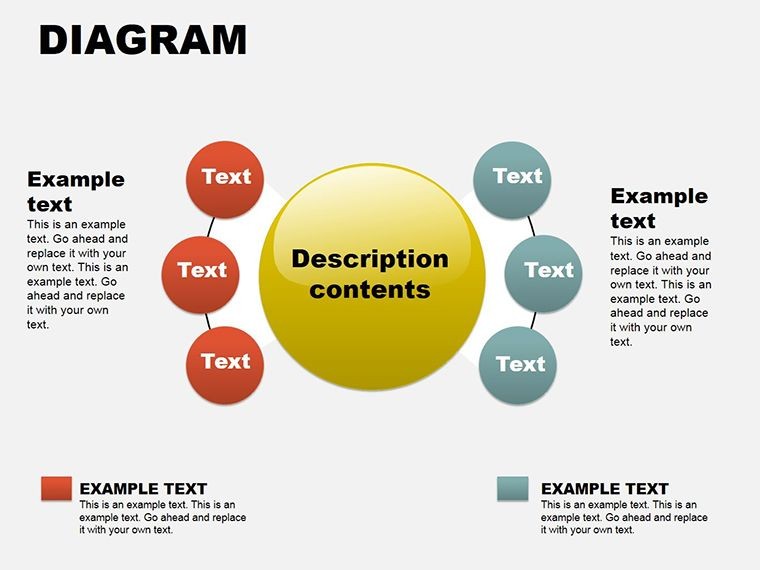
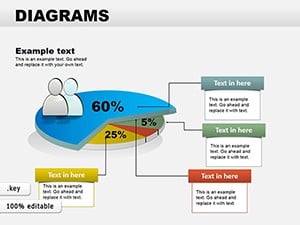
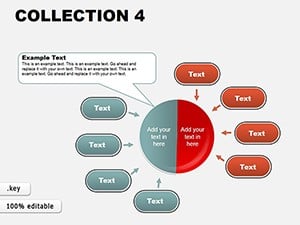
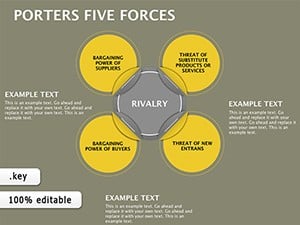
These slides combine circular flows three-dimensional depths and tabular elements for multi-view data presentation.
The variety of layouts here distinguishes the collection from single-theme diagram sets by enabling comprehensive trend analysis in one file.
Key Specifications
FeatureDetailsSlides included19 mixed diagramsDiagram categoriescircular flows 3D depths tabular layoutsEditable elementsshapes labels connectors and layersAspect ratiostandard 16:9 KeynoteKeynote compatibility versions12 and laterColor schemesfull theme adjustmentsExport options.key for editing PDF for distributionThree Situations Where This Pays Off
Startup founders in tech industry decode trends for investor decks. The outcome is adapted diagrams for five consecutive pitches with minimal rework.
Consultants in management sector present multi-view analysis during strategy workshops. They reuse the file across three client reports by color swaps.
Secure the Collection Keynote Diagrams Template for versatile data visuals.
From Download to Final Deck
- Step 1 - Open the .key file in Keynote (1 minute)
- Step 2 - Replace placeholder text with your content (3 minutes)
- Step 3 - Adjust brand colors via the slide master (2 minutes)
- Step 4 - Edit labels and layers (4 minutes)
- Step 5 - Export as .key or PDF (1 minute)
Editing difficulty: Moderate
Building From Scratch vs. Starting Here
Replicating 19 mixed diagrams manually exceeds 4 hours and requires expert Keynote skills.
Labels sit outside shapes connected by thin lines to preserve readability on screens.
Color contrast segments zones rather than decorating to enhance information spacing.
Circular and 3D elements fit complex data structures better than flat alternatives.
Download now and turn tangled thoughts into trajectories.
Which Keynote versions does this template support?The .key file opens in Keynote 12 or later on macOS. Earlier versions may not render all editable elements correctly. Always verify your software version before purchase to ensure full compatibility. Updates to Keynote maintain backward support for these standard diagram files.
How do I change the color scheme?Open the slide master in Keynote select the theme colors and apply changes globally across all slides. Individual shapes can be recolored manually through the format panel if needed. This process takes under 2 minutes for most users. The editable elements preserve layout integrity after recoloring.
What does the license permit?You may use the template for internal business presentations and paid client deliverables. Redistribution or resale of the original files is prohibited. Sublicensing is not allowed under any circumstances. Commercial use in consulting work is fully permitted.
Are there free and paid versions?This template is offered as a complete paid package with no separate free tier. The $18 purchase grants access to all 19 slides in .key format. No limited demo exists on the site. Full editing access is available immediately after purchase.
What file formats are included and how do I open them?The file is provided exclusively in .key format for Apple Keynote. It opens directly in the Keynote application. Export options include PDF for distribution or images for sharing. No PowerPoint version is supplied.
What is the refund policy?Refunds are available within 14 days of purchase if the template does not meet your needs. The request must be submitted before any modifications are made to the file. Support processes refunds via the original payment method. Digital nature means no refund after successful download and use in some cases.
Good for
- Project roadmaps and sprint plans
- Product launch timelines
- Quarterly or annual review decks
- Company history and milestone summaries
Licence
reviews
Helped me explain a messy workflow to my team without confusion.
The shapes snapped into place nicely which I appreciated.
Some pages felt repetitive but I still found enough useful ones.
I’m not really into design stuff and this was simple enough.
The icons matched my report better than expected.
FAQ
Will it work in Google Slides?
Are fonts embedded?
Can I use this for client work?
What's the refund policy?
Do you update the template after purchase?
Similar templates
See all Keynote Diagrams →
All 19 slides