 Click to zoom
Pencil Goals Keynote Diagrams - Instant Download
| Format | .pptx |
| Slides | 18 unique layouts |
| Aspect ratio | 16:9 |
| Compatibility | PowerPoint |
| Animated | No |
| Language | English |
| License | Commercial |
| File size | — |
| Version | v1.0 |
| Last updated | March 2026 |
What's inside
What's Inside the Download
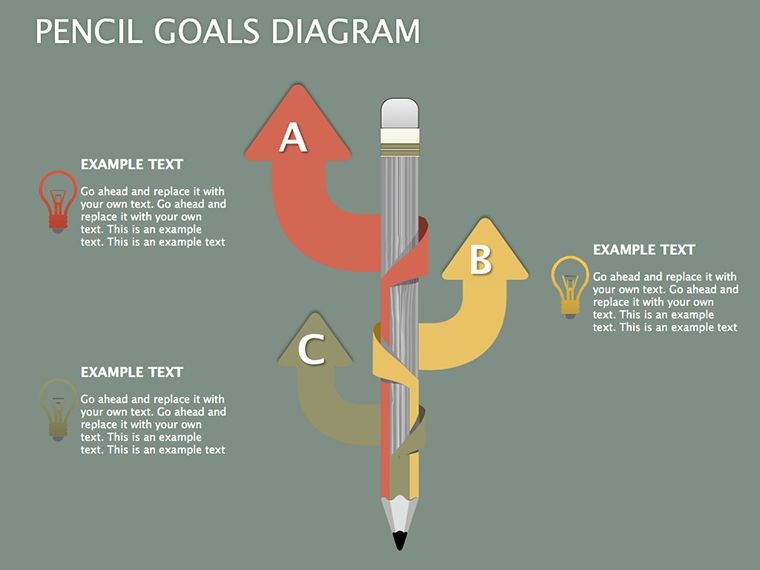
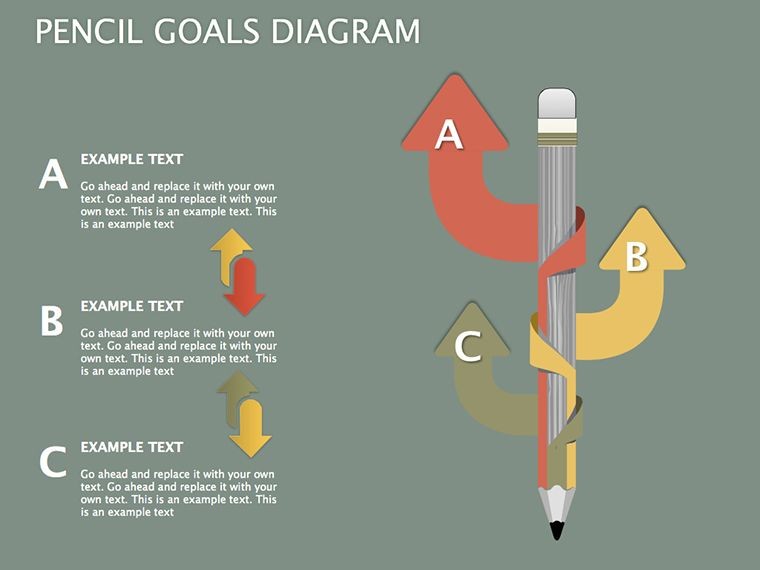
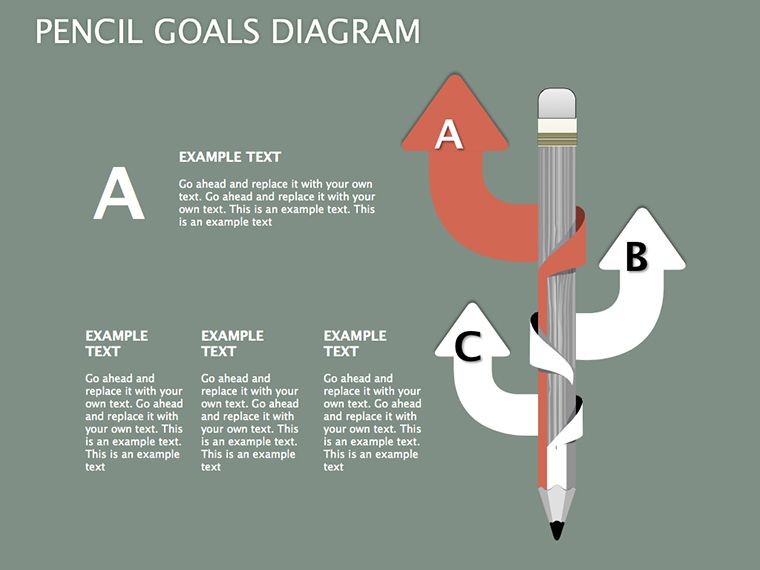
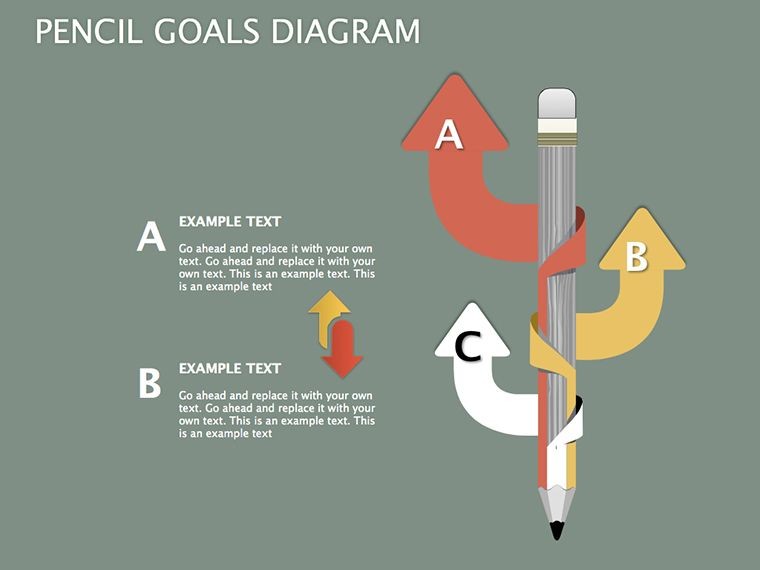
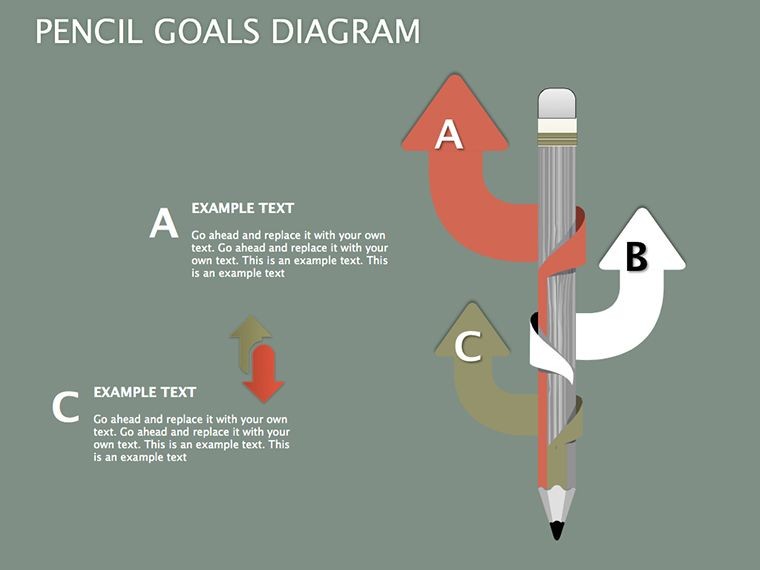
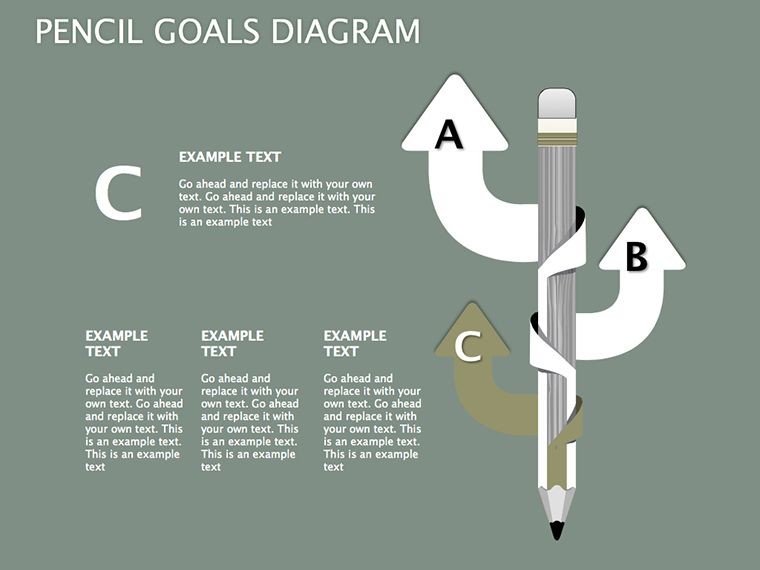
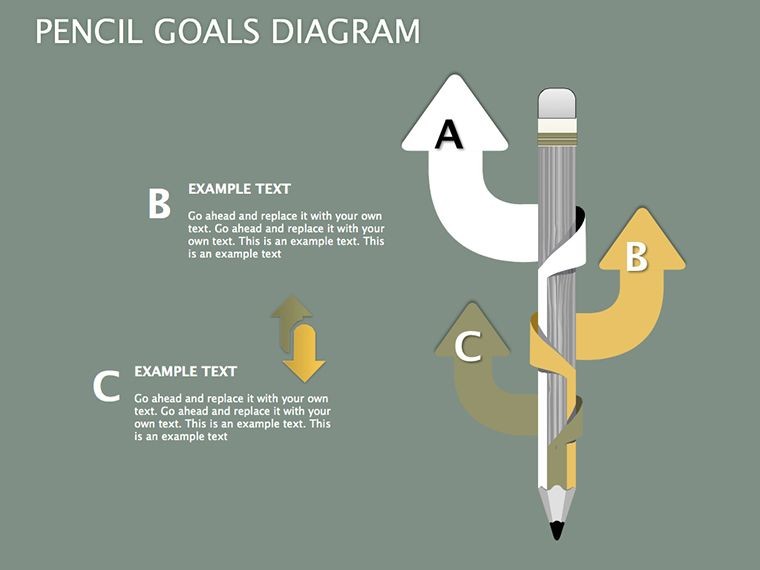
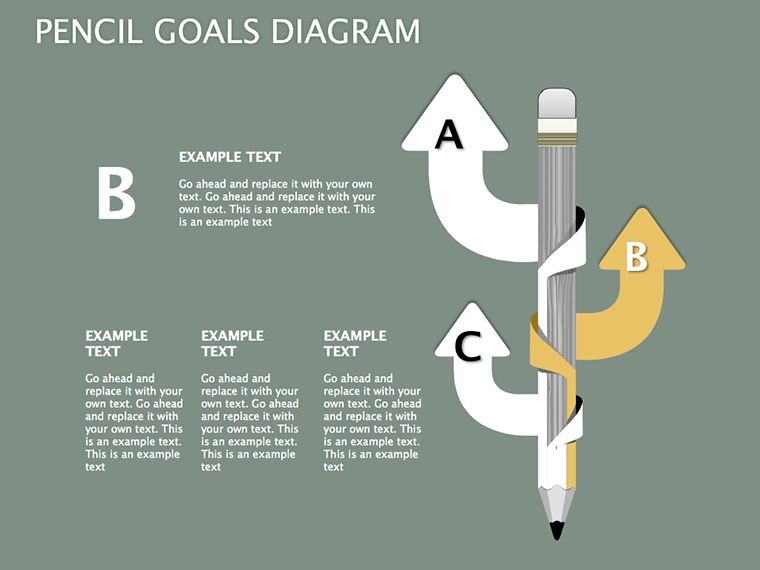
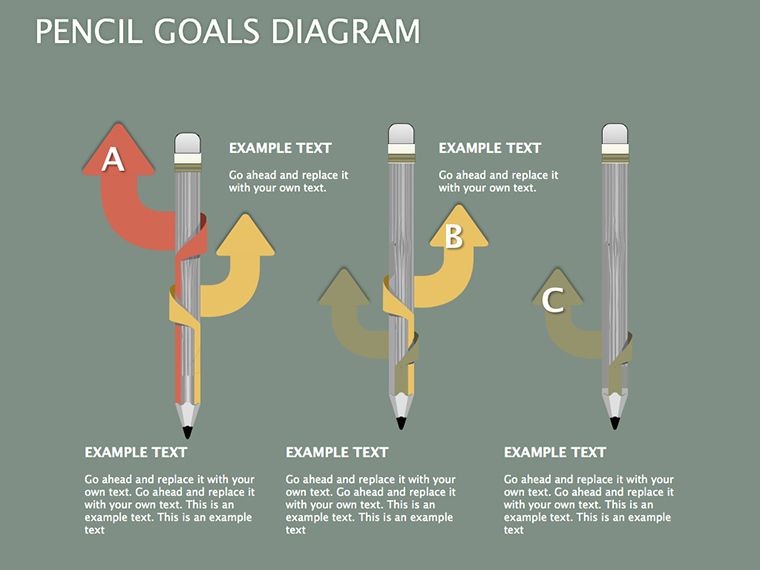
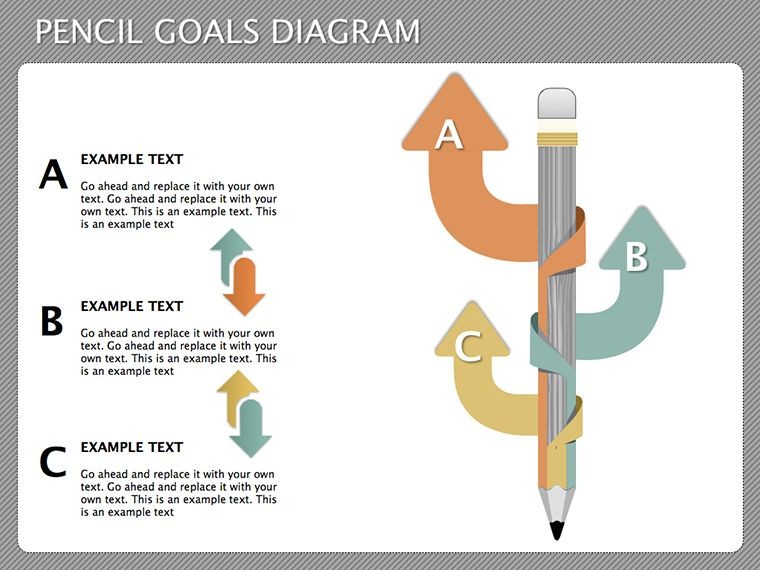
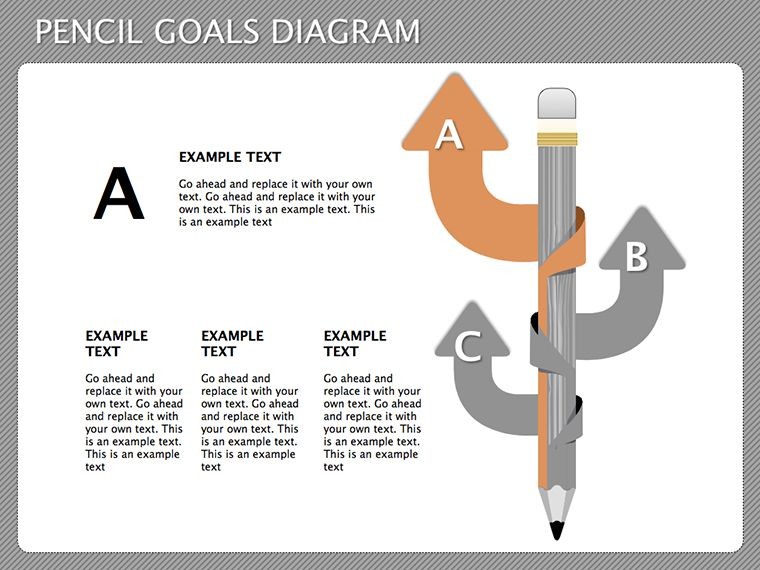
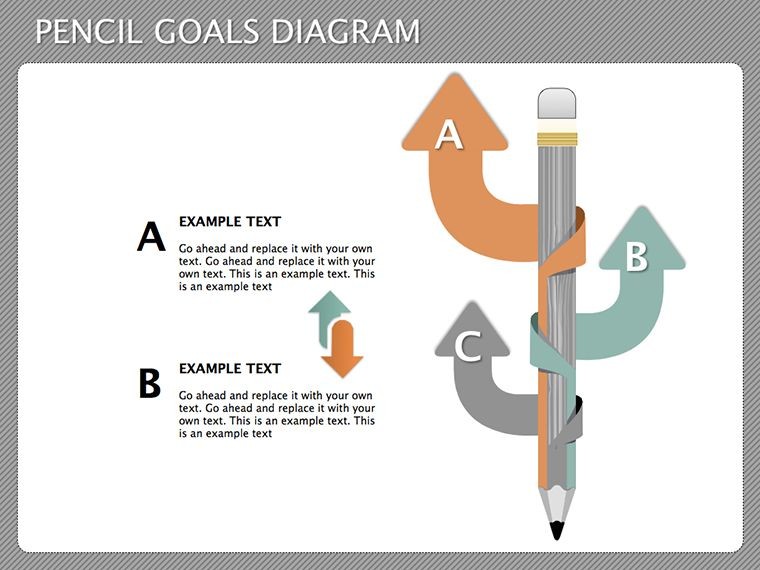
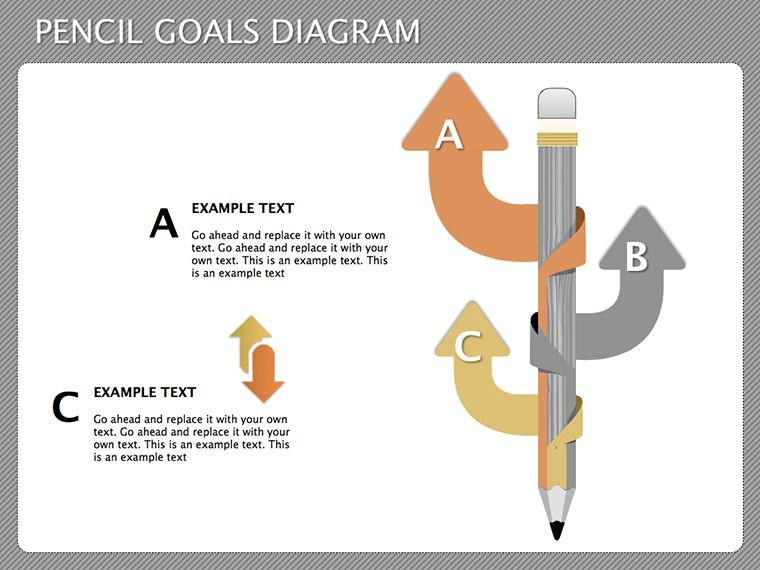
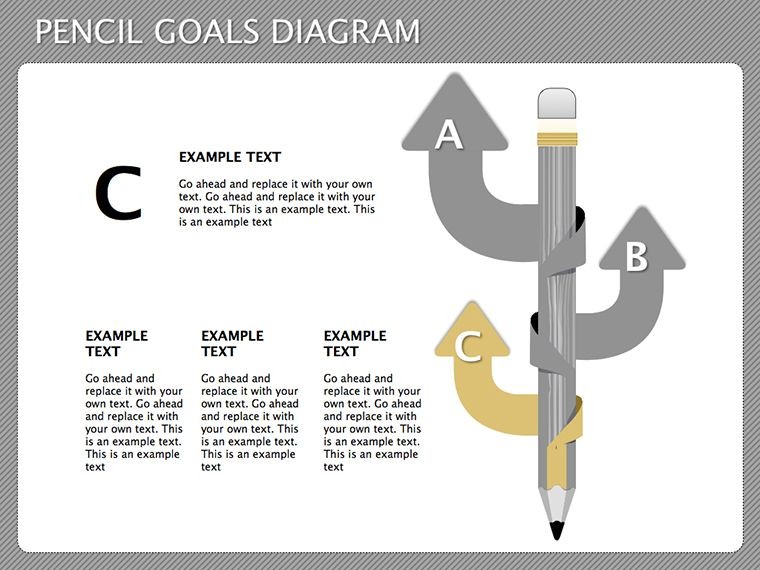
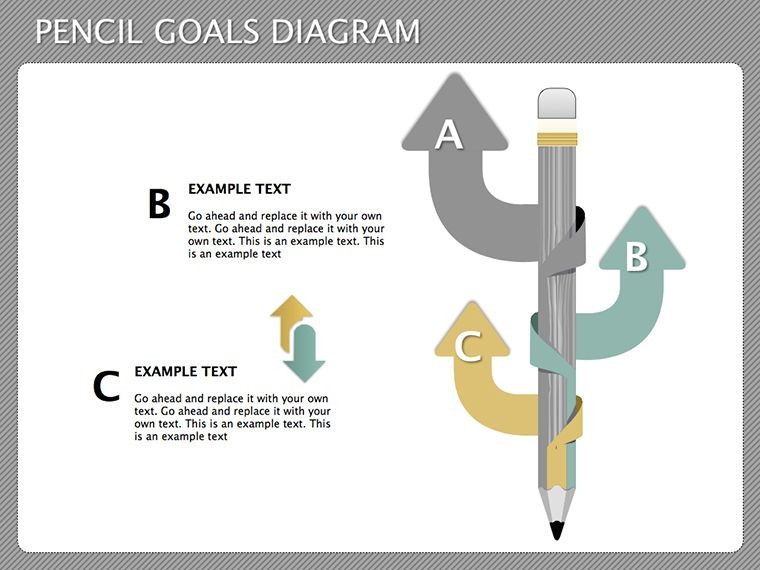
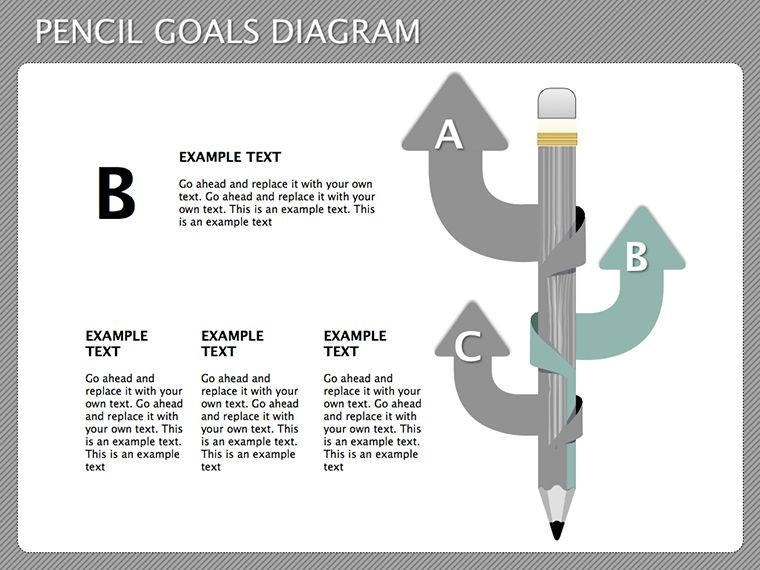
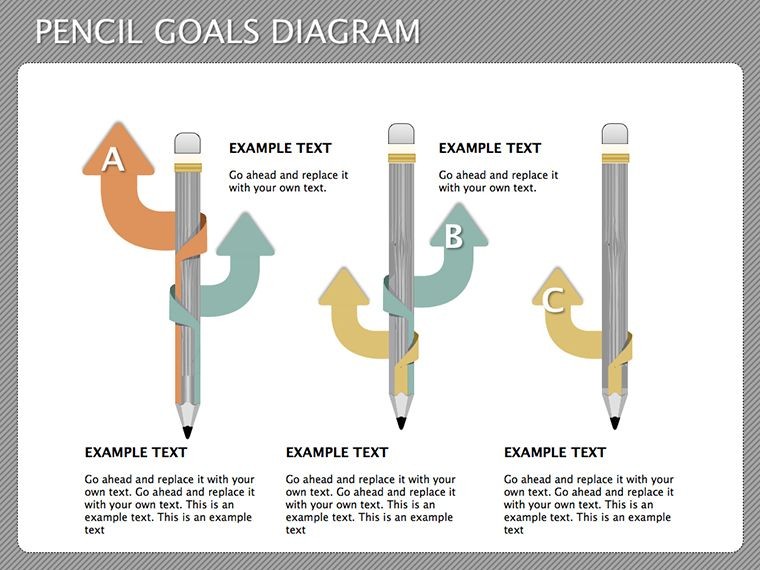
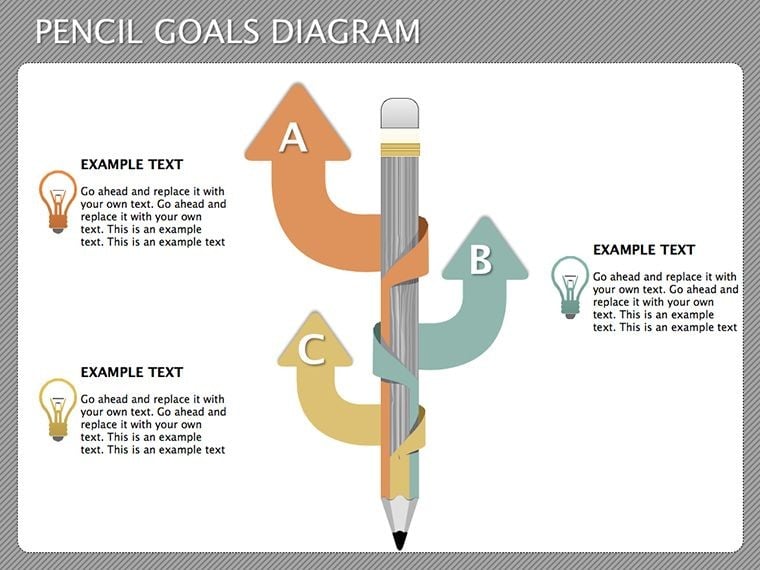
18 editable slides feature pencil-inspired timelines mind maps and progress bars.
These elements combine milestones with strategies to outline objectives from idea to execution.
Pencil motifs add creative flow that pyramid-focused sets lack.
At a Glance
FeatureDetailsSlides included18 goal-setting variantsDiagram categoriestimelines mind maps progress bars SWOTEditable elementslines labels pencil graphicsAspect ratio16:9 standardKeynote compatibilityversion 12 and laterAnimation supportbasic entrance effects removableAdapting the Template to Your Brand
Moderate difficulty. Total time under 15 minutes.
- Open the .key file in Keynote 12 or later (1 minute).
- Replace placeholder text with your content (3 minutes).
- Apply brand colors through the master slide palette (2 minutes).
- Adjust diagram labels and connectors (4 minutes).
- Export as .key or PDF (1 minute).
Download the pencil goals set and sketch success paths today.
Who Reaches for This Template
Business leaders in marketing visualize milestones during sales presentations and reuse color schemes across three client reports.
Educators in training adapt progress bars for workshops and shorten session prep from two hours to 30 minutes.
Download the pencil goals set and sketch success paths today.
Why This Template, Not a Blank Slide
Manual goal sketches demand illustration skills and three hours per slide.
Hand-drawn lines often lack consistent zone segmentation on large screens.
Pencil graphics sit along timelines rather than inside shapes so viewers follow direction without zoom.
Trainers pair these diagrams with podium visuals for achievement tracking.
Many explore more in relationship diagram collections while consultants link them to pyramid layouts.
Which Keynote versions does this open in?Keynote 12 and later on macOS fully support every slide. Earlier versions may show limited connector adjustments. Open the file directly after download. Test one slide first if you run Keynote 11.
How do I change the color scheme?Select the slide master in Keynote. Update the theme colors once. All pencil motifs and progress bars inherit the change automatically. Save the master and return to normal view. The adjustment takes under two minutes.
Is the license valid for paid client work?Yes the single purchase covers internal use and client deliverables. Resale of the original file or sublicensing remains prohibited. Modify the diagrams freely for presentations. Credit is not required.
What file formats come with the purchase?The download contains only the .key file. Export options include PDF for sharing and PNG for individual slides. No additional formats ship with the package. Keynote handles all editing.
What refund conditions apply?Request a refund within 14 days if the file fails to open in Keynote 12 or later. Provide the purchase receipt. Refunds process once compatibility is verified. Modified files disqualify the request.
Good for
- Project roadmaps and sprint plans
- Product launch timelines
- Quarterly or annual review decks
- Company history and milestone summaries
Licence
reviews
The diagram slides were useful for explaining technical steps to my team.
I needed something visual for a product roadmap and the connected icons worked nicely.
Easy to edit in Keynote which was honestly my main concern.
The colors were a bit dull but the layout itself was practical.
I used this for a workshop presentation and people actually followed the diagrams.
FAQ
Will it work in Google Slides?
Are fonts embedded?
Can I use this for client work?
What's the refund policy?
Do you update the template after purchase?
Similar templates
See all Keynote Diagrams →


All 18 slides