 Click to zoom
Gantt Chart Template for Keynote | Fully Editable Project Timelines | Instant Download
| Format | .pptx |
| Slides | 18 unique layouts |
| Aspect ratio | 16:9 |
| Compatibility | PowerPoint |
| Animated | No |
| Language | English |
| License | Commercial |
| File size | — |
| Version | v1.0 |
| Last updated | February 2026 |
What's inside
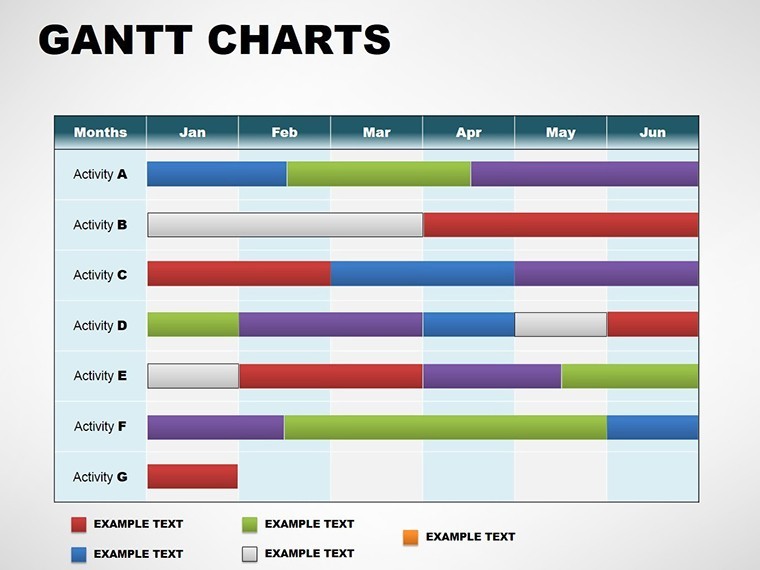
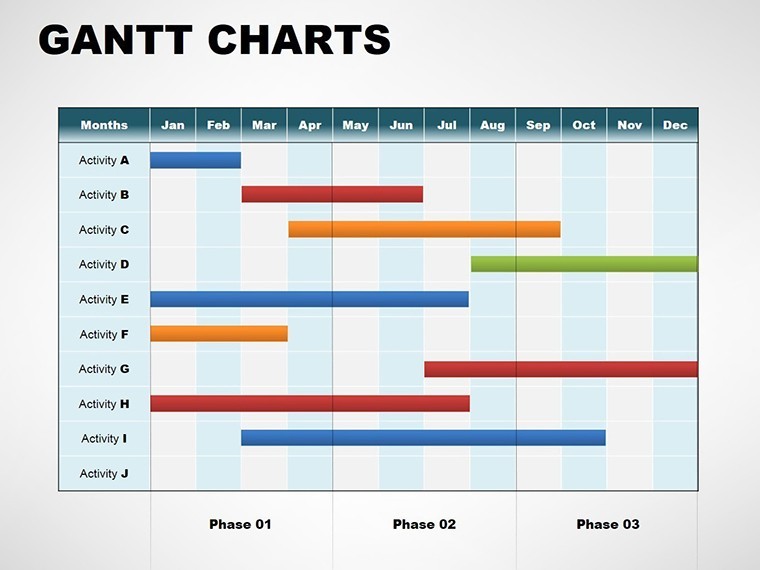
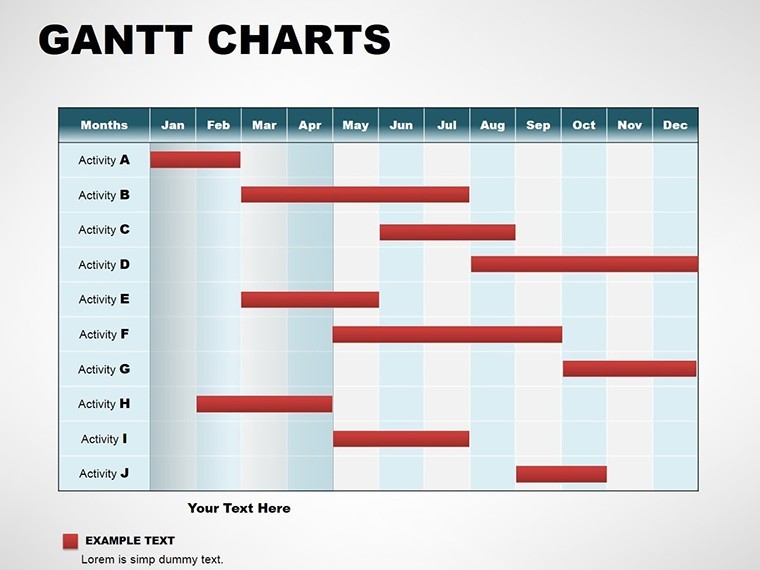
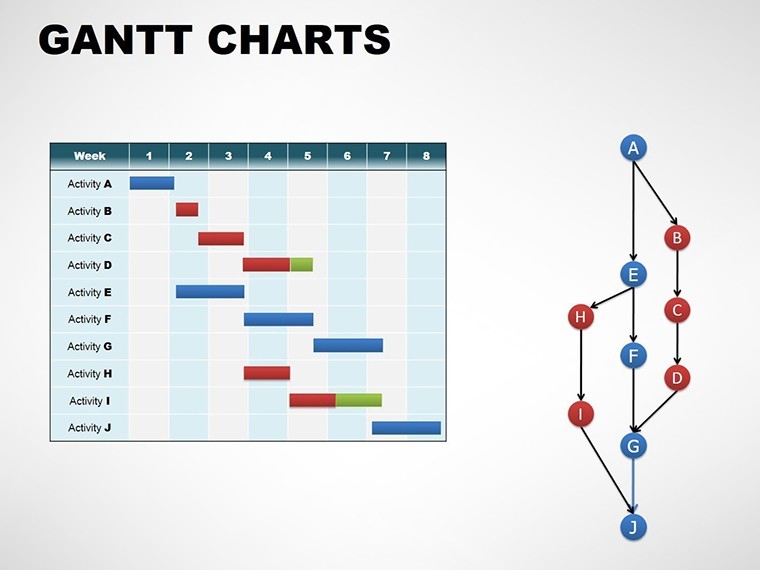
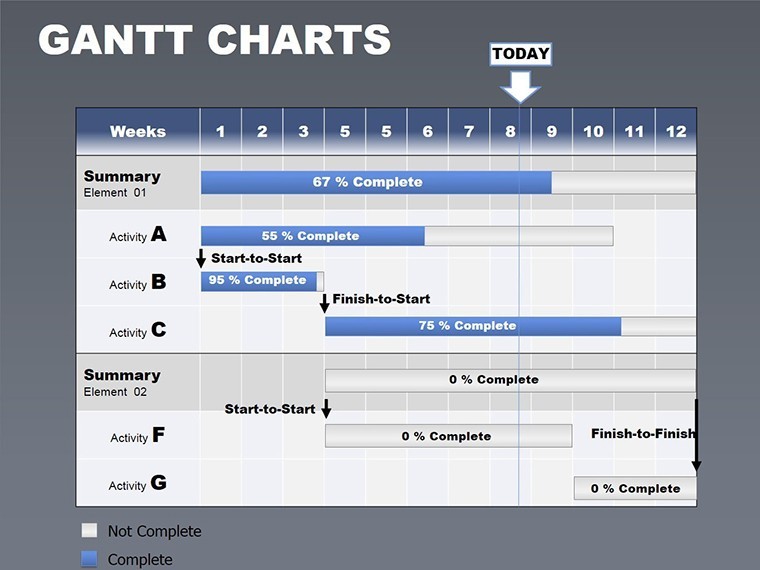
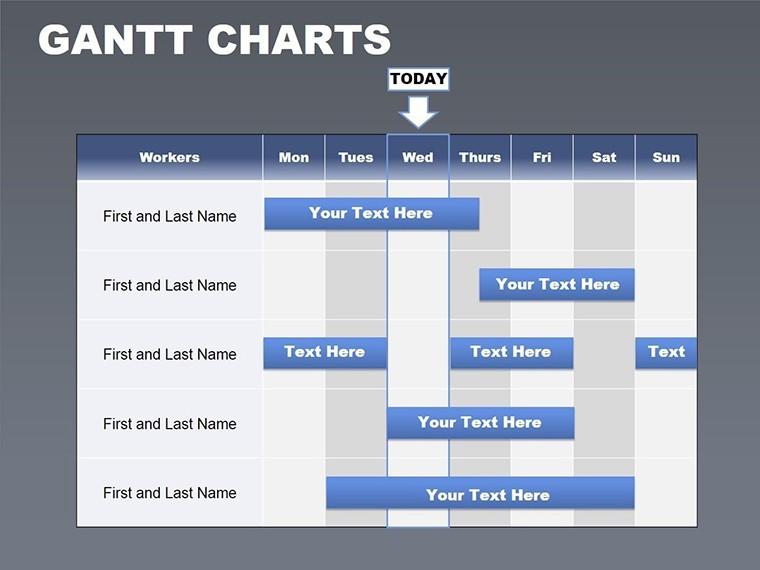
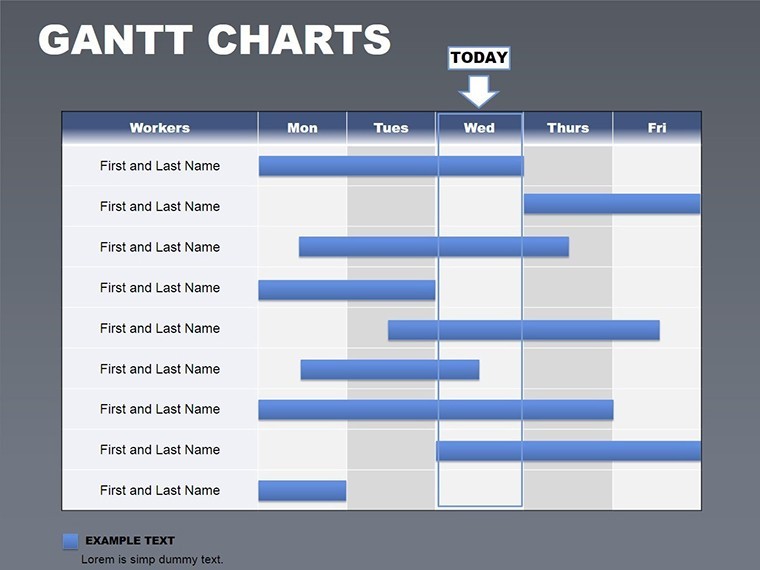
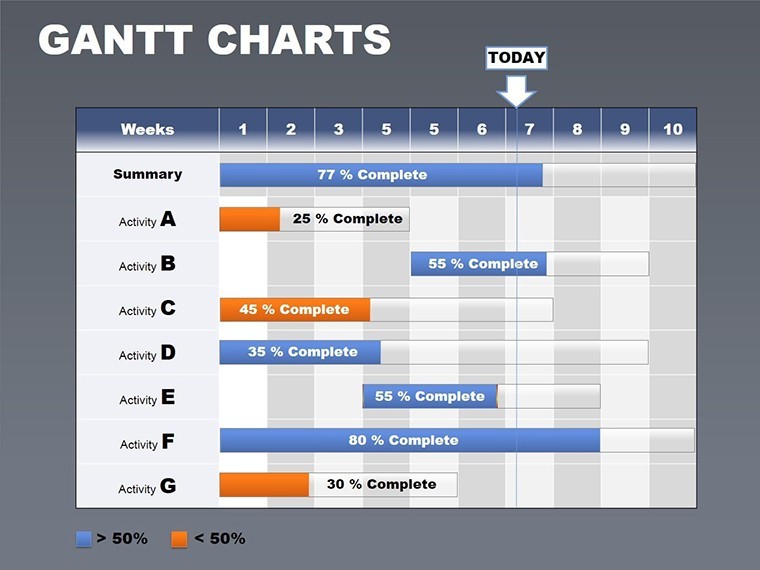
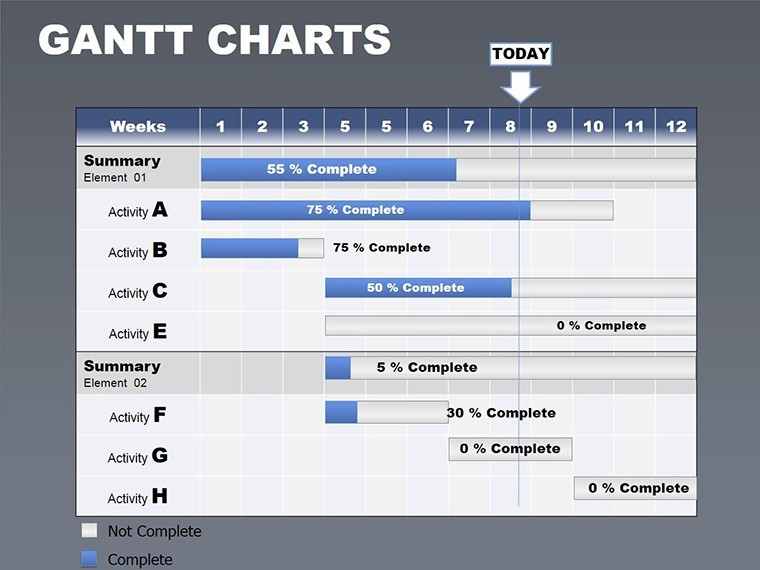
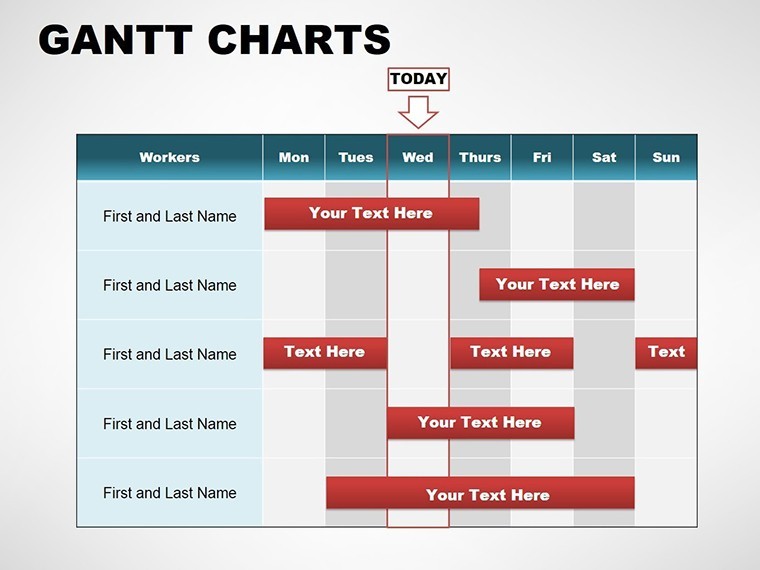
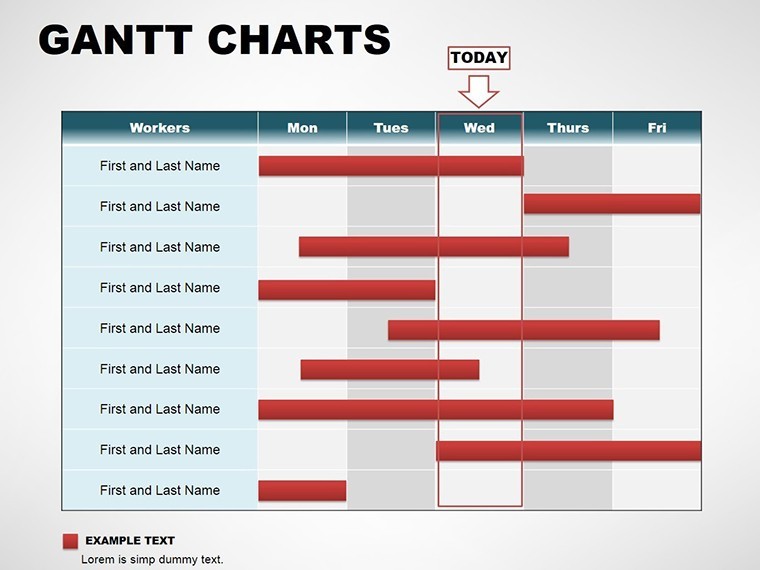
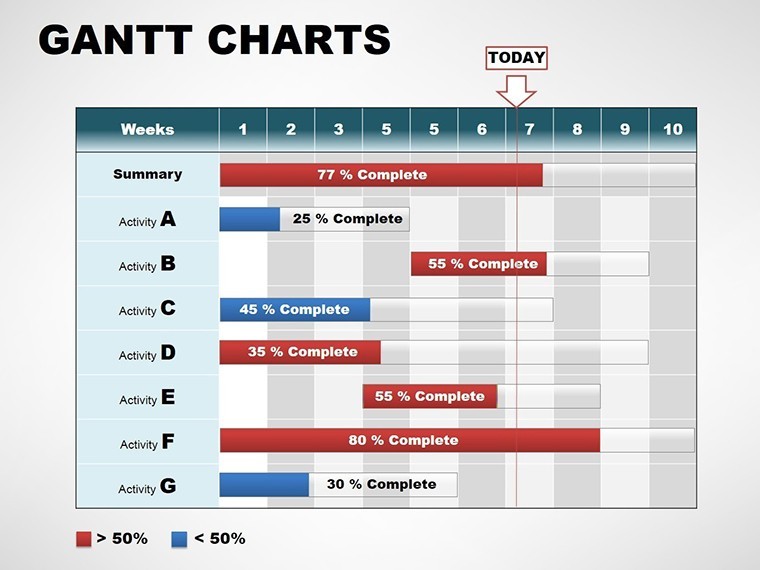
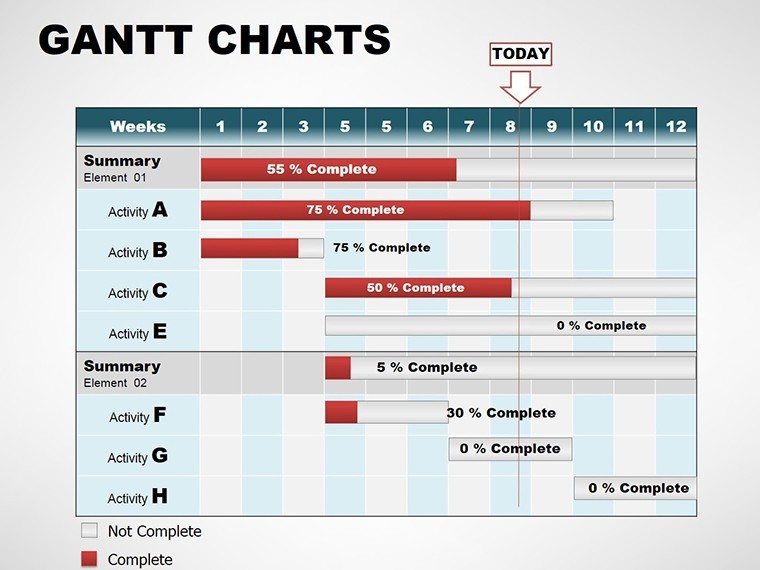
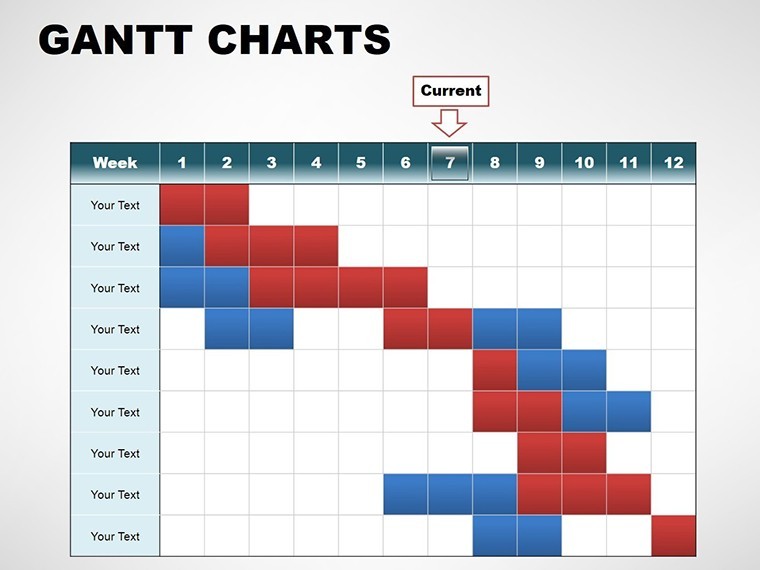
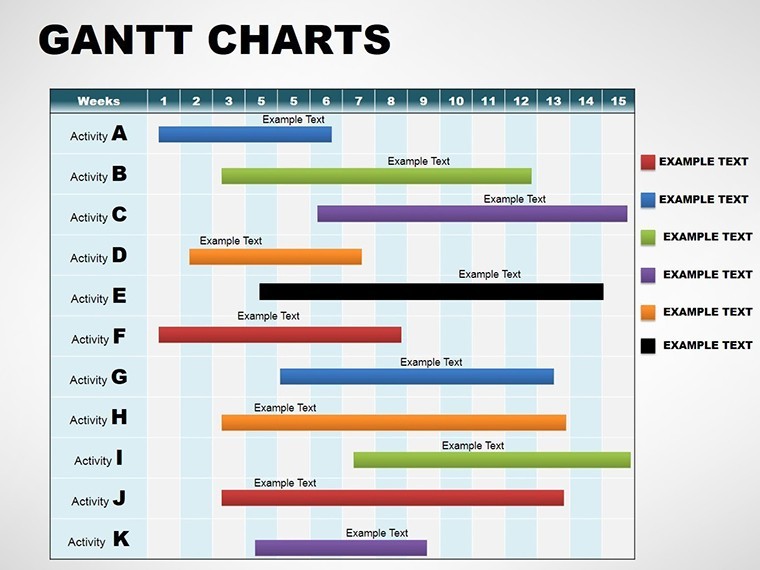
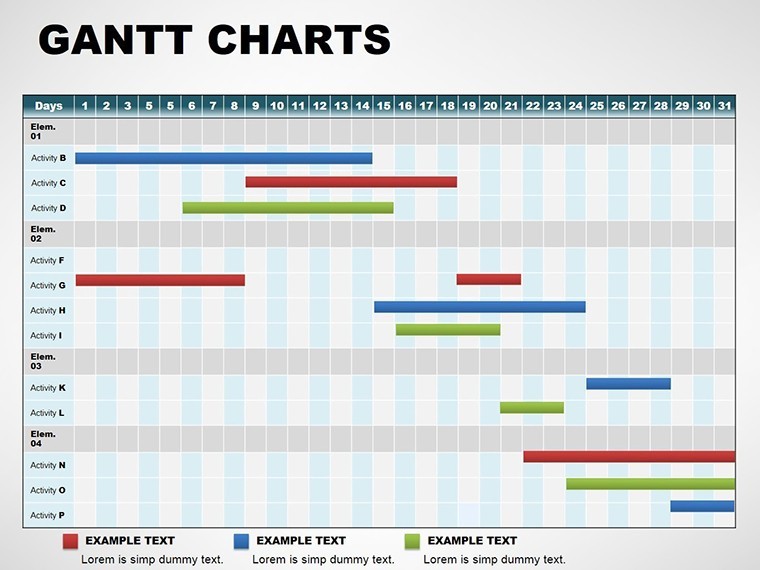
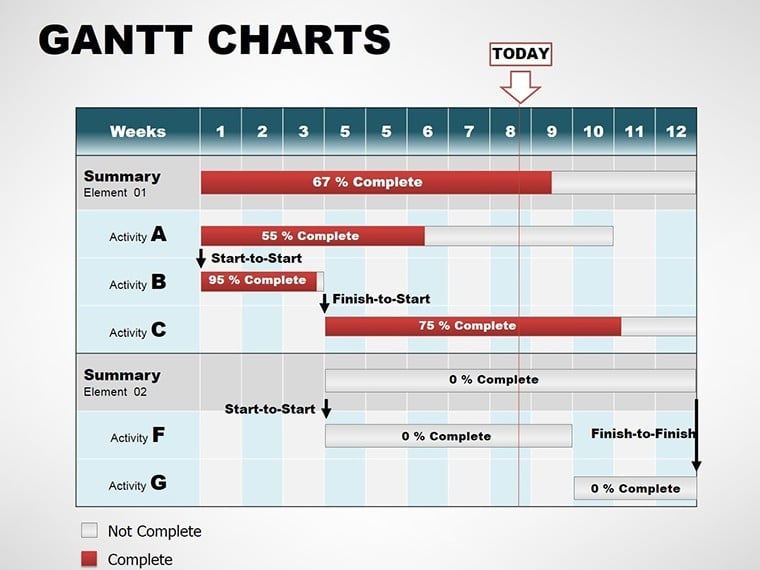
Fully editable Gantt chart template for Keynote with 18 slides. Visualize tasks, timelines, milestones, dependencies and team assignments for professional project management. Perfect for software development, marketing campaigns, construction and education. Instant download with seamless Keynote integration.
Project management often feels like juggling deadlines, tasks and team alignment. This Gantt Chart Template for Keynote brings order by turning complex schedules into clear, professional visuals that everyone can understand instantly.
Benefits of This Gantt Chart Template
Clear timeline visuals help teams spot bottlenecks early, allocate resources better and communicate progress to stakeholders without confusion. The template saves hours of manual design work while delivering polished results suitable for executive presentations and client updates.
It supports agile, traditional or hybrid workflows, making it versatile across industries and project sizes. Centralized data eliminates scattered spreadsheets and ensures consistent strategy execution.
Professionals use it daily to maintain control over dynamic projects and demonstrate structured planning skills.
How to Use the Gantt Chart Template
Download instantly, open the .key file in Apple Keynote and replace placeholder tasks, dates and assignees with your project details. Adjust bar colors for priority levels, add dependency arrows and milestone markers using built-in tools.
The 18 slides cover different views from overview dashboards to detailed task breakdowns. Update in minutes and present with confidence or share via iCloud for real-time team feedback.
Download this Gantt Chart Template for Keynote today and streamline your next project presentation.
Key Features
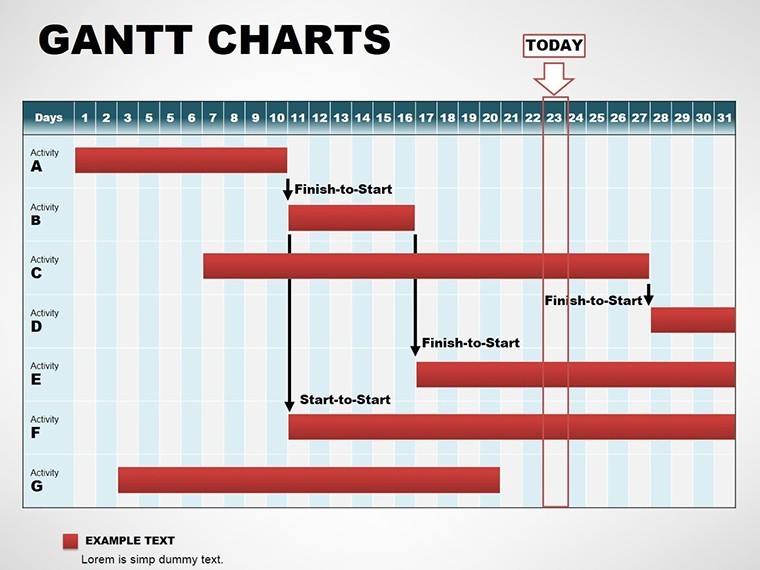
Task lists paired with timeline bars for intuitive scanning. Milestone markers to highlight achievements. Dependency links to show prerequisites. Performer assignments for accountability. Advanced resource dashboards for progress monitoring.
- 18 fully editable slides
- .key format for Apple Keynote
- Custom bar colors, arrows and drop-down task selection
Professional Scenarios
Software development teams map sprints, bug fixes and releases. Business managers orchestrate promotional campaigns and internal operations. Construction professionals coordinate site phases and inspections. Educators plan curricula and assessment sequences. Event planners track vendor bookings and key milestones. Non-profits monitor grant programs and rollouts.
Frequently Asked Questions
Is the Gantt Chart Template fully editable in Keynote?
Yes, every element on all 18 slides is fully customizable using standard Keynote tools. Change text, colors, bars and layouts without any restrictions.
What is included in the download?
The package contains the complete .key file with 18 editable Gantt chart slides ready for immediate use.
Is it compatible with the latest Apple Keynote?
Yes, the template is optimized for current and recent versions of Keynote on Mac and iOS devices.
Can I use this template for commercial client projects?
Yes, after purchase you have full rights to use it in client work, internal operations and professional presentations.
How do I add dependencies or milestones?
Use Keynote’s shape and line tools to draw arrows for dependencies and insert milestone symbols. All base elements are pre-built for quick editing.
Good for
- Project roadmaps and sprint plans
- Product launch timelines
- Quarterly or annual review decks
- Company history and milestone summaries
Licence
reviews
The chart animations looked smooth during my office presentation.
A couple graphs needed manual resizing.
Good for quick sales reports.
I didn’t really use the extra slides.
FAQ
Will it work in Google Slides?
Are fonts embedded?
Can I use this for client work?
What's the refund policy?
Do you update the template after purchase?
Similar templates
See all Keynote Charts →
All 18 slides