 Click to zoom
Business Continuity Plan PowerPoint Template and Charts
| Format | .pptx |
| Slides | 36 unique layouts |
| Aspect ratio | 130/73 |
| Compatibility | PowerPoint |
| Animated | No |
| Language | English |
| License | Commercial |
| File size | — |
| Version | v1.0 |
| Last updated | June 2026 |
What's inside
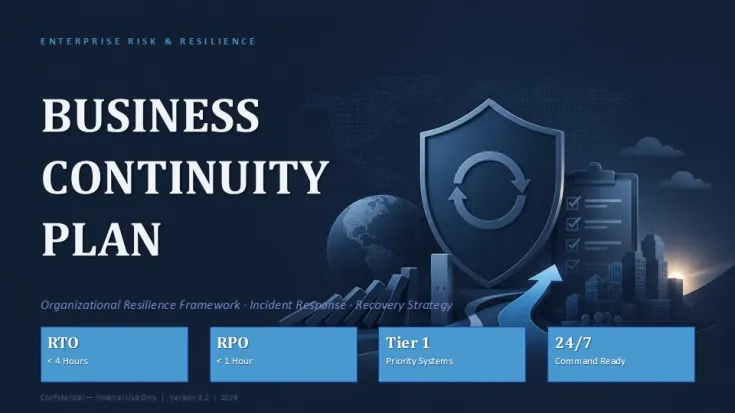
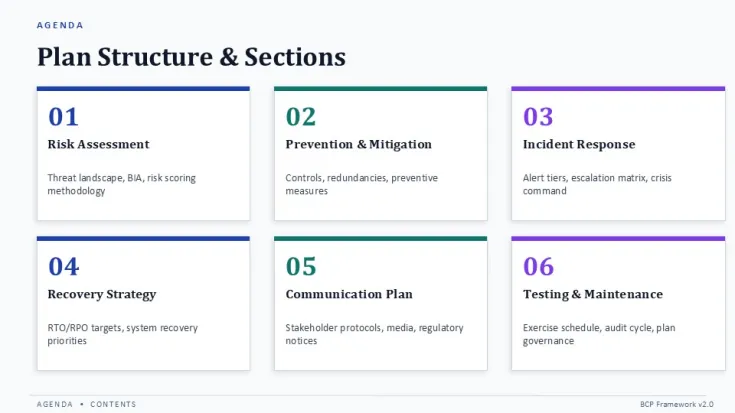
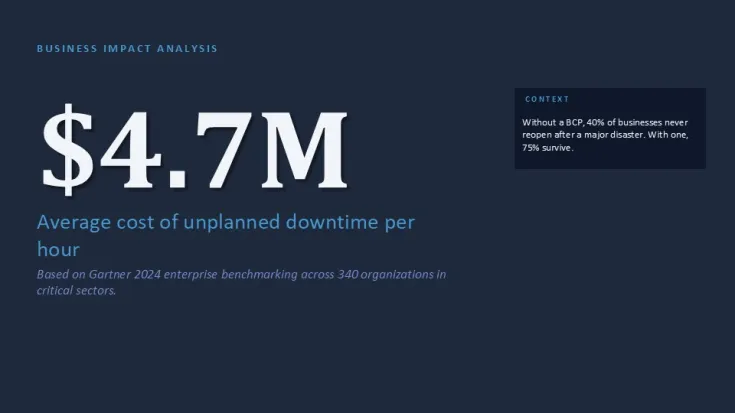
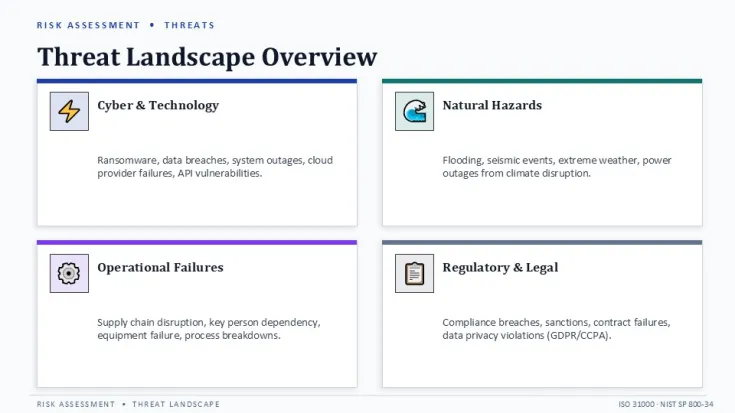
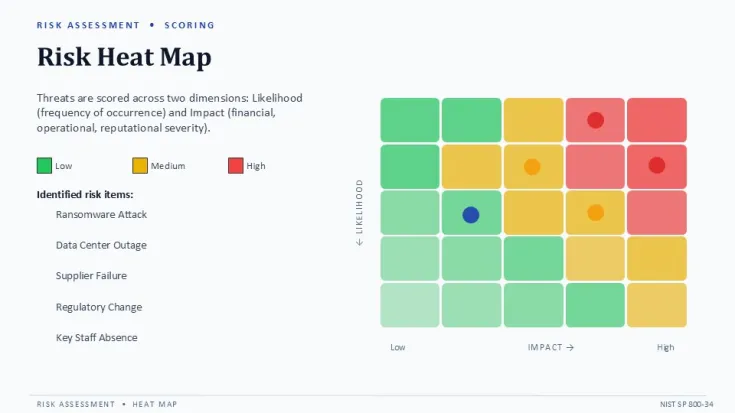
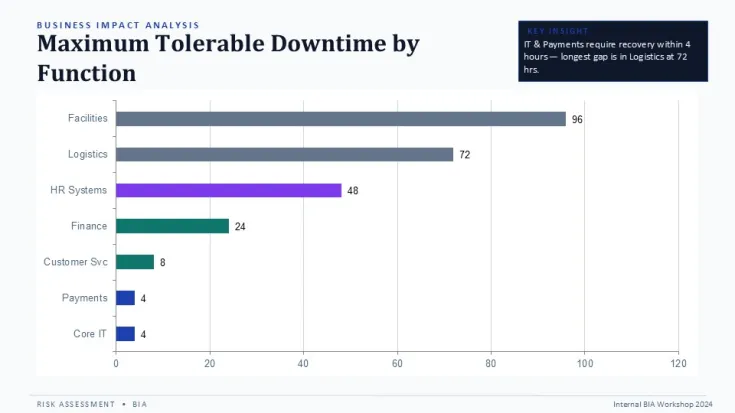
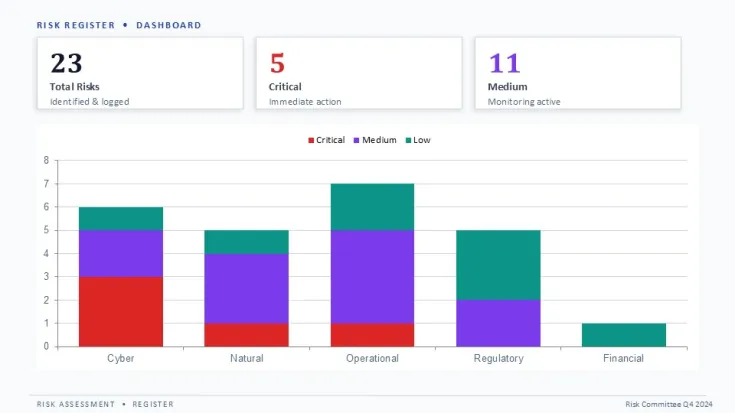
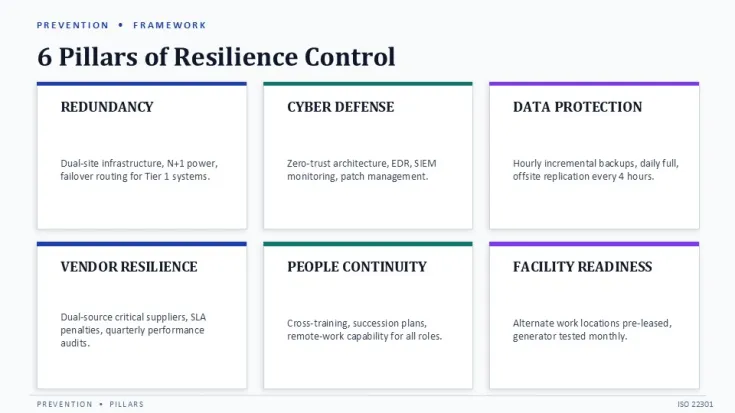
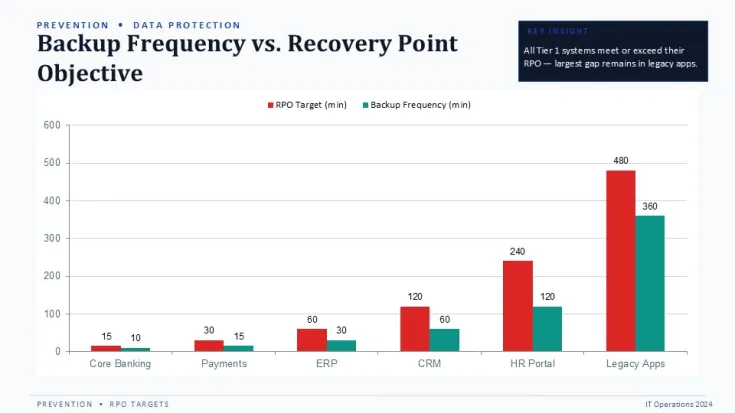
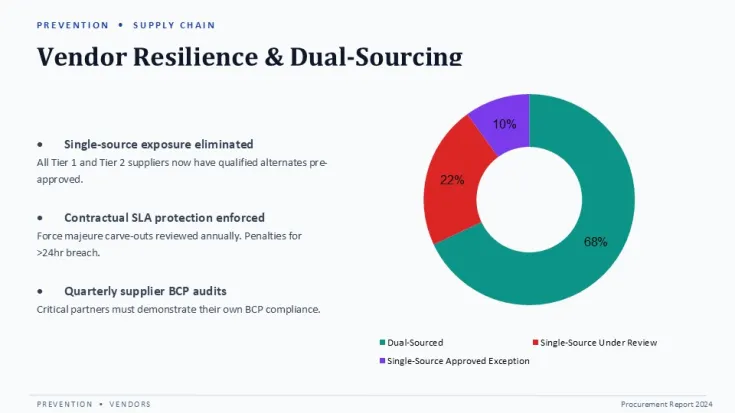
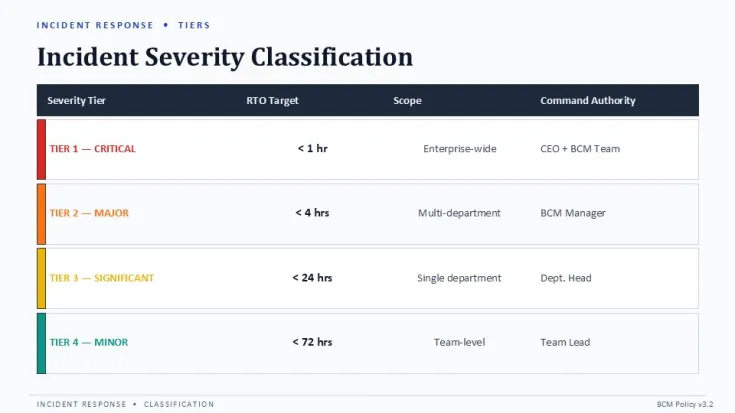
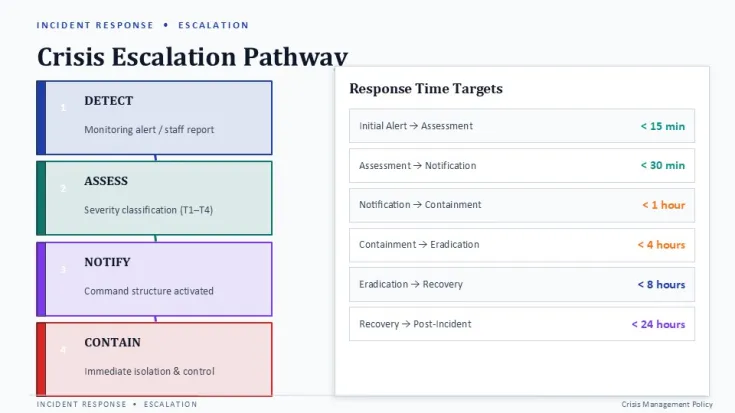
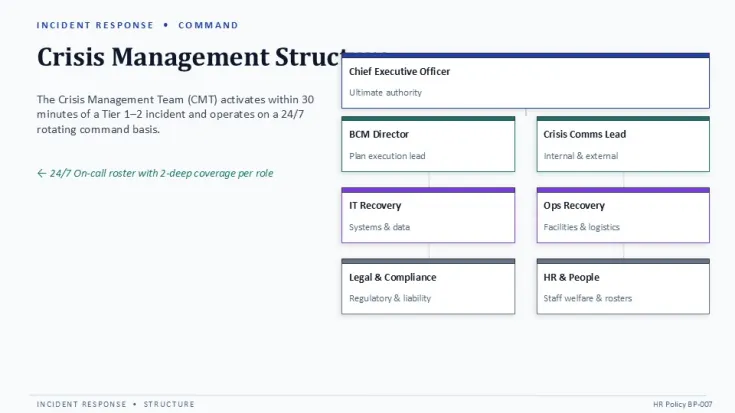
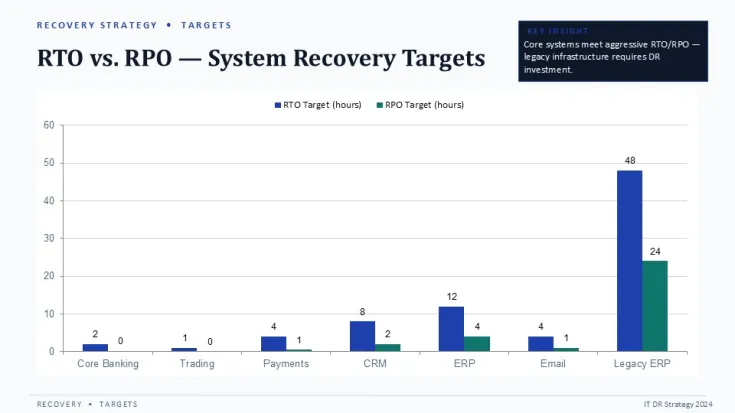
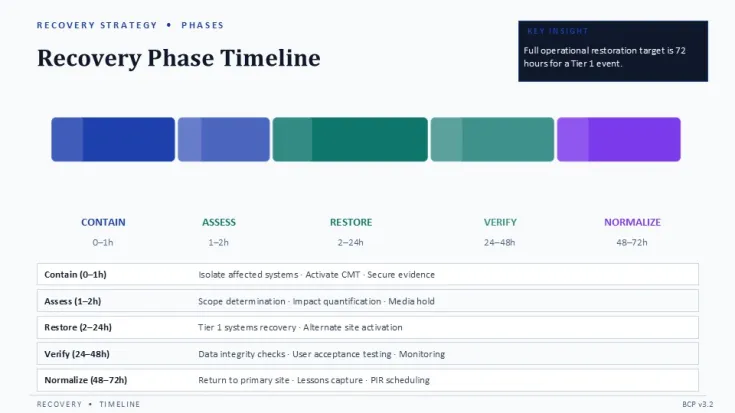
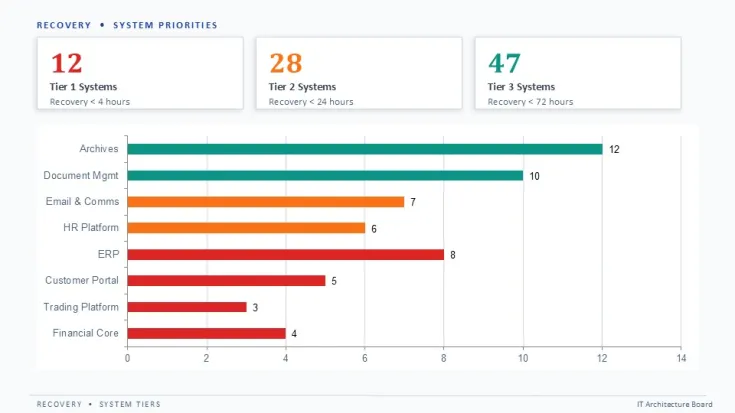
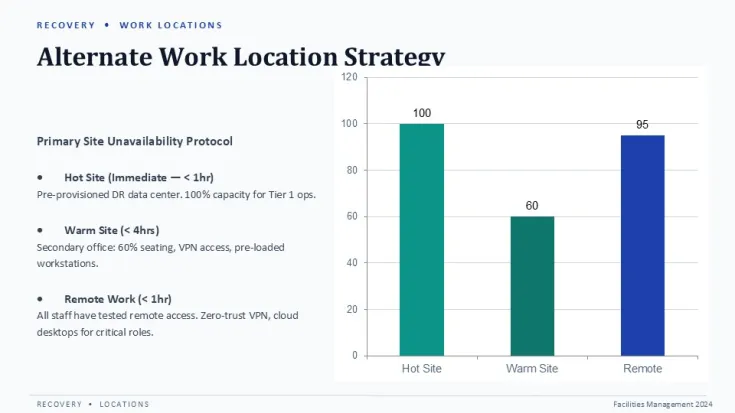
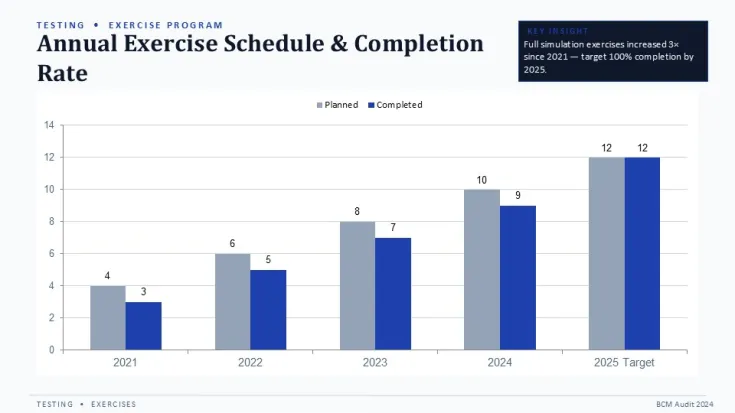
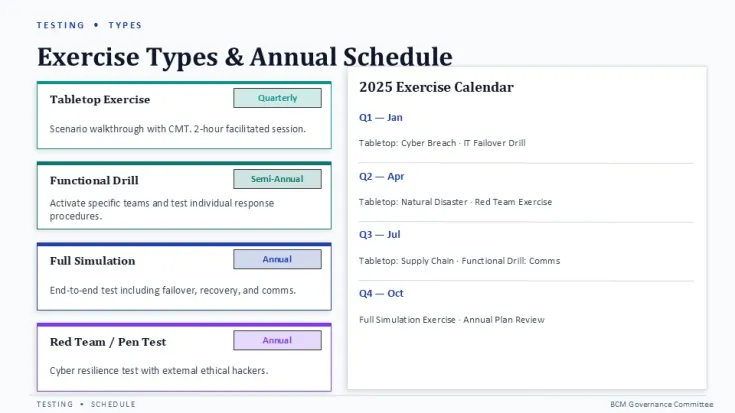
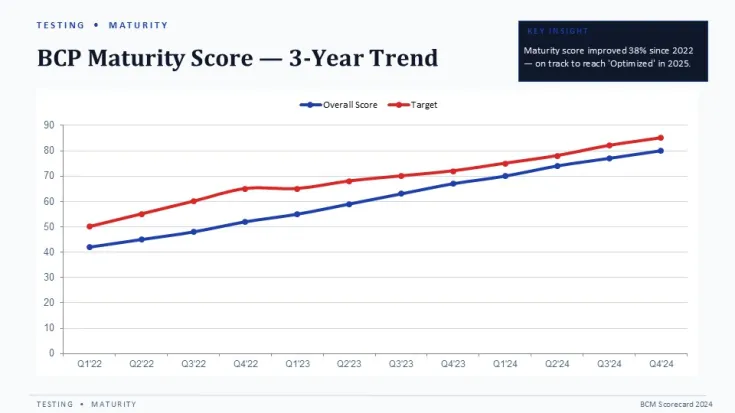
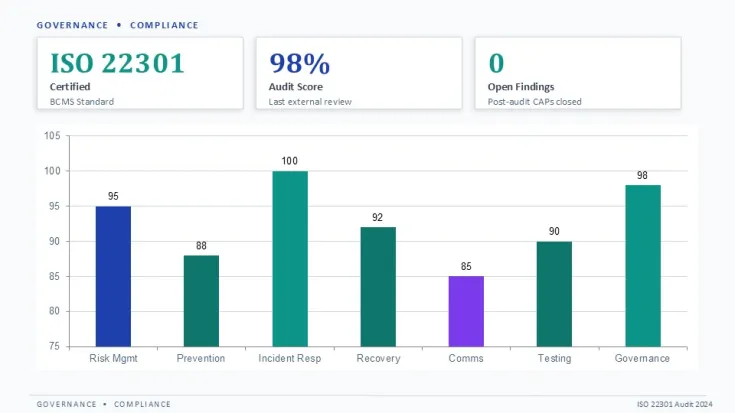
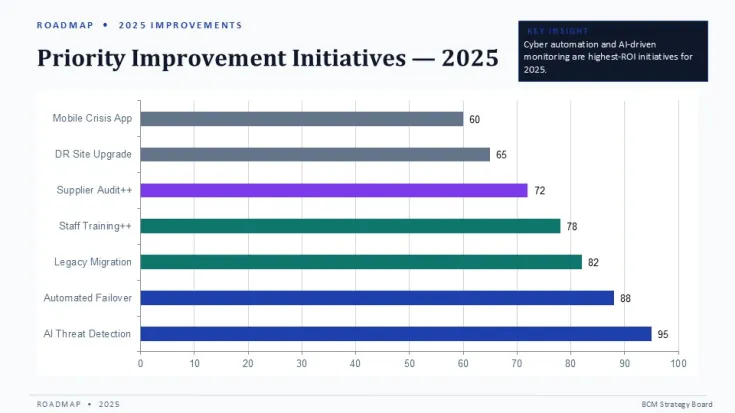
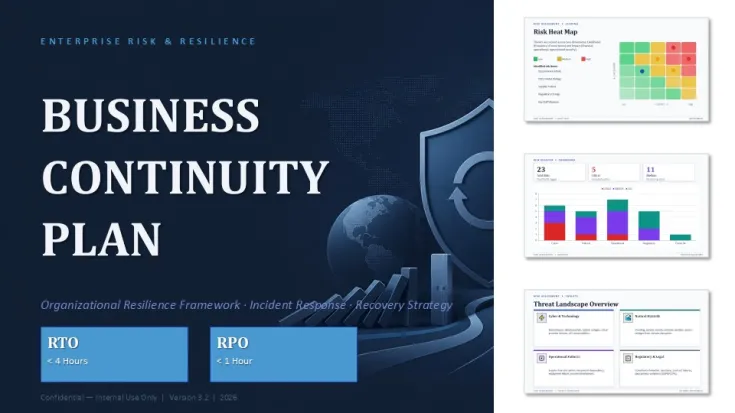
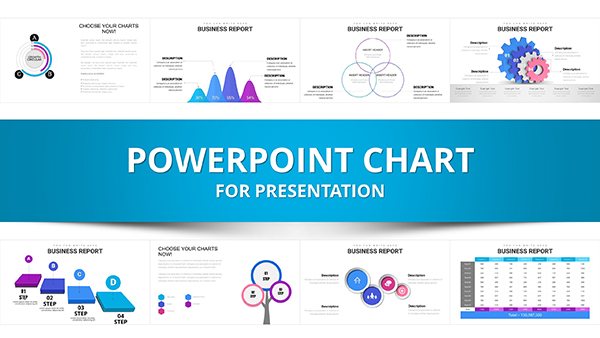
This PowerPoint charts template contains 36 slides designed for business continuity planning, disaster recovery reporting, and risk assessment presentations. It includes risk matrices, recovery timelines, impact analysis charts, and response workflow diagrams. The structure supports operations managers, compliance officers, and IT resilience teams who need to present recovery strategies and failure response plans without rebuilding charts from scratch.
The template uses PowerPoint's native charting engine. Data labels and series values update directly through the chart data sheet. Color assignments follow the Slide Master palette - changing the theme accent color updates all chart series and supporting shape fills in one operation. Grouped elements like matrix quadrants and timeline markers remain locked to prevent accidental repositioning during text edits, but individual groups can be ungrouped for custom layout changes.
- 36 editable slides with pre-built risk matrices, impact analysis tables, and recovery timeline Gantt charts
- Single .pptx file that opens directly in PowerPoint without additional font installation
- Slide Master color palette -update one accent color to repaint all charts and supporting graphics
- Chart data sheets accessible from PowerPoint's right-click menu for direct value replacement
Technical specifications
FeatureDetailSlides included36 editable slidesFile format.pptx (PowerPoint Open XML)Aspect ratio16:9 widescreenEditable elementsAll charts, matrices, text placeholders, icons, and grouped shapesColor customizationSlide Master palette + direct shape fill editingSoftware compatibilityPowerPoint 2016, 2019, 2021, 365 (Windows and Mac)Frequently Asked Questions
1. Can I edit the chart data directly in PowerPoint?
Yes. Right-click any chart, select "Edit Data," and the embedded spreadsheet opens. Update numbers, series labels, or category names, and the chart refreshes automatically.
2. How do I change the template colors to match my brand?
Go to View - Slide Master - Colors - Customize Colors. Update the Accent 1-6 swatches, and all charts and shape fills tied to the theme update across all 36 slides.
3. Does the license allow use in client presentations and reports?
Yes. The standard commercial license permits use in internal decks, client presentations, and reports. Redistribution of the original template file is not allowed.
Good for
- Project roadmaps and sprint plans
- Product launch timelines
- Quarterly or annual review decks
- Company history and milestone summaries
Licence
reviews
No reviews yet. Be the first!
FAQ
Will it work in Google Slides?
Are fonts embedded?
Can I use this for client work?
What's the refund policy?
Do you update the template after purchase?
Similar templates
See all PowerPoint Charts →
All 36 slides