 Click to zoom
Marketing Strategy PowerPoint Template PPTX
| Format | .pptx |
| Slides | 16 unique layouts |
| Aspect ratio | 16:9 |
| Compatibility | PowerPoint |
| Animated | No |
| Language | English |
| License | Commercial |
| File size | — |
| Version | v1.0 |
| Last updated | May 2024 |
What's inside
Step into a world where your marketing ideas leap off the screen, engaging audiences and sealing deals with effortless elegance. Our Marketing Strategy PowerPoint Diagrams Template, available in PPTX format, equips marketers, strategists, and business leaders with 16 editable slides to masterfully convey plans from executive summaries to campaign timelines. Ideal for those tired of lackluster presentations, it tackles the challenge of distilling complex strategies into digestible visuals. Envision mapping a customer journey that mirrors Amazon's seamless paths or breaking down the 4Ps with the finesse of Procter & Gamble case studies. Fully customizable, it supports PowerPoint across Windows and Mac, ensuring broad accessibility. This isn't just a template; it's a strategic ally, informed by insights from Seth Godin's marketing philosophies, enhancing your authority with data-driven designs. With professional aesthetics, it promises to save hours, boost comprehension, and elevate your professional image in meetings, pitches, or seminars.
Crafting Compelling Strategies Through Visual Mastery
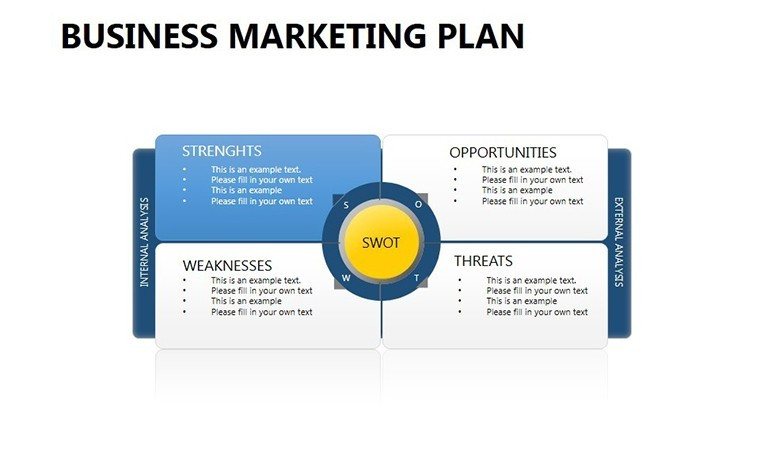
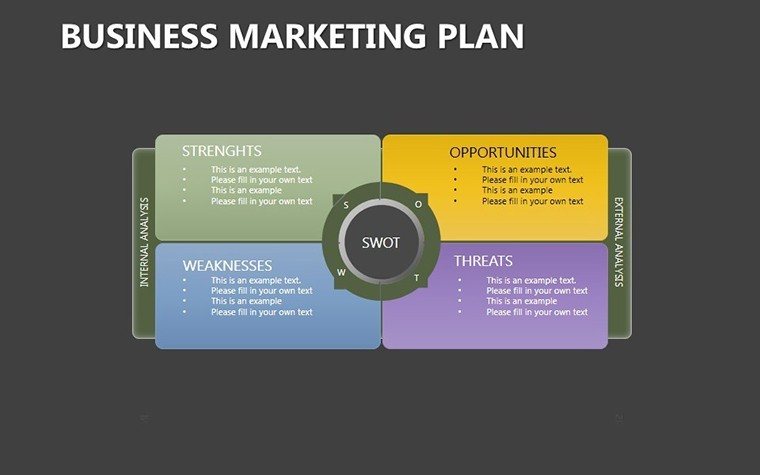
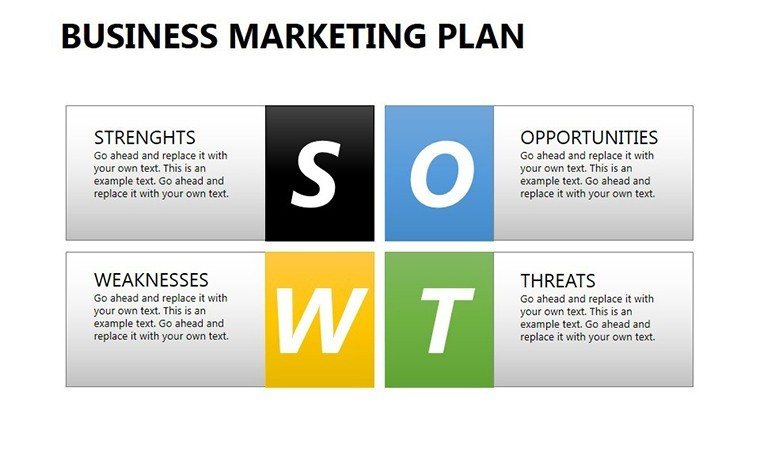
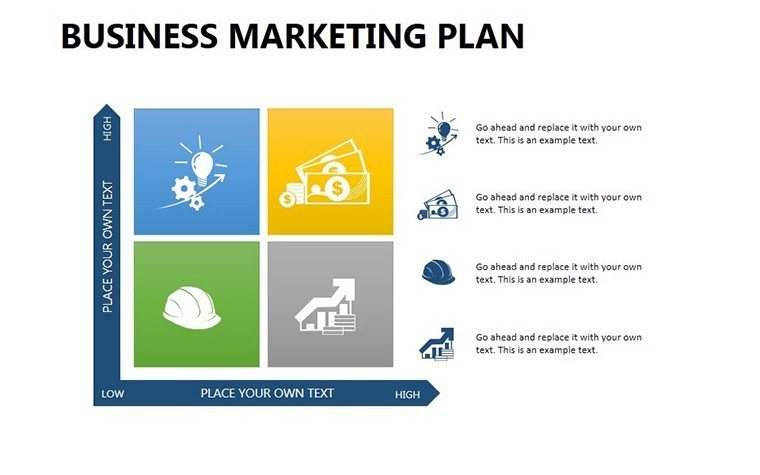
At the heart of effective marketing lies clear communication, and this template excels by providing tools to visualize every facet. Take the SWOT analysis slides: They allow for nuanced breakdowns, incorporating real data like competitor benchmarks from Statista. Market segmentation diagrams segment audiences vividly, using charts to highlight demographics in ways that resonate, much like segmentation in Nike's targeted campaigns. The template's color palettes - strategic mixes of corporate blues and energetic yellows - guide viewer focus intuitively. Editable to the core, adjust fonts for branding or integrate icons for emphasis. Unlike rudimentary tools, it includes advanced elements like interactive customer journey maps, fostering deeper audience interaction during virtual sessions.
Essential Features for Strategic Excellence
- Diverse Slide Set: Covers summaries, analyses, mixes, maps, budgets, and more, all ready for personalization.
- Complete Customizability: Alter colors, layouts, and data inputs to align with your vision.
- User-Centric Design: Intuitive interfaces make editing straightforward, even for beginners.
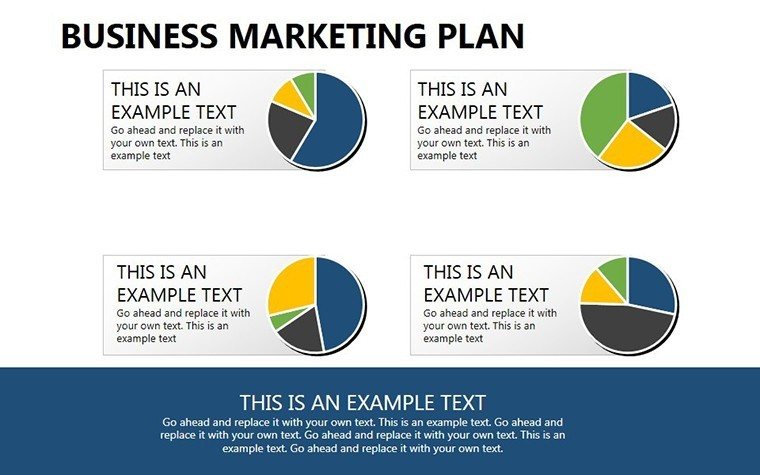
- Data Integration: Link to spreadsheets for automatic updates in charts and graphs.
- Professional Polish: High-quality visuals that impress in any setting.
Inspired by visual communication experts, these features ensure your strategies are presented with unmatched clarity and impact.
Broad Applications: From Pitches to Training
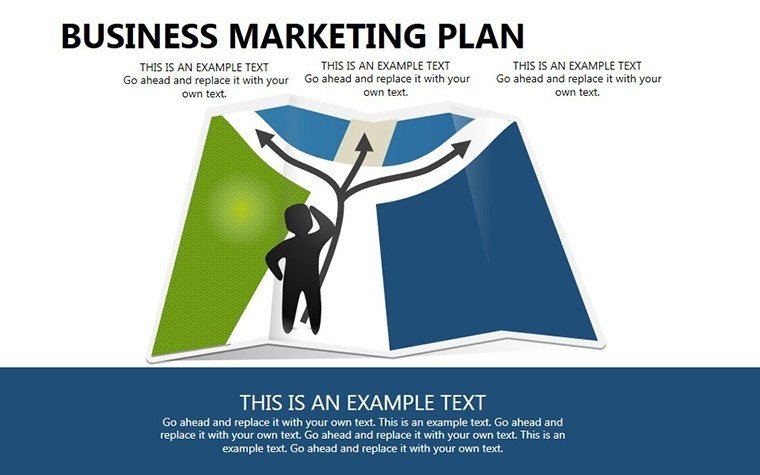
Unleash this template in myriad contexts. In boardrooms, use budget planning slides to allocate resources effectively, drawing from Forbes insights on ROI optimization. For client presentations, competitive analysis diagrams position your offerings superiorly, as in successful pitches by agencies like Ogilvy. Entrepreneurs can roadmap growth with timelines, emulating startup successes chronicled in TechCrunch. In training sessions, break down concepts interactively, improving retention per learning theories from MIT. A standout example: A tech firm utilized similar visuals in an investor deck, securing funding by clearly articulating market positioning. Seamlessly incorporate into workflows - edit offline, collaborate via SharePoint, and animate for emphasis. Expert tips: Layer information progressively to build suspense, and use consistent theming for cohesive storytelling.
Guided Path to Personalized Mastery
- Download and open the PPTX file in PowerPoint.
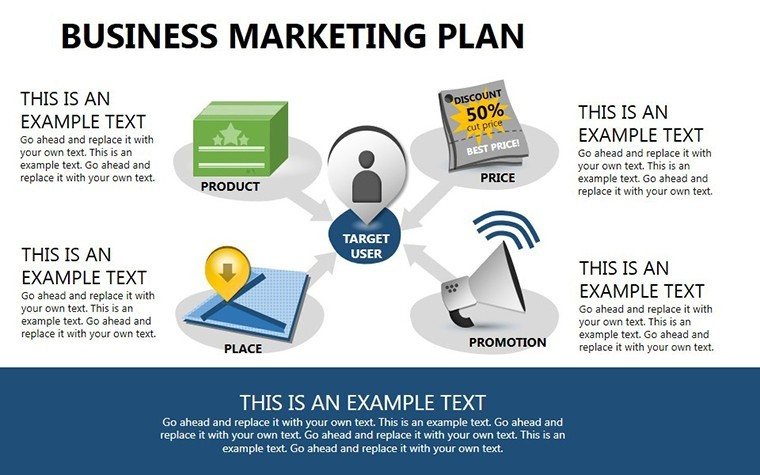
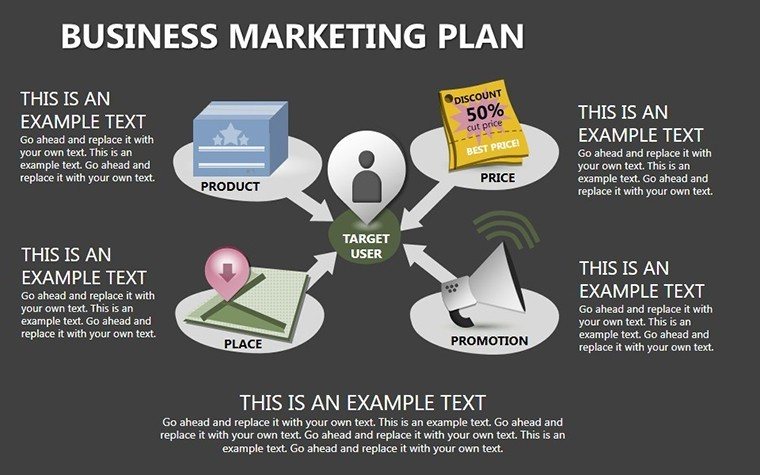
- Choose a slide, like the marketing mix, and populate with your 4Ps details.
- Customize visuals - resize graphs or change hues via the format pane.
- Embed data from external sources for accuracy.
- Add transitions to enhance flow during delivery.
- Rehearse and export, prepared for any audience.
This streamlined process trumps building from zero, delivering pro results swiftly.
Delivering Tangible Advantages in Marketing
Beyond aesthetics, it amplifies engagement, as visuals aid retention by 65% according to studies. Time savings allow focus on strategy refinement, while versatility supports repeated use. Built on reliable formats, it instills trust. Integrate LSI seamlessly: "competitive landscape visuals," "customer touchpoint maps," "strategic budget allocations."
Ignite Your Marketing Vision - Act Today
Embrace this template to turn strategies into successes. Download and dazzle with every slide.
Frequently Asked Questions
How customizable is the template?Fully, with editable colors, fonts, layouts, and data elements.What PowerPoint versions are compatible?Works with recent versions, including 2019 and Microsoft 365.Can I add animations?Yes, slides are designed for easy animation integration.Is it for commercial use?Yes, suitable for business and professional applications.What if I need help?Documentation included; support available for queries.Good for
- Project roadmaps and sprint plans
- Product launch timelines
- Quarterly or annual review decks
- Company history and milestone summaries
Licence
reviews
Used these diagram slides for a planning meeting.
The charts and arrows looked clear during projection.
I barely needed to edit the layouts.
A couple pages were too busy visually.
Helpful when you need a fast PowerPoint setup.
FAQ
Will it work in Google Slides?
Are fonts embedded?
Can I use this for client work?
What's the refund policy?
Do you update the template after purchase?
Similar templates
See all Powerpoint Diagrams →
All 16 slides