 Click to zoom
3D Volume PowerPoint Diagrams for Analysis
| Format | .pptx |
| Slides | 19 unique layouts |
| Aspect ratio | 16:9 |
| Compatibility | PowerPoint |
| Animated | No |
| Language | English |
| License | Commercial |
| File size | — |
| Version | v1.0 |
| Last updated | January 2022 |
What's inside
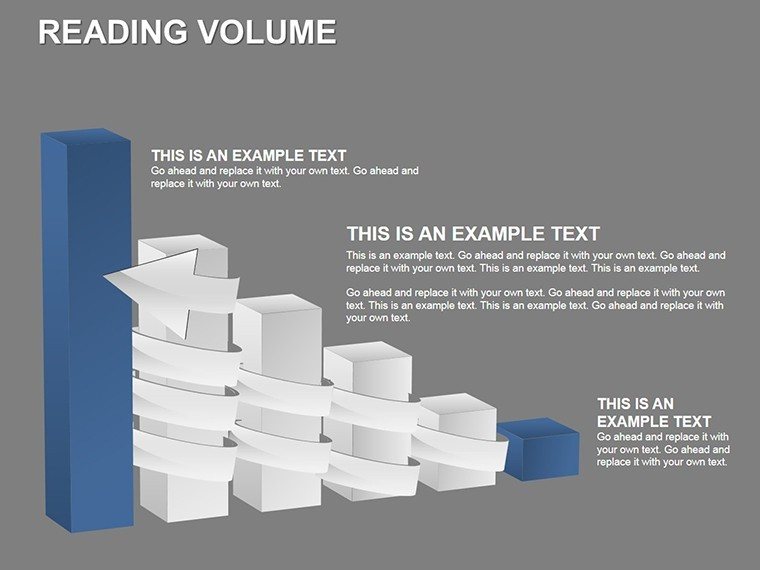
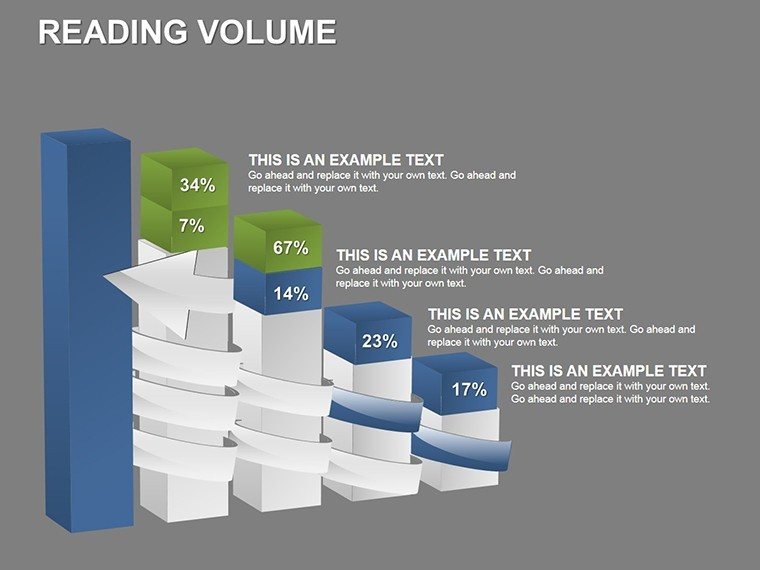
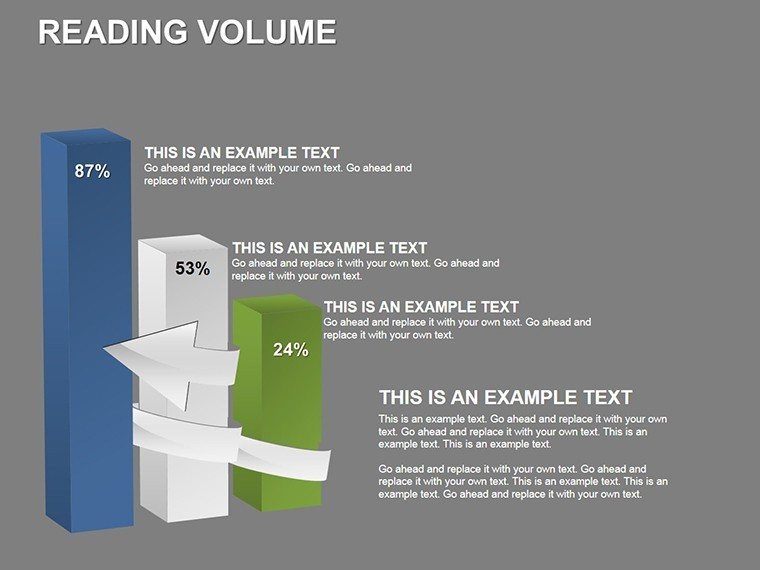
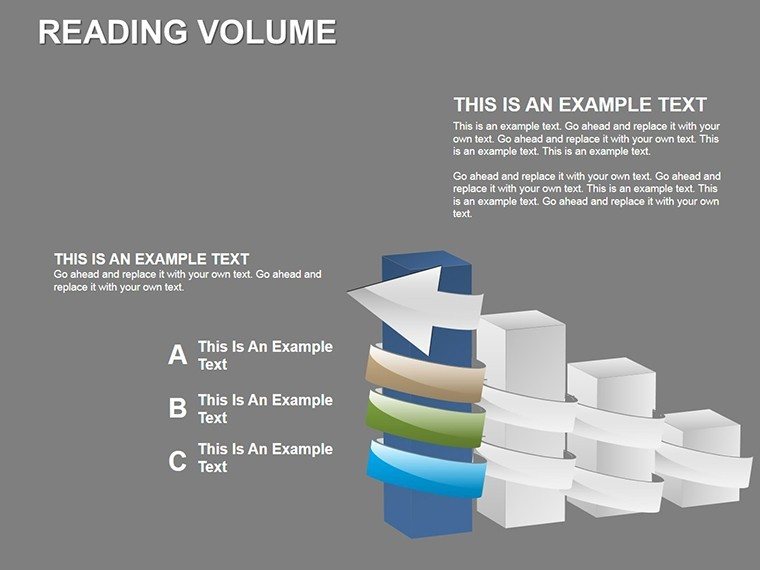
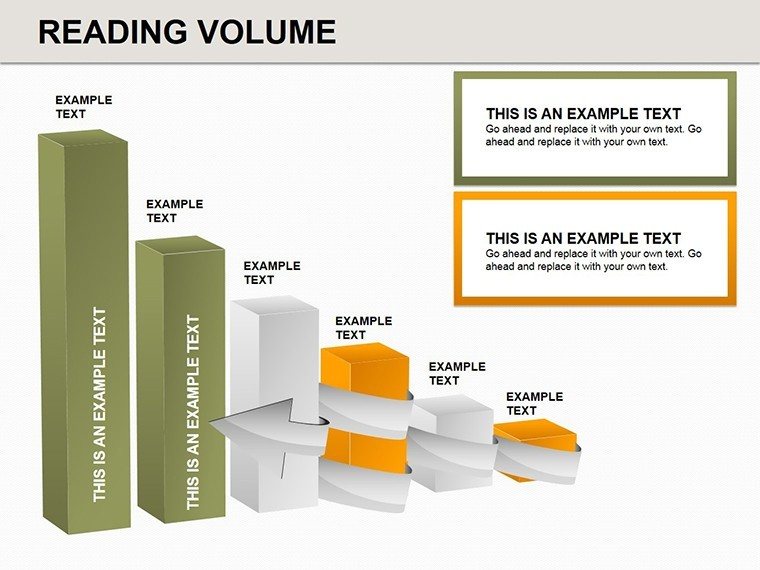
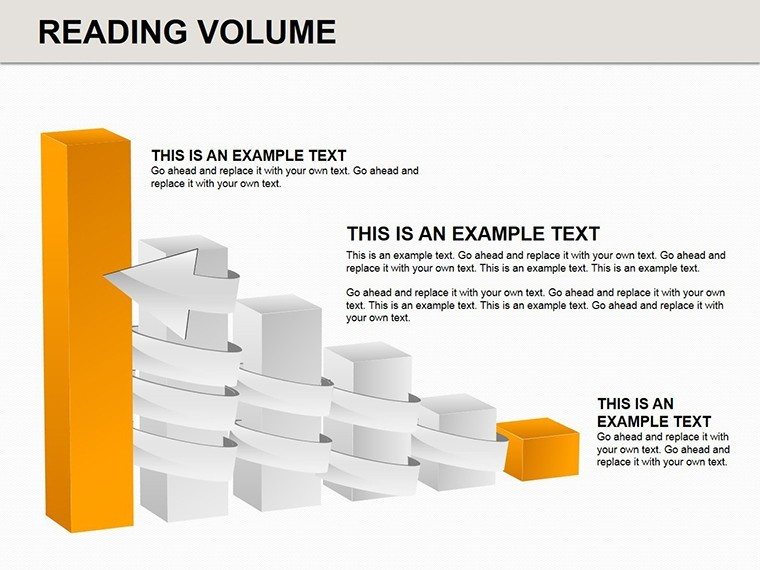
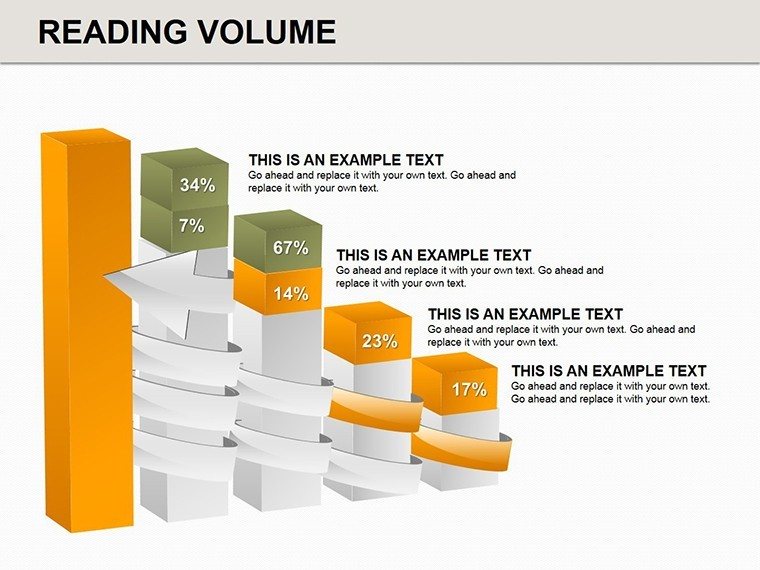
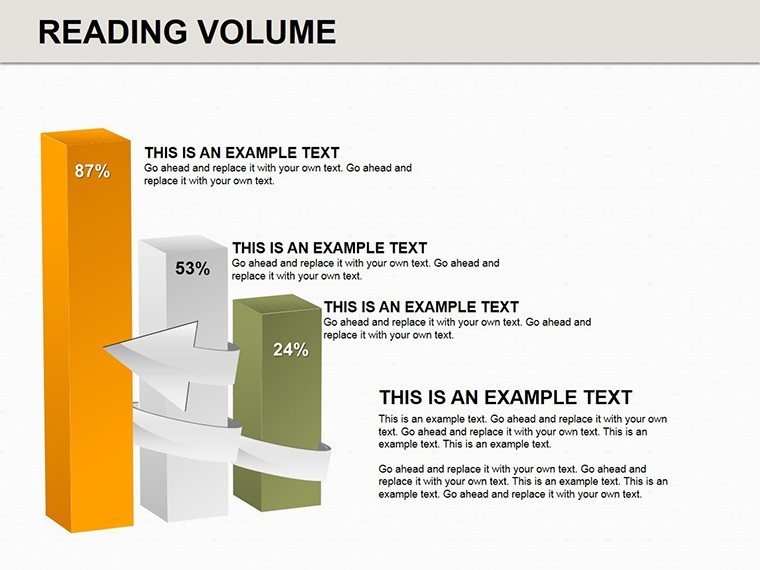
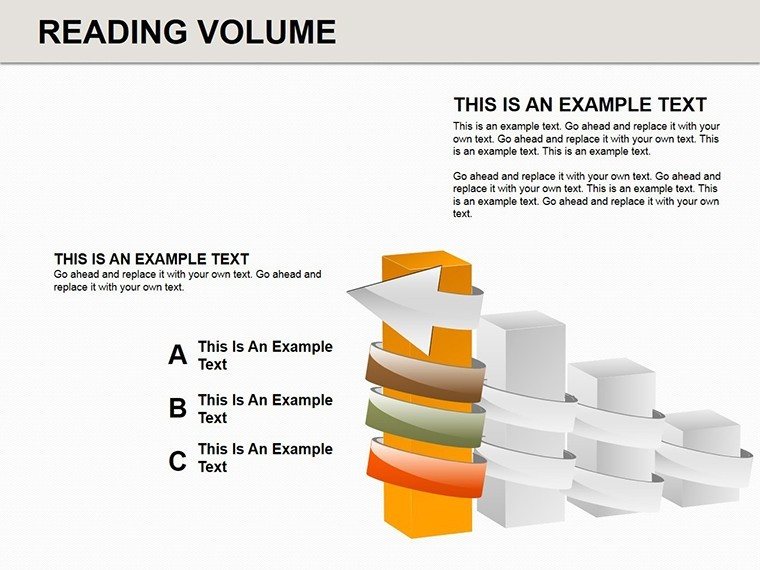
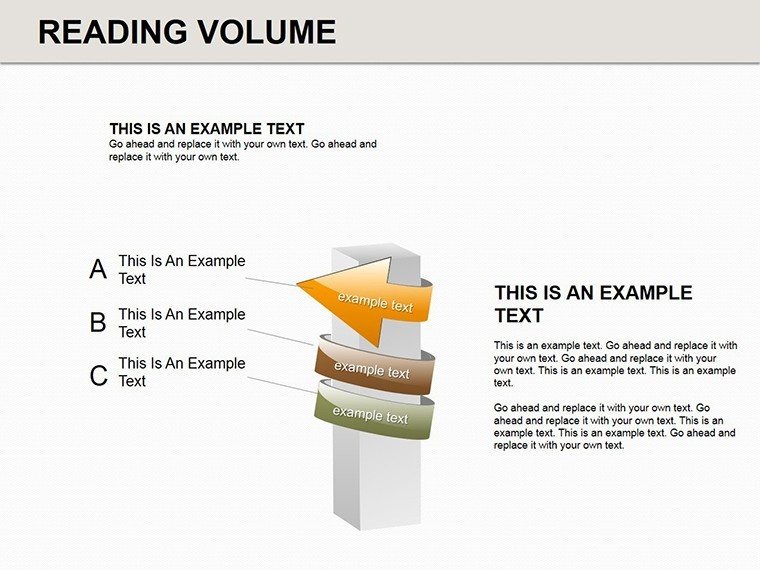
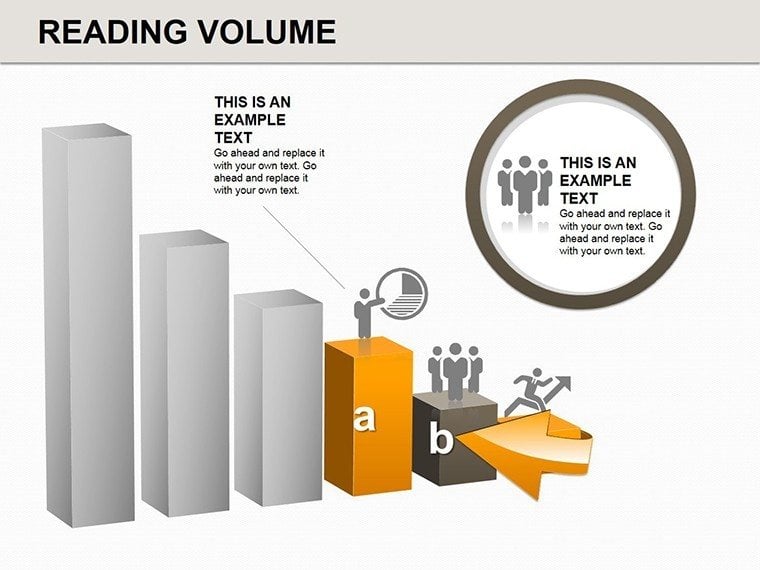
In architecture, where three-dimensional thinking is paramount, conveying volumetric concepts and process analyses can make or break a presentation. Our 3D Volume PowerPoint Diagrams template, with 19 editable slides, is engineered for professionals who demand precision in visualizing spatial relationships and workflows. Perfect for architects analyzing building volumes, site integrations, or construction sequences, this template turns flat data into immersive 3D representations. Envision dissecting a skyscraper's massing study or breaking down modular assembly processes - these diagrams provide the depth needed to communicate ideas effectively. Compatible with PowerPoint and Google Slides, it's your ally in creating compelling narratives that showcase expertise, from initial volume explorations to detailed process breakdowns. Step beyond traditional 2D charts and immerse your audience in the architecture's true form.
Exploring Dimensional Depth in Architectural Design
3D volumes are the essence of architecture, representing not just space but functionality and aesthetics. This template excels in rendering these elements, allowing you to analyze work processes like zoning compliance or material volume calculations with visual fidelity. For a firm specializing in parametric architecture, use cubes to model iterative designs, stacking volumes to illustrate density variations. Customization lets you infuse realism - shade cubes with gradients for shadow studies or label with metrics from BIM software.
Backed by standards from the International Building Code (IBC), where volume analyses ensure safety and efficiency, integrate examples like the volumetric innovations in Zaha Hadid's projects. Such visuals have helped teams secure approvals faster, as evidenced by case studies showing 25% improved stakeholder understanding.
Essential Features for Analytical Precision
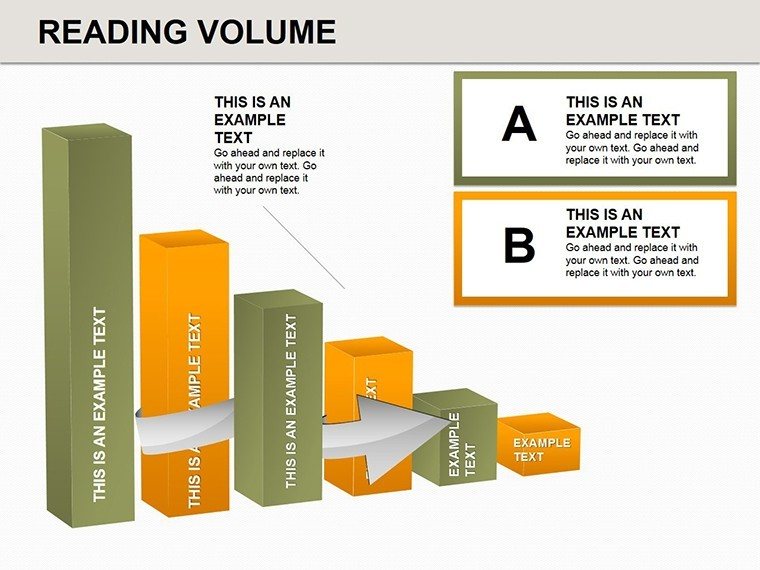
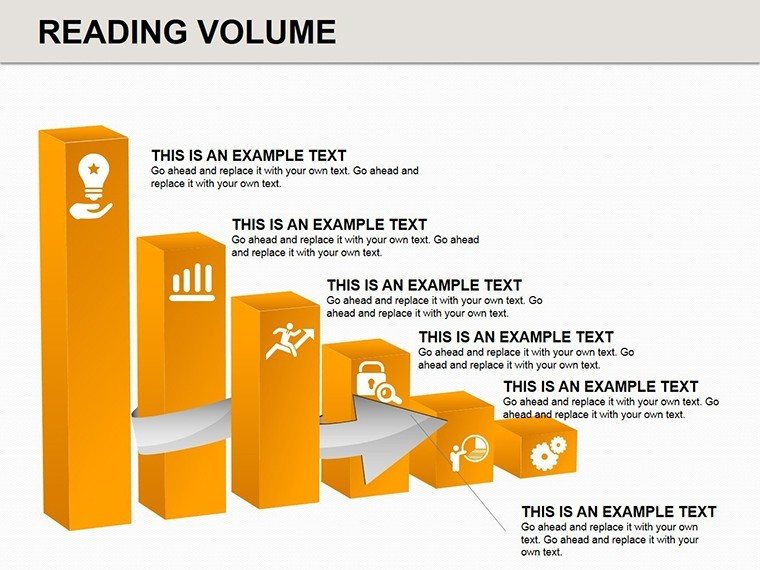
- Multi-Layered 3D Cubes: Build complex structures slide by slide, ideal for deconstructing architectural masses.
- Full Editability: Rotate, resize, and recolor elements to match project specifics, enhancing analytical accuracy.
- Process-Focused Layouts: Dedicated slides for workflow breakdowns, with connectors for sequential analysis.
- Scalable Graphics: Maintain quality in large projections, crucial for conference presentations.
Tailored for architecture's analytical demands, these features enable detailed explorations, like volumetric comparisons in urban infill projects.
Practical Applications in Architectural Workflows
Apply this template to real challenges: In site analysis, stack 3D volumes to visualize building envelopes against topography. For process optimization, diagram construction phases, highlighting bottlenecks. Superior to basic PowerPoint shapes, these offer true perspective, adding credibility to your analyses.
Pro tip: Combine with animations to 'build' volumes layer by layer, simulating construction in client meetings. Seamlessly import from Rhino or Revit, incorporating terms like "volumetric modeling" or "3D process diagrams" for enhanced discoverability.
Step-by-Step Utilization Guide
- Define Objectives: Pinpoint analysis needs, e.g., volume impacts on daylighting.
- Customize Volumes: Adjust cubes to represent actual dimensions and materials.
- Integrate Data: Add annotations for quantitative insights.
- Visualize Sequences: Use slides to sequence processes logically.
- Present and Iterate: Gather input to refine models.
This workflow amplifies your analytical prowess, leading to more informed architectural decisions.
Advance Your Architectural Analyses Now
With architecture evolving towards data-driven design, this 3D Volume template is essential for staying ahead. It empowers you to analyze and present with unmatched depth. Eager to add dimension to your work? Acquire this template today and redefine how you visualize architecture. Dive into 3D mastery - download and start analyzing with confidence.
FAQ
How do 3D volumes aid architectural analysis?
They provide spatial insights, helping visualize massing and processes beyond 2D limits.
Compatible with other software?
Yes, exports well to Google Slides and integrates data from CAD tools.
What if I need more slides?
Duplicate and customize existing ones for expanded analyses.
Suitable for beginners?
Intuitive design makes it accessible, with tips for advanced use.
Can I use for non-architectural purposes?
Yes, adaptable for general process analysis, though architecture-optimized.
Good for
- Project roadmaps and sprint plans
- Product launch timelines
- Quarterly or annual review decks
- Company history and milestone summaries
Licence
reviews
Needed quick workflow slides and this pack had exactly that.
The diagrams looked clean without too much decoration.
I had to move a few icons around manually.
Good for boring office reports honestly.
Finished editing the whole thing in under an hour.
FAQ
Will it work in Google Slides?
Are fonts embedded?
Can I use this for client work?
What's the refund policy?
Do you update the template after purchase?
Similar templates
See all Powerpoint Diagrams →

All 19 slides